Turn Any Idea Into
a Professional Logo

Create high-quality logos fast with generative AI. 45+ styles. Vector output. No design skills needed.
Generate My Logo

Your Complete AI Logo Design Toolkit

Logo Diffusion combines cutting-edge AI with powerful design tools to give you full control over your brand’s visual identity.

Sketching tools

Brushes, shapes, fonts, and other standard sketching tools, to help you control the final logo output.

Logo editor panel showing font selection and color adjustment tools

Vector export for
production-ready design assets

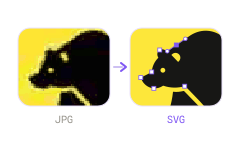
Exports your creations as vectors, or convert any image into a clean vector .SVG file, ready to be used online or with any vector image editing software.

Lion head logo with split red and gray face on black background

Seamless Background Removal

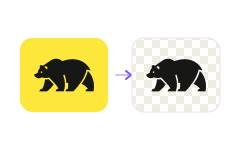
Instantly create transparent PNG files, perfect for websites, presentations, or product catalogs.

Close-up of ripe red raspberry with detailed texture on neutral background

45+ Design styles!

Curated design styles, covering most logo and graphic design trends and themes.

45+ Design styles!

Curated design styles, covering most logo and graphic design trends and themes.

LogoDiffusion editor showing style categories and badge shape settings panel

Customizable Colors

Fine-tune your brand's colors and themes with intuitive controls for effortless consistency.

Logo editor color palette panel with primary and secondary color options

Not just a logo design tool!

Create Your Perfect Logo Today with AI

Flexible Plans for Every Designer and Business
Free
/month
No Commercial License Allowed.
Subscribe to Free
20 credits / month ~10 designs
1 concurrent image generation jobs
Commercial license
Optional Credit top ups
Private Generations
Vectorization Access
Creative Upscaler
Image Background Removal
Watermark free designs
Basic
/month
Perfect for experimentation & design ideation.
Subscribe to Basic
1,000 monthly credits ~500 designs
Full Commercial use license
Optional Credit top ups
Private Generations
2 concurrent image generation jobs
Vectorizer file exports
up to 200 SD edits, up to 125 HQ edits
Magic Editor Access
up to 250 SD edits, up to 200 HQ edits
2X Creative Upscaler, 100 2X upscales
up to 500 Image BG Removals
Watermark free designs
Pro
POPULAR
/month
Perfect for Freelance designers and creators.
Subscribe to Pro
2,500 monthly credits ~1250 designs
Full Commercial use license
Optional Credit top ups
Private Generations
3 concurrent image generation jobs
Vectorizer file exports
up to 500 SD edits, up to 375 HQ edits
Magic Editor Access
up to 625 SD edits, up to 500 HQ edits
4X Creative Upscaler, 250 2x or 85 4x
up to 1250 Image BG Removals
Watermark free designs
Elite
/month
Perfect for businesses & agencies creating at scale.
Subscribe to Elite
6,000 monthly credits ~3125 designs
Full Commercial use license
Optional Credit top ups
Private Generations
4 concurrent image generation jobs
Vectorizer file exports
up to 1200 SD edits, up to 750 HQ edits
Magic Editor Access
up to 1500 SD edits, up to 1200 HQ edits
2X Creative Upscaler, 1k 2x or 300 4x
up to 3000 Image BG Removals
Watermark free designs
Free
/month
No Commercial License Allowed.
Subscribe to Free
20 credits / month ~10 designs
1 concurrent image generation jobs
Commercial license
Optional Credit top ups
Private Generations
Vectorization Access
Creative Upscaler
Image Background Removal
Watermark free designs
Basic
2 months free
$24
/month
Billed Yearly at $288 $240,
Subscribe to Basic
1,000 monthly credits ~500 designs
Full Commercial use license
Optional Credit top ups
Private Generations
2 concurrent image generation jobs
Vectorizer file exports
up to 200 SD edits, up to 125 HQ edits
Magic Editor Access
up to 250 SD edits, up to 200 HQ edits
2X Creative Upscaler, 100 2X upscales
up to 500 Image BG Removals
Watermark free designs
Pro
2 months free
$49
/month
Billed Yearly at $588 $490,
Subscribe to Pro
2,500 monthly credits ~1250 designs
Full Commercial use license
Optional Credit top ups
Private Generations
3 concurrent image generation jobs
Vectorizer file exports
up to 500 SD edits, up to 375 HQ edits
Magic Editor Access
up to 625 SD edits, up to 500 HQ edits
4X Creative Upscaler, 250 2x or 85 4x
up to 1250 Image BG Removals
Watermark free designs
Elite
2 months free
/month
Billed Yearly at $1,188 $990,
Subscribe to Elite
6,000 monthly credits ~3125 designs
Full Commercial use license
Optional Credit top ups
Private Generations
4 concurrent image generation jobs
Vectorizer file exports
up to 1200 SD edits, up to 750 HQ edits
Magic Editor Access
up to 1500 SD edits, up to 1200 HQ edits
2X Creative Upscaler, 1k 2x or 300 4x
up to 3000 Image BG Removals
Watermark free designs
Enterprise
Custom trained models, Dedicated 24/7 GPU servers, tailored specifically to your business and workflow.

Frequently Asked Questions

Can't find the answer you're looking for?
Read the Help Section or reach out via our contact page.
How does an AI logo generator work, and is it easy to use?

An AI logo generator like Logo Diffusion works by turning your input (a text prompt, a sketch, or an existing image) into multiple logo options using generative AI, then letting you refine the best result with built-in editing tools. It’s designed to be easy to use: you choose your starting point (Text-to-Logo, Sketch-to-Logo, or Image-to-Logo), pick a style, generate options, adjust colours and details, and export production-ready files (including vector) in a few steps.

How does Logo Diffusion work?

Logo Diffusion turns your idea into logo options, then lets you edit, refine, and export production-ready assets inside one toolkit. The workflow is built for fast iteration, not one-and-done generations.

Do I need design skills to use Logo Diffusion?

No—Logo Diffusion is built for people without design experience. You choose a starting point, pick styles, and refine results with guided tools.

What can I start from in Logo Diffusion?

You can start with Text-to-Logo, Sketch-to-Logo, or Image-to-Logo in Logo Diffusion. You can switch your starting point anytime.

Can Logo Diffusion generate multiple logo options per prompt?

Yes—Logo Diffusion can generate multiple logo options per generation (the homepage highlights up to 4 options). This makes it easier to compare directions quickly.

How many logo styles does Logo Diffusion offer?

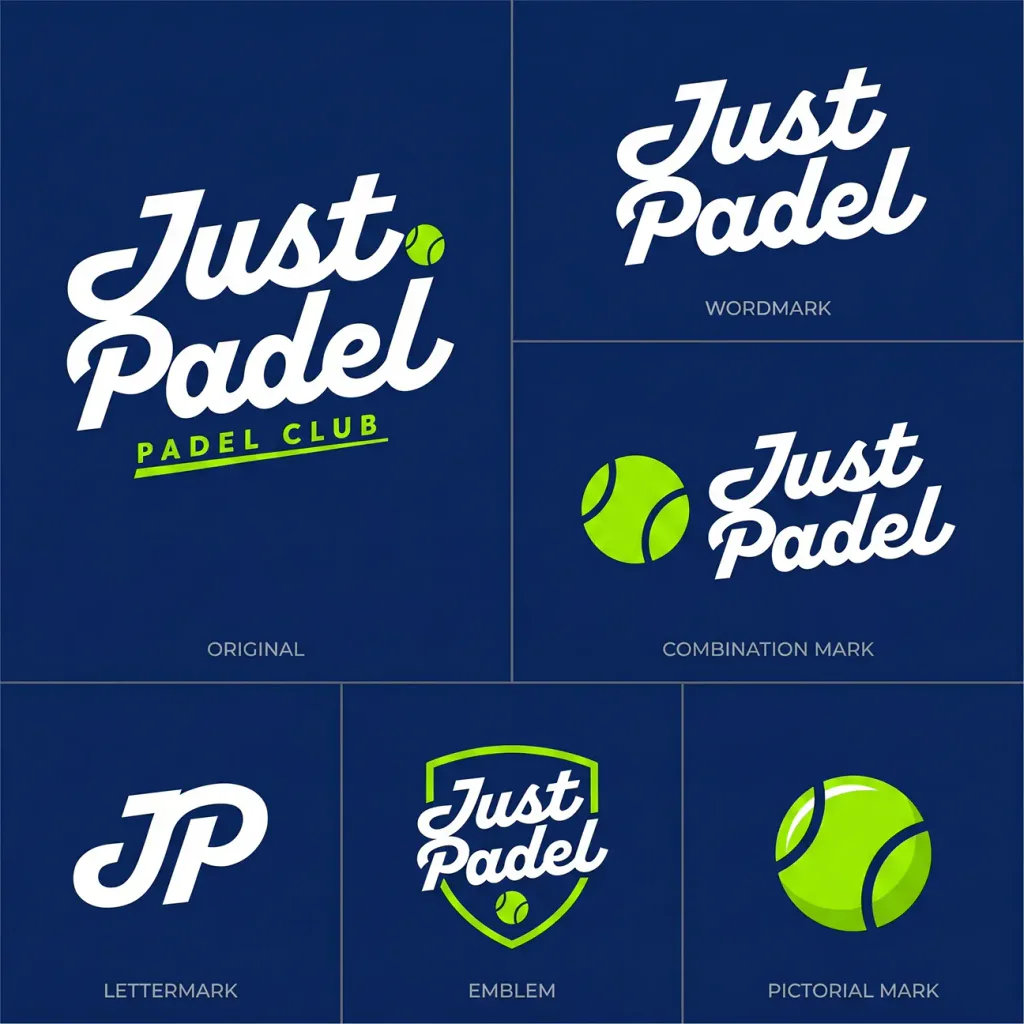
Logo Diffusion includes 45+ logo design styles. You can explore different looks (e.g., pictorial, mascot, monogram, badge, line art) and regenerate until the style matches your brand.

Can I customise colours in Logo Diffusion?

Yes—Logo Diffusion supports custom colours and palette control. This helps you match an existing brand palette or explore new colour directions.

Does Logo Diffusion include background removal?

Yes—Logo Diffusion includes a background remover for clean, transparent exports. It’s useful for brand assets, product visuals, and marketing creatives.

Does Logo Diffusion support vector export?

Yes—Logo Diffusion supports vector export for production-ready logo assets. Vector files are ideal for clean scaling across print, web, and brand guidelines.

What is the Magic Editor in Logo Diffusion?

Magic Editor is Logo Diffusion’s refinement tool for making on-brand changes and variations. It’s designed to help you iterate faster and polish outputs into deliverable-ready logos.

Can I share Logo Diffusion logo designs with my team or clients?

Yes—you can share your Logo Diffusion outputs by exporting and sending final files to teammates or clients. Many users use it for client feedback cycles and rapid revisions.

Is Logo Diffusion good for beginners?

Yes—Logo Diffusion is beginner-friendly because it combines generation + editing + export in one place. You don’t need separate tools to get a usable final result.

Is Logo Diffusion useful for freelancers and agencies?

Yes—Logo Diffusion is built for high-iteration workflows, making it useful for freelancers and agencies producing lots of concepts. Higher tiers typically support larger usage limits and faster throughput.

Does Logo Diffusion replace multiple design subscriptions?

Yes—the Logo Diffusion homepage positions it as an all-in-one toolkit (generation, editing, vector export, background removal, and more). This reduces the need to stitch together multiple tools.

Can I use Logo Diffusion logos commercially?

Commercial usage depends on your plan—paid tiers typically include a commercial licence, while free access is usually limited. If you’re creating logos for a business or clients, use a plan that includes commercial rights.