
Latest Product Updates
Create Brand assets that complements your logo design while following your brand image, colors and overall aesthetic.

Skip the guesswork.
Generate professional logos, marketing materials, and brand visuals in seconds, no design skills required.


Simply type a prompt, and Logo Diffusion generates up to 4 unique designs instantly. Not the perfect fit? Keep creating unlimited variations until you find the one that truly represents your brand.

Prefer a more hands-on start? Begin with a rough sketch, and let AI refine it to your exact vision. The in-app editor offers an intuitive canvas for turning basic sketches into polished logo designs.
Prefer a more hands-on start? Begin with a rough sketch, and let AI refine it to your exact vision. The in-app editor offers an intuitive canvas for turning basic sketches into polished logo designs.
StoreX combines an intuitive, user-friendly interface with advanced features to help you manage every aspect of your online store.


Traditional logo design workflows takes 1-4 hours to turn a sketch into a final vector logo. With Logo Diffusion, achieve the same result in just 2 minutes – Export Vector final results and finish projects in record times.


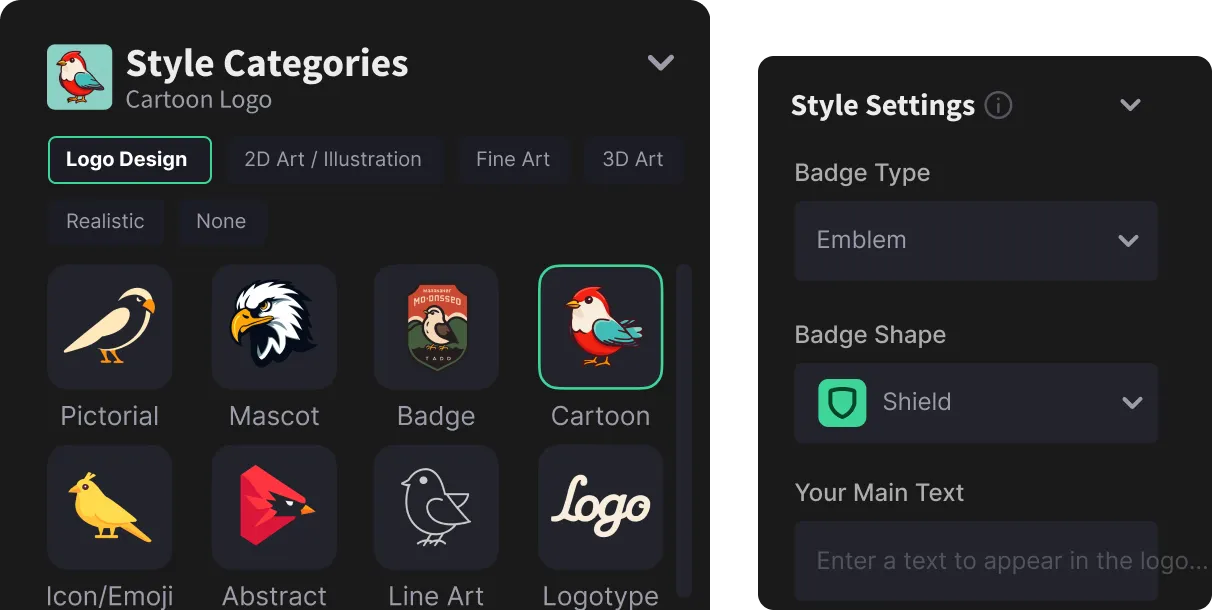
Improve your prompt by easily controlling color palettes, and themes via a simple and easy to use user interface.

Curated design styles, covering most logo and graphic design trends and themes.
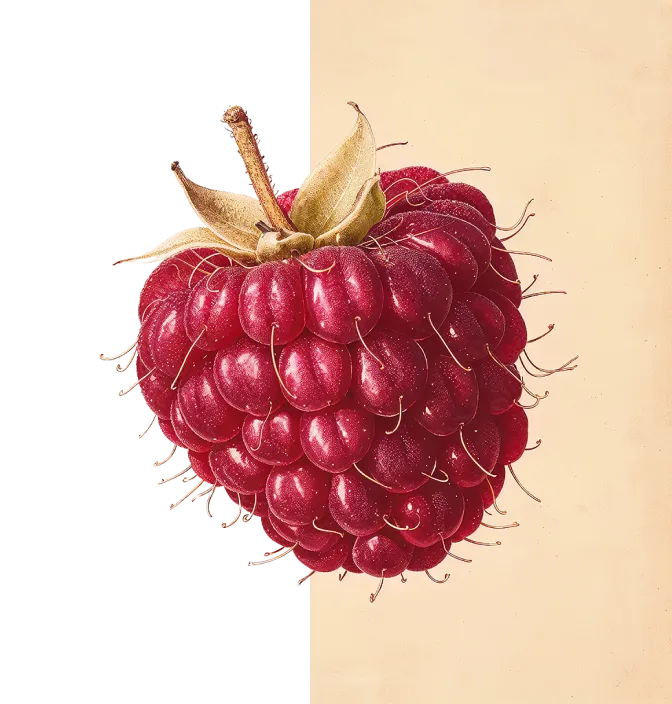
Instantly create transparent PNG files, perfect for websites, presentations, or product catalogs.
Brushes, shapes, fonts, and other standard sketching tools, to help you control the final output.

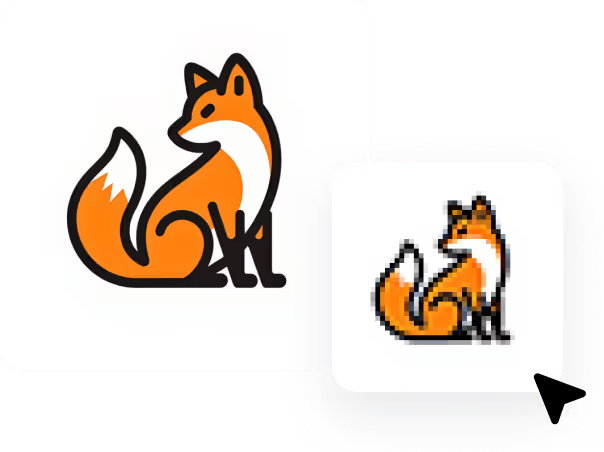
Exports your creations as vectors, or convert any image into a clean vector .SVG file, ready to be used online or with any vector image editing software.
Logo Diffusion’s Features page explains how the AI logo maker works, from Text-to-Logo to Sketch-to-Logo, plus editing, background removal, and vector export. It’s designed to show the full “idea → polished brand asset” workflow.
Logo Diffusion’s AI Logo Maker generates logo concepts using generative AI from a prompt, a sketch, or an existing logo. You can then refine the output with built-in design tools and export production-ready files.
Yes—Logo Diffusion’s Text-to-Logo feature turns a short description into logo options in seconds. Enter your idea, pick a style, then iterate until you have a version you like.
Logo Diffusion can generate up to 4 logo options per prompt (as shown on the Features page). You can keep producing new variations until you land on the strongest direction.
Logo Diffusion’s Logo-to-Logo feature creates new variations starting from an existing logo. It’s useful for redesigns, style exploration, and generating alternative directions without starting from scratch.
Logo Diffusion’s Sketch-to-Logo feature refines a rough sketch into a polished logo. You start with a basic drawing, then the AI and editor help you convert it into a cleaner, more professional result.
Yes—Logo Diffusion can turn sketches into vectors and supports vector export for production-ready assets. This helps you scale logos cleanly for print, websites, and brand guidelines.
Logo Diffusion positions its vector workflow as “minutes,” highlighting that traditional processes can take 1–4 hours while the platform can deliver results far faster (Features page example mentions ~2 minutes). Exact time depends on the input and edits.
Logo Diffusion lets you generate logos in many looks and categories, and the Features page highlights 45+ design styles. You can pick a style and regenerate to explore multiple creative directions.
Yes—Logo Diffusion includes colour controls so you can adjust palettes and fine-tune the final look. This is useful when matching an existing brand colour system.
Logo Diffusion includes sketching and editing tools (e.g., brushes, shapes, and other controls) to refine the output. The goal is to move beyond “generate once” and actually finish a usable design.
Yes—Logo Diffusion includes seamless background removal to create transparent assets. This is especially helpful for product images, presentations, social posts, and brand kits.
Yes—Logo Diffusion supports vector export, including clean vector SVG output (as described on the Features page). Vector files are ideal for crisp scaling and professional delivery.
Yes—Logo Diffusion positions itself for logos plus marketing graphics and broader brand visuals. That’s useful when you want a consistent style across assets, not just a single mark.
Logo Diffusion includes AI Style Transfer to help you apply a different look/style to your design output. It’s typically used to explore alternative visual treatments quickly.
Yes—Logo Diffusion lists an AI image upscaler (up to 4×) as part of the platform’s toolset on the Features comparison section. Upscaling helps when you need sharper exports for real-world use.
Yes—Logo Diffusion includes a feature to transform a 2D logo into a 3D illustration (shown in the Features FAQs). This is useful for social media creatives, ads, and more eye-catching brand visuals.
No—Logo Diffusion is presented as “no design skills required,” with an AI-first workflow and built-in editing tools. You can generate, refine, and export within one platform.




.avif)
.webp)
.webp)


