Types of Fonts: The Practical Guide to Font Styles (and How to Choose One for Your Brand)

There are six main types of fonts: serif, sans serif, script, handwritten, display and blackletter. The shape of the letters decides the type: whether the strokes end in serifs, whether the letters join, whether they look drawn by hand. Below, each type gets a short definition, typefaces you already know, where it works in a logo, and a real logo made in Logo Diffusion whose prompt asked for that letter style, with the prompt as it was typed.
Many font lists add a seventh type, monospace, where every character takes the same width, as in Courier or Consolas. Equal widths line code up in columns, but inside a word they leave wide gaps around narrow letters like i and l, so monospace rarely ends up in a logo.
1. Serif fonts
Serif fonts finish each stroke with a small foot or flick, the serif. Garamond, Times New Roman and Baskerville are serif typefaces.
In a logo, a serif looks settled and established, which is why law firms, publishers and hotels reach for it. Its weak point is the thin strokes: they are the first part to fade when the logo gets small.
This prompt asked for a modern serif under the symbol:
Topographic organic lines forming a subtle negative space W, showing the text "WADI" in a modern serif below.

2. Sans serif fonts
Sans serif means without serifs: the strokes end clean, and most keep an even thickness. Helvetica, Arial and Futura are sans serif typefaces. Futura is built from circles and straight lines, a style called geometric sans serif.
A sans serif holds up on screens and at small sizes, and its plain shapes leave the symbol and the color to carry the personality.
Stylized, outlined maple leaf emblem; veins suggest roads. "Maple Drive" in a geometric sans-serif below. An icon that evokes movement and precision.

Weight can go in the same sentence as the type:
A sleek mountain silhouette, sharp peaks, symbolizing ambition. "Kynu" text is bold, modern sans-serif. Clean, professional, forward-looking.

3. Script fonts
Script fonts copy joined-up writing: the letters connect and usually slant. Formal scripts like Snell Roundhand copy careful penmanship; casual ones like Brush Script look quicker and looser.
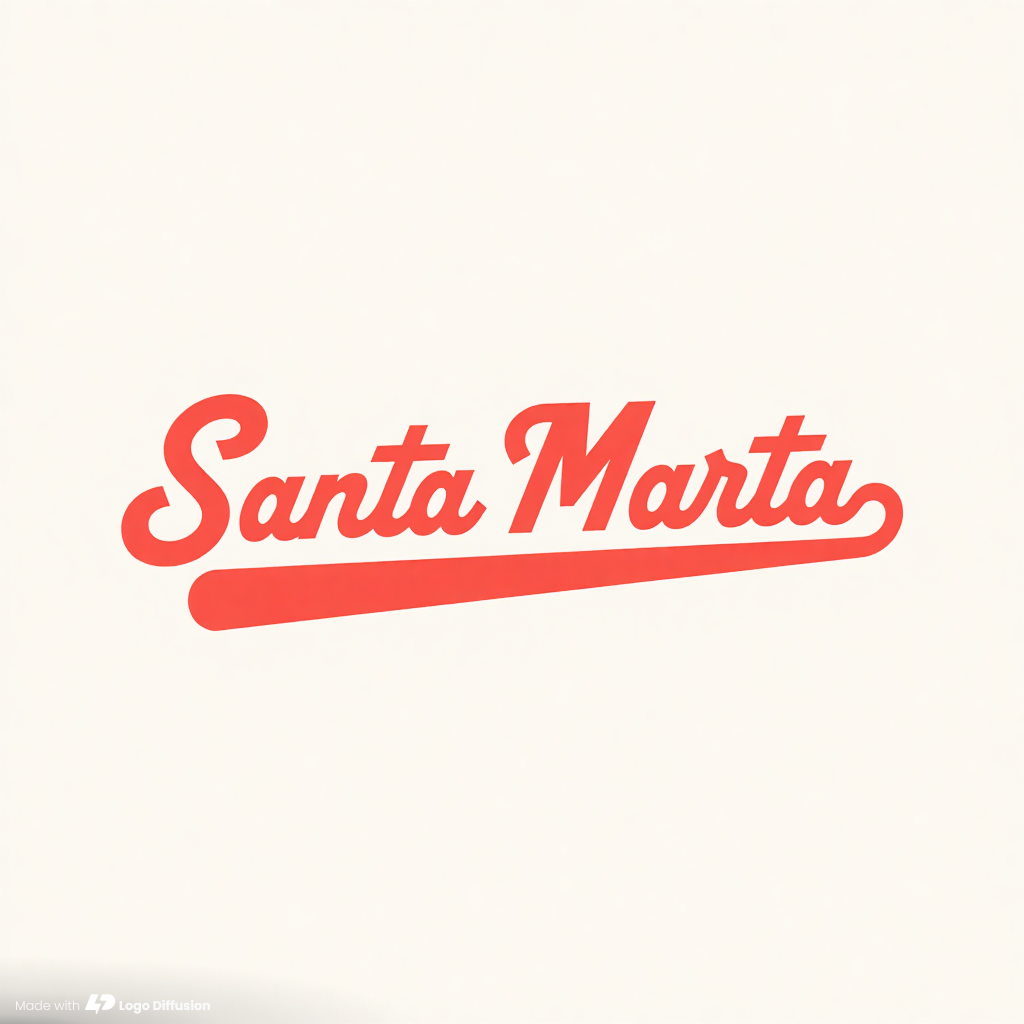
Script suits a name of one or two short words that should feel personal, as in food, fashion and beauty. The thin joins between letters are the first thing lost at small sizes.
Flowing "Santa Marta" script, ankle-curve implied in lettering. Dynamic baseline suggests motion, sock-like flourish. Bold and embroidery-ready.
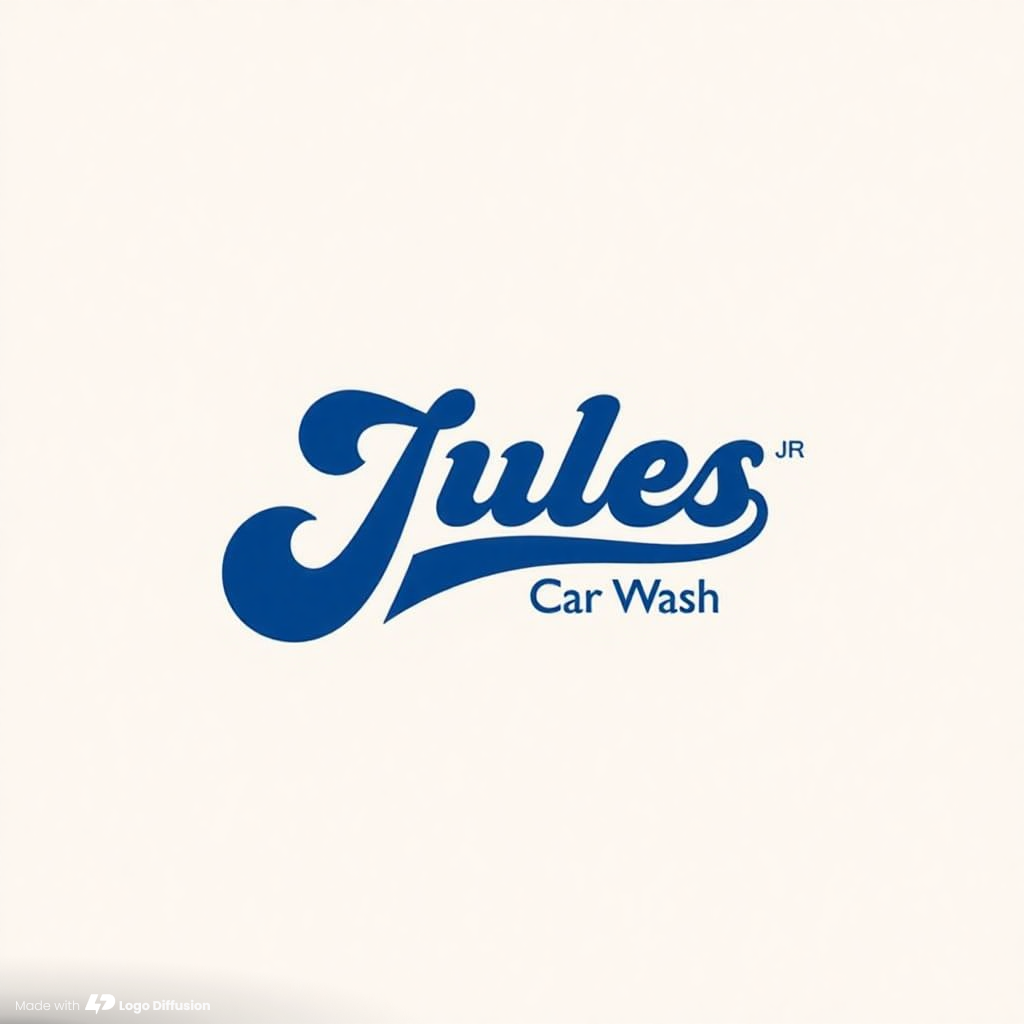
A script name can carry a second line in a plain type:
Calligraphic script with a line extending from the "J" underlining "Jules," with "Jr." slightly above. "Car wash" positioned below.
4. Handwritten fonts
Handwritten fonts look written by a person with a pen, marker or brush. The strokes are uneven, and the letters often stand apart, which is what separates them from script. Caveat and Permanent Marker are two well-known ones.
Handwritten lettering makes a logo look made by hand, which suits street food, events, sports clubs and clothing. Its rough edges and paint texture turn to noise when the logo shrinks.
Dynamic brushstrokes intertwine letters, creating energetic movement within the name. "Roda" anchors it with a hand-painted, sturdy base.

5. Display fonts
Display fonts are made for headlines and signs rather than paragraphs. They are the loud ones: heavy, swashed, outlined or shaped letters that only work large. Cooper Black, Bebas Neue and Impact are display typefaces.
Display lettering gives a short name a lot of personality, which suits music, games, food and drink.
Retro sign-painter style text logo for "Nervy Stomps". Vintage typeface, strong contrast, 40s-50s record jacket feel.

6. Blackletter fonts
Blackletter is the dense, angular writing of medieval European manuscripts, and Gutenberg's Bible was printed in it. Old English Text and Fraktur are blackletter typefaces.
Today blackletter shows up on tattoo shops, streetwear, metal bands and newspaper mastheads, and it brings that edge into any logo. It is the hardest of the six to read, so keep the name short. In this prompt the word that asked for it is gothic:
Skull with stylized flames licking upwards, text beneath in a gothic typeface. The fire's tendrils cleverly wrap portions of the skull.

Typography terms, shown on the logos above
Typeface and font
A typeface is the design, and a font is one version of it. Helvetica is a typeface; Helvetica Bold is one of its fonts.
Weight
Weight is how thick the strokes are, from thin to black. Kynu is heavy; the DRIVE FORWARD line under Maple Drive is lighter than the name above it.
Tracking
Tracking is the spacing across a whole word. DRIVE FORWARD is tracked wide, with a clear gap after every letter.
Kerning
Kerning is the space between one particular pair of letters. In WADI the A tucks under the right arm of the W, and in Kynu the y tucks under the K. Spaced like the other letters, both pairs would leave a hole in the word.
Leading
Leading is the space between lines. MAPLE and DRIVE sit close together, so the two words read as one block.
Contrast
Contrast is the difference between the thick and thin parts of a letter. WADI and Nervy Stomps have a lot of it; Kynu and Maple Drive have almost none.
X-height
X-height is the height of the lowercase letters, measured on the x. Kynu's y, n and u stand tall next to the K, and a tall x-height helps a name stay readable when it shrinks.
How to choose a font type for your logo
1. Start with the name
A short name like Kynu or WADI can take any of the six types. Two words already push a script or a display face to its limit, as Santa Marta and Nervy Stomps show; three or more read more easily in a serif or a sans serif.
2. Pick the type for what people should expect
Every type carries the places people have seen it. The blackletter of Shicks points to tattoo shops and streetwear, Nervy Stomps to old record sleeves, WADI to something established. Pick the one that fits what you sell, and check that your competitors are not all using it.
3. Pair a loud type with a quiet one
One expressive type for the name and one plain type for everything else is enough. Jules sets the name in script and Car Wash in a sans serif, and Maple Drive puts a bold name over a light, widely spaced line. A third type usually makes a logo look unplanned.
4. Test it small
Shrink every option to app icon and browser tab size before you decide. Here is that test on four logos from this guide:

Heavy, even strokes survived; thin strokes, a wide script and brush texture did not. If your favorite fails at 32 pixels, keep it for large uses and add a simpler lettermark for small ones.
How to get a letter style in Logo Diffusion
Every logo above came from a Text to Logo prompt in the AI logo generator. Three parts of the prompt set the lettering:
- The style. Logo Type is the style for logos made of lettering: Santa Marta, Maple Drive, Vem pra Roda and Shicks came from it. Other styles draw letters when the prompt asks, as WADI and Kynu (Pictorial) and Nervy Stomps (Retro Mascot) show. On Auto, Text to Logo picks a style from your prompt.
- The name in quotation marks. Text inside quotation marks is the text the logo shows, as with “Maple Drive” and “Nervy Stomps” above.
- The type of lettering, in plain words: “modern serif”, “geometric sans-serif”, “script”, “brushstrokes”, “gothic typeface”. A word about weight or era narrows it further. Kynu asked for bold, and Nervy Stomps added “40s-50s record jacket feel”.
Paid plans return 4 options per generation and the free plan returns 2. If none has the lettering you want, change the type word and generate again, one change at a time, as in our 5 steps for refining AI logo prompts. To change one letter, describe it in the Magic Editor, which edits a logo from a text instruction (5 credits on the default Base setting). Then download the PNG and run it through Vectorize for the layered SVG. Our wordmark logo guide has more prompts that reshape the letters.
Make your logo with Logo Diffusion. Describe it, sketch it or upload an image, then turn it into a layered SVG with Vectorize. Try it for free.
Frequently asked questions
Can I use a free font in a commercial logo?
It depends on the font's license, so read it before you build a logo on it. A font released under the SIL Open Font License may be used to make logos, and the license's own FAQ says no extra permission is needed. Paid fonts set their own terms, so check that the license names logo use.
It depends on the font's license, so read it before you build a logo on it. A font released under the SIL Open Font License may be used to make logos, and the license's own FAQ says no extra permission is needed. Paid fonts set their own terms, so check that the license names logo use.
Do logos made in Logo Diffusion come with a font file?
No. Text to Logo draws the lettering as part of the logo image, so there is no font to install. Vectorize turns the PNG into a layered SVG, where the letters become vector paths. For the text on your website, pick a typeface of the same type as your logo's lettering.
No. Text to Logo draws the lettering as part of the logo image, so there is no font to install. Vectorize turns the PNG into a layered SVG, where the letters become vector paths. For the text on your website, pick a typeface of the same type as your logo's lettering.
How much does it cost to try letter styles in Logo Diffusion?
Text to Logo costs 2 credits per image. A paid generation returns 4 options for 8 credits, and a free one returns 2 options for 4 credits. The free plan has 24 credits, refilled weekly, and needs no credit card.
Text to Logo costs 2 credits per image. A paid generation returns 4 options for 8 credits, and a free one returns 2 options for 4 credits. The free plan has 24 credits, refilled weekly, and needs no credit card.
Can I use a logo made in Logo Diffusion for my business?
Every logo made on a paid plan is licensed for commercial use, and the license stays after the subscription ends. Free-plan generations carry no commercial license.
Every logo made on a paid plan is licensed for commercial use, and the license stays after the subscription ends. Free-plan generations carry no commercial license.


Start with the material prompt.
The honest test is a real project, not a demo. 24 credits, no card.