Vectorization vs. Raster Upscaling: Key Differences and How To Choose the Best Method for Logo Design
April 30, 2025

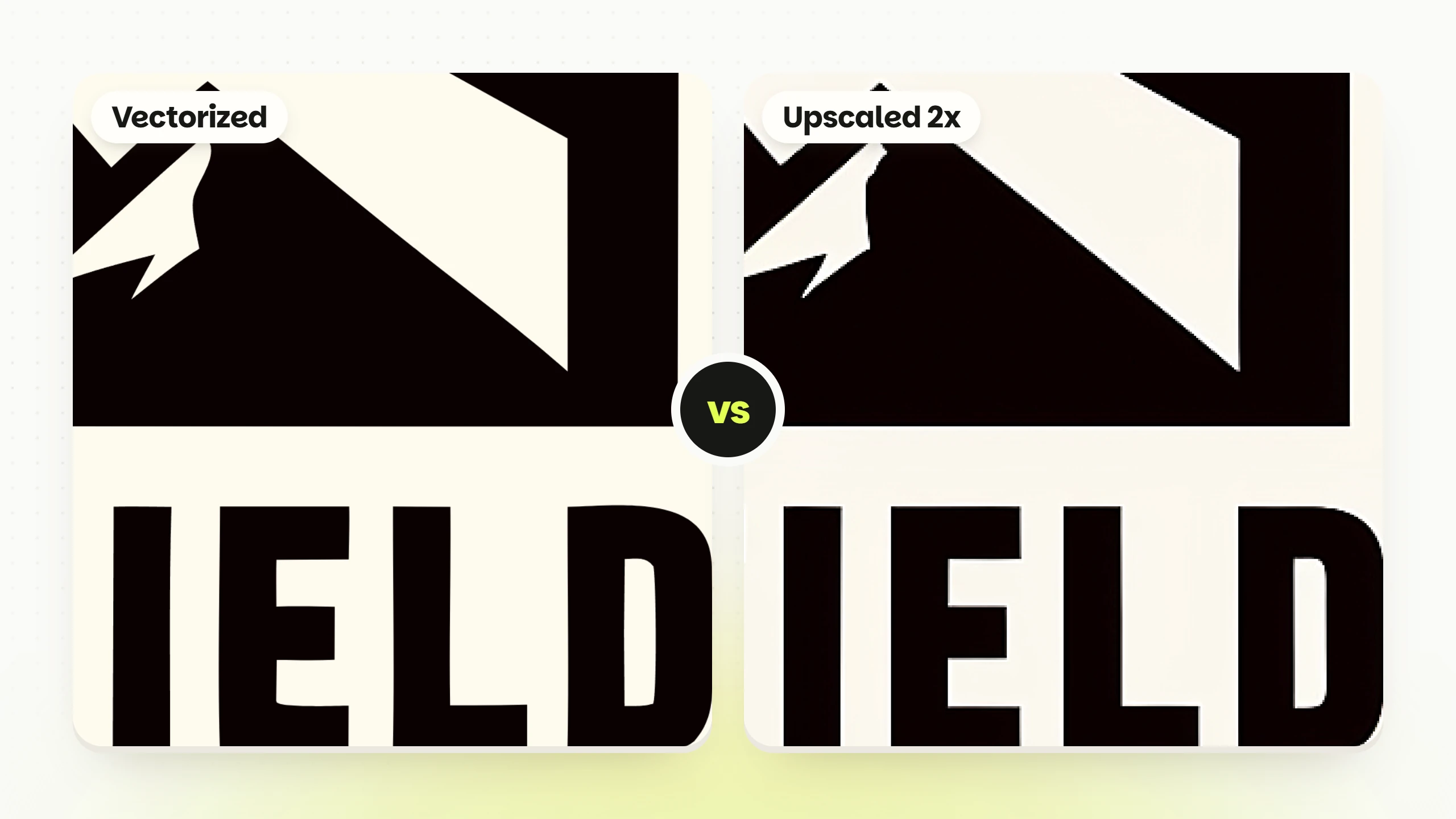

Vectorizing turns a logo into shapes: an SVG made of paths, which any app redraws sharp at any size. Raster upscaling makes a bigger picture from the same pixels: a PNG two or four times wider than the original. To show what each one does to a real logo, we made one badge in Logo Diffusion and ran it through both tools, Vectorize and Upscale.
The badge came from Text to Logo in the Badge/Crest style, with this prompt:
a logo for a coffee roaster called Northfield, badge style, mountain and coffee bean
It is a 1024 x 1024 PNG of 499 KB: a black hexagon around two mountains, the name NORTHFIELD, and a gold band holding a coffee bean between the small letters EST. and PBB. The whole test cost 18 credits: 8 for the 4 options Text to Logo returned, 5 to vectorize and 5 to upscale.
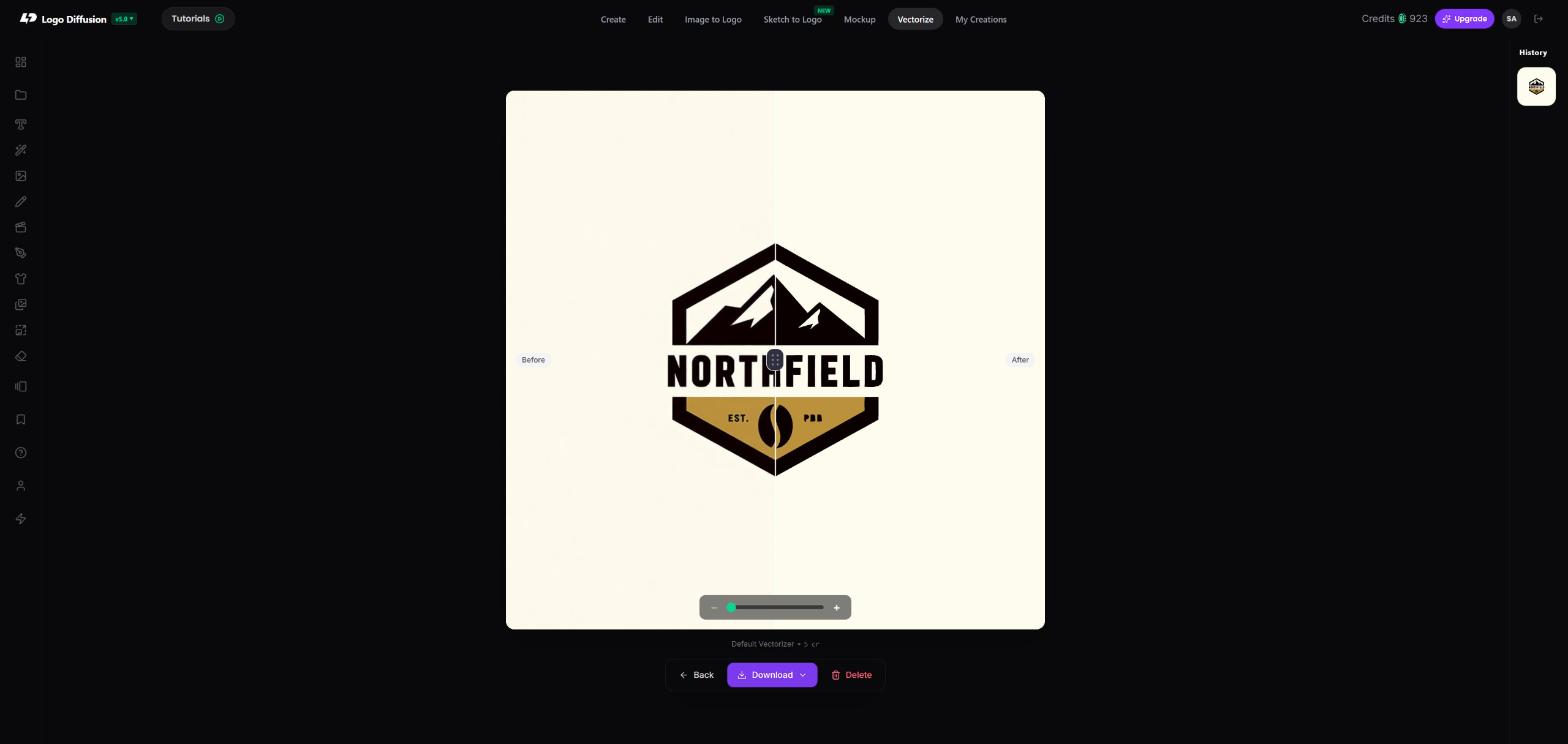
The Default vectorizer traced the badge into an SVG of 11 KB: 28 paths in 3 colors, near-black, gold and the cream background. Each letter of NORTHFIELD is its own path. So is each letter of the small PBB, which came through as the same three letters. The file holds no font, and any shape can be recolored or moved on its own in a vector editor.
Holes are stacked. The inside of the O and the sky above the mountains are cream shapes laid over black ones. That is what the Stacked file means.
A vector has no pixel size. The same 11 KB file draws a favicon or a shop sign with clean edges, because every curve is worked out again at the new size.

Upscale 2x returned a 2048 x 2048 PNG of 600 KB. At the same view, its edges are crisper than the original's: the soft fringe along the mountains and the letters is gone.
The upscaler does not trace. It redraws the whole image at the new size and fills in detail it predicts. On big shapes that reads as sharper edges. On letters only a few pixels tall it has to guess: in our run, at Creativity 3, the PBB in the gold band came back as P80. Read small text after an upscale.
The result is still pixels. It holds up at 2048 px wide, and past that the edges go soft again. 4x makes a bigger file with the same limit.
| Vectorize | Upscale | |
|---|---|---|
| What you get | An SVG made of paths | A PNG made of pixels |
| Size | Any size, redrawn each time | 2x or 4x the original, then fixed |
| The badge in our test | 28 paths, 3 colors, 11 KB | 2048 x 2048 px, 600 KB |
| Editing later | Recolor, move or delete single shapes in a vector editor | Edit pixels in an image editor |
| Credits | Default 5; HQ 8, paid plans only | 2x 5; 4x 20, not on Basic or Free |
| Free plan | 2 a month, Default vectorizer only | 2x, up to 4 a month |
| Use it for | Print, signs, merch, embroidery, vinyl, files for a printer or developer | Bigger image files for profiles, slides and mockups; logos built on color blends |
Vectorize when the logo has to leave the screen or change size a lot: business cards, signs, shirts, embroidery, vinyl decals, or a file for a printer or a developer. Logos built from flat colors with hard edges, like the badge, trace most cleanly. To convert one now, open the Logo Diffusion vectorizer.
The Default vectorizer costs 5 credits and returns one SVG, Stacked. The HQ vectorizer costs 8 credits, is on paid plans only, and returns two: Stacked, and Cut out, where every hole is cut all the way through so each shape stands alone. Vinyl cutters, embroidery software and screen printers need that second file.
We also ran a bakery mascot logo through HQ: 36 paths in 7 colors, a 17 KB Stacked file and a 32 KB Cut out file. The Cut out file is bigger because each hole is written as an extra outline. The checks to run on an SVG before it goes out are in how to export logos as SVG files.
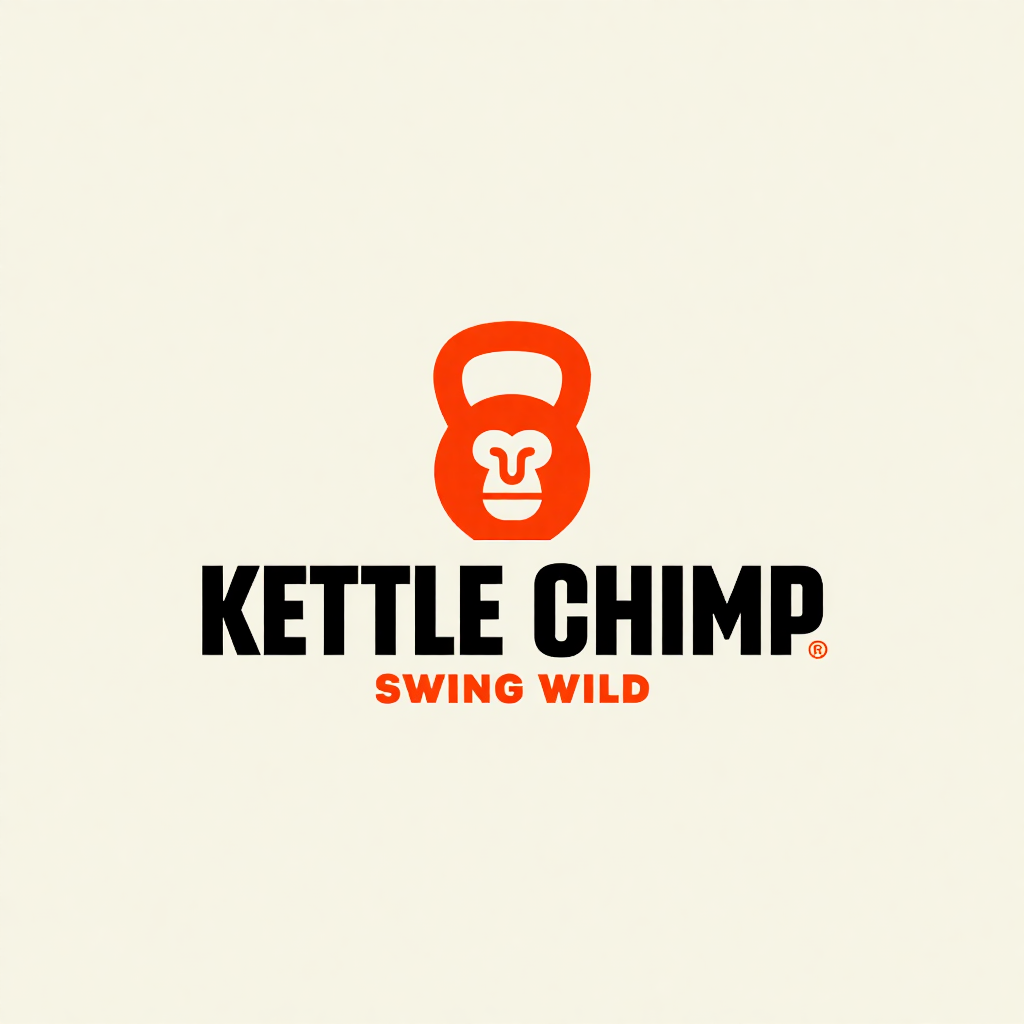
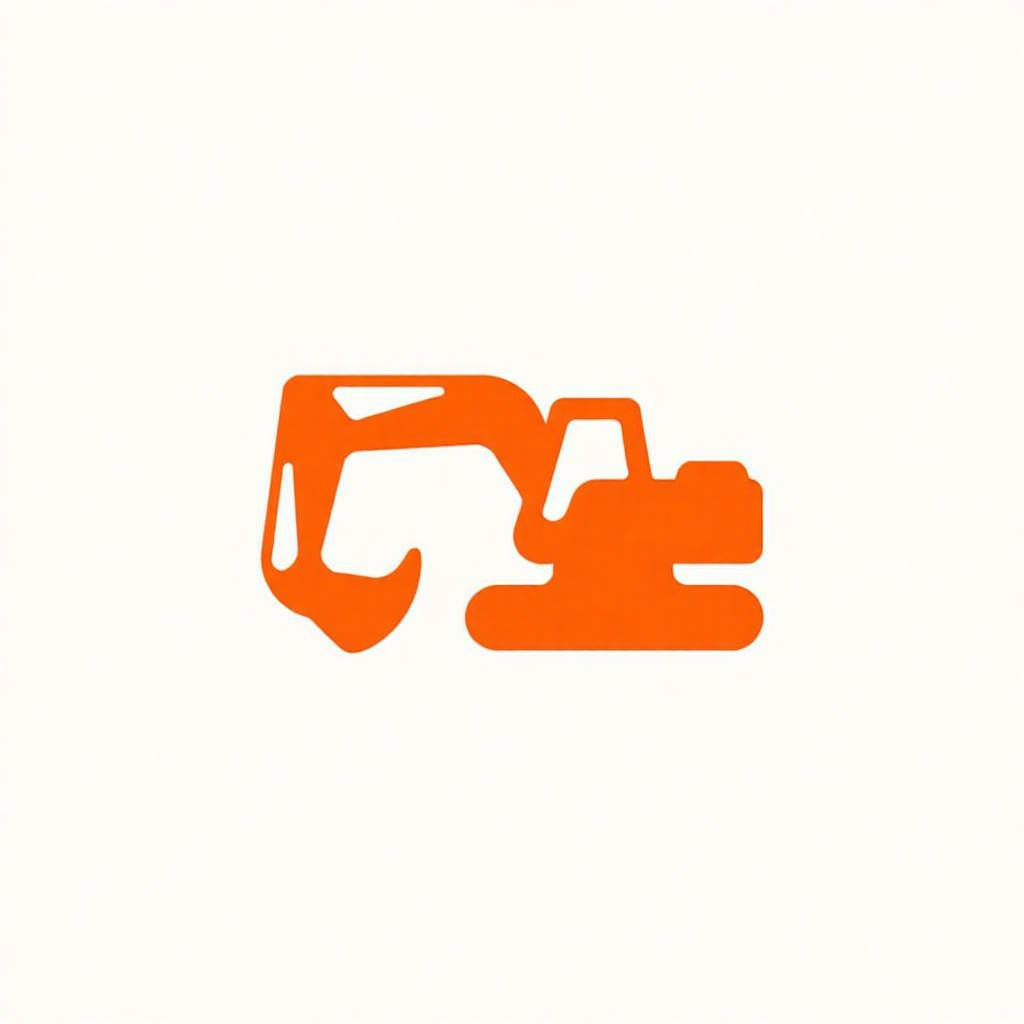
Words like flat, vector, heavy or chunky ask for hard-edged shapes before the logo exists. These two prompts used them, and both logos came back in flat color.
Geometric primate head fused into a kettlebell silhouette, using sharp, heavy vector lines and minimalist text.
Stylized excavator, simplified, chunky form
Upscale when you need a bigger image file and nothing more: a social profile picture, a slide, a mockup, a page that only takes a PNG. Upscale 2x costs 5 credits. 4x costs 20 and is not available on Basic or Free. Start with 2x; the full steps are in our guide to upscaling logos with AI.
Upscale is also the safe pick for a logo whose color blends across a shape: a gradient, a glow or soft shading. It keeps the blend as pixels, at twice the size.
Intertwined four-pointed sparkle star merged with a fluid geometric ribbon, forming a futuristic abstract emblem.

If a logo like this also needs a vector for print, vectorize it and drag the slider across the blend before you use the file.
Make your logo with Logo Diffusion. Describe it, sketch it or upload an image, then turn it into a layered SVG with Vectorize. Try it for free.
No, each one is the reverse of the other. Vectorizing traces a pixel image into paths. Rasterizing turns paths into pixels at one fixed size, which happens every time an SVG is shown on a screen or saved as a PNG.
There is nothing to upscale: a browser, a print app or a vector editor draws the SVG at whatever size you place it. If a place only takes a PNG, export the SVG from a vector editor at the size you need.
It can help when the only file you have is small or blurry, because a tracer follows the edges it sees and soft edges trace as wobbly shapes. Read the small text in the upscaled file first: the vector copies whatever letters the upscale drew. The badge on this page was vectorized straight from its 1024 px PNG, with no upscale first.
Not in our two test files. Both SVGs kept the cream background as one full-size shape, the first path in each file. Delete that shape in a vector editor and the logo sits on a transparent background.
Divide its width in pixels by the print resolution. At 300 pixels per inch, a common setting for print, the 2048 px badge covers about 6.8 inches. For anything larger, or anything cut or stitched, use the SVG.
Ali Rahmoun is a brand designer and 3D illustrator who has been building logos and brand identities since 2006. In 2016 he founded Sports Templates, whose branding and uniform templates have been used by the Pittsburgh Steelers, the Minnesota Timberwolves and ESPN, where he also worked on custom 3D graphics. In 2023 he founded Logo Diffusion, training its AI models on his own branding projects and on what makes a logo work: clean shapes, strong type and a file you can actually use. He writes here about logo design, branding and how to get professional results from AI without handing over the creative decisions.