.jpg)
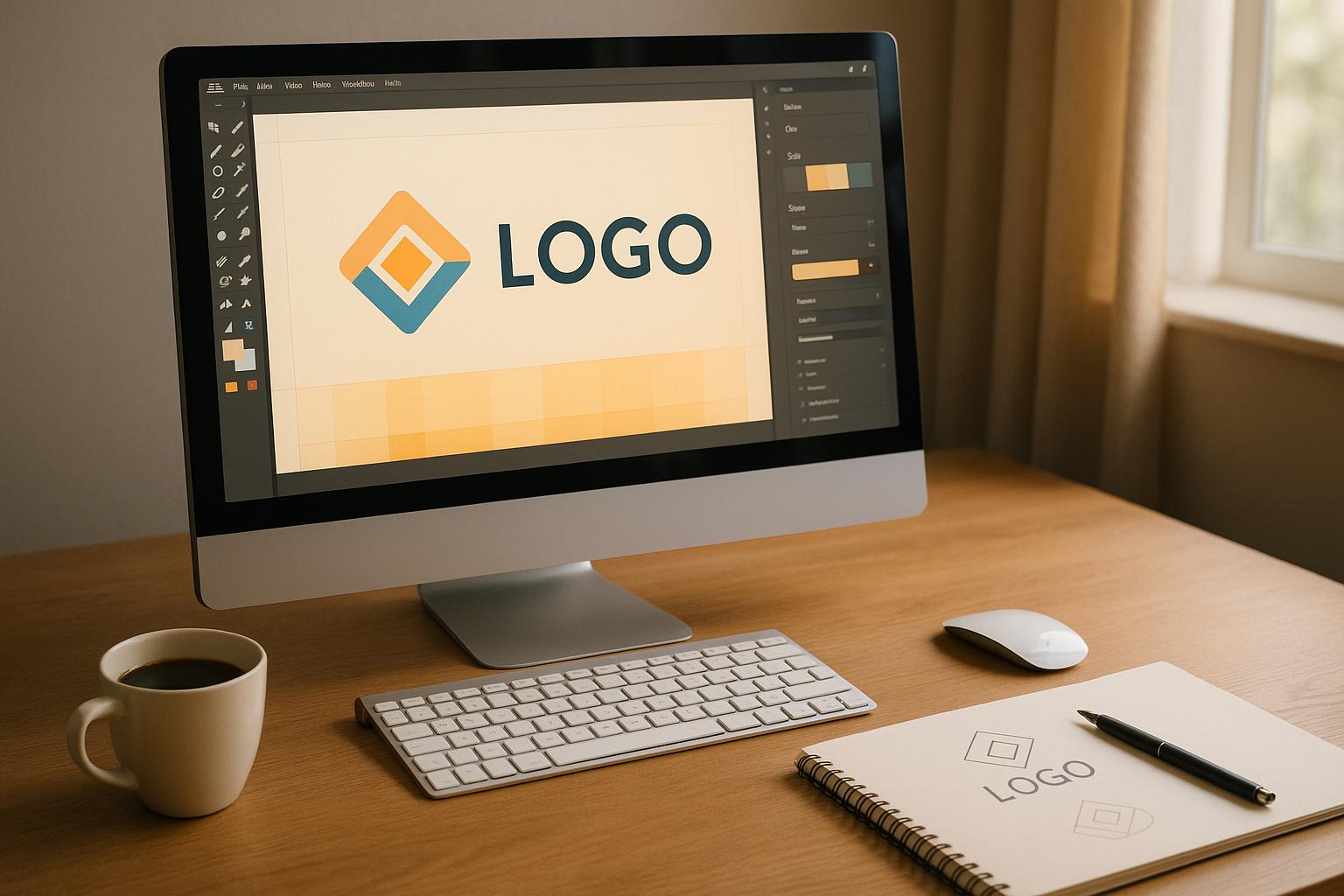

AI-powered text-to-logo tools make logo creation fast, easy, and accessible for everyone. By entering a simple text prompt, platforms like Logo Diffusion generate professional-quality logos in minutes - no design skills required. Here's what you need to know:
Whether you're a startup or an established business, these tools simplify logo design while maintaining professional quality.
Text-to-logo generation uses AI-powered tools to transform text prompts into professional-grade logos. The Logo Diffusion V.5 platform simplifies this by interpreting your text and extracting design elements to create tailored logo options.
The AI breaks down your text prompts into key design components, considering both aesthetics and branding needs:
Once these elements are identified, the platform refines your logo using advanced design tools.
After analyzing your input, the platform provides tools to customize your logo further:
With over 45 curated design styles, you can explore various visual options while maintaining professional quality.
Logo Diffusion introduces cutting-edge features to expand your creative options:
The platform also includes intuitive brushes, fonts, and shapes that integrate with the AI system, offering a smooth workflow that combines creativity with precision.
Once you've generated a logo, you can refine it to fit your brand perfectly. Use the platform's tools to tweak key design elements and make the logo truly yours.
For example, the font system and brush tools allow you to adjust text quickly, ensuring it aligns with your brand's style while giving you room to experiment with variations.
Take your design beyond the basics with advanced effects and features. These tools can elevate a simple logo into a polished, professional design.
Once you're satisfied with your design, export it in the format that best suits your needs. Tailored export options ensure your logo is ready for any application.
Vector files keep your logo sharp at all sizes, while transparent PNGs are perfect for digital use. The background removal tool makes it easy to create clean, professional assets for any platform.
Logo Diffusion's sketch-to-logo feature turns your rough sketches into polished logos with the help of text prompts. The platform includes user-friendly in-app sketching tools to simplify the process:
This approach helps refine your designs while keeping them aligned with your brand's identity.
Logo Diffusion offers tools to ensure your logo reflects your brand's guidelines. Features like style transfer and color customization ensure consistency across all your branding materials:
Once your logo aligns with your brand's visual identity, the next step is choosing the right file formats for professional presentation.
Selecting the right file format is essential for showcasing your logo effectively. Logo Diffusion’s support for 3D formats adds a unique edge for digital applications:
Logo Diffusion tools are equipped to help meet key U.S. design requirements:
By focusing on these standards and addressing frequent design challenges, you can create high-quality logos that align with professional expectations.
Here are some frequent design challenges and how to tackle them:
Before finalizing your logo, conduct a thorough review to ensure it meets creative and technical standards:
This step-by-step review ensures your logo is polished and ready for use across various applications.
Text-to-logo customization is changing the way businesses approach branding, offering professional logo design tools to companies of all sizes. With AI-driven platforms like Logo Diffusion, users can turn simple text prompts into logos that meet professional design standards in the U.S. This technology builds on the methods discussed earlier.
These platforms provide a range of tools that enhance modern design workflows. Features like vector exports, background removal, style transfer, and curated design options allow designers to maintain consistency while exploring creative ideas.
Whether you're an experienced designer refining a complex project or a startup founder creating your first brand identity, these tools cater to varying skill levels. The platform's capabilities ensure that designs meet commercial standards, regardless of the user's expertise.
The growing community around AI-assisted logo design highlights its impact. As businesses focus on their digital presence, the ability to quickly create professional logos becomes essential. Features like 2D-to-3D conversion and upscaling add even more opportunities for generating brand assets.
As the technology evolves, future updates are expected to offer even more creative control. Advanced tools will make it easier to produce ready-to-use assets while simplifying the design process. This combination of user-friendly functionality and precision cements text-to-logo tools as an essential part of modern branding.
The AI analyzes your text prompt to understand the key themes, styles, and concepts you want in your logo. It then generates several unique design options tailored to your input. If you're not satisfied with the initial results, you can refine your prompt or generate new designs as many times as needed until you find the perfect match.
With advanced customization tools, you can also adjust colors, layouts, and styles to ensure the logo aligns perfectly with your brand's identity.
Converting your 2D logo into a 3D design can elevate your brand by making it more dynamic and visually engaging. A 3D logo stands out in digital environments, helping to capture attention and create a lasting impression.
This feature is particularly useful for enhancing social media posts, advertisements, email campaigns, and other digital content. By adding depth and dimension, a 3D logo can make your brand feel modern and innovative, ensuring it resonates with your audience across various platforms.
To ensure your logo aligns with U.S. design standards and is ready for commercial use, start by confirming its originality to avoid trademark conflicts. Conduct a thorough trademark search or consult a legal expert to verify that your design doesn’t infringe on existing rights.
Use vector file formats for scalability and professional-quality output. This ensures your logo can be resized without losing clarity, making it suitable for various applications like signage, packaging, or digital media. Additionally, check that you fully understand and retain ownership rights for your logo, especially if it’s generated using an AI platform or design tool.
Taking these steps will help you create a professional, legally compliant logo ready for both branding and commercial use.
Ethan Brookes is a product-focused content writer covering AI tools, branding, and SaaS workflows. He writes practical guides on using AI for real-world design and product use, with a focus on brand-ready outputs and scalability.