

Turn
into
polished
polished
logos



in minutes.
AI LOGO MAKER
Not templates. Generate logo concepts you can edit, mock up, and export as Vector or transparent PNG.
Generate Your First Logo
No credit card required.

AI logo styles
Magic Editor
AI Mockups
Text to logo
Logo DIffusion
Image to logo
Sketch to logo
Vectorizer
Style Transfer
TRUSTED BY TEAMS AND DESIGNERS WORKING AT:

HOW IT WORKS
Choose your starting point.
Pick one. You can switch anytime.
Text To Logo
Sketch To Logo
Image To Logo
Text to logo
From Idea to Logo in Seconds.

Step 1
Describe your logo idea
Write it however you want. AI will optimize your prompt

Step 2
Select one of 11 distinct logo styles
Test your idea across alllogo styles, without reprompting

Step 3
Generate logo options
Get up to 4 options every time you generate, .
Try Text to Logo






Pictorial
Logotype
Mascot
Monogram
Engraved
Line Art
Retro
Cartoon
Badge
ABSTRACT
Flat
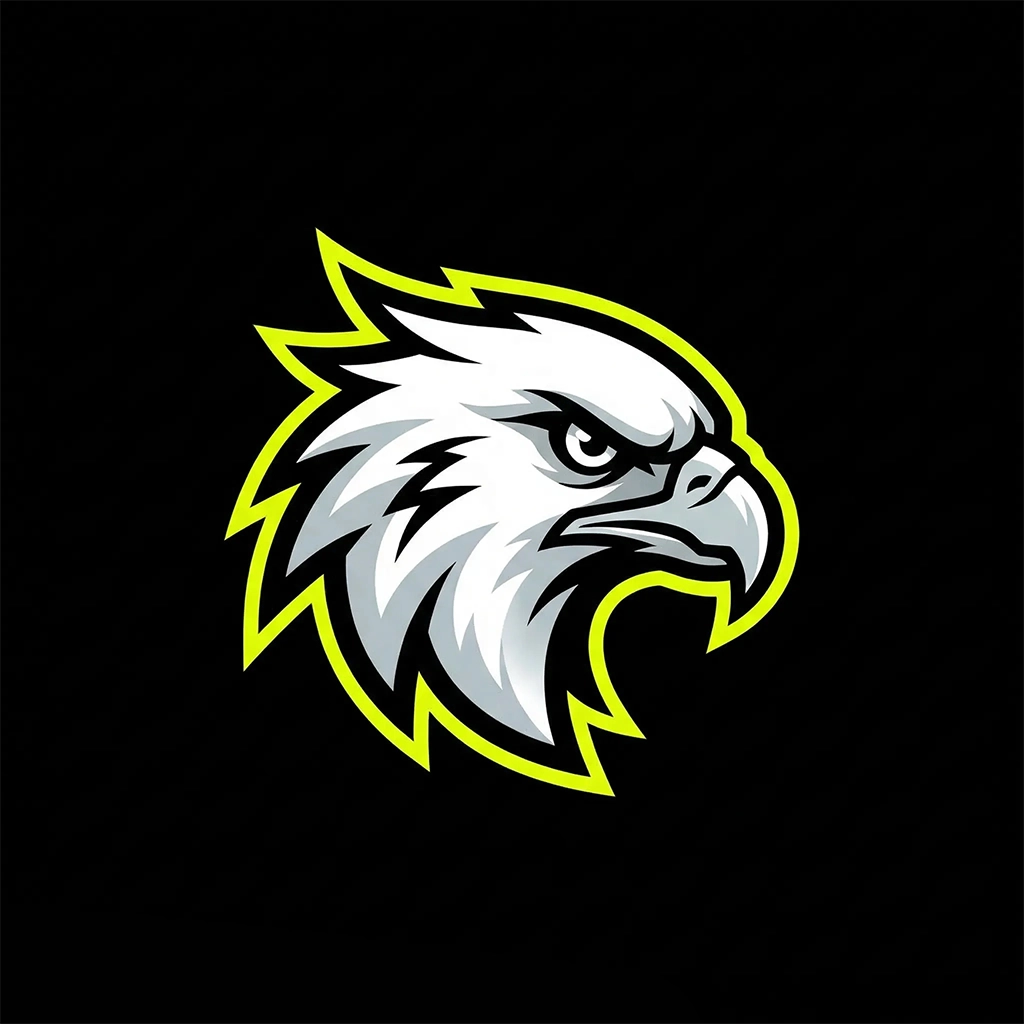
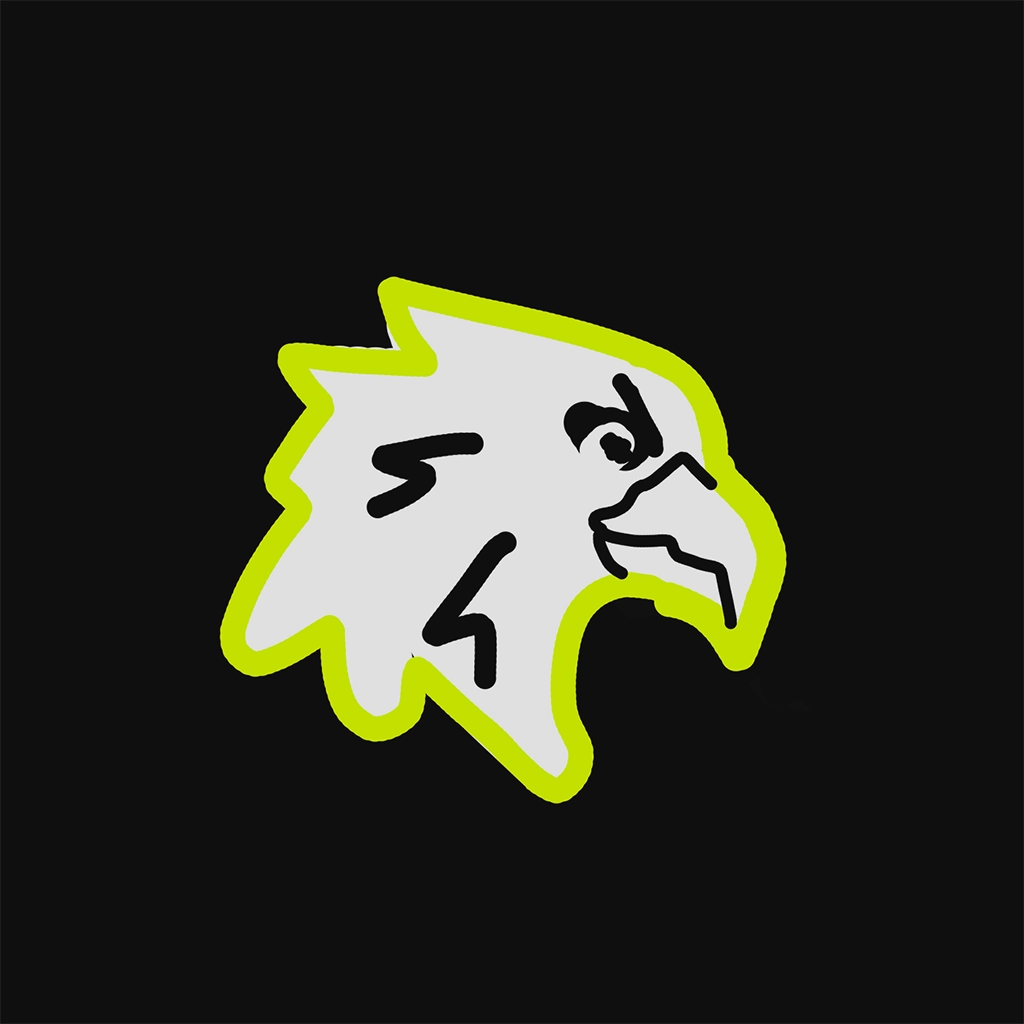
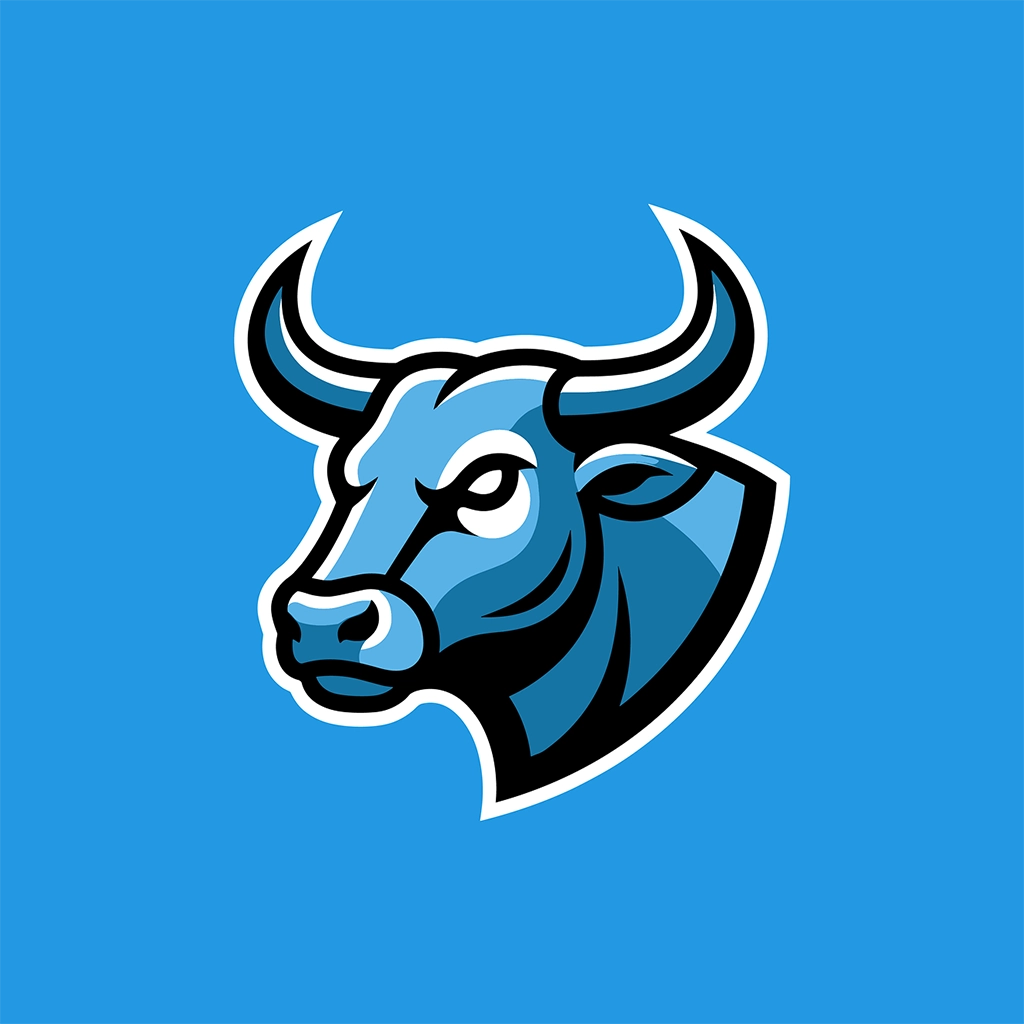
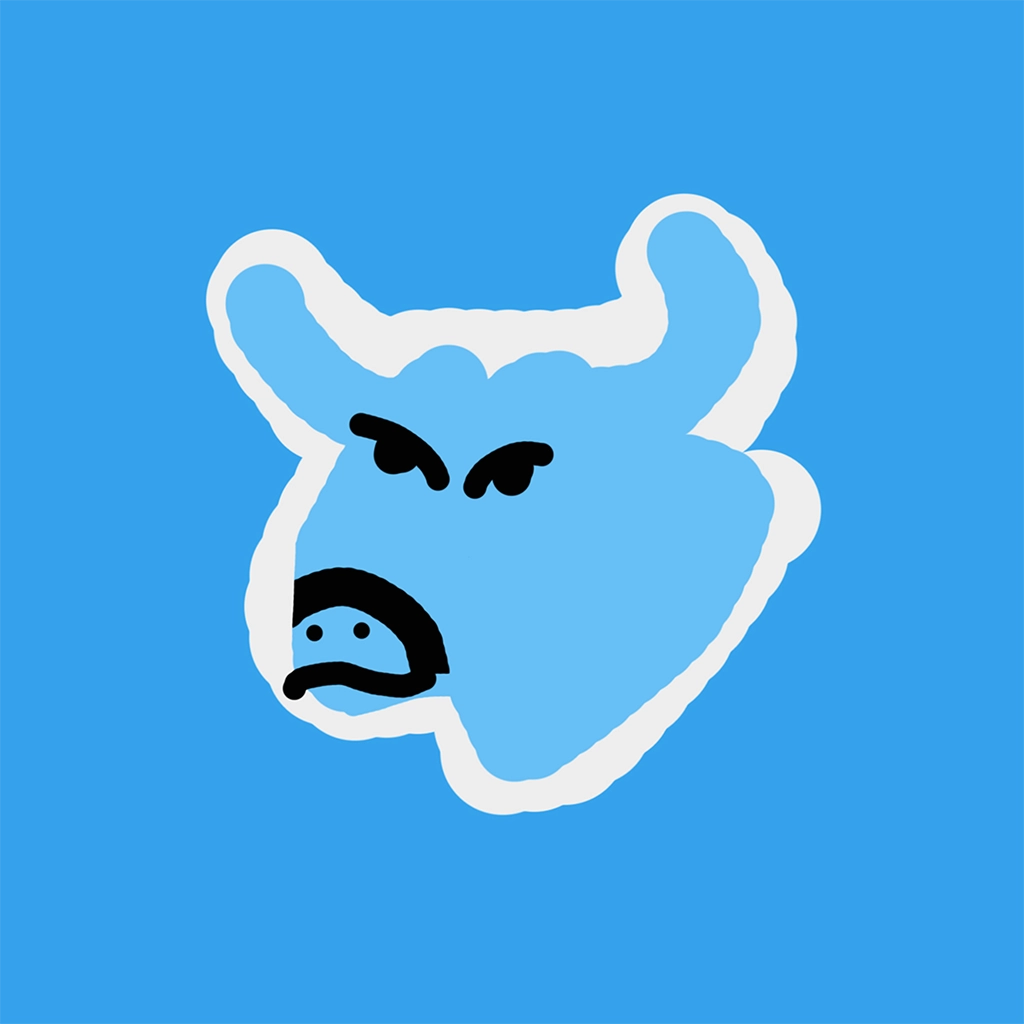
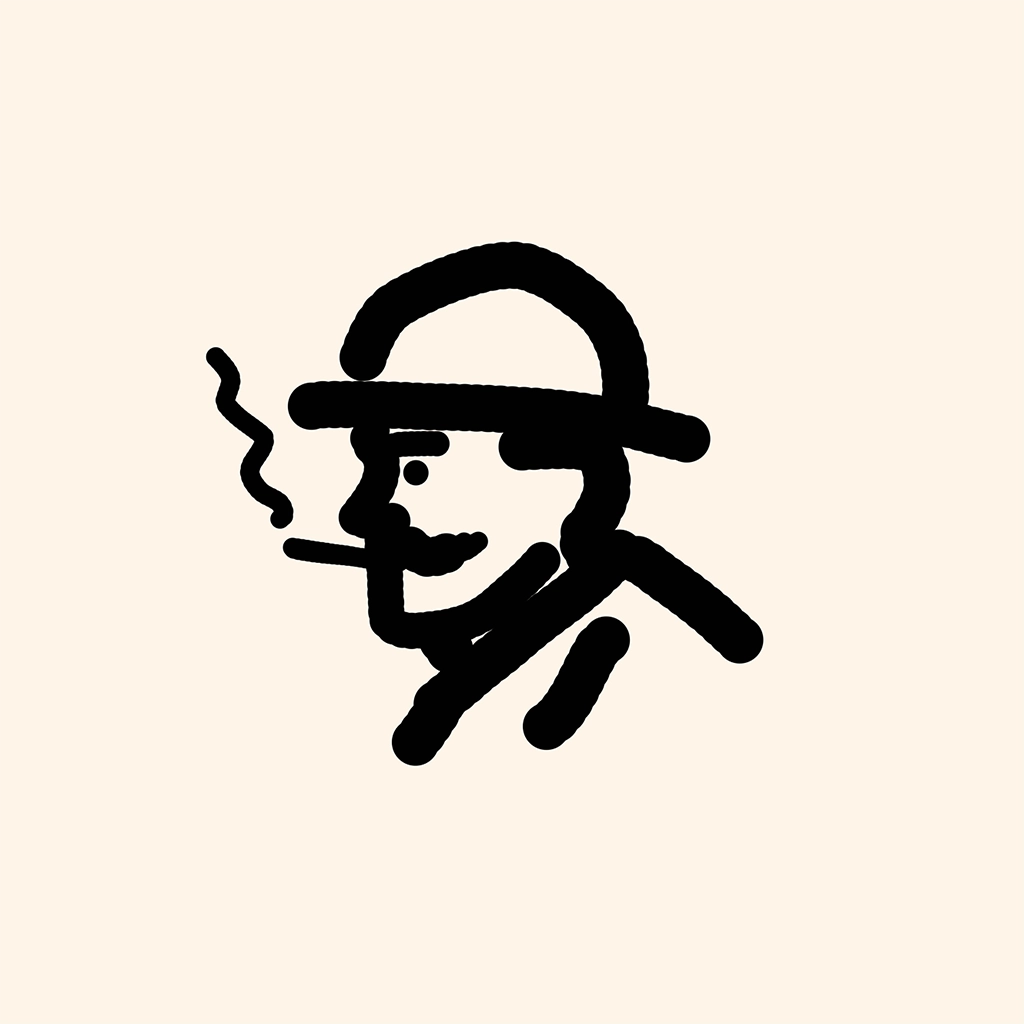
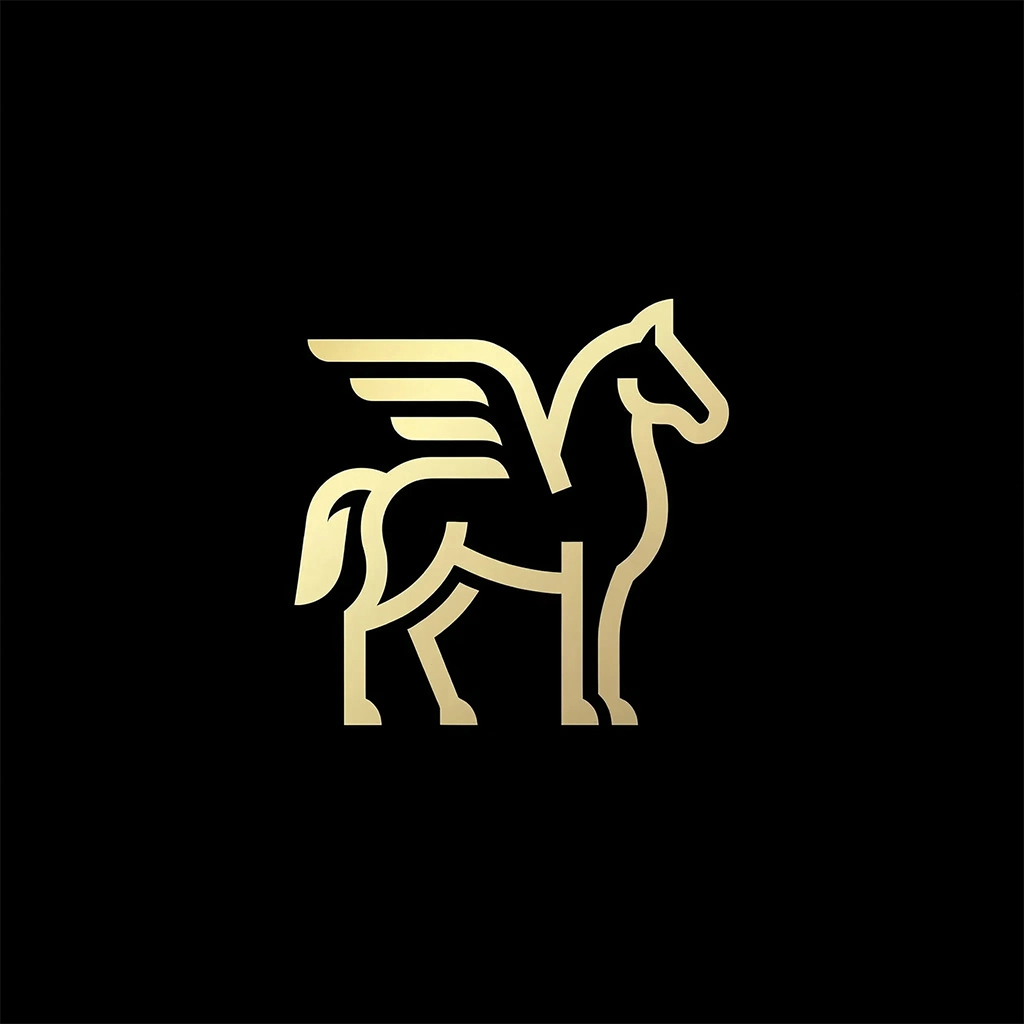
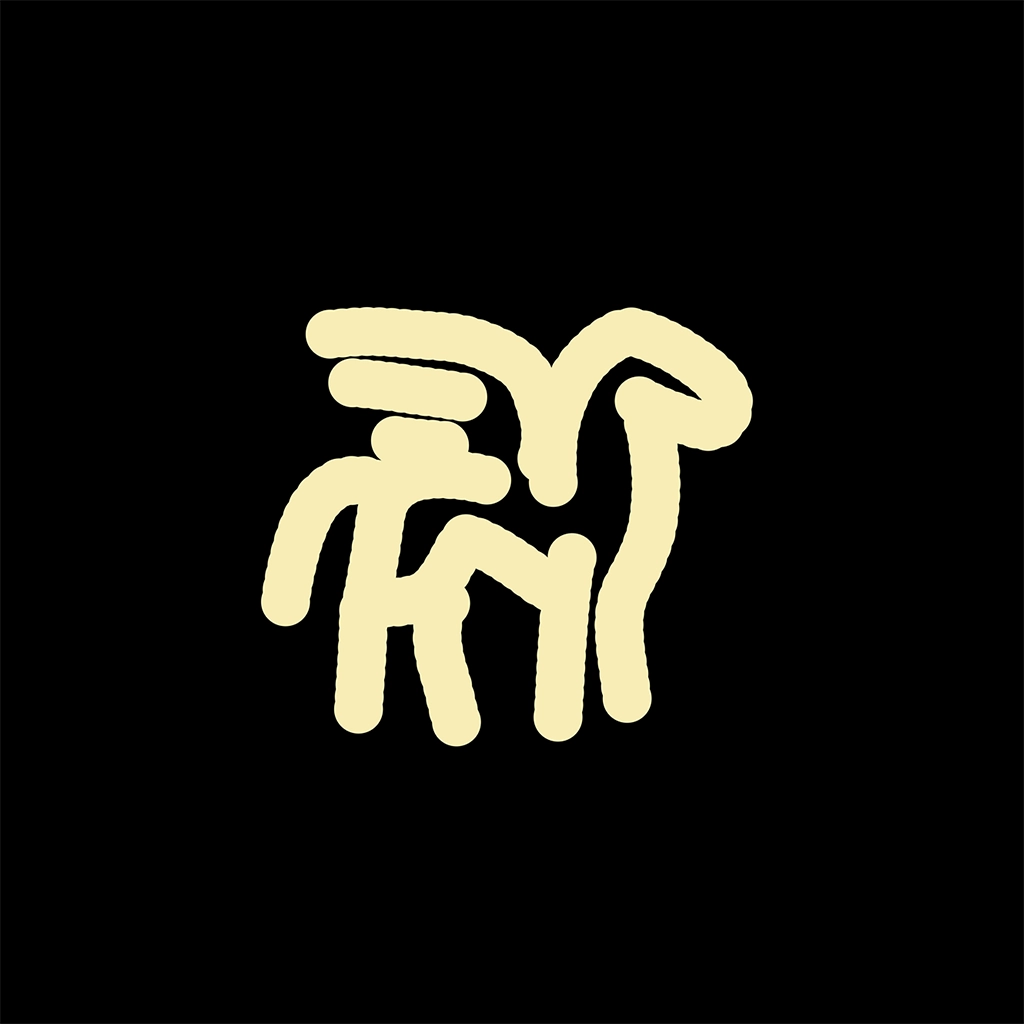
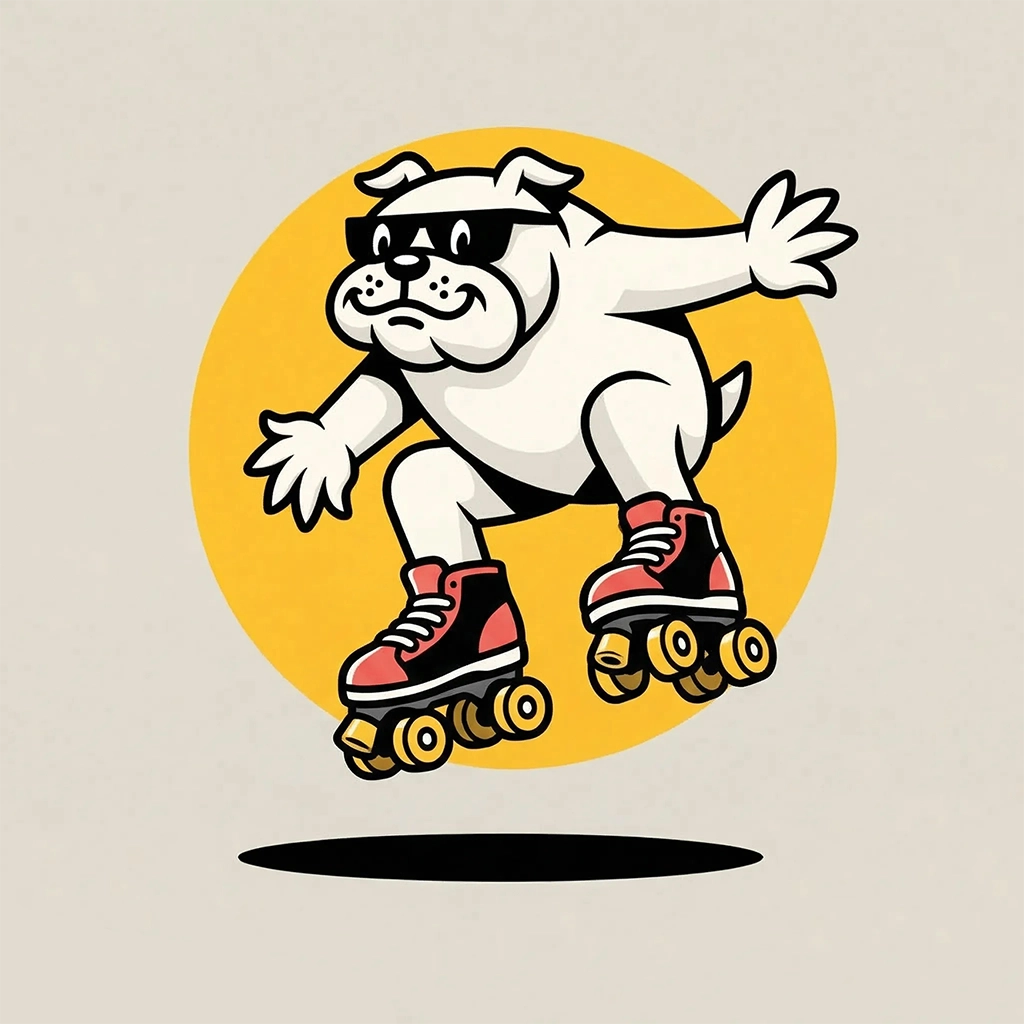
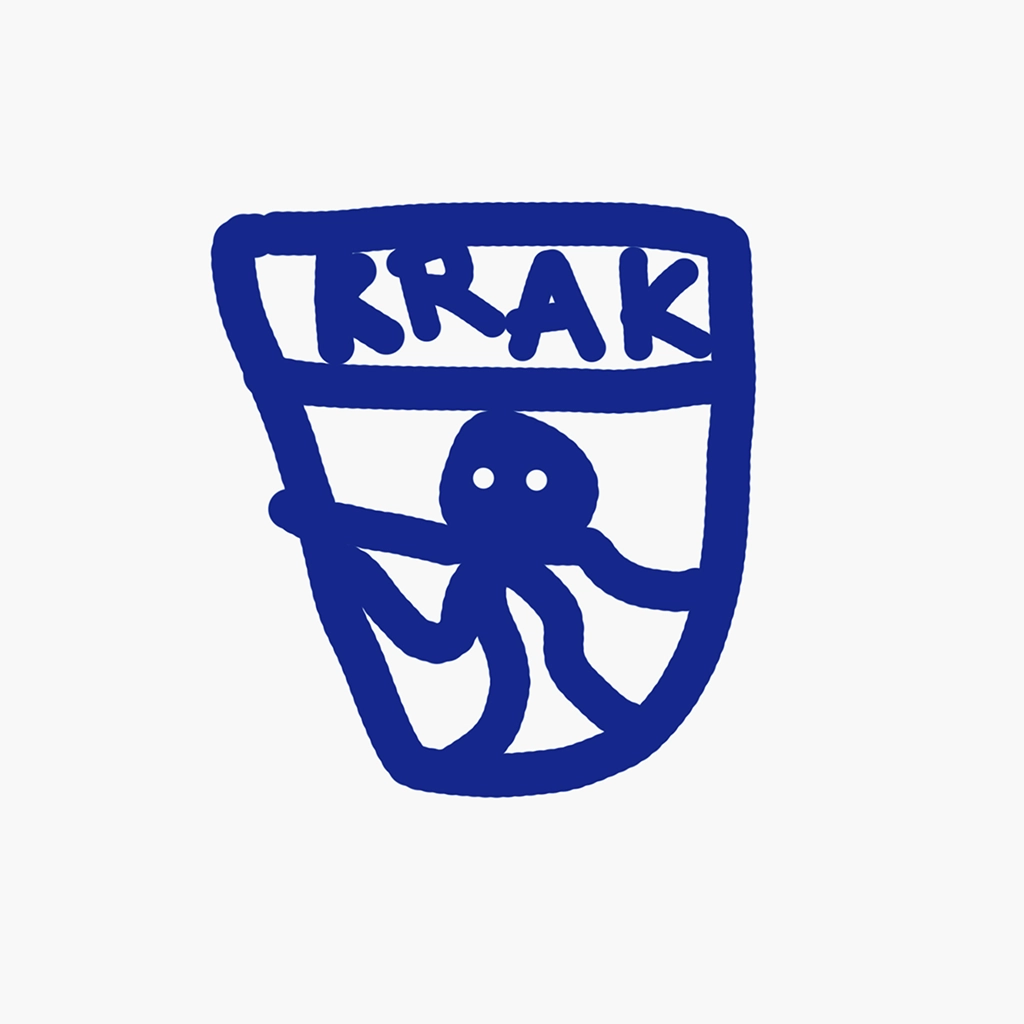
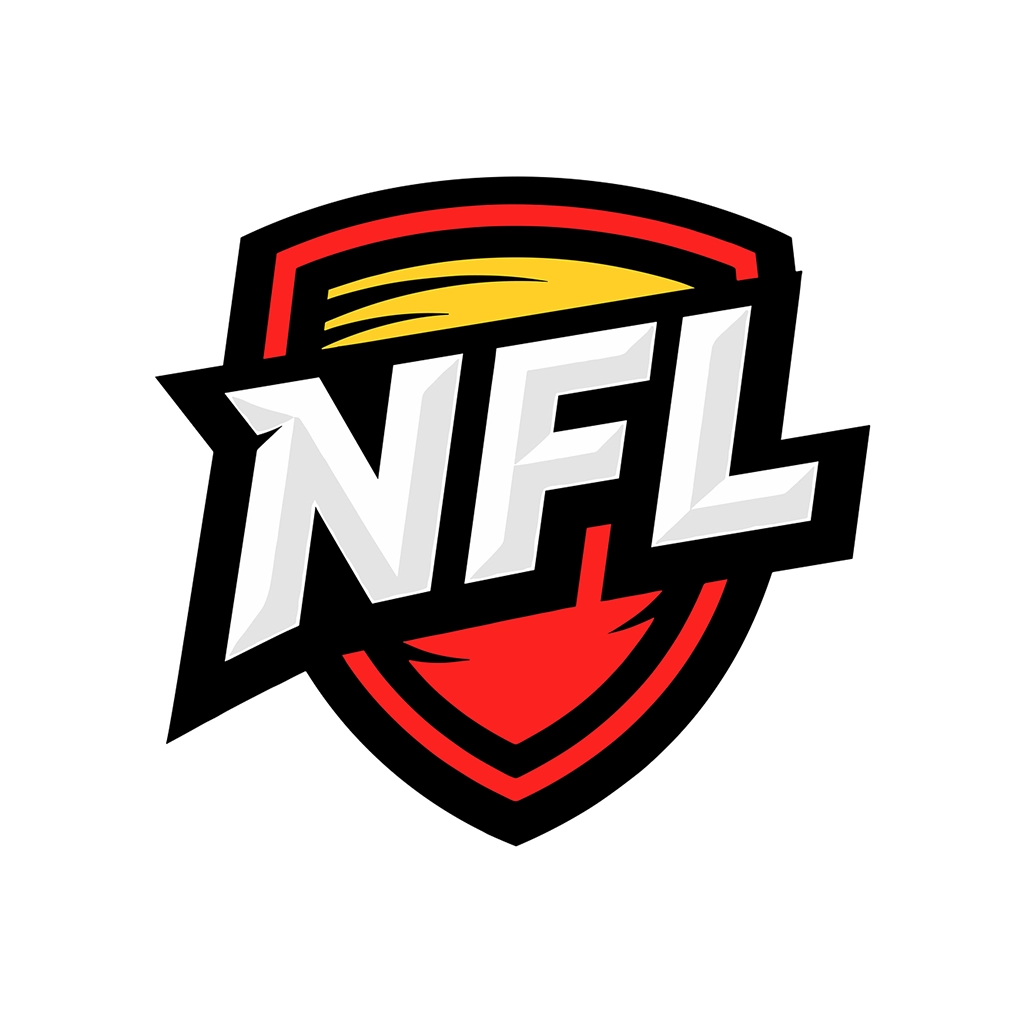
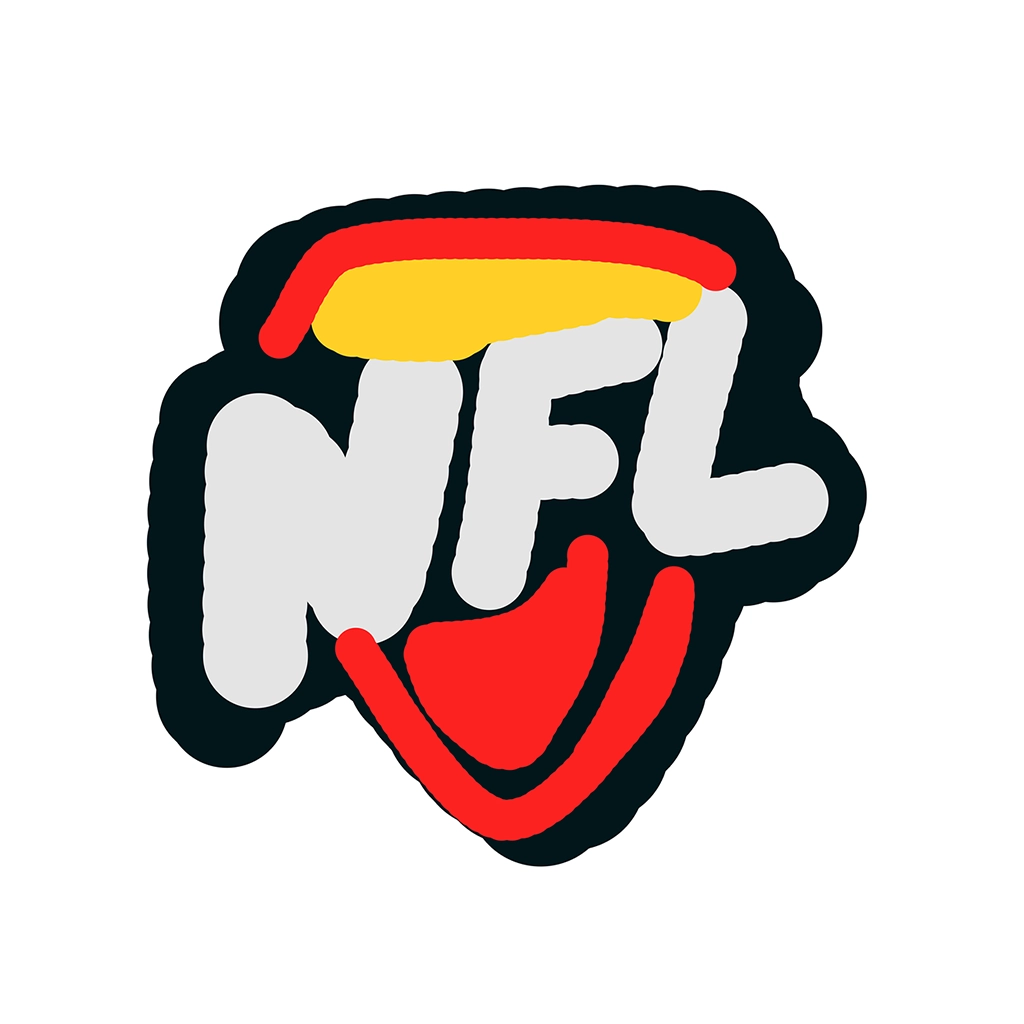
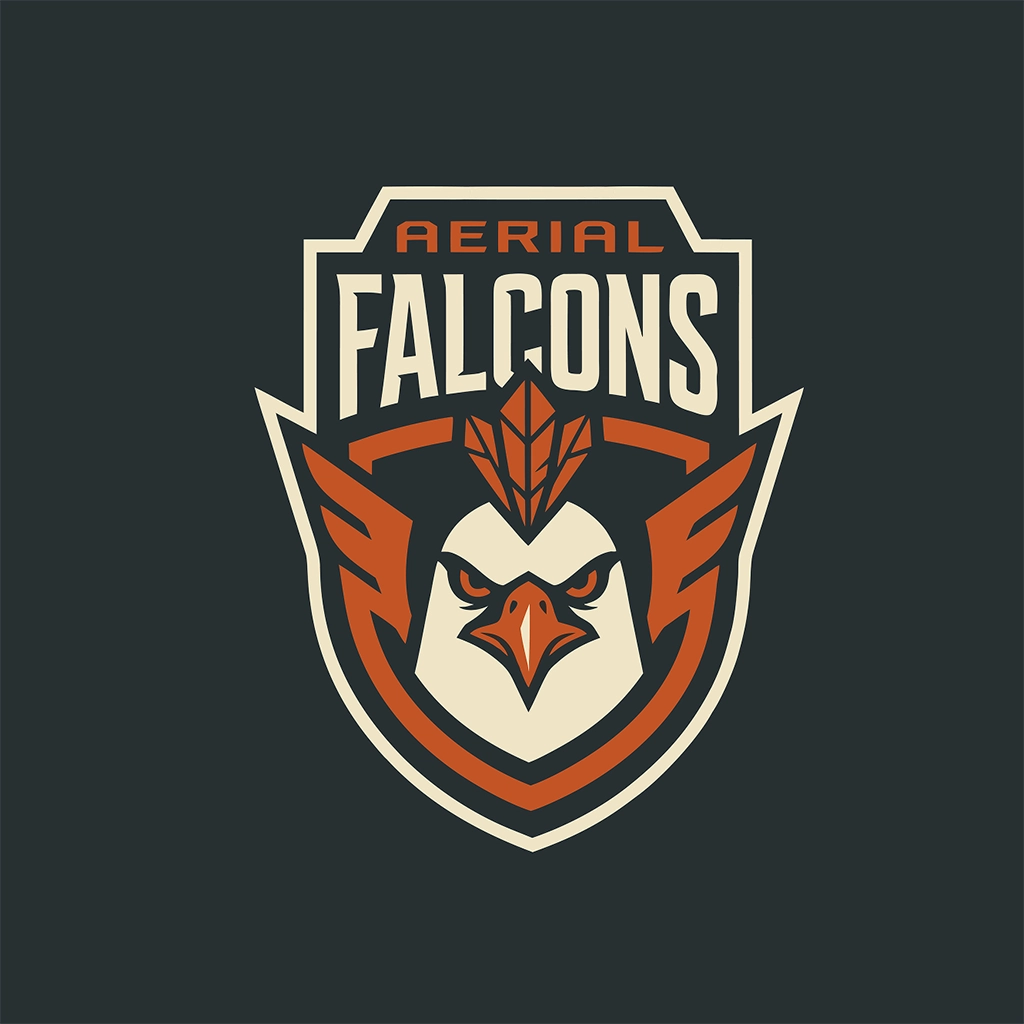
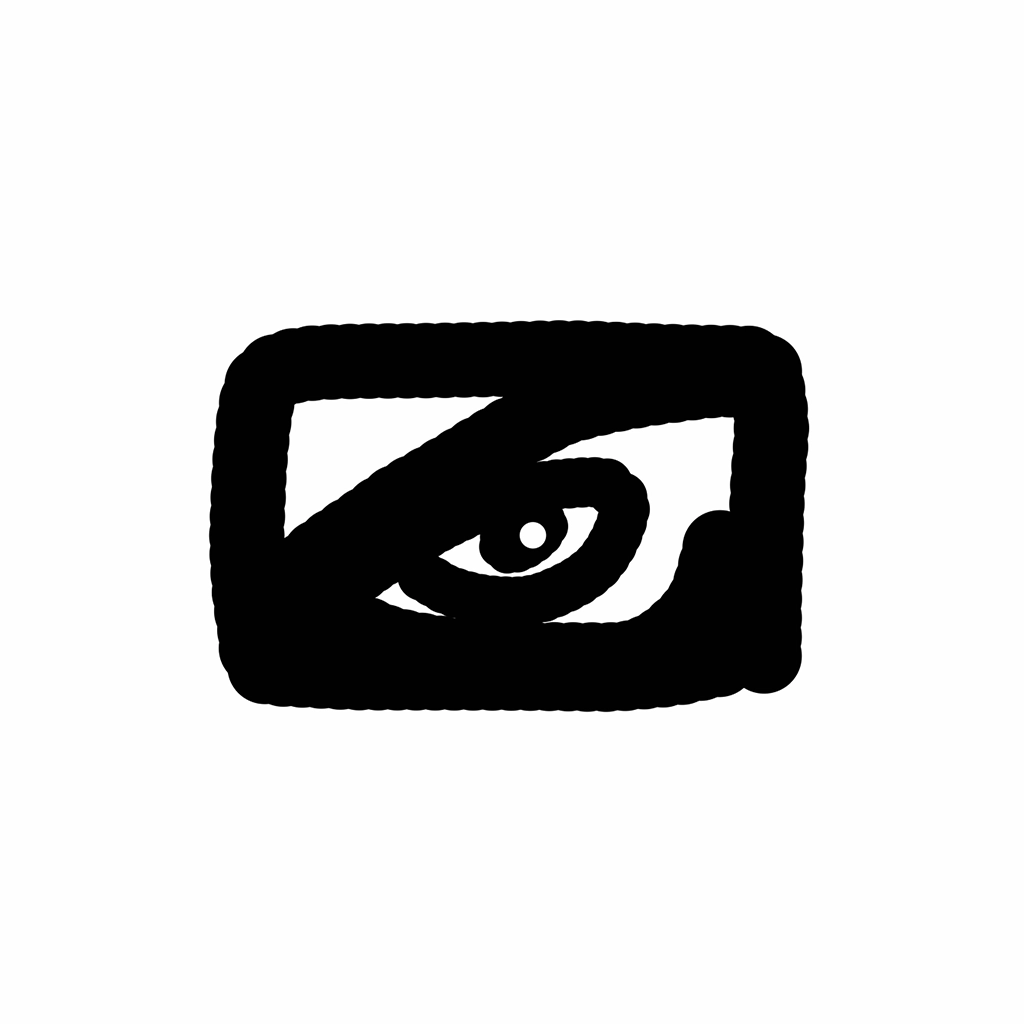
Sketch To Logo
Start with a sketch. AI handles the rest.

Step 1
Sketch in the editor
Draw your idea directly on the canvas.

Step 2
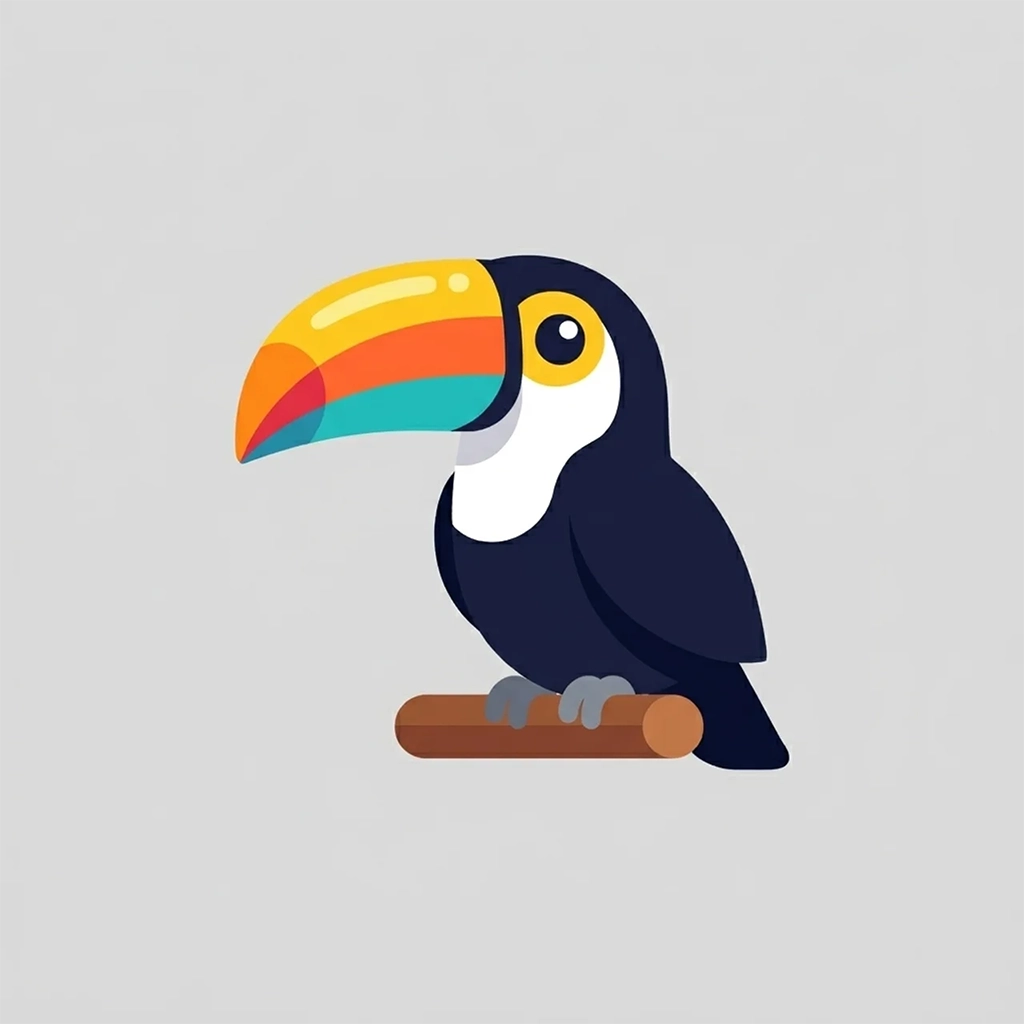
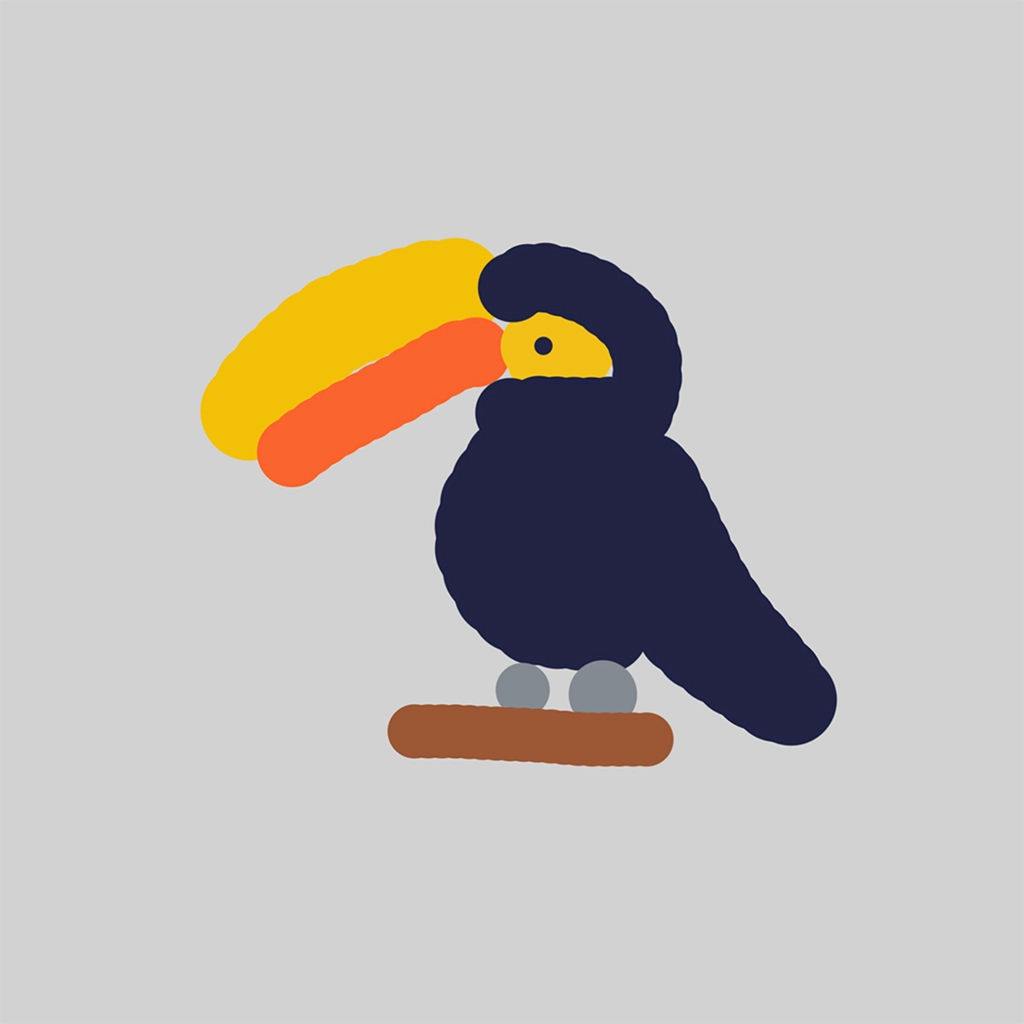
Generate with AI
AI turns your sketch into multiple logo options.

Step 3
Choose & refine
Pick a logo and fine-tune the details.
Try Sketch to Logo
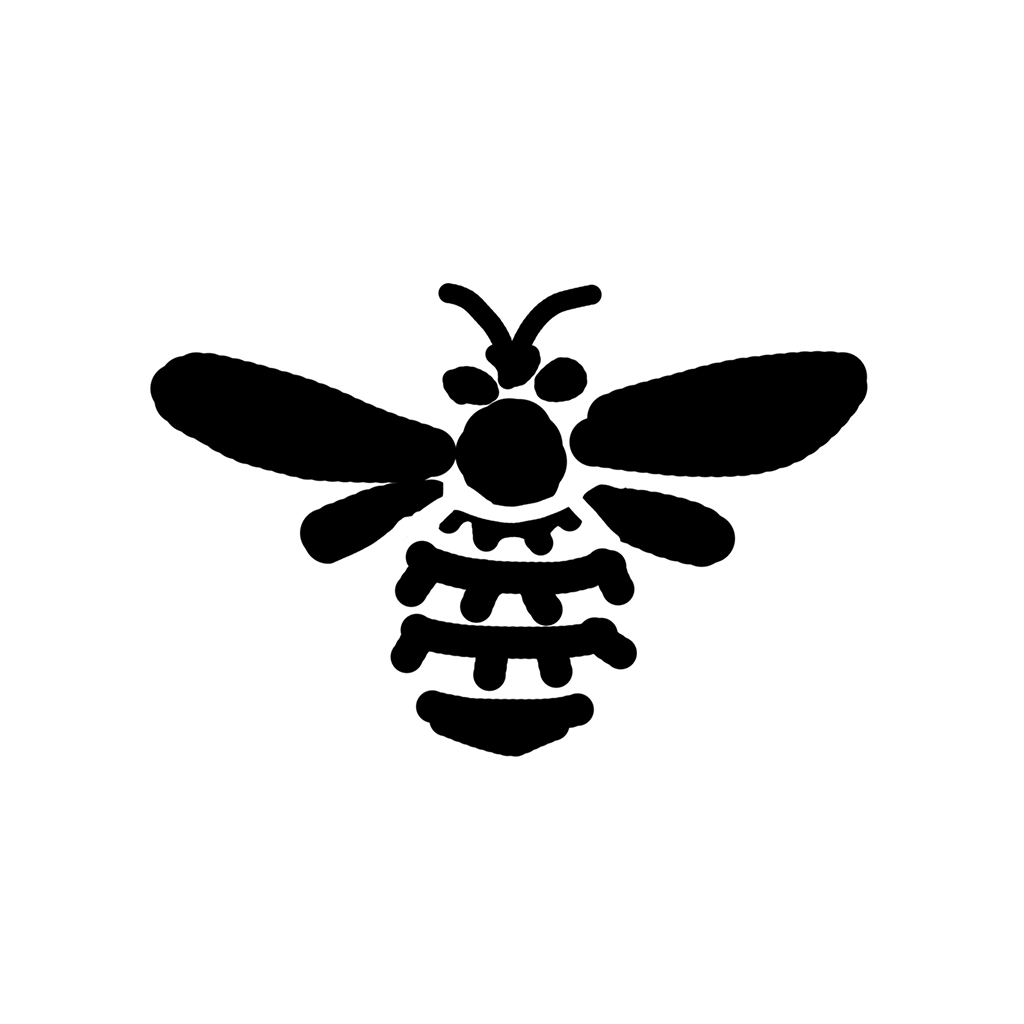







.webp)



Pictorial
Logotype
Mascot
Monogram
Engraved
Line Art
Retro
Cartoon
Badge
ABSTRACT
Flat
Image to Logo
Turn images into logos, No prompting needed!

Step 1
Upload an existing image
Start with a photo, image, or existing logo.

Step 2
The AI creates options from your image.
Add a text prompt to control the design, or skip it.

Step 3
Review and refine
Review generated options and refine the best result.
Try Image to Logo
.webp)
.webp)
.webp)
.webp)
.webp)
.webp)
.webp)
.webp)
.webp)
.webp)
.webp)
.webp)
.webp)
.webp)
.webp)
.webp)
.webp)
.webp)
.webp)
.webp)
.webp)
.webp)
.webp)
.webp)
.webp)
.webp)
.webp)
.webp)
.webp)
.webp)
.webp)
.webp)
.webp)
.webp)
.webp)
.webp)
.webp)
.webp)
.webp)
.webp)
.webp)
.webp)
.webp)
.webp)
.webp)
Pictorial
Mascot
Engraved
Line Art
Retro
Flat
Cartoon
ABSTRACT
TOOLKIT
Your Complete AI Logo Design Toolkit
Generate logos, edit details, and export production-ready files in one place.
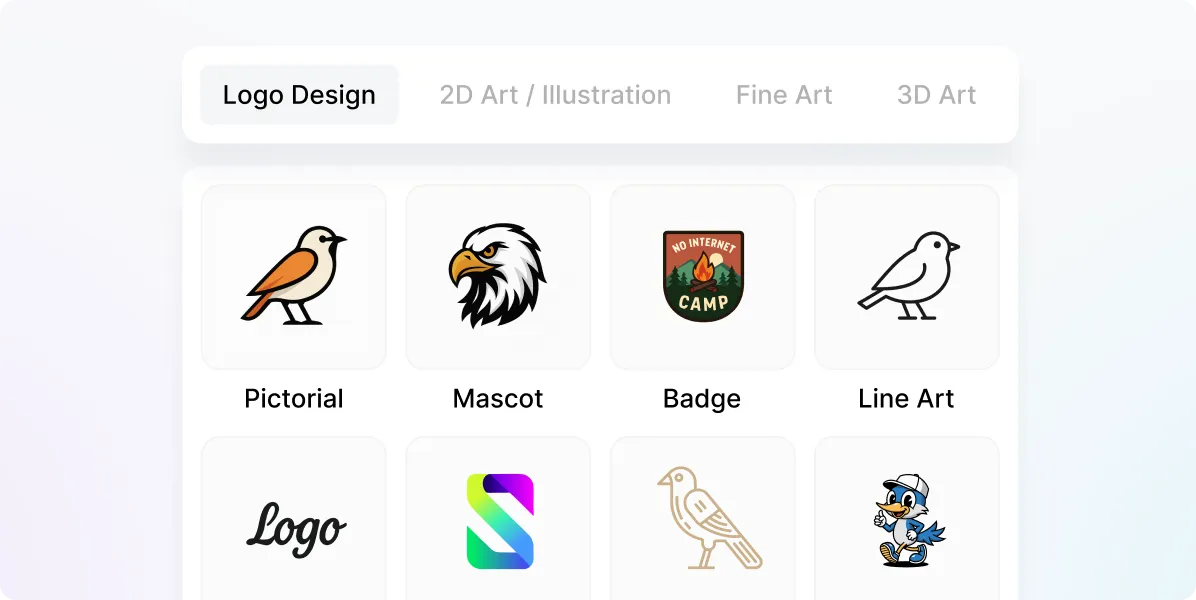
Trained on logos, not stock clip art.
Logo Diffusion runs on its own proprietary model, trained specifically for logo design. That's why the output looks like a logo, not a stock design.
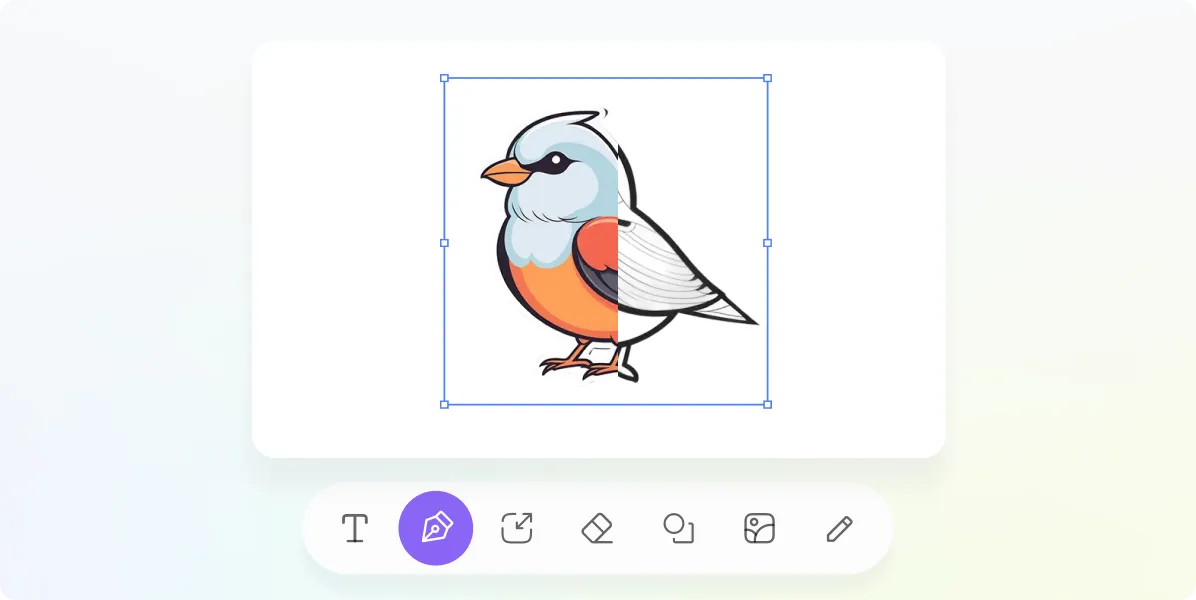
Sketching tools
Draw directly on the canvas. Brushes, shapes, and fonts so you can guide the AI instead of just hoping for the best.
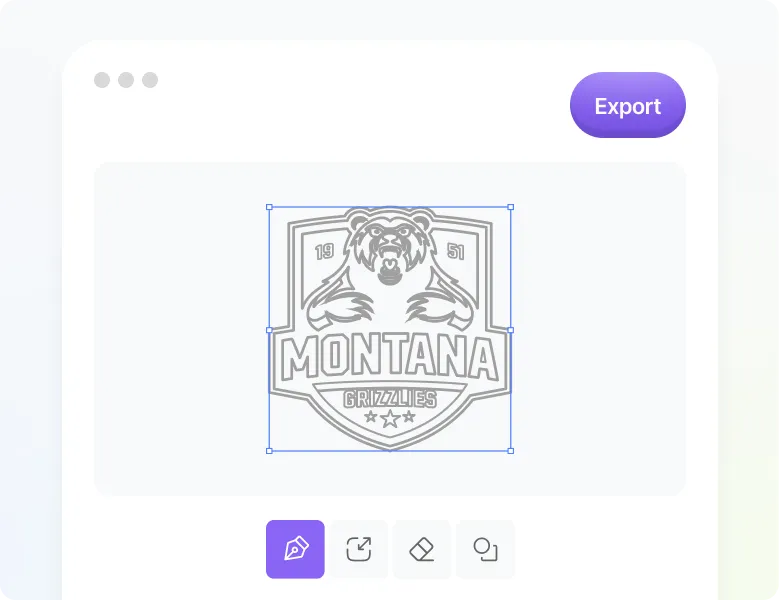
Vector Export
Clean SVG files with real layers. No auto-traced junk, no mystery paths. Open them in Illustrator or Figma and they work.
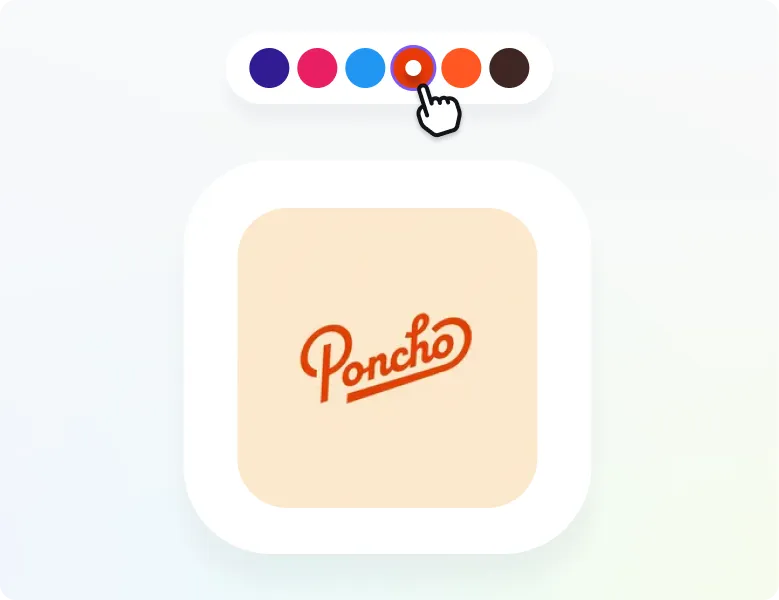
Custom colors
Match your existing brand palette or explore new directions. Full color control so the output fits your brand on the first try.
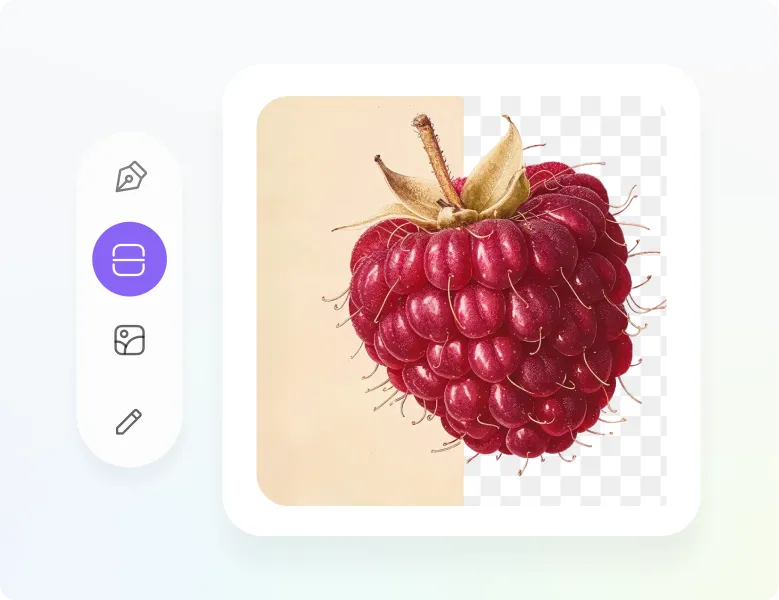
Background remover
One click, transparent background. optimized for graphics and logos, Ready for your website, pitch deck, or product packaging.
MAGIC EDITOR
Edit your logo without losing the design.
Swap text, generate variations, build a logo system, or create an icon set.
Your logo's style stays intact the whole time.
Your logo's style stays intact the whole time.
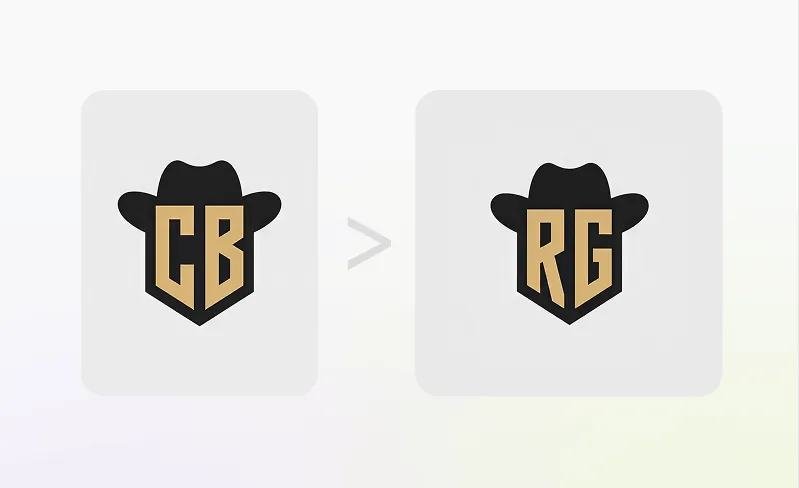
Smart Logo Text Swap
Replace words inside the logo while preserving the font, style, and layout. Everything else stays exactly as it was.
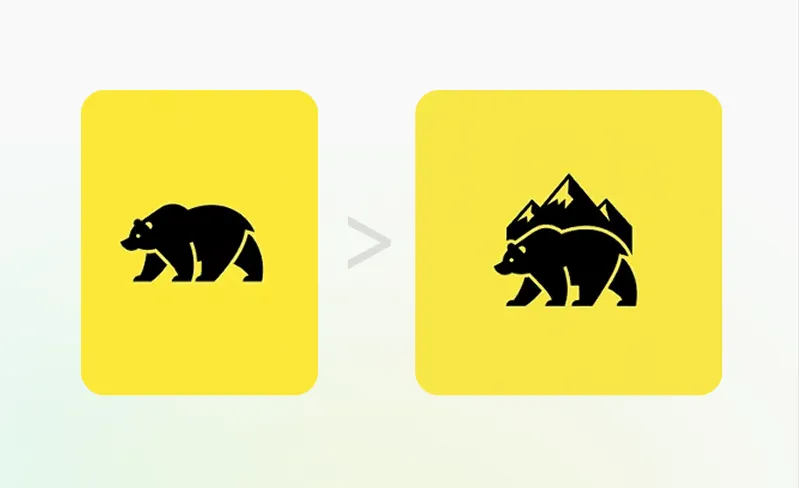
On-Brand Edits & Variations
Generate variations and change individual elements while keeping the overall look and tone consistent.
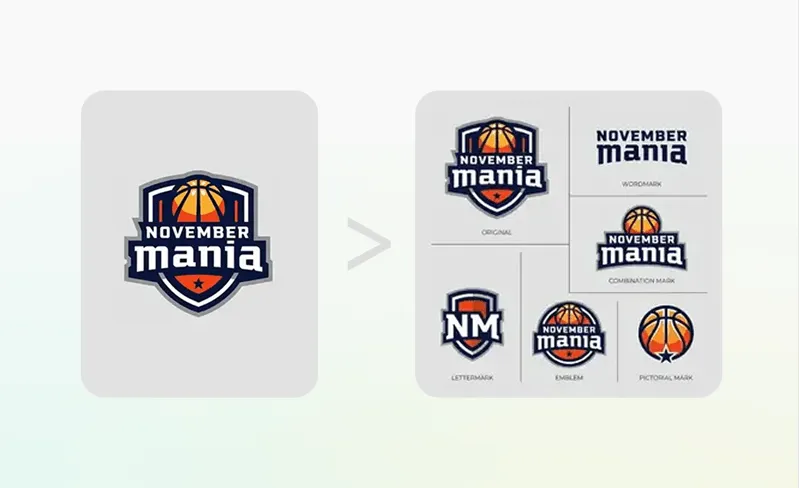
Logo to Logo System
Turn one logo into a full set of lockups, marks, and layout variations for different placements and uses.
Logo to Icon Set
Convert your logo into a matching icon set for apps, websites, UI elements, social, and brand assets.
Replace "Dino" with "Kids"

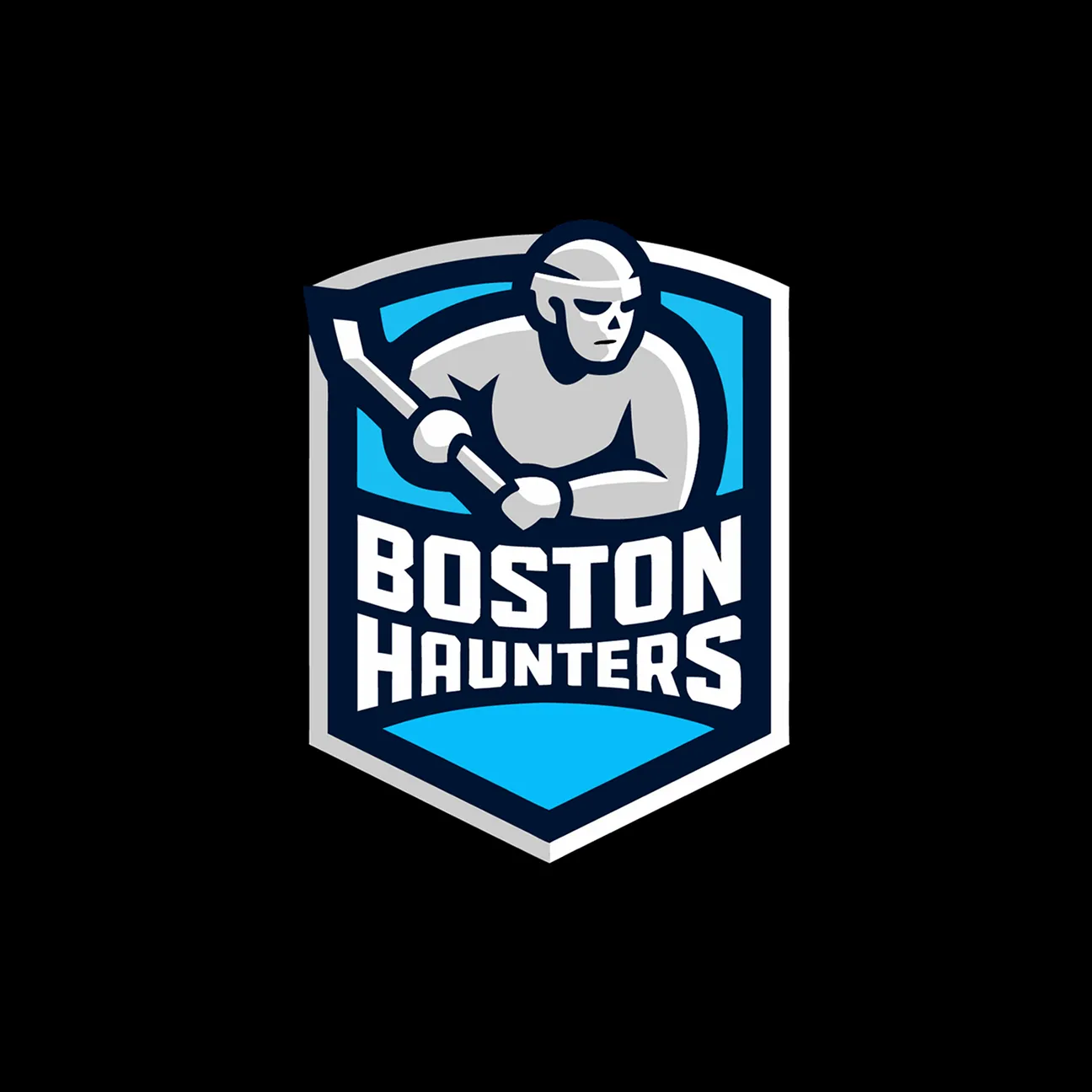
Replace "BOSTON" with "NEWYORK"
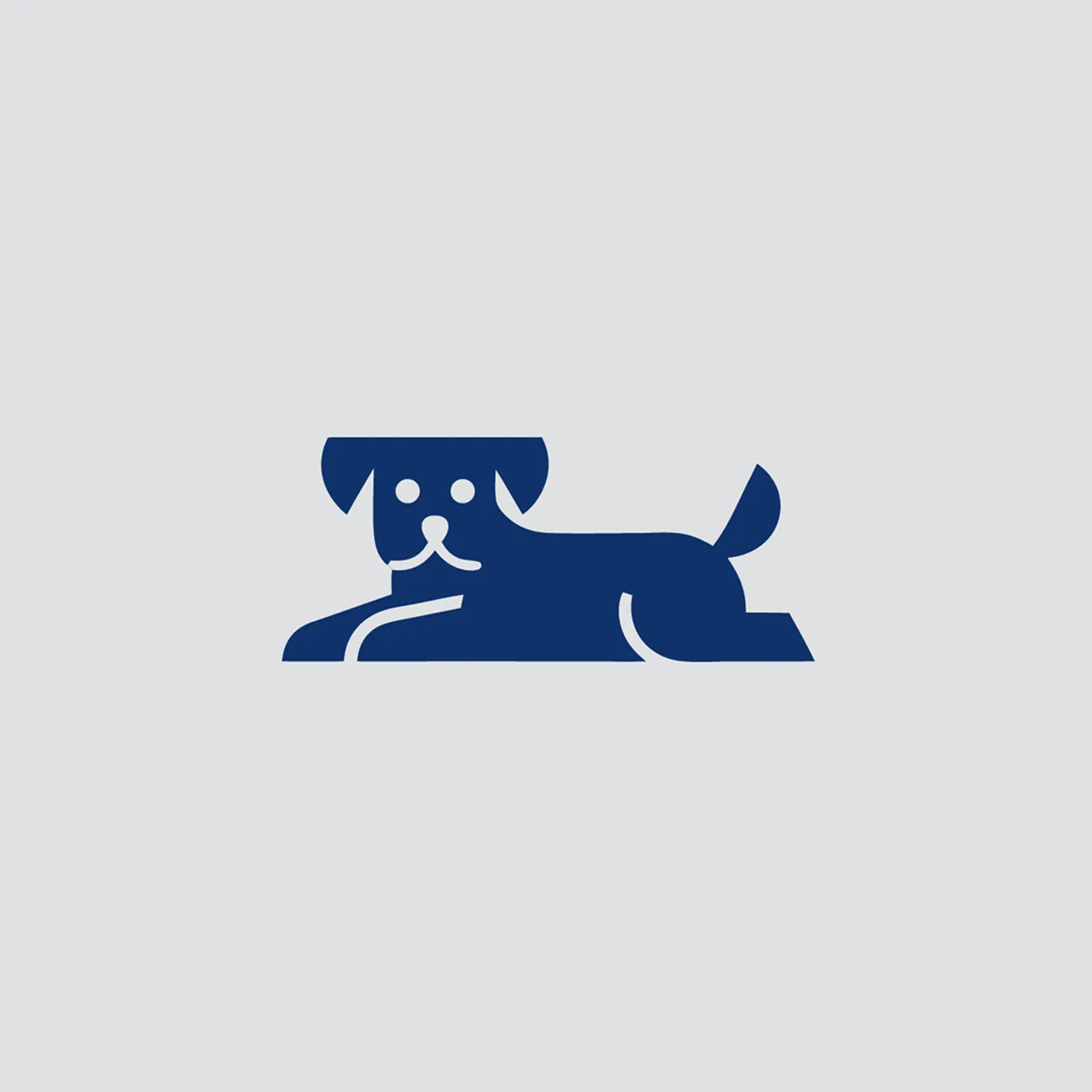
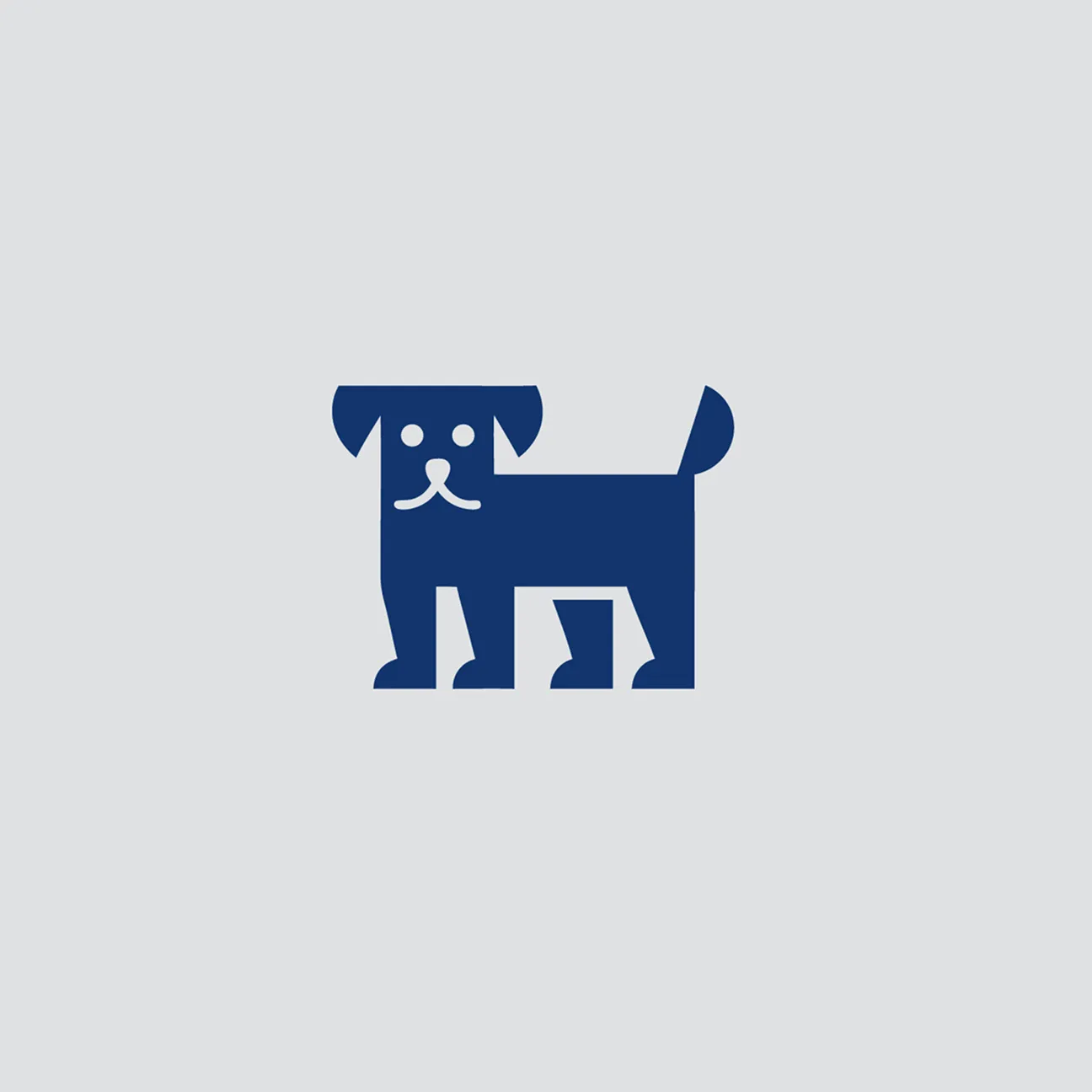
Make him lie down.
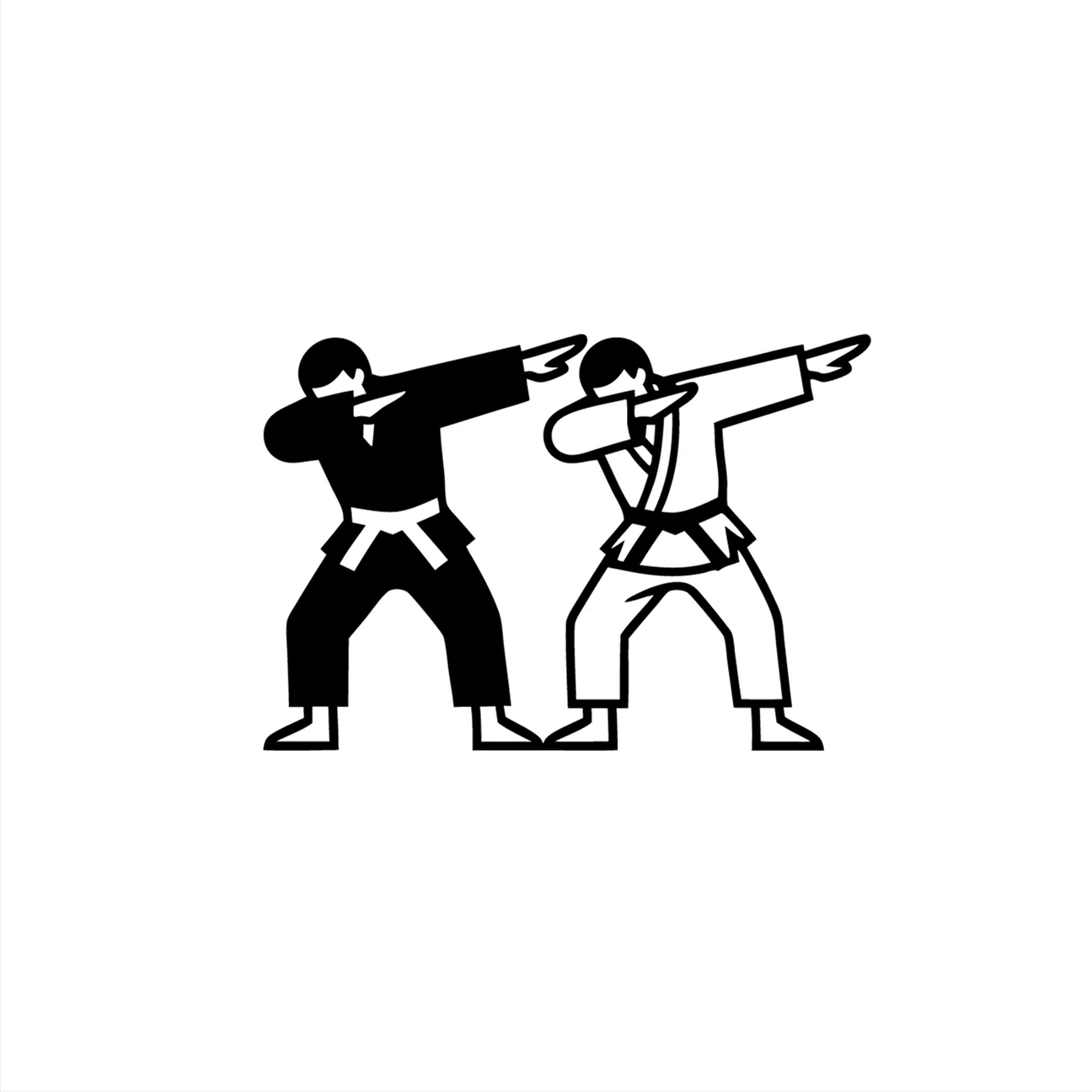
Make both characters face the viewer and do a dab pose.
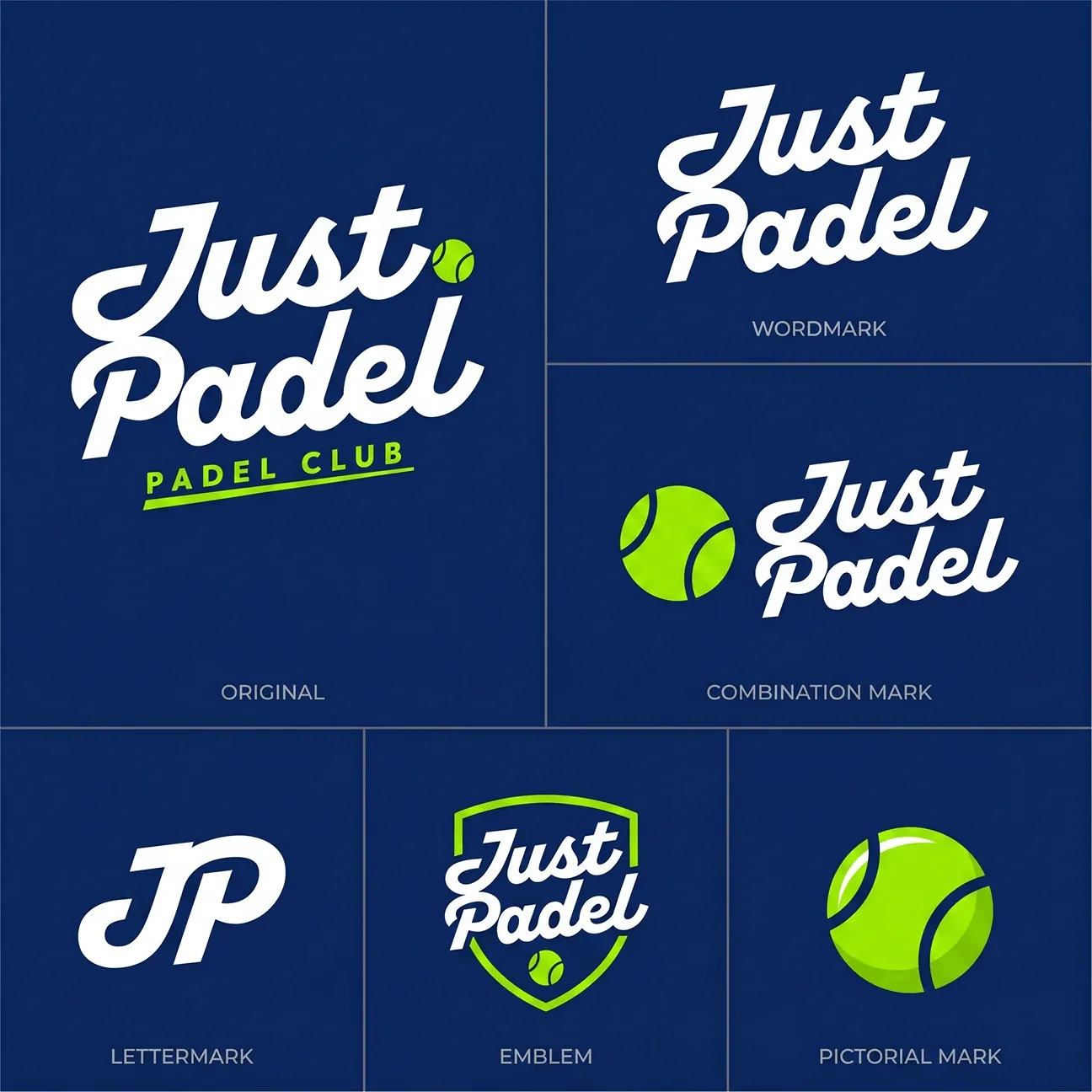
Create a logo system for a padel club.
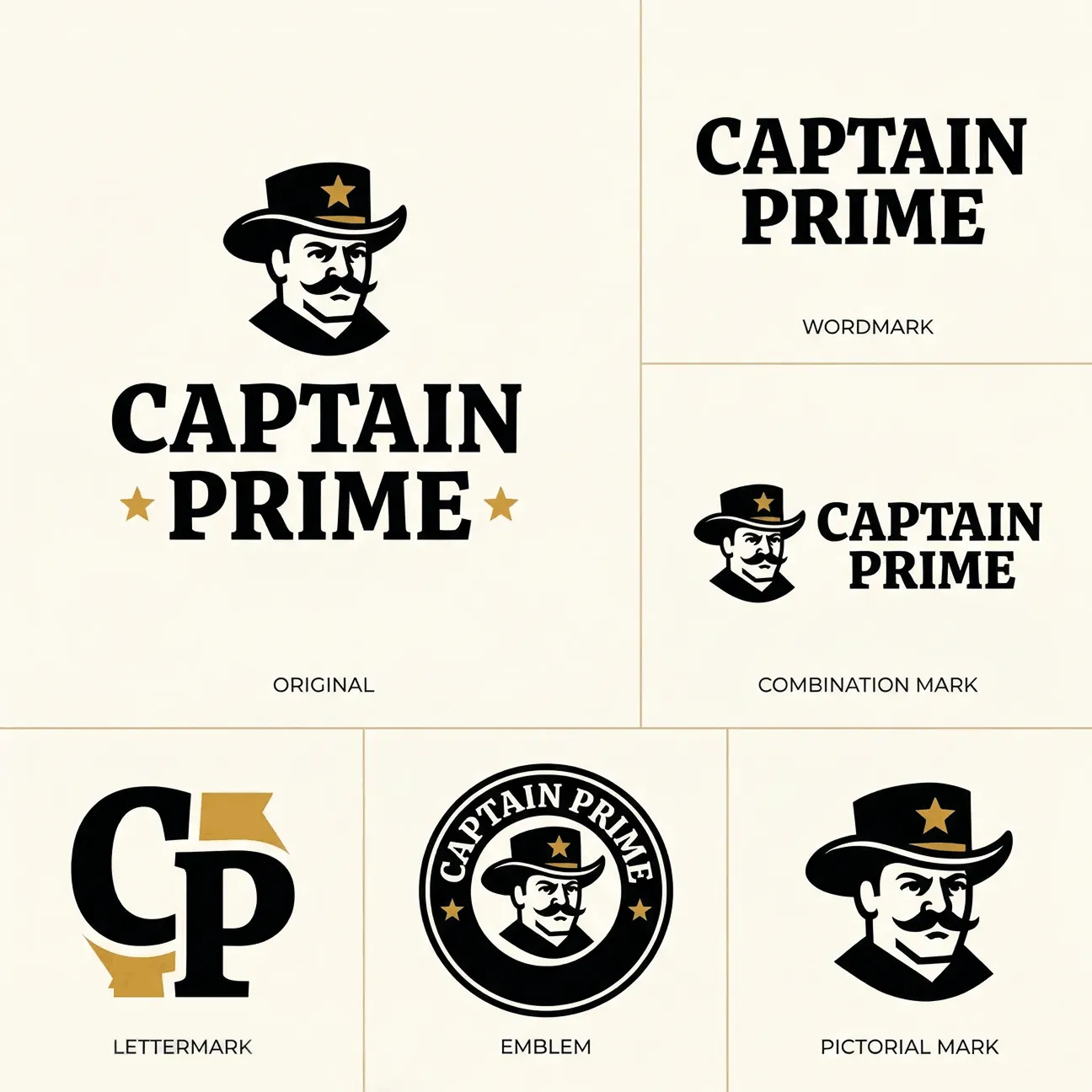
Create a logo system for a sheriff-themed logo.

Create an icon set for a tech startup.

Create an icon set for my golf logo.
Smart Logo Text Swap
On-Brand Edits & Variations
Logo to Logo System
Logo to Icon Set
POST-PRODUCTION
Finish the job inside Logo Diffusion
Vectorize, mock up, upscale, transfer styles, and export. No separate subscriptions needed.
Mockup
Vectorizer
Upscaler
Style Transfer
Logo Style

Generated, not templated
Every mockup is built from scratch by AI. Not your logo pasted on a stock photo.

Any idea you can describe
Write a 2-3 word prompt, the AI figures out the rest. No restrictions on what you can create.

Adjust lighting, camera angle,
and material
and material
Control the shot like a real photoshoot. Dial in the look before you export.

Presentation-ready resolution
Export at up to 4K. Sharp enough for decks, social, and print.

Layer-by-layer construction
Vectors built like a designer would. No auto-traced junk, no mystery layers.

Gradient support
Unlike other vectorizers, ours preserves gradients in vector output.

Detail or speed, you pick
Quality mode for detailed logos with fine edges. Standard for simpler logos that need speed.

Actually usable SVG files
Clean paths, no jagged edges, no junk around the shapes. Edit them right away.

Creativity slider
Control how much freedom the AI gets. Low for faithful upscales, high for creative enhancement.

Optimized by content type
Tell it what you are upscaling. The AI adjusts for illustrations, 3D renders, photos, and logos.
Prompt-guided enhancement
Add a text prompt to steer the upscale in a specific direction.
2x or 4x upscale
Choose your target resolution. Edges stay clean at either scale.

Any image becomes a style
Upload any image. The AI reads its texture and applies it directly to your logo.

Keeps your logo intact
The structure stays. Only the surface changes.

Control how far it goes
Adjust intensity, add a prompt, and choose how much the style takes over.

Pre-made styles included
Do not have your own texture? Pick from a library of ready - made styles.

A style for every idea
Choose from the style library and apply instantly.

Your logo, made of anything
The style does not just overlay. Your logo literally becomes that material.
Add a prompt for control
Steer the output with text to get exactly the result you want.

70+ styles to try
A wide range of materials and looks, from realistic textures to stylized effects.
Logo GALLERY
Real logos. Made in Logo Diffusion.
4,000+ logo design examples, each with the prompt behind it. Click any logo to recreate it or edit it in the magic editor.
Browse by Style
Browse by Industry
All logos
Pictorial
Mascot
Line-Art
LogoType
Monogram
Engraved
Retro
Modern
Scandinavian
Modern
Minimalist
Industrial
Bohemian
Art Deco




Testimonials
Don't take our word for it
From freelancers to agencies, here's how Logo Diffusion fits into real workflows.

Jason Jay
Founder of Contender Studio

“Using this platform has completely changed how we do our bradning projects”
Instead of spending hours sketching variations, I generate concepts, tweak them, and finalize in a fraction of the time. The vectorizer alone saves a ton of time moving from concept to execution.

43 Hours
18 Hours
Saved monthly on average per agency after switching to Logo Diffusion

4x
On average faster than traditional logo design workflows.

6.9x
“Something that took me an hour in Illustrator now takes about 20 seconds. I found a bug after an update, got a real response from a human, and it was fixed within hours. ”
Greg Turner
Owner of Turner Laser Works


Loved by over 1.4m+ users
PRICING
How much time would you save?
Estimate your time saved.
Adjust the inputs to match your workflow
Adjust the inputs to match your workflow
Pricing
Pick the plan that fits your workload
Every credit works in every tool — generate, edit, and export
during your plan. Cancel anytime. Your logos stay yours.
during your plan. Cancel anytime. Your logos stay yours.

FREE
$0
/ month
Try the real thing — generate and explorebefore you spend a dollar.

24 Credits/mo · ~12 logos
Image to Logo · 3 of 8 styles
Magic Editor & Mockup Gen · Base models

Public generations
No vector export
Watermarked downloads at 512x512
No commercial rights
BASIC
$24
/ month
Good for exploring ideas or doing 1–2 logoprojects a month.
1,000 credits/mo · ~500 logos
Unlimited downloads
Vectorizer · up to 200 exports
Background remover & in-app editor
Magic Editor & Mockup Gen · all models
Commercial license & private generation
PRO
$49
/ month
For designers and freelancers doing 3–5 client projects a month.
2,500 credits/mo · ~1,250 logos
3 generations at the same time
Vectorizer · up to 500 exports
2× and 4× creative upscales
Magic Editor & Mockup Gen · all models
Commercial license & private generation
ELITE
$99
/ month
For agencies and teams with high-volume output.
6,000 credits/mo · ~3,000 logos
4 generations at the same time
Vectorizer · up to 1,200 exports
2× and 4× creative upscales
Magic Editor & Mockup Gen · all models
Commercial license & private generation

Not ready for a subscription? Get the Starter Pack.
1,500 credits · 6 downloads · all tools · valid 90 days

Switch to a monthly plan and get $15 credit on your first month.
$59
one-time
Get starter pack
Compare all 4 plans

Free
$0
Basic
$24/mo
Pro
Popular
$49/mo
Elite
$99/mo
Usage & credits
Credits
24
per month
1,000
per month
2,500
per month
6,000
per month
Text to Logo generations
2 cr / generation
~12
~500
~1,250
~3,000
Downloads
0
Unlimited
Unlimited
Unlimited
Generations at the same time
1
2
3
4
Creative tools
Image to Logo
5 cr / generation
~4 / mo
3 of 8 styles
up to 200
all 8 styles
up to 500
all 8 styles
up to 1,200
all 8 styles
Vectorizer exports
5 cr · HQ 8 cr
—
up to 200
or 125 HQ
up to 500
or 312 HQ
up to 1,200
or 750 HQ
Background remover
2 cr / image
—
up to 500
up to 1,250
up to 3,000
Creative upscaler
2× 5 cr · 4× 20 cr
—
up to 200
2× only
up to 500
2× · or 125 4×
up to 1,200
2× · or 300 4×
Magic Editor
Base
models
Base + Pro
models
Base + Pro
models
Base + Pro
models
Mockup generator
Base
models
Base + Pro
models
Base + Pro
models
Base + Pro
models
Professional rights
Mockup generator
—
Commercial use license
—
Private image generation
—
FAQS
Frequently Asked Questions
How does an ai logo generator work, and is it easy to use?
An AI logo generator like Logo Diffusion works by turning your input (a text prompt, a sketch, or an existing image) into multiple logo options using generative AI, then letting you refine the best result with built-in editing tools. It’s designed to be easy to use: you choose your starting point (Text-to-Logo, Sketch-to-Logo, or Image-to-Logo), pick a style, generate options, adjust colours and details, and export production-ready files (including vector) in a few steps.
How does Logo Diffusion work?
Logo Diffusion turns your idea into logo options, then lets you edit, refine, and export production-ready assets inside one toolkit. The workflow is built for fast iteration, not one-and-done generations.
Do I need design skills to use Logo Diffusion?
No—Logo Diffusion is built for people without design experience. You choose a starting point, pick styles, and refine results with guided tools.
What can I start from in Logo Diffusion?
You can start with Text-to-Logo, Sketch-to-Logo, or Image-to-Logo in Logo Diffusion. You can switch your starting point anytime.
Can Logo Diffusion generate multiple logo options per prompt?
Yes—Logo Diffusion can generate multiple logo options per generation (the homepage highlights up to 4 options). This makes it easier to compare directions quickly.
How many logo styles does Logo Diffusion offer?
Logo Diffusion includes 52 logo design styles. You can explore different looks (e.g., pictorial, mascot, monogram, badge, line art) and regenerate until the style matches your brand.
Can I customise colours in Logo Diffusion?
Yes—Logo Diffusion supports custom colours and palette control. This helps you match an existing brand palette or explore new colour directions.
What is the Magic Editor in Logo Diffusion?
Magic Editor is Logo Diffusion’s refinement tool for making on-brand changes and variations. It’s designed to help you iterate faster and polish outputs into deliverable-ready logos.
Can I share Logo Diffusion logo designs with my team or clients?
Yes—you can share your Logo Diffusion outputs by exporting and sending final files to teammates or clients. Many users use it for client feedback cycles and rapid revisions.
Is Logo Diffusion good for beginners?
Yes—Logo Diffusion is beginner-friendly because it combines generation + editing + export in one place. You don’t need separate tools to get a usable final result.
Is Logo Diffusion useful for freelancers and agencies?
Yes—Logo Diffusion is built for high-iteration workflows, making it useful for freelancers and agencies producing lots of concepts. Higher tiers typically support larger usage limits and faster throughput.
Does Logo Diffusion replace multiple design subscriptions?
Yes—the Logo Diffusion homepage positions it as an all-in-one toolkit (generation, editing, vector export, background removal, and more). This reduces the need to stitch together multiple tools.
Can I use Logo Diffusion logos commercially?
Commercial usage depends on your plan—paid tiers typically include a commercial licence, while free access is usually limited. If you’re creating logos for a business or clients, use a plan that includes commercial rights.

Your next logo is five
minutes away.
Generate your first logo free. No credit card, no templates.

Generate real logos from text, sketches, or images. Edit, vectorize, and export in one app.

Social Profiles


