
AI that turns words into polished, original logos.
Describe your brand. Pick a style. Our AI generates editable logo concepts in 52 styles — ready to refine, create mockups, and export as Vector or transparent PNG.
Generated, not templated
52 design styles
Vector & PNG export
Commercial license
Trusted by creators at
Shopify
Webflow
Notion
Figma
Canva
Dribbble
The Math
From brief to logo concepts
in seconds.
Explore dozens of directions instantly. Refine on your terms.
Feature
Logo Diffusion
Traditional Process
Cost
From $0
$500–$2,000
Concepts per round
4 unique per generation
3–5 from one taste
Style range
52 styles instantly
Limited to one designer
Turnaround
Seconds
1–2 weeks
Unlimited revisions
Extra cost per round
Vector export
SVG + PNG
Depends on deliverables
Creative control
You drive every iteration
Hope they grasp your brief
Logo Diffusion
Cost
From $0
Concepts per round
4 unique per generation
Style range
52 styles instantly
Turnaround
Seconds
Unlimited revisions
Vector export
SVG + PNG
Creative control
You drive every iteration
Traditional Process
Cost
$500–$2,000
Concepts per round
3–5 from one taste
Style range
Limited to one designer
Turnaround
1–2 weeks
Unlimited revisions
Extra cost per round
Vector export
Depends on deliverables
Creative control
Hope they grasp your brief
Try the AI Logo Generator
Generate your first concepts. See it for yourself.
HOW IT WORKS
Three ways to start with the AI.
Pick one. You can switch anytime.
Text To Logo
Sketch To Logo
Image To Logo
Text to logo
From Idea to Logo in Seconds.

Step 1
Describe your logo idea
Write it however you want. AI will optimize your prompt

Step 2
Select one of 11 distinct logo styles
Test your idea across alllogo styles, without reprompting

Step 3
Generate logo options
Get up to 4 options every time you generate, .
Try Text to Logo






Pictorial
Logotype
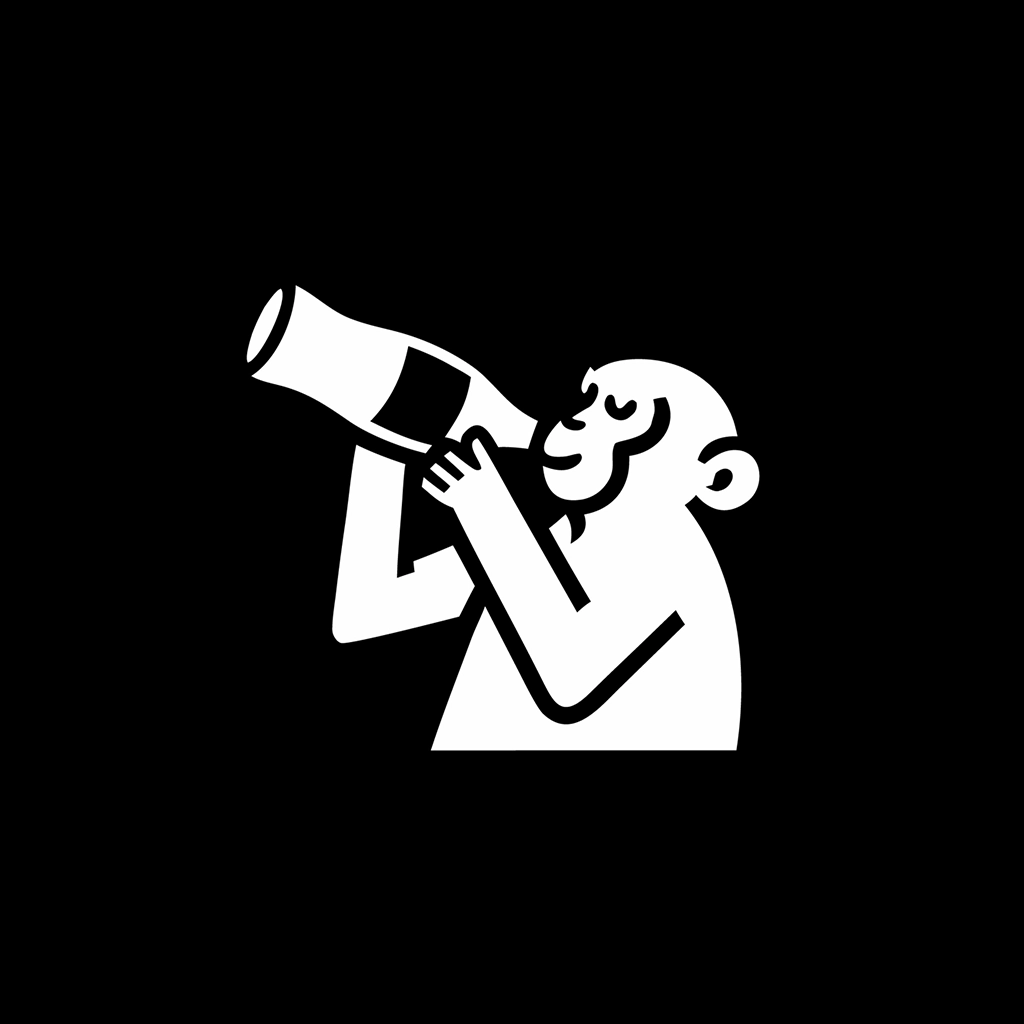
Mascot
Monogram
Engraved
Line Art
Retro
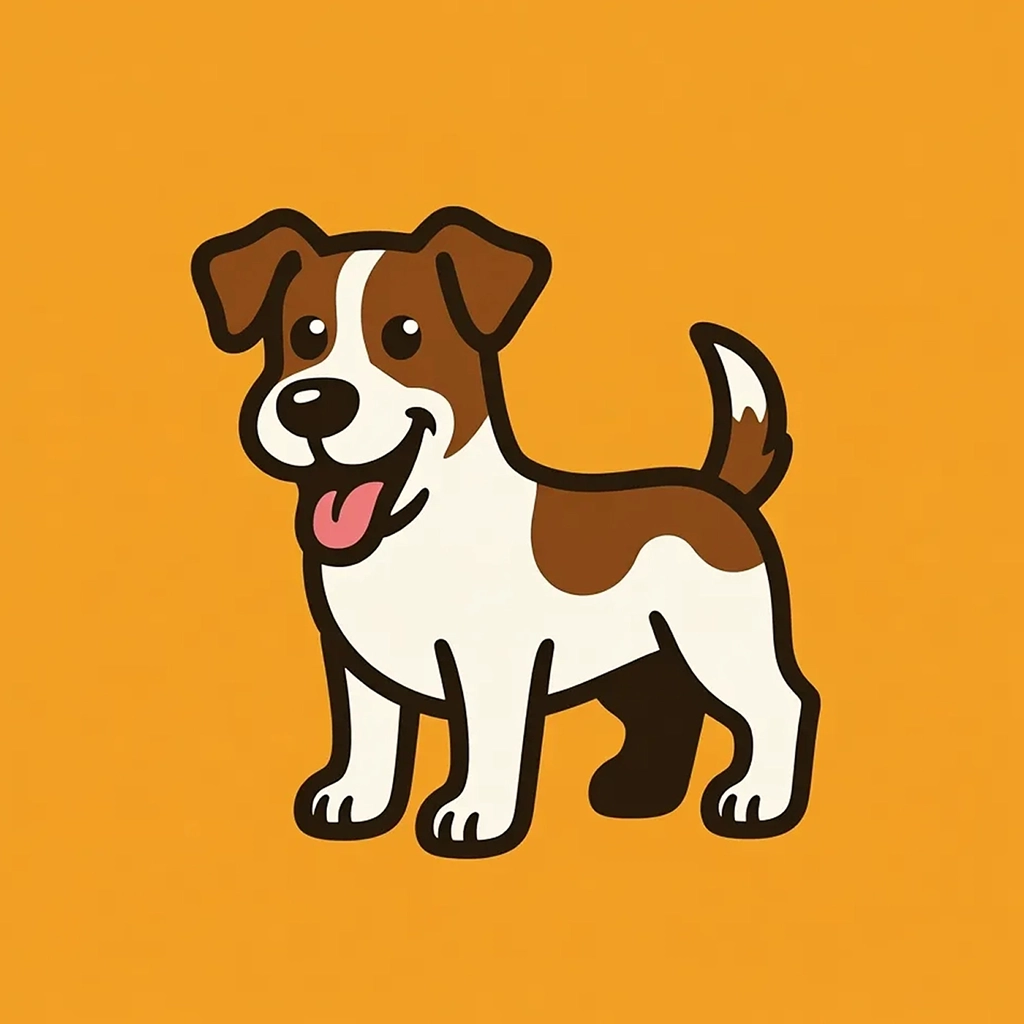
Cartoon
Badge
ABSTRACT
Flat
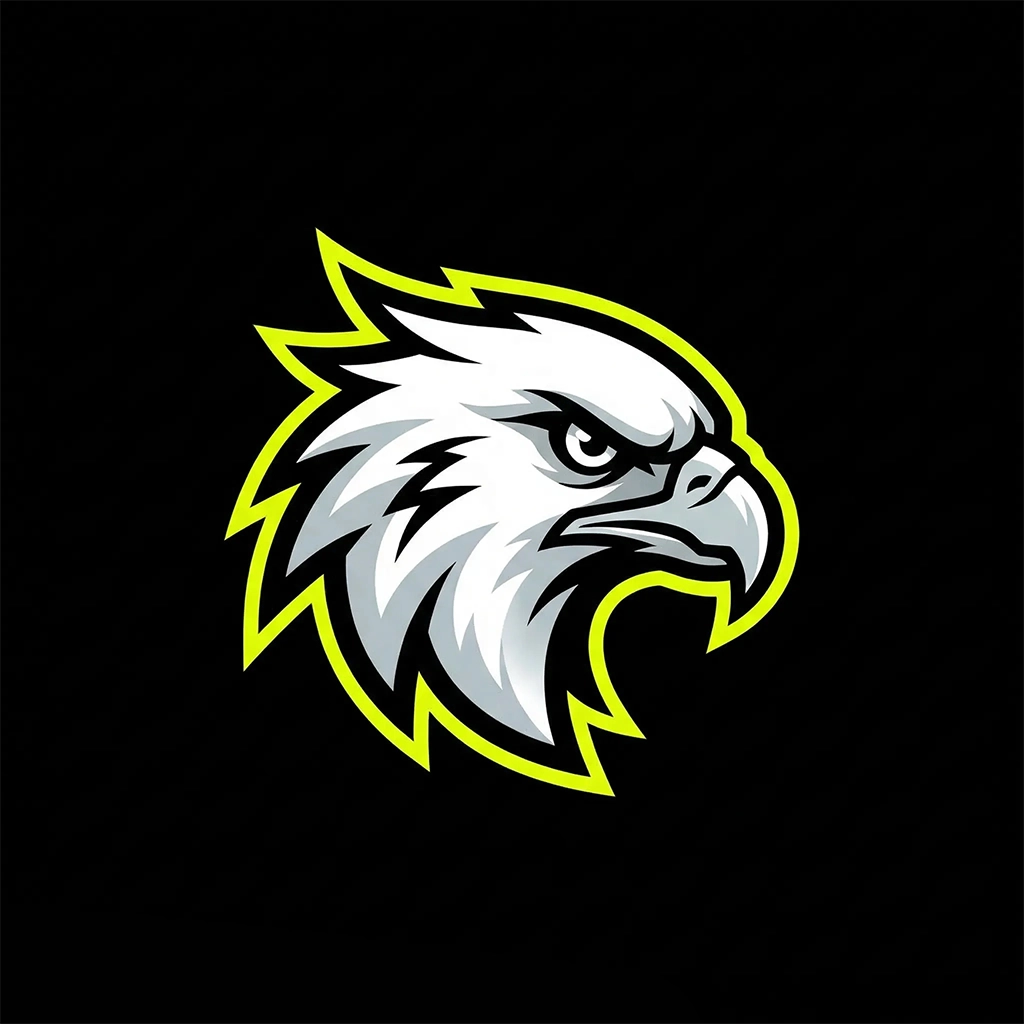
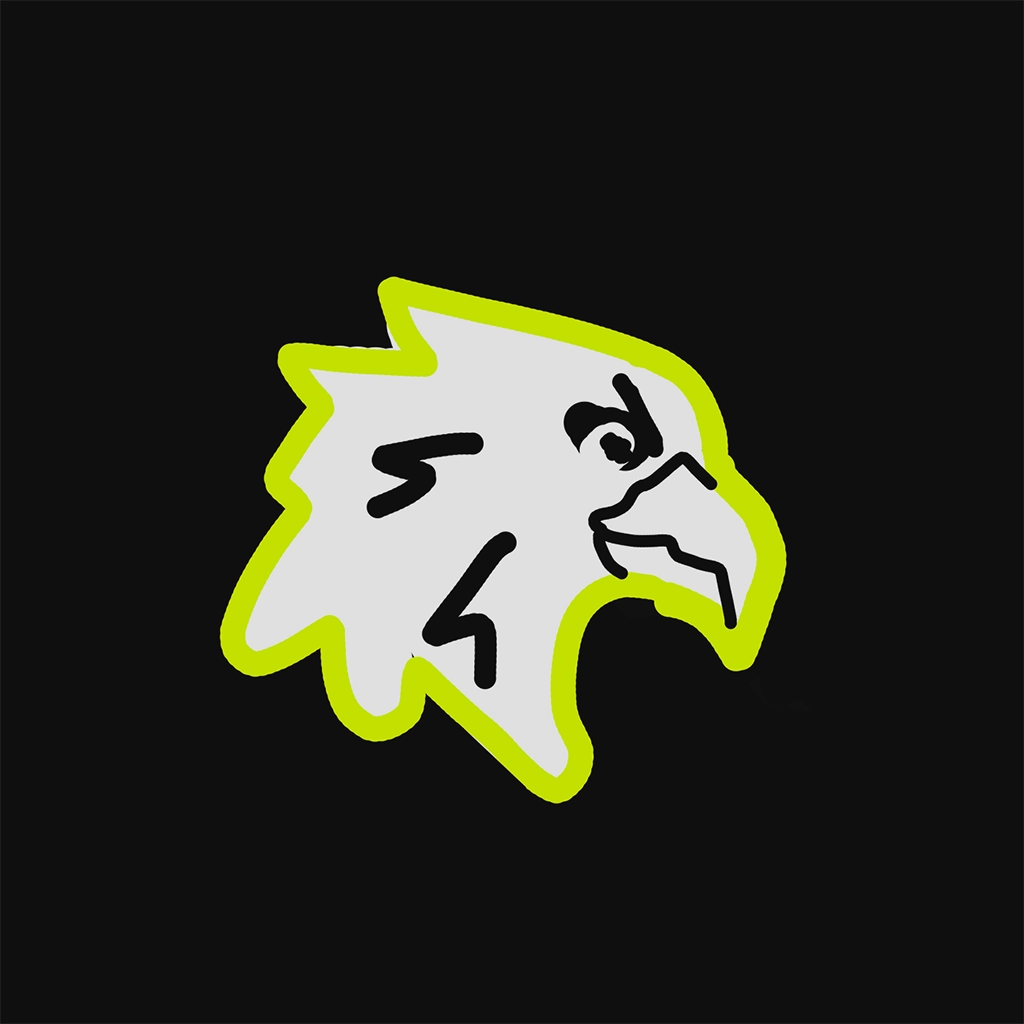
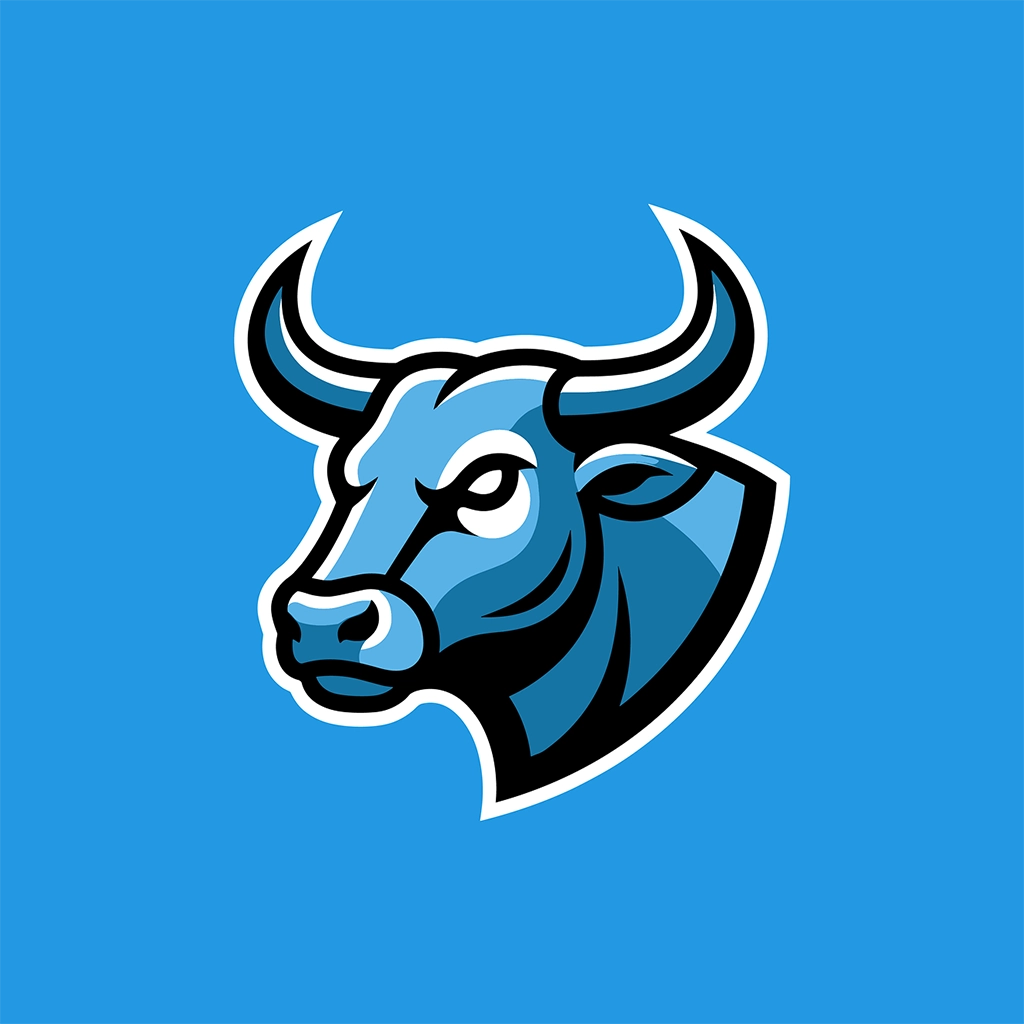
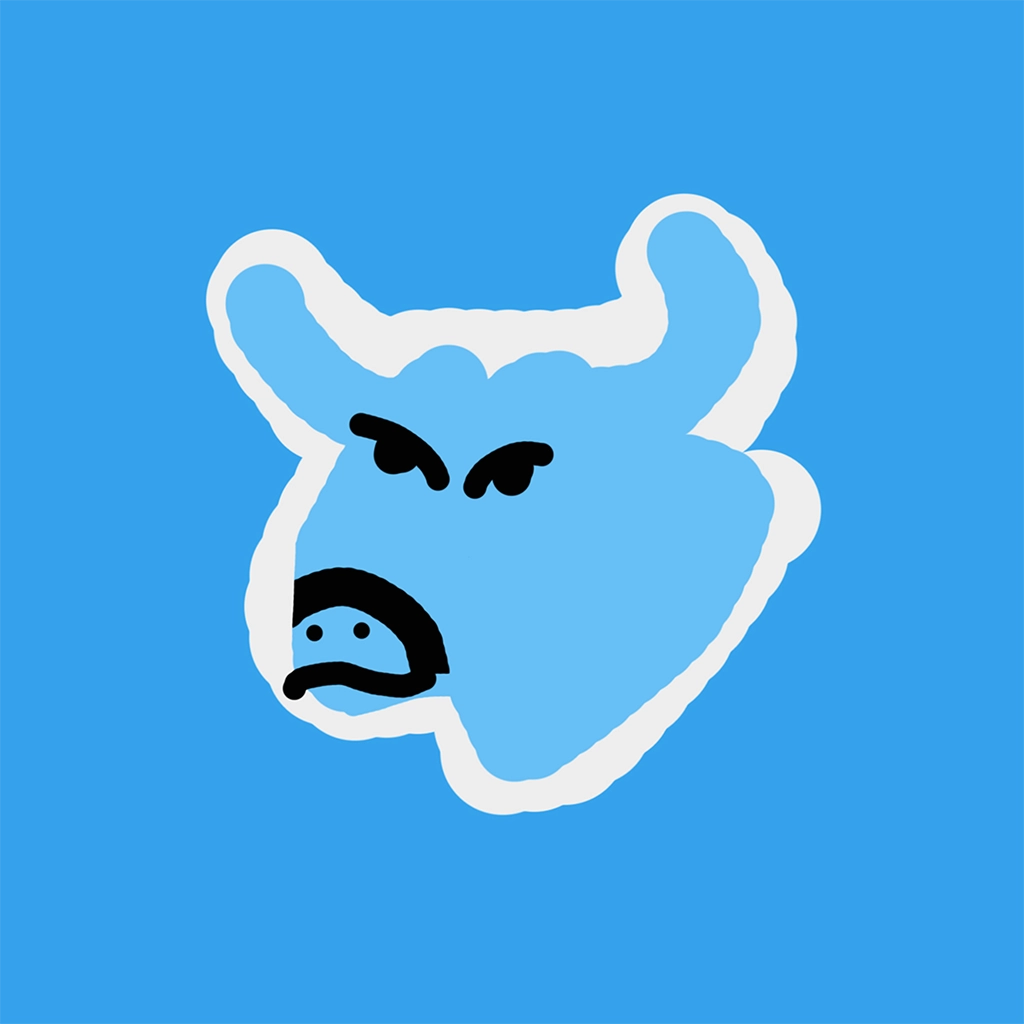
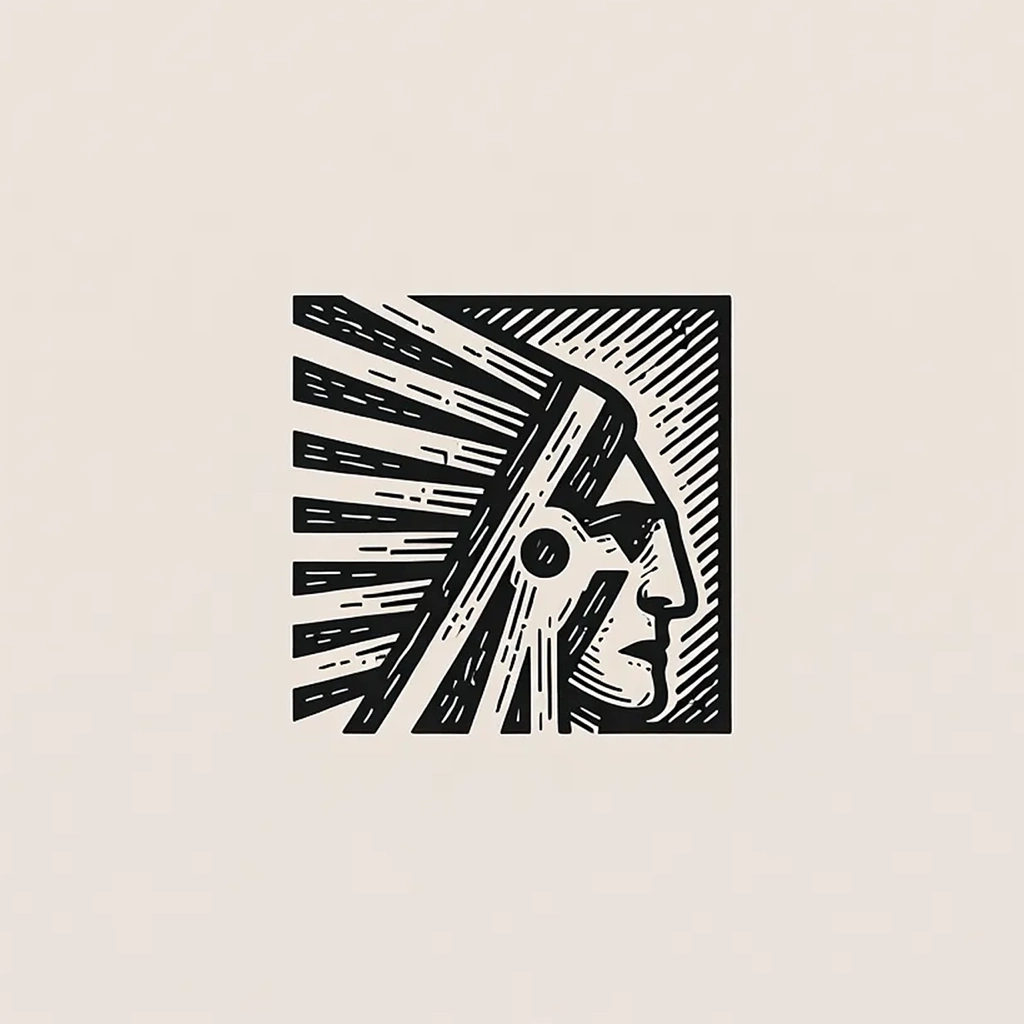
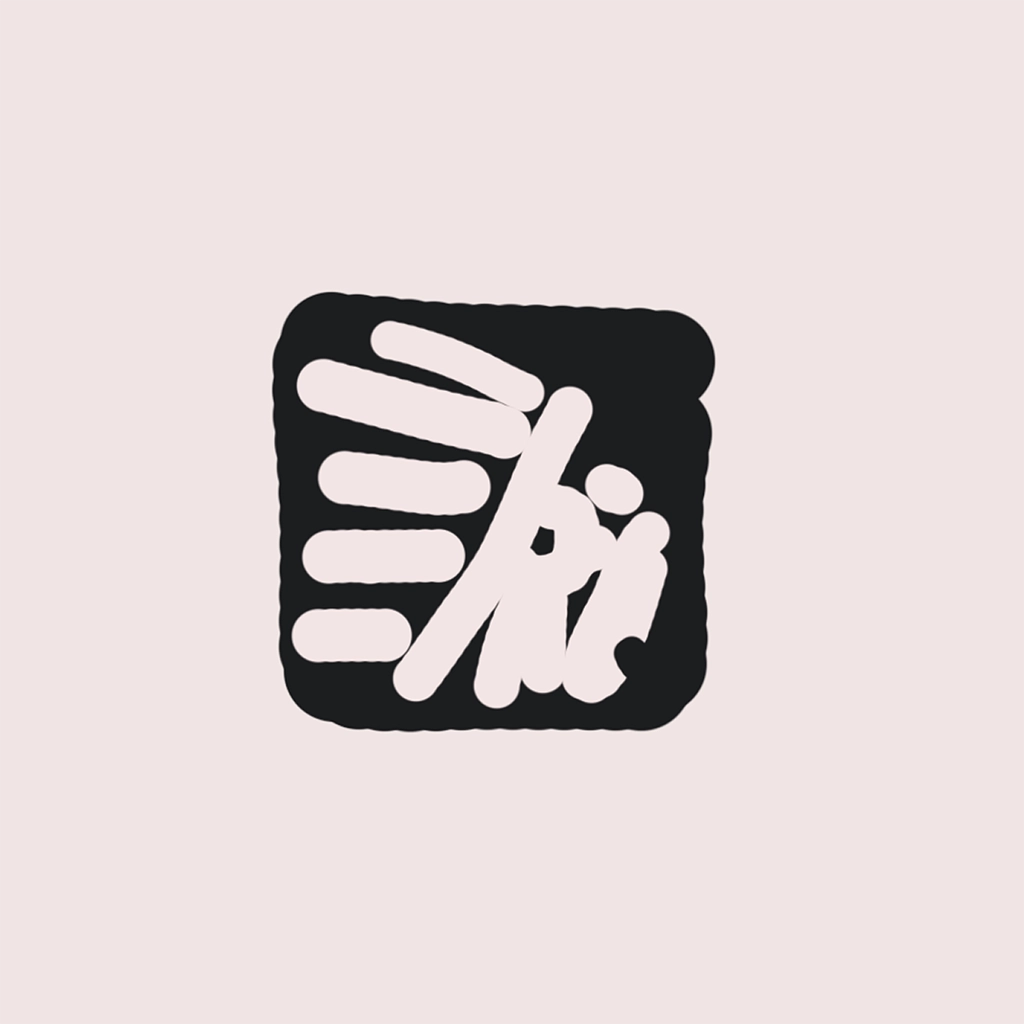
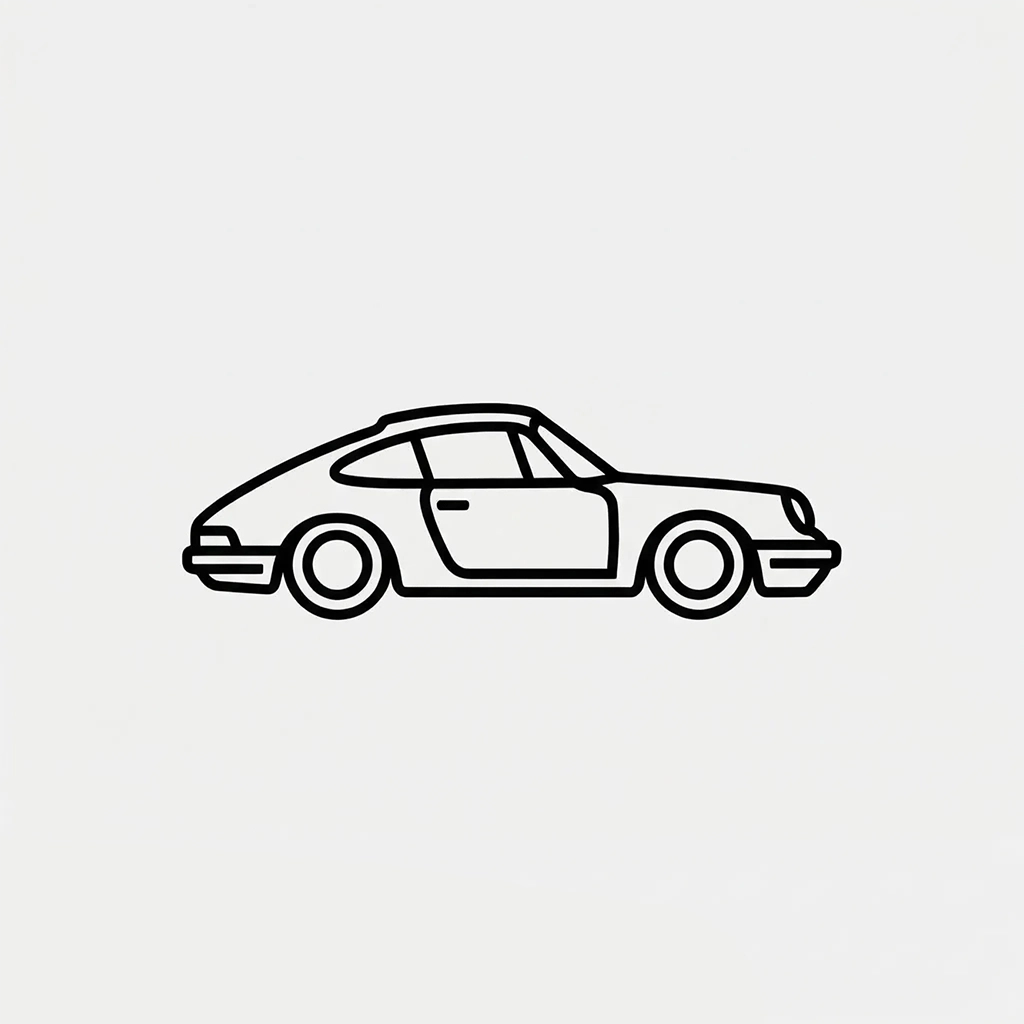
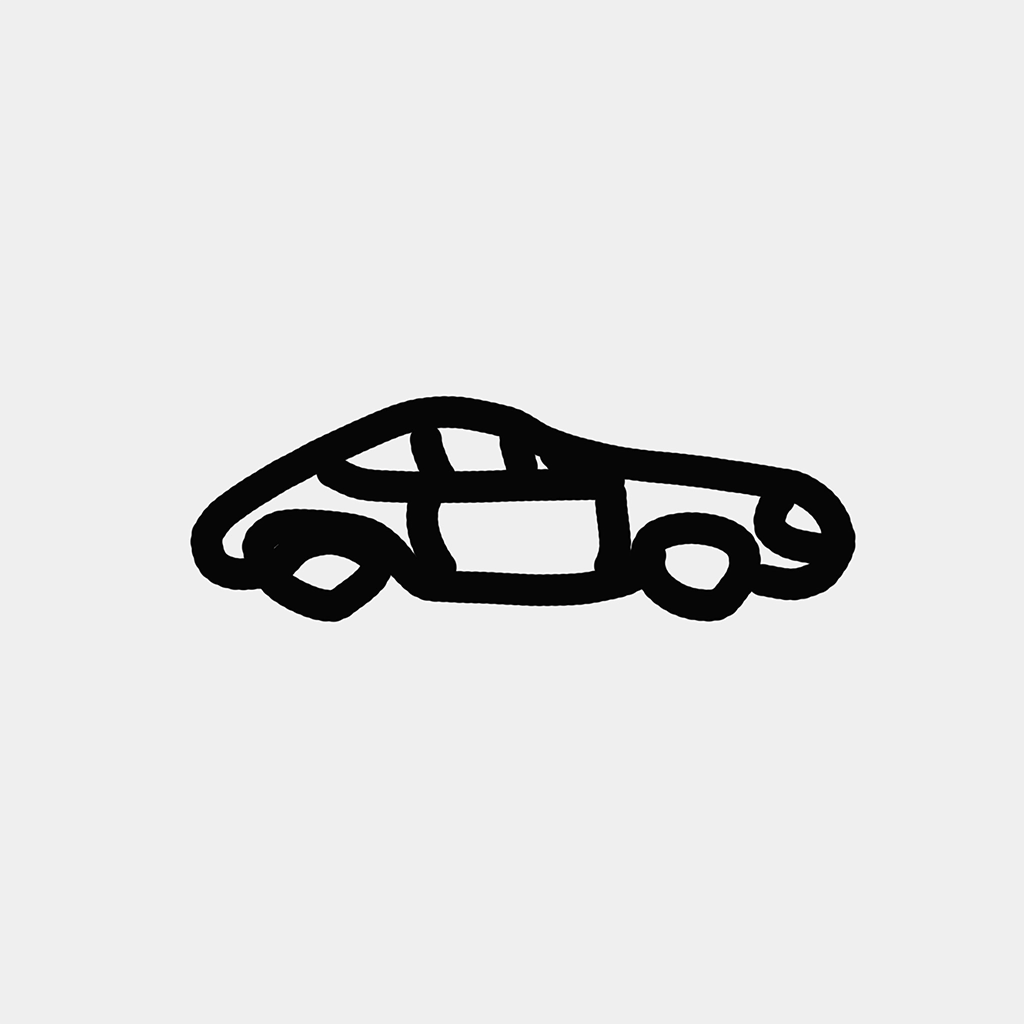
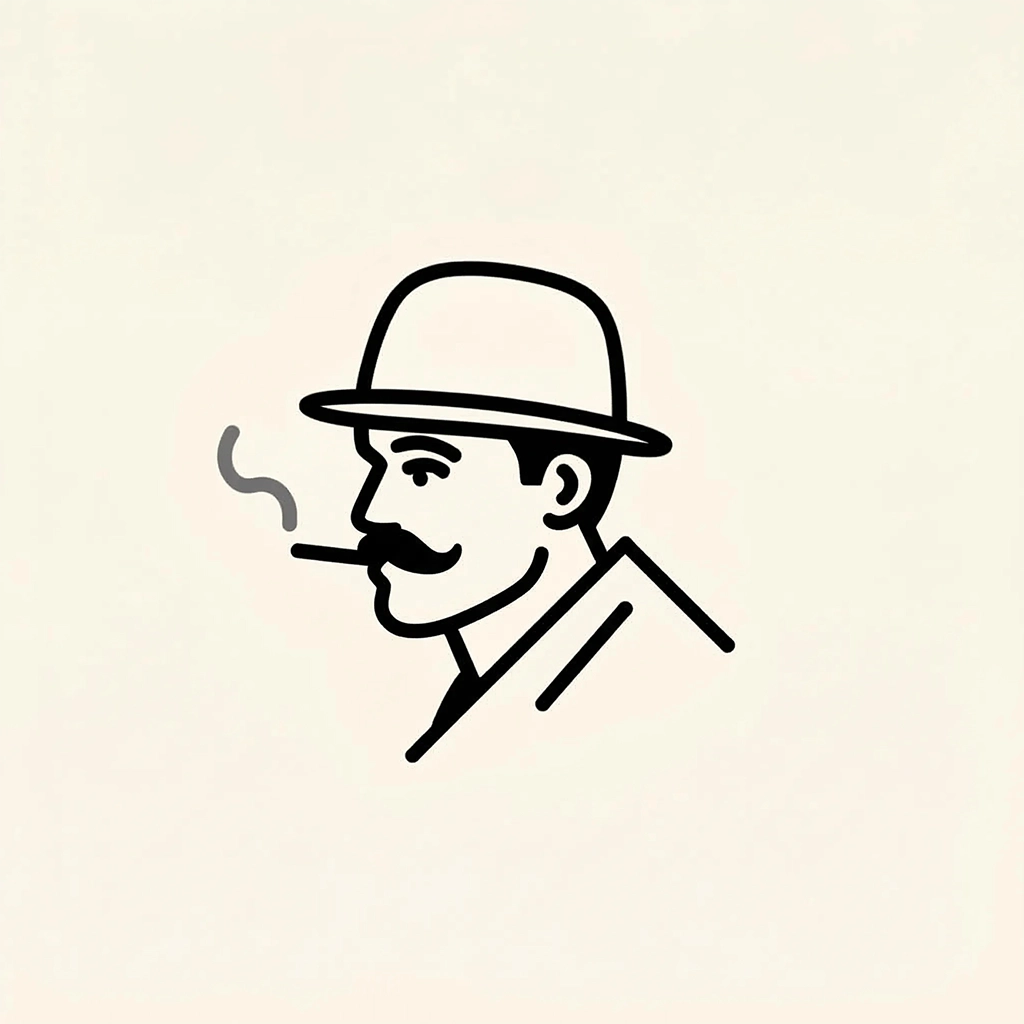
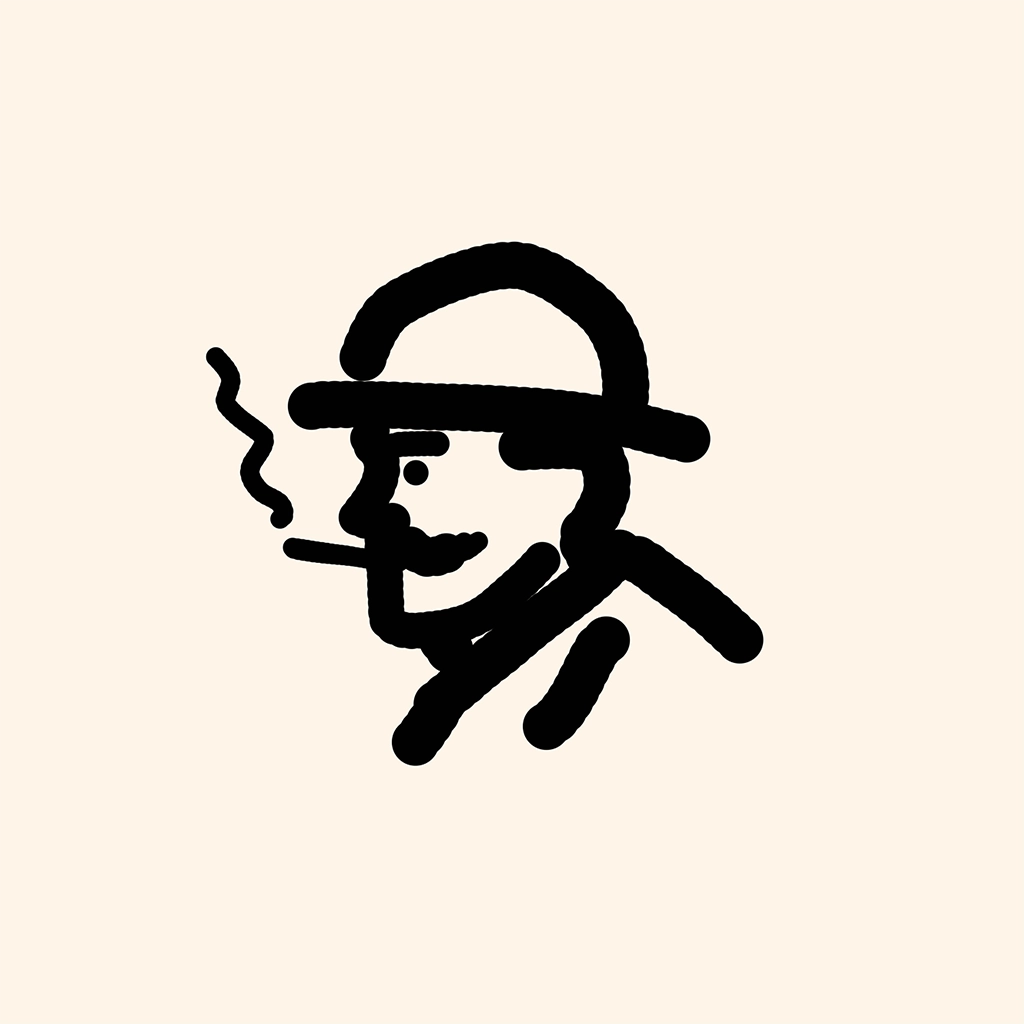
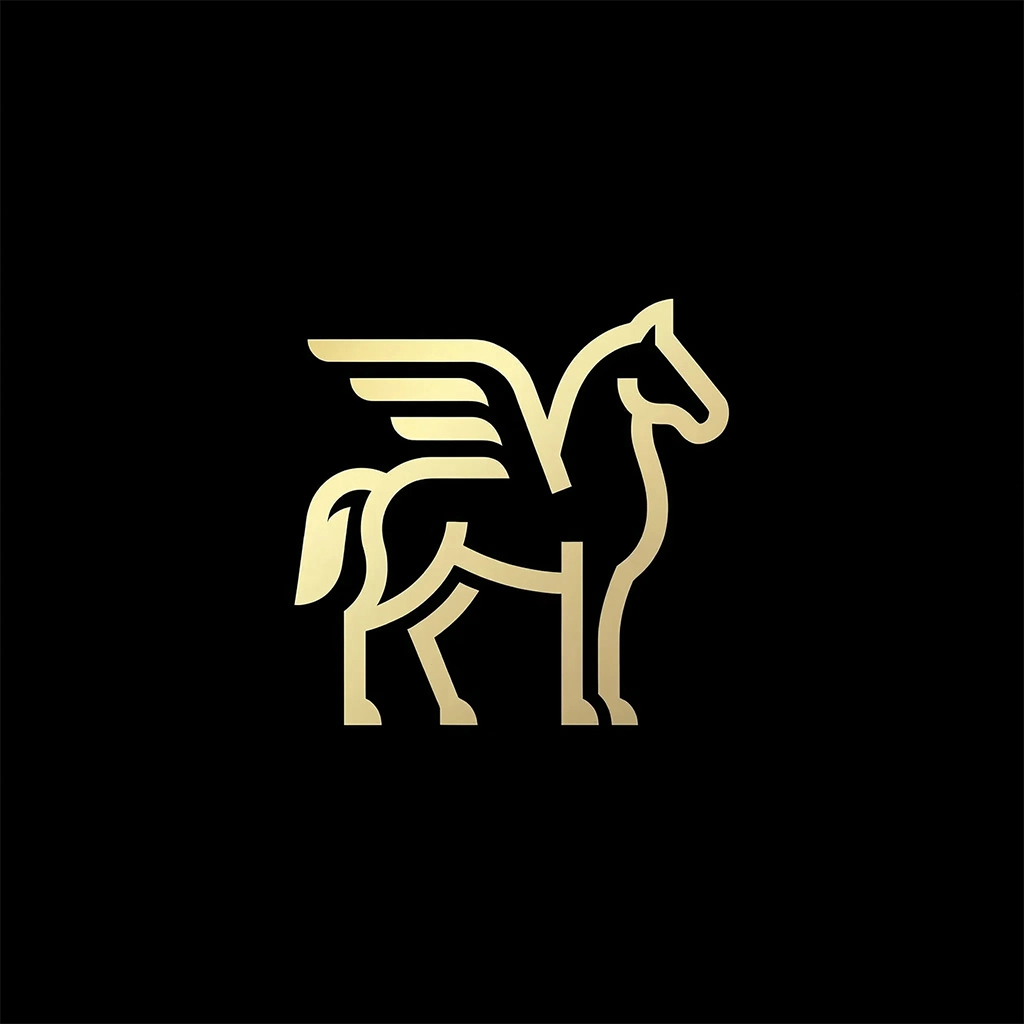
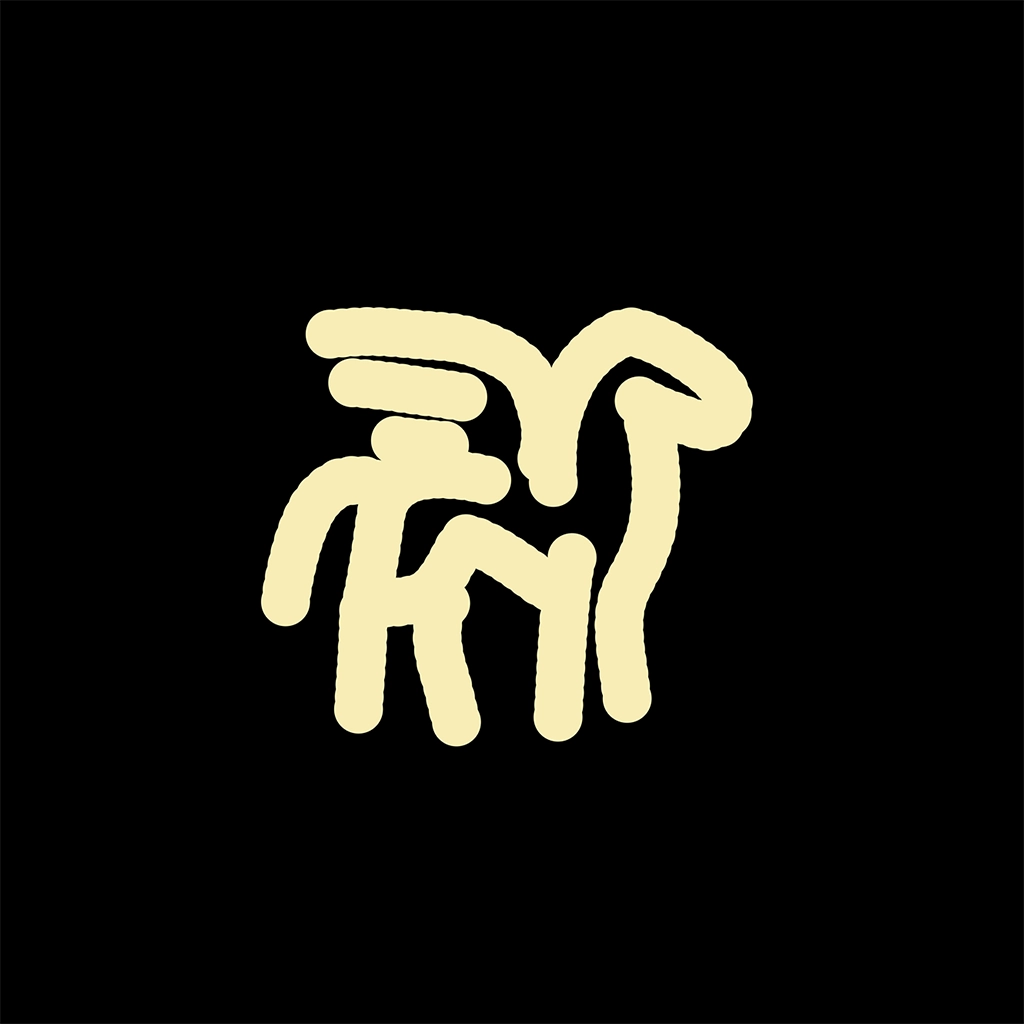
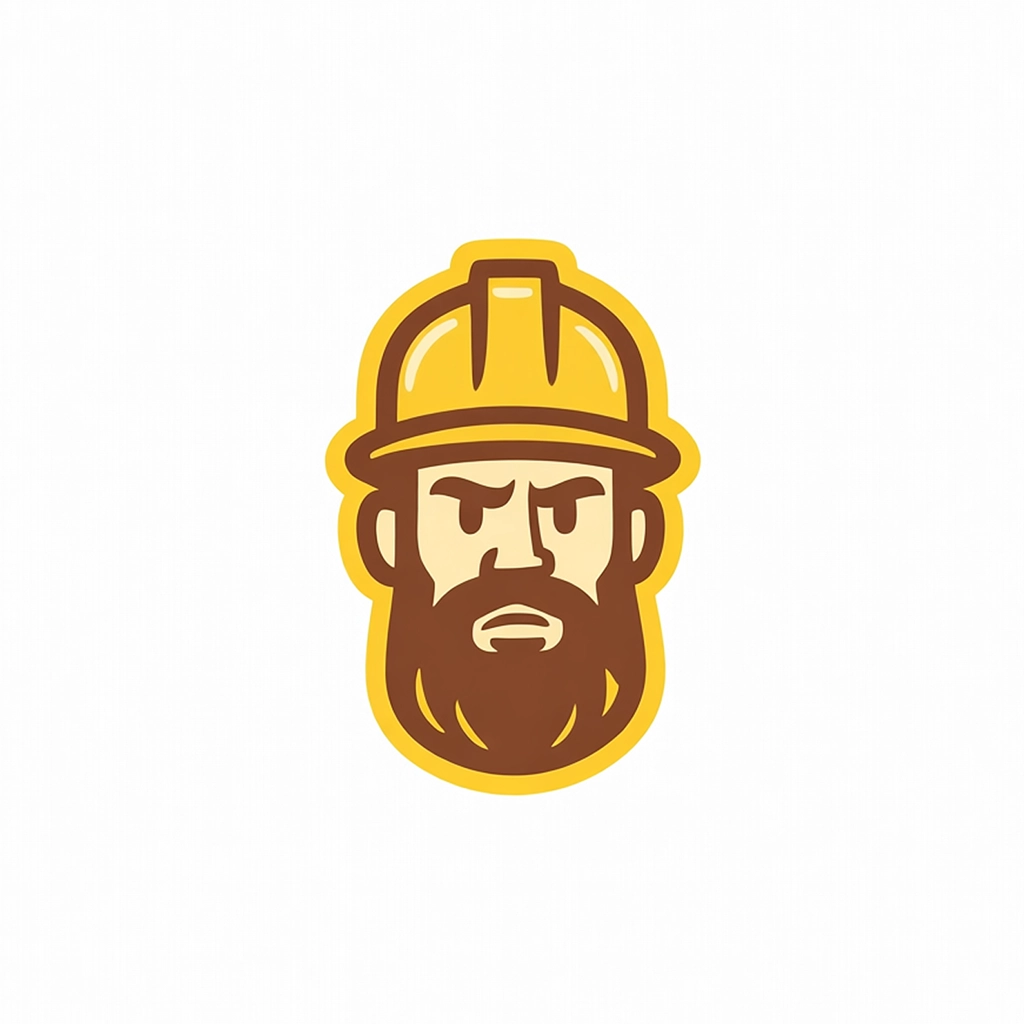
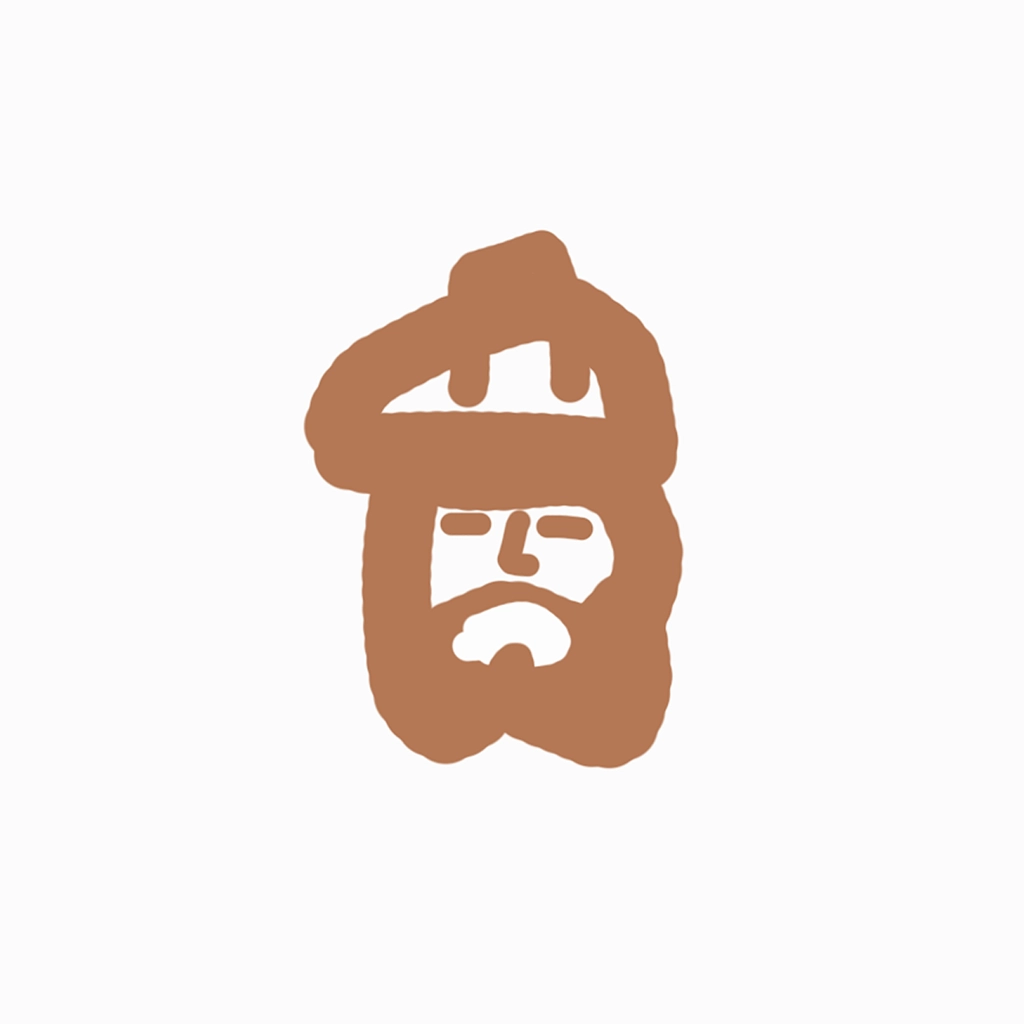
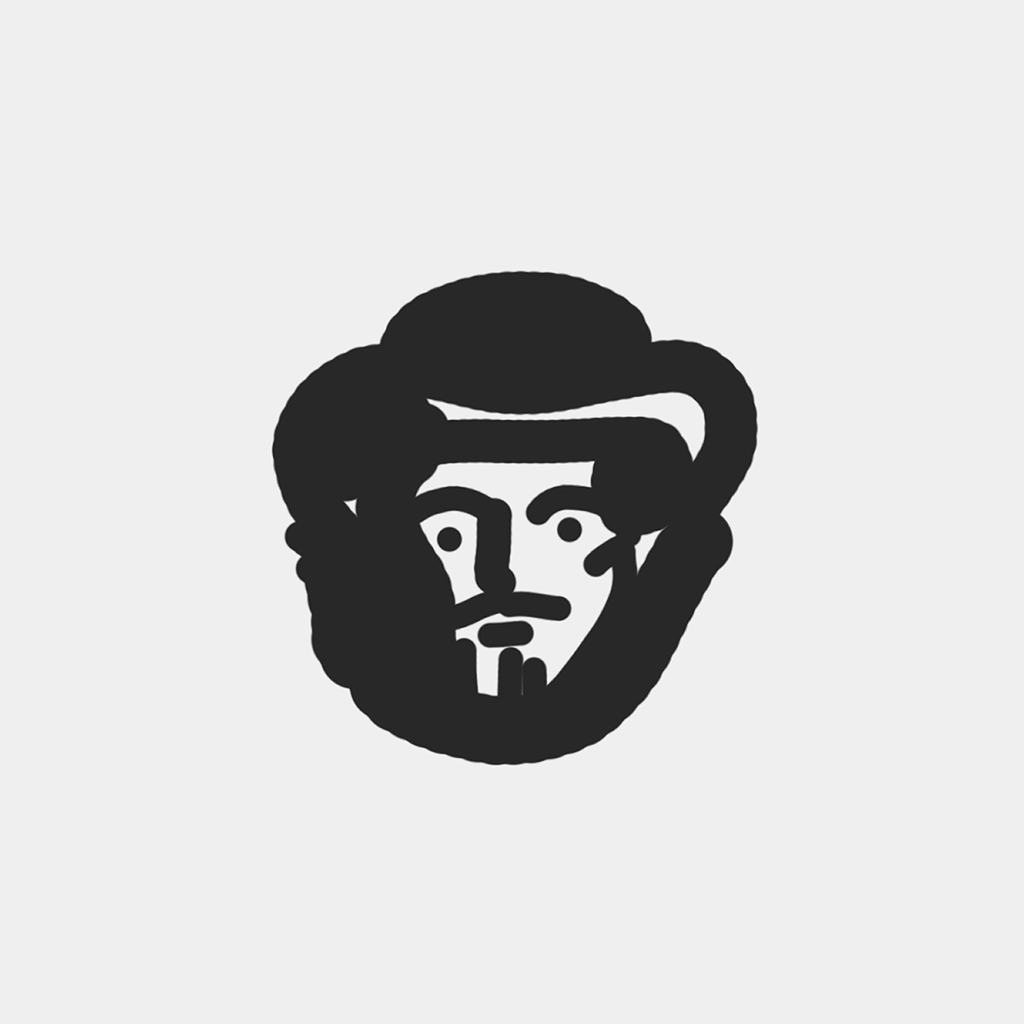
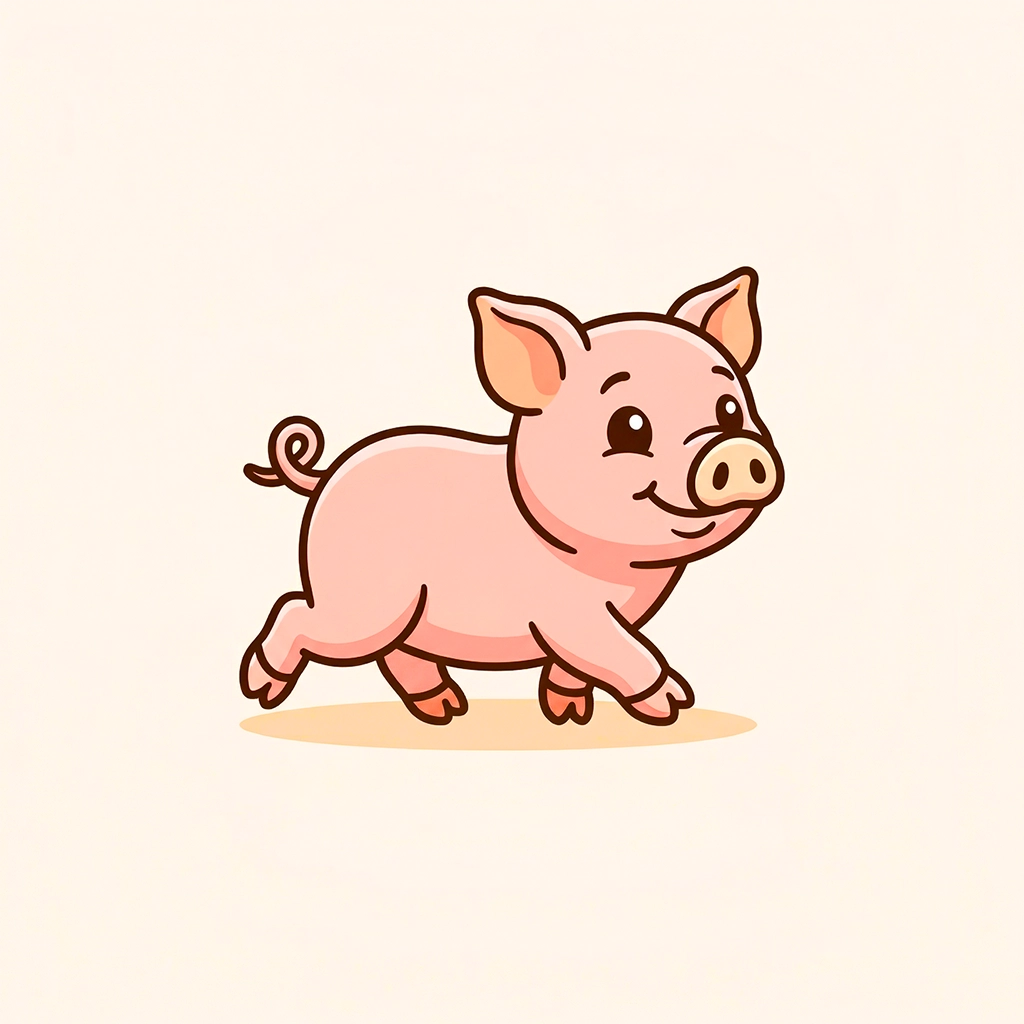
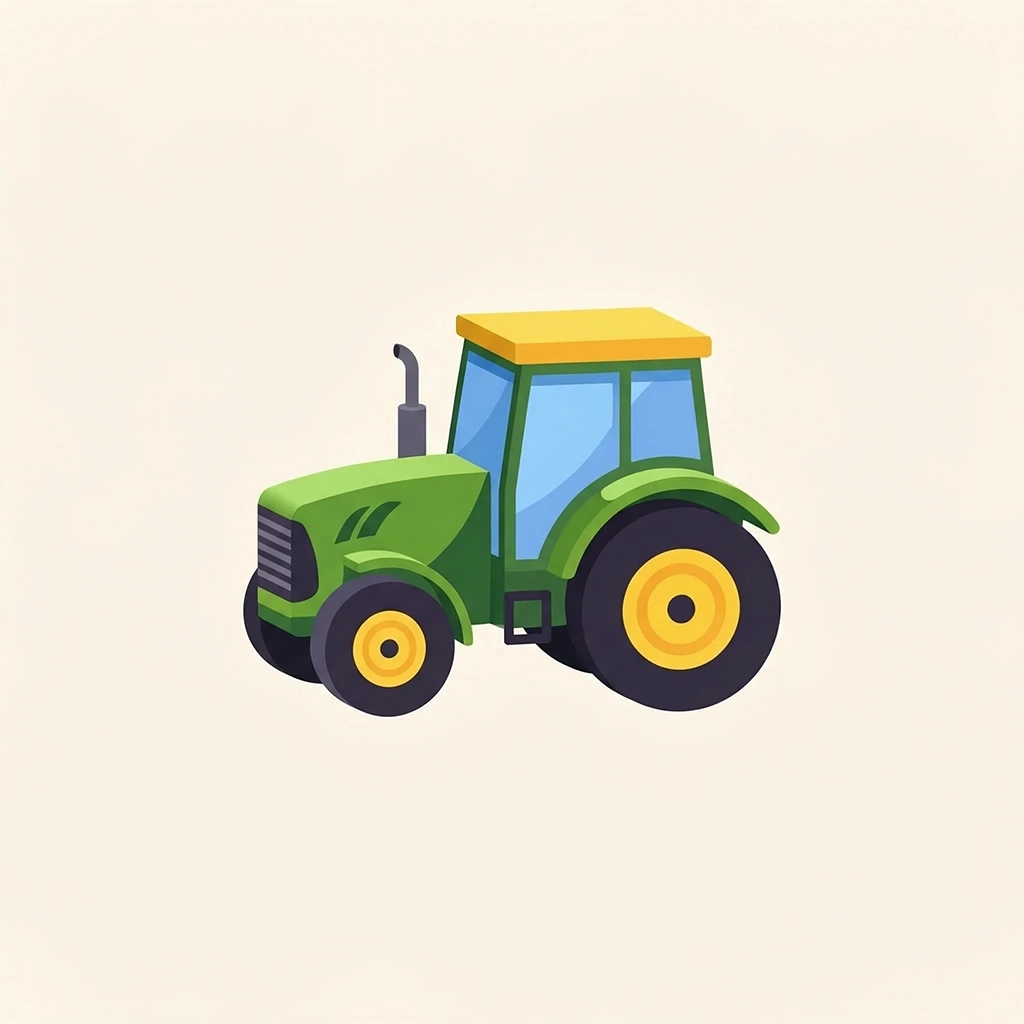
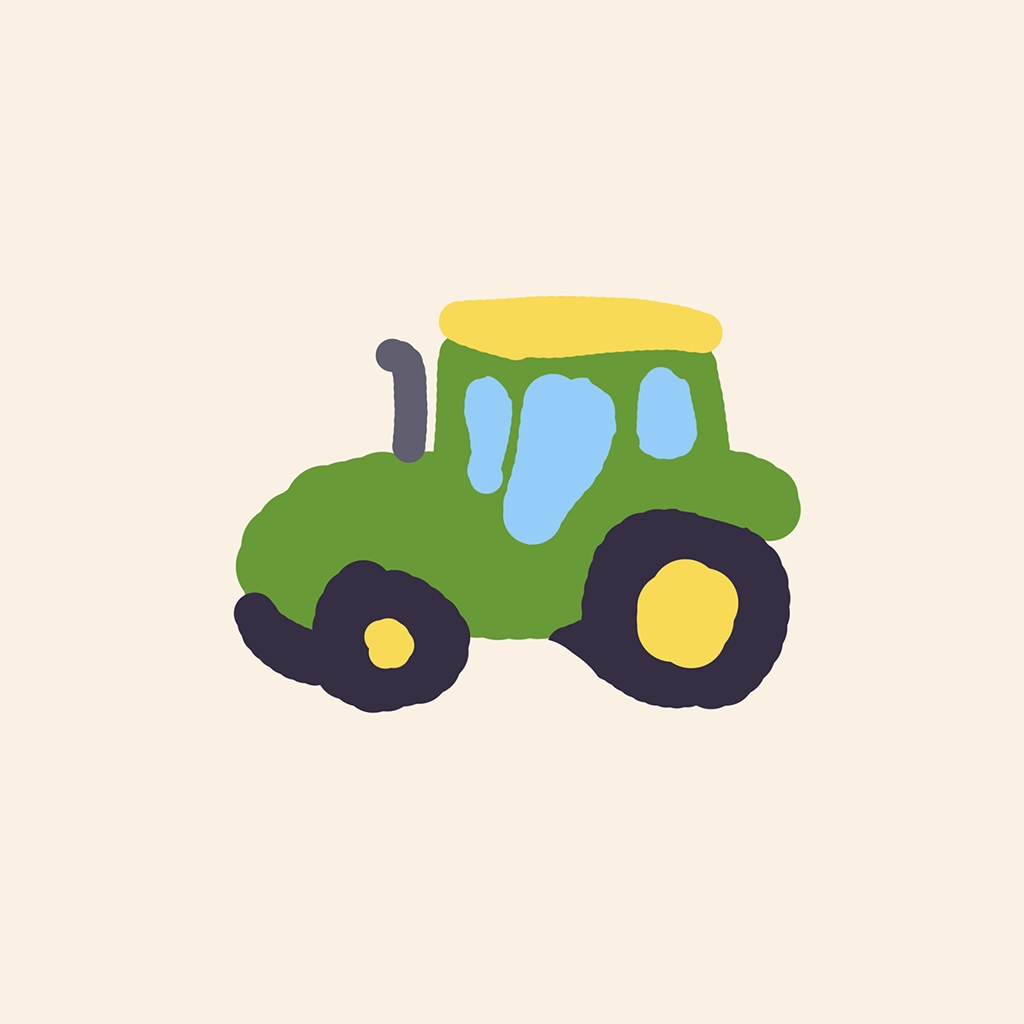
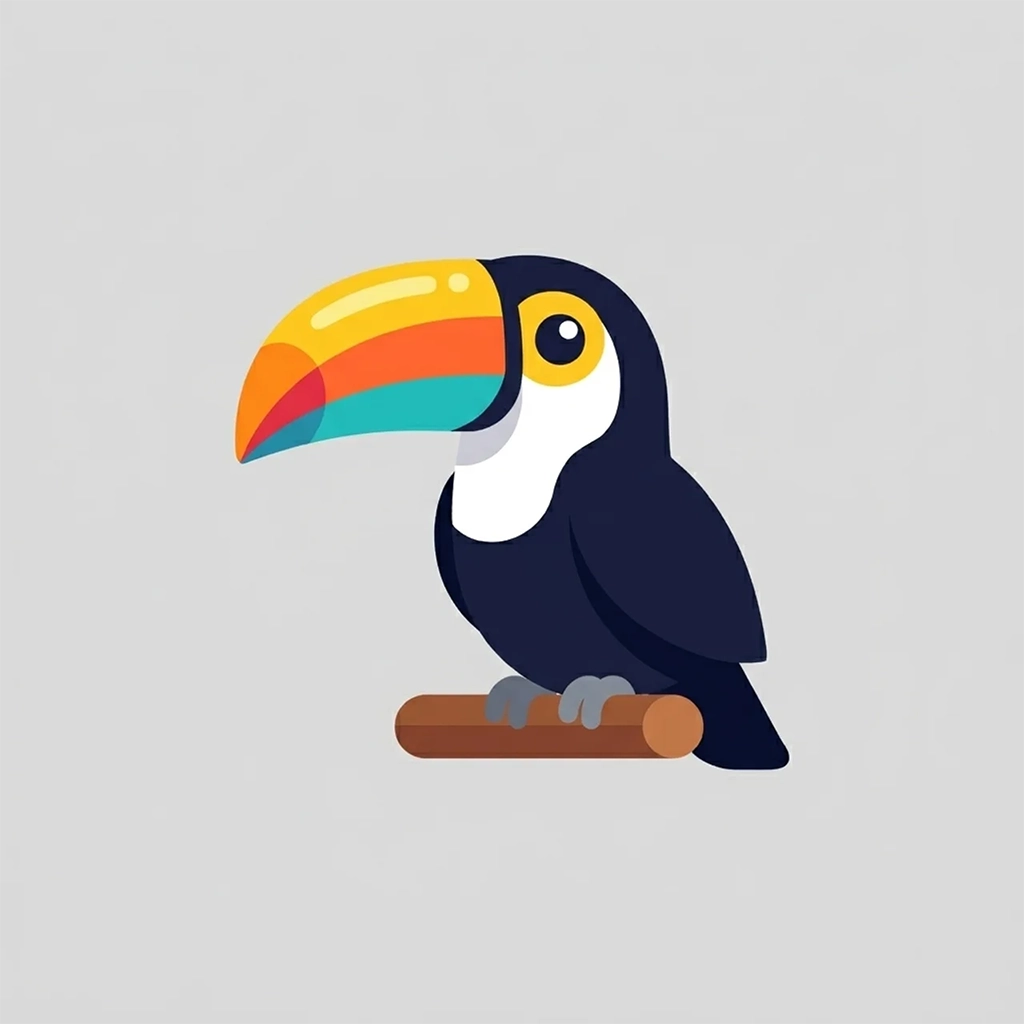
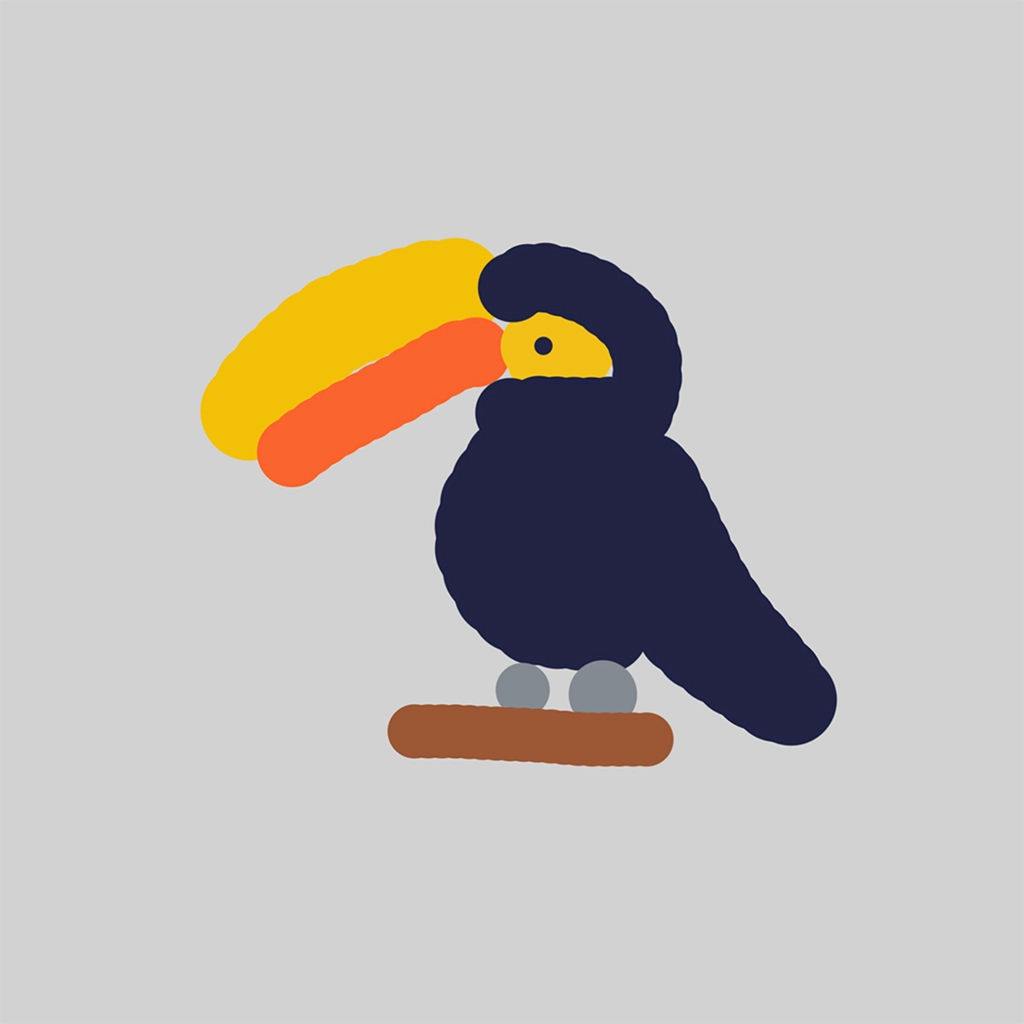
Sketch To Logo
Start with a sketch, AI handles the rest.

Step 1
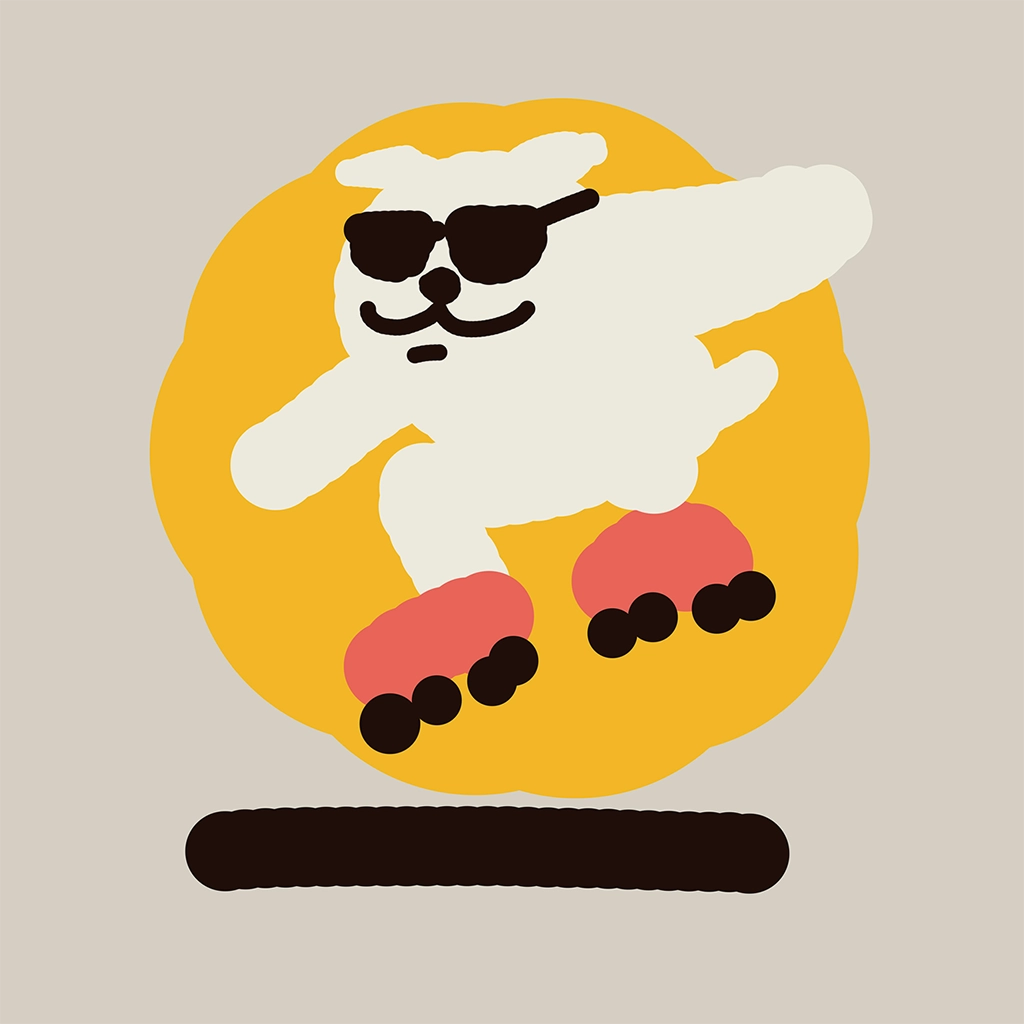
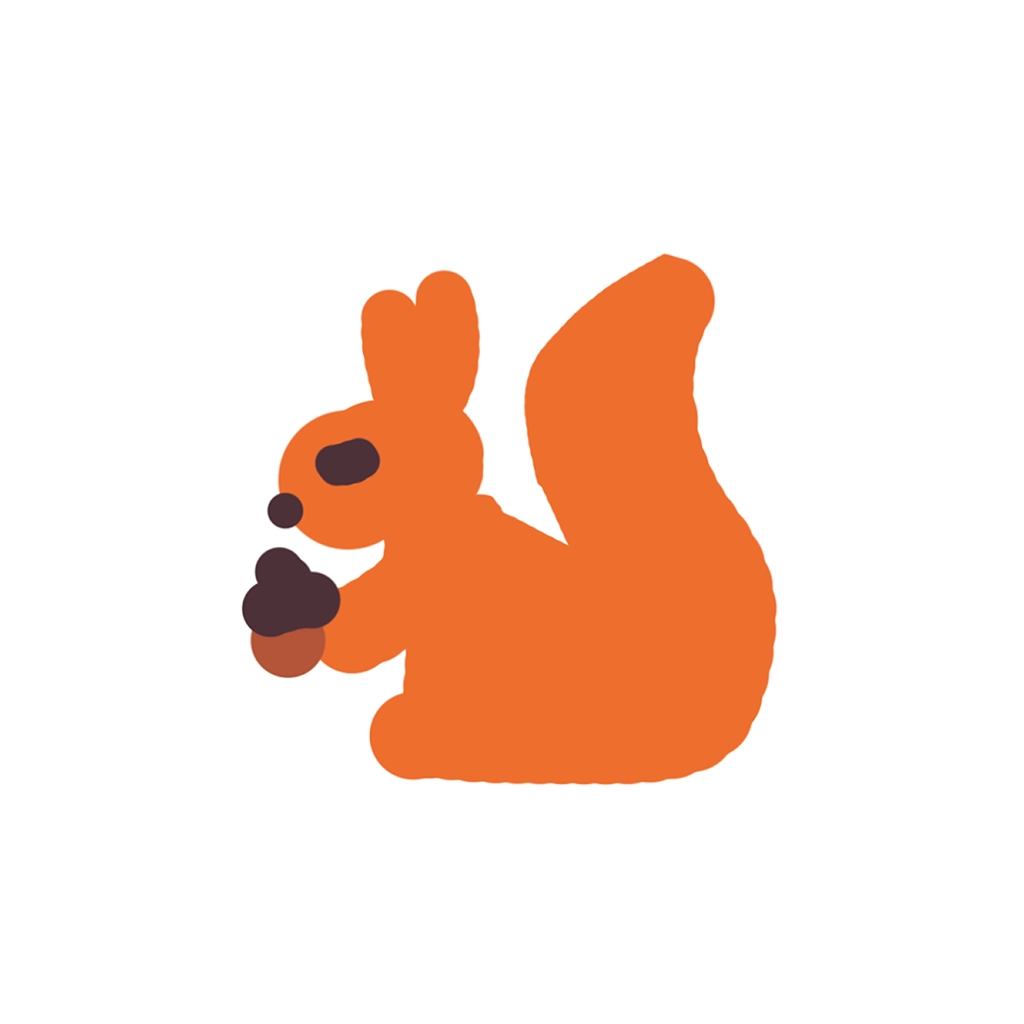
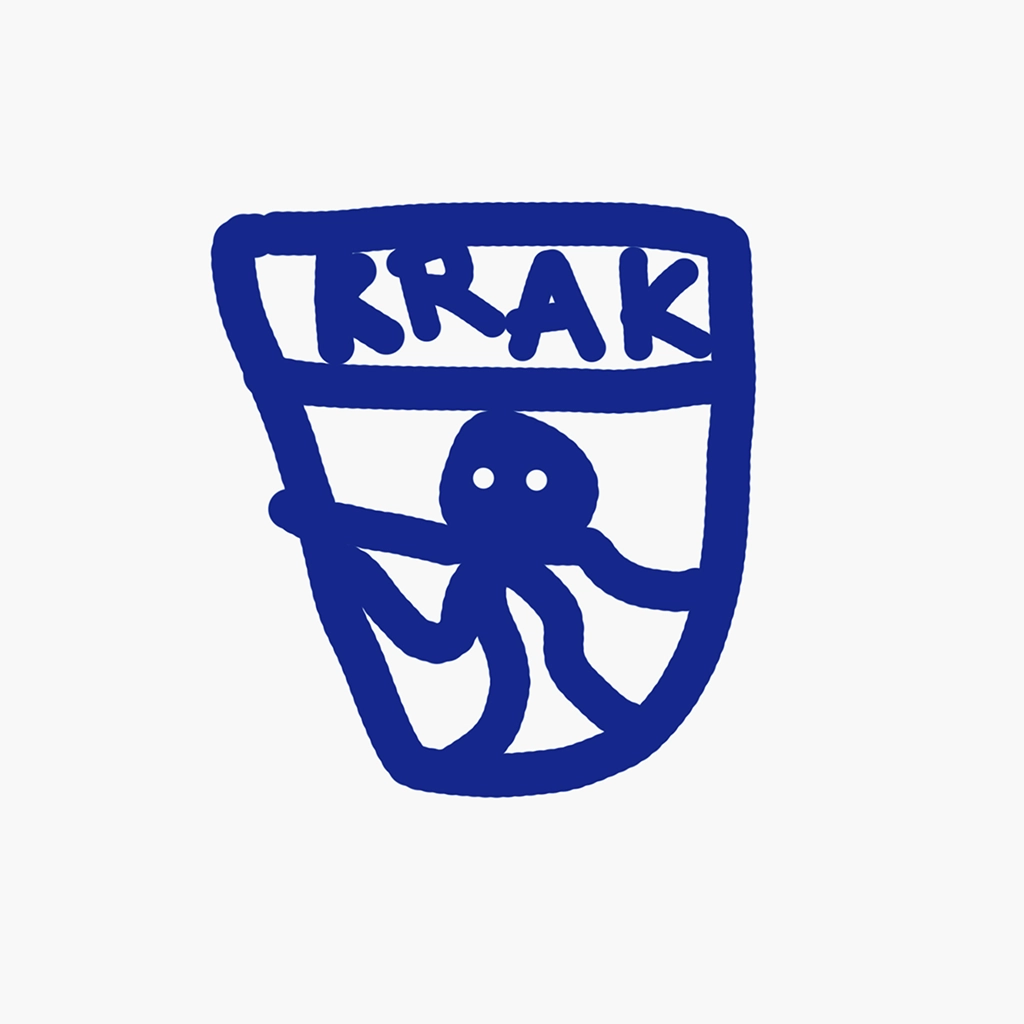
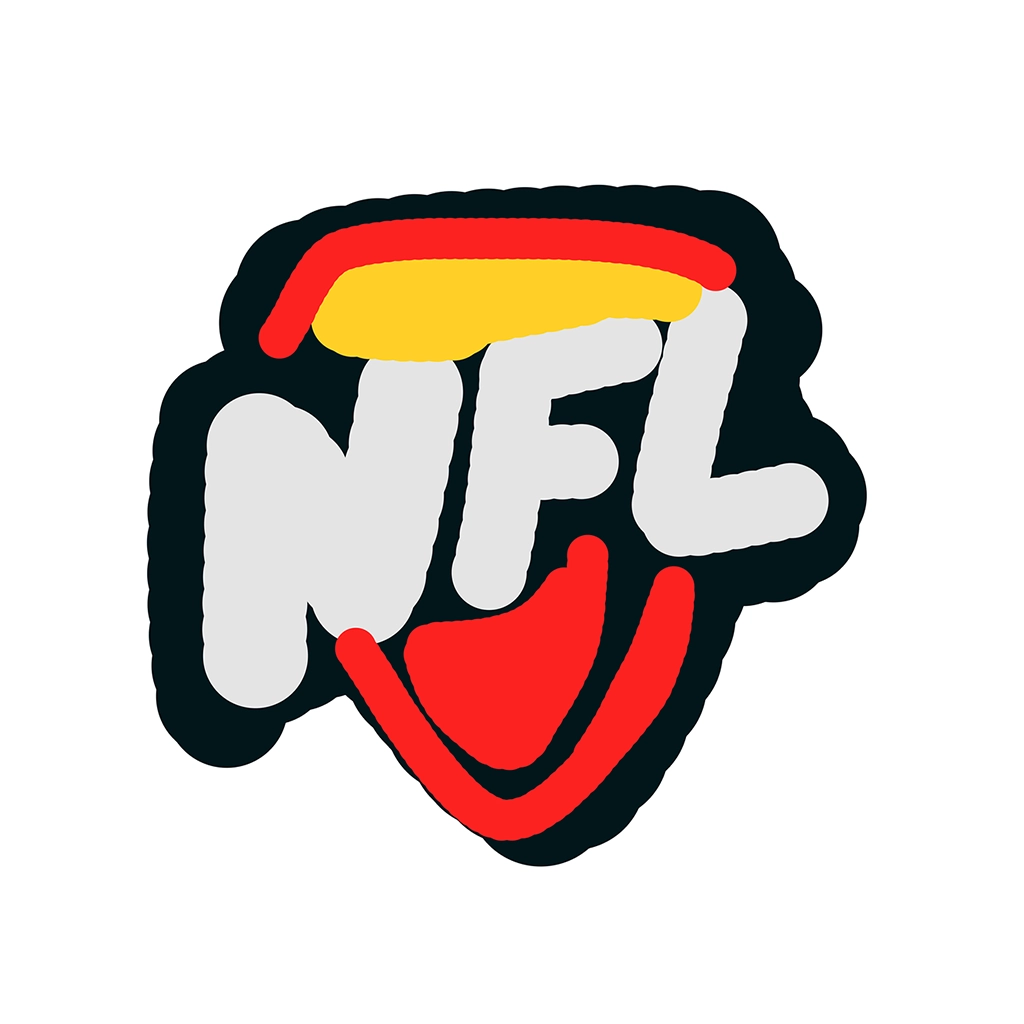
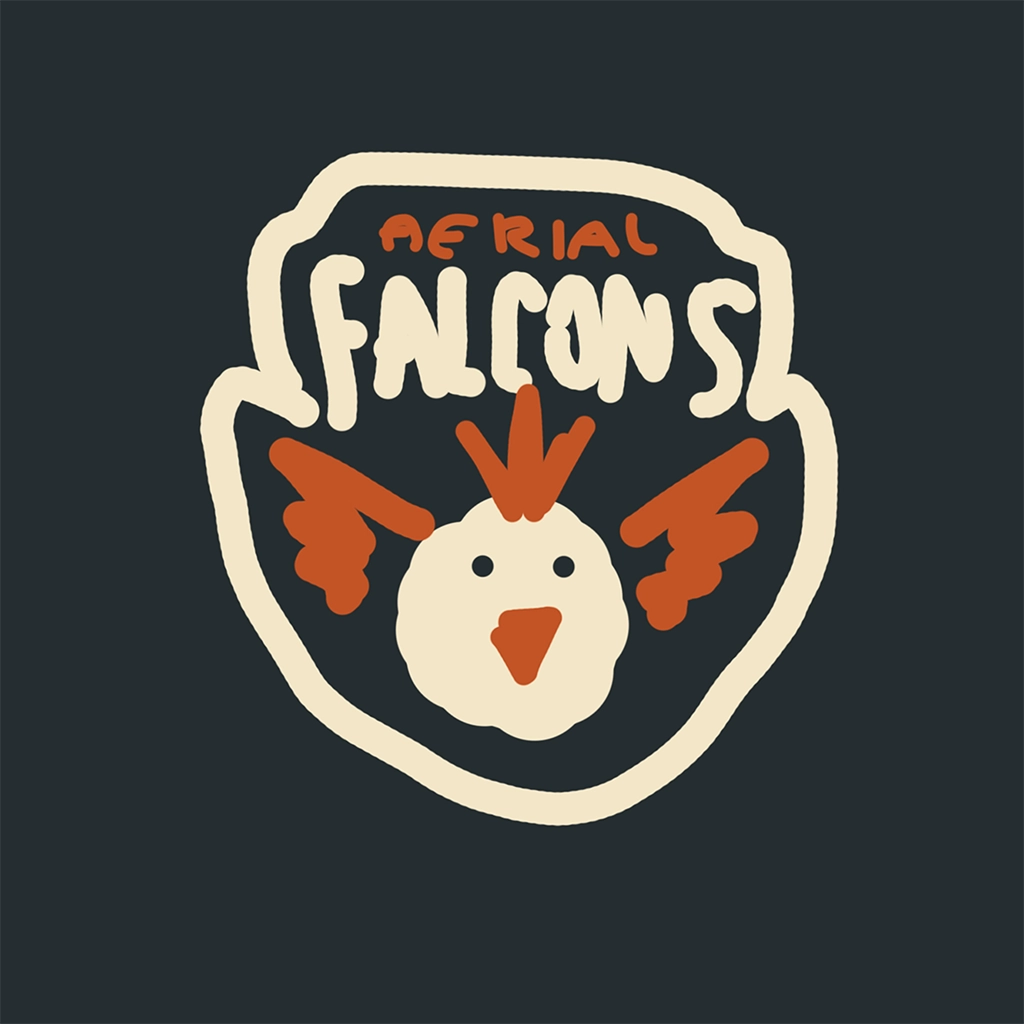
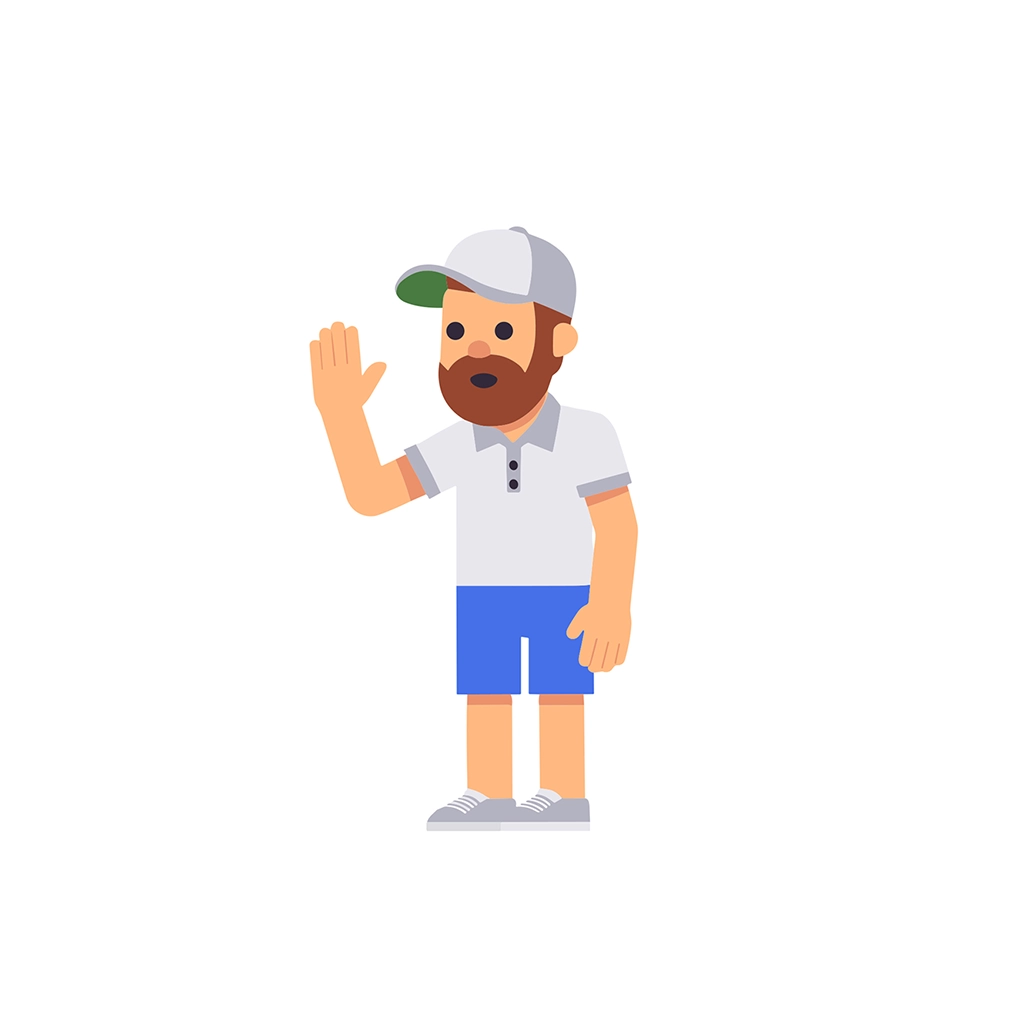
Sketch in the editor
Draw your idea directly on the canvas.

Step 2
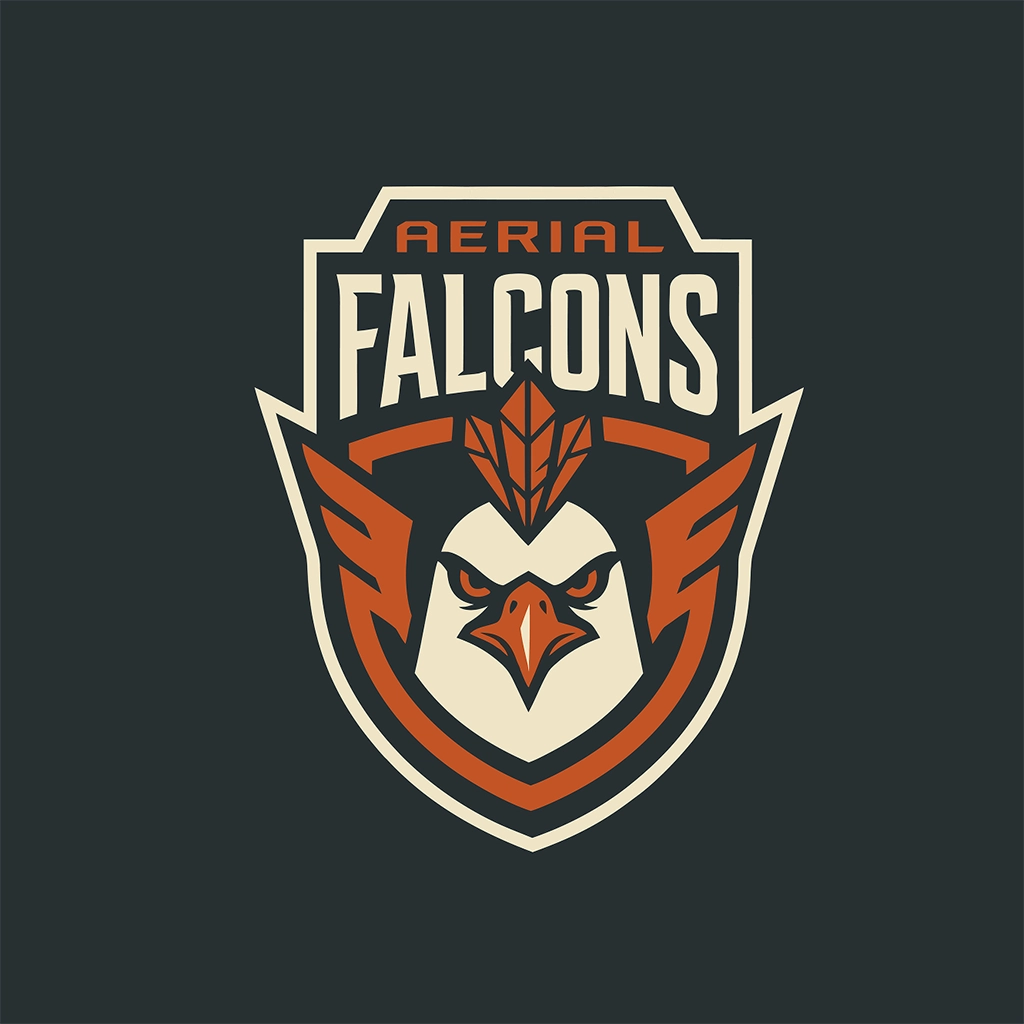
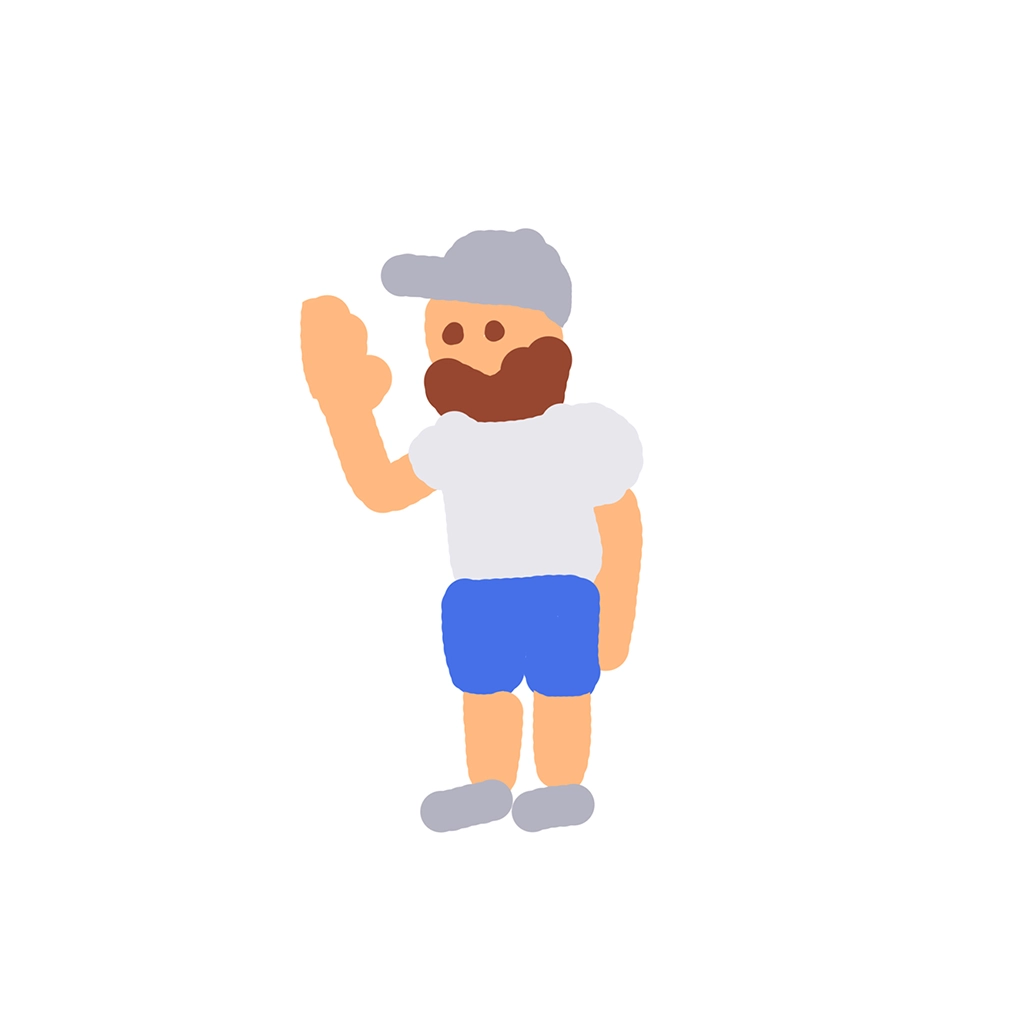
Generate with AI
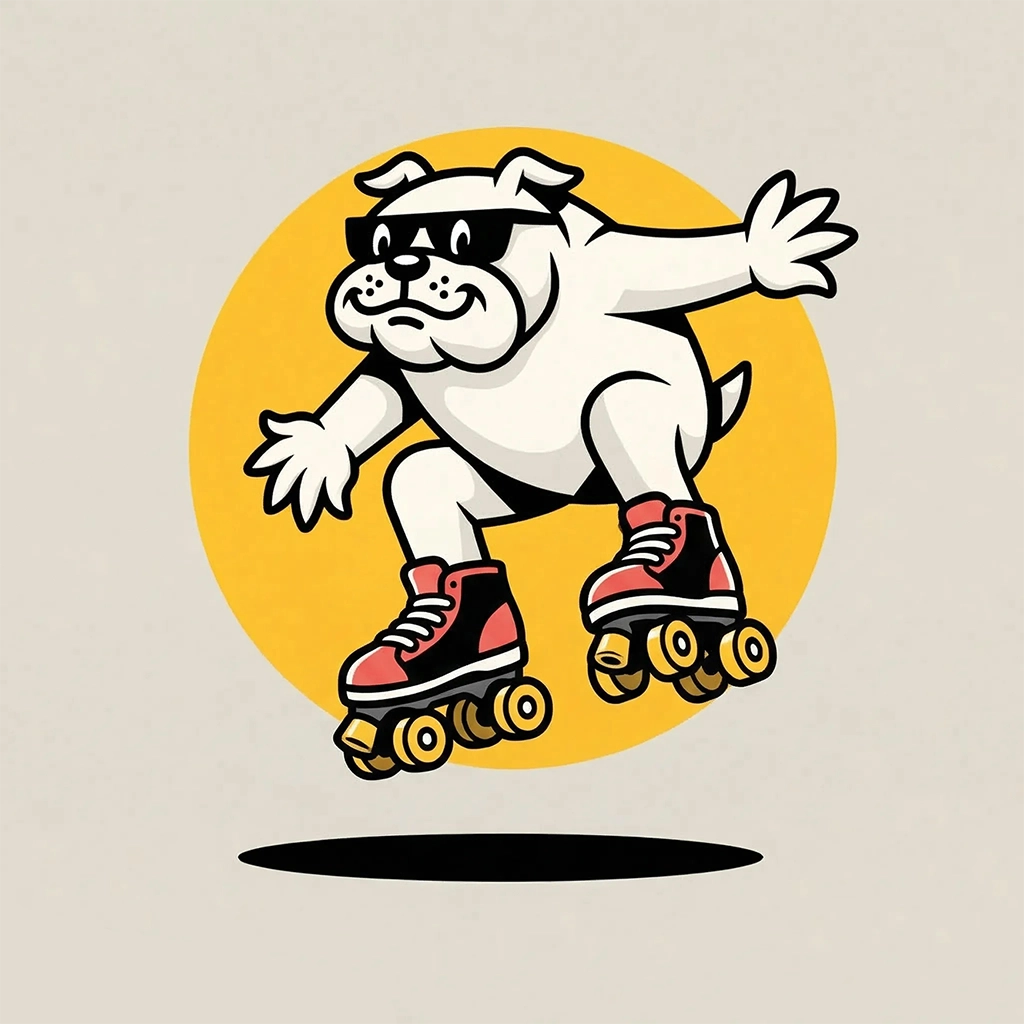
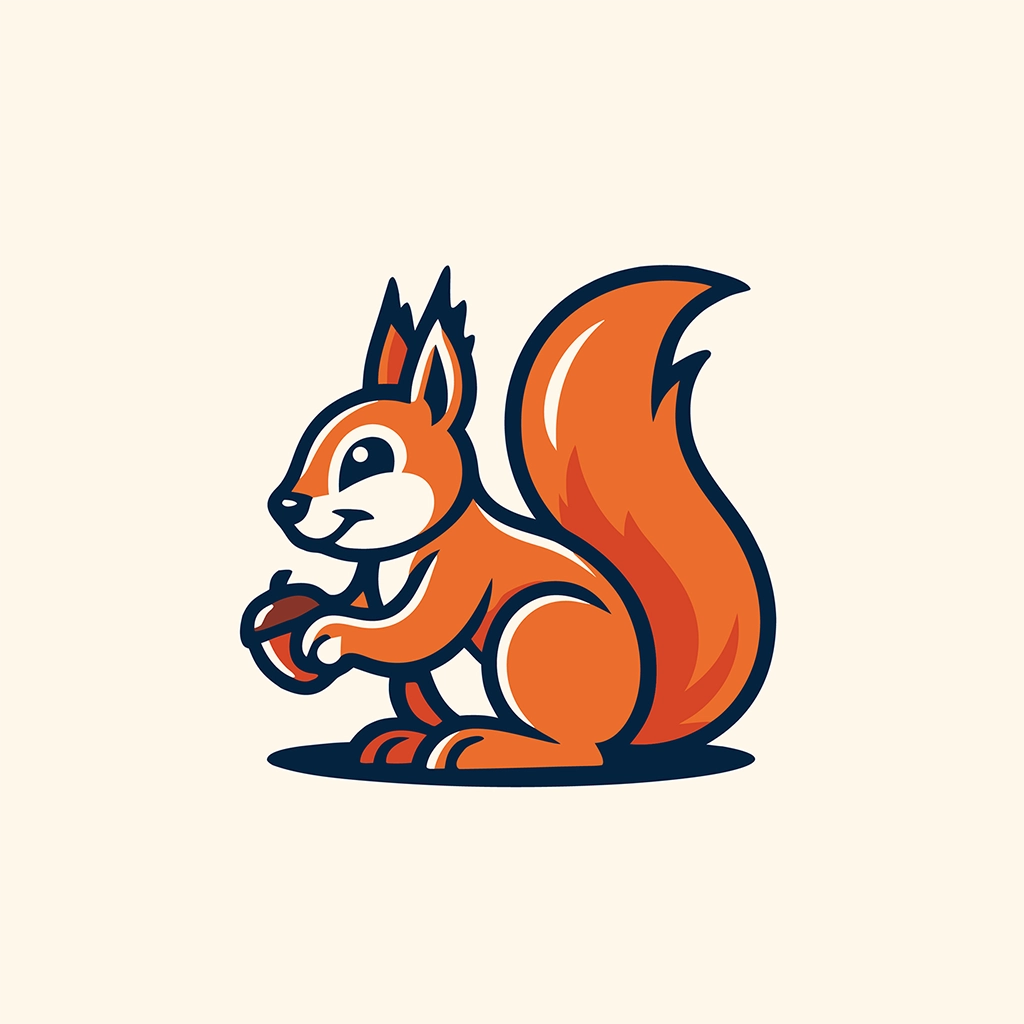
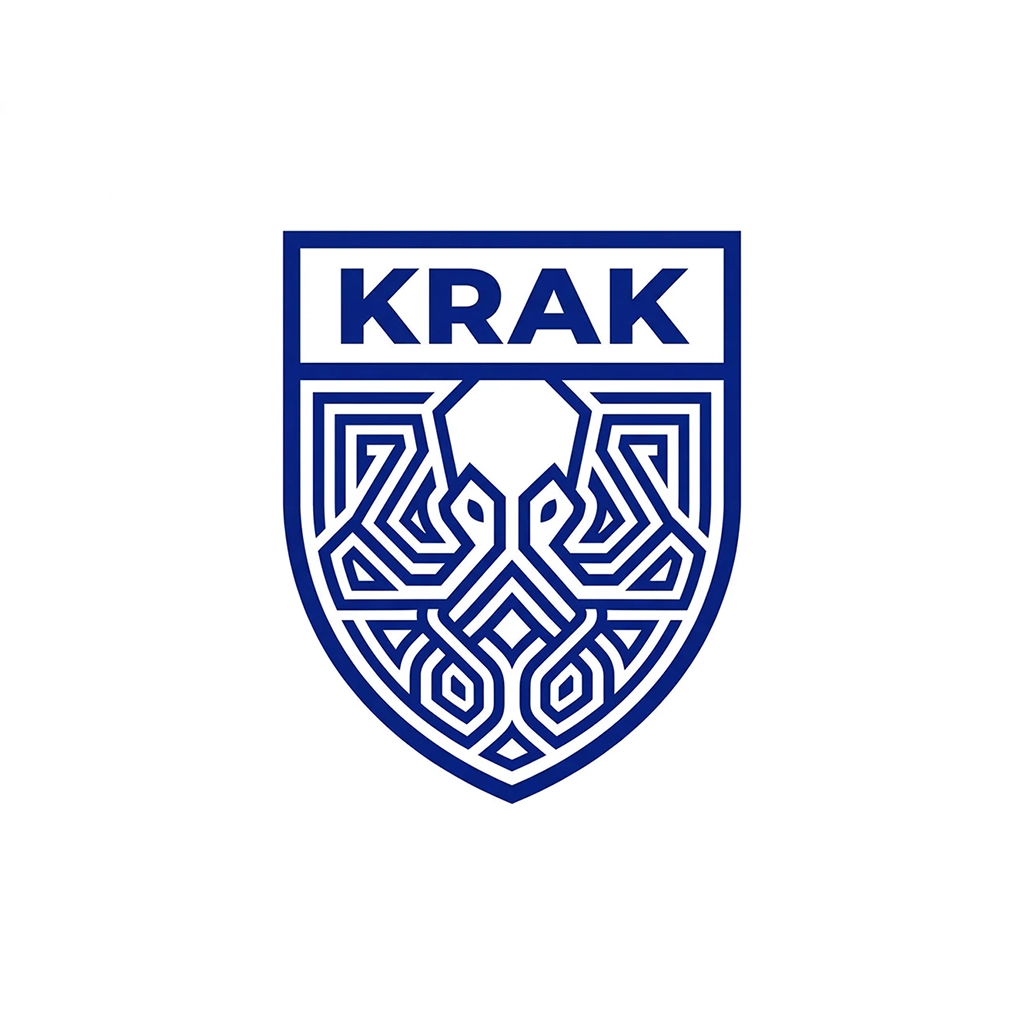
AI turns your sketch into multiple logo options.

Step 3
Choose & refine
Pick a logo and fine-tune the details.
Try Sketch to Logo


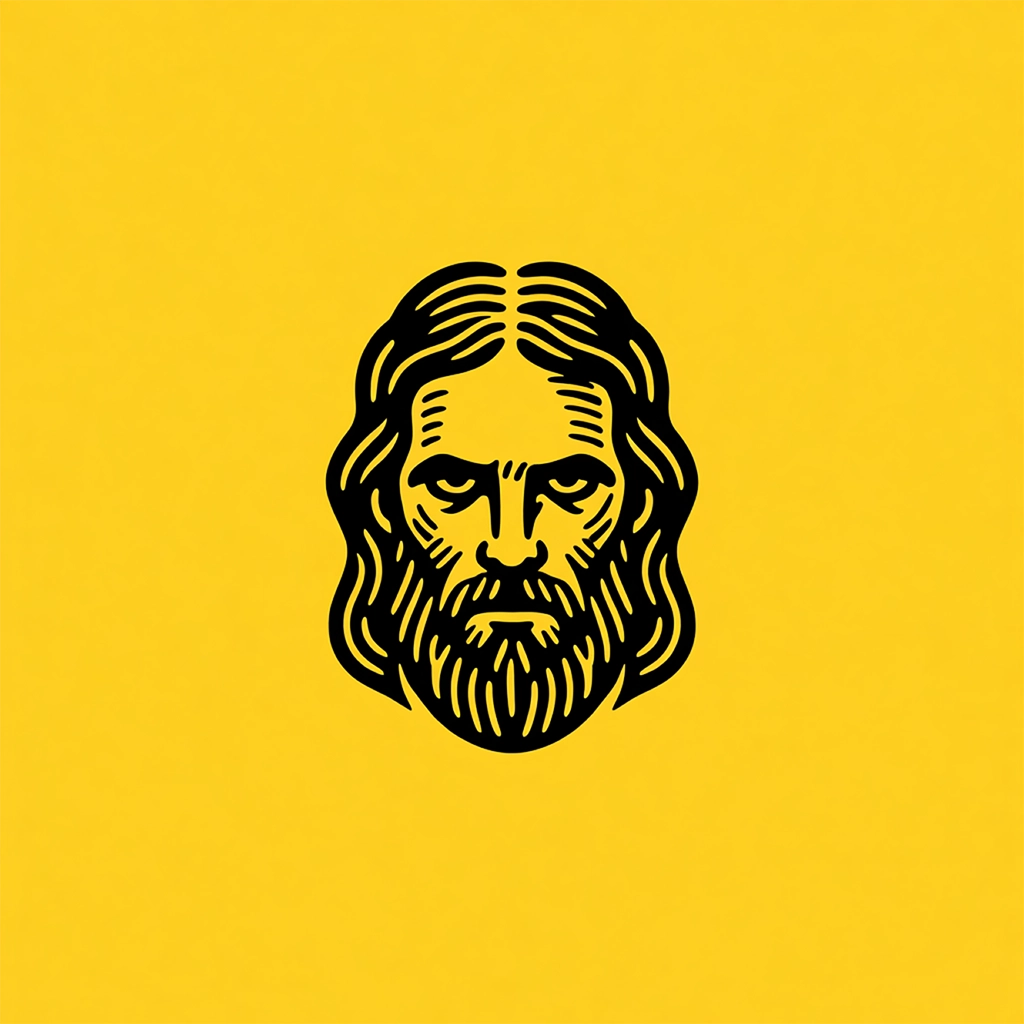
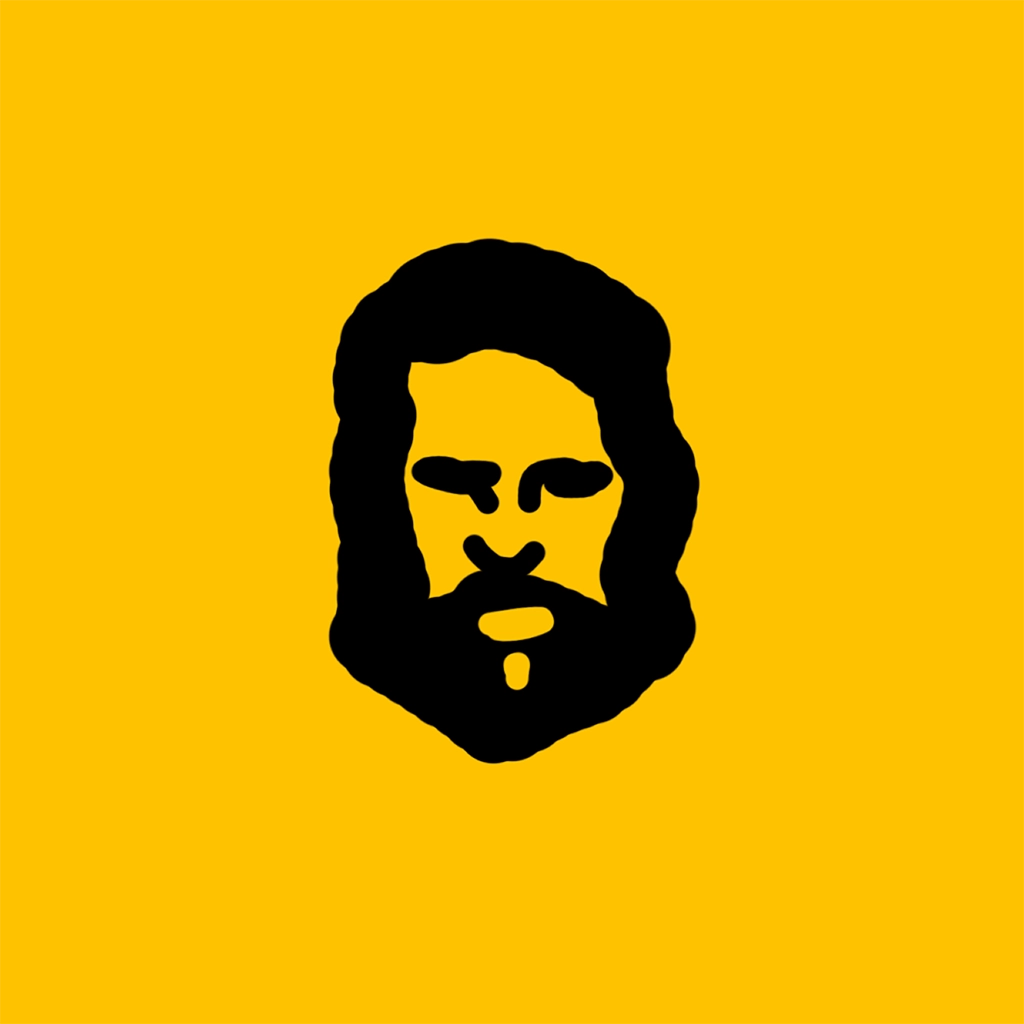
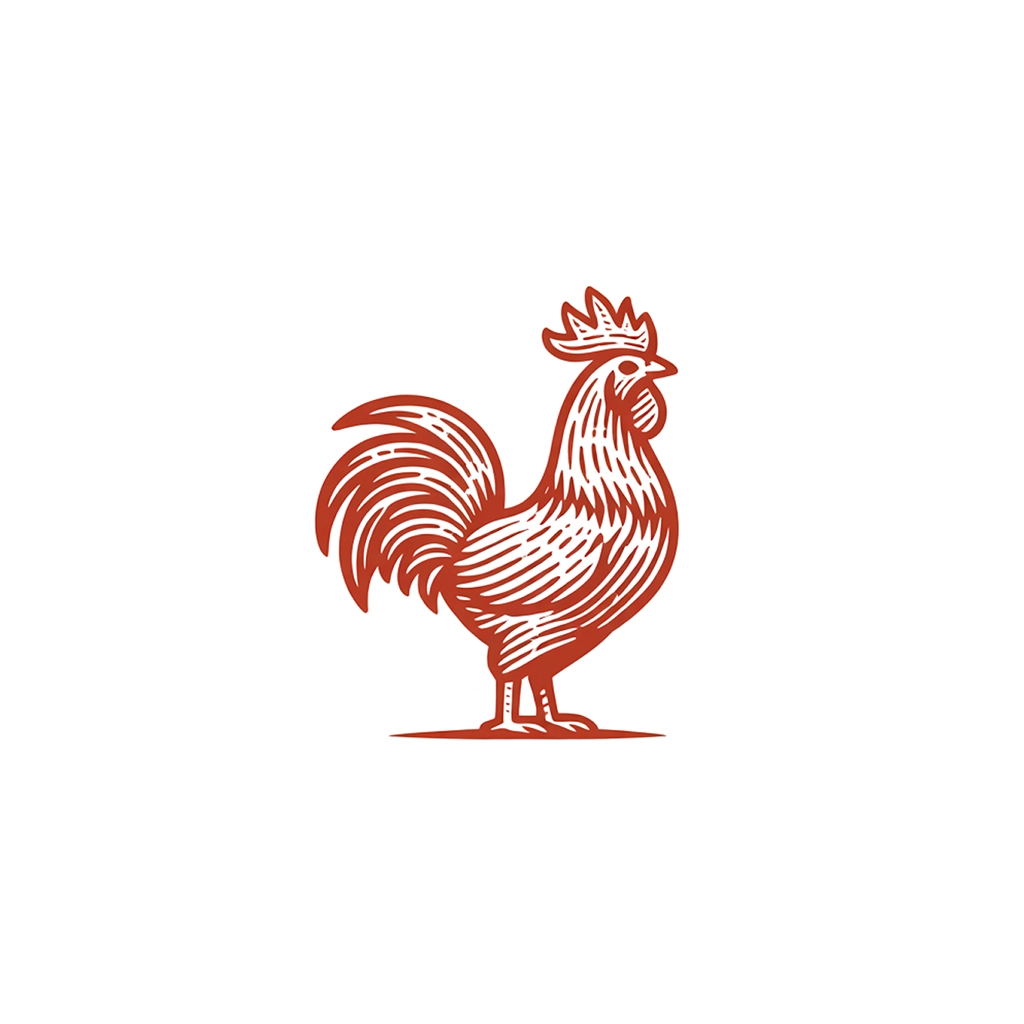
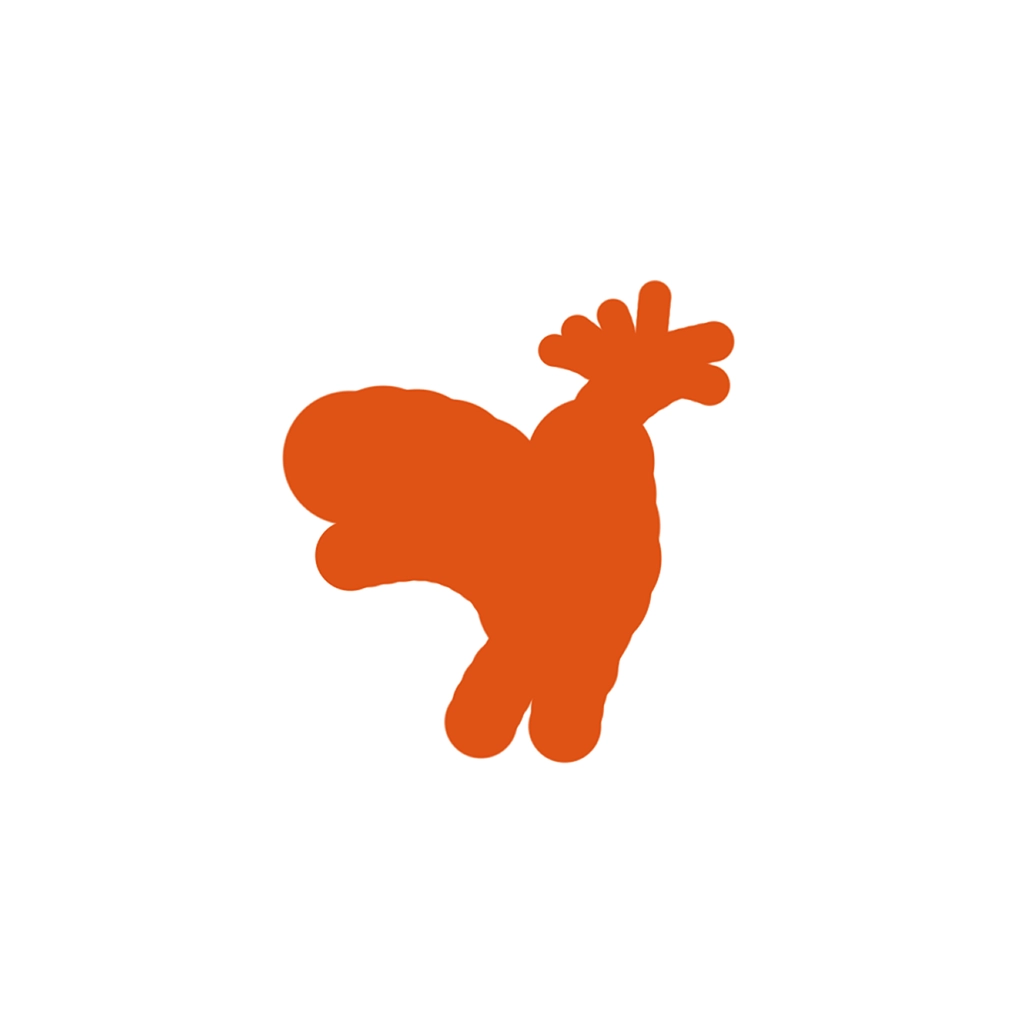



.webp)
Pictorial
Logotype
Mascot
Monogram
Engraved
Line Art
Retro
Cartoon
Badge
ABSTRACT
Flat
Image to Logo
Redesign logoswith text prompts.

Step 1
Upload an existing image
Start with a photo, image, or existing logo.

Step 2
The AI creates options from your image.
Add a text prompt to control the design, or skip it.

Step 3
Review and refine
Review generated options and refine the best result.
Try Image to Logo
.webp)
.webp)
.webp)
.webp)
.webp)
.webp)
.webp)
.webp)
.webp)
.webp)
.webp)
.webp)
.webp)
.webp)
.webp)
.webp)
.webp)
.webp)
.webp)
.webp)
.webp)
.webp)
.webp)
.webp)
.webp)
.webp)
.webp)
.webp)
.webp)
.webp)
.webp)
.webp)
.webp)
.webp)
.webp)
.webp)
.webp)
.webp)
.webp)
.webp)
.webp)
.webp)
.webp)
.webp)
.webp)
Pictorial
Mascot
Engraved
Line Art
Retro
Flat
Cartoon
ABSTRACT
AI Logo Styles
One prompt. 52 styles.
The AI never repeats itself.
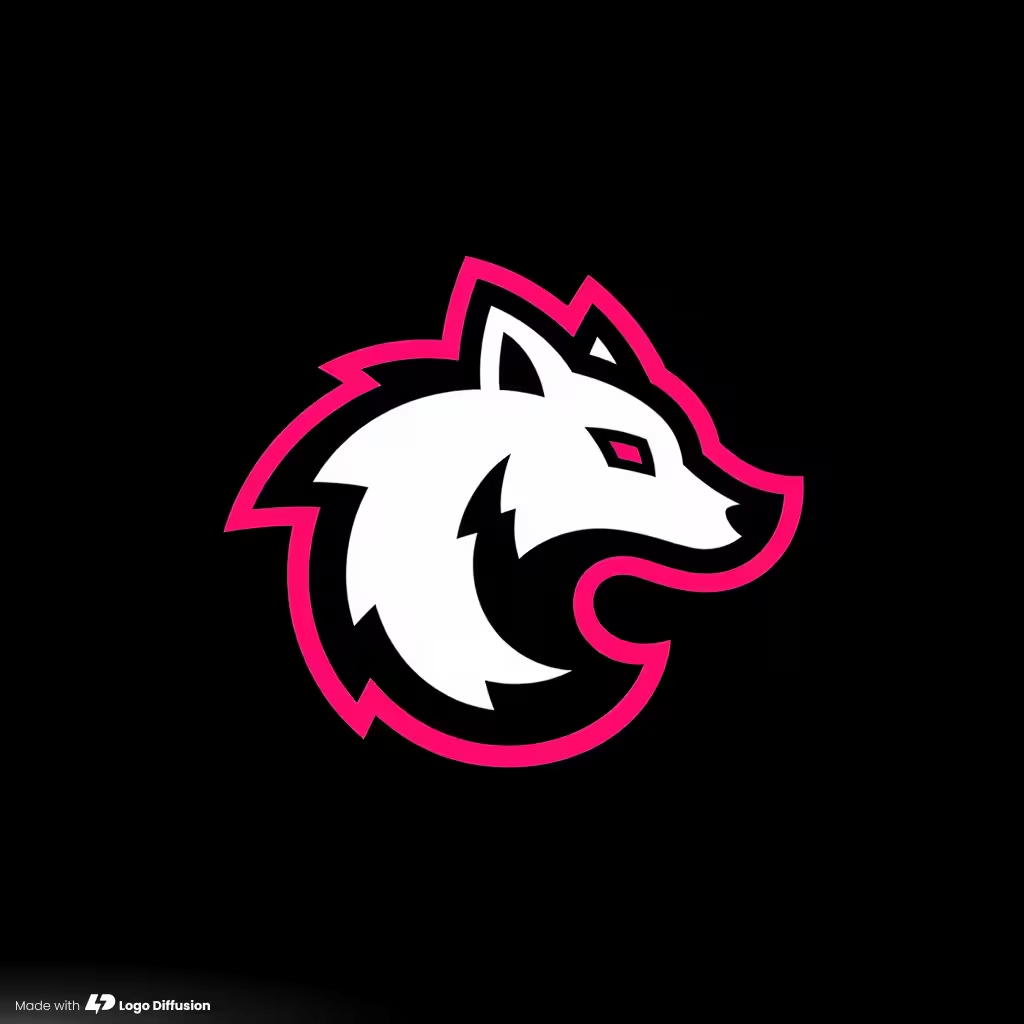
Each style is purpose-built for a different aesthetic. The AI adapts your prompt to every one.
Browse by Style
Browse by Industry
All logos
Pictorial
Mascot
Line-Art
LogoType
Monogram
Engraved
Retro
Modern
Scandinavian
Modern
Minimalist
Industrial
Bohemian
Art Deco




Generate Your Logo
Pick any style. The AI handles the rest.
AI Toolkit
Everything the AI builds,
you control.

52 AI-Trained Styles
Each style is purpose-built for a different aesthetic — pictorial, mascot, badge, monogram, 3D, and more. The AI adapts your prompt to every one.

True Vector Export
AI-generated logos converted to clean, layered SVGs. No auto-traced garbage — real vector paths you can open in Illustrator and edit immediately.

Brand Color Control
Lock in your brand palette before the AI generates — or recolor after. Every element is adjustable, so the output matches your guidelines from the start.

AI Text Swap & Variations
Change the name inside the logo and the AI keeps everything else intact — font, layout, spacing, style. Rebrand a concept in seconds.
50M+
Logos generated by AI
52
AI-trained design styles
1.4M+
Creators worldwide
100%
Original AI output
Real Reviews
Designers were skeptical.
Then they tried it.
"I was ready to dismiss another AI tool. Then it generated a logo better than the three concepts I'd spent two days on. I use it on every project now."

Sarah Kim
Freelance Logo Designer
"I started just to test it. Two hours later I had a full brand identity — logo, icon set, business card mockup. The AI doesn't just generate logos, it gives you a head start on the entire brand. We pitch 8–10 concepts per client. The AI gets us to 80% in an afternoon."

James R.
Agency Creative Director · 15 yr exp.
"The vector export alone is worth the subscription. Clean paths, proper layers, no cleanup needed. It replaced three tools in our pipeline overnight."

Maria Chen
Brand Designer
"I'm not a designer. I needed a logo for my startup yesterday. The AI gave me four options that all looked professional — picked one, exported the SVG, done."
Alex Rivera
Startup Founder
Pricing
Pick the plan that fits your workload
Every credit works in every tool — generate, edit, and export
during your plan. Cancel anytime. Your logos stay yours.
during your plan. Cancel anytime. Your logos stay yours.

FREE
$0
/ month
Try the real thing — generate and explorebefore you spend a dollar.

24 Credits/mo · ~12 logos
Image to Logo · 3 of 8 styles
Magic Editor & Mockup Gen · Base models

Public generations
No vector export
Watermarked downloads at 512x512
No commercial rights
BASIC
$24
/ month
Good for exploring ideas or doing 1–2 logoprojects a month.
1,000 credits/mo · ~500 logos
Unlimited downloads
Vectorizer · up to 200 exports
Background remover & in-app editor
Magic Editor & Mockup Gen · all models
Commercial license & private generation
PRO
$49
/ month
For designers and freelancers doing 3–5 client projects a month.
2,500 credits/mo · ~1,250 logos
3 generations at the same time
Vectorizer · up to 500 exports
2× and 4× creative upscales
Magic Editor & Mockup Gen · all models
Commercial license & private generation
ELITE
$99
/ month
For agencies and teams with high-volume output.
6,000 credits/mo · ~3,000 logos
4 generations at the same time
Vectorizer · up to 1,200 exports
2× and 4× creative upscales
Magic Editor & Mockup Gen · all models
Commercial license & private generation

Not ready for a subscription? Get the Starter Pack.
1,500 credits · 6 downloads · all tools · valid 90 days

Switch to a monthly plan and get $15 credit on your first month.
$59
one-time
Get starter pack
Compare all 4 plans

Free
$0
Basic
$24/mo
Pro
Popular
$49/mo
Elite
$99/mo
Usage & credits
Credits
24
per month
1,000
per month
2,500
per month
6,000
per month
Text to Logo generations
2 cr / generation
~12
~500
~1,250
~3,000
Downloads
0
Unlimited
Unlimited
Unlimited
Generations at the same time
1
2
3
4
Creative tools
Image to Logo
5 cr / generation
~4 / mo
3 of 8 styles
up to 200
all 8 styles
up to 500
all 8 styles
up to 1,200
all 8 styles
Vectorizer exports
5 cr · HQ 8 cr
—
up to 200
or 125 HQ
up to 500
or 312 HQ
up to 1,200
or 750 HQ
Background remover
2 cr / image
—
up to 500
up to 1,250
up to 3,000
Creative upscaler
2× 5 cr · 4× 20 cr
—
up to 200
2× only
up to 500
2× · or 125 4×
up to 1,200
2× · or 300 4×
Magic Editor
Base
models
Base + Pro
models
Base + Pro
models
Base + Pro
models
Mockup generator
Base
models
Base + Pro
models
Base + Pro
models
Base + Pro
models
Professional rights
Mockup generator
—
Commercial use license
—
Private image generation
—
FAQS
Questions before you try?
How does an AI logo generator work?
Logo Diffusion's AI logo generator creates original logos from a text description, a sketch, or a reference image. You describe your brand, pick one of 52 style presets (pictorial, mascot, monogram, logotype, and more), and the AI produces up to 4 unique concepts per generation. Unlike template-based logo makers that rearrange stock icons, Logo Diffusion builds each design from scratch, so no two outputs are identical. A common mistake: writing vague prompts like "modern logo." The more specific you are about your industry, color palette, and style, the better the first batch of results.
Is Logo Diffusion's AI logo generator free to use?
Yes. Logo Diffusion's free plan gives you 24 credits per month (roughly 12 logos) with access to all 52 styles, no credit card required. Free logos come with a watermark on downloads and don't include vector exports or a commercial license. You can generate, preview, and iterate as much as you want within your credits before deciding to upgrade. The key difference from other "free" logo tools: Logo Diffusion doesn't gate styles or features behind the paywall, only the final export.
Can I edit the logos after they're generated?
Yes, and this is where Logo Diffusion separates from most AI logo generators. After generating a concept, you can lock in your brand colors before or after generation, swap the text inside the logo without regenerating the entire design, and adjust elements through re-prompting. Everything stays editable. Most competing tools give you a static image you can't touch. Logo Diffusion treats each generation as a starting point you control.
What logo styles can Logo Diffusion's AI create?
Logo Diffusion offers 52 AI-trained style presets, each purpose-built for a different design aesthetic. Categories include pictorial, logotype, mascot, badge/crest, monogram, line art, cartoon, 3D, retro, engraved, abstract, flat, and more. The AI adapts your prompt to whichever style you select, so the same brand description produces a completely different design across styles. One thing other tools don't do: Logo Diffusion lets you test the same prompt across all styles without re-prompting, which means faster exploration and more unexpected directions.
How is this different from hiring a logo designer?
Logo Diffusion generates 4 unique concepts in seconds, where a designer typically delivers 3–5 over 1–2 weeks at $500–$2,000. You control every revision yourself instead of sending feedback and waiting for the next round. The tradeoff is real: a human designer brings strategic thinking, brand research, and judgment that an AI doesn't replicate. Logo Diffusion works best for freelancers and small businesses who need professional-quality logos fast, and for designers who use it as a concept generation tool to speed up their own process.
What file formats can I download?
Logo Diffusion exports logos as SVG (vector) and transparent PNG. The SVG files contain clean, layered vector paths you can open directly in Illustrator, Figma, or Affinity Designer, not auto-traced garbage with embedded raster data. PNG exports come with transparent backgrounds, ready for web, social, or presentations. Free plan users get watermarked PNG only. A detail most AI logo tools skip: Logo Diffusion's vector export produces real editable paths, so you can adjust anchor points, not just resize.
Can I use AI-generated logos commercially?
Yes, on any paid Logo Diffusion plan. The commercial use license covers logos you generate for client work, business branding, packaging, merchandise, websites, and social media. Free plan outputs carry a watermark and don't include commercial rights. One edge case to watch: if you use Image to Logo mode with a reference image, make sure you have rights to that source image. Logo Diffusion's license covers the AI-generated output, not the input you provide.
What's the difference between Text to Logo, Sketch to Logo, and Image to Logo?
Logo Diffusion offers three input modes, each designed for a different starting point. Text to Logo works from a written description of your brand. Sketch to Logo lets you upload a rough drawing and the AI turns it into a polished logo. Image to Logo takes an existing image (a photo, icon, or old logo) and rebuilds it as a clean, editable design. You can switch between modes at any time. The mode you choose affects how much creative control you have upfront: sketches give the AI the most structural direction, text gives it the most freedom.

Your next logo is one
sentence away.
1.4 million creators already use our AI. Describe your brand, hit generate, and see what comes back.

Generate real logos from text, sketches, or images. Edit, vectorize, and export in one app.

Social Profiles


