
A strong logo still sits at the heart of how a brand presents itself, but the way we create logos has changed. Great logos rarely come from one idea. They come from exploring dozens of directions, testing shapes, and refining concepts. Even major companies go deep into the ideation process. PlayStation reviewed more than 30 logo concepts before choosing the one the world knows today. Brands like BBC and Xiaomi invested millions in their identity work.
For early-stage businesses, freelancers, and small teams, that level of investment and time just isn’t realistic. Traditional logo design requires expert skills, professional tools that take months to learn, and long hours adjusting shapes and vectors. If you want 20 or 30 strong concepts to choose from, it can take weeks unless you have a full design team.
AI shifts the workflow. Founders can explore a wide range of ideas in minutes. Designers can skip the most repetitive parts of the process and spend their time on the creative work that matters. AI doesn’t replace human creativity. It supports it by giving people the ability to ideate quickly without technical friction.
That’s why AI logo tools have become essential in 2026. They help users move faster, explore more, and reduce cost without lowering quality. This guide breaks down the best AI logo design tools available today and how they compare.
Below is a quick look at how the major tools compare across the features that matter most. Compare generators side-by-side
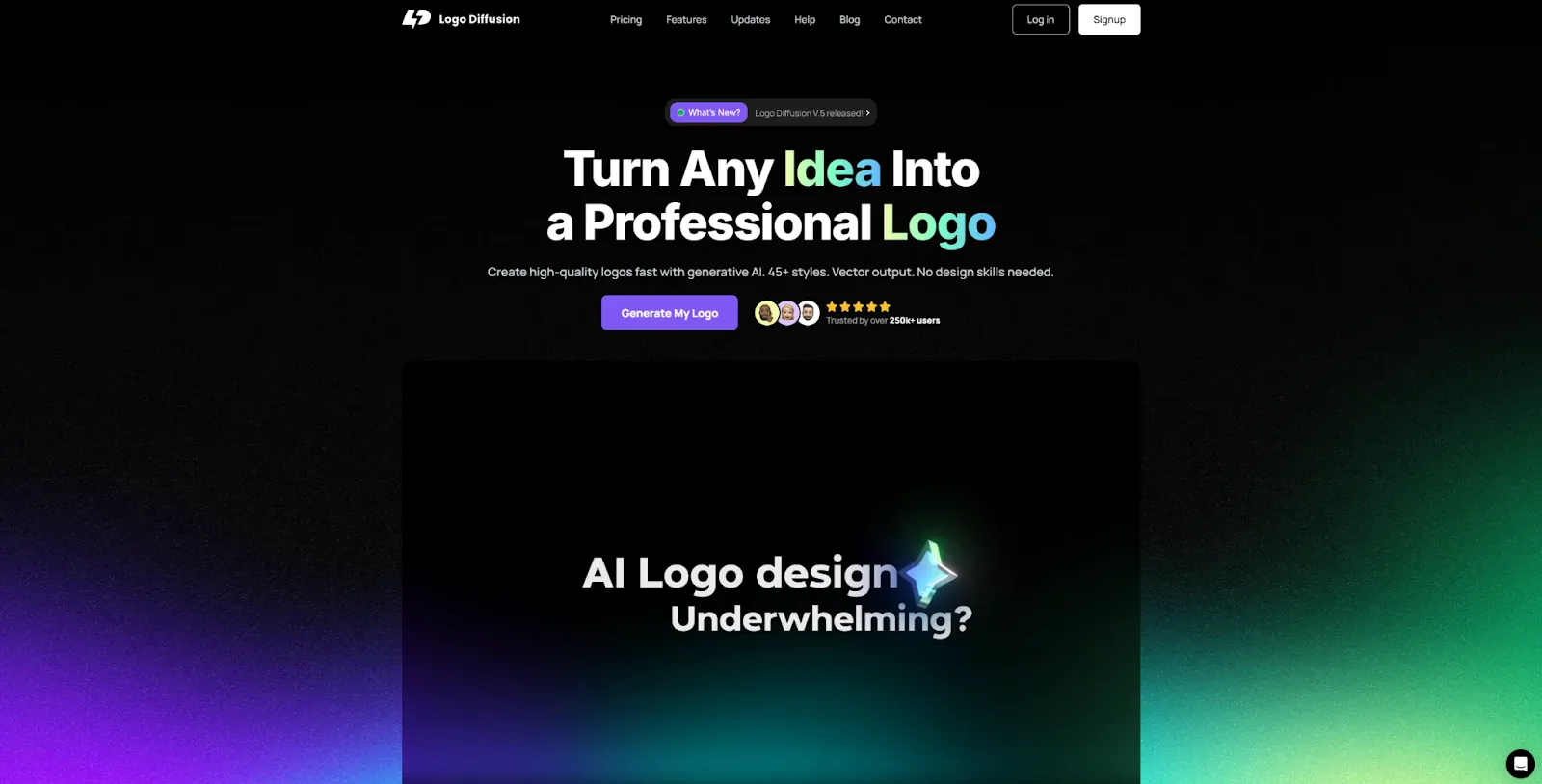
Logo Diffusion is built specifically for professional logo creation. Its models are trained on clean, curated datasets created by logo designers, not bulk internet images. Every model follows strict logo design principles so the system avoids the small errors that break a logo. Instead of tracing shapes like classic vectorizers, Logo Diffusion constructs true vector logos.
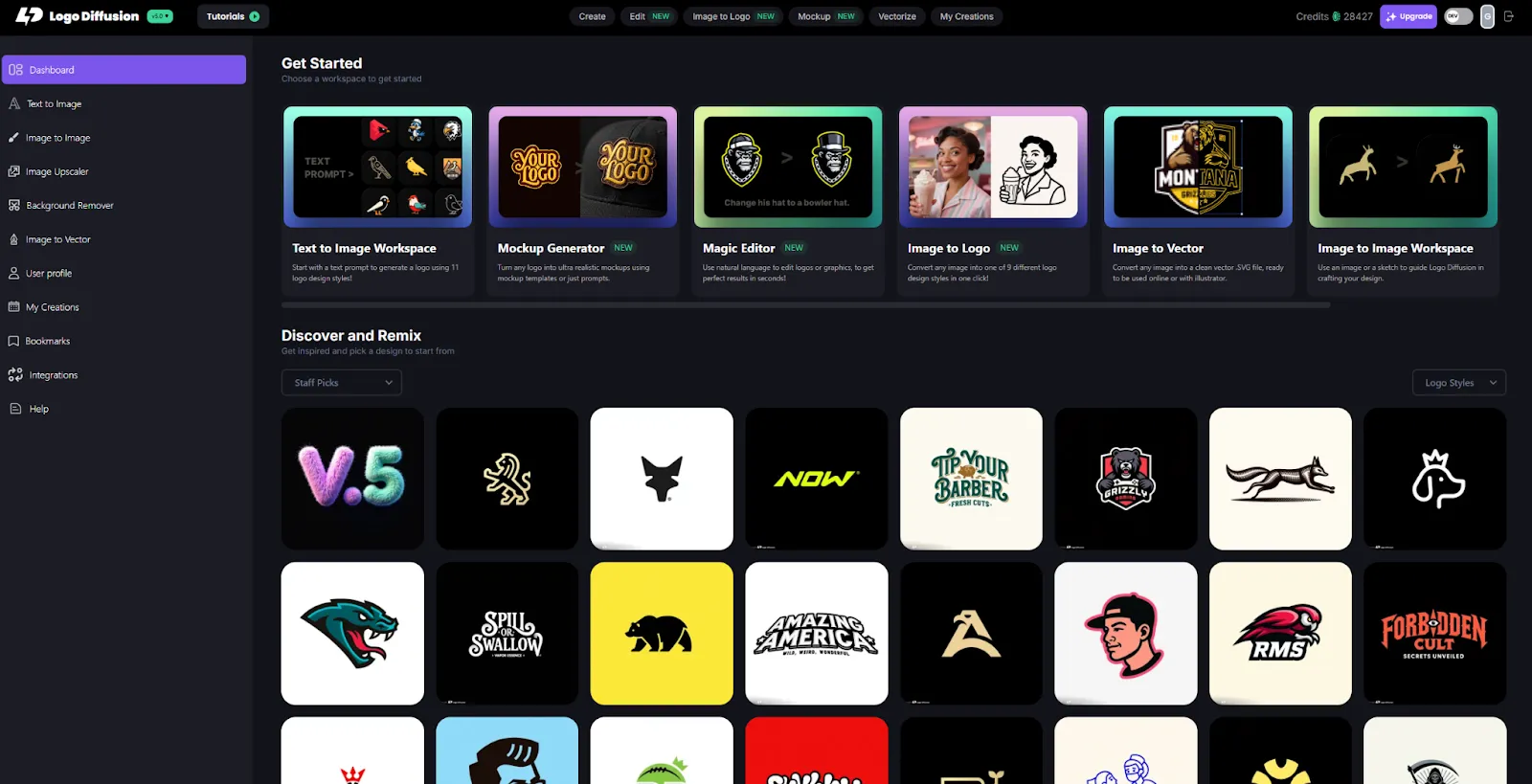
The platform supports 11 logo styles, enhanced prompting, variety of settings for customization, and controls that let you shape the creative direction. Each logo is unique. You don’t risk getting the same logo another brand uses. Features like Magic Editor, AI mockup generator, image-to-logo models, and 4K upscaling turn Logo Diffusion into a full workflow system.
Use Logo Diffusion when you want original, professional logos and a full creation workflow. It’s ideal for designers who want to speed up the mechanical parts of the process and for founders who want many high-quality concepts quickly.
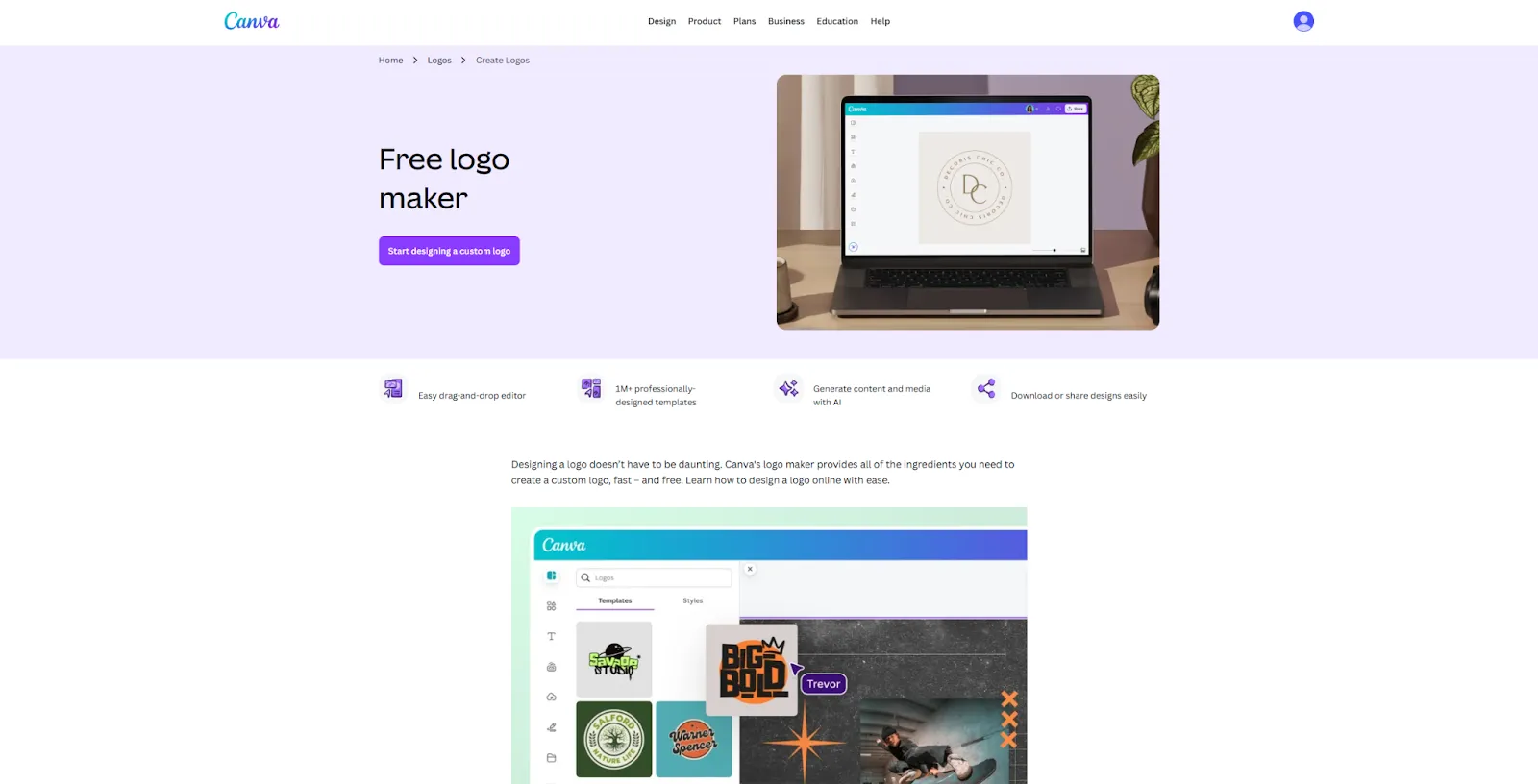
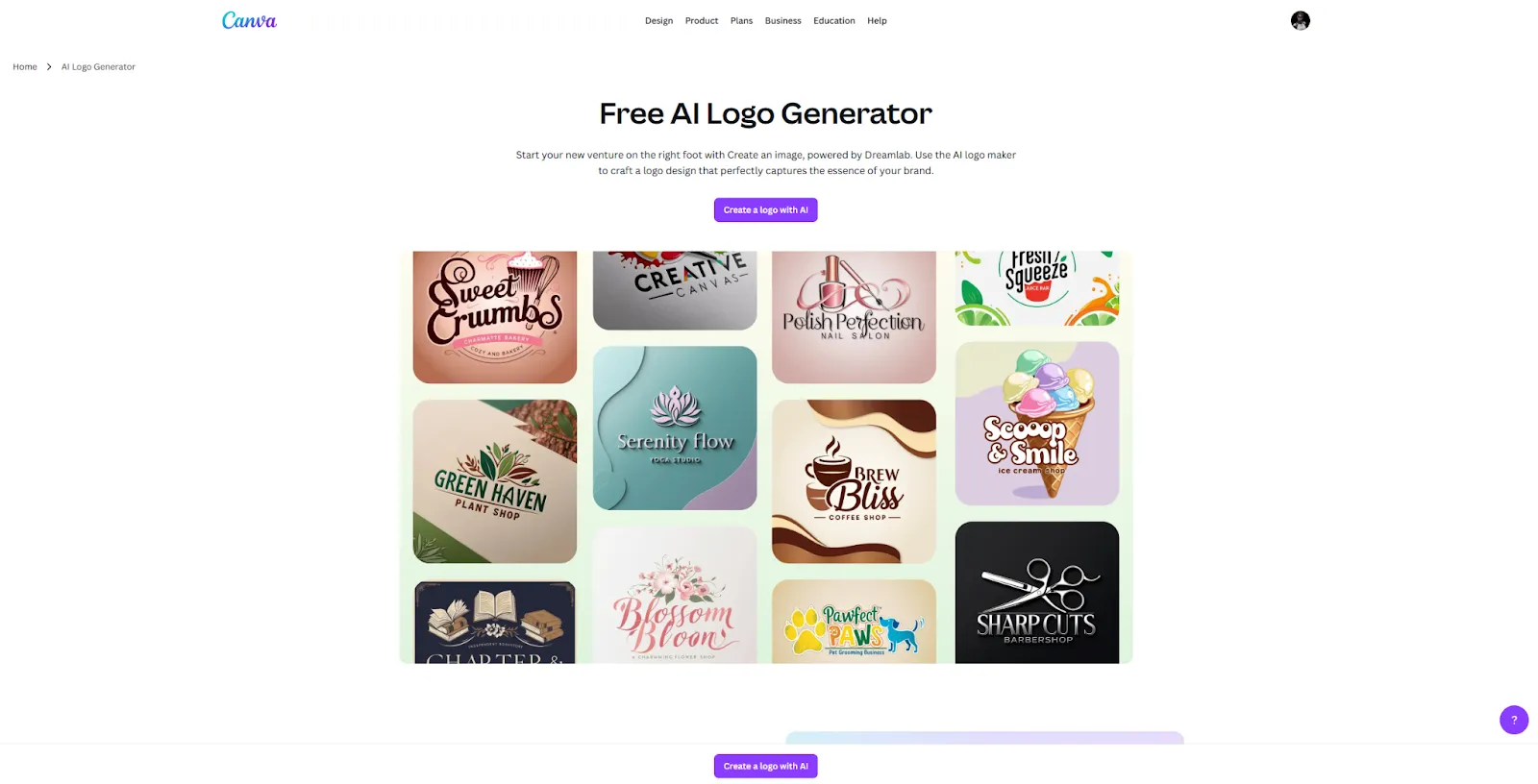
Canva Logo Maker sits on top of Canva’s huge design ecosystem. You can still build logos from templates, icons, and fonts, but Canva now also offers an AI logo generator that turns text prompts into logo ideas. The AI tends to produce detailed, illustration-like logos, and many users still rely on templates because they are easier to control.
Pros
Cons
Why and when to use it
Use Canva when you want a simple logo quickly and you are already creating other assets inside Canva. It is great for prototypes, small projects, or early-stage branding, but not ideal if you need a highly original mark.
A detailed review can be found in this article: Logo Diffusion vs Canva Logo Maker thorough review.
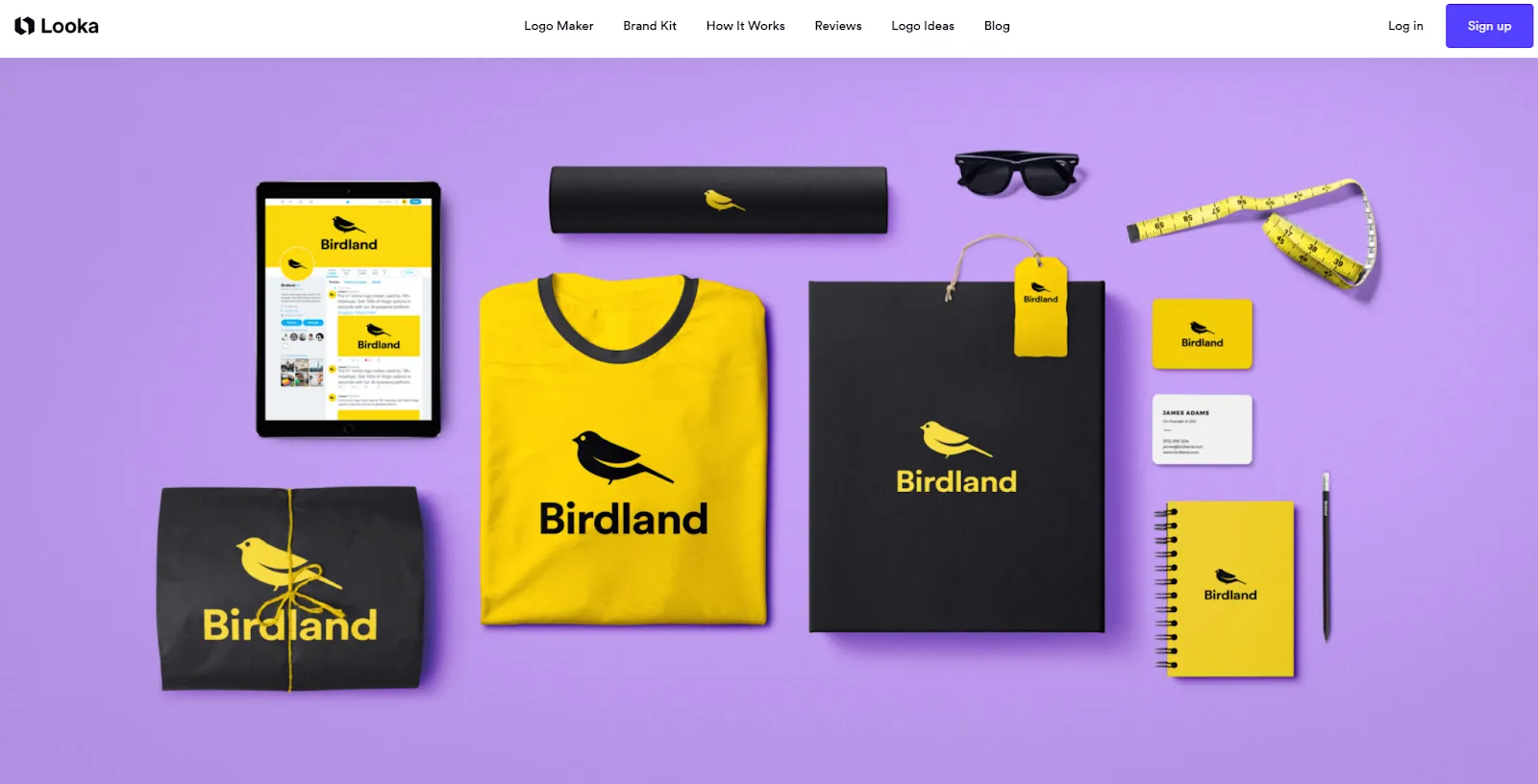
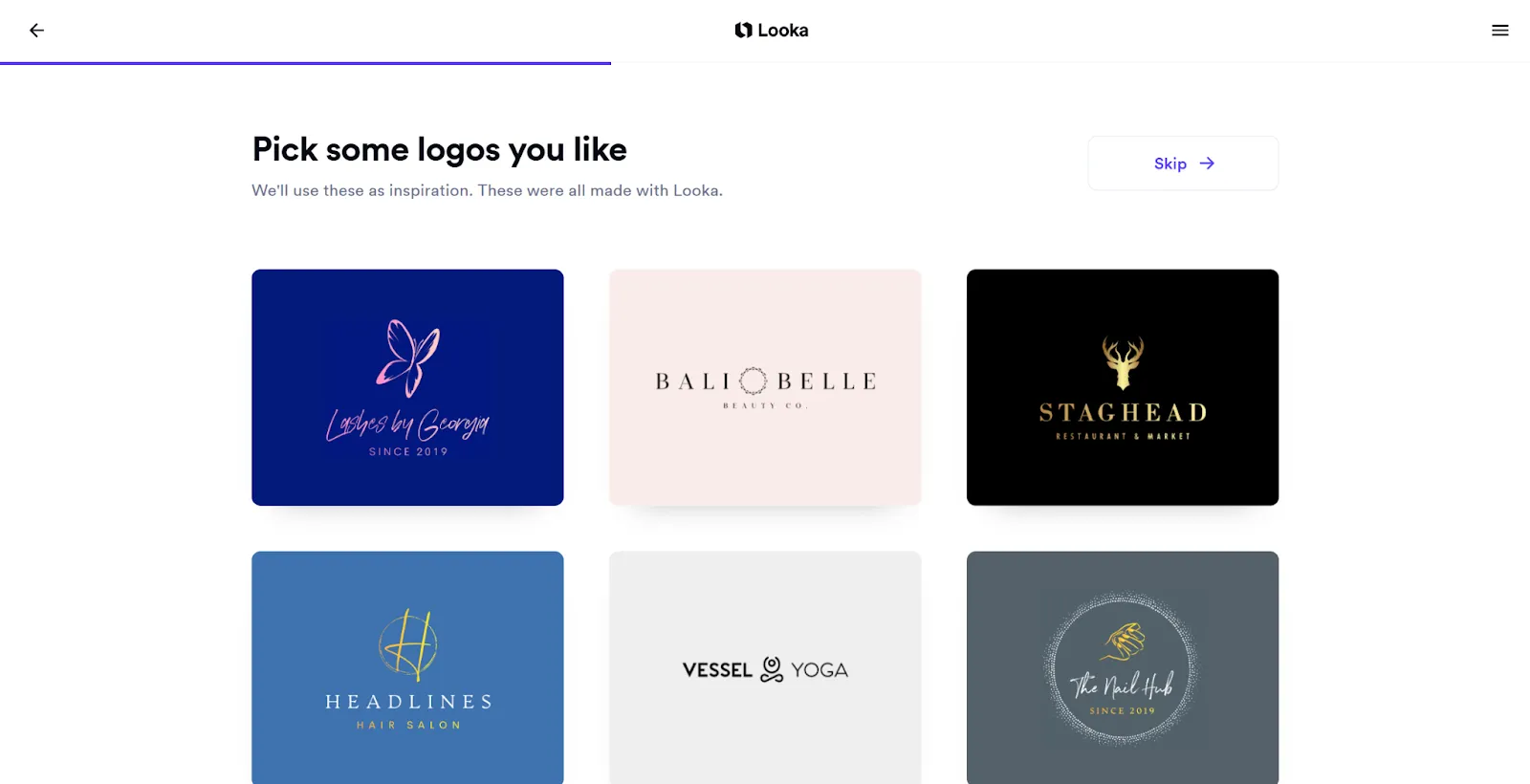
Looka uses AI to combine your style preferences, colors, and symbol choices into logo options. You enter your name, pick styles and icons, and the platform generates a grid of logo ideas you can tweak. Behind the scenes, it relies on curated fonts and symbol libraries, so the system is more about recombining smartly than inventing new shapes from scratch.
Pros
Cons
Why and when to use it
Good for entrepreneurs who want many decent logo options in minutes and do not need a deeply original or highly specialized mark.
Check a detailed overview of Logo Diffusion vs Looka.
A detailed review can be found in this article: Looka vs LogoDiffusion.
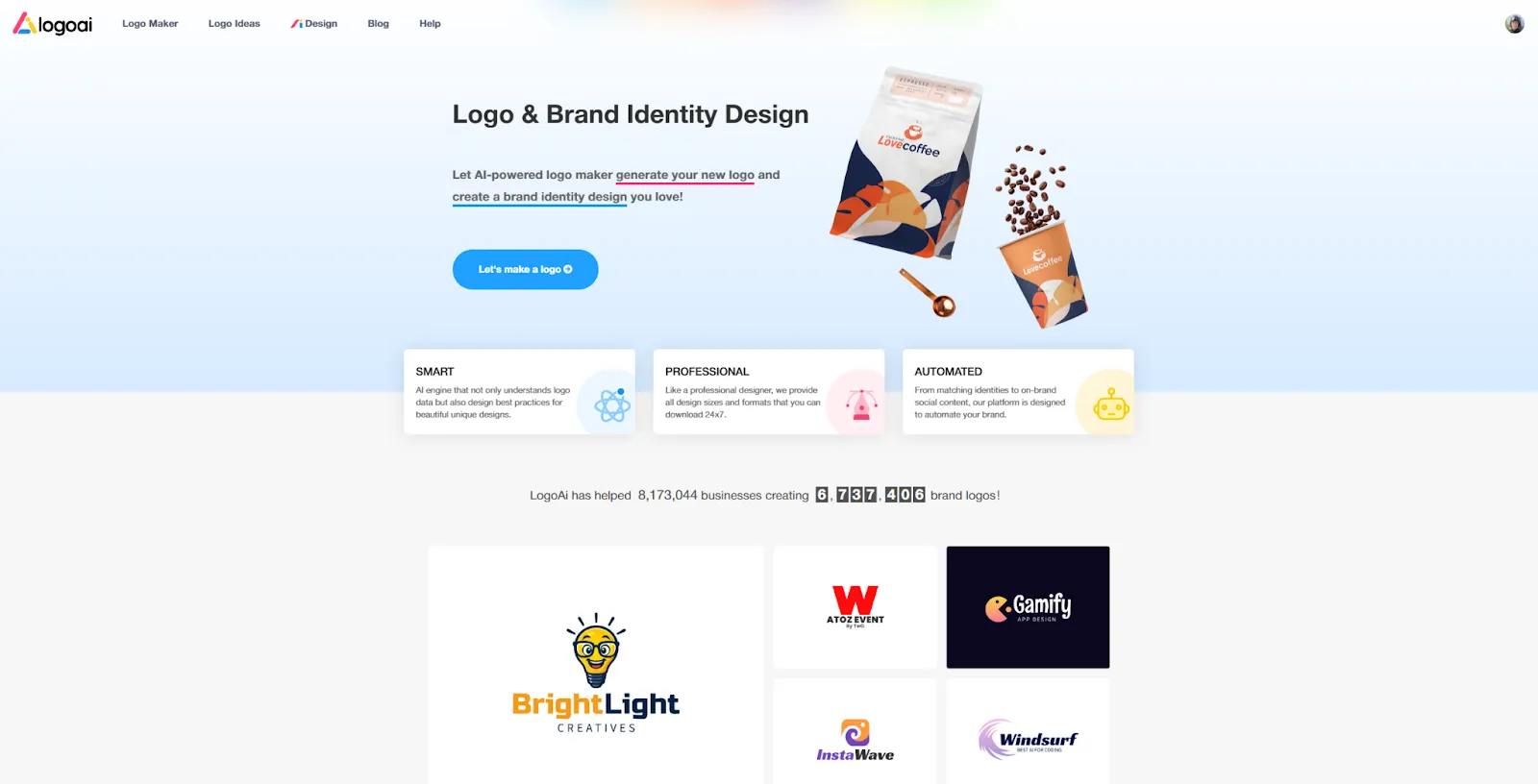
LogoAI is an AI-powered logo maker that takes your brand name and preferences, then generates a range of logo designs for you to choose from. After that, you pick one and customize fonts, symbols, and colors. The system uses an AI engine to propose combinations, but the building blocks are standard logo elements rather than entirely new shapes.
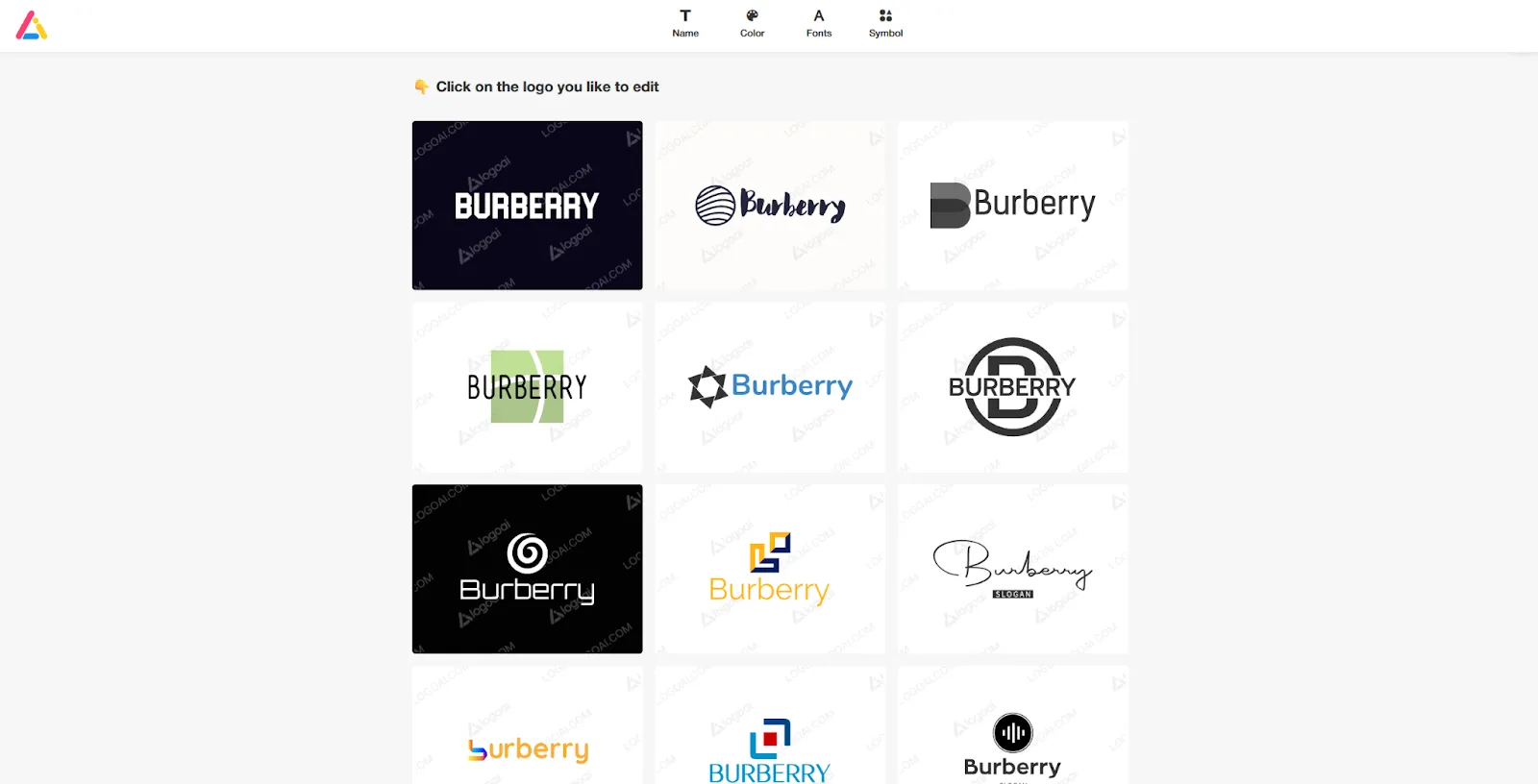
Pros
Cons
Why and when to use it
Good option if you want AI to do the first round of logo suggestions and you’re comfortable with something that looks professional but not deeply unique.
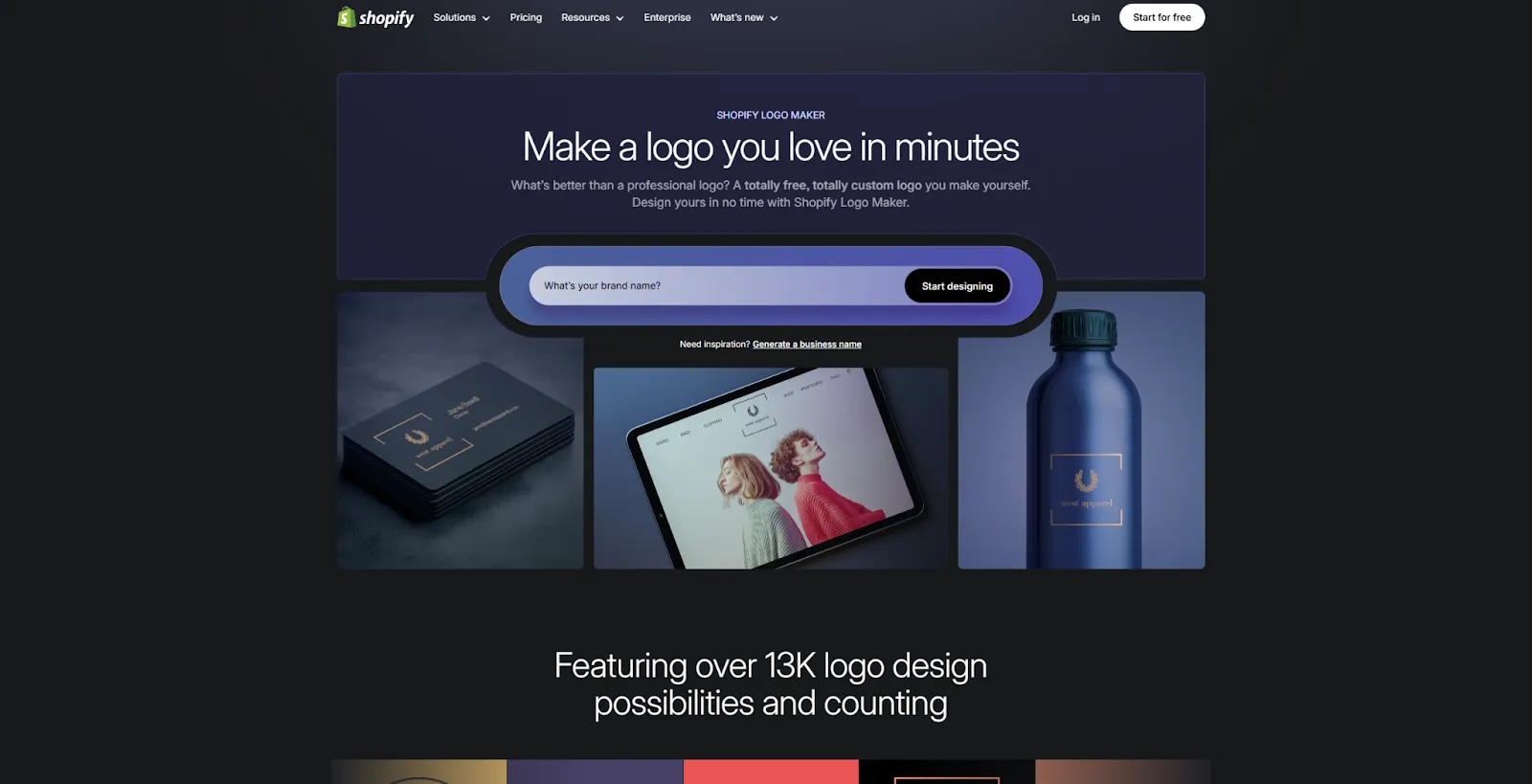
Shopify’s logo maker, previously known as Hatchful, is a free tool for quickly generating logos for online stores. You choose your industry and style, then the tool suggests logo designs based on ready-made templates. You can customize text, fonts, colors, and symbols, but the system is built around a shared template library rather than fully custom AI generation.
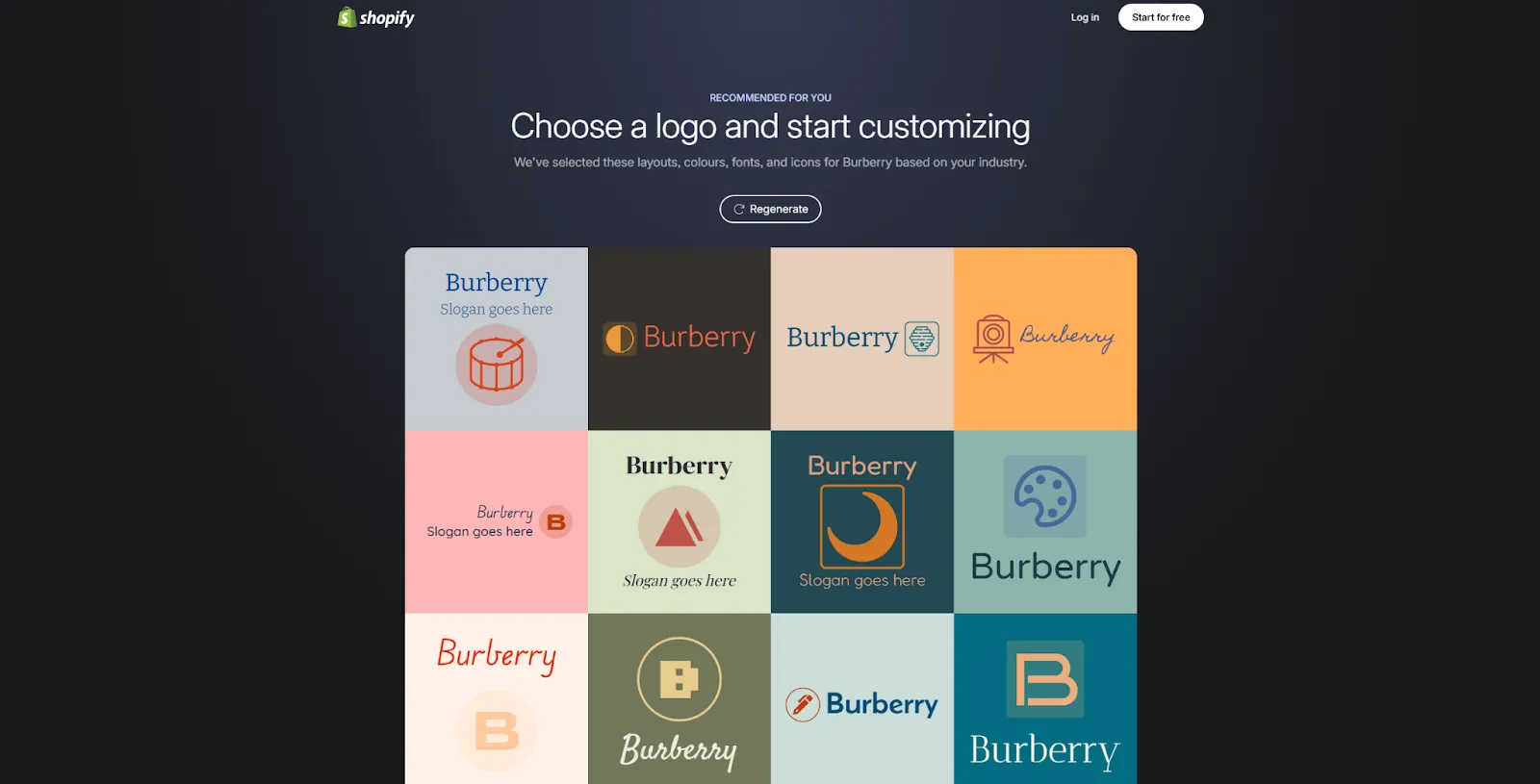
Pros
Cons
Why and when to use it
Use it when you want a free, quick logo to get a Shopify store live, knowing you might want to upgrade the brand later.
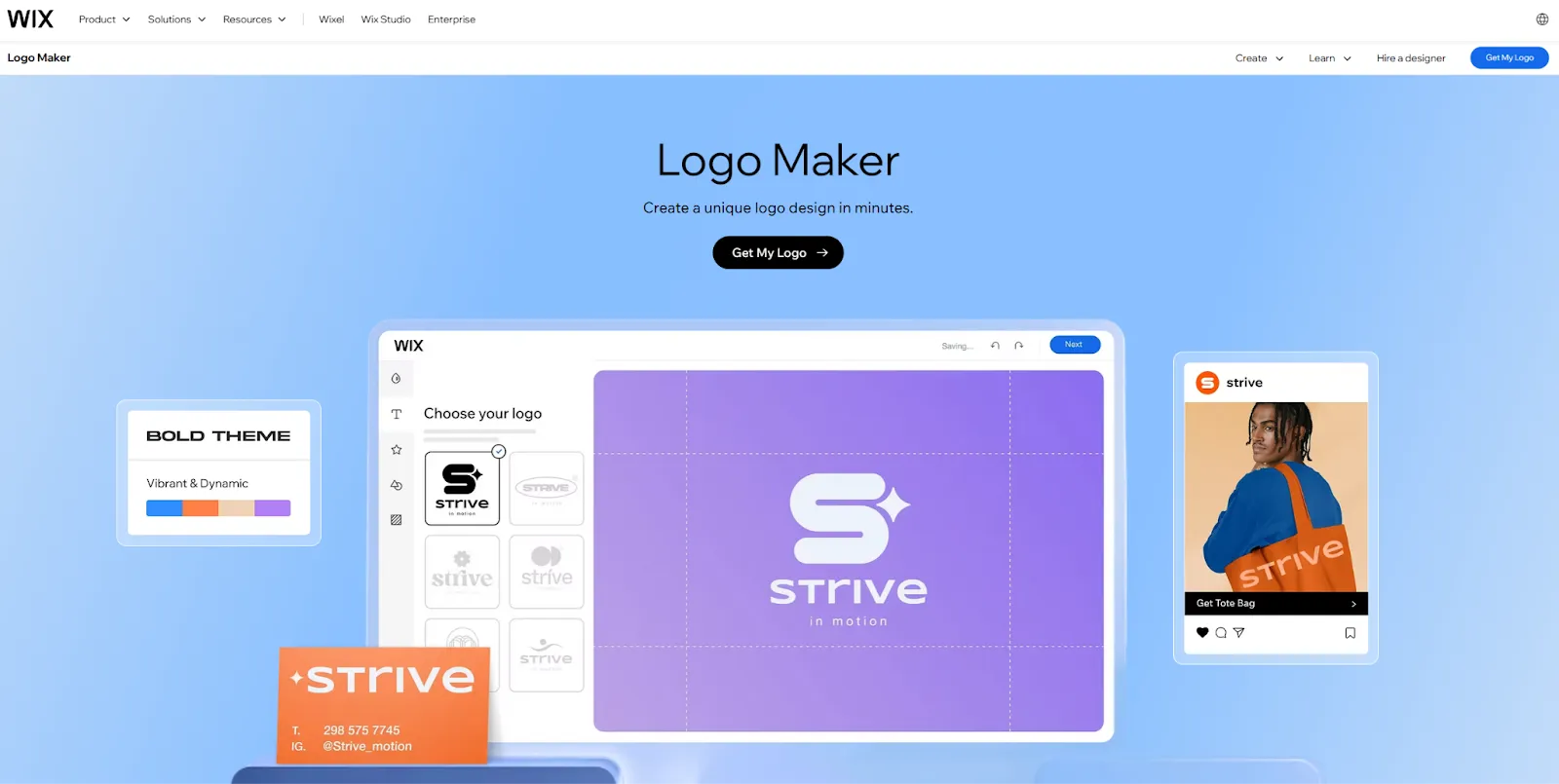
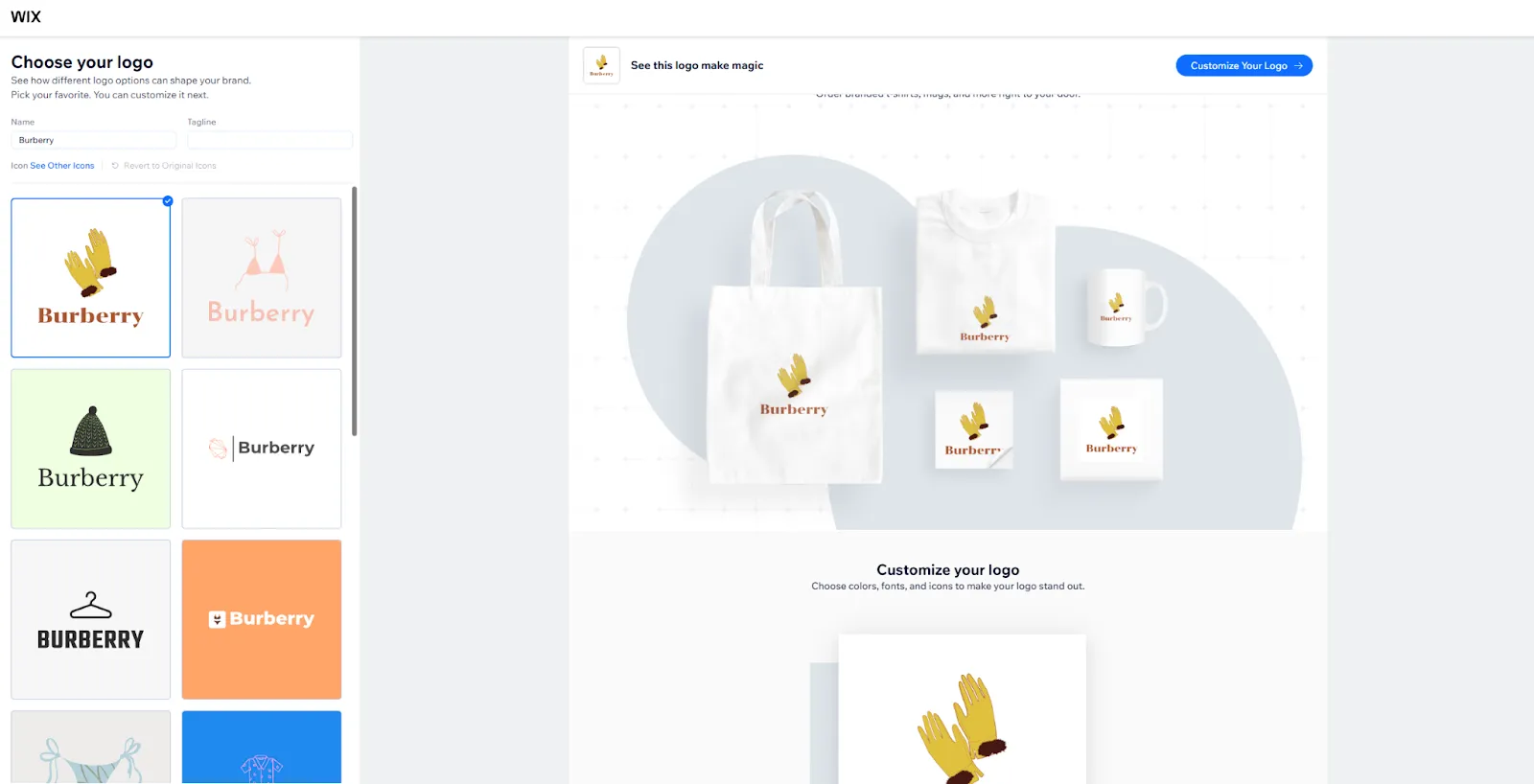
Wix Logo Maker is an AI-powered tool that asks you a few questions about your brand and style, then generates logo suggestions you can refine. You can adjust icons, fonts, colors, and layout, and export the logo along with matching brand assets. Under the hood, it uses non-exclusive components, so the starting options can look generic, but the editor lets you refine them.
Pros
Cons
Why and when to use it
A practical choice for small businesses building on Wix that want a cohesive logo and brand kit without working with a designer.
Check a detailed overview of LogoDiffusion vs Wix.
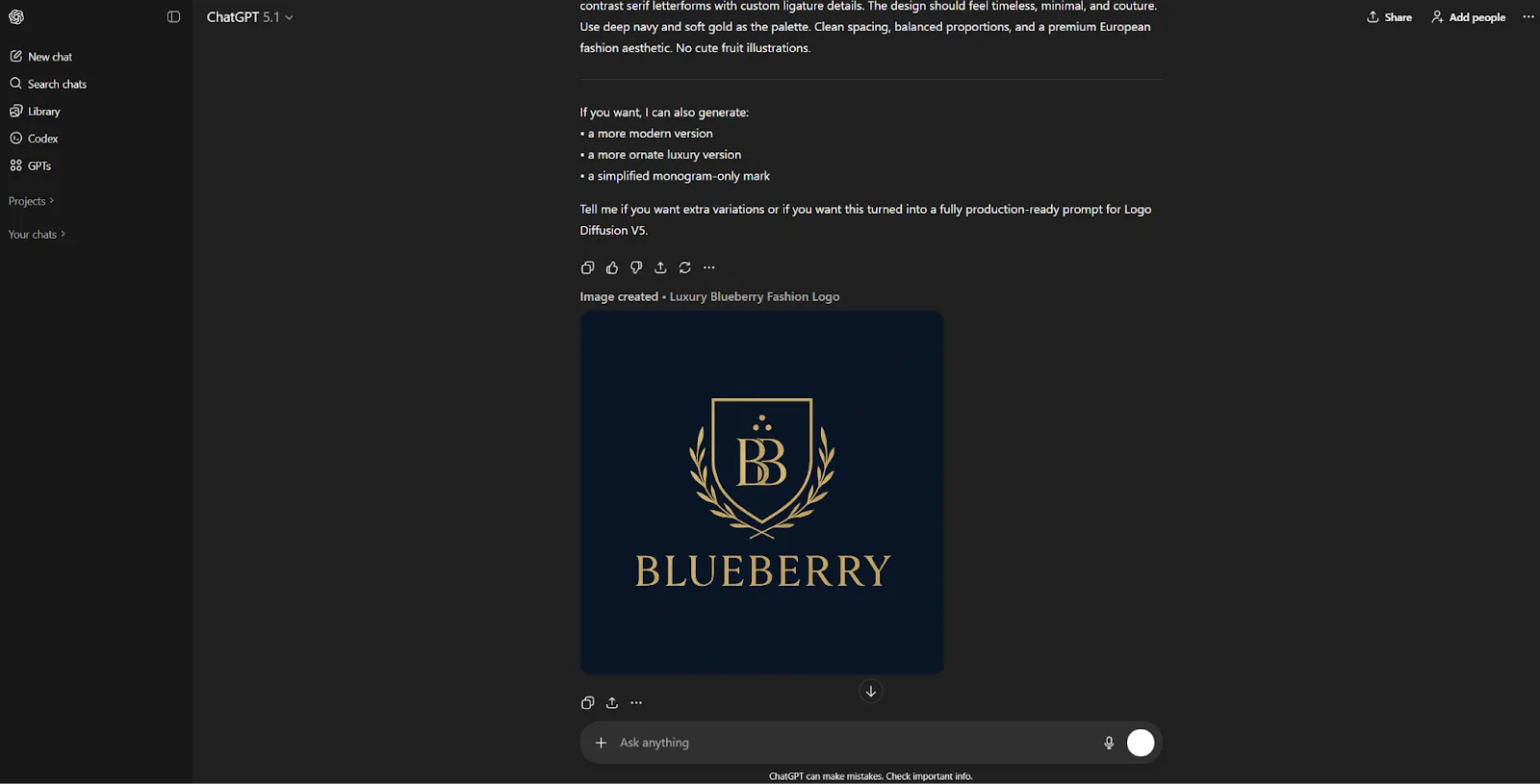
ChatGPT’s image generation models are flexible tools for creating illustrations, concept art, icons, and exploratory visuals. You can describe a logo idea and the system will generate stylized interpretations of it. This makes ChatGPT useful in the early ideation stage, especially if you're trying to brainstorm different themes or directions before committing to a final mark.
But it’s important to understand what ChatGPT’s model is optimized for. It is a general-purpose image generator, not a logo-specific engine trained on geometric precision or vector design rules. Logos need clean spacing, perfect symmetry, stable typography, and simple, scalable shapes. General AI models often introduce small distortions or decorative elements that look fine in an image but break a functional logo.
ChatGPT excels at sparking ideas. It is not designed to produce final, production-ready logos without significant manual refinement.
ChatGPT is best for brainstorming and exploring visual directions, especially in the earliest conceptual phase. It isn’t suitable as a final logo generator, but it’s a versatile tool for quickly testing ideas before moving to a more specialized system like Logo Diffusion.
Check a detailed overview of LogoDiffusion vs ChatGPT.
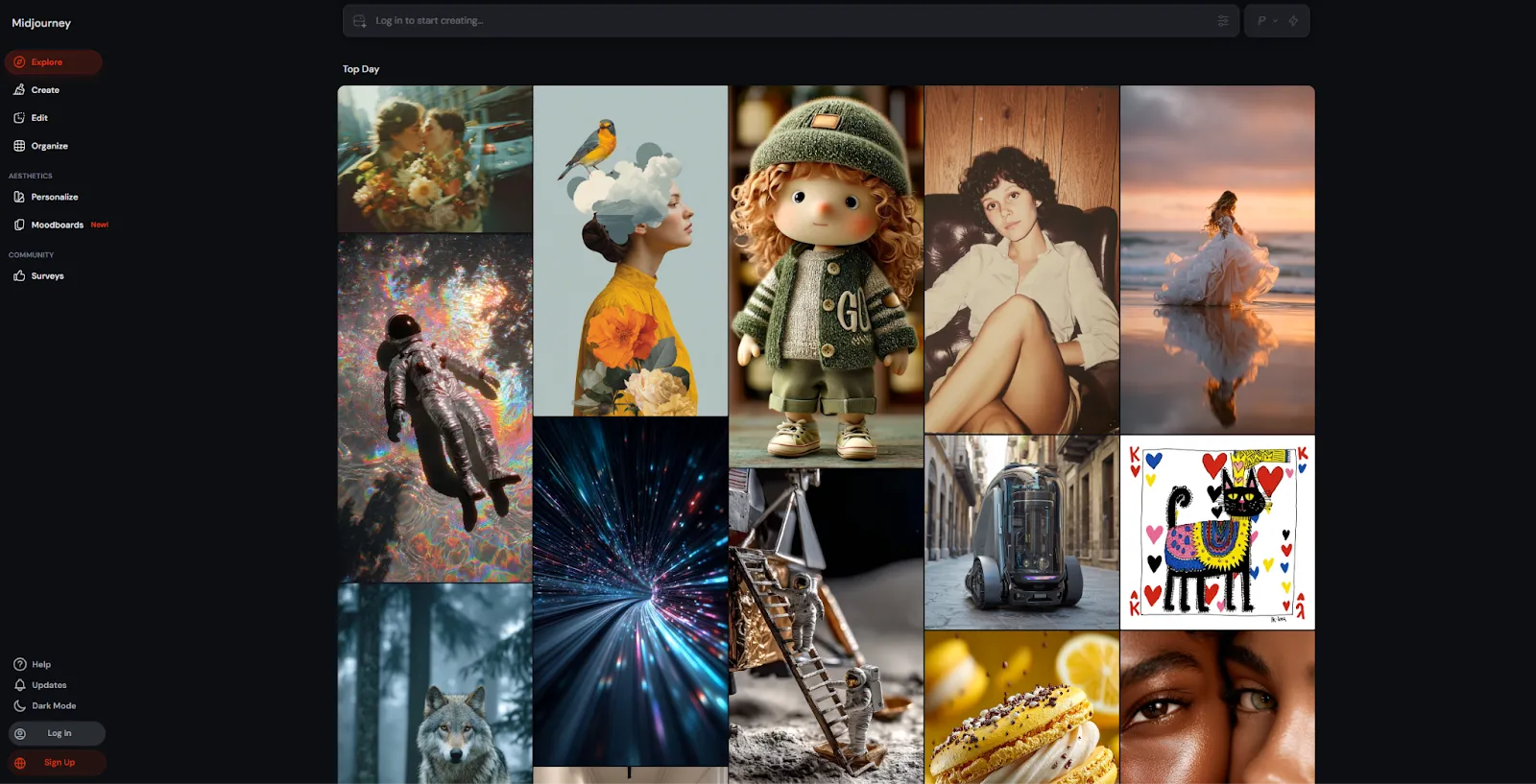
Midjourney is one of the most creative and visually expressive AI models available. It’s known for producing rich, artistic imagery with strong texture, style, and mood. When it comes to logos, Midjourney can generate striking stylistic concepts that help people explore visual identity in broad strokes. Many designers use it for moodboarding, aesthetic exploration, and generating brand atmospheres.
But Midjourney’s strength in artistic detail is also what makes it a difficult fit for practical logo design. Logos need simplicity, clarity, and geometric consistency. Midjourney often adds ornate details, shadows, gradients, or illustrative elements that make the design visually impressive but not functional as a scalable mark. Typography is also unpredictable, and the system cannot produce vectors directly. Any usable logo concept usually needs to be rebuilt manually.
Midjourney works well as an inspirational tool. It doesn’t replace a real logo generator.
Midjourney is ideal when you want to explore concept art, moodboards, and the overall aesthetic direction of a brand. It’s not intended for final logo creation and can’t produce the clean, simple, scalable marks required for real-world branding.
Check a detailed overview of LogoDiffusion vs Midjourney.
AI has reshaped how people create logos. Some tools focus on speed through templates. Others help users explore ideas with artistic AI. A few specialize in professional-grade logo generation.
Logo Diffusion stands out because it’s built specifically for logos. It follows precise design rules, produces unique results, supports real vector output, and offers editing tools, mockups, upscaling, image-to-logo capabilities and much more all in one place. It speeds up workflows for designers and lets non-designers explore creative ideas quickly.
Each tool in this list has its place. But if you want original, production-ready logos with full creative control, Logo Diffusion offers the most depth and the best long-term value.






.webp)

.webp)
.webp)