
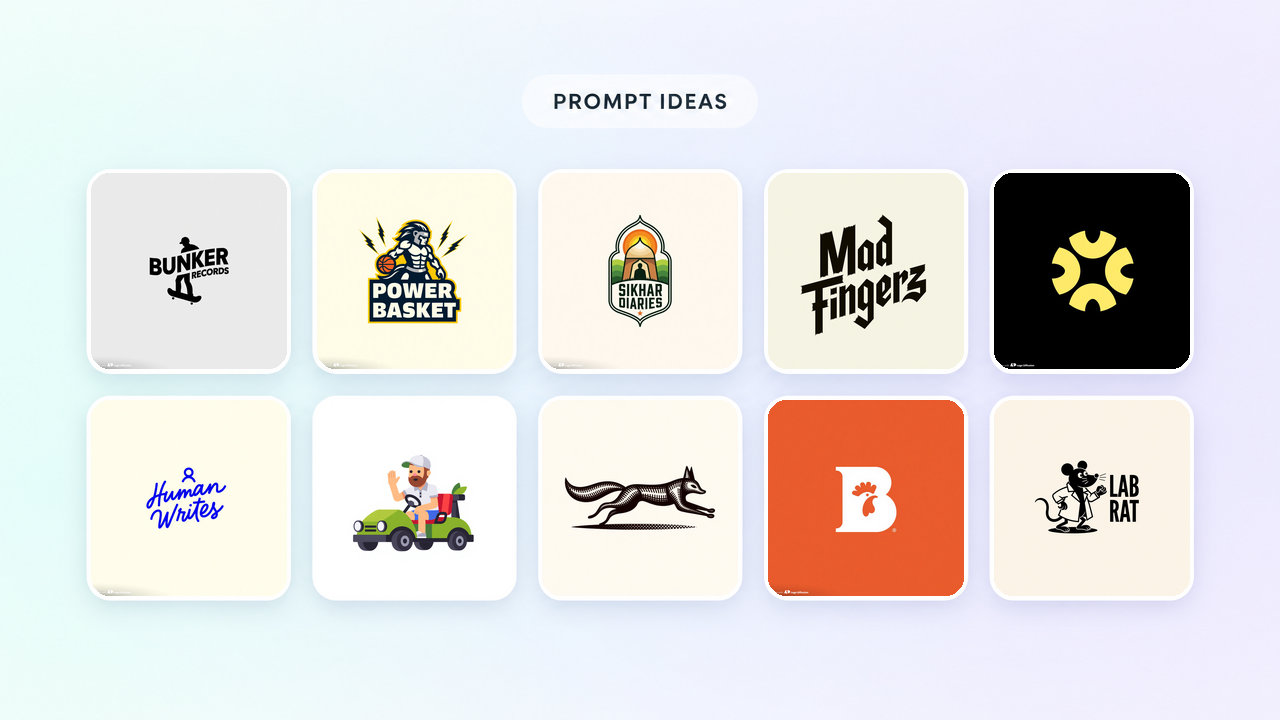

Ten logo prompts, one for each of ten logo styles in Text to Logo, each shown with the logo it made in Logo Diffusion. Every prompt is copied as its author typed it. Paste one in, swap the subject and the name in quotation marks for yours, and pick the style named under the logo.
Each image costs 2 credits. A paid generation returns 4 options for 8 credits, and a free one returns 2 for 4.
A pictorial logo draws a thing. Name the object, put the business name in quotation marks and say how the two meet. Here a skater carries a record label's name across his body.
Bold "Bunker Records" text logo in Bauhaus style, over a skater doing a trick, reflecting Berlin's urban art scene, looking at the viewer.

Make your logo with Logo Diffusion. Describe it, sketch it or upload an image, and download it as a layered SVG. Try it for free.
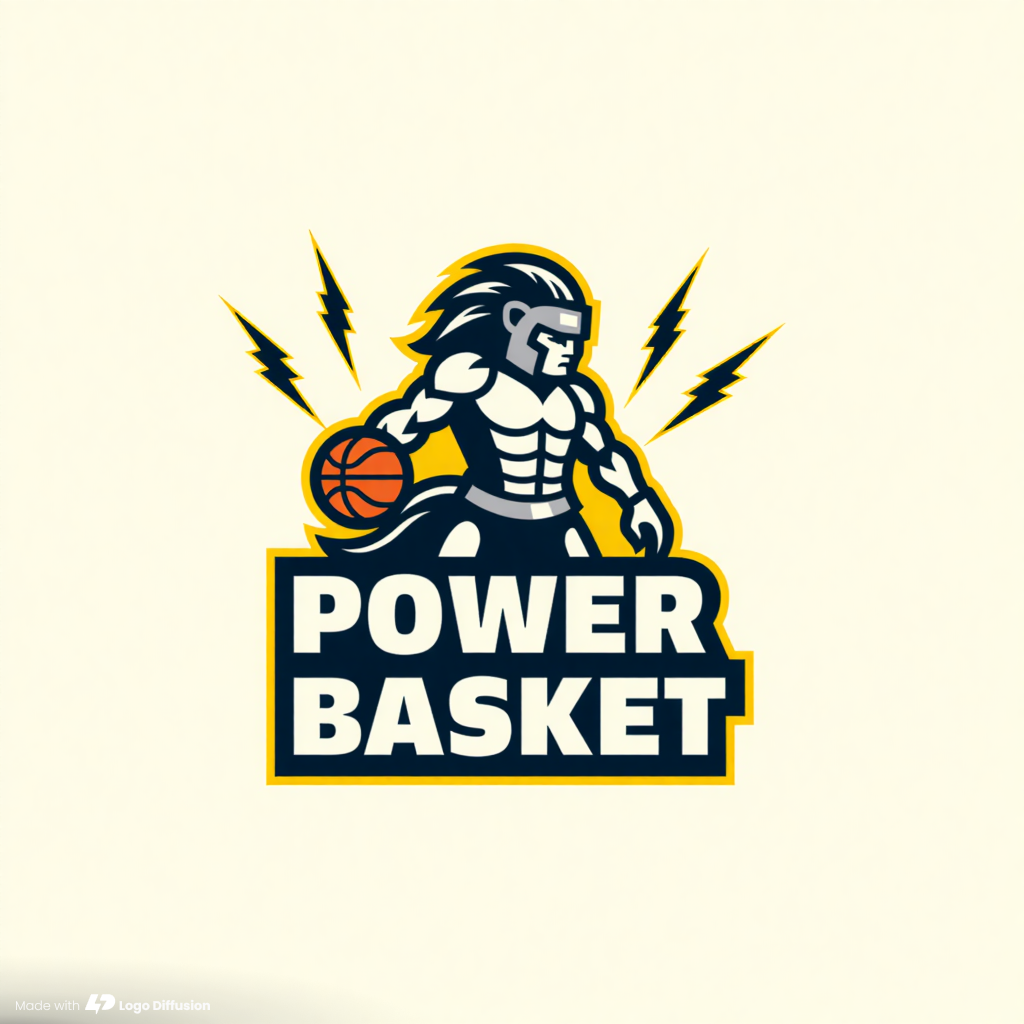
A mascot logo is a character with a job. List its concrete parts: the creature, what it wears and what it does. Then put the team name after "Text".
Centaur warrior logo with a helmeted human head, shooting lightning bolts, basketball details. Text "Power Basket". Looking at viewer.
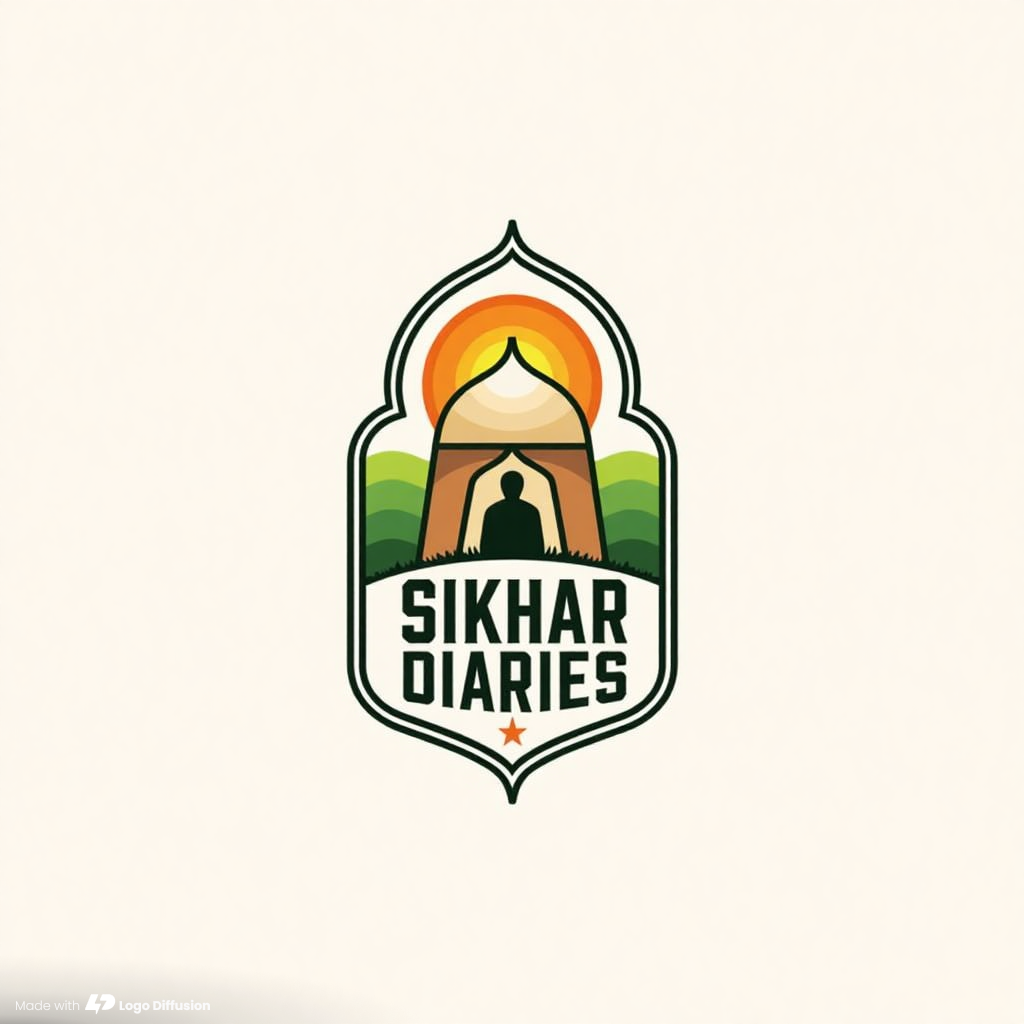
A badge puts the symbol and the name in one closed shape, so it holds together on a label, a sign or a patch. Describe a small scene with a place, a person and a time of day, then name the colors in plain words.
Showing a stylized Indian hut integrating folk art patterns with a farmer silhouette watching sun rise. "Sikhar Diaries". warm and earthy tones.
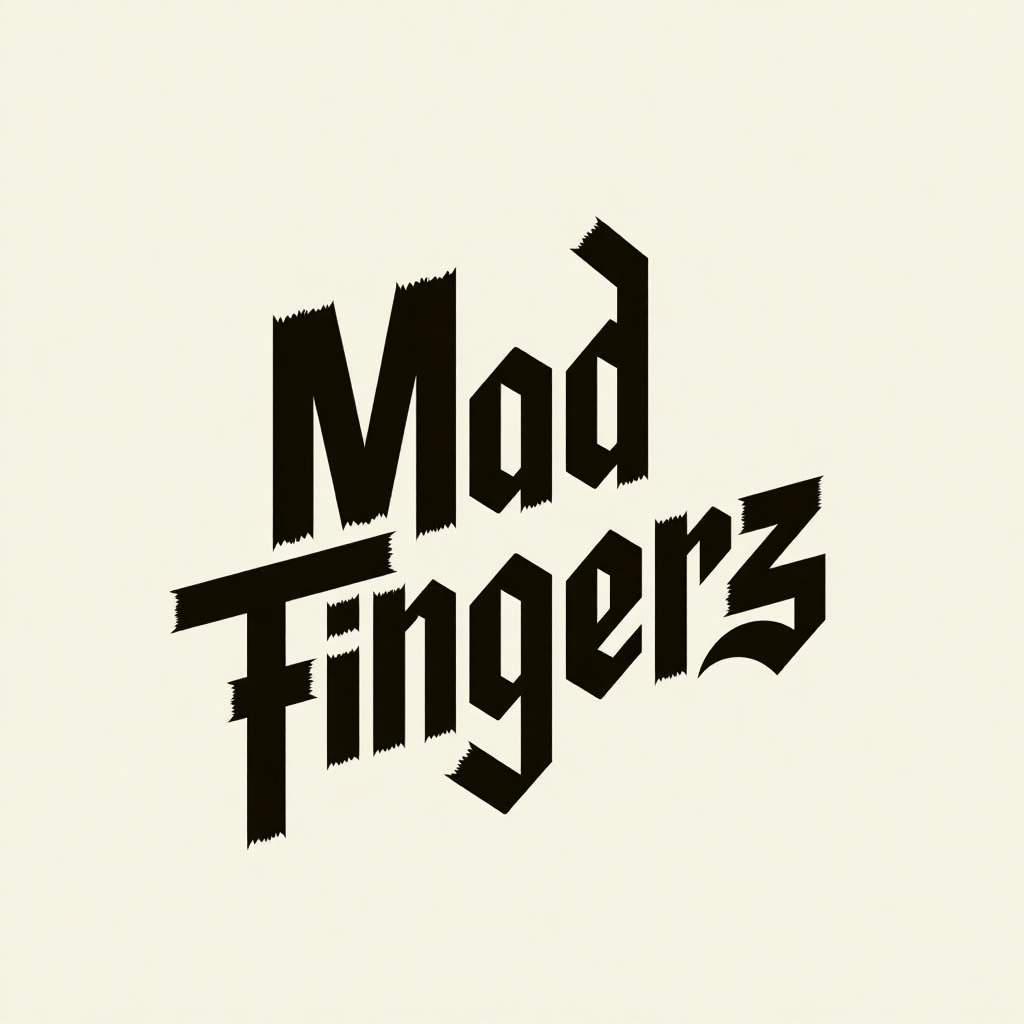
With no symbol, the letters carry the logo. A short prompt is enough when it gives the name in quotation marks and says what the business is, because the business type sets the tone of the lettering. If you need the names of letter styles to ask for, see our guide to types of fonts.
Fingerboarding shop called "Mad Fingerz", urban elements
An abstract logo has no object in it. Name shapes and a meaning, and leave out animals, tools and buildings so the result stays a symbol. This prompt has no text at all.
Overlapping arcs forming a radiant burst, creating a focal point of simple geometric shapes, suggesting growth and connection.

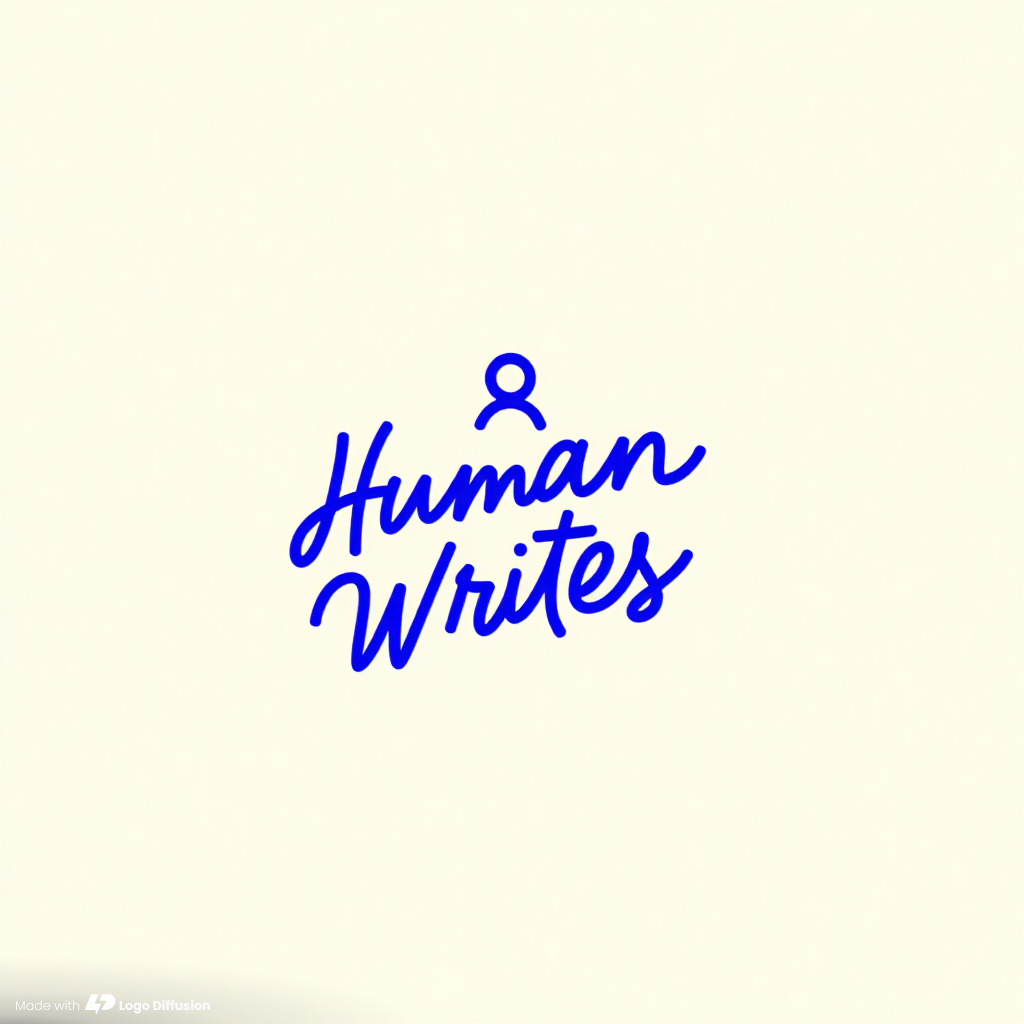
Line art is drawn in a single line weight. Say "line art" in the prompt, and if the name should look handwritten, say the lettering forms the text. A tiny figure adds a person without adding weight.
Line art depicting hand lettering forming the text "Human Writes", featuring a minimalist mascot of a gender-neutral person.
An icon has to read at the size of a phone app, so keep the scene small: one vehicle, one person, one gesture. Exact details, like which hand waves, give the drawing something definite to show.
A golf car with a polo wearing guy as driver, waving with his right hand,

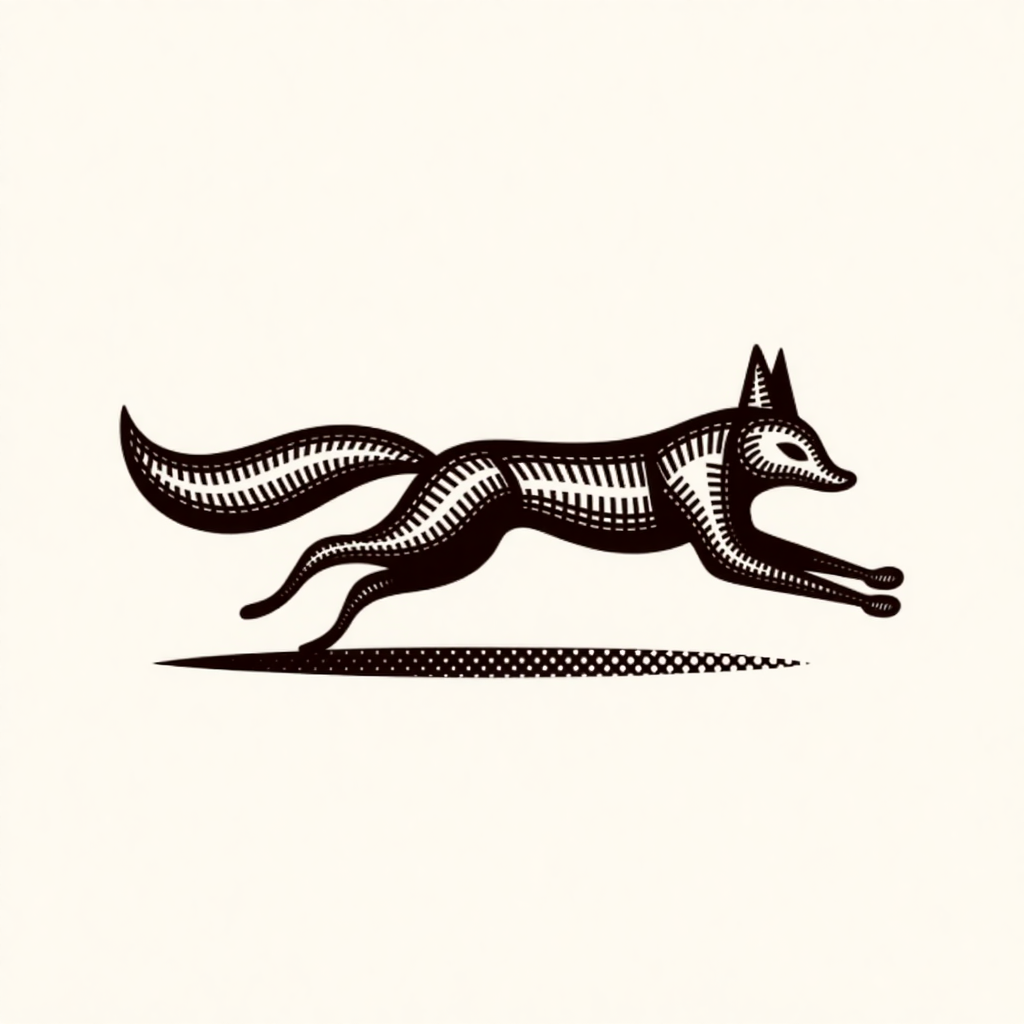
The Engraved style draws in fine hatching, like a label from an old print shop. Words like "mid-run" and "extended horizontally" are how a still logo shows speed.
A fox mid-run, a bushy tail extended horizontally, conveying speed and agility.
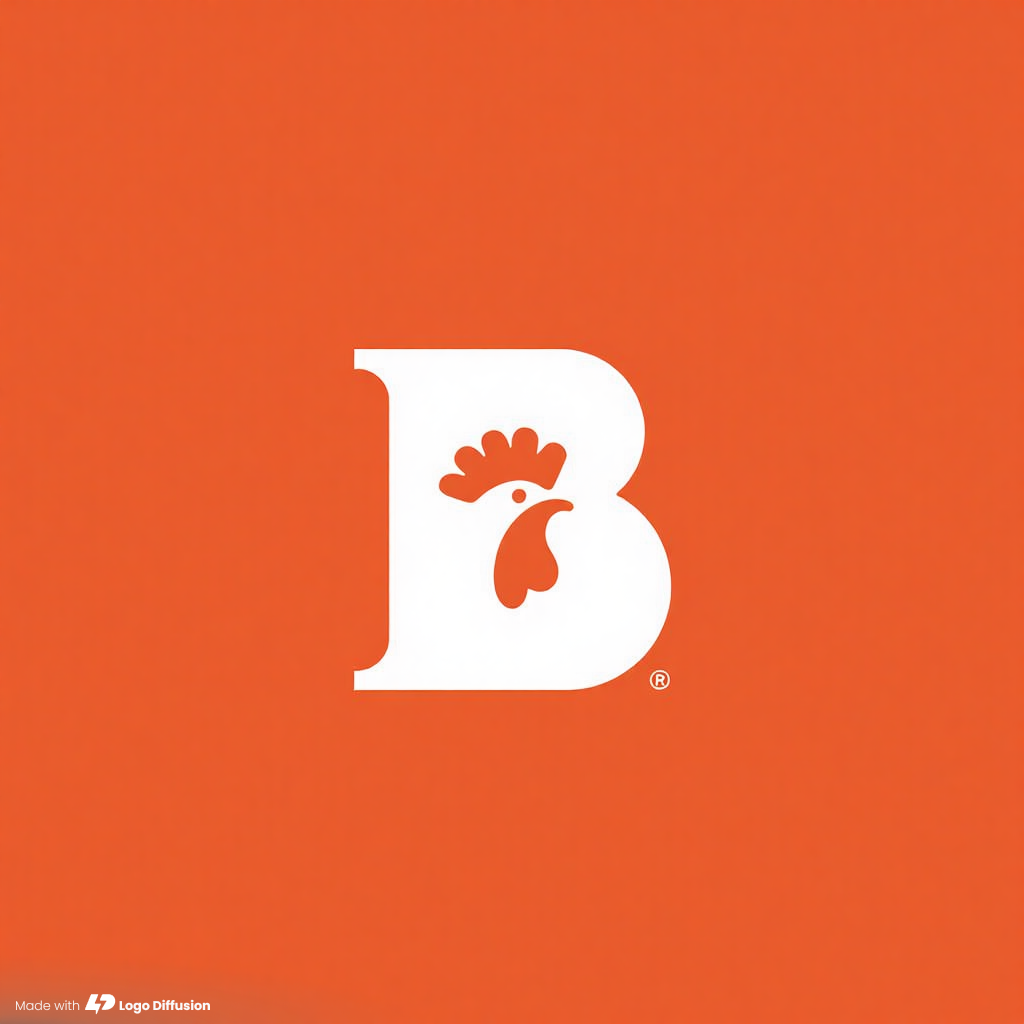
A monogram is built from initials, and one letter is enough. Write the exact letter, say uppercase or lowercase, and add one motif that ties it to the business.
Uppercase letter B; chicken head silhouette integrated. Feathers texture.
Retro Mascot draws a character in an old cartoon look. Name the character, its costume and where the name sits. For a newer cartoon look, run the same prompt with the Cartoon style.
A muscular rat mascot wearing a lab coat and flexing, standing on the left, showing the text "Lab Rat" on the right.

Most of the ten prompts share a pattern: one subject, the name in quotation marks, and a few words on lines, shapes or color.
For the full method, from brand goals to the final file, read 5 steps to write better AI logo prompts.
When one option is close, open it in the Magic Editor and describe one change in a sentence, like "make the lines thicker". It only changes what you name. Logo Variations gives you new versions of a logo you already like. Logo System, one of the Magic Editor's Elements, turns one logo into wordmark, lettermark, emblem and symbol versions. To pair a symbol with a name, see our guide to combination logos.
Exports are SVG and transparent PNG, and the SVG is layered with real vector paths. Paid plans download unwatermarked files, a 1024 px PNG or a layered SVG.
Name one subject, put the business name in quotation marks and pick a style. Add a few words on line weight or color if they matter to you. Every prompt above is three short sentences or fewer.
Text to Logo costs 2 credits per image. A paid generation returns 4 options for 8 credits, and a free one returns 2 options for 4 credits. The free plan gives you 24 credits, refilled weekly.
There are 11: Pictorial, Mascot, Retro Mascot, Badge/Crest, Cartoon, Logo Type, Abstract, Line Art, Icon/Emoji, Engraved and Monogram. Leave the style on Auto and Text to Logo picks one from your prompt.
Text inside quotation marks is the text you want in the logo. Use them for the business name and any tagline, then check every option for the spelling before you pick one.
Text to Logo makes flat logos. For depth, open the logo in the Magic Editor and use the 2D Logo to 3D Element, which renders it with depth and lighting for 5 credits at the default Base setting. The result is an image of the logo, and it is not a 3D model file.
Yes. Exports are SVG and transparent PNG, and the SVG is layered with real vector paths. Paid plans download unwatermarked files. Free downloads are 512 x 512 and watermarked.
Ali Rahmoun is a brand designer and 3D illustrator who has been building logos and brand identities since 2006. In 2016 he founded Sports Templates, whose branding and uniform templates have been used by the Pittsburgh Steelers, the Minnesota Timberwolves and ESPN, where he also worked on custom 3D graphics. In 2023 he founded Logo Diffusion, training its AI models on his own branding projects and on what makes a logo work: clean shapes, strong type and a file you can actually use. He writes here about logo design, branding and how to get professional results from AI without handing over the creative decisions.






.webp)

.webp)
.webp)