

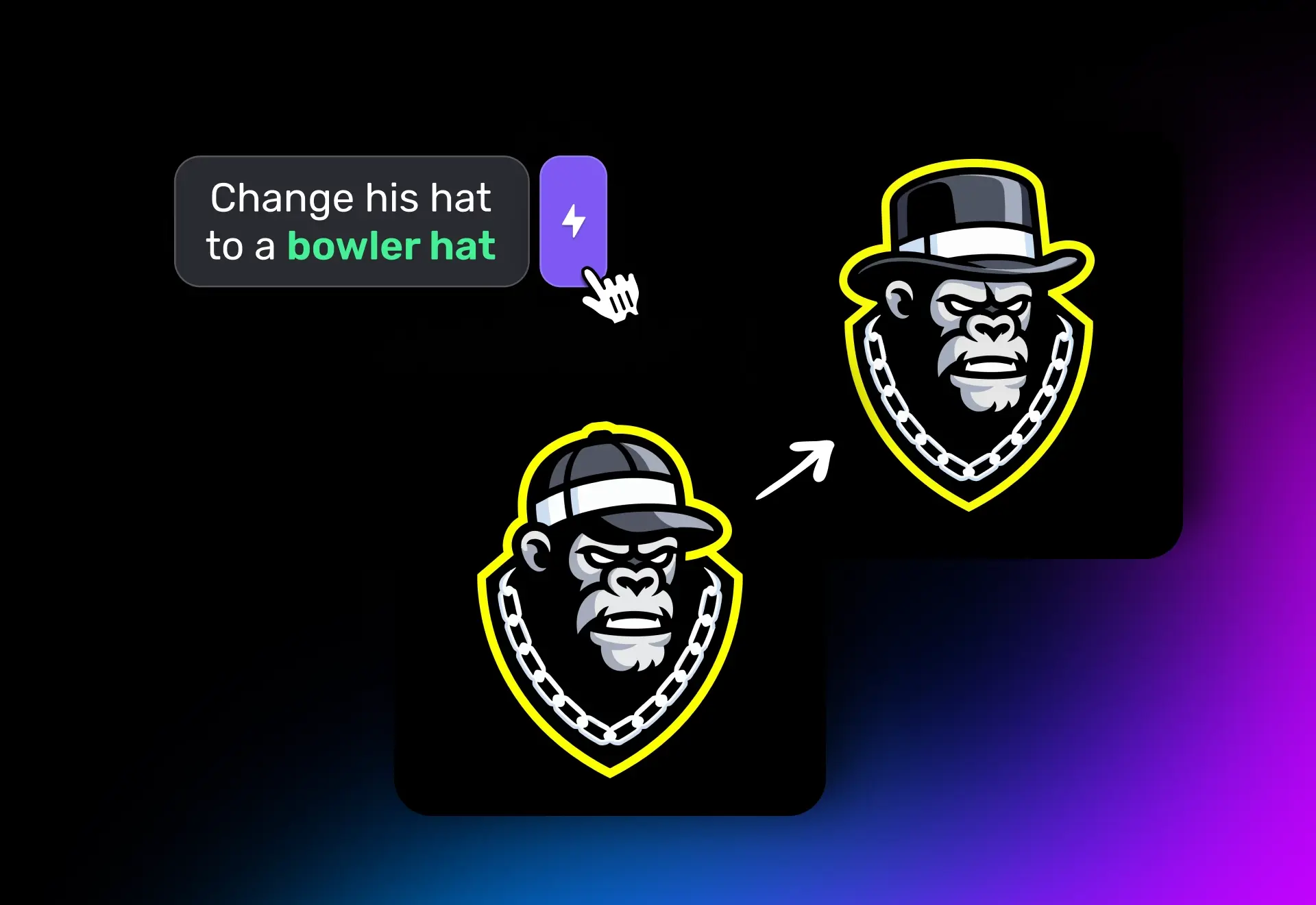

Magic Editor is a powerful new way to edit logos and graphics online. Instead of redrawing from scratch, it keeps your original design intact while letting you change text, swap objects, or refine details with a simple instruction.
You get back the same design you started with, only updated exactly where you wanted.

Why it matters
Most AI editors feel clumsy. You ask for one small change, and suddenly the colors shift, shapes bend, or fine details vanish. It’s frustrating, and often means redoing the entire logo.
Magic Editor avoids that problem. It makes the edit you asked for, and nothing else. Your logo stays clean, consistent, and on brand.
How it works
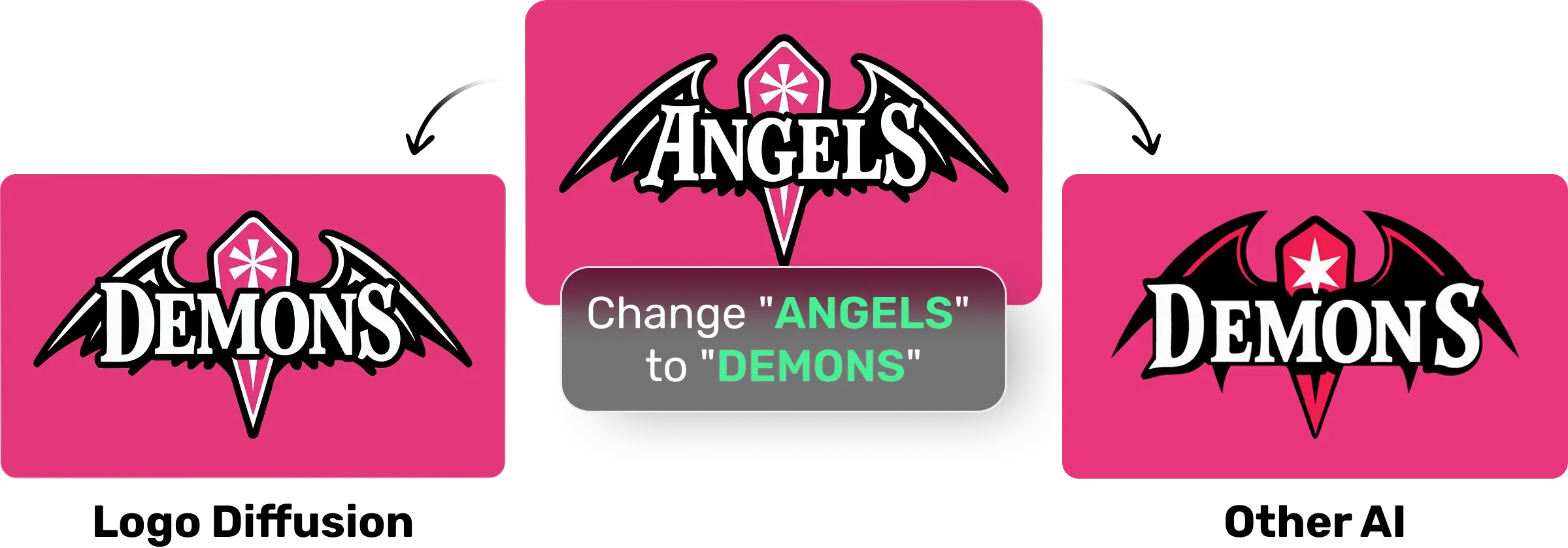
The system analyzes your design in seconds, learning its structure, letterforms, strokes, and style. That’s why it can do things other editors miss:
- Replicate fonts & styles – Even if your logo uses custom type, it can generate missing letters seamlessly.
- Preserve brand consistency – Shapes, colors, and layouts remain untouched unless you ask for a change.
- Handle complex edits – From mascots to wordmarks, the edits blend naturally with the original design.
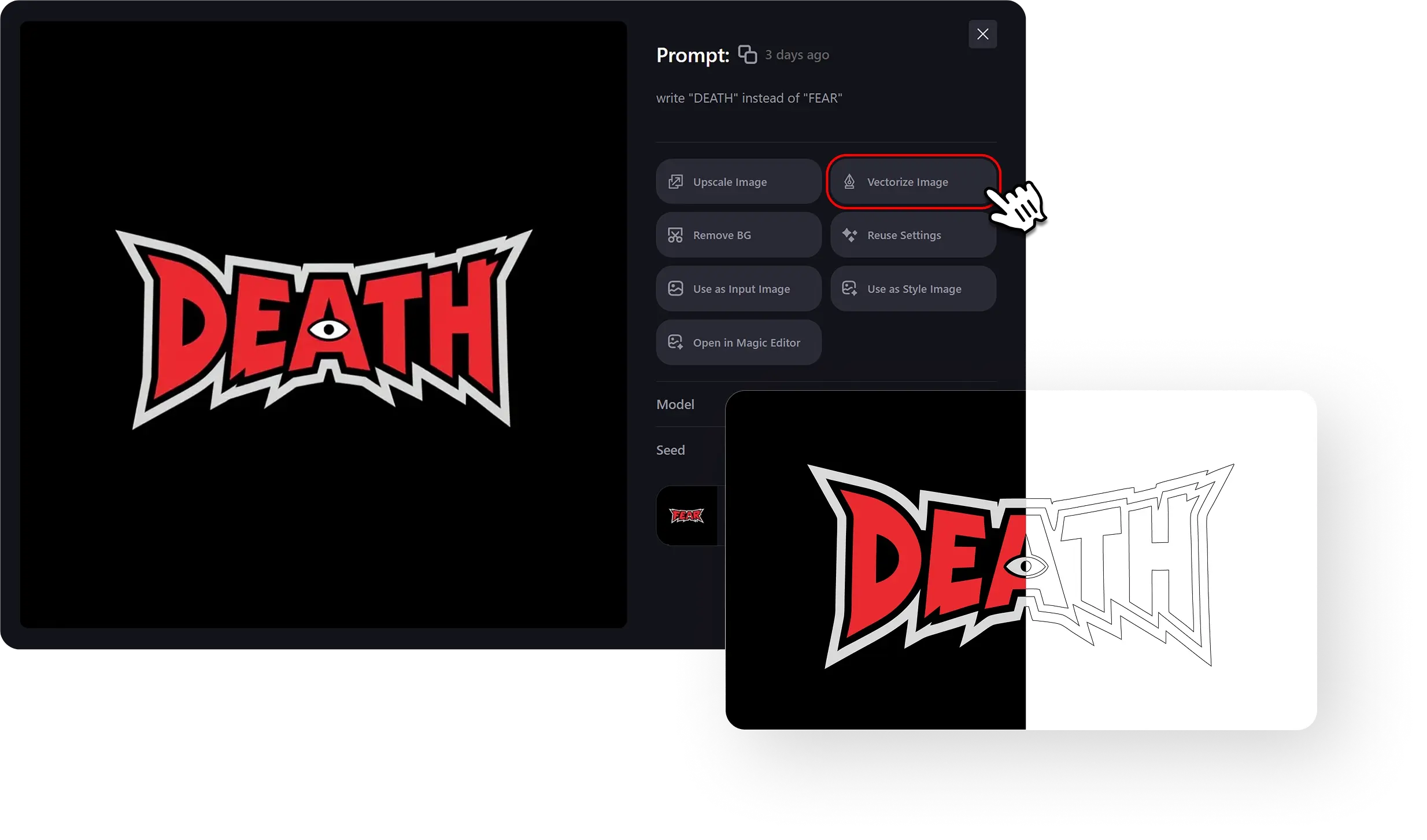
Example: If your logo only has F, E, and A, the editor can still generate D, T, and H in the same exact style, like the font always existed.
How to use it
Step 1 - Upload your logo or graphic:
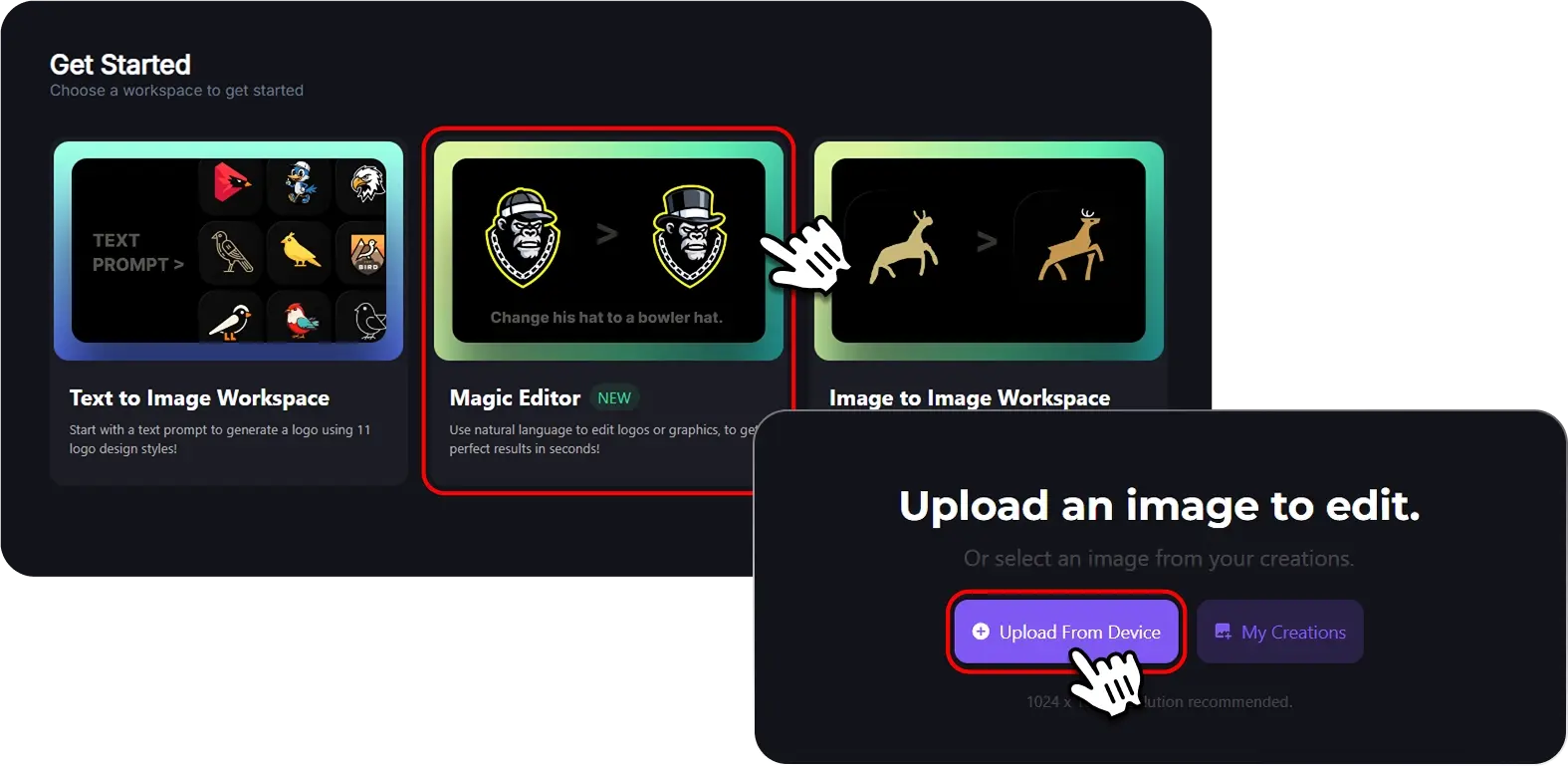
Step 2 - Describe your edit:
Write your instructions as you would to a designer: “Replace ‘FEAR’ with ‘DEATH.’
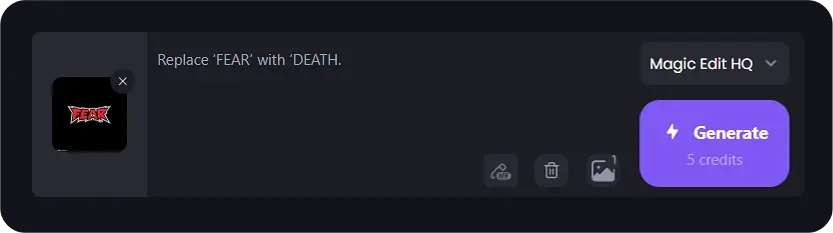
Step 3 - Generate the result:
The new logo will match the exact font, style, strokes,edges, and colors of the original.

Want more tweaks?
Hit “Edit this image” and keep refining. Each new edit builds on the last without breaking the design.

Export as Vector
When you’re done, export a clean, layered vector file with our HQ Vectorizer.
Unlike messy auto-traces, you’ll get a professional vector that’s smooth, customizable, and production-ready.
The Bottom Line
Magic Editor makes logo editing simple.
No random changes. No starting over.
Just precise updates that keep your brand identity intact.
👉 Try Magic Editor today and see how fast editing a logo can really be.


Elevate Your Brand with the Ultimate AI Logo Maker
Built with love by designers for designers!


Trusted by over 200k+ users


The future of AI Logo Design
