
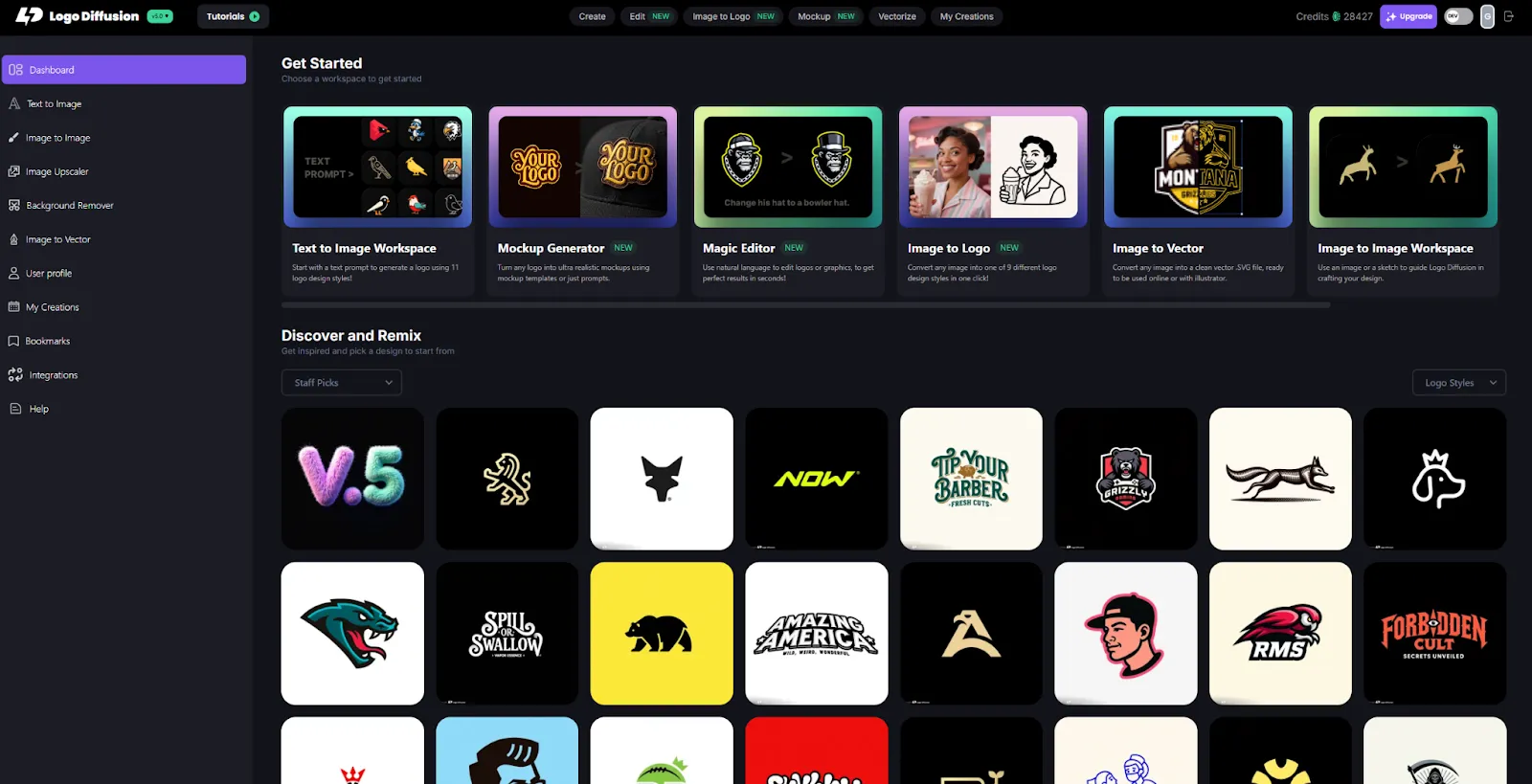
Logo Diffusion is built specifically for generating professional logos at scale. Its models are trained on carefully curated datasets made by designers, not the messy internet-wide collections used in most general AI systems. That training gives Logo Diffusion a strong understanding of logo geometry, proportions, negative space, and simplicity. The system supports 11 logo styles, smart prompt enhancement, lots of customization settings, Magic Editor, image-to-logo, AI mockups, vectorizer, and 4k upscaler. It's built for people who want many high-quality concepts fast without sacrificing refinement. See all tool comparisons
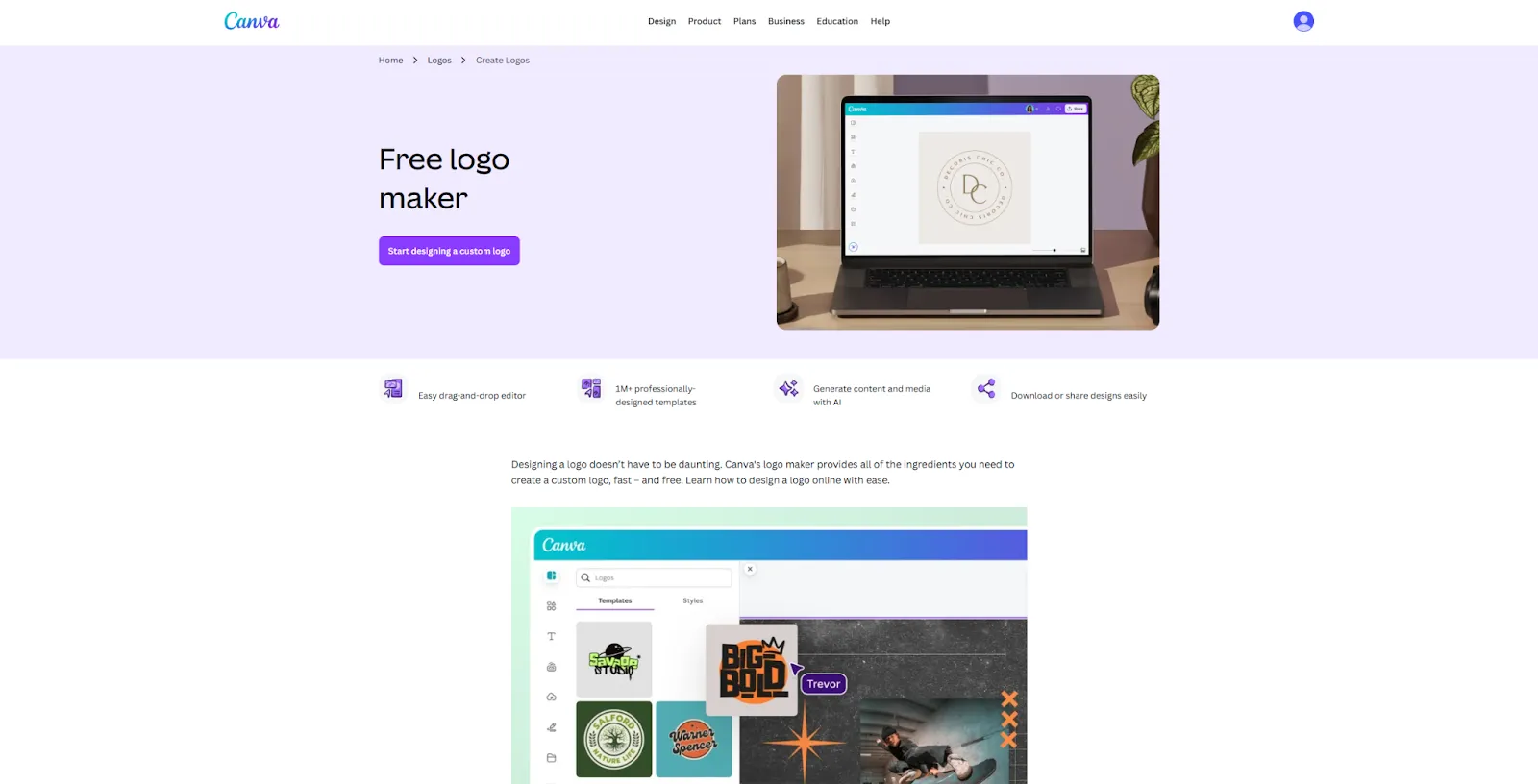
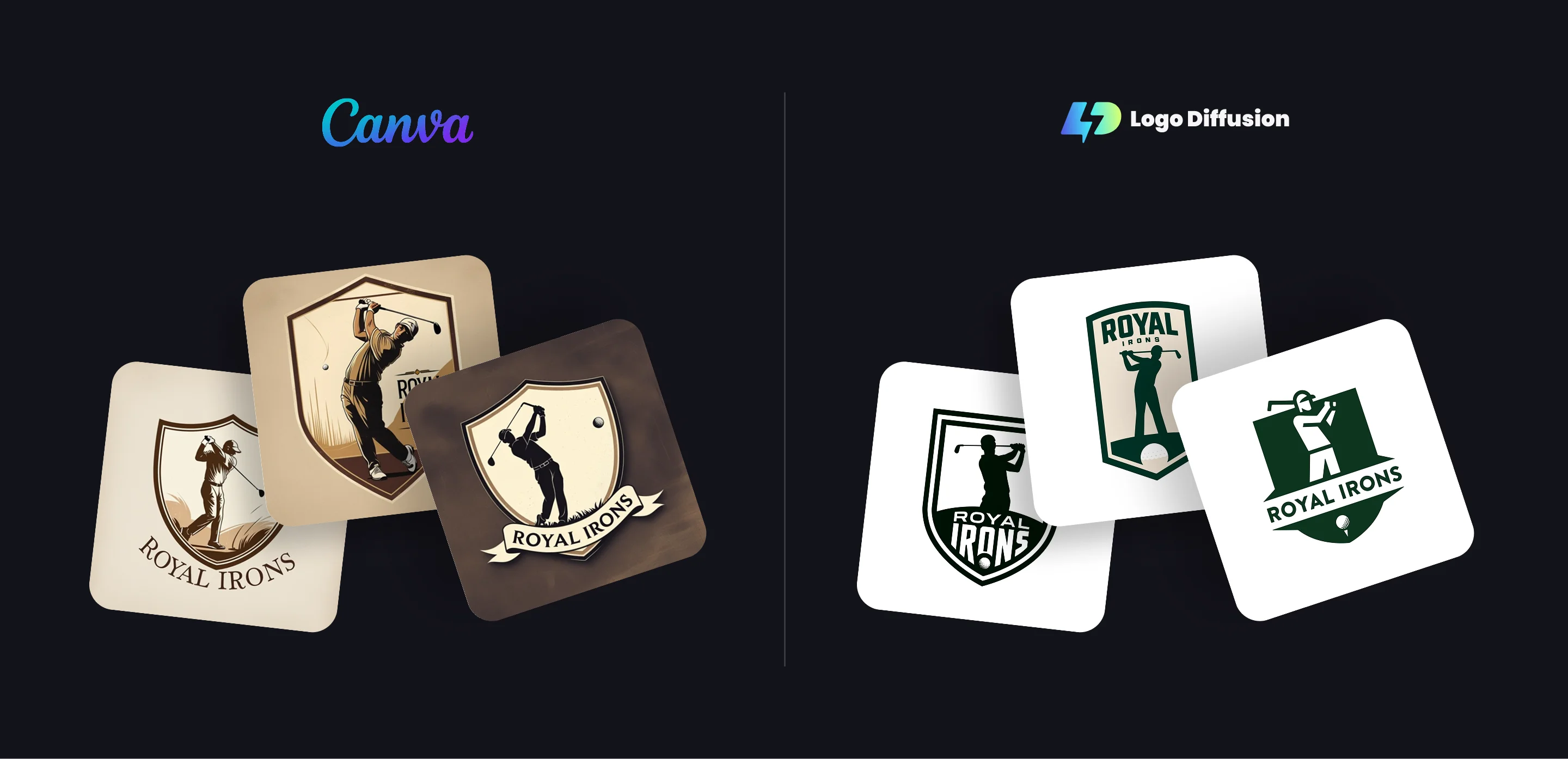
Canva is an all-purpose design platform with templates for everything from social content to presentations. Its logo maker supports both template-based creation and AI logo generation from prompts. It’s one of the most accessible tools on the market, letting anyone create a usable logo without design expertise. Canva’s strength is speed and convenience. Its limitation is originality: because it relies on shared icon and layout libraries, many logos end up looking similar. Canva’s AI generator produces good-looking graphics, but they often lean toward detailed illustrations or textures rather than clean, minimal, scalable logo forms. Compare more tools
Logo Diffusion
Canva
Logo Diffusion
Canva
Logo Diffusion
Canva
To keep the comparison fair and consistent, we used the same logo brief and prompt across both AI platforms. Each tool was asked to generate a logo for a fictional golf team called “Royal Irons”, with no additional post-editing or manual cleanup. This approach helps highlight how each AI interprets the same idea, design constraints, and brand intent. The results below show the raw outputs from each platform, allowing you to compare differences in style, structure, simplicity, and overall logo readiness.
Logo Diffusion
Canva
Logo Diffusion is the better choice if your primary goal is generating original, professional-quality logos that can stand on their own as brand identities. Its logo-specific training, fine-grained creative control, and vector-ready workflow make it well suited for designers, founders, and teams who care about scalability, uniqueness, and long-term brand use. It excels at fast ideation without sacrificing structure, balance, or core logo principles.
Canva, on the other hand, offers both template-based logo creation and an AI generator that can produce logos from scratch. Its strength is accessibility and speed, making it a solid option for users who want quick results and a unified environment for building brand collateral. However, because its AI models are not trained specifically on logo design principles, outputs can lean toward more detailed or illustrative visuals rather than clean, minimal, highly scalable marks. In practice, Canva works best as a broad design platform, while Logo Diffusion is built specifically for creating logos that prioritize clarity, originality, and professional logo fundamentals.






.webp)

.webp)
.webp)