

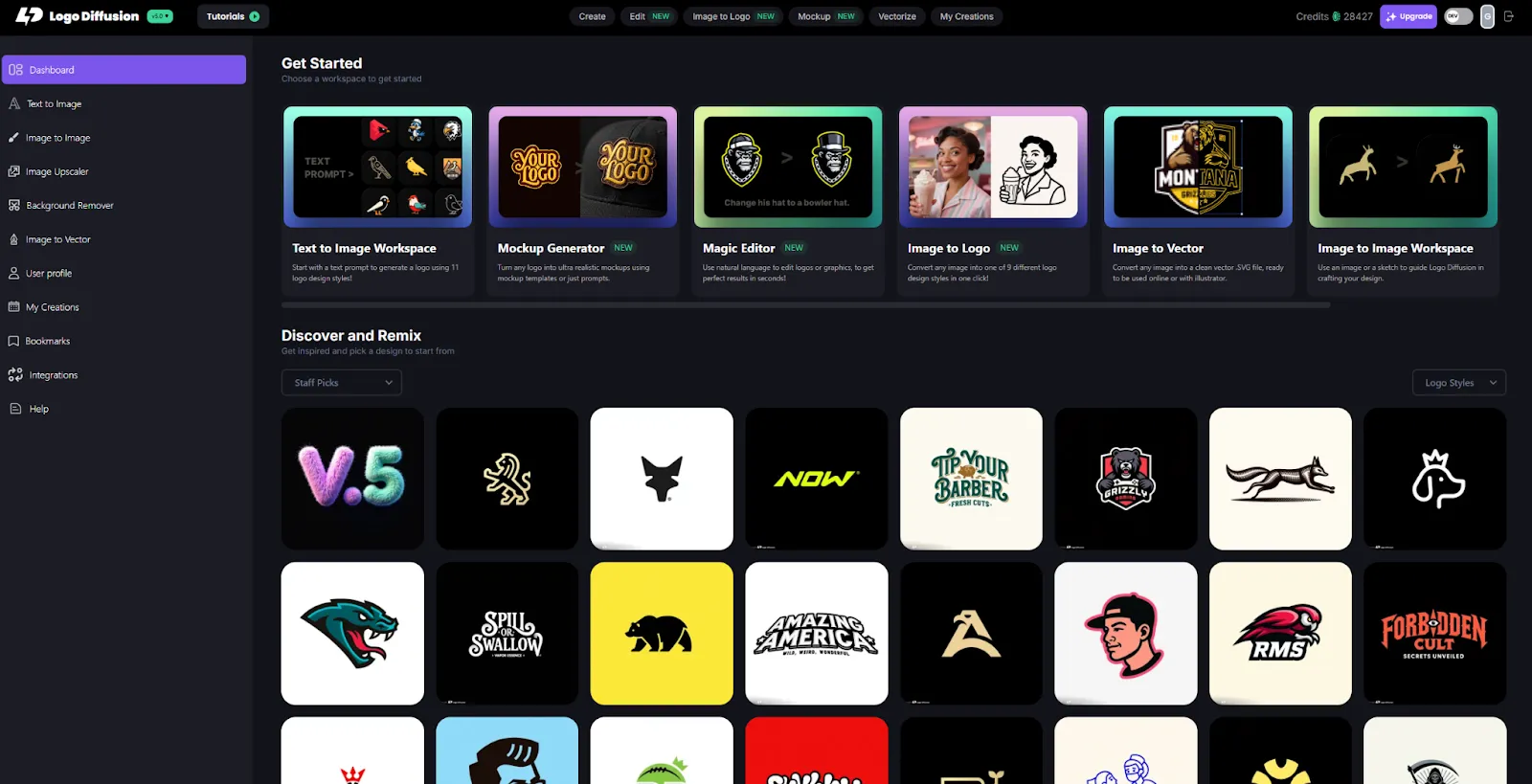
Logo Diffusion is an AI tool focused completely on professional logo creation. Its models are trained to understand logo structure, symmetry, simplicity, and scalability. The system offers prompt-based generation, 11 logo styles, Magic Editor, image-to-logo, AI mockups, vector rebuilding, and high-resolution exporting. It gives designers and founders an efficient workflow to explore, refine, and finalize logo ideas.
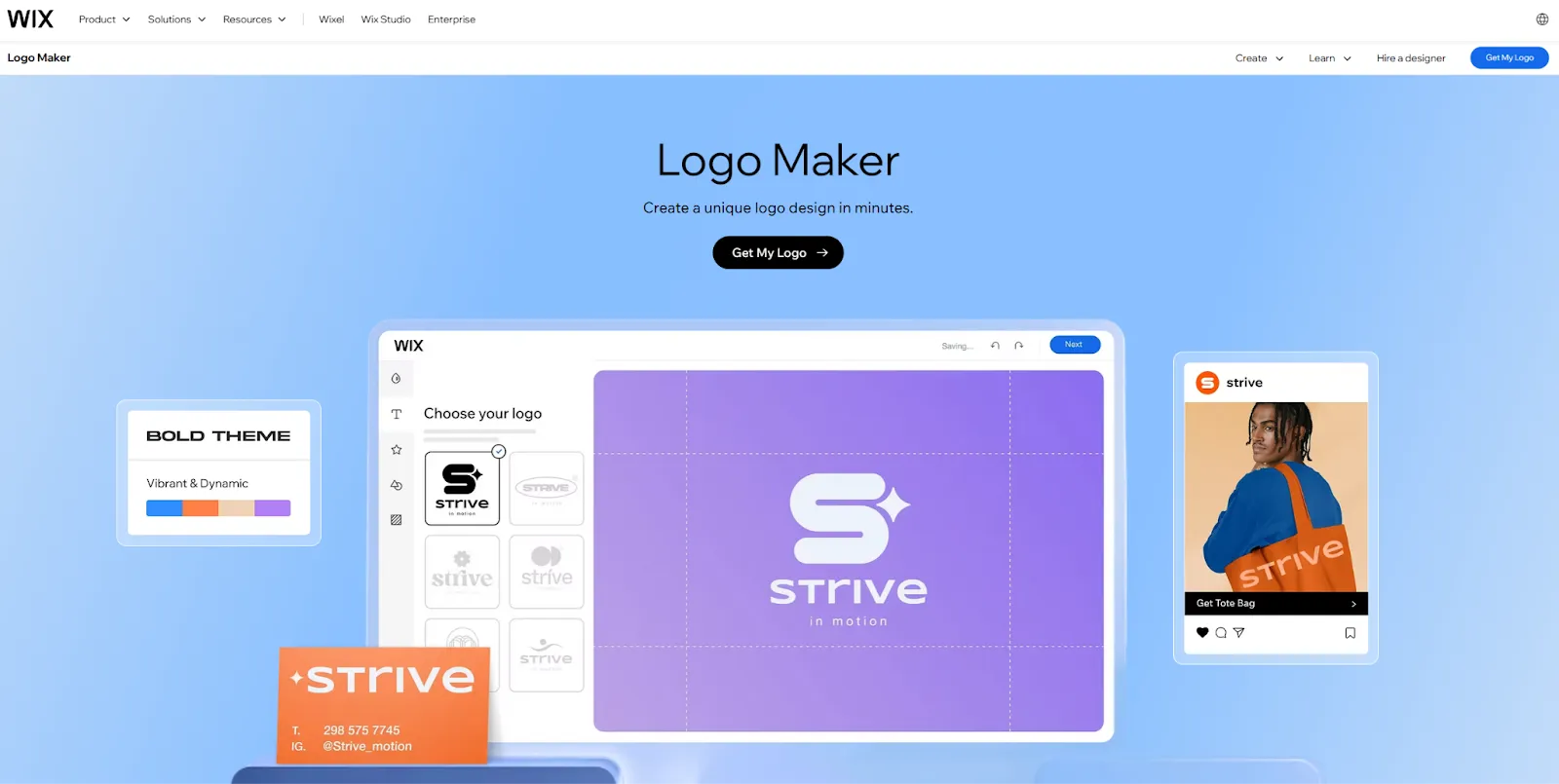
Wix Logo Maker is an AI-assisted logo tool built into the Wix website platform. The system asks a few style and tone questions, then generates logo options using a mixture of templates and AI logic. Users can customize icons, colors, and fonts, and then export logo files or bundle the logo with a Wix website subscription. Its goal is quick branding for small businesses, particularly those launching a Wix website.
Logo Diffusion
Wix Logo Maker
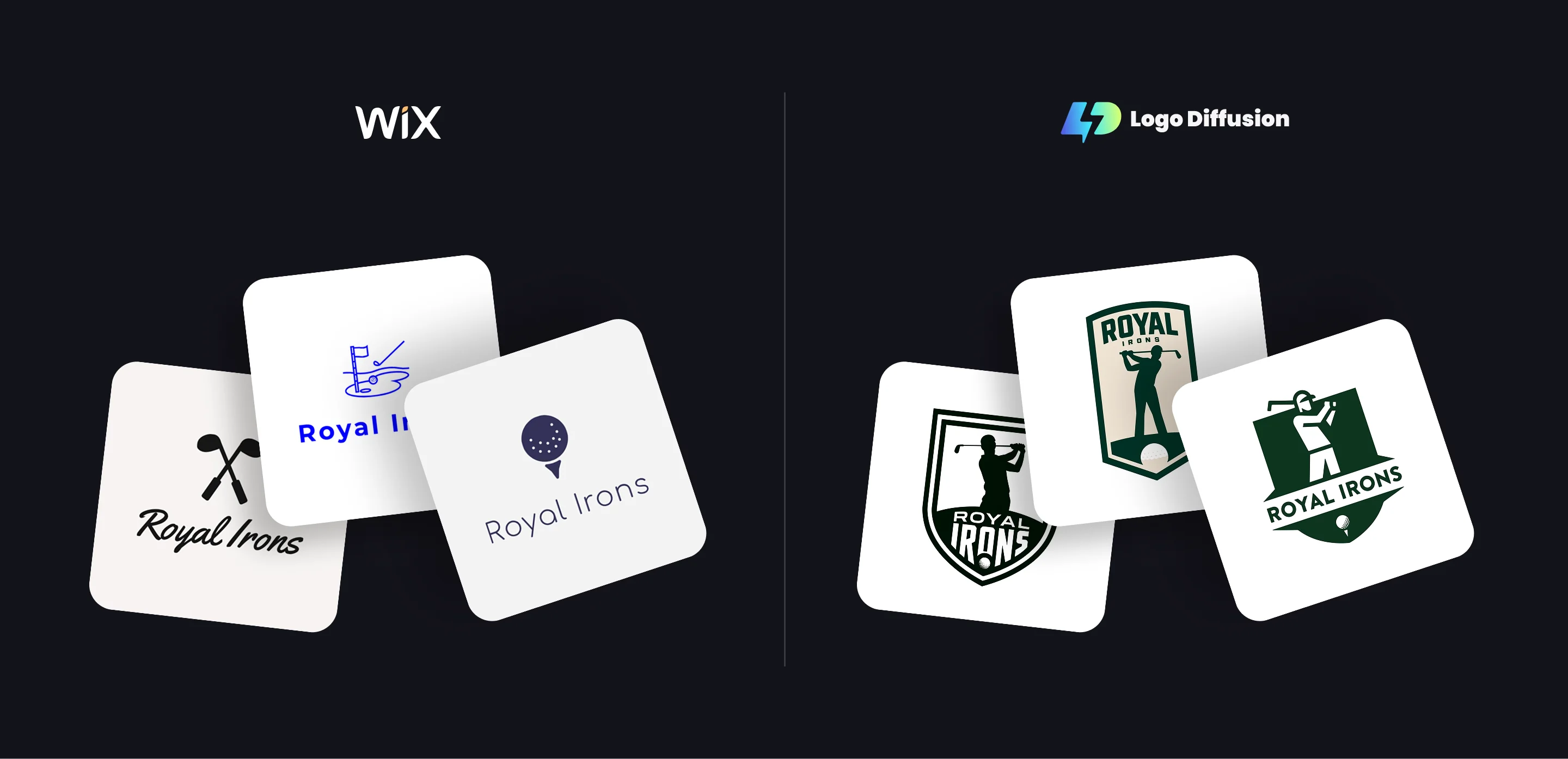
Logo Diffusion produces more original outcomes with clearer brand longevity.
Logo Diffusion
Wix Logo Maker
If beginners want something simple, Wix Logo Maker is enough.
If designers want precision, Logo Diffusion is the better tool.
Logo Diffusion
Wix Logo Maker
Wix wins for simplicity inside its ecosystem.
Logo Diffusion wins for serious logo creation.
To keep the comparison fair and consistent, we used the same logo brief and prompt across both AI platforms. Each tool was asked to generate a logo for a fictional golf team called “Royal Irons”, with no additional post-editing or manual cleanup. This approach helps highlight how each AI interprets the same idea, design constraints, and brand intent. The results below show the raw outputs from each platform, allowing you to compare differences in style, structure, simplicity, and overall logo readiness.
Logo Diffusion
Wix Logo Maker
Wix is cost-effective if you’re also building your site there.
Logo Diffusion is cost-effective if you want high-quality logos and a professional workflow.
Wix Logo Maker is a practical choice for small businesses that are already building their website on Wix and want a logo quickly without adding extra tools to their workflow. Its guided setup and tight integration with the Wix ecosystem make it easy to generate a usable logo and apply it directly to a site, marketing pages, or basic brand assets. For simple needs and fast launches, this convenience can be a real advantage.
Logo Diffusion is better suited for users who want more control over how their logo is designed and refined. Its logo-specific models, prompt-driven generation, and editing tools support cleaner structure, stronger originality, and better scalability across real-world use cases. Features like vector rebuilding and custom mockups make it easier to move from concept to production-ready assets without relying on templates. In practice, Wix Logo Maker works well for quick, website-first branding, while Logo Diffusion is designed for creating logos that are more flexible, distinctive, and built to support a brand beyond a single platform.






.webp)


.webp)
.webp)