
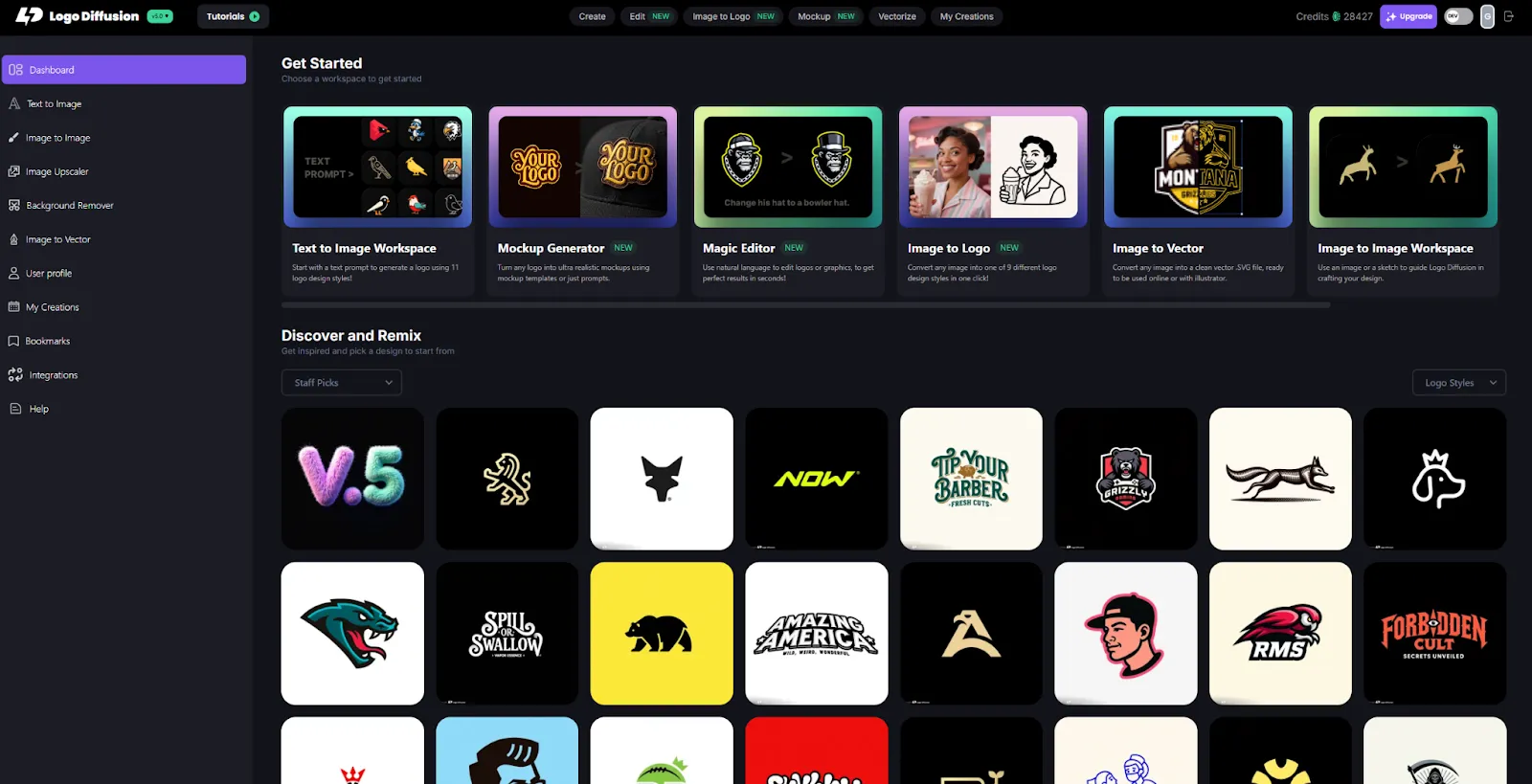
Logo Diffusion is a logo-focused AI platform designed to help founders and designers create professional, original logos at scale. Its models are trained on clean, designer-built datasets with strict logo rules in mind. That gives it an advantage in geometry, negative space, shape consistency, and simplicity. The platform supports 11 logo styles, prompt enhancement, detailed controls, Magic Editor for targeted edits, vector rebuilding, AI mockup generation, image-to-logo, creative upscaling, and commercial-ready exports. It’s made to speed up the entire ideation and production pipeline without replacing the creative insight that only humans bring.
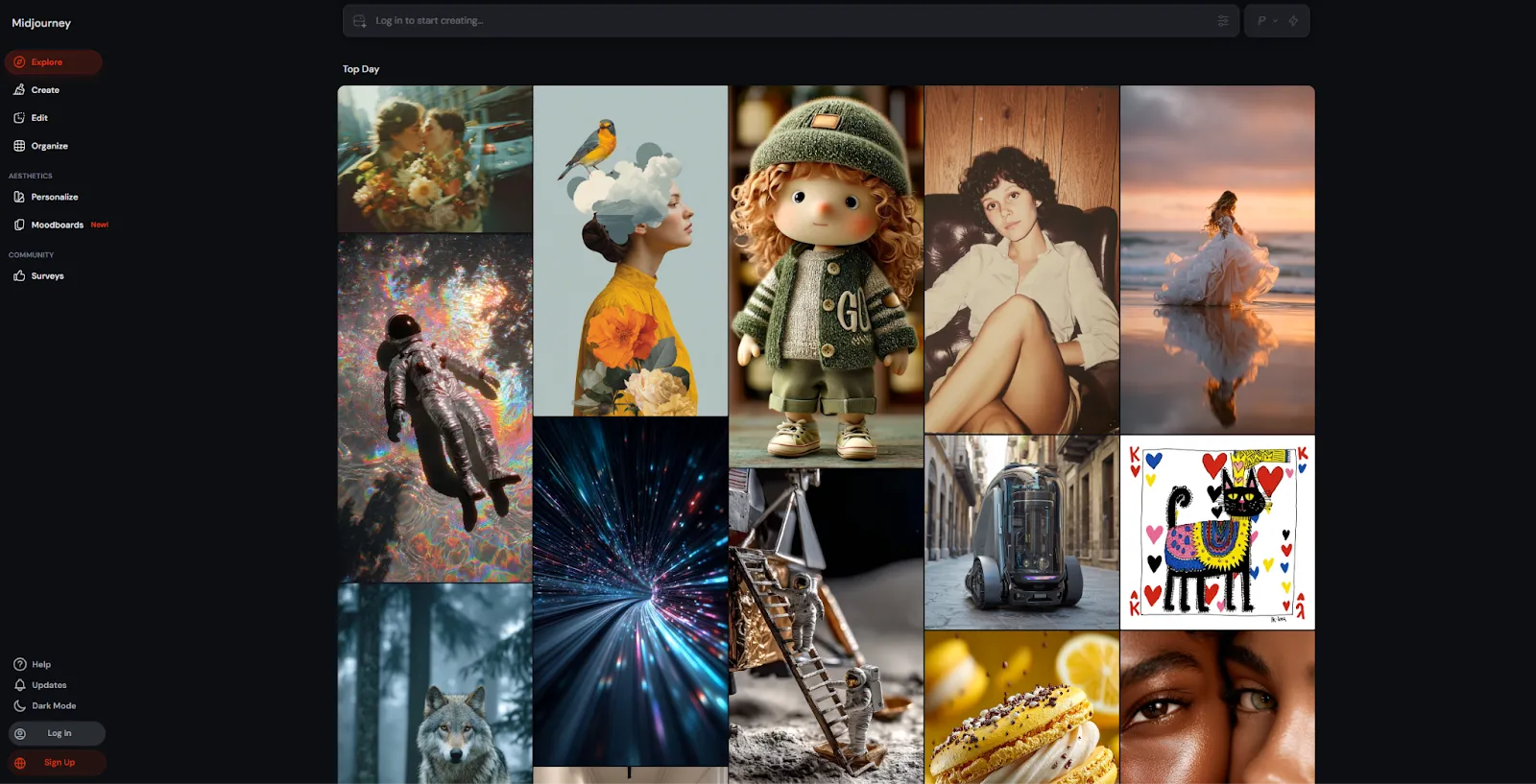
Midjourney is a general-purpose creative image generator known for its stylistic range and artistic depth. It excels at mood, texture, atmosphere, and conceptual exploration. Designers often use it to brainstorm directions, explore metaphor-driven identity themes, or establish the visual world around a brand. Midjourney is not trained for logo precision, symmetry, or typographic stability. It produces impressive images but requires a designer to rebuild anything that needs to function as a real logo across print, packaging, and digital contexts.
Midjourney is excellent at creating beautiful images, but logos demand something different. A functional logo needs consistency, symmetry, balanced spacing, and a structure that survives at any size.
Logo Diffusion
Midjourney
If the end goal is a functional logo, Logo Diffusion simply hits requirements Midjourney doesn’t target.
Midjourney gives you almost unlimited stylistic flexibility but has limited predictability. Logo Diffusion gives you narrower but more consistent control tailored to logo needs.
Logo Diffusion
Midjourney
Midjourney inspires. Logo Diffusion produces.
A real logo workflow includes concepting, refining, testing, mocking up, vectorizing, and exporting. Midjourney only covers the first step.
Logo Diffusion
Midjourney
If you want a real workflow without opening six tools, Logo Diffusion is built for it.
To keep the comparison fair and consistent, we used the same logo brief and prompt across both AI platforms. Each tool was asked to generate a logo for a fictional golf team called “Royal Irons”, with no additional post-editing or manual cleanup. This approach helps highlight how each AI interprets the same idea, design constraints, and brand intent. The results below show the raw outputs from each platform, allowing you to compare differences in style, structure, simplicity, and overall logo readiness.

Logo Diffusion
Midjourney
Midjourney is a value powerhouse for concept art. For logos, you will spend more time rebuilding work manually than the subscription saves.
Midjourney is an excellent tool for creative exploration and visual discovery. It shines when you want to explore mood, atmosphere, symbolism, or the broader visual language around a brand. Many designers use it successfully at the concept stage to generate inspiration and test stylistic directions before committing to a final identity. However, because it is not designed around logo constraints, the outputs usually need to be rebuilt manually to meet real-world branding requirements.
Logo Diffusion is designed for the next step in that process: turning ideas into functional logos. Its logo-specific training, predictable controls, and production tools support clean geometry, stable typography, and scalability across formats. Features like targeted editing, vector rebuilding, and custom mockups make it easier to move from concept to finished assets without switching tools. In practice, Midjourney works well as a creative starting point, while Logo Diffusion is better suited for producing logos that are ready to ship, use, and build a brand around.






.webp)

.webp)
.webp)