TABLE OF CONTENT

Text-to-Logo AI: Overview of AI-Powered Logo Creation

May 9, 2025
text-to-logo
Ethan avatar
Ethan Brookes
SEO Content Writer
A monitor displays the text “Text-to-Logo AI” above a colorful stylized letter S on a desk.

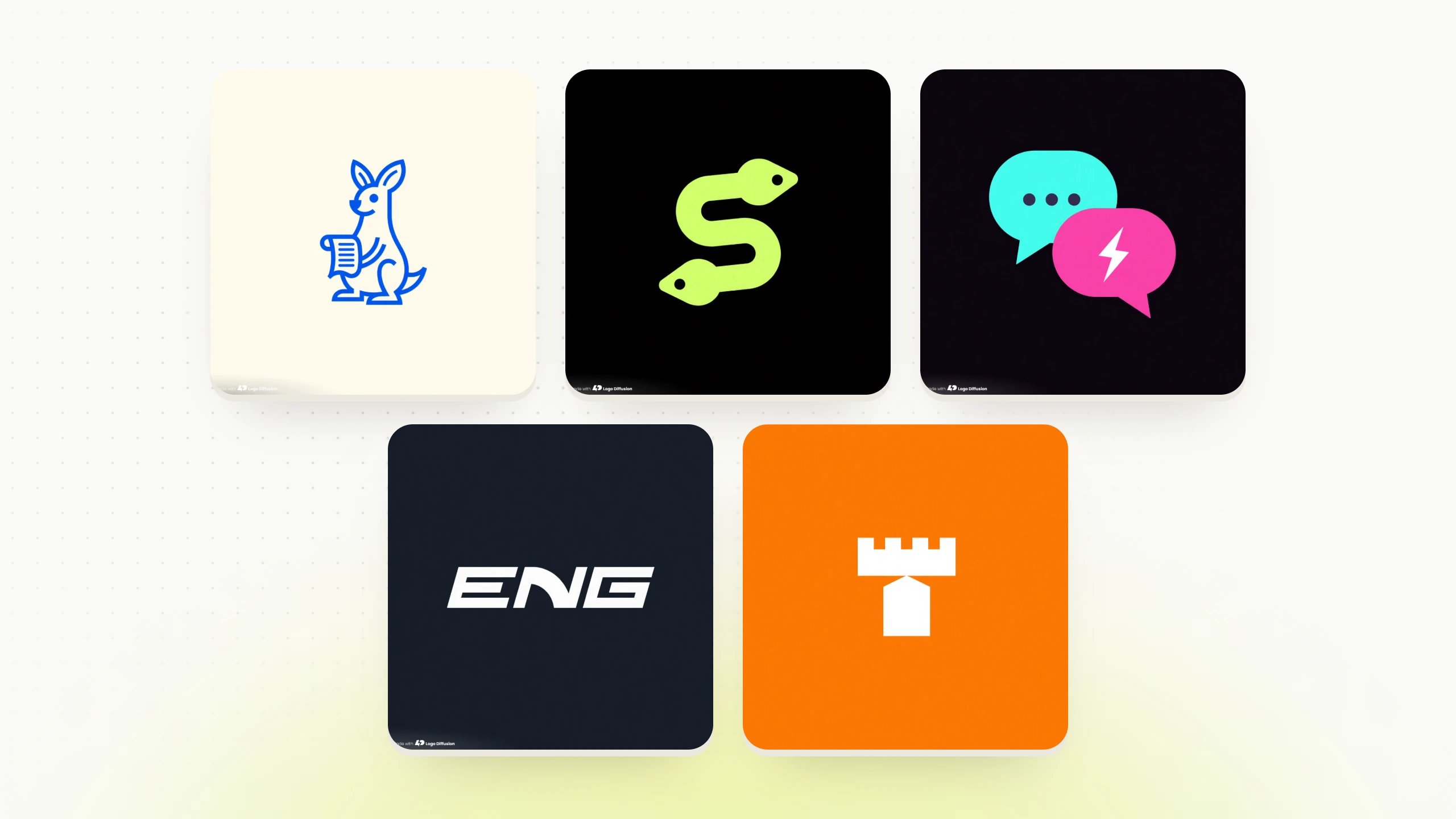
Text-to-Logo AI is a tool that transforms your text input - like a brand name or design preferences - into professional-quality logos within minutes. It simplifies logo creation, offering speed, variety, and polished results without needing design expertise. Here's what you need to know:

Whether you're a small business owner needing a quick logo or a designer looking for inspiration, Text-to-Logo AI offers a fast and efficient way to create logos that align with your vision.

Text-to-Logo AI Process

Transforming a simple text prompt into a professional logo is a three-step process driven by AI. Here’s how Text-to-Logo AI turns your ideas into a polished design.

Text Analysis

The process kicks off when you input your text prompt. The AI system dives into your description by:

The more specific your prompt, the better the results. For instance, instead of typing "modern logo", try something like "sleek tech logo with blue and silver geometric shapes." This level of detail helps the AI align closely with your vision.

Design Creation

Once your input is analyzed, the AI moves into the creative phase. Here’s what happens next:

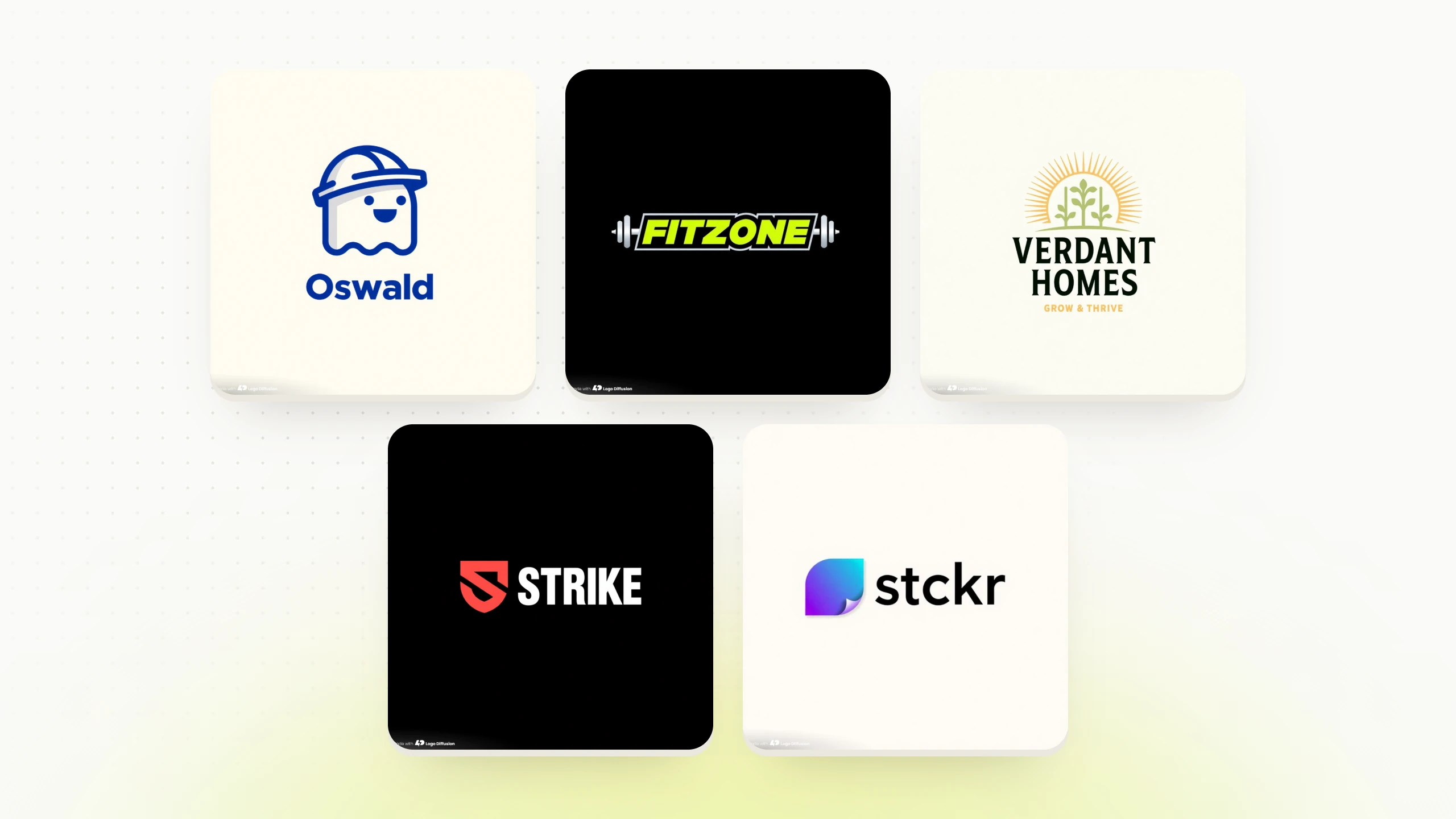
Using Logo Diffusion V.5, the system produces a variety of logo options almost instantly. This approach ensures a professional finish while adhering to design fundamentals, giving you plenty of choices to explore.

Design Adjustments

The final step is all about refining the design. You can use a range of tools to tweak and perfect your logo:

Tool / Feature Purpose Benefit
Style Transfer Visual Enhancement Apply artistic styles from reference images
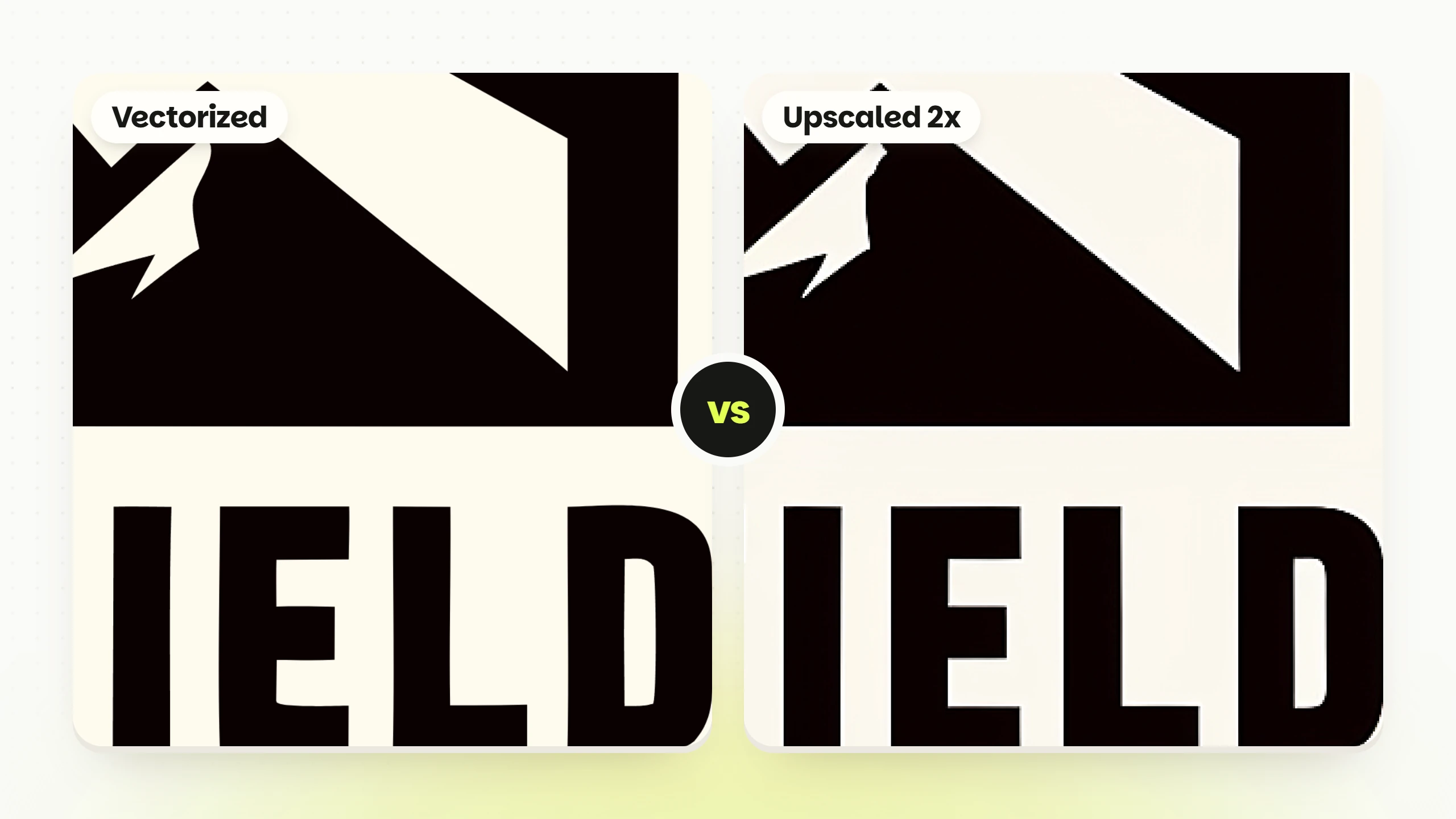
Vector Export Format Conversion Convert designs into scalable .SVG files
Color Editor Brand Alignment Adjust colors to fit your brand guidelines
Background Removal Versatility Create transparent assets for flexibility
Sketch Refinement Detail Control Fine-tune specific elements with drawing tools


The in-app editor allows you to test and adjust your logo until it’s just right. You can experiment with variations or generate fresh options whenever needed. Best of all, this entire process takes just minutes, dramatically reducing the time it would traditionally take to create a professional logo - all while maintaining high-quality results.

Uses in Different Industries

Small Business Uses

Text-to-logo AI has made professional logo creation more accessible for small businesses, enabling entrepreneurs to design high-quality logos without breaking the bank. Imagine a coffee shop owner who needs a fresh logo - this technology allows them to generate multiple designs in minutes, collect feedback from customers, and fine-tune the final version. Plus, exporting logos in vector format ensures they look sharp on everything from storefront signs to business cards and marketing materials.

For startups watching their budgets, the savings are significant. Take Logo Diffusion's Basic plan, for instance - at just $20 per month, businesses can create up to 500 unique designs. This plan includes features that make branding easier:

Feature How It Helps
Scalable File Formats Provides scalable files for any branding need
Clean Logo Outputs Delivers clean logos for diverse uses
Consistent Branding Ensures consistent branding across platforms
Color Matching Matches logos perfectly with brand colors


While small businesses enjoy these advantages, larger companies are also tapping into the potential of text-to-logo AI for their branding strategies.

Enterprise Applications

Big corporations take things up a notch by using text-to-logo AI for rapid prototyping and testing of logo variations - all while keeping their branding consistent. With Logo Diffusion's Enterprise plan, which offers 15,000 monthly credits (enough for about 5,000 designs), teams can experiment with designs tailored to different markets and refine them collaboratively.

This rapid prototyping approach helps enterprises stay agile. Here’s how they use the technology:

By combining speed with versatility, enterprises can keep up with evolving market demands without compromising their brand image.

Design Agency Tools

Design agencies are also finding value in text-to-logo AI, using it to streamline their creative processes. Instead of starting every project from scratch, designers can use AI-generated concepts as a springboard for custom client work. This approach not only saves time but also sparks fresh ideas.

Features like sketch-to-logo and style transfer are particularly useful for turning rough drafts into polished designs. Agencies can juggle multiple projects efficiently while still delivering top-tier results. Thanks to the Elite plan's professional-grade tools, the final outputs meet the high standards clients expect, making this technology a game-changer for creative professionals.

Advantages and Limitations

Main Advantages

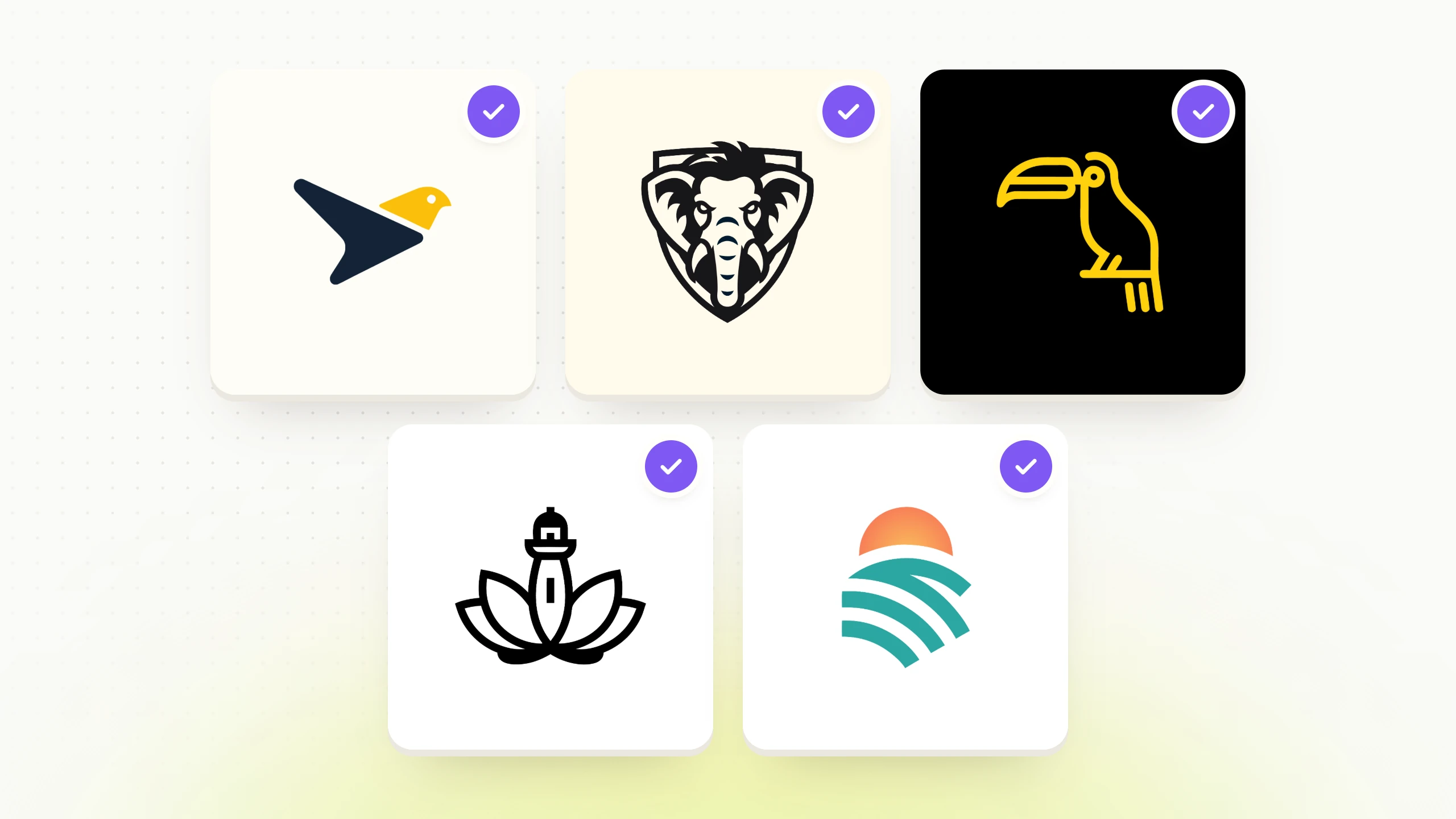
Text-to-Logo AI makes professional logo creation accessible to everyone by generating multiple design concepts from just one prompt. It opens the door to creative possibilities and helps craft distinct brand identities with ease.

Here are some standout benefits:

With just a clear idea and a modern web browser, Text-to-Logo AI provides an efficient, user-friendly way to create logos. It also serves as a stepping stone to explore more advanced features available on the Logo Diffusion platform.

Technical Requirements

To get the most out of text-to-logo AI tools, all you need is a clear and specific text prompt. Pair that with a stable internet connection and a modern web browser, and you're set for a smooth design experience. This simplicity is at the core of the Logo Diffusion platform, making it accessible and easy to use.

Logo Diffusion Platform Overview

AI text-to-logo interface generating professional logo concepts from written prompts.

Logo Diffusion Tools

Logo Diffusion takes the guesswork out of logo creation with a suite of advanced AI-powered tools. From a single text prompt, the platform delivers four unique logo variations, ready for fine-tuning. It also supports vector export and background removal, making it easier to integrate your designs into various projects.

Here’s what the creative toolkit includes:

These features ensure a smooth and efficient design process, giving you the tools to create logos that stand out.

Platform Capabilities

Logo Diffusion’s AI technology simplifies and accelerates the logo design process. The latest version (V.5) offers faster generation times and improved accuracy, making it easier to create logos that align with your brand vision. With 45 curated design styles, you can experiment with a wide range of aesthetics to find the perfect fit for your brand.

Key customization features include:

Capability Description
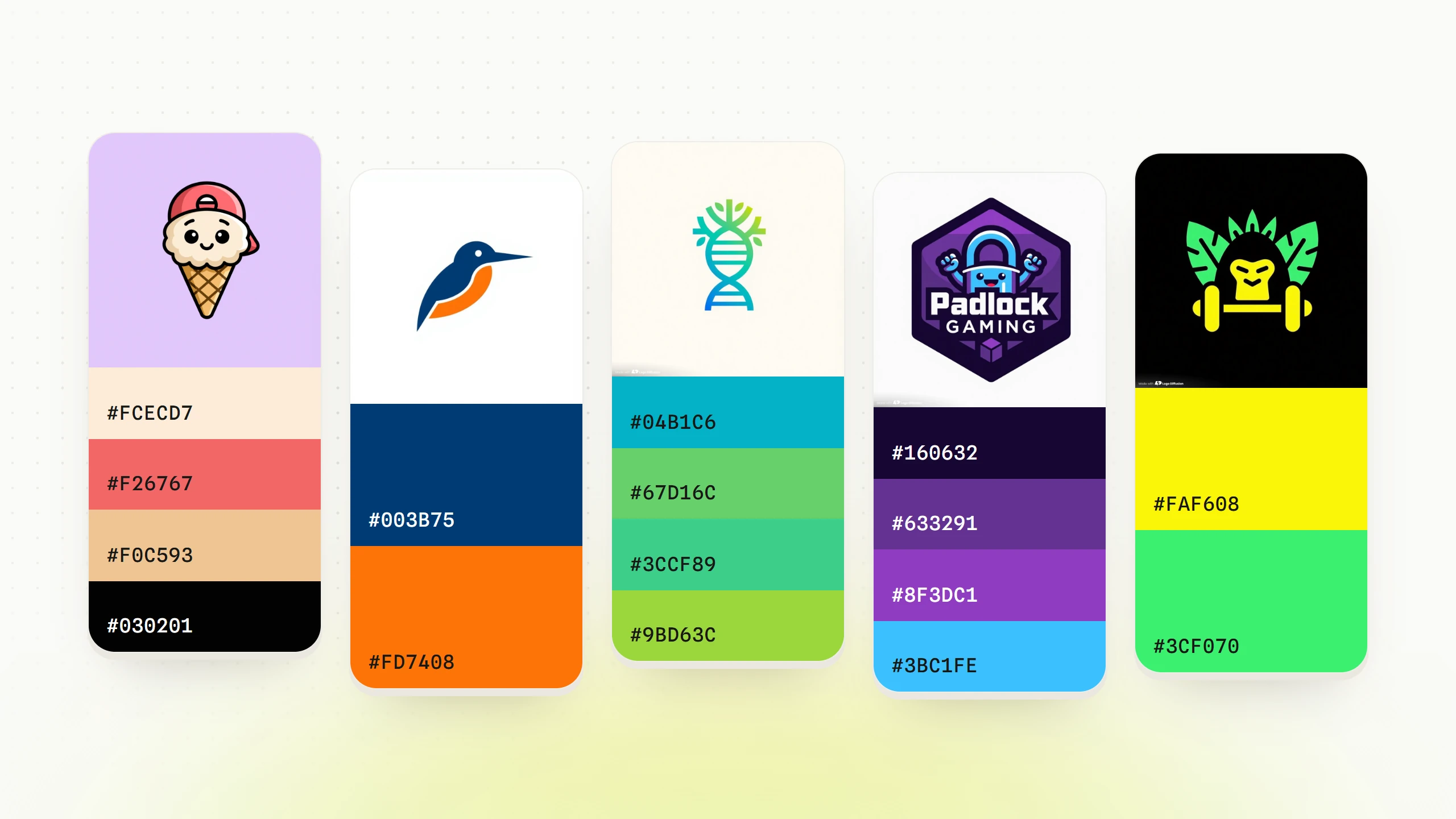
Color Adjustment Adjust brand colors easily with user-friendly tools.
Design Styles Explore over 45 pre-configured design styles for inspiration.
Flexible Export Options Export designs as vector files (.SVG) or with transparent backgrounds.
Batch Generation Generate multiple designs at the same time for greater efficiency.


Whether you’re refining a single logo or exploring multiple ideas, these capabilities give you the flexibility to create with confidence.

Available Plans

Logo Diffusion offers flexible plans to suit different needs and budgets. Here’s a breakdown:

Each plan is designed to provide access to the platform’s powerful tools, ensuring you can bring your creative vision to life, no matter your scale or budget.

Conclusion

Text-to-Logo AI has reshaped the way logos are created, making professional design more accessible than ever. By combining text analysis with advanced design tools, platforms like Logo Diffusion break down traditional barriers of cost, time, and expertise. This empowers businesses and individuals to craft unique brand identities with ease.

Key Highlights

Here are some standout features of Text-to-Logo AI and their benefits:

Feature Benefit
Fast Custom Design Generation Delivers multiple custom designs in seconds
Wide Style Library Offers over 45 styles with full design control
Commercial-Ready Exports Exports vector-ready files for commercial use


How to Get Started

Ready to create your logo? Follow these simple steps to dive into Logo Diffusion's user-friendly platform:

For those looking to unlock even more features, Logo Diffusion’s paid plans start at $20 per month. These plans include extras like background removal, 2D-to-3D conversions, and additional design credits, making it easier to adapt your logo for everything from social media profiles to large-scale advertising.

FAQ

Dynamic texture transfer is an AI technique that applies textures or visual styles from one image onto another while preserving the original structure.

In logo design, it allows designers to integrate unique patterns and surface styles into logos without altering their core shapes, improving visual richness while saving time.

  • AdaIN – Fast and efficient, ideal for real-time texture applications
  • Gram Matrix – Slower but produces highly detailed artistic textures
  • SagaGAN – Balances speed and realism using generative adversarial networks

The best method depends on whether your project prioritizes speed, detail, or a combination of both.

3D texture conversion adds depth and realism to logos, making them suitable for product packaging, 3D environments, virtual reality, and immersive digital media.

This approach increases adaptability while keeping the logo visually compelling across both digital and physical applications.

Ethan avatar
Ethan Brookes
SEO Content Writer
ABOUT THE AUTHOR

Ethan Brookes is a product-focused content writer covering AI tools, branding, and SaaS workflows. He writes practical guides on using AI for real-world design and product use, with a focus on brand-ready outputs and scalability.

View all author's posts