2D to 3D
Turn any 2D logo into a 3D logo.
Upload a flat logo and get a realistic 3D render back, with the same shapes, colors and text. The result is an image for slides, posts and sites. There is no 3D file to download.
Free to try. No credit card required.






Trusted by designers working at










Up close
What does a 3D render add to a flat logo?
Three things a flat file cannot show. Each card is a render from above, shown whole.

Depth
Letters get real thickness and outlines become rims, so the logo reads as a solid object.

Real materials
Each part gets a material that suits it: soft bristles, a steel band and a glossy plastic handle on one brush.
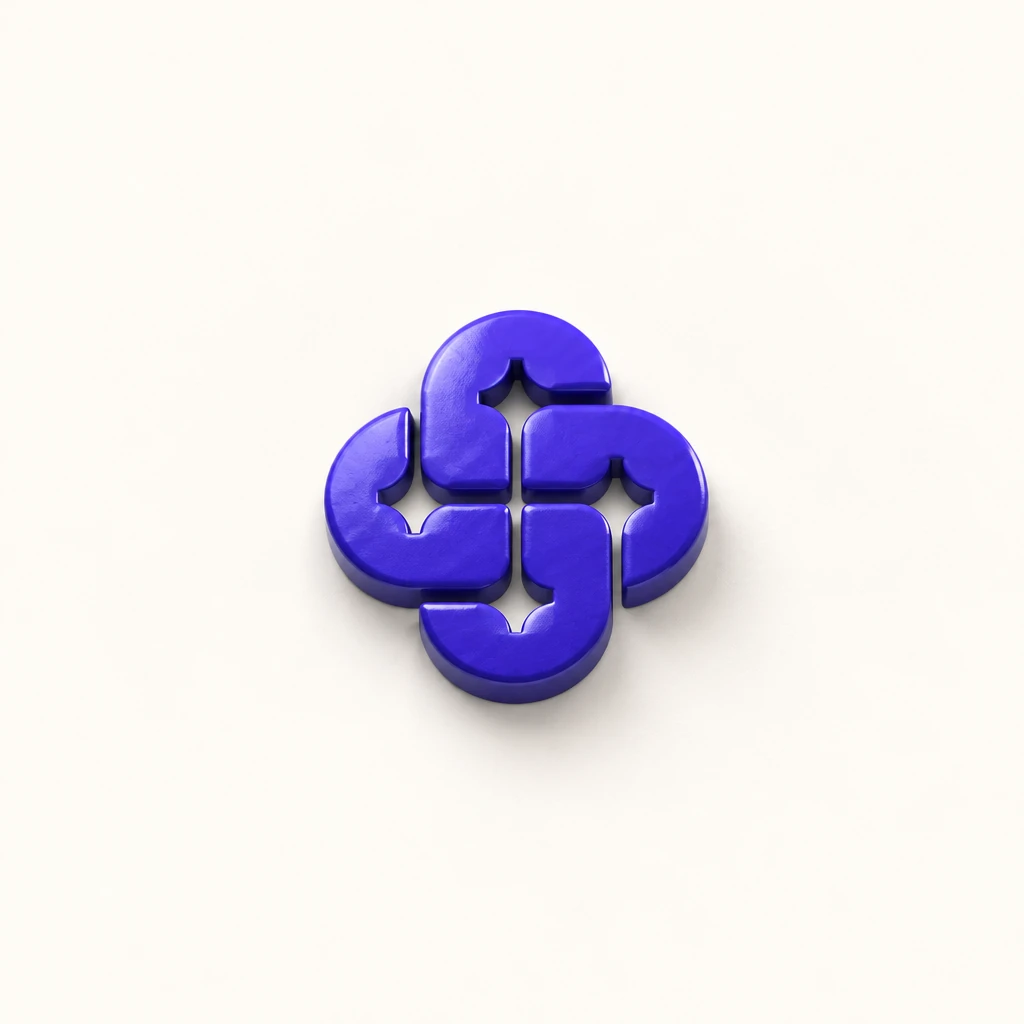
Light and shadow
A key light, soft reflections and a shadow where the logo meets the ground make it sit in the space.
How to make a 3D logo from a 2D logo.
Three steps in the Magic Editor, in your browser.
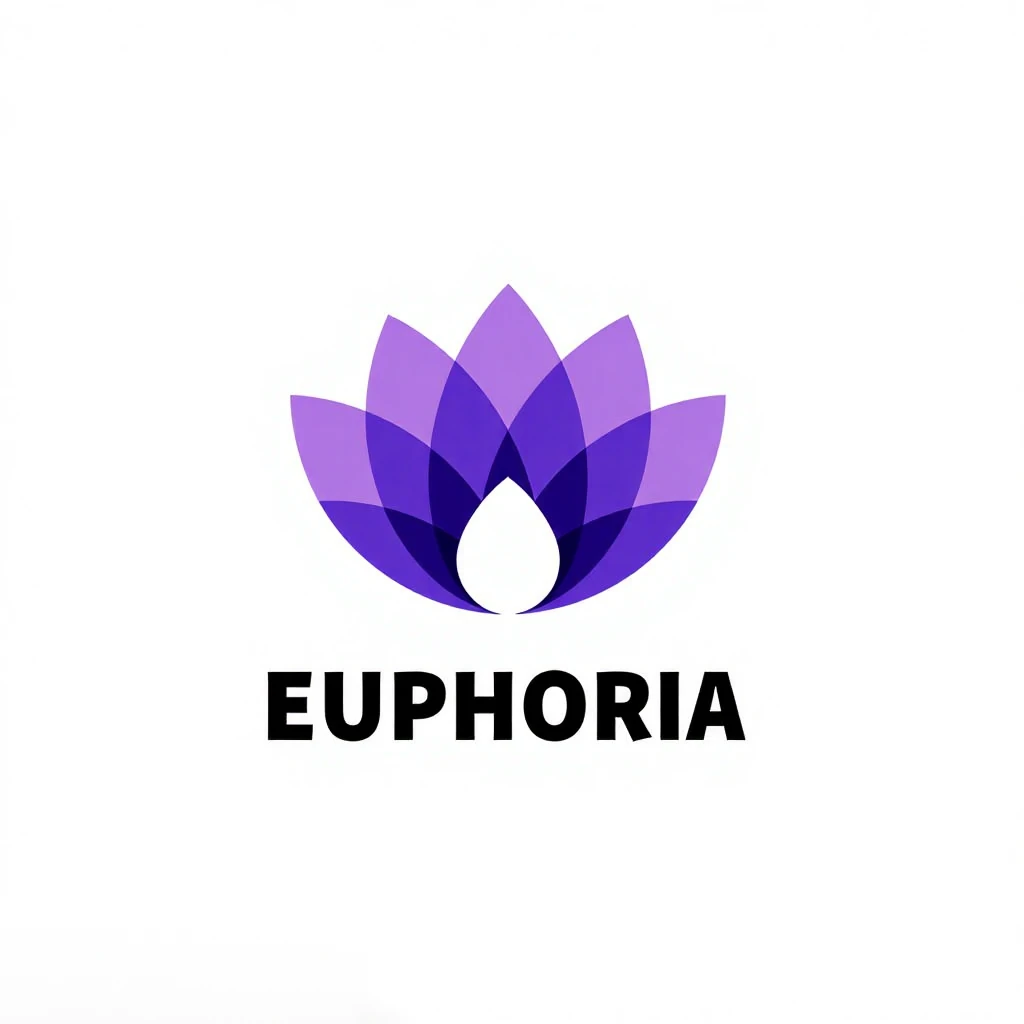 Upload From Device
1Add your logo
Open the Magic Editor and upload your logo, or pick one you made in Logo Diffusion from My Creations.
- ElementsLogo SystemLogo to Icon Set2D Logo to 3DLogo Minimizer
2Pick 2D Logo to 3D
Open Elements and choose 2D Logo to 3D. There is nothing else to set.
 Base · 5 credits
3Generate
Base quality costs 5 credits and comes back in 10 to 40 seconds. Download the render as a PNG.
The difference
Many 3D logo makers push the outline back. This renders the whole logo.
Many 3D logo makers take the shape of your logo and extrude it, often in one flat color. Here the drawing, the colors and the text all come through in 3D.
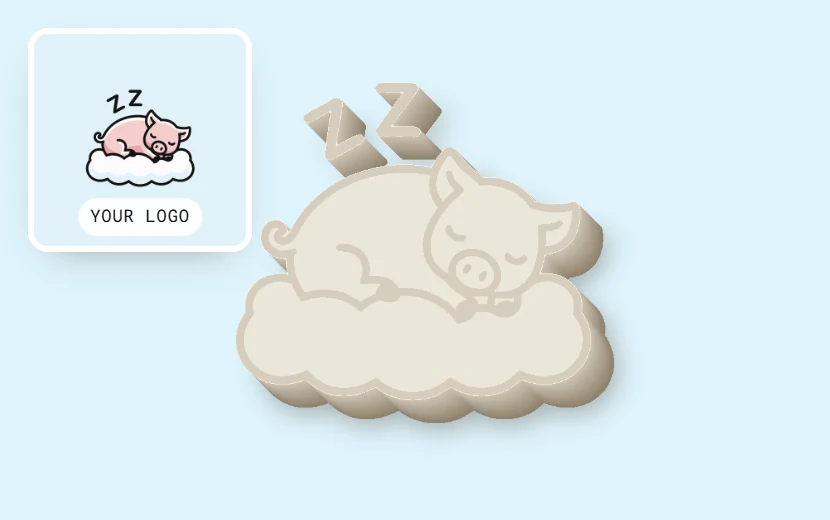
The outline of the logo is pushed back into depth, often in one flat color. The colors and the drawing inside the shape mostly get lost.
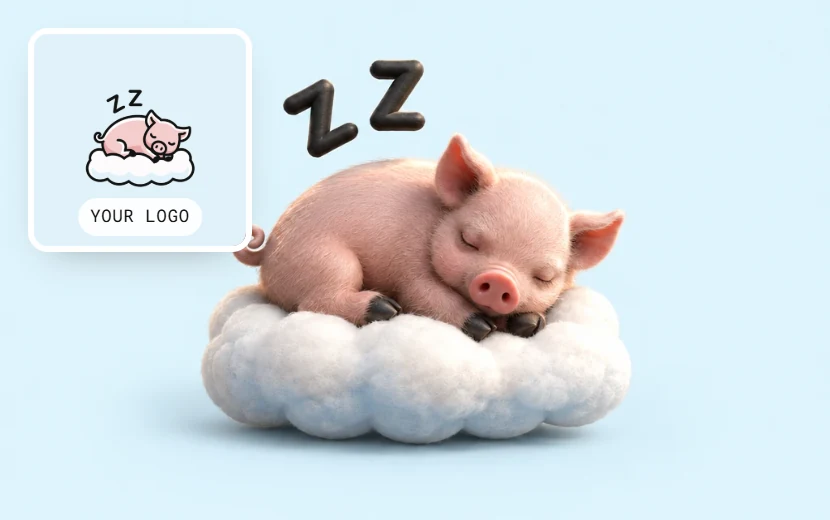
Your logo goes in as it is: the symbol, the lettering and the colors. Each part gets its own material and light, so it still reads as the same brand.
The left card is a drawing of how extrude tools show a logo. The pig on the right is a real 2D to 3D render.
Where a 3D logo goes in client work.
A 3D render shows the logo as a thing a client can picture holding, before anything is made.


Concept presentations
Put the flat logo and its 3D render side by side on one slide.

Launch posts
A 3D version of a new logo gives the launch post an image people stop on.
Website headers
Use the render as the hero image on a client's site or app store page.
Every result is an image you download as a PNG. There is no OBJ, GLB or other 3D file to open in 3D software. To see the logo on a product, use the Mockup Generator.
After the render
Keep going with the same logo.
The same credits work in every tool.

Is the 3D logo maker free?
You can try it free. The free plan comes with 24 credits and needs no credit card, and a Base render costs 5 credits. Every credit works in every tool.
Basic
$24/mo
- 1,000 credits, up to 200 Base renders
- Downloads without a watermark
- Commercial license, yours after you cancel
- Every credit works in every tool
Annual billing is two months free. Credits renew monthly. Compare all plans.
Frequently asked questions.
Still stuck? Read the docs or reach us through the contact page.
How do I make a 3D logo from a 2D logo?
Open the Magic Editor and upload your logo, or pick one you made in Logo Diffusion. Open Elements, choose 2D Logo to 3D and press Generate. A Base render comes back in 10 to 40 seconds.
Will converting to 3D change my logo's design?
It keeps the shapes, proportions, colors and text of your logo, and adds depth, materials, light and shadow. The render is generated, so a small detail can come out differently. When one does, try it again or fix that part with a Magic Editor edit.
Do I need Blender or any 3D software?
No. There is nothing to model, light or render yourself. You upload a flat logo in the browser and get the finished image back.
Do I get a 3D file I can open in 3D software?
No. 2D to 3D renders an image of your logo with depth and light, and you download it as a PNG. There is no OBJ, GLB or other 3D file.
Is the 3D logo maker free?
You can try it free. The free plan has 24 credits and needs no credit card, and a Base render costs 5 credits. Free downloads are 512 px with a watermark. Paid plans download without a watermark and include a commercial license.
Your logo, in three dimensions.
Upload a flat logo, pick 2D Logo to 3D, and download the render. Free to start, no card needed.