Logo Styles
One logo, 100+ finishes.
Logo Styles apply a finished look to the logo you already have, in one click. 100+ effects, new ones most weeks, and seasonal collections that rotate through the year.
No credit card required.
Trusted by designers working at





Pick an effect. Pick a logo.
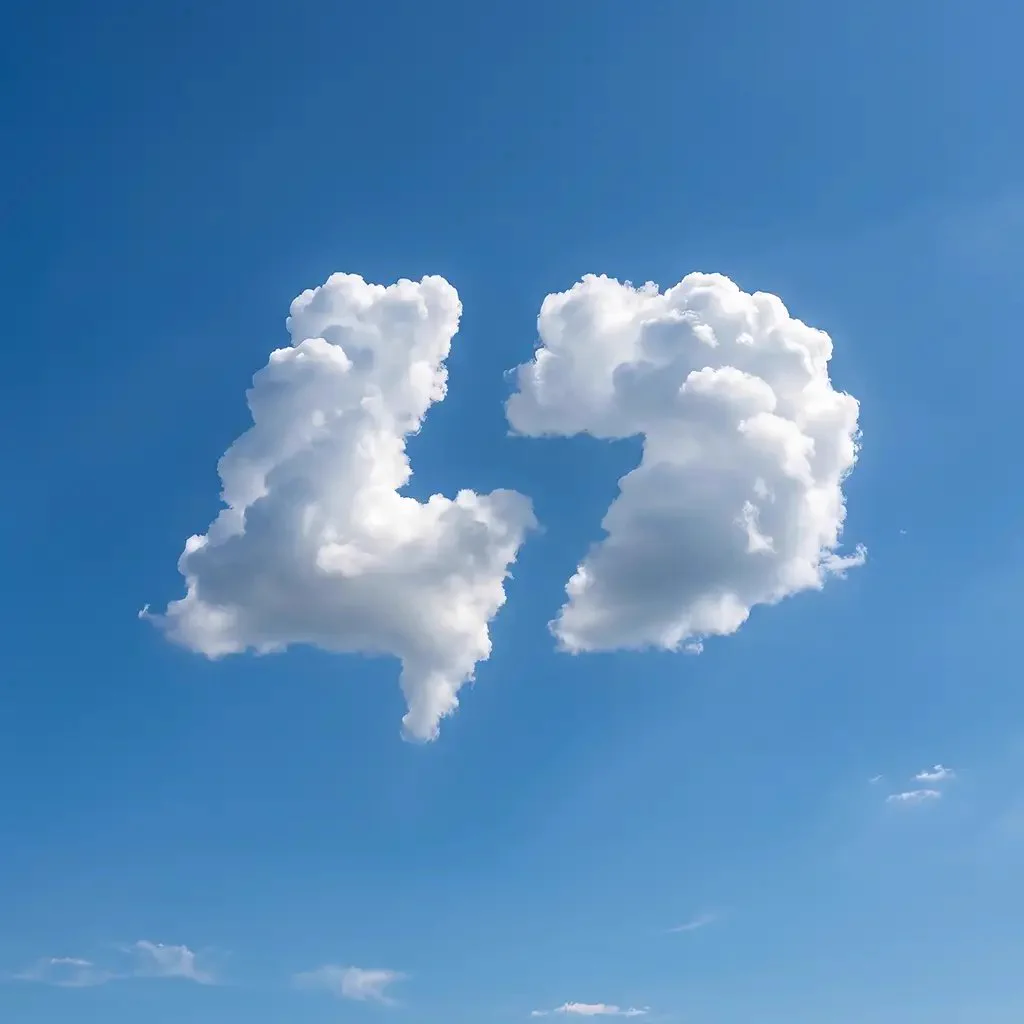
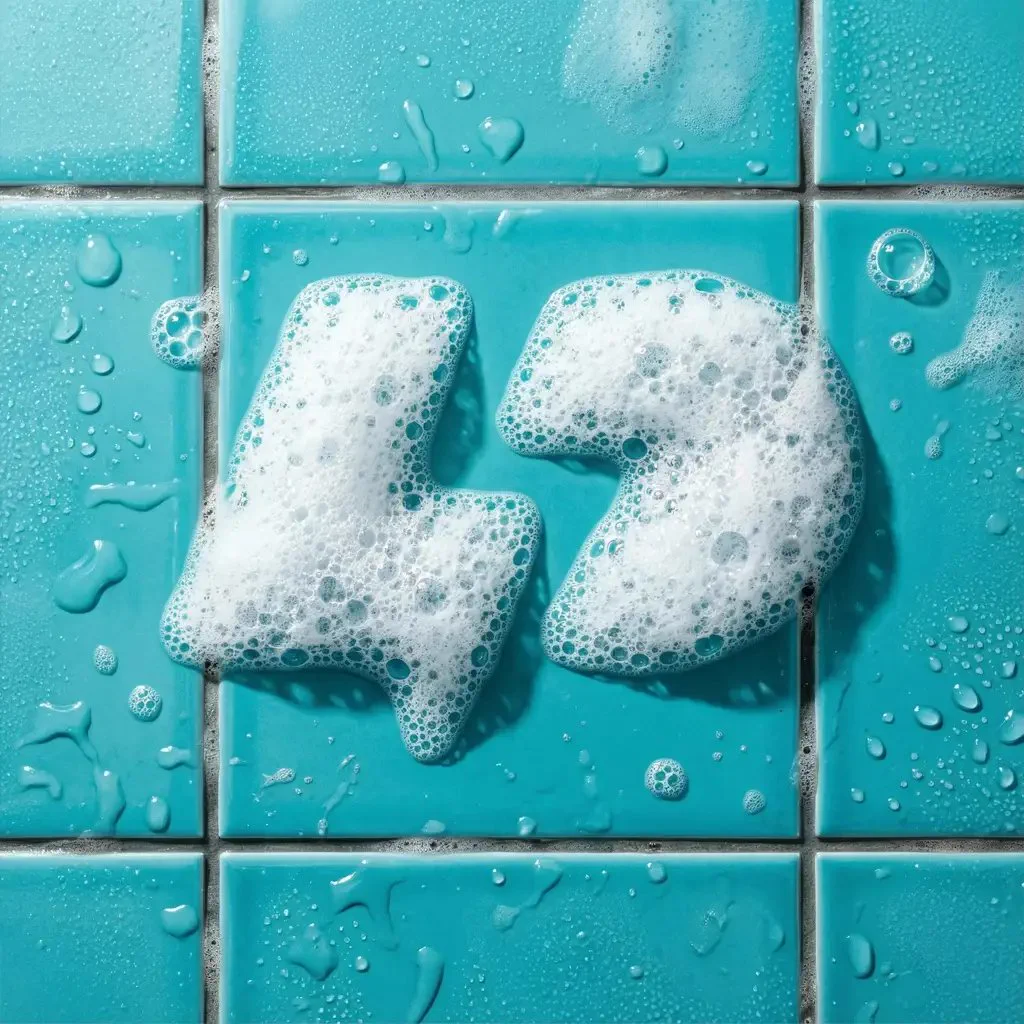
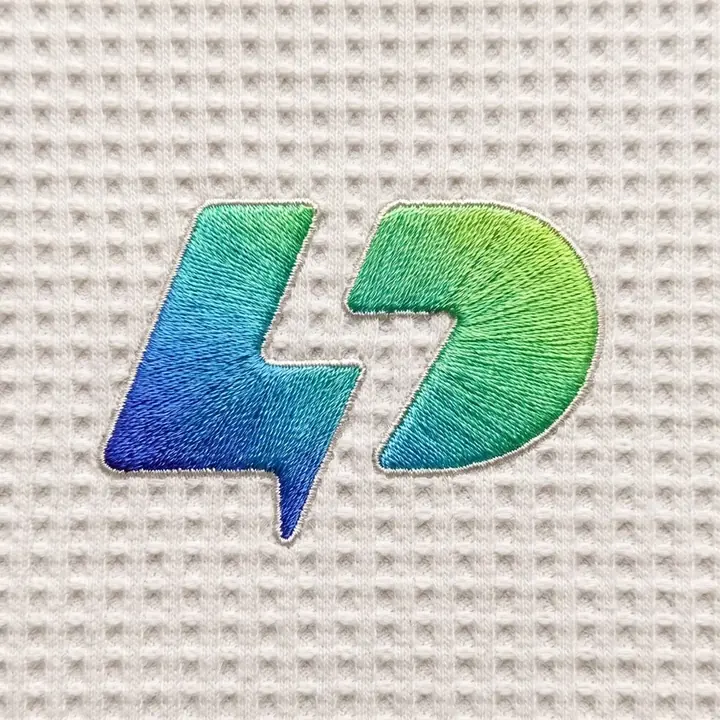
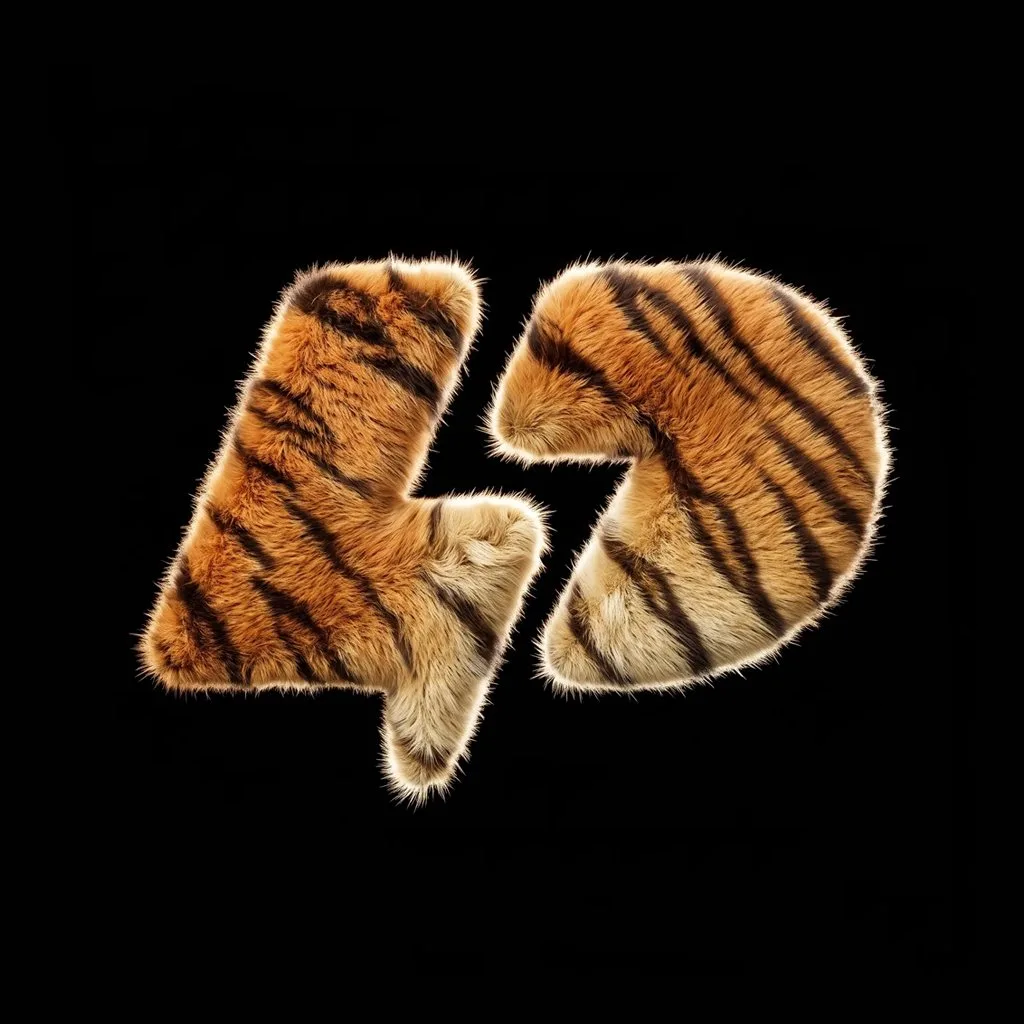
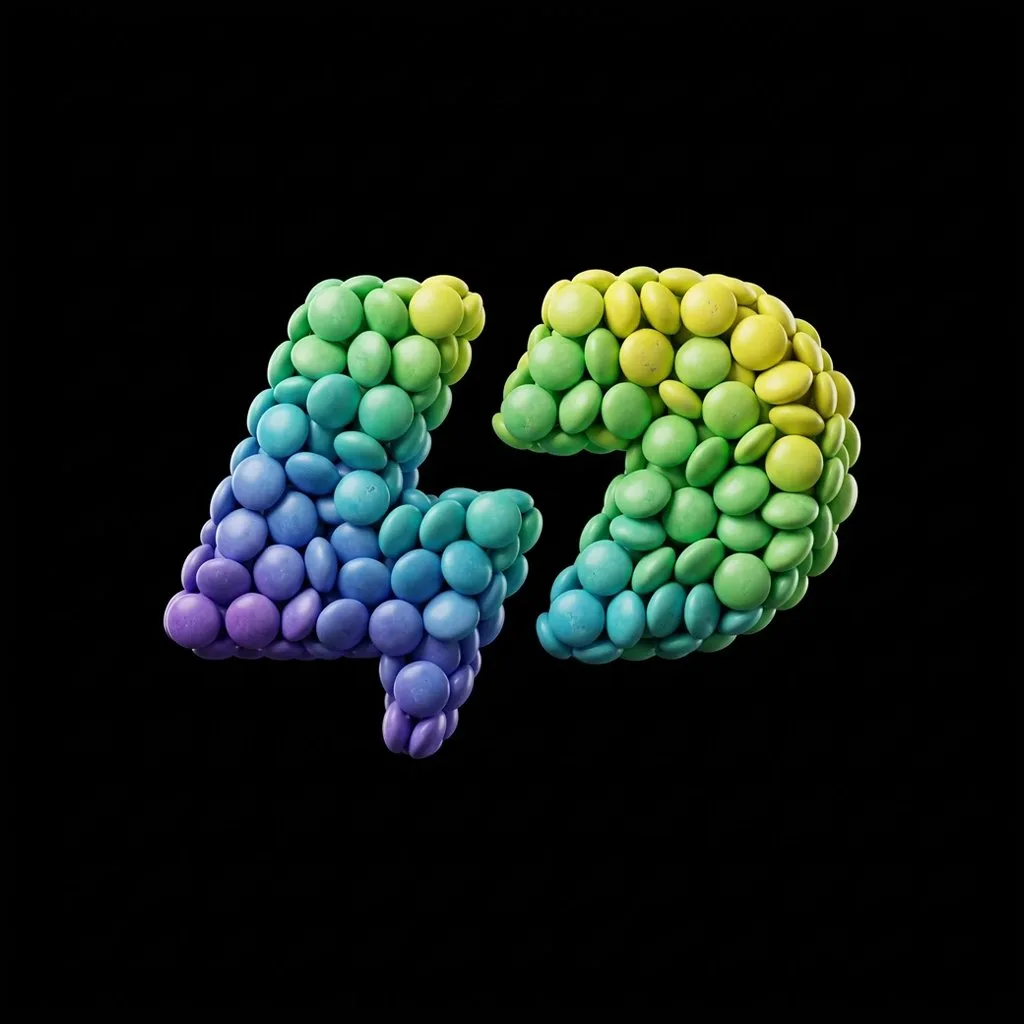
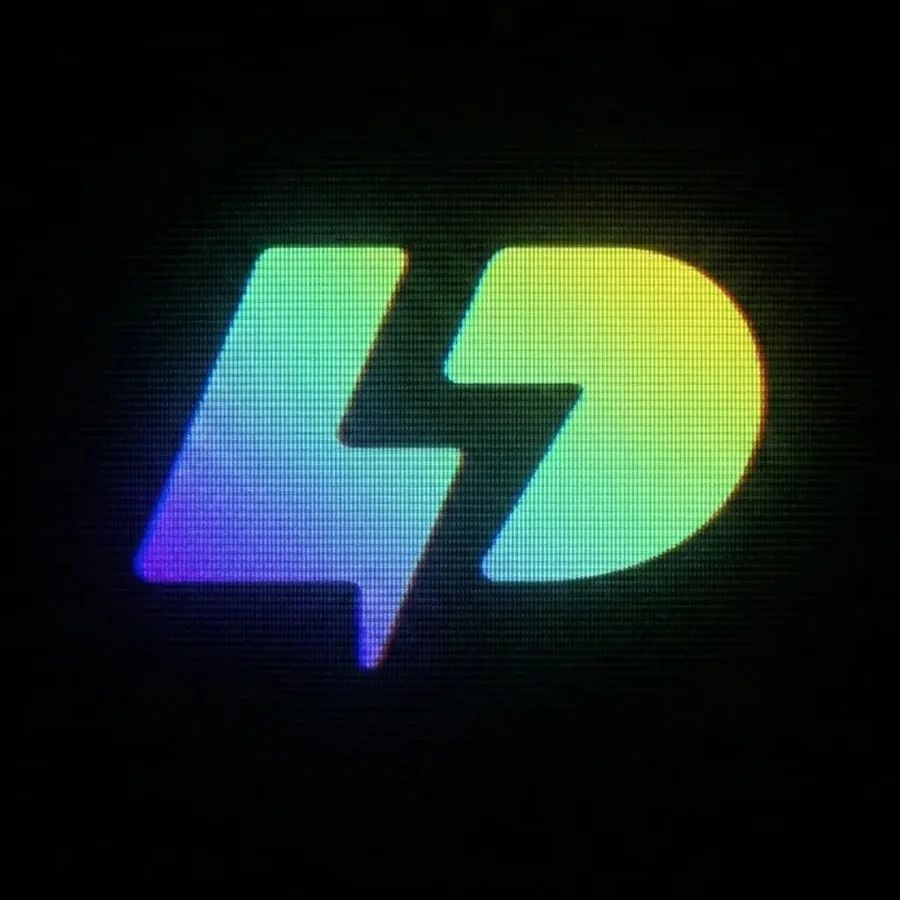
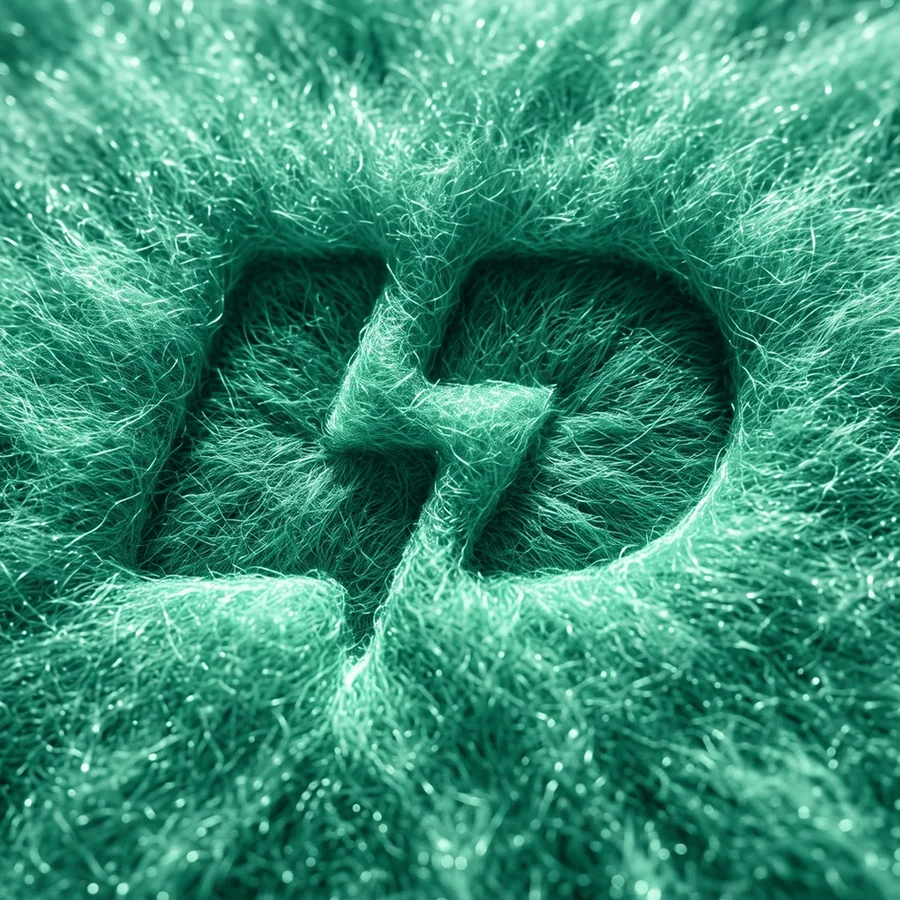
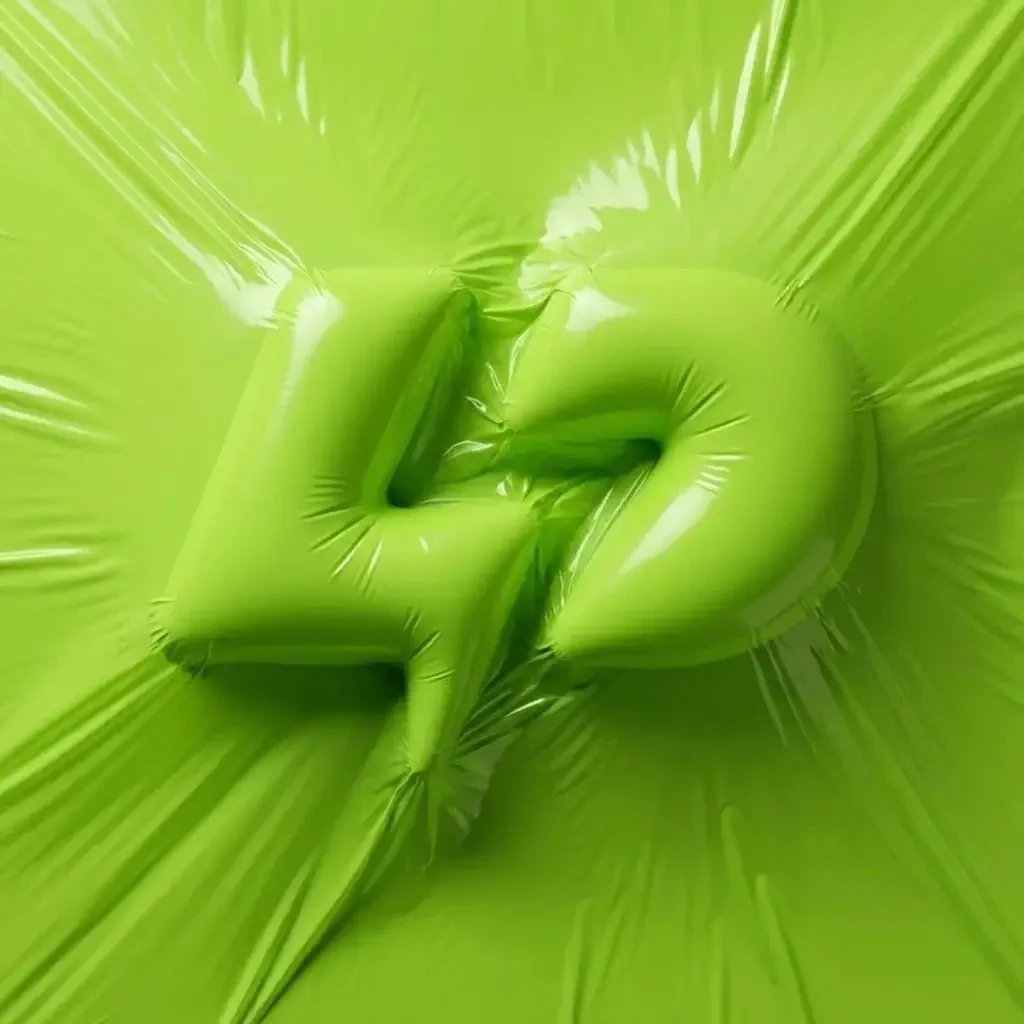
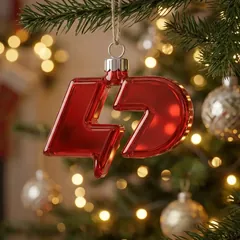
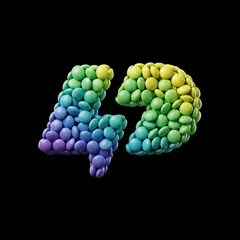
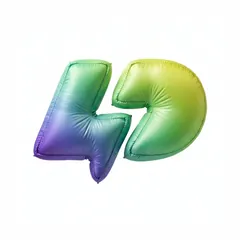
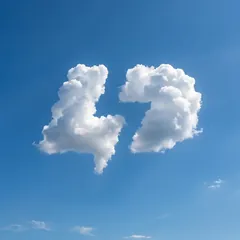
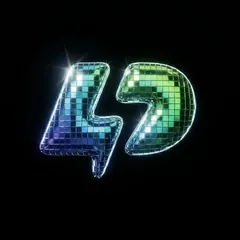
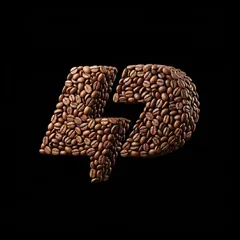
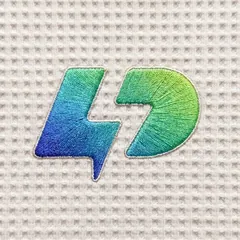
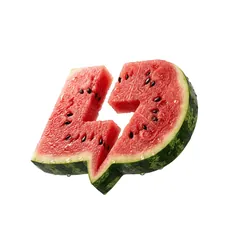
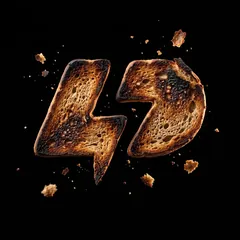
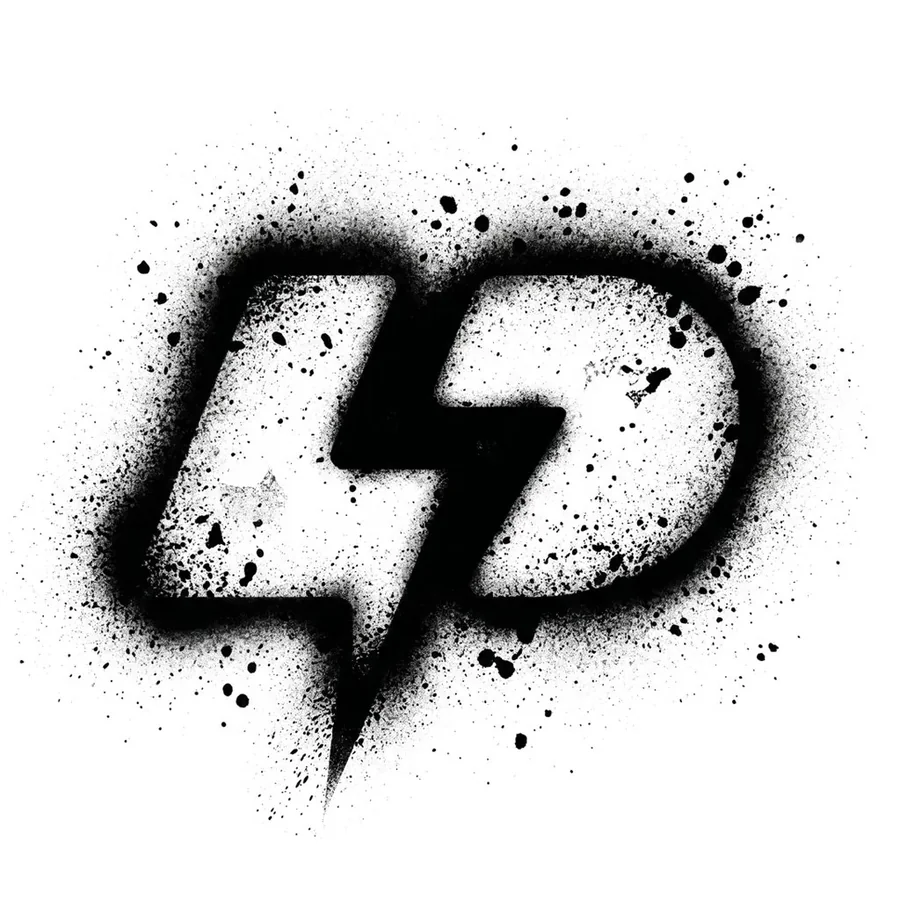
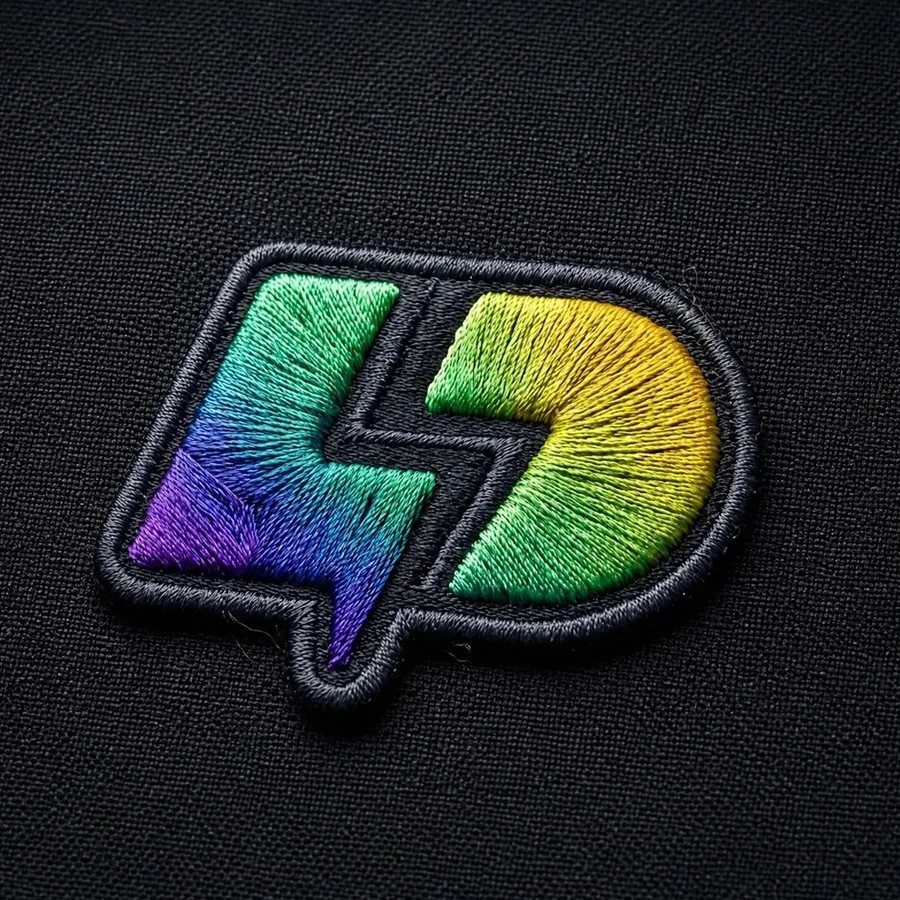
Nine of the 100+ effects and four logos. Every result keeps the logo's shape and changes what it is made of.
1Select an effect
2Select a logo
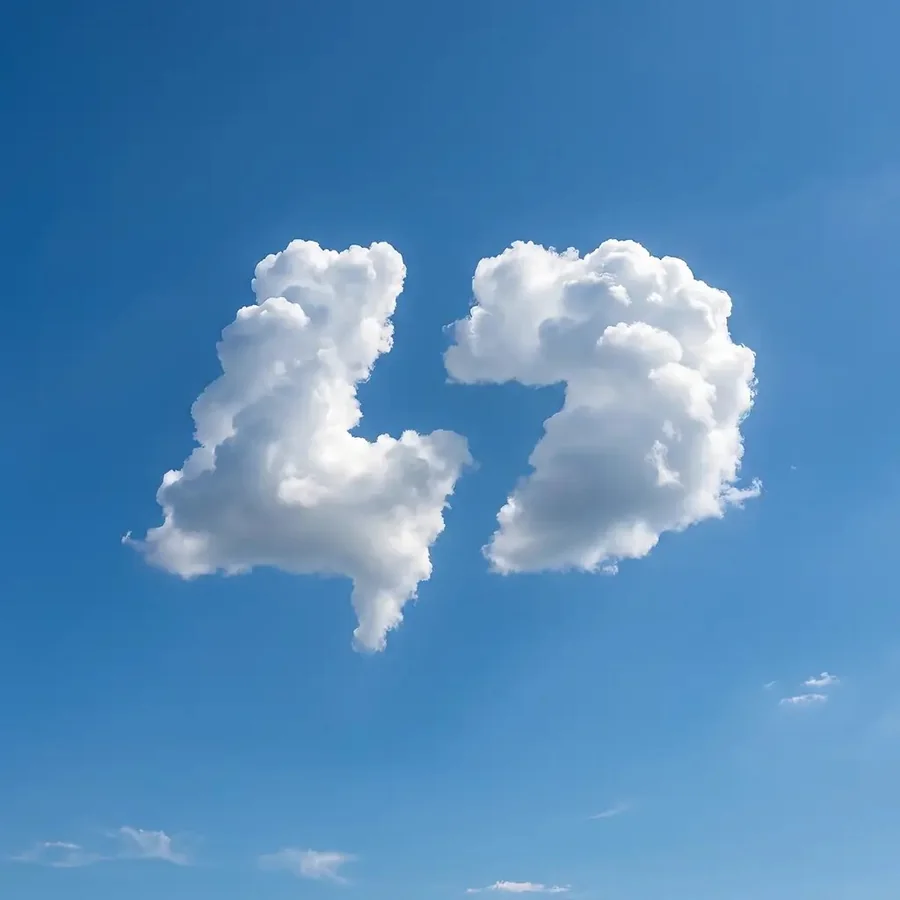
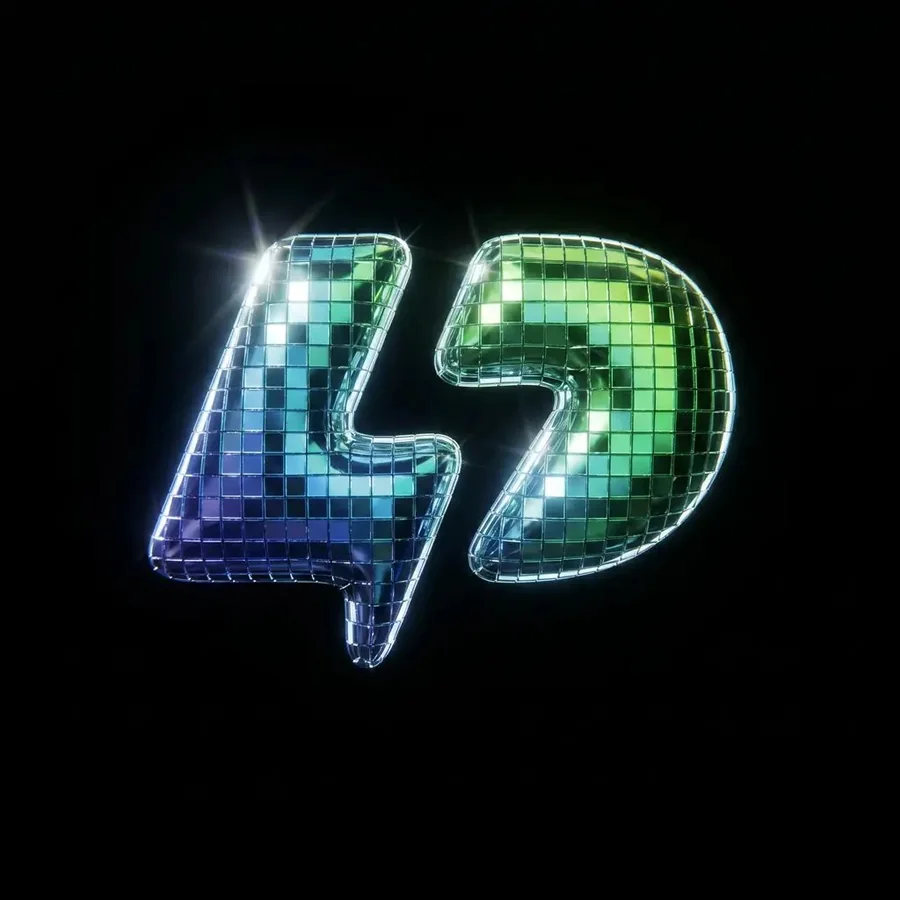
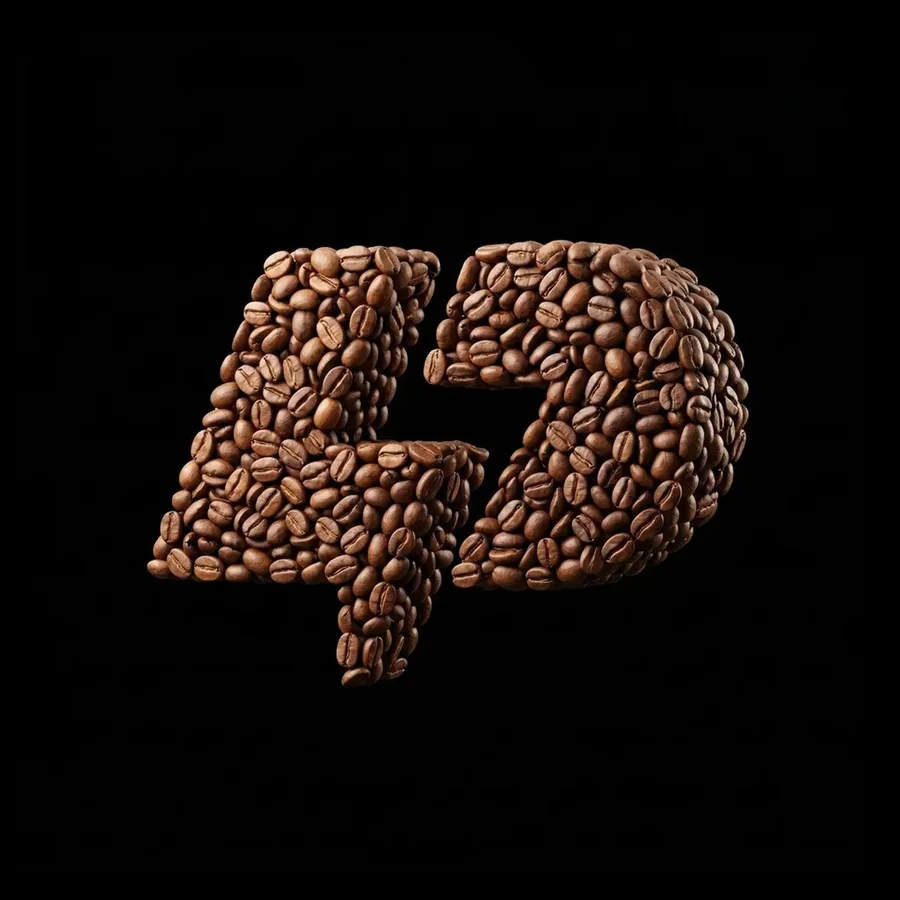
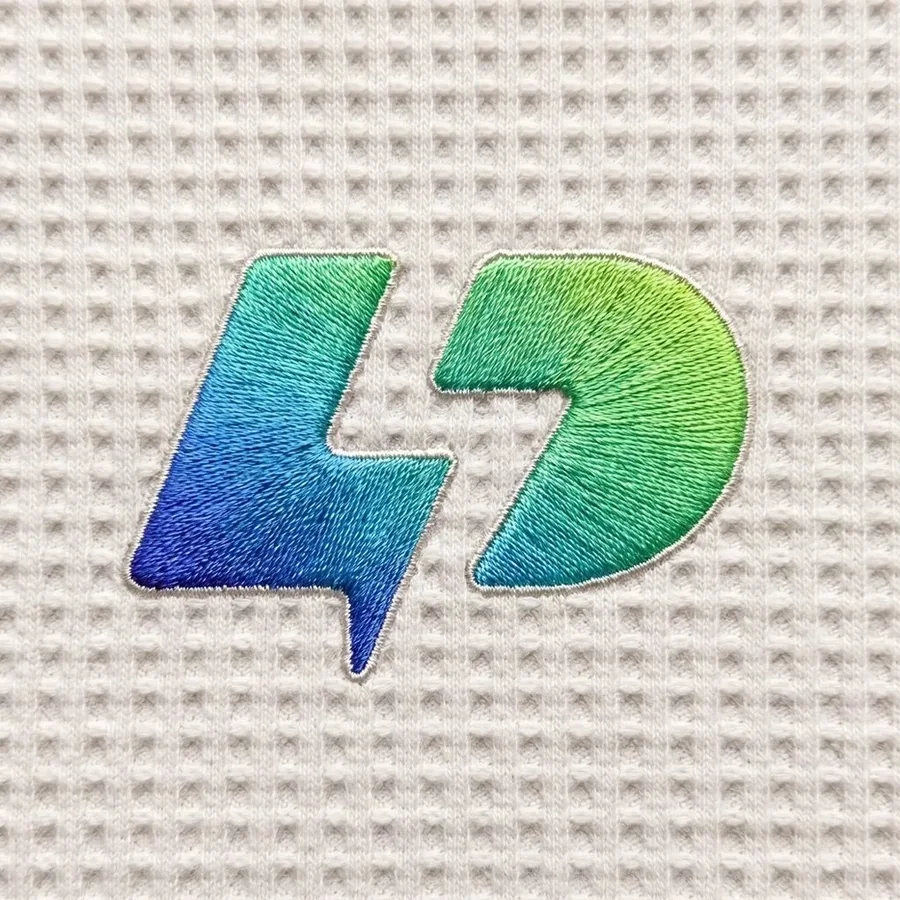
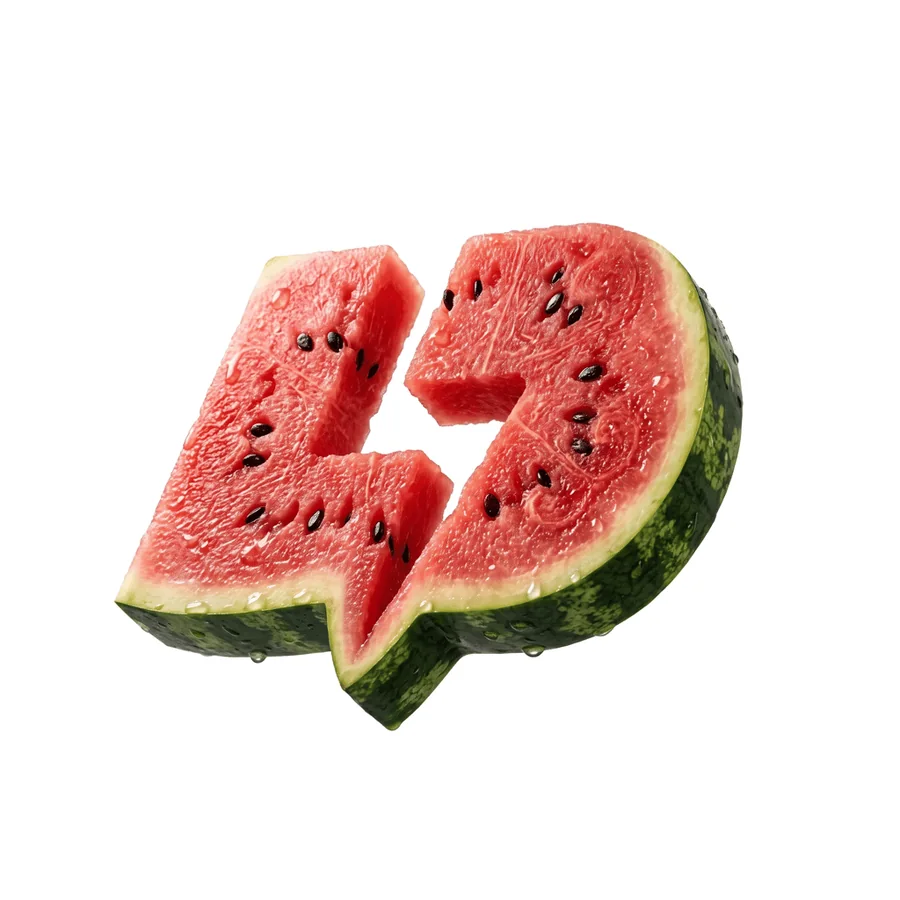
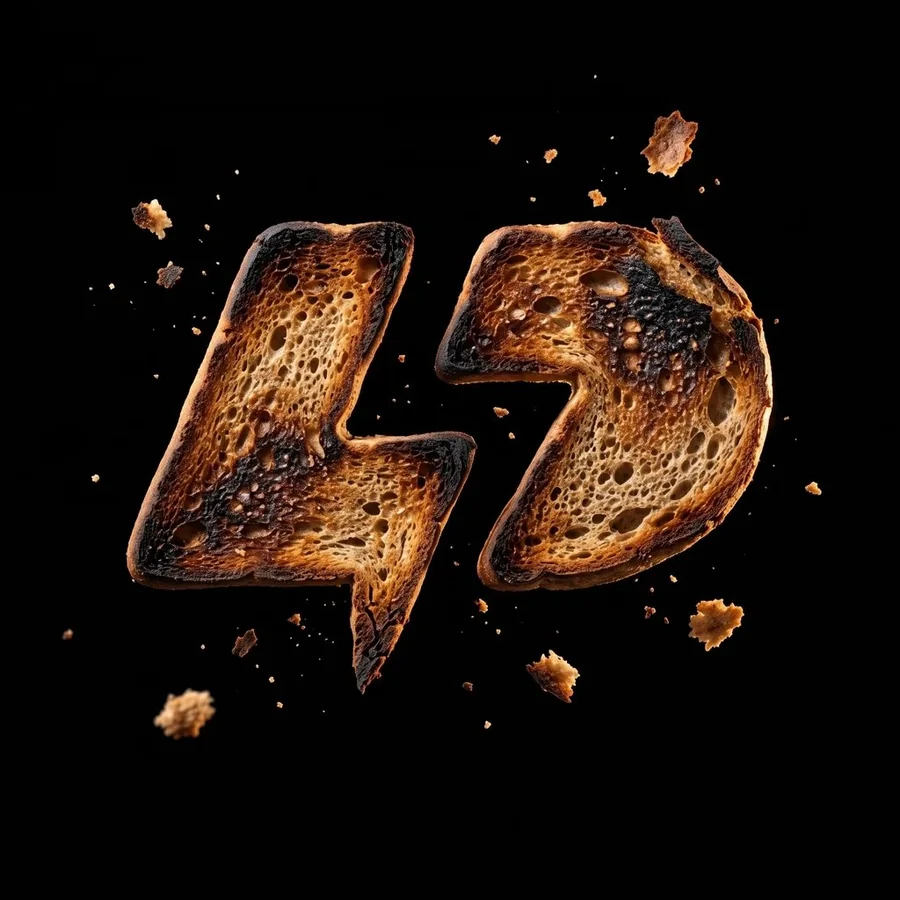
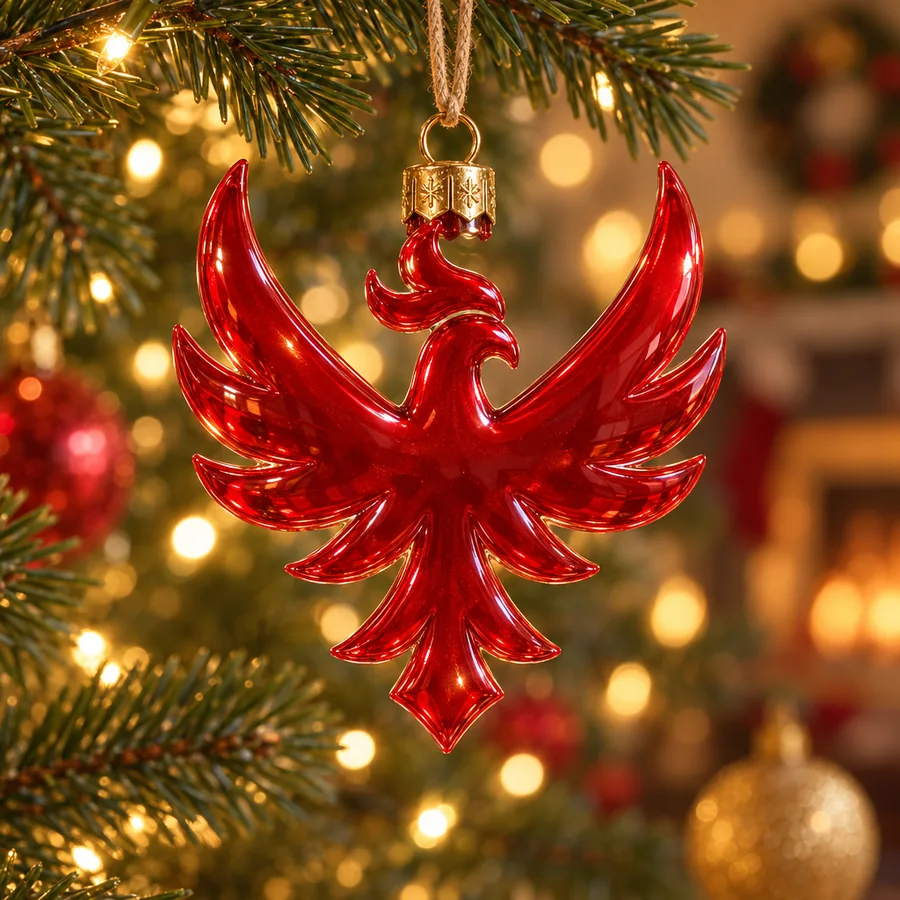
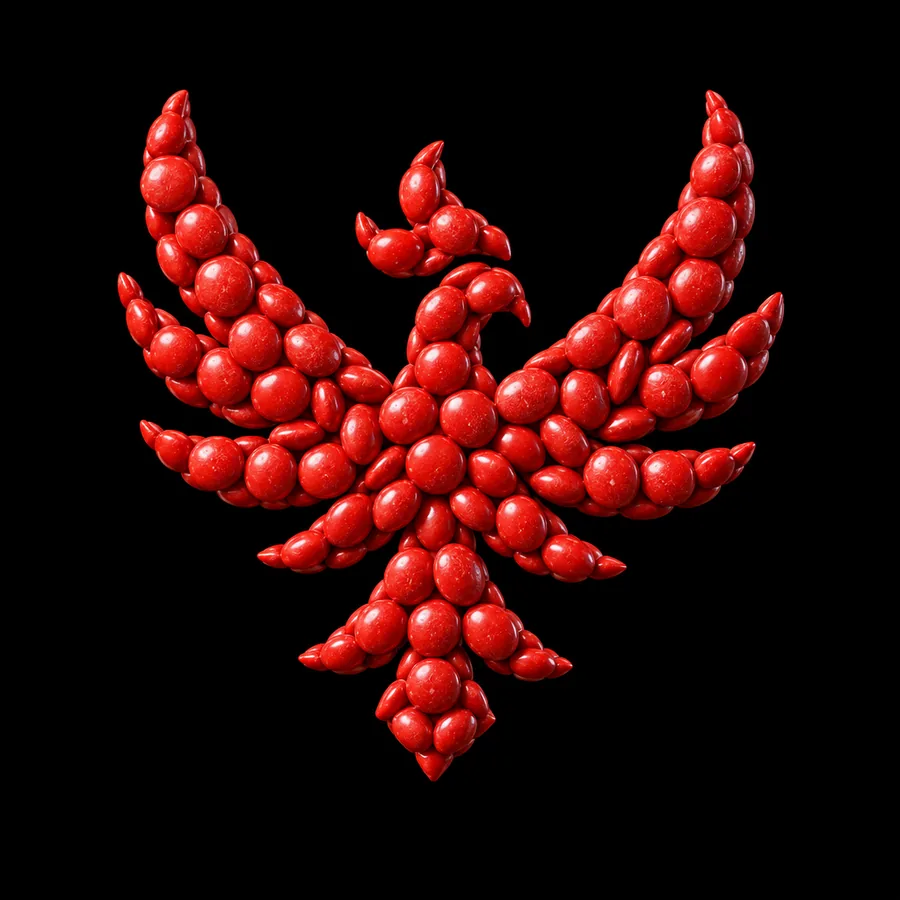
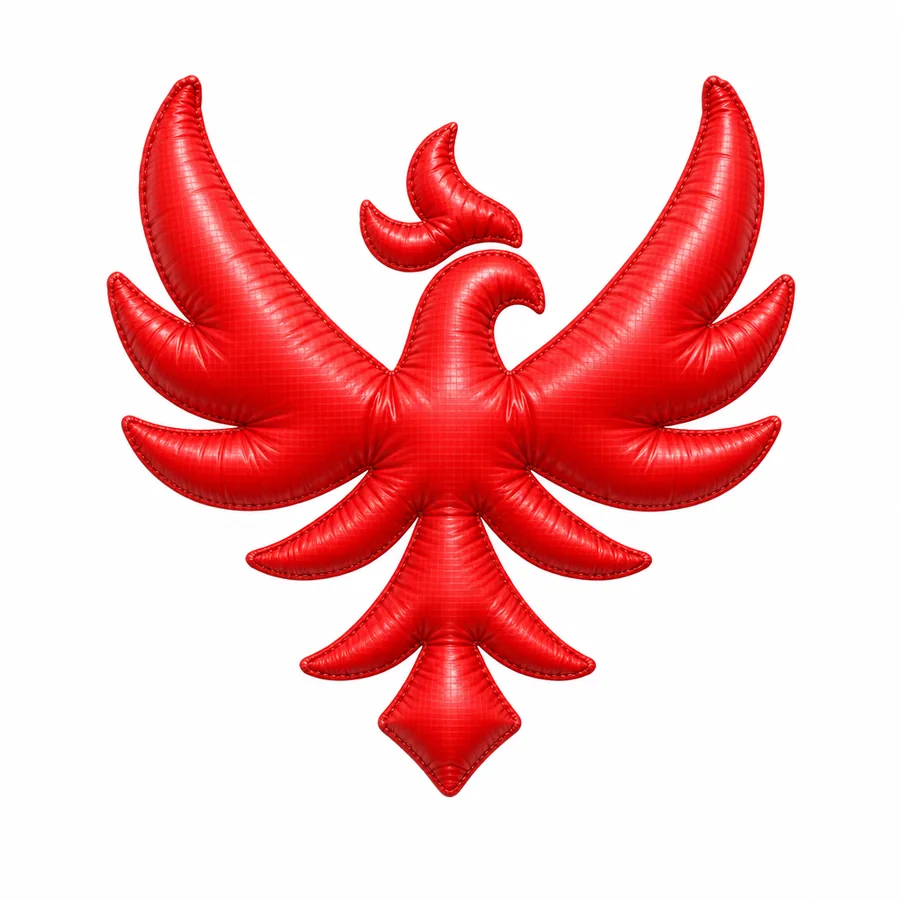
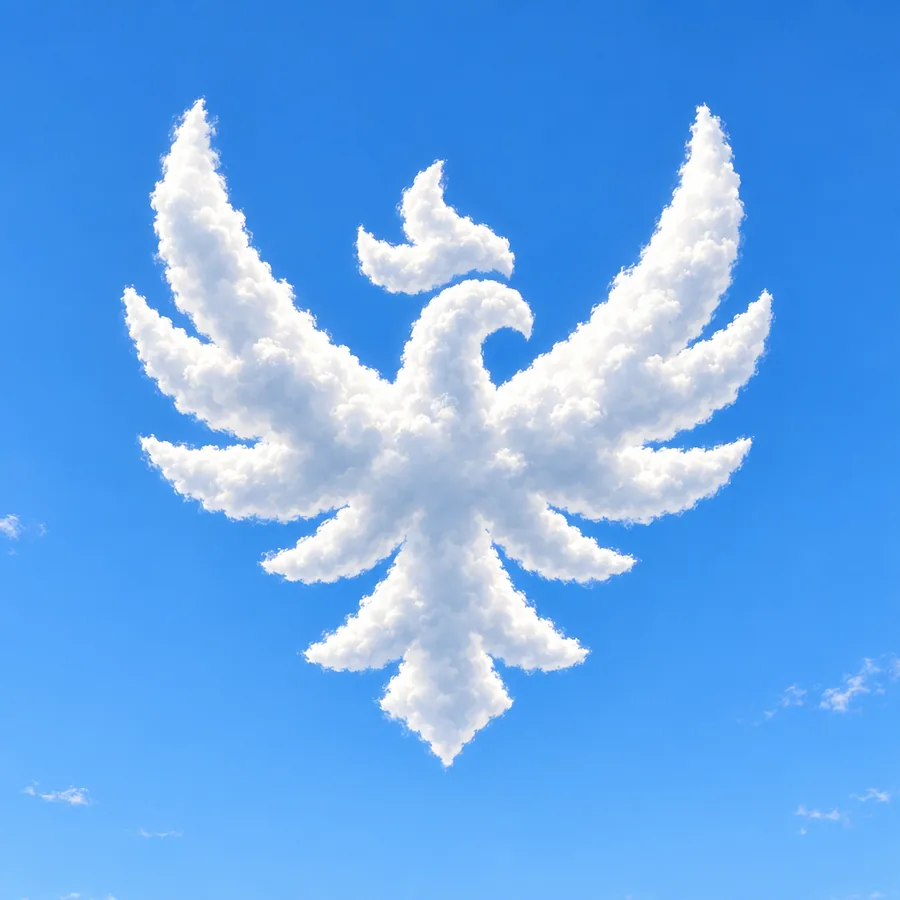
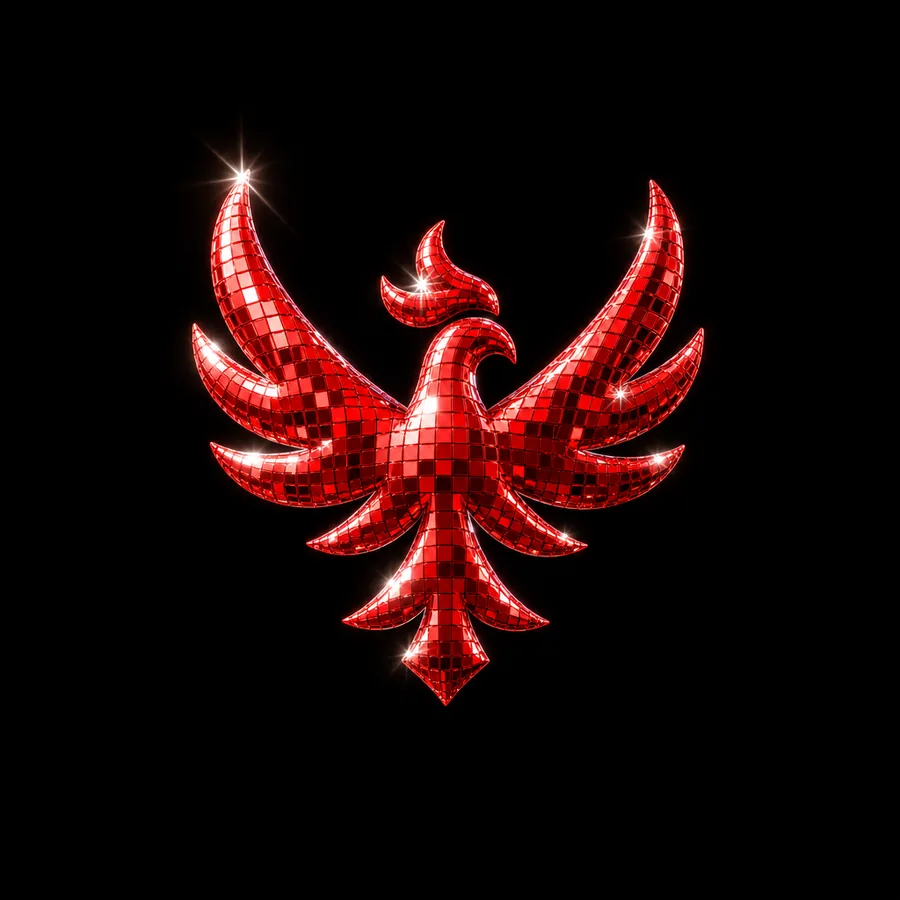
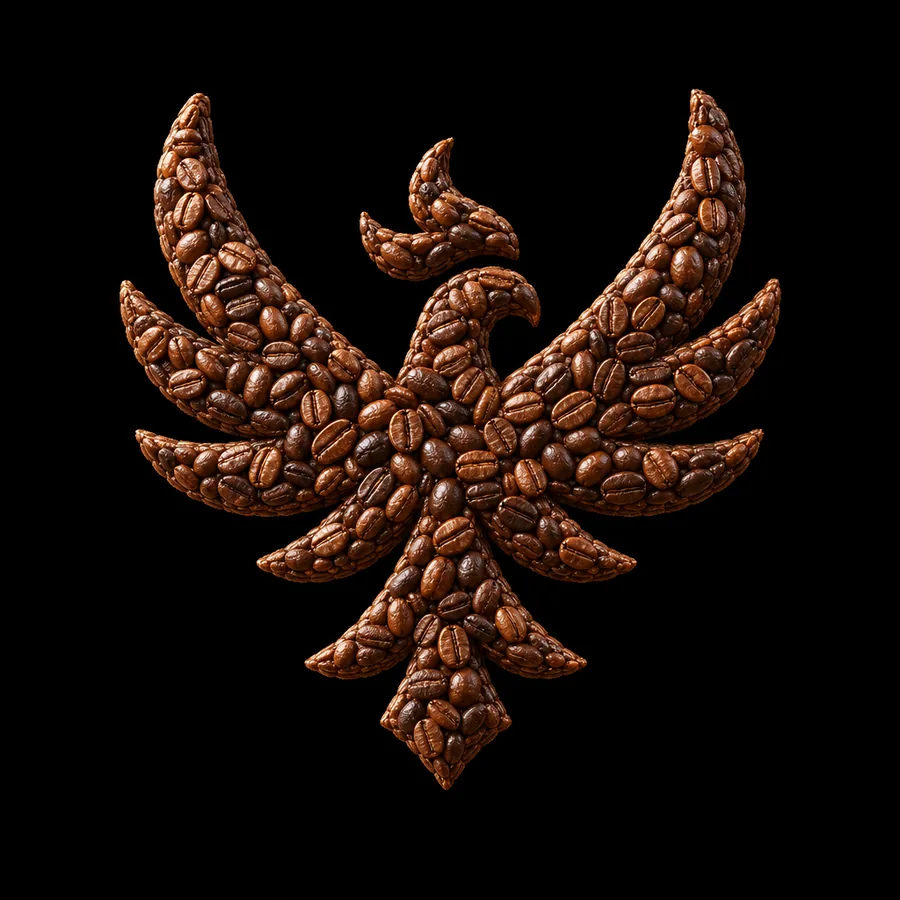
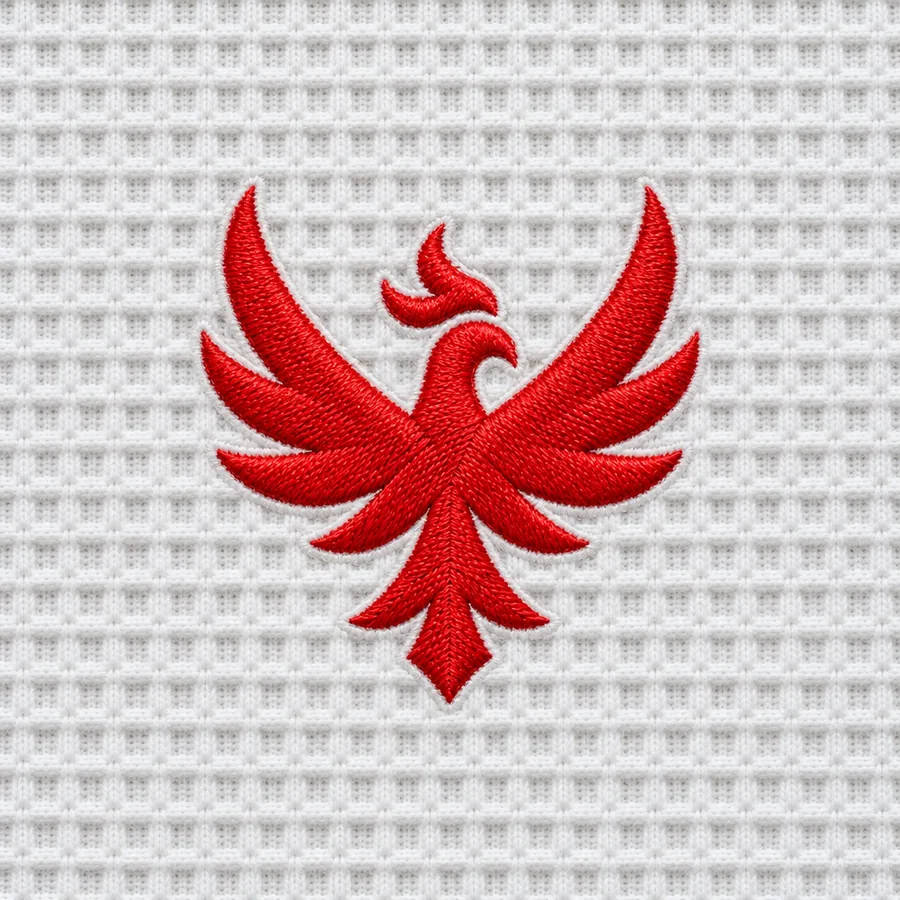
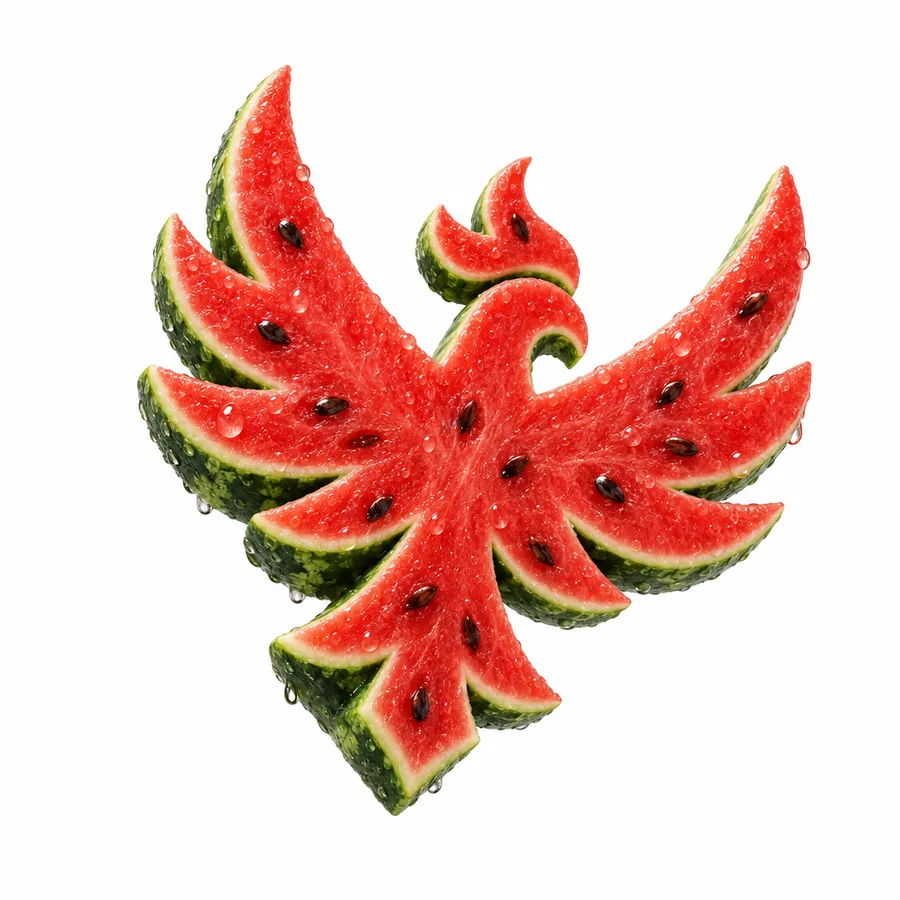
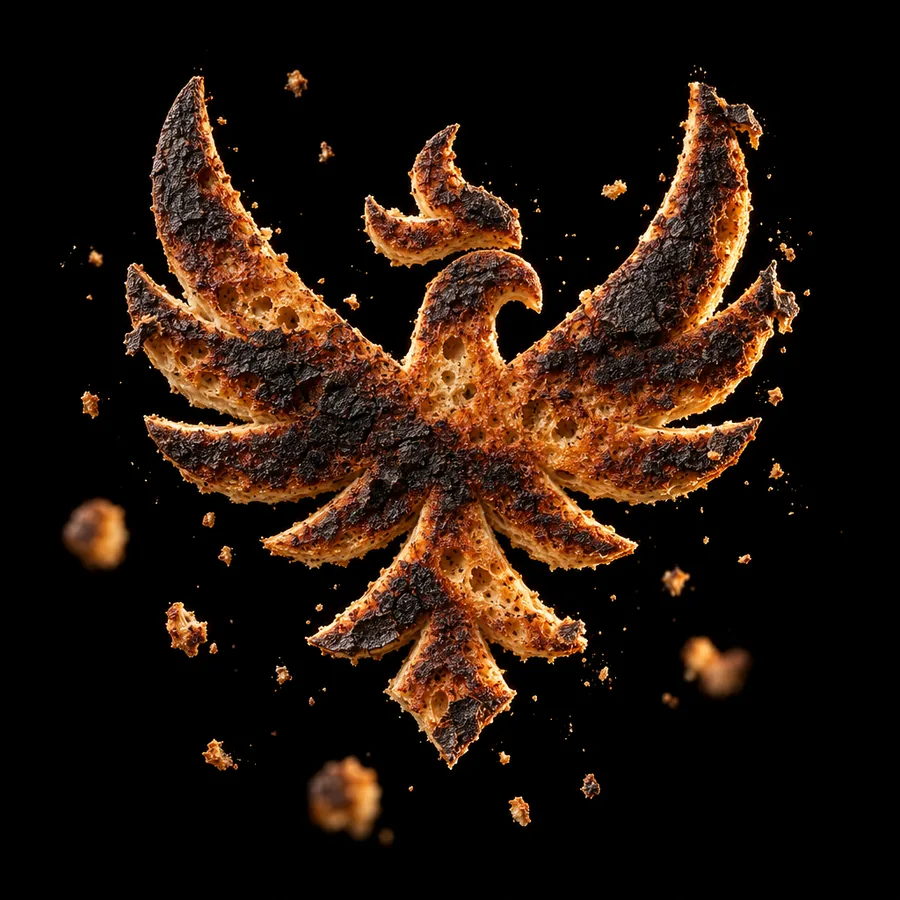
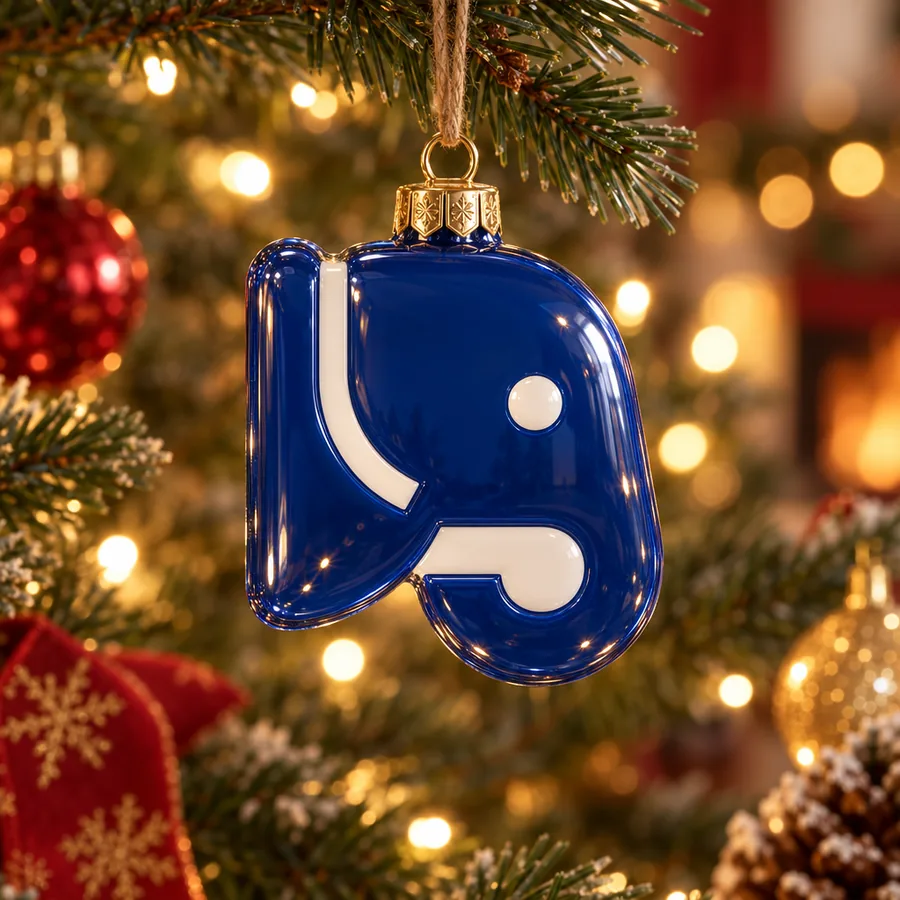
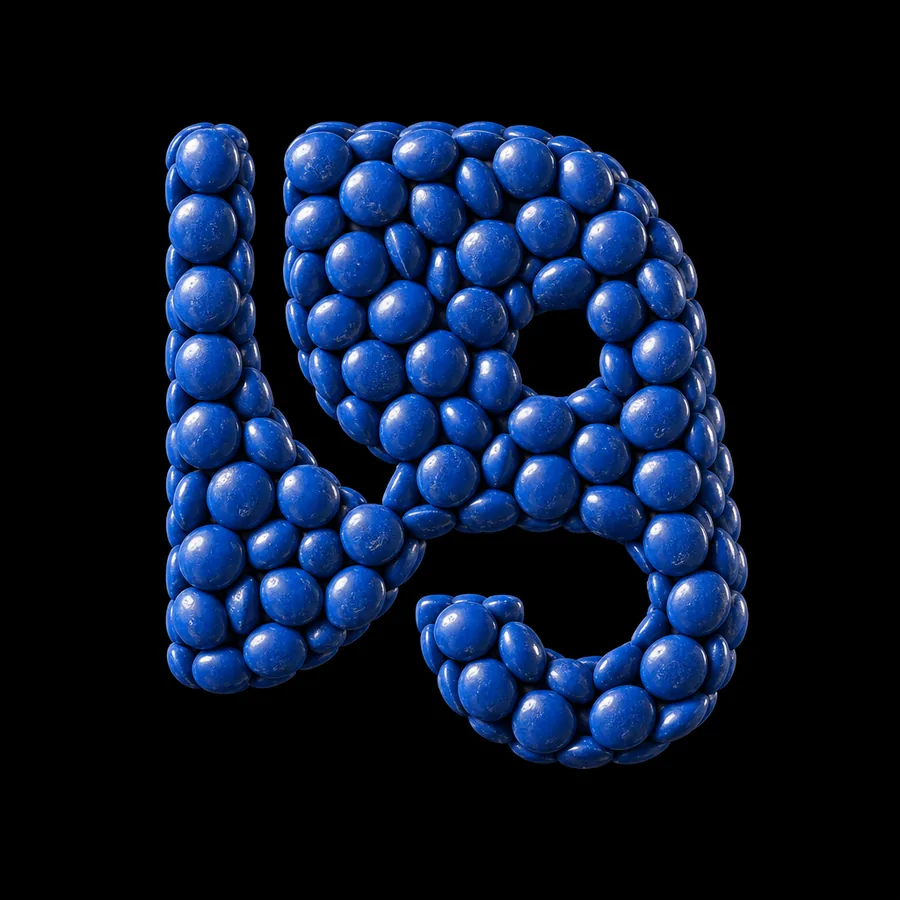
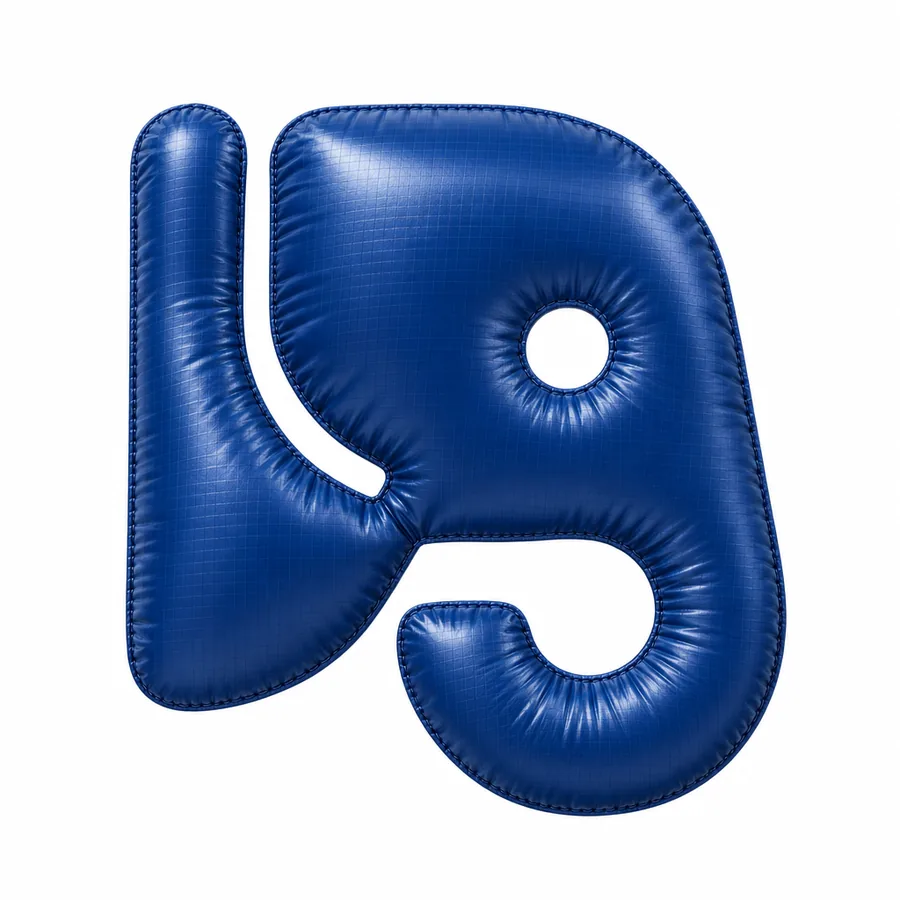
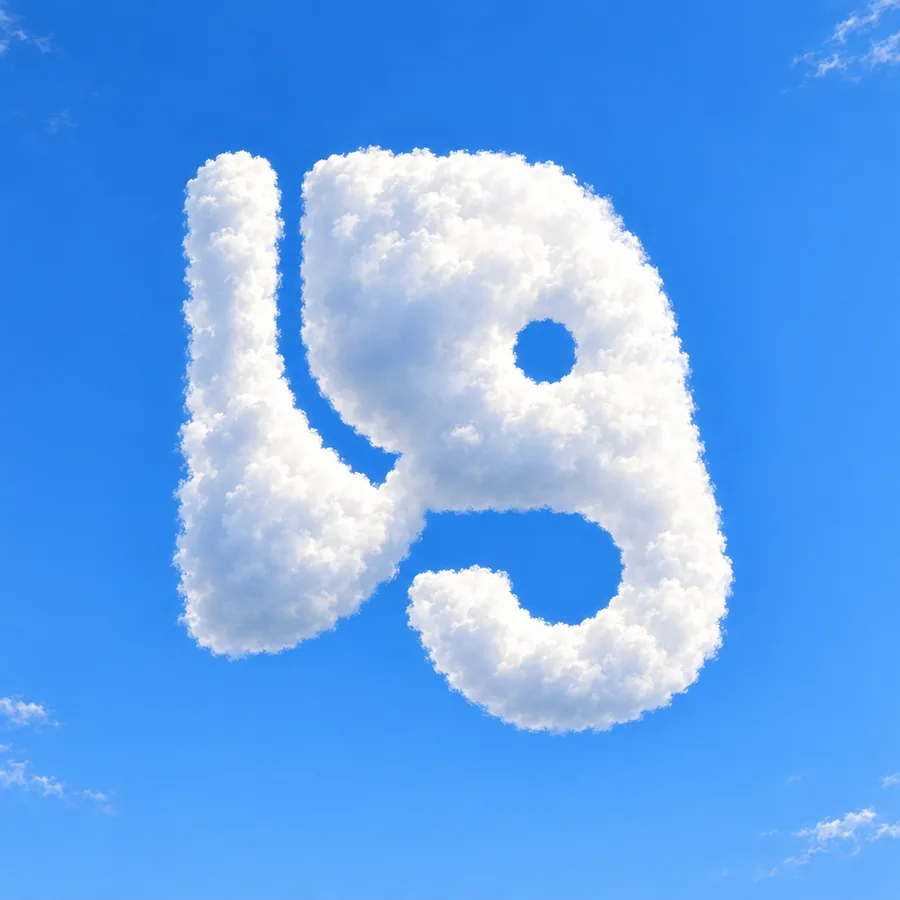
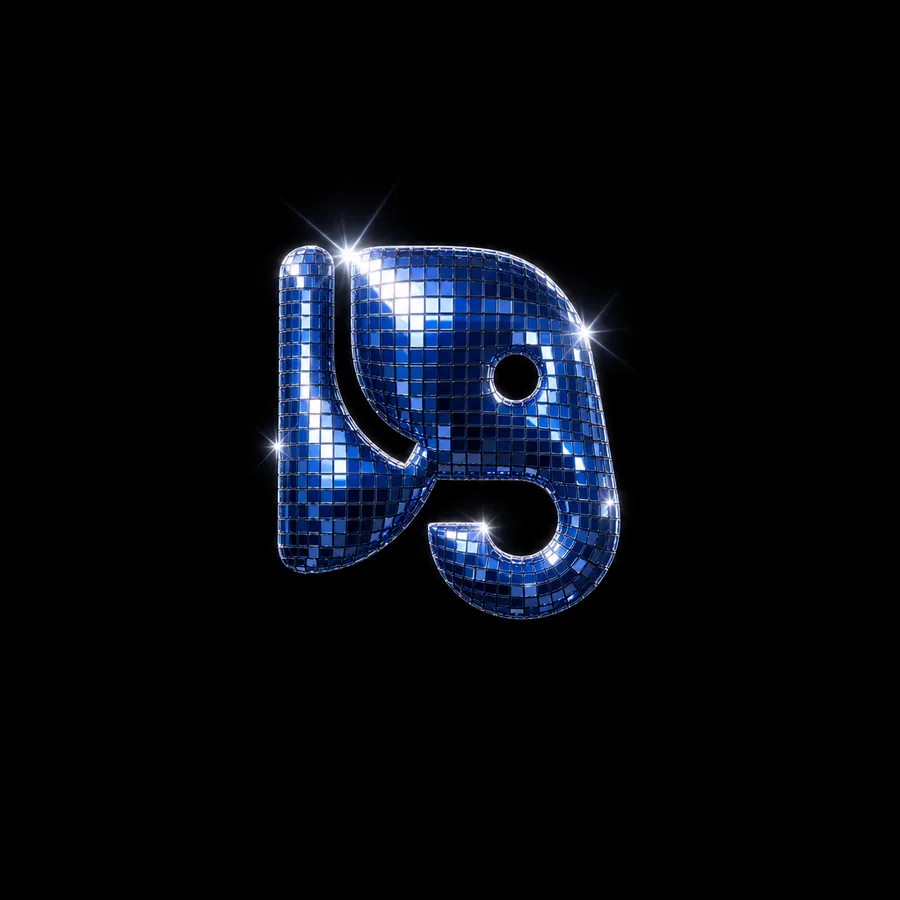
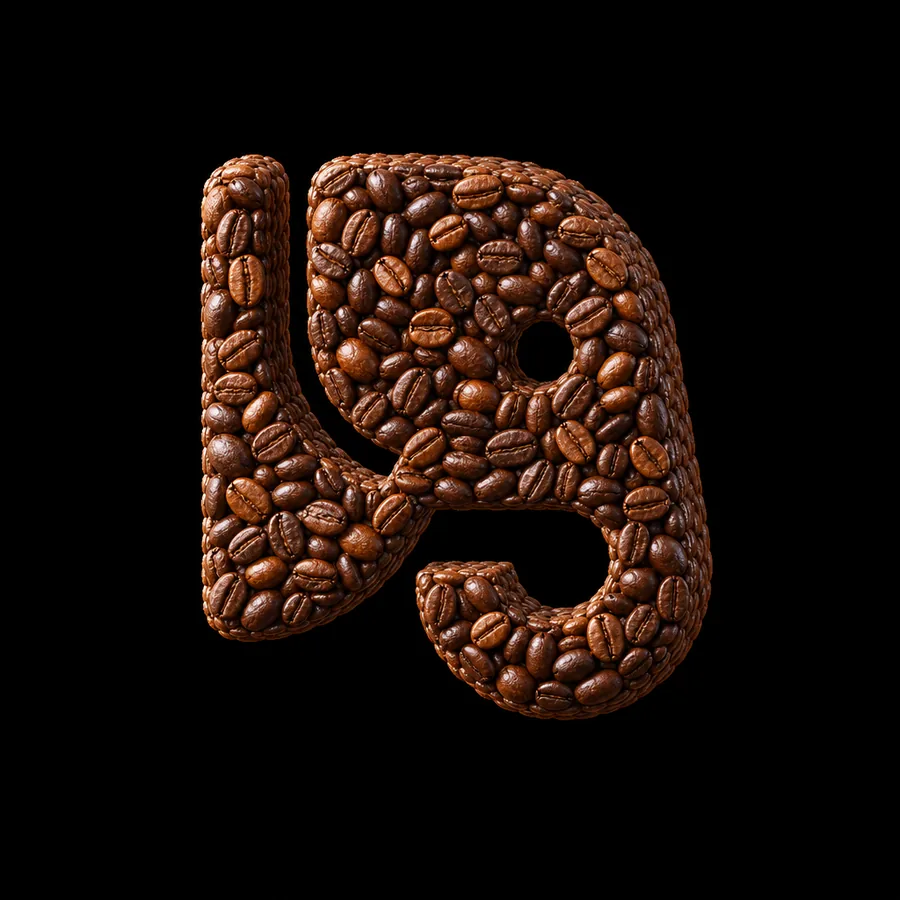
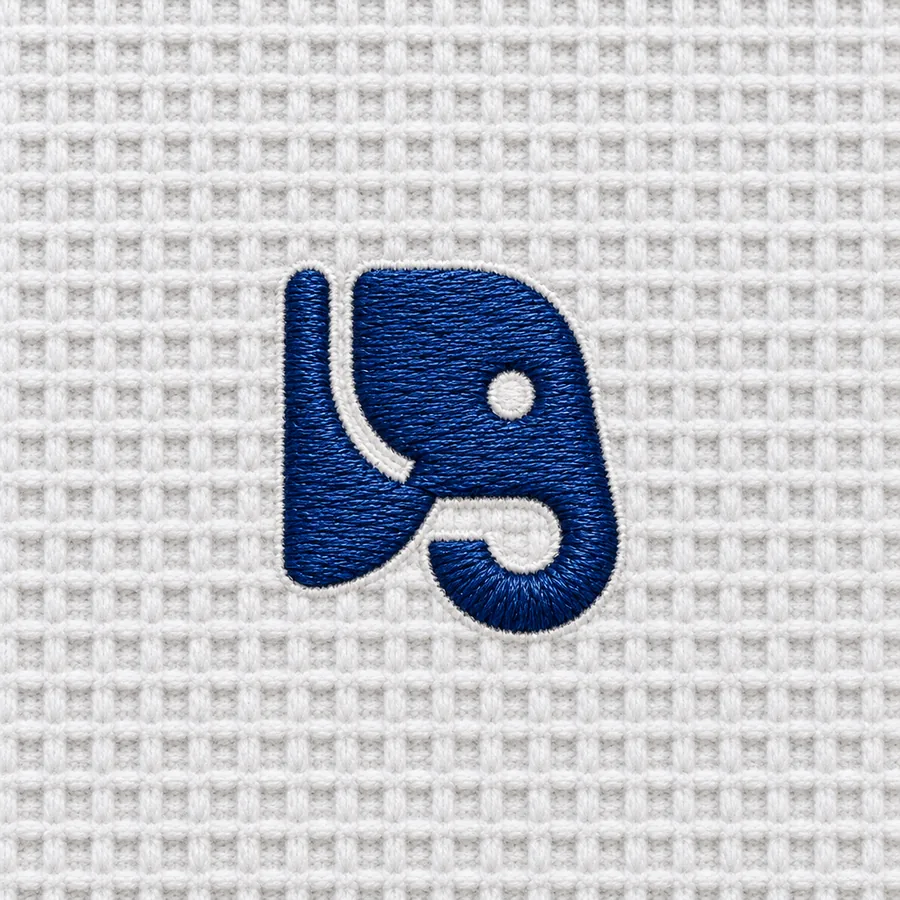
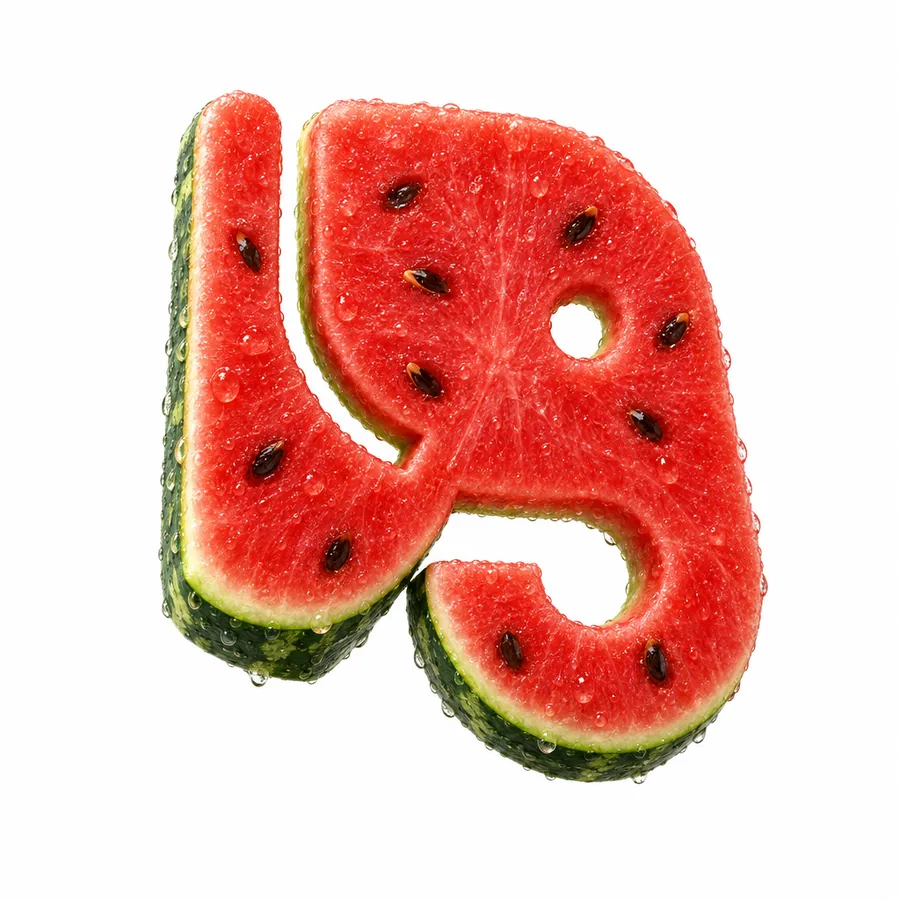
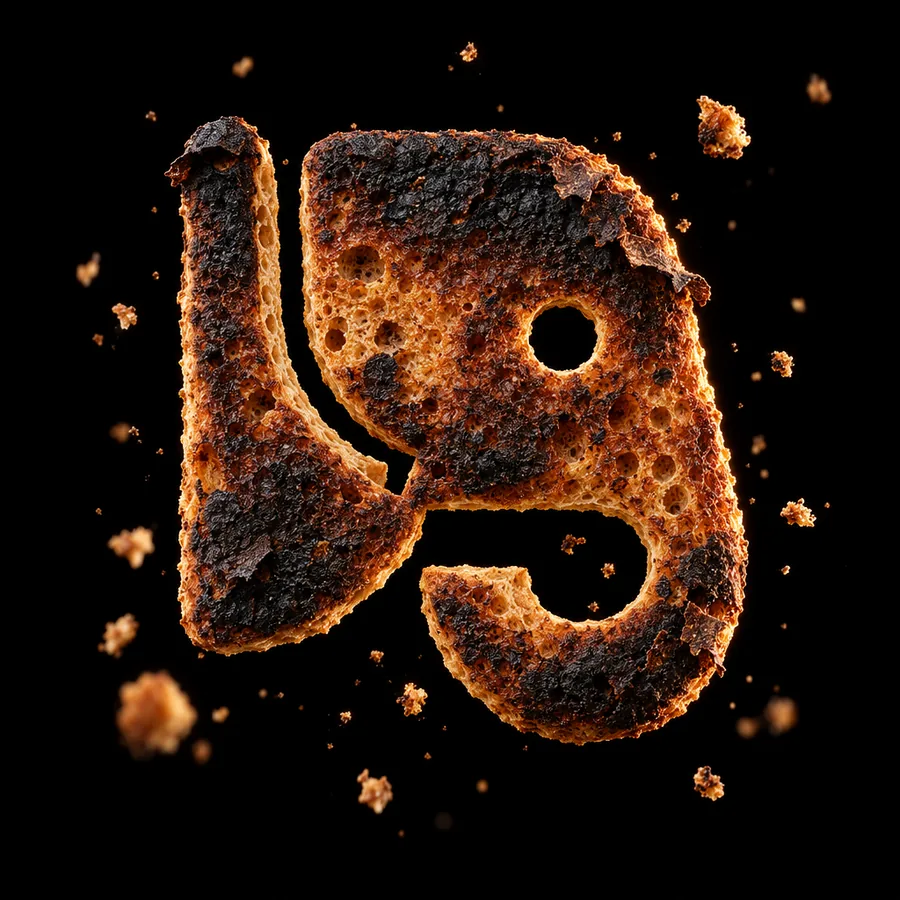
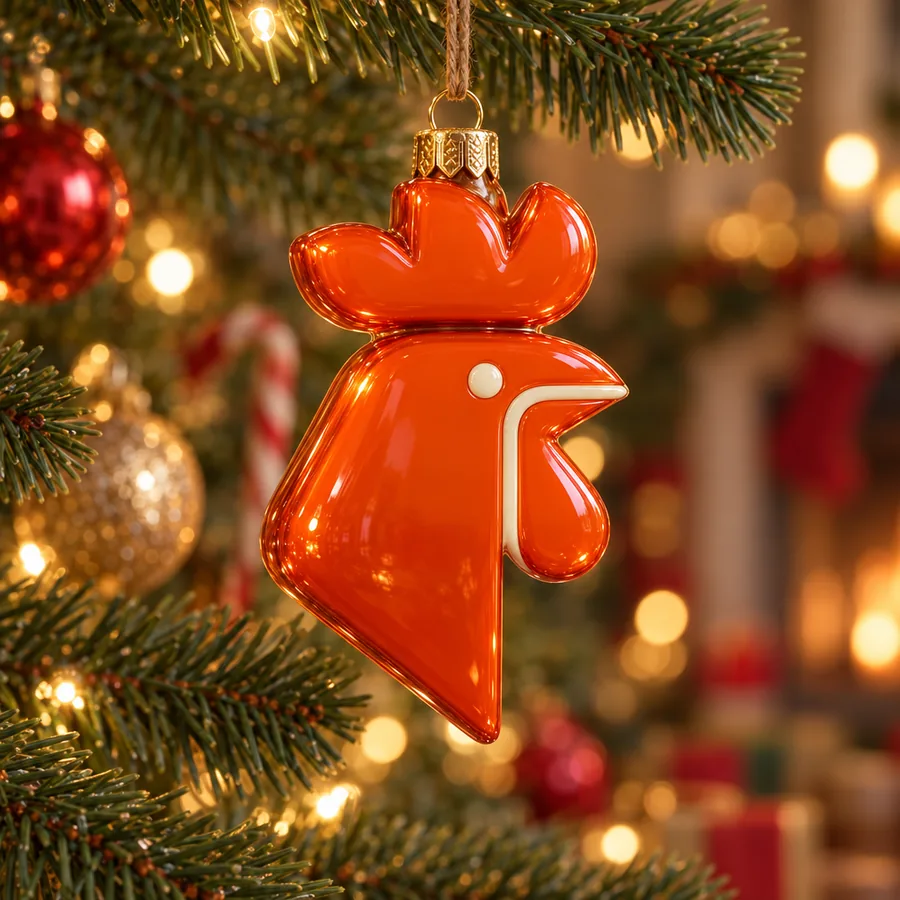
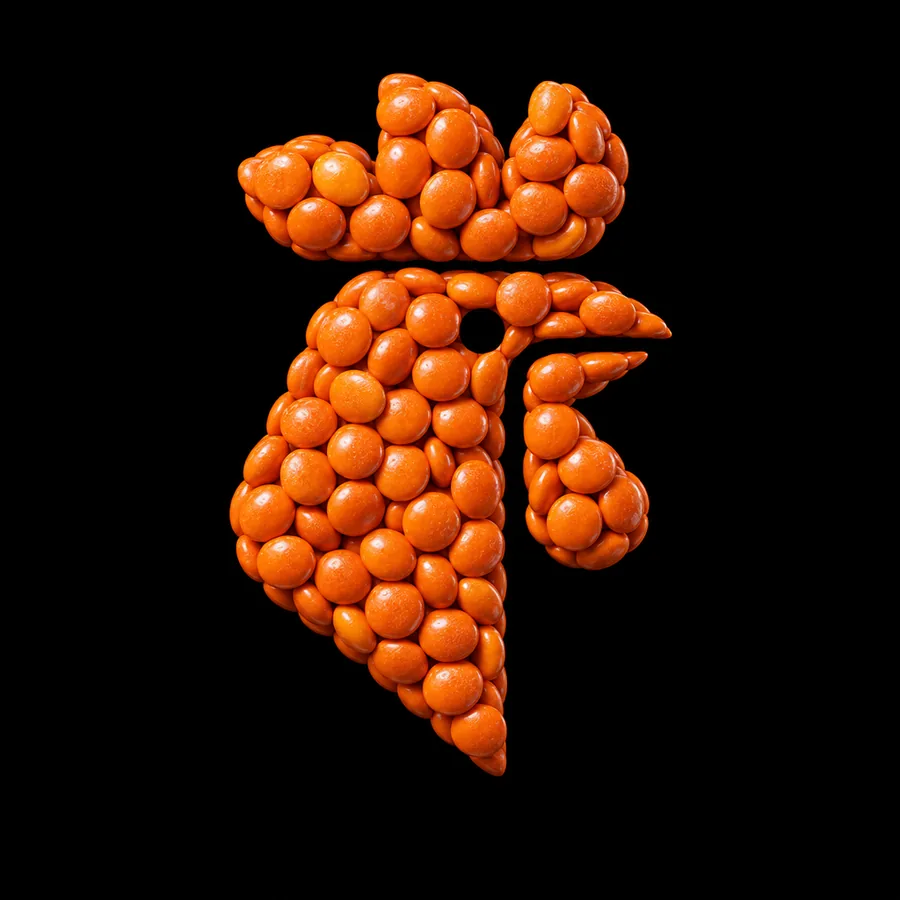
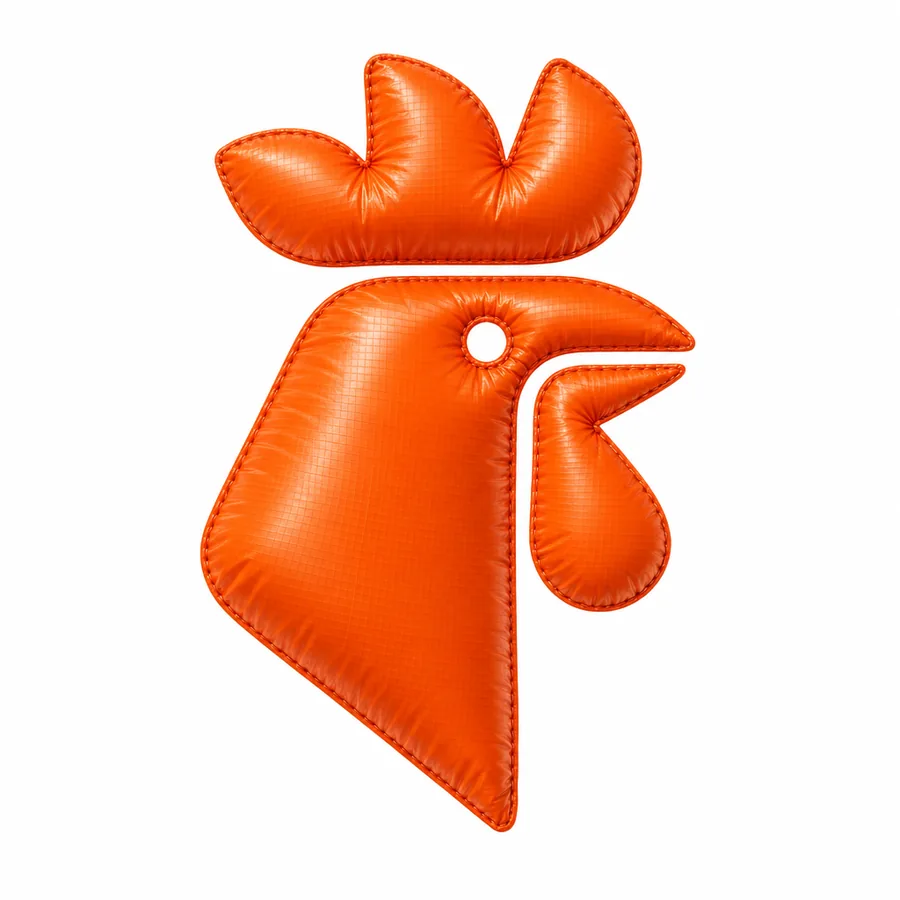
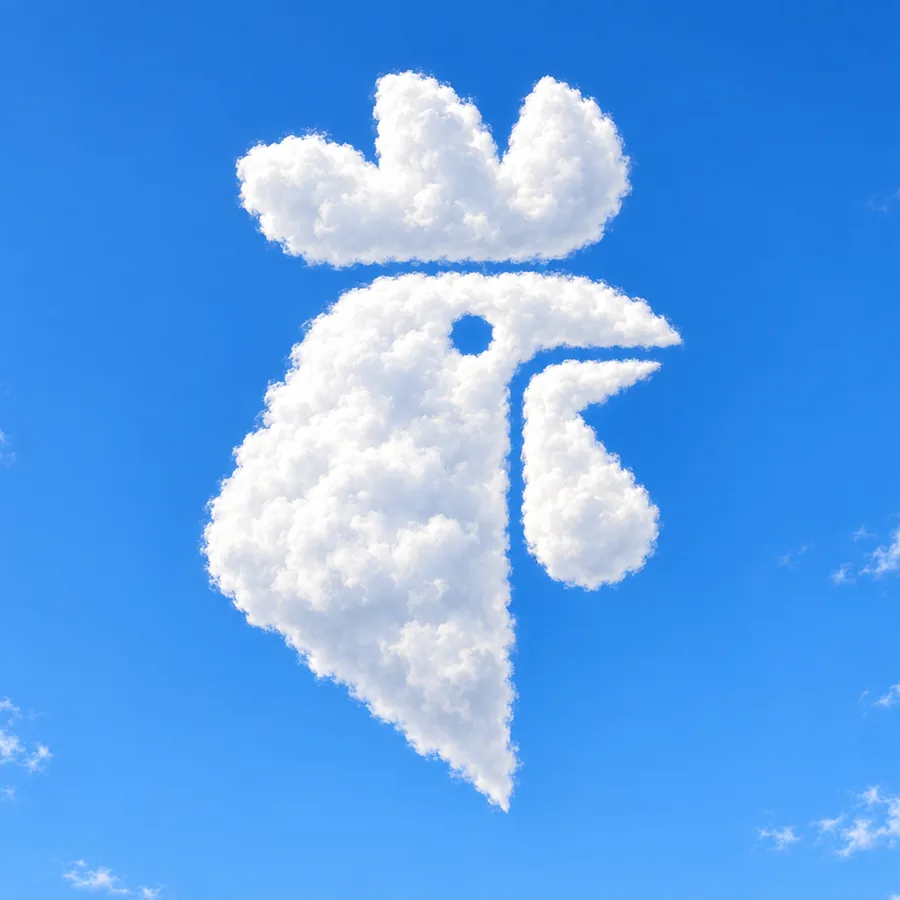
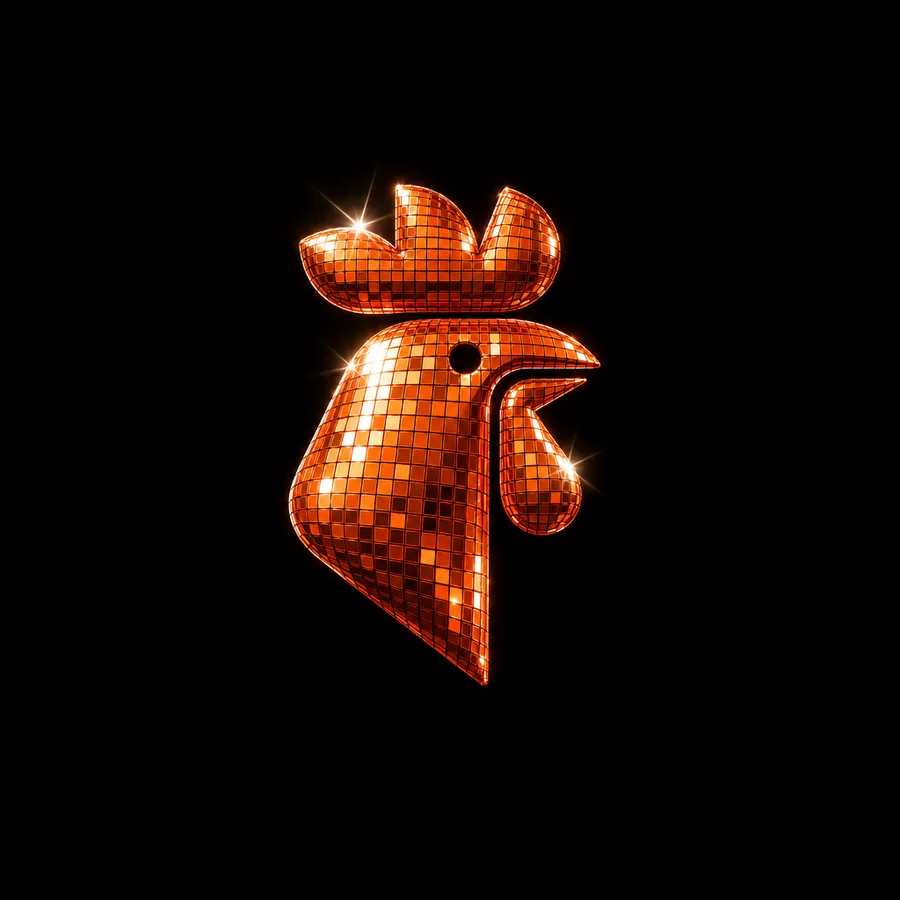
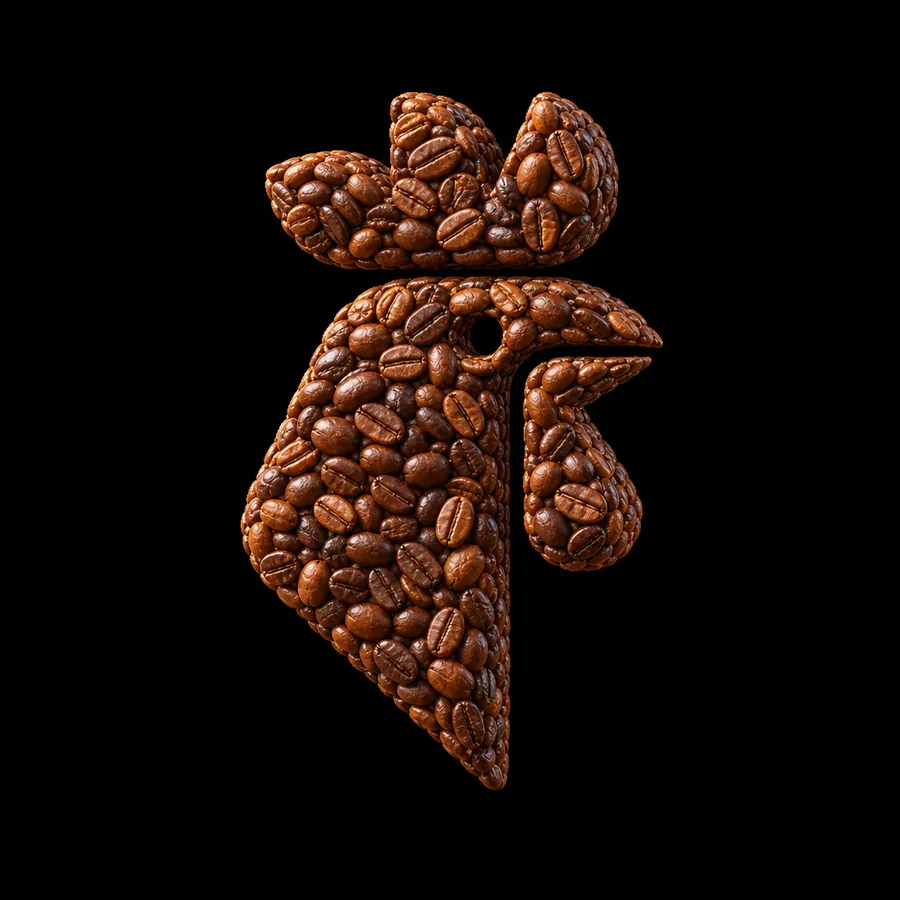
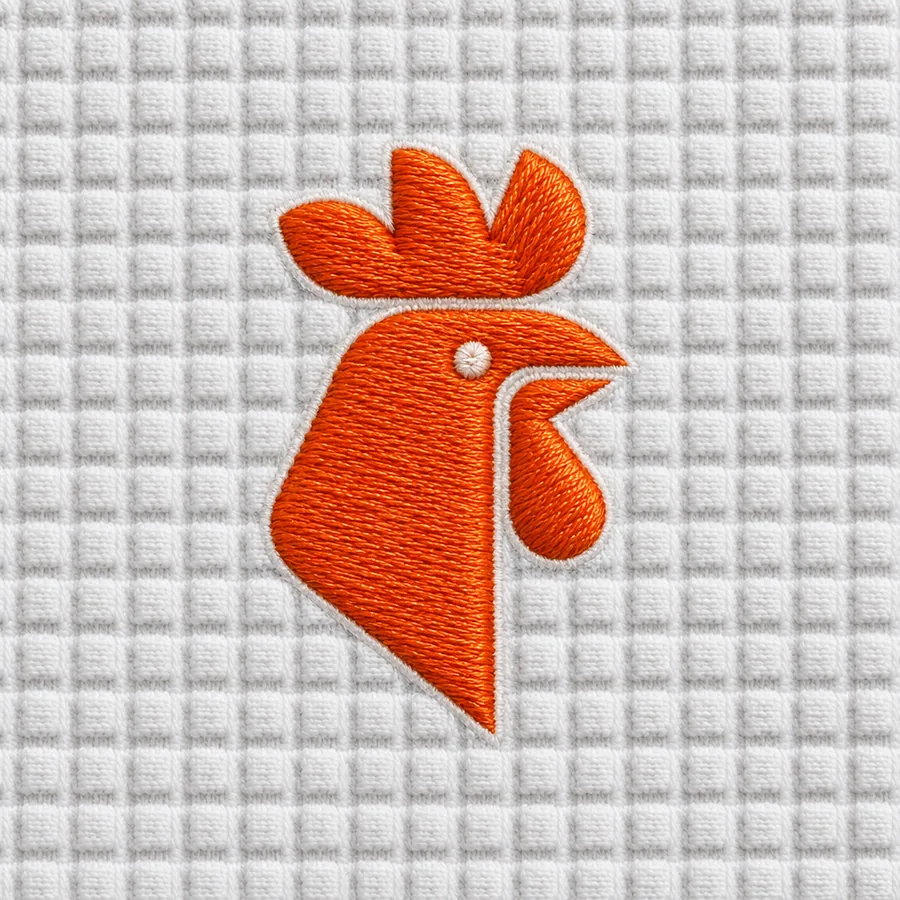
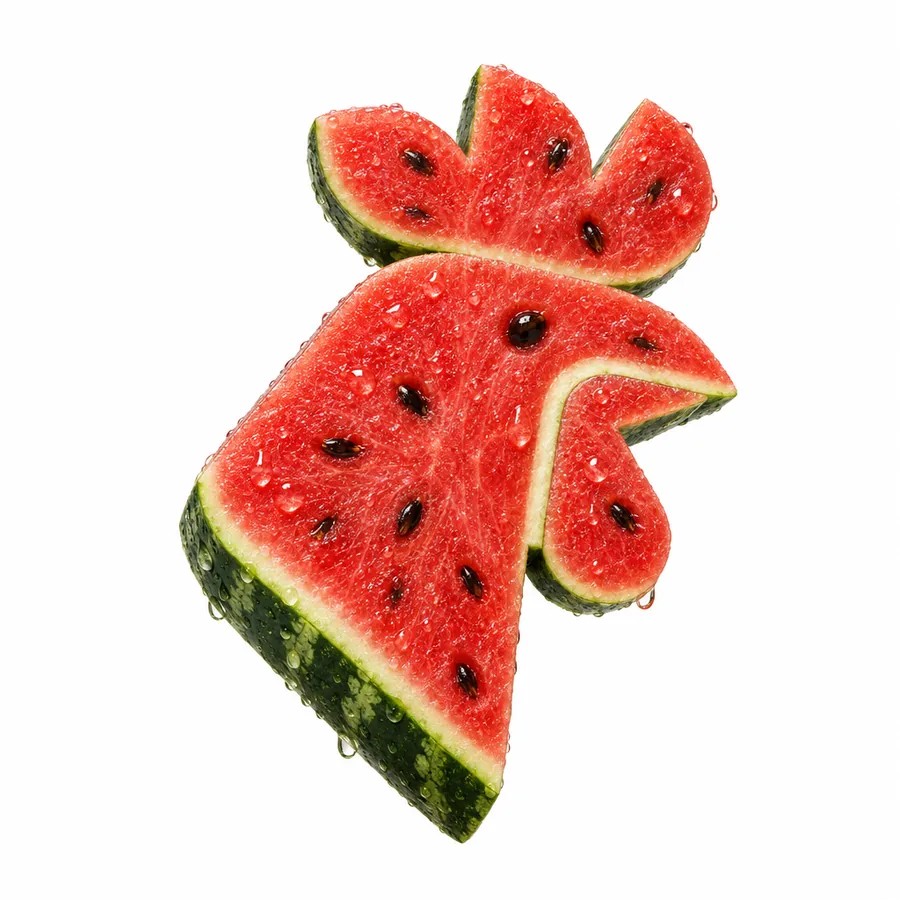
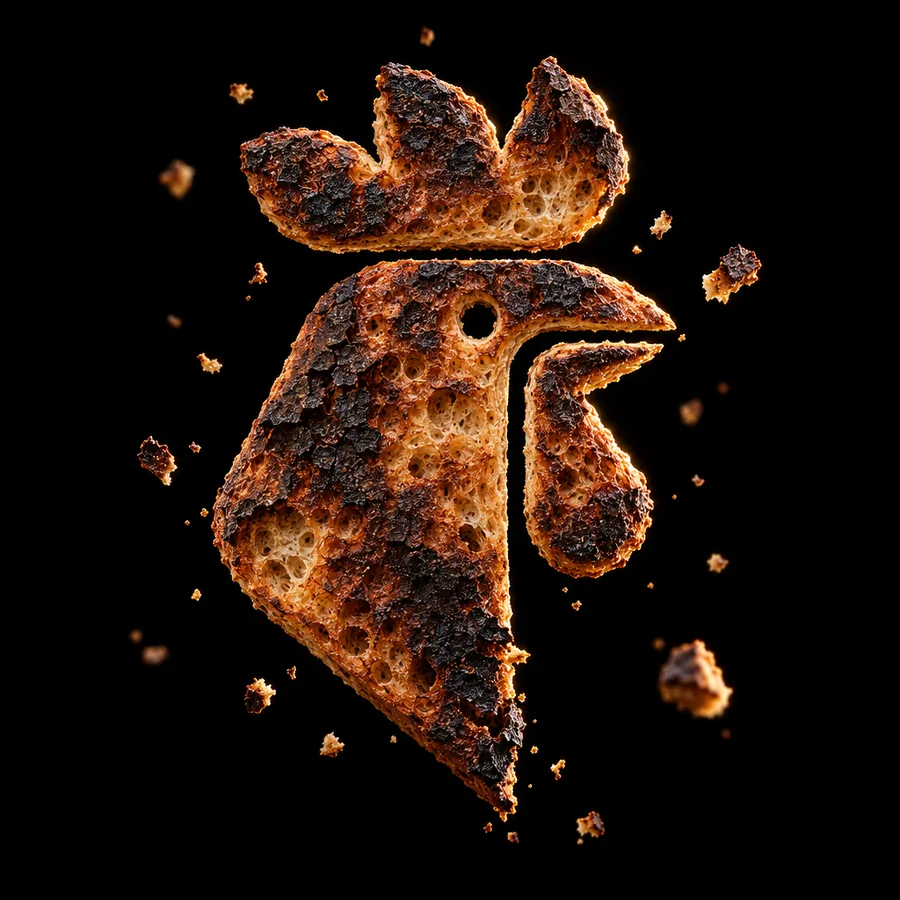

Every effect keeps your logo's shape.
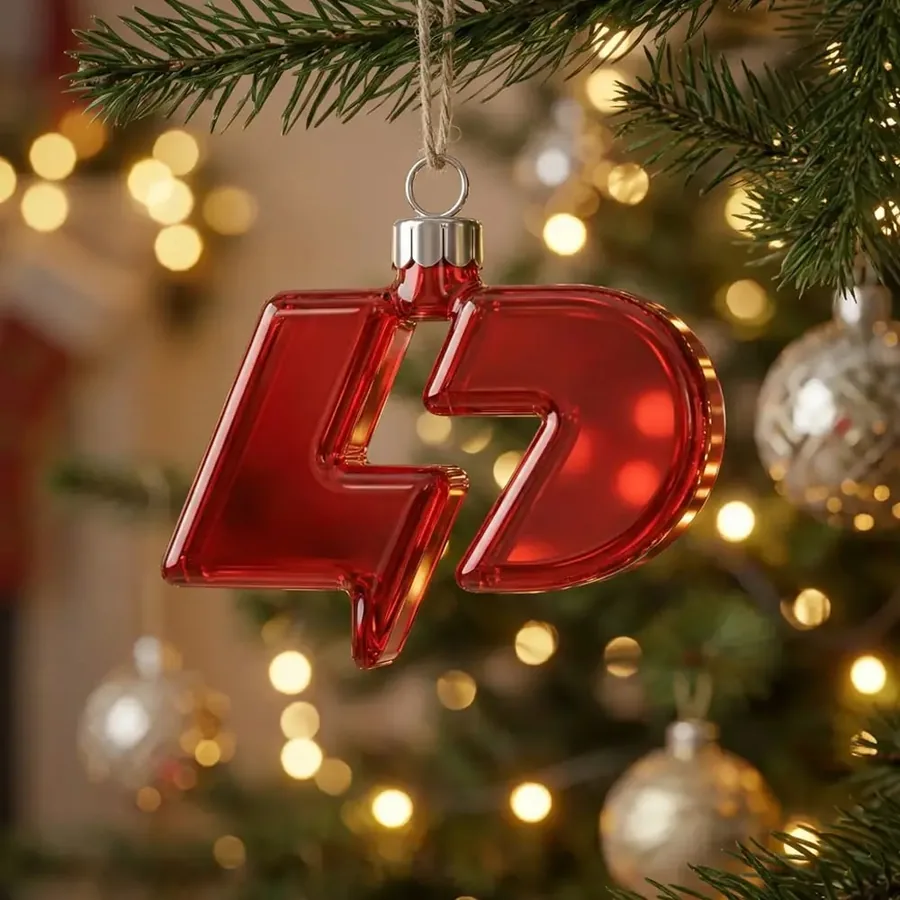
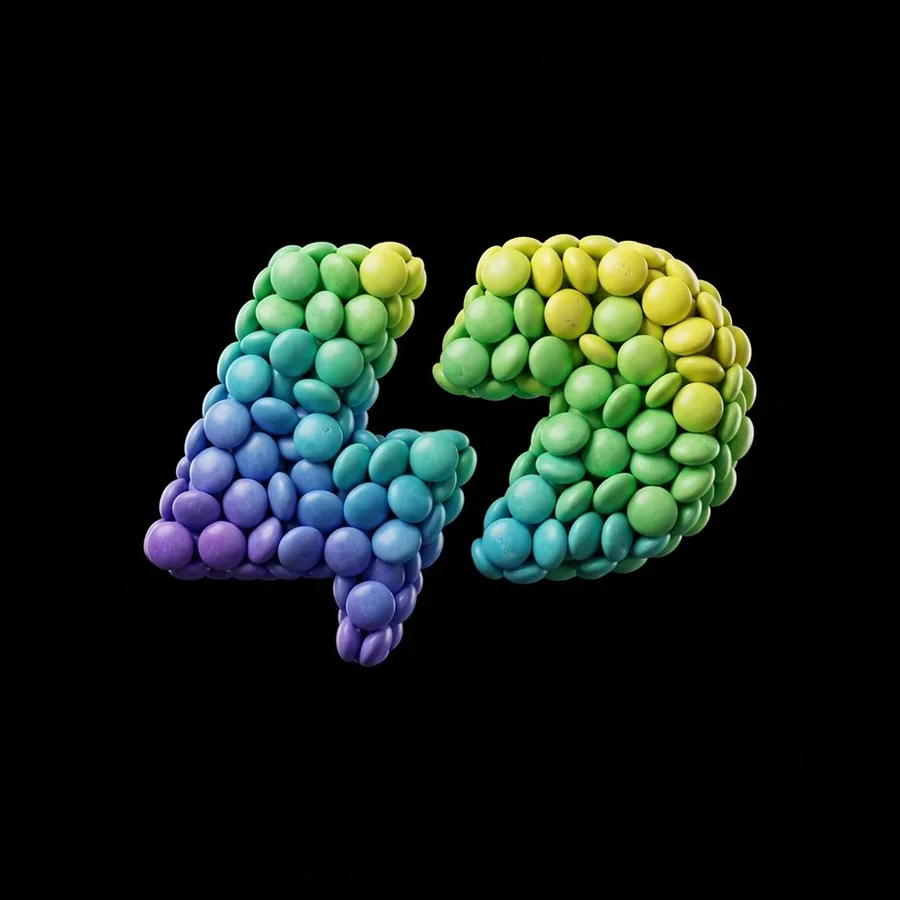
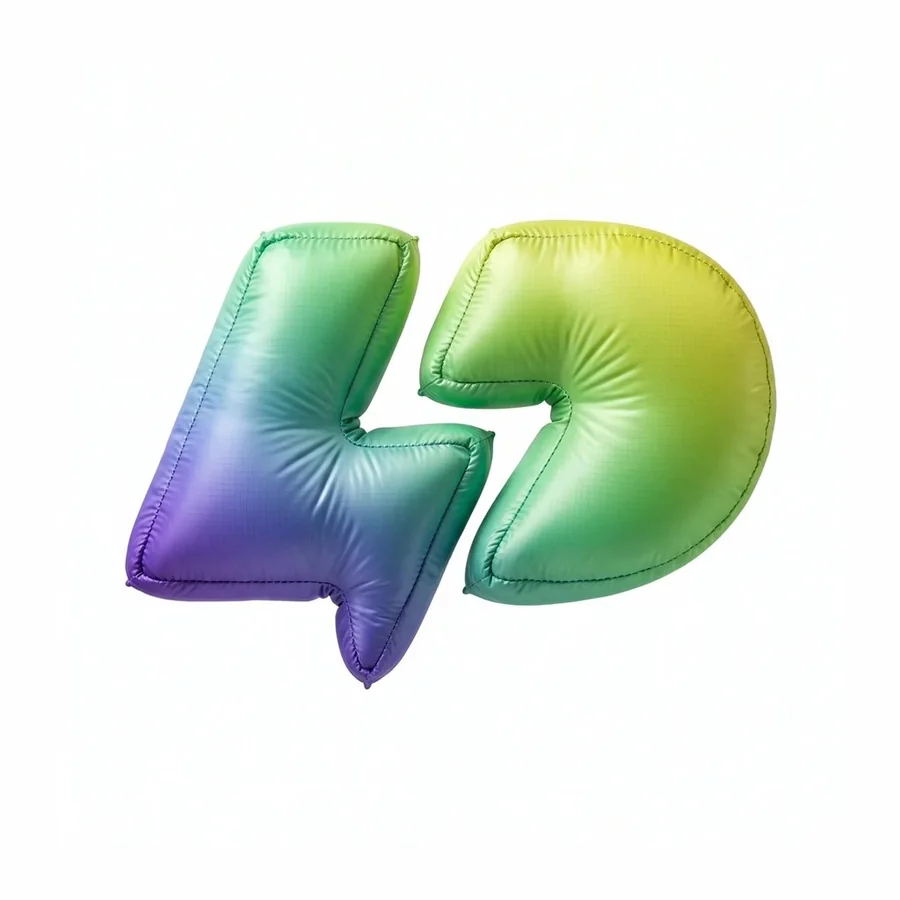
An effect changes the material and the finish, not the design. A sample from each collection here, the rest are in the app.
Two jobs effects do well.
A version for every season.
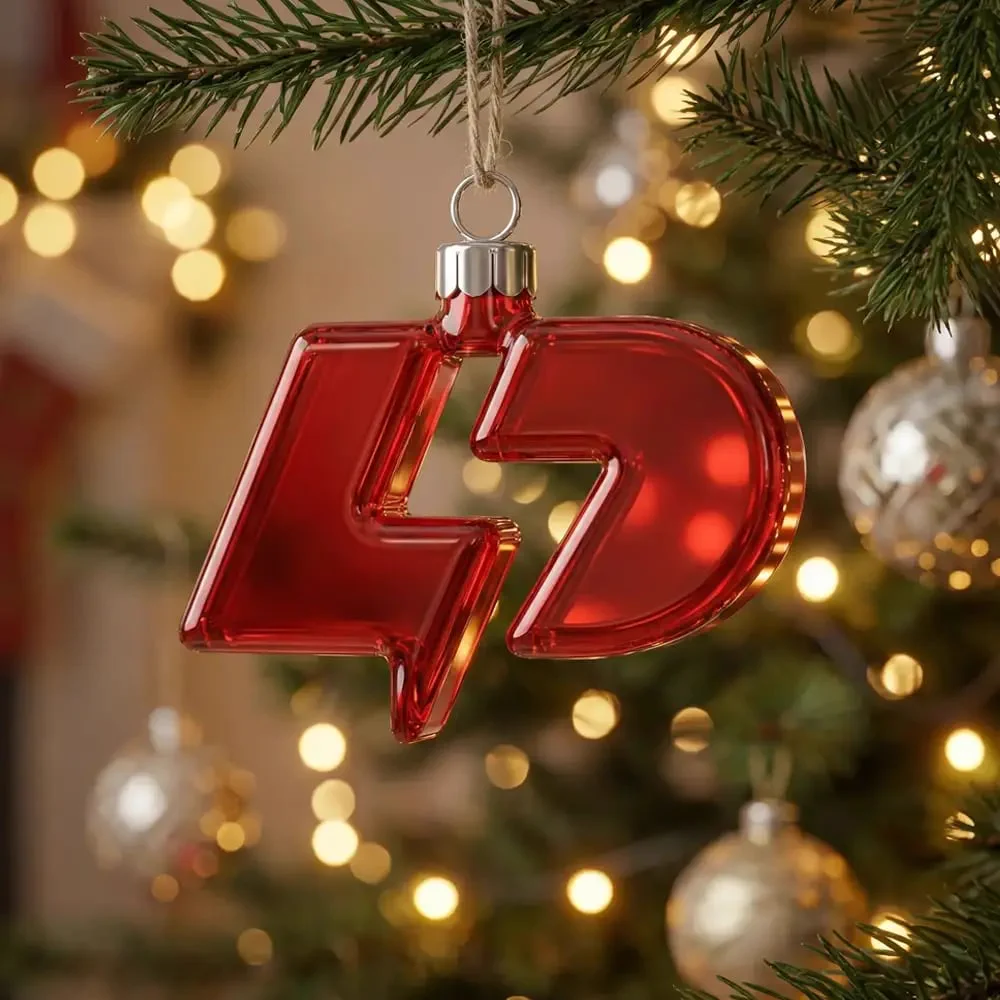
Each month gets its own version of the logo, from New Year fireworks to a Christmas ornament, and the original file never changes.
A finish that fits the business, ready to post.
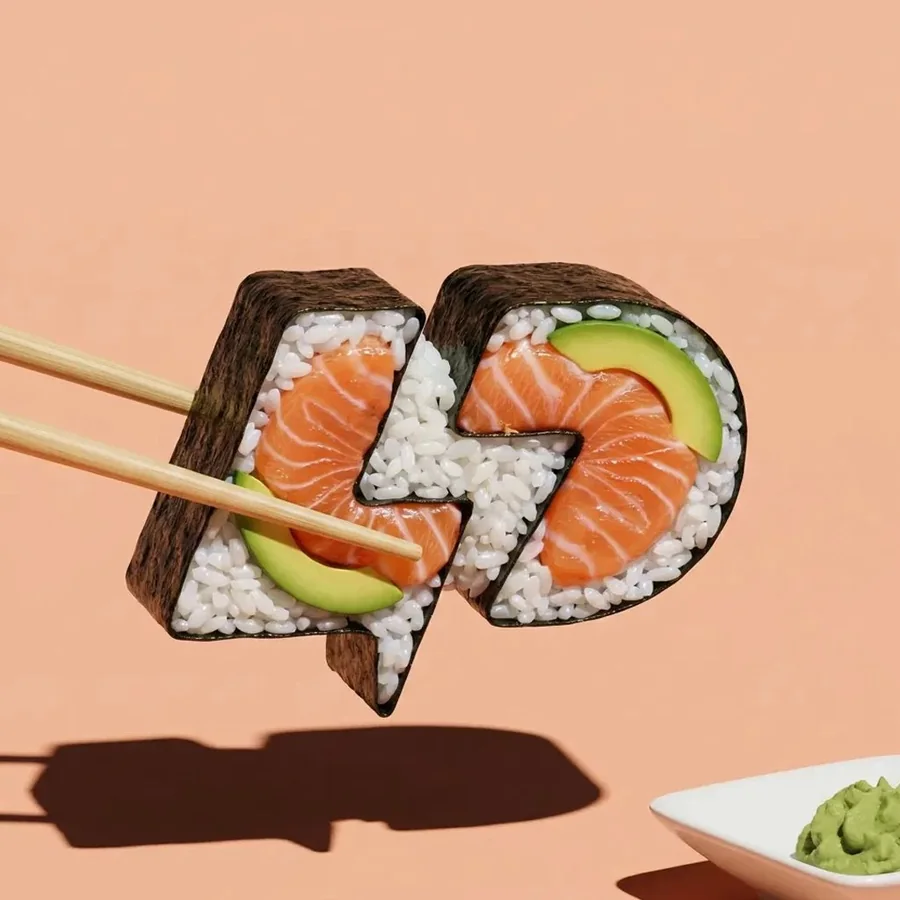
Coffee beans for a coffee shop, a croissant for a bakery. The effect tells people what the client sells, and the result is a ready image for the feed when there is no photo.
Turn the logo into anything in an image.
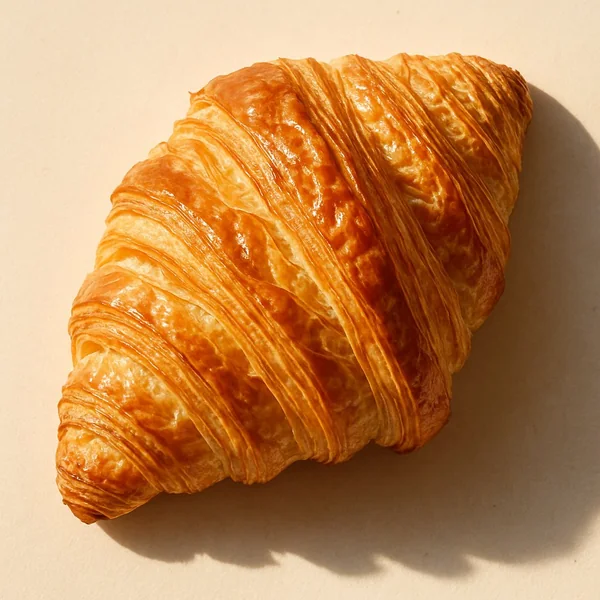
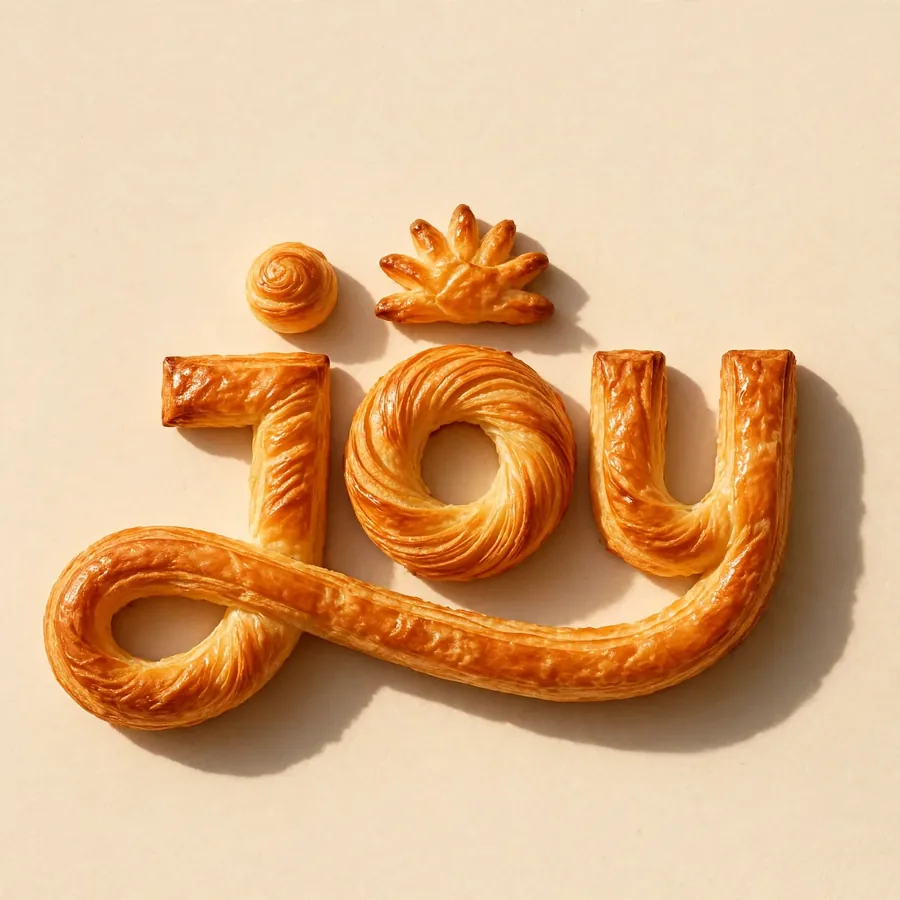
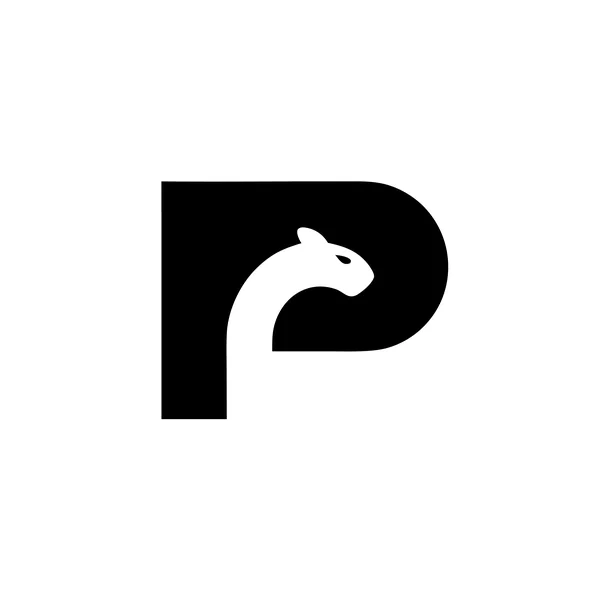
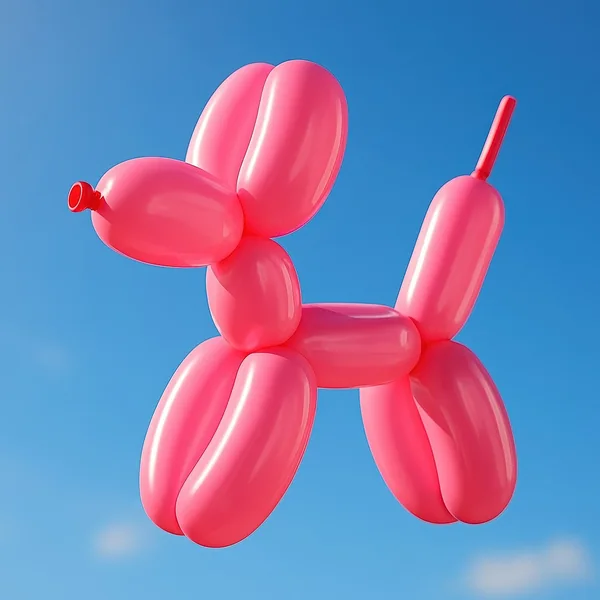
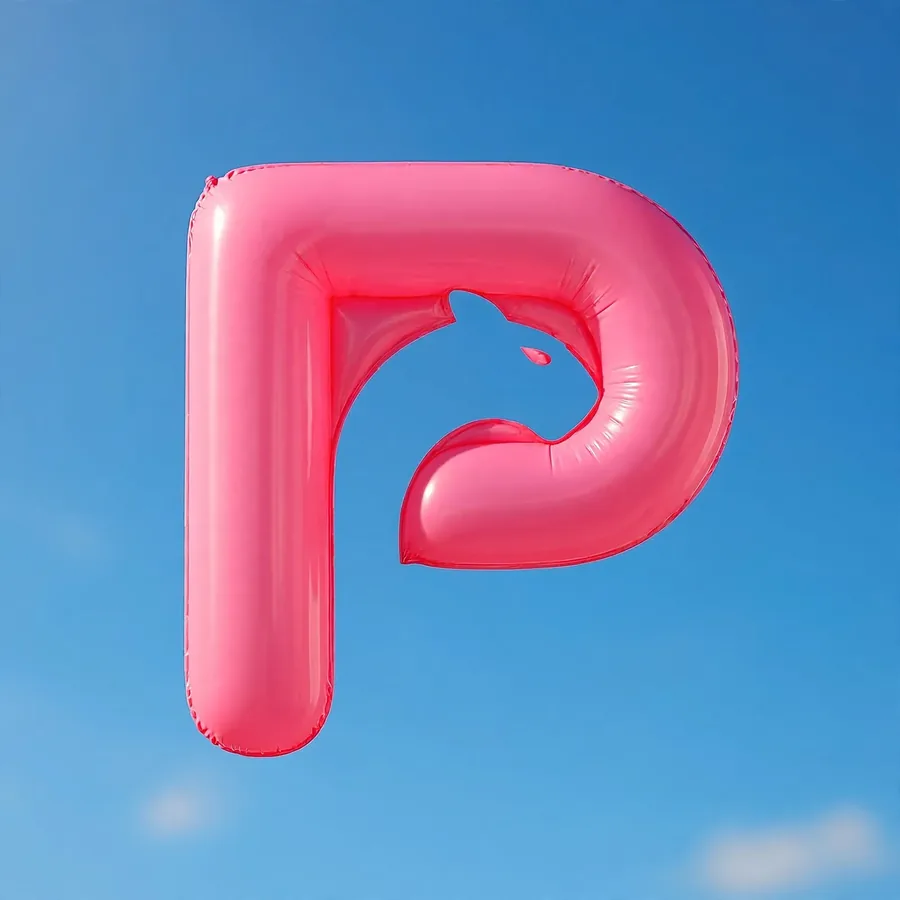
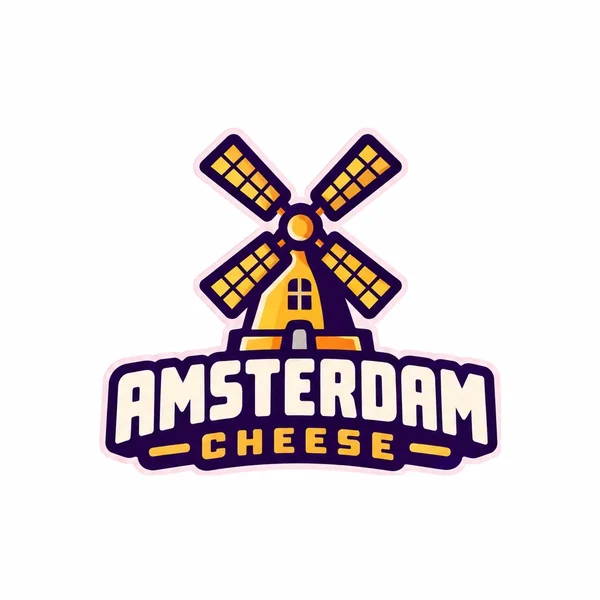
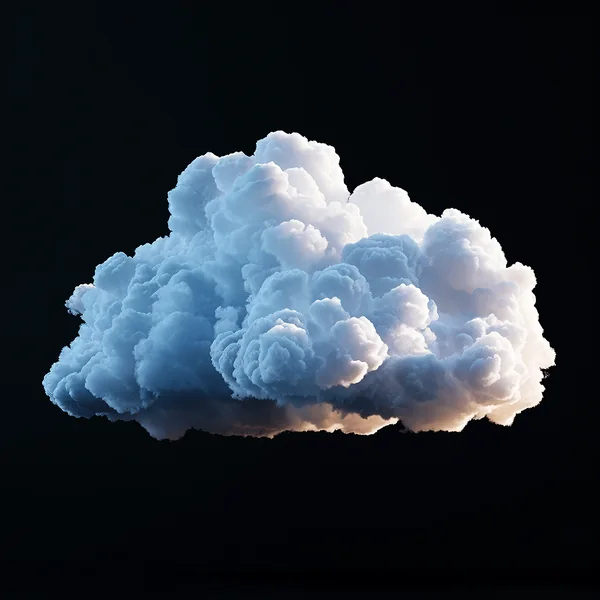
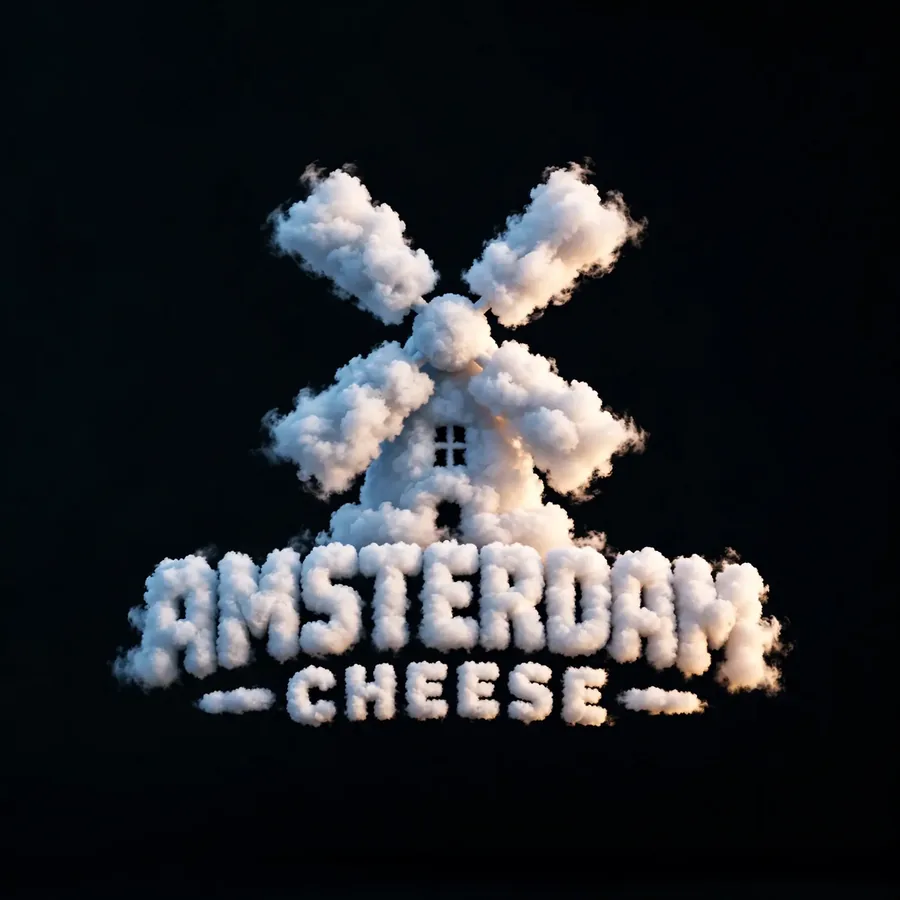
Style Transfer takes any image, one of the 101 built into the app or your own upload, and makes the logo into the thing in it. The shape stays exactly as it is.
See Style TransferStart with 24 free credits.
Paid plans add full-size downloads and the commercial license.
Basic
$24/mo
- 1,000 credits, up to 200 edits
- Base and Pro models, up to 4K
- Full-size downloads, no watermark
- Commercial license, yours after you cancel
Annual billing is two months free. Credits renew monthly. Compare all plans.
Frequently asked questions.
Still stuck? Read the docs or reach us through the contact page.
What are Logo Styles?
A gallery of 100+ finished looks you can apply to a logo in one click, from chrome and glass to embroidered patch and seasonal collections. It lives inside the Magic Editor and takes no prompt.
Does an effect change my logo’s design?
No. An effect changes the material, texture and finish while keeping the logo’s shape. It is the same logo rendered as something else.
How many effects are there?
More than 100, and the number moves: new effects land most weeks and seasonal collections rotate through the year. That is why we quote a floor rather than an exact count.
What is the difference between effects and the 11 logo styles?
They are two features. The 11 logo styles, like Pictorial and Mascot, shape a logo as it is created and each has its own prompt logic. Effects restyle a logo that already exists. You can use both on the same logo.
What is Style Transfer, then?
A third thing. Effects are a set of curated presets; Style Transfer takes a reference image you upload and reads the texture off it, so the look comes from your own picture rather than from a list.
Can I use a logo that wasn’t made in Logo Diffusion?
Yes. Upload any logo and apply any effect to it.