For client work

AI logo generation for agencies and studios.

Run a brief through several logo styles, show the client the logo on real products, make their changes by typing them, and hand off layered SVG files with the commercial license.

Free to try. No credit card required.

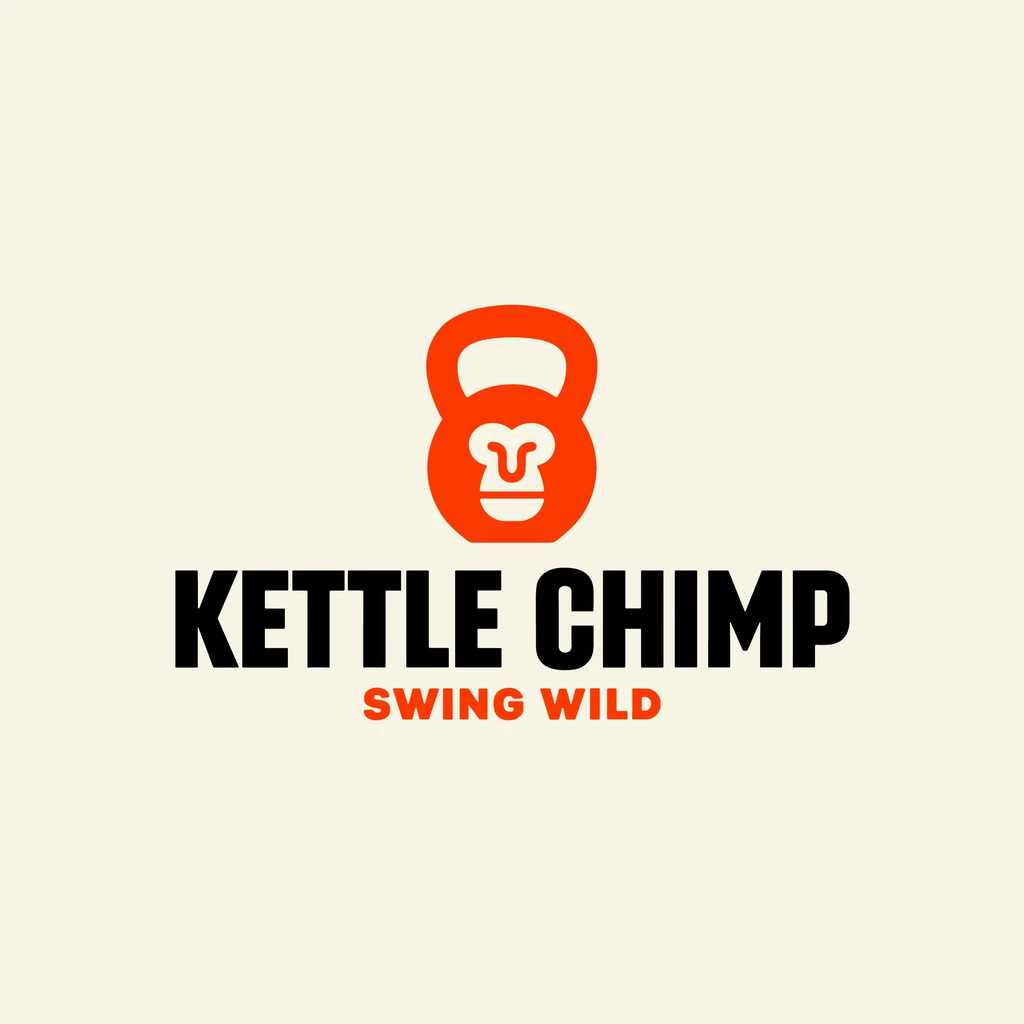
Sample project: Kettle Chimp
Client brief

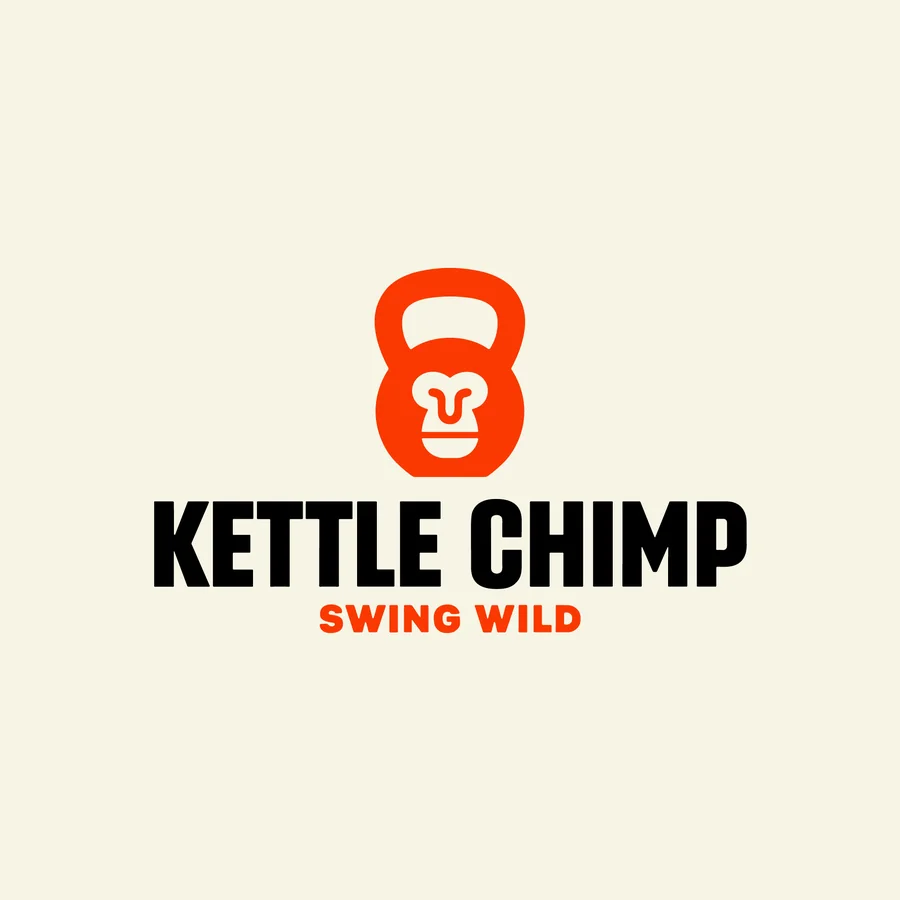
Kettle Chimp

Tagline: Swing Wild

Needs
LogoVersionsMerchFiles
Styles to try
Logo TypePictorialLine ArtMascot
The brief

Trusted by designers working at

  • Client logo 1
  • Client logo 2
  • Client logo 3
  • Client logo 4
  • Client logo 5

The project

How agencies use AI on a client logo project.

One sample project, Kettle Chimp, from the brief to the files. Steps two to four all start from the same approved logo.

01 Explore: Text, Sketch and Image to Logo

Explore the brief in several styles.

Start from your own thumbnail sketch, a photo the client sent, or the words of the brief. A paid Text to Logo run returns four options in about a minute. Sketch to Logo and Image to Logo come back in 10 to 30 seconds.

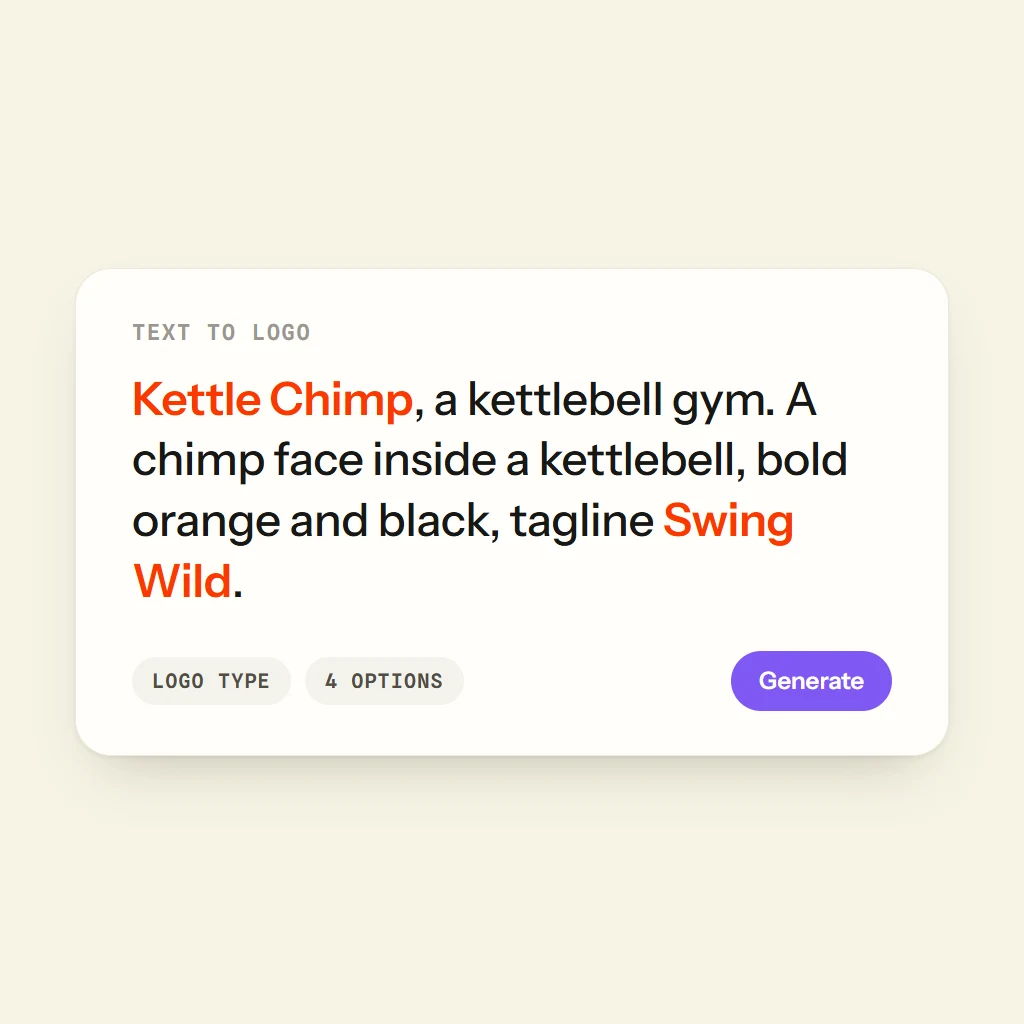
The brief typed as a Text to Logo prompt: Kettle Chimp, a kettlebell gym
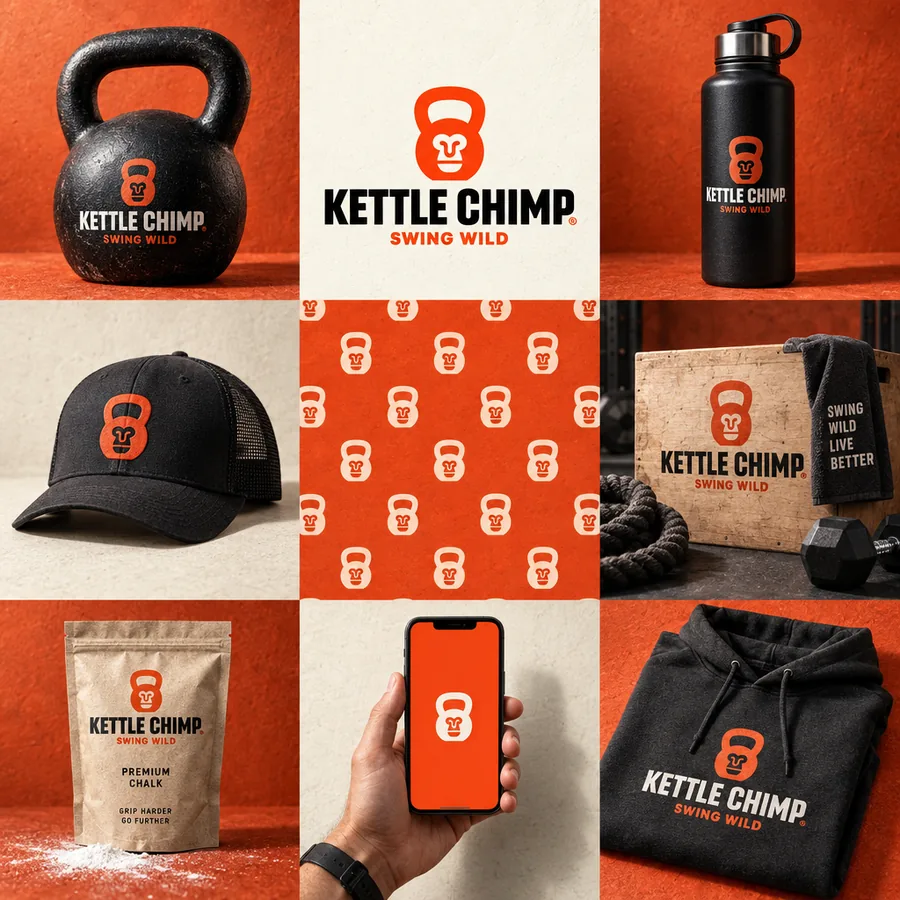
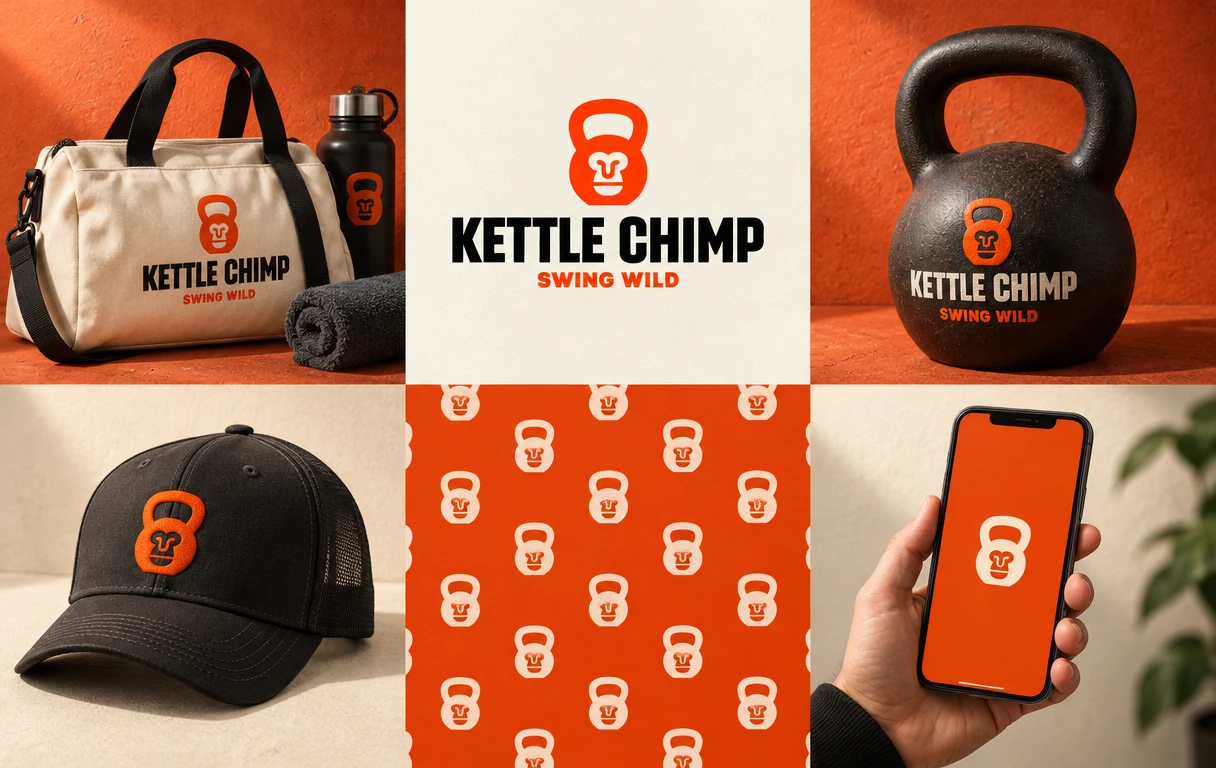
The Brand Presentation sheet: the logo on a kettlebell, a cap, a phone, a hoodie and a pattern
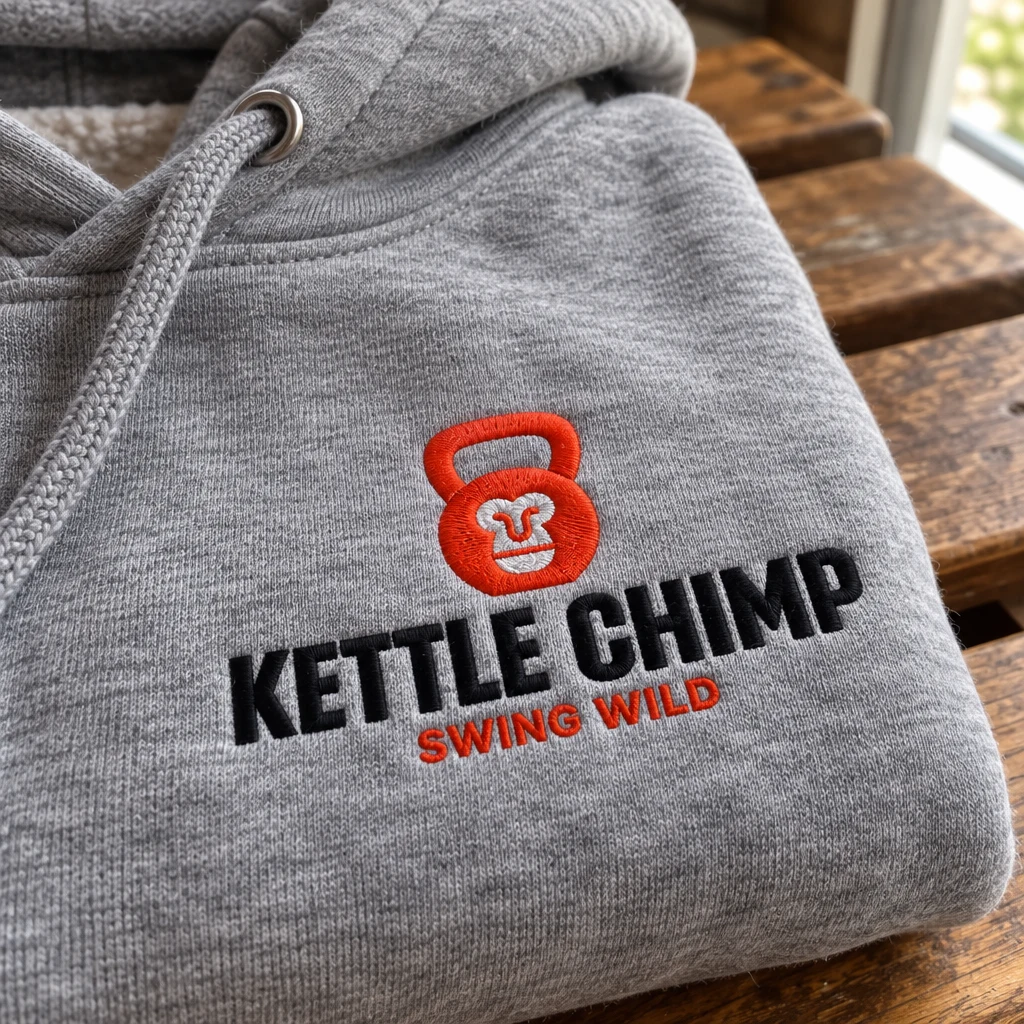
The Kettle Chimp logo embroidered on a grey hoodie
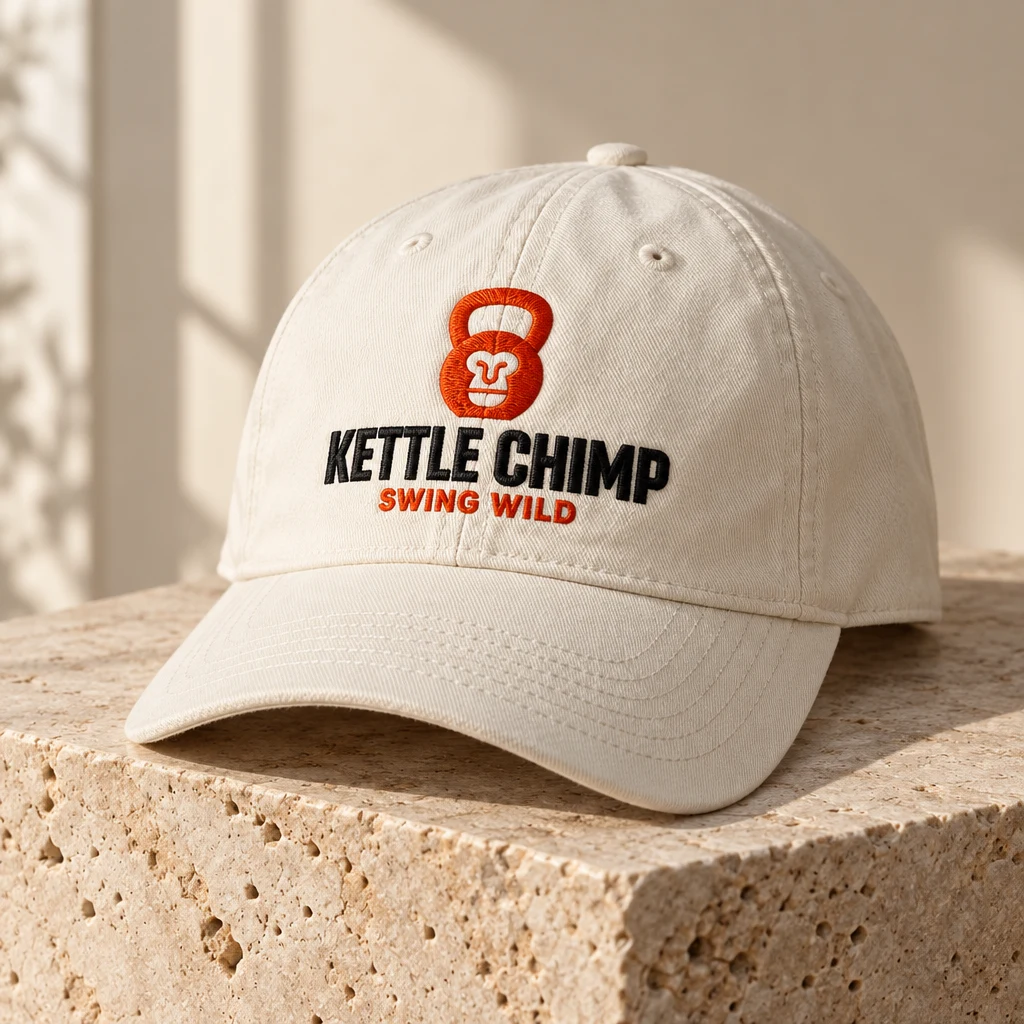
The Kettle Chimp logo embroidered on an off-white cap resting on travertine stone
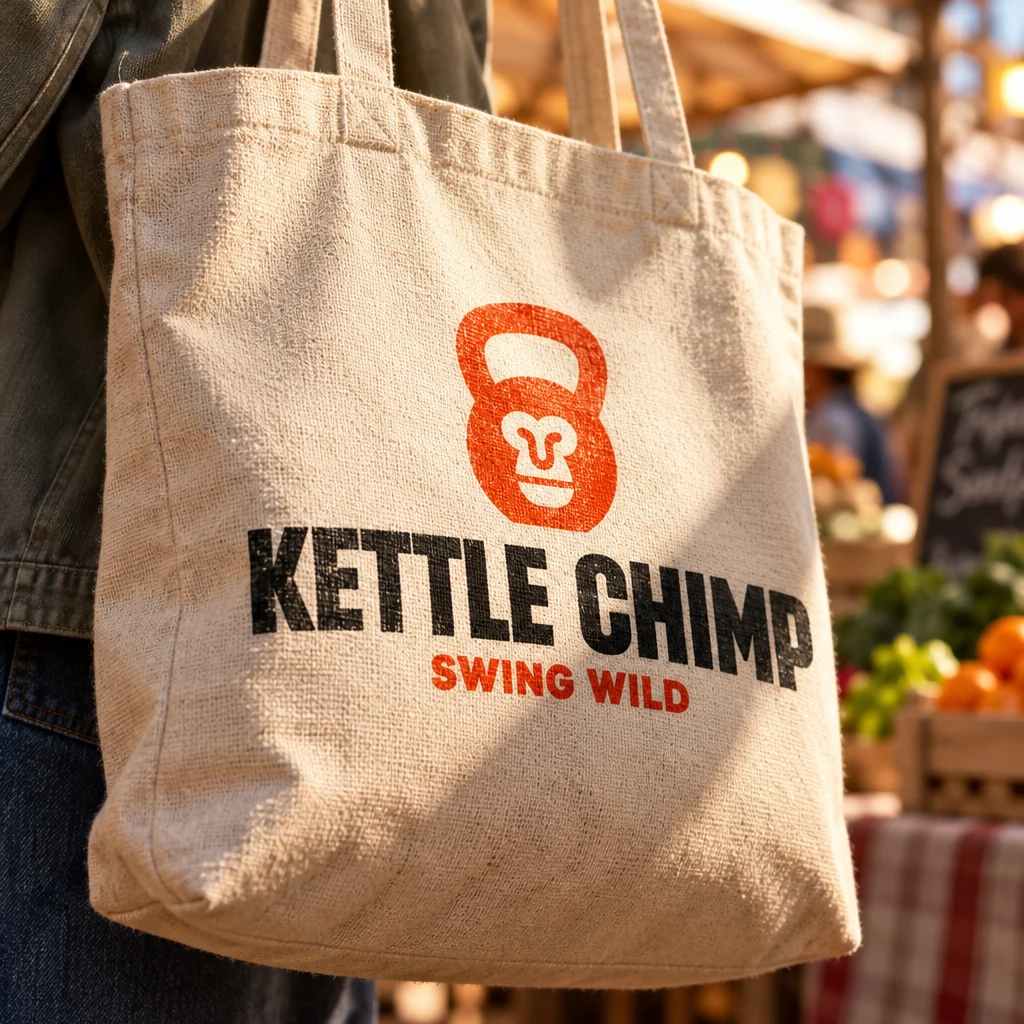
The Kettle Chimp logo screen printed on a canvas tote
Ready for the deckEvery mockup downloads as an image.
02 Present: Mockups and Brand Presentation

Show the logo on the client's products.

The Mockup Generator builds each scene around the logo, from 70+ ready-made mockups or a scene you describe. Brand Presentation, an Element in the Magic Editor, puts mockups and a pattern on one sheet.

Branding
Hoodie
Cap
Tote
70+pre-made mockups
03 Revise: Magic Editor

Make the client's changes without redrawing.

Type the change. The Magic Editor redraws only the part you name and leaves the rest of the logo where it was. Base edits land in 10 to 40 seconds, so a revision round takes minutes.

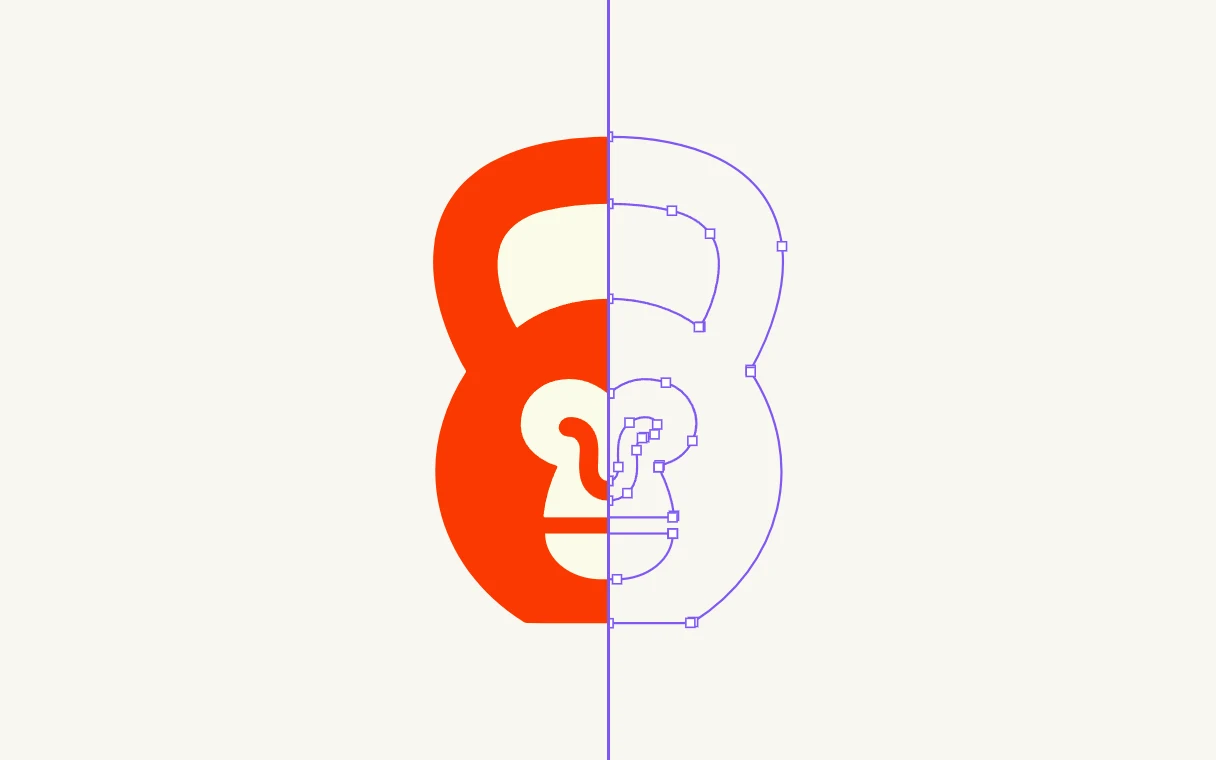
The approved logo
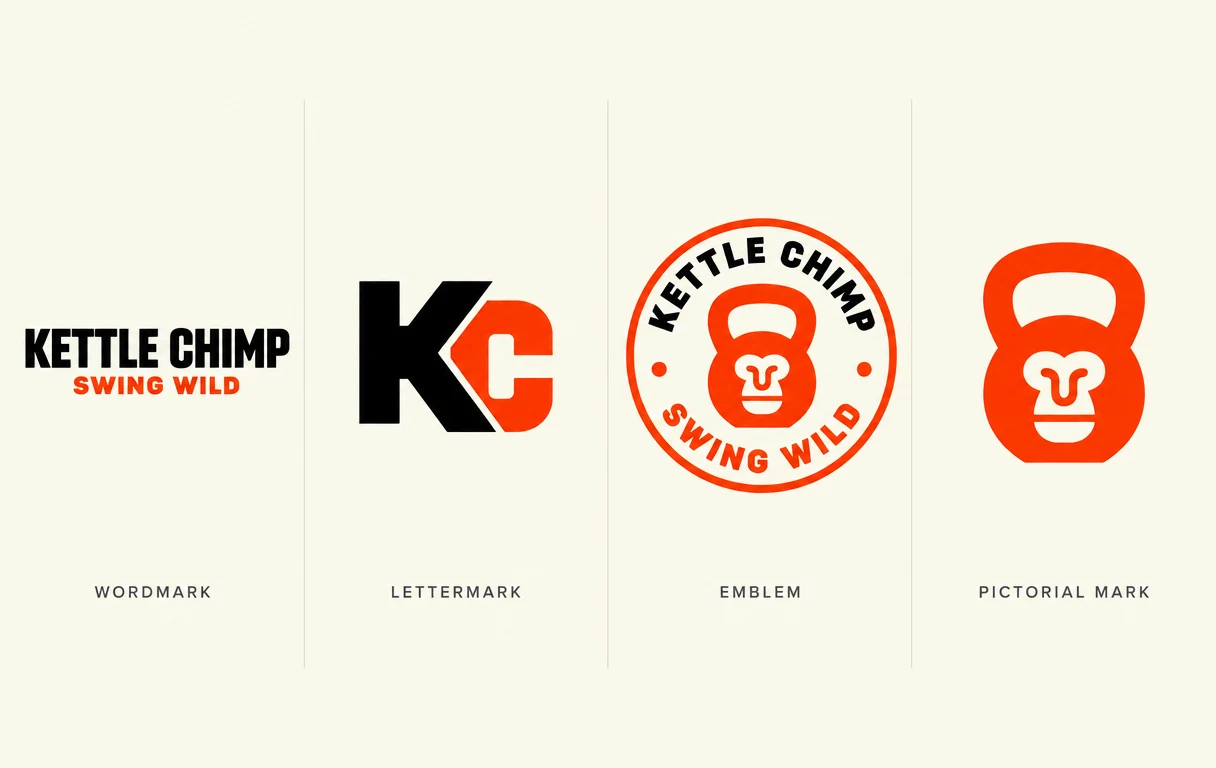
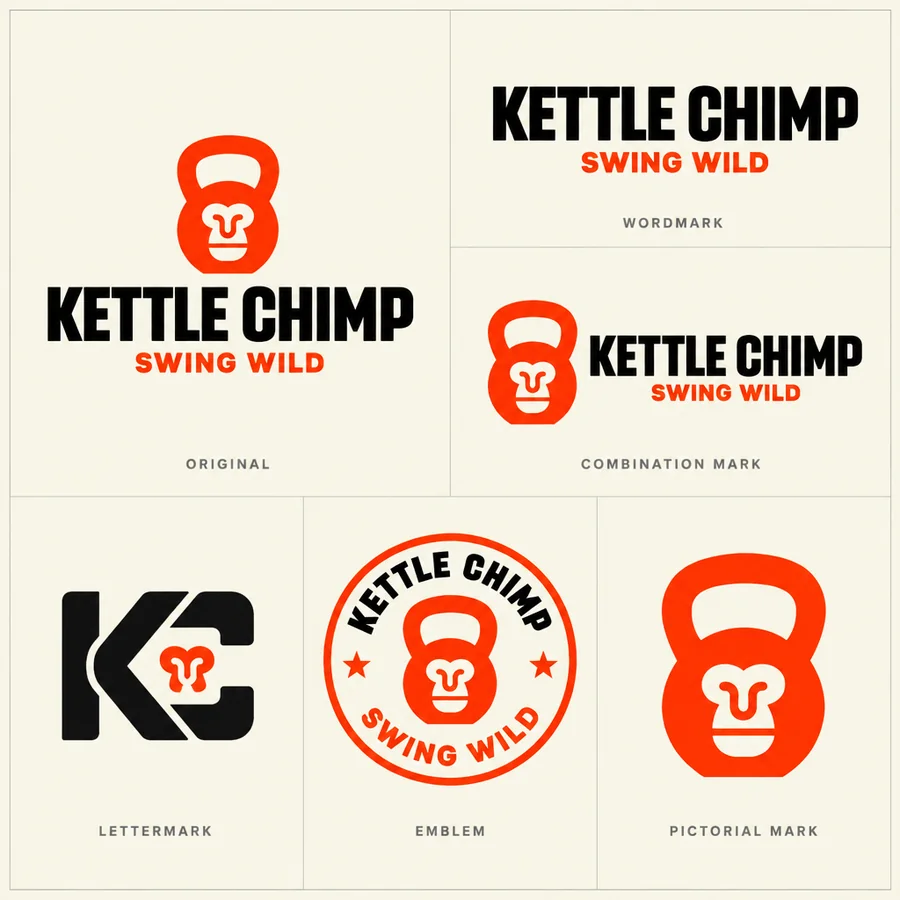
The Logo System sheet with five versions of the Kettle Chimp logo
Nine orange gym icons drawn in the logo's style
The Kettle Chimp lettering on its own, without the kettlebell
The whole systemVersions, icons and files from one logo.
04 Hand off: Logo System and Vectorizer

Hand off the whole logo system.

Logo System and Logo to Icon Set, both Elements in the Magic Editor, draw the extra versions and a matching set of icons from the approved logo. The Vectorizer turns the logo into a layered SVG.

Versions
Icon set
Lettering

Client work

Can you use AI logos for client work?

Yes, on a paid plan. Every generation made on a paid plan carries a commercial license, and the license stays after you cancel.

The license stays after you cancel.

Logos made while you were subscribed stay licensed for commercial use, for good. Free-plan generations carry no commercial license.

Client work stays private.

Generations on a paid plan are private. Free-plan generations are public, so unannounced client work belongs on a paid plan.

From designers

Designers who do client work, in their own words.

JJ
Jason Jay
Founder, Contender Studio

"Using this platform has completely changed how we do our branding projects."

Instead of spending hours sketching variations, I generate concepts, tweak them, and finalize in a fraction of the time. The vectorizer alone saves a ton of time moving from concept to execution.

★★★★★

"While I can design manually, I prefer having the logo robot do it."

It's nice to have a logo focused AI tool to help brainstorm and prompt until something catches my eye. From there I can refine the logo/design to become exactly what I was originally thinking of. With the ability to vectorize or remove background, I'm then able to actually use the new logo in real life.

★★★★★
AN
Andrew
Designer
Pricing

Plans for client work.

Every plan draws on one credit balance, and every tool spends from it. Paid plans add the commercial license and unwatermarked files.

MonthlyAnnual2 free months

Free

$0/month

24 credits · about 12 logos

Generate the real thing before you spend anything.

  • Image to Logo, 3 of 8 styles
  • Magic Editor and mockups, base models
  • Watermarked downloads at 512×512

No card needed to start.

Start for free
Recommended

Basic

$24/month

1,000 credits · about 500 logos

Takes a brand from first prompt to final files.

  • Unlimited downloads, no watermark
  • Logo animation, up to 33 a month
  • PNG and layered vector SVG
  • Commercial license, even if you cancel
  • No queue at busy times
  • Vectorizer HQ
  • 2x upscale
  • Background removal
  • 2 generations at once
Subscribe to Basic

Pro

$49/month

2,500 credits · about 1,250 logos

For three to five client projects a month.

  • Everything in Basic, plus
  • Logo animation, up to 83 a month
  • Ultra quality 1080p animation
  • Unlimited downloads
  • 4x upscale
  • 3 generations at once
Subscribe to Pro
Best value

Elite

$99/month

6,000 credits · about 3,000 logos

For high-volume output.

  • Everything in Pro, plus
  • Logo animation, up to 200 a month
  • Ultra quality 1080p animation
  • Unlimited downloads
  • 4 generations at once
Subscribe to Elite
Compare all four plans
 FreeBasicProElite
Usage and credits
Credits24 / month1,000 / month2,500 / month6,000 / month
Generations, about6125312750
Logos, about125001,2503,000
DownloadsWatermarked, 512×512Unwatermarked, 1024px PNG or SVGUnwatermarked, 1024px PNG or SVGUnwatermarked, 1024px PNG or SVG
Generations at the same time1234
Queue at busy timesCan wait in lineNo queueNo queueNo queue
Creative tools
Image to Logo3 of 8 stylesAll 8 stylesAll 8 stylesAll 8 styles
Vectorizer2 a month, standard onlyStandard and HQStandard and HQStandard and HQ
Background remover8 a monthCredits onlyCredits onlyCredits only
Creative upscaler2x, 4 a month2x only2x and 4x2x and 4x
Magic Editor and mockupsBase modelsBase and ProBase and ProBase and Pro
Options per generation2444
Logo animation
5-second animations, up toFirst one free33 a month83 a month200 a month
Animation quality768p768pUp to 1080pUp to 1080p
Rights
Commercial license—Yes, even if you cancelYes, even if you cancelYes, even if you cancel
Private generation—YesYesYes
FAQ

Questions studios ask.

Still stuck? Read the docs or reach us through the contact page.

Is there a team or agency plan?

Logo Diffusion is a single-seat tool: there are no seats, no admin dashboard, no shared workspace and no white-label output. Each designer takes their own plan. For volume on one account, Elite includes 6,000 credits a month and runs 4 generations at once.

How much does Logo Diffusion cost for agency use?

Logo Diffusion has a free plan, no credit card required. Paid plans run $24 to $99 a month depending on volume: Basic ($24) includes 1,000 credits a month, Pro ($49) suits designers and freelancers doing 3 to 5 client projects a month, and Elite ($99) is built for high-volume output, with 4 generations at once and 6,000 credits a month. Annual billing is two months free.

Can I use the logos for client work?

Yes. Every generation made on a paid plan carries a commercial license, and that license survives cancellation permanently. Free-plan generations are public and carry no commercial license, so client work needs a paid plan.

How many projects does a plan cover?

It depends on the mix. A paid Text to Logo run costs 8 credits for four options, so Basic's 1,000 monthly credits cover up to 125 runs, Pro's 2,500 up to 312 and Elite's 6,000 up to 750. Magic Editor edits and mockups cost 5 credits each on the Base tier and a vector export costs 5, all from the same balance. A project with 12 Text to Logo runs, 8 edits, 4 mockups and 2 vector exports fits about 6 times a month into Basic, 15 times into Pro and 36 times into Elite.

How does Logo Diffusion work as an AI concept engine for agencies?

You run the brief through Text to Logo, Sketch to Logo or Image to Logo and get original logos in the style you pick. A paid Text to Logo run returns four options in about a minute for 8 credits, and sketch and photo runs take 10 to 30 seconds. You shortlist, present the picks on mockups, make the client's revisions in the Magic Editor and export SVG or transparent PNG files, all in one app.

How is Logo Diffusion different from traditional agency concepting?

Each option is generated, so the time per option drops to the length of a run and your time goes into judging and refining. Start from a written brief or from your own thumbnail sketch, shortlist, then refine the chosen logo in the Magic Editor, which changes only the part you name. Exports are layered SVG files with real vector paths. Paid plans cost $24 to $99 a month.

Can I start from my own sketches?

Yes. Draw on the canvas in the app or upload a sketch or an SVG, pick a logo style, and Sketch to Logo redraws the idea as a finished logo in 10 to 30 seconds for 8 credits. Your concept and composition carry through and the line work is new.

Can Logo Diffusion preserve an existing client logo during transformation?

Yes. Upload the client's logo to the Magic Editor and type the change: it redraws only the part you name and keeps the rest. Preserve Style, an Element in the editor, edits the logo while keeping its style and feel. For a refresh, Logo Variations in Text to Logo returns 4 variations of an uploaded logo and matches its concept and style by default.

Is Logo Diffusion's output good enough for client presentations?

It is built for that step. The Mockup Generator places the logo on products from 70+ ready-made mockups or a scene you describe, and each mockup is generated fresh for your logo. Brand Presentation puts mockups and a pattern on one sheet. Plan time for a final check and small fixes in your vector editor before the files go out.

What file formats does Logo Diffusion export for client handoff?

SVG and transparent PNG. The SVG is layered, with real vector paths in grouped shapes and no clipping masks, and the Vectorizer makes it for 5 credits, or 8 for HQ. Paid downloads are an unwatermarked 1024px PNG or the layered SVG. Free downloads are 512px and watermarked. PDF and EPS export are coming soon.

What do I hand the client at the end?

The approved logo as a layered SVG and a transparent PNG, plus what the project needs from the same logo: Logo System versions (wordmark, lettermark, emblem and symbol), a nine-icon set from Logo to Icon Set, merchandise from Logo to Merch Set, a Brand Presentation sheet and mockups. There is no PDF or EPS export yet.

Are my client generations private?

On a paid plan, yes. Free-plan generations are public. For unannounced client work, that alone is the reason to use at least the Basic plan.

Can agencies use Logo Diffusion's output in commercial client work?

Yes, on any paid plan: Basic, Pro or Elite. The commercial license covers every logo, mockup and edit generated while you are subscribed, for client deliverables, packaging, signage, websites and merchandise, and it stays valid after you cancel. If you upload a client's existing logo, the rights in that original stay with its owner, and registering a trademark is a separate legal step.

Does Logo Diffusion work for agency teams or just individual designers?

Individual designers. Each designer has their own account, credits and generations, and the team shares work by downloading the files. There is no team tier, shared workspace or seat billing. Elite, with 6,000 credits a month and 4 generations at once, is the plan for the heaviest single account.
Run it againsta live brief.

Bring a real project. Free to try, no credit card required.