Image to Logo
Turn any photo into a logo.
A face, a pet, a product, a rubber duck. Upload the photo, pick one of 8 logo styles, and logo options come back in 10 to 30 seconds. Export a vector SVG or a transparent PNG.
No credit card required.
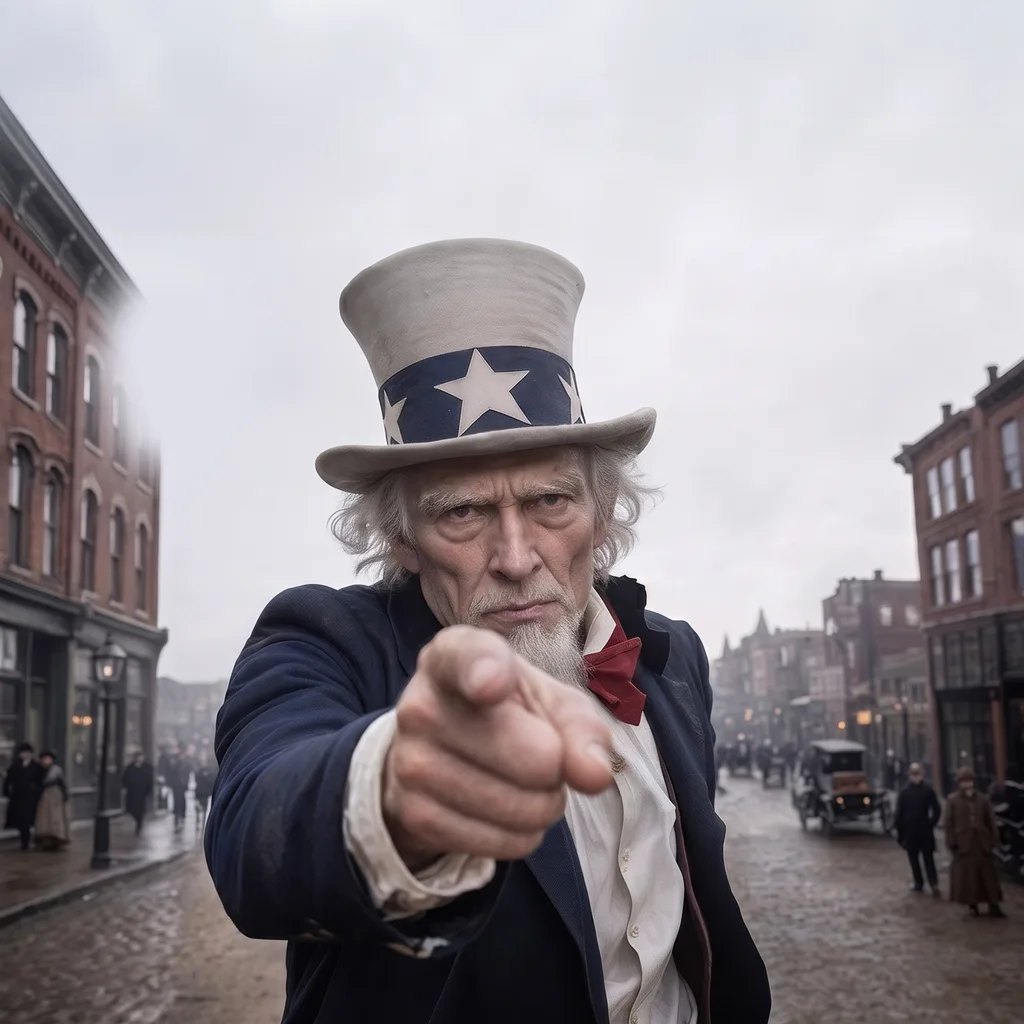
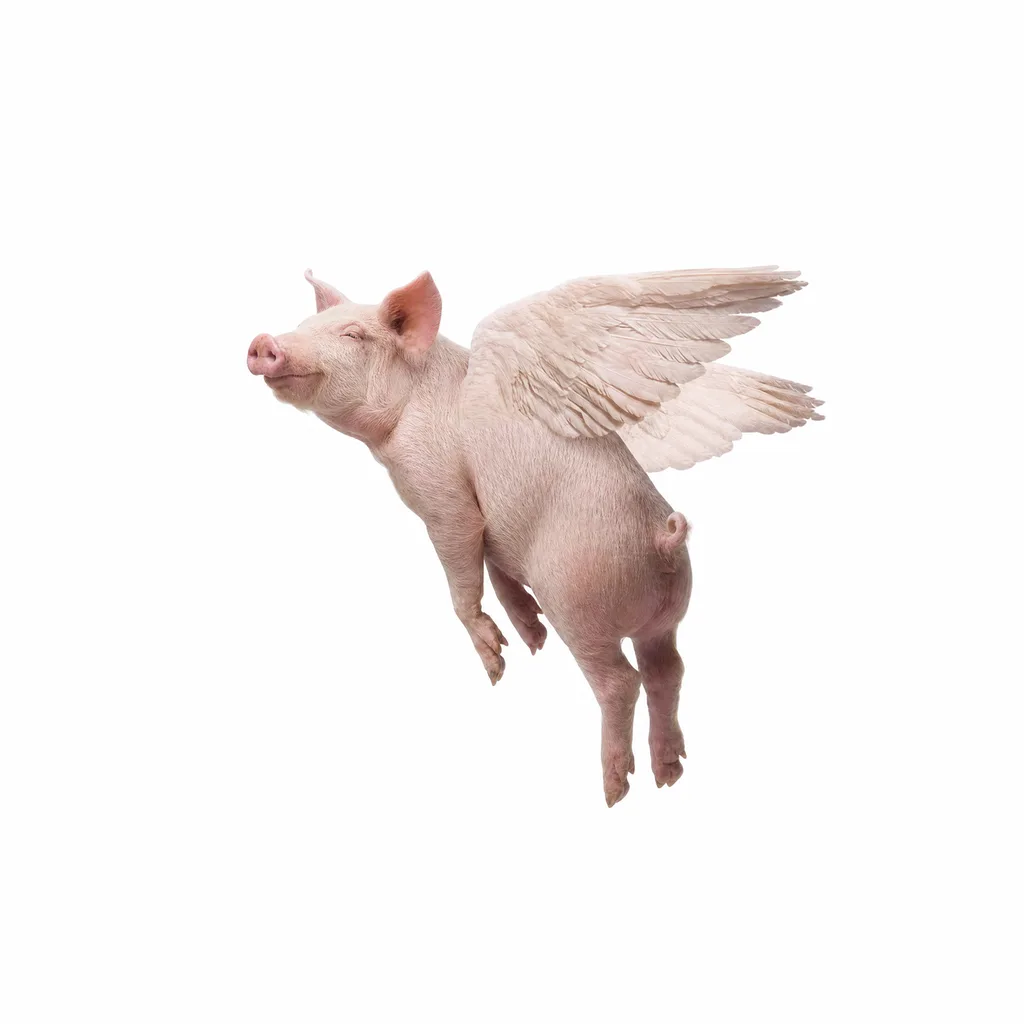
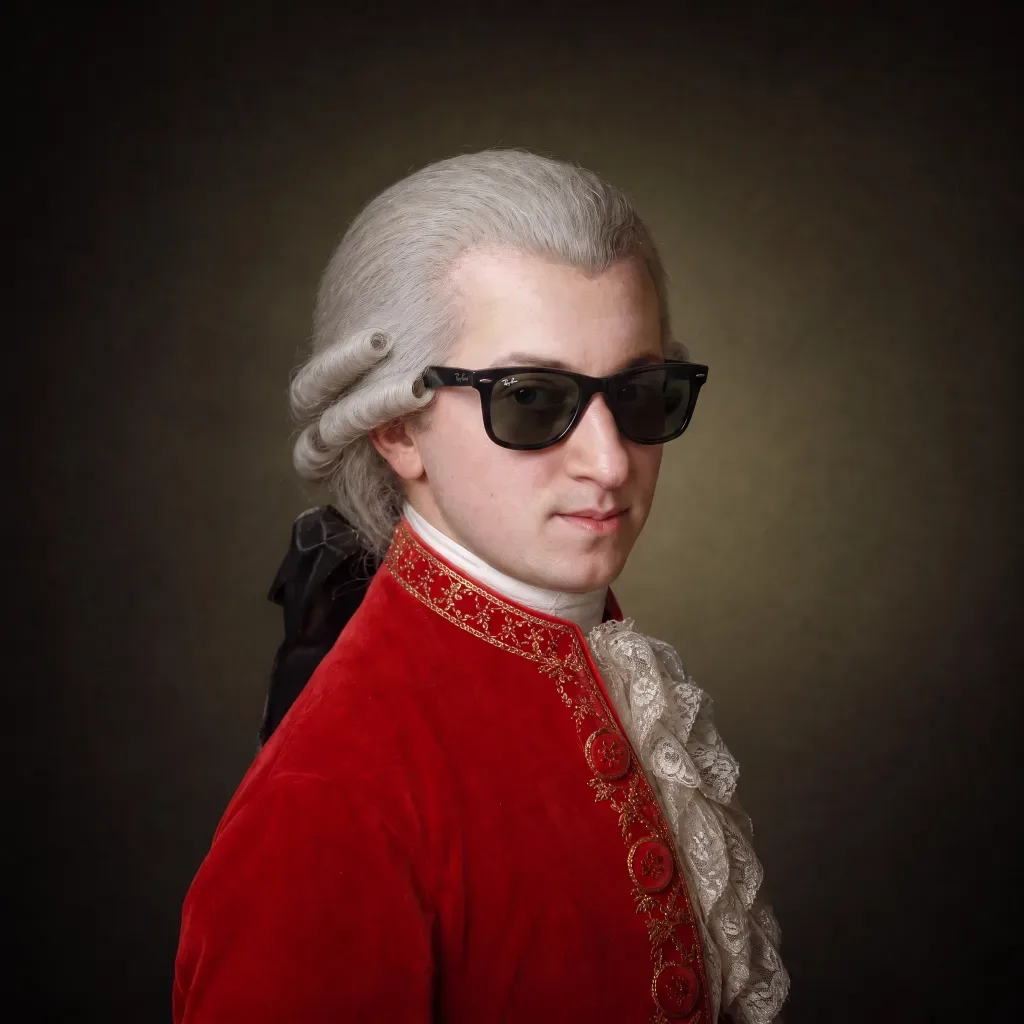

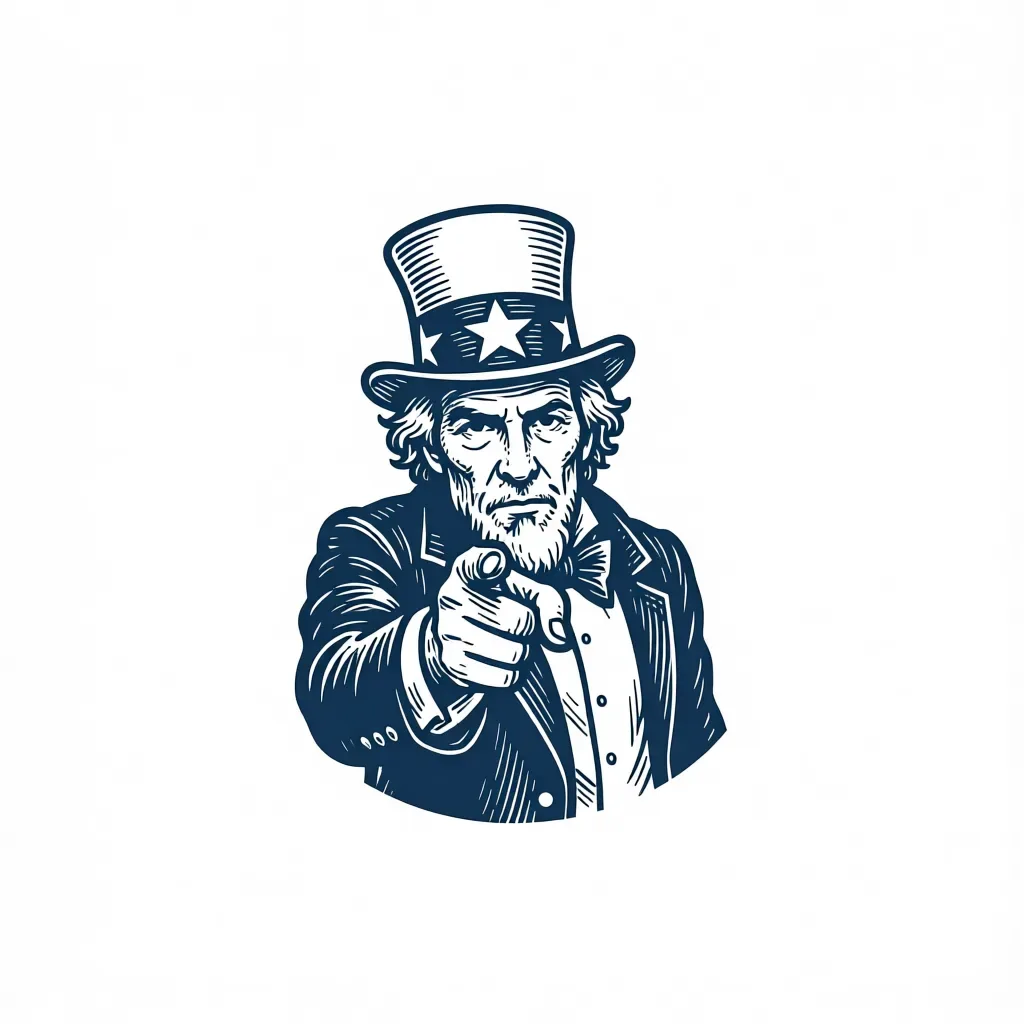
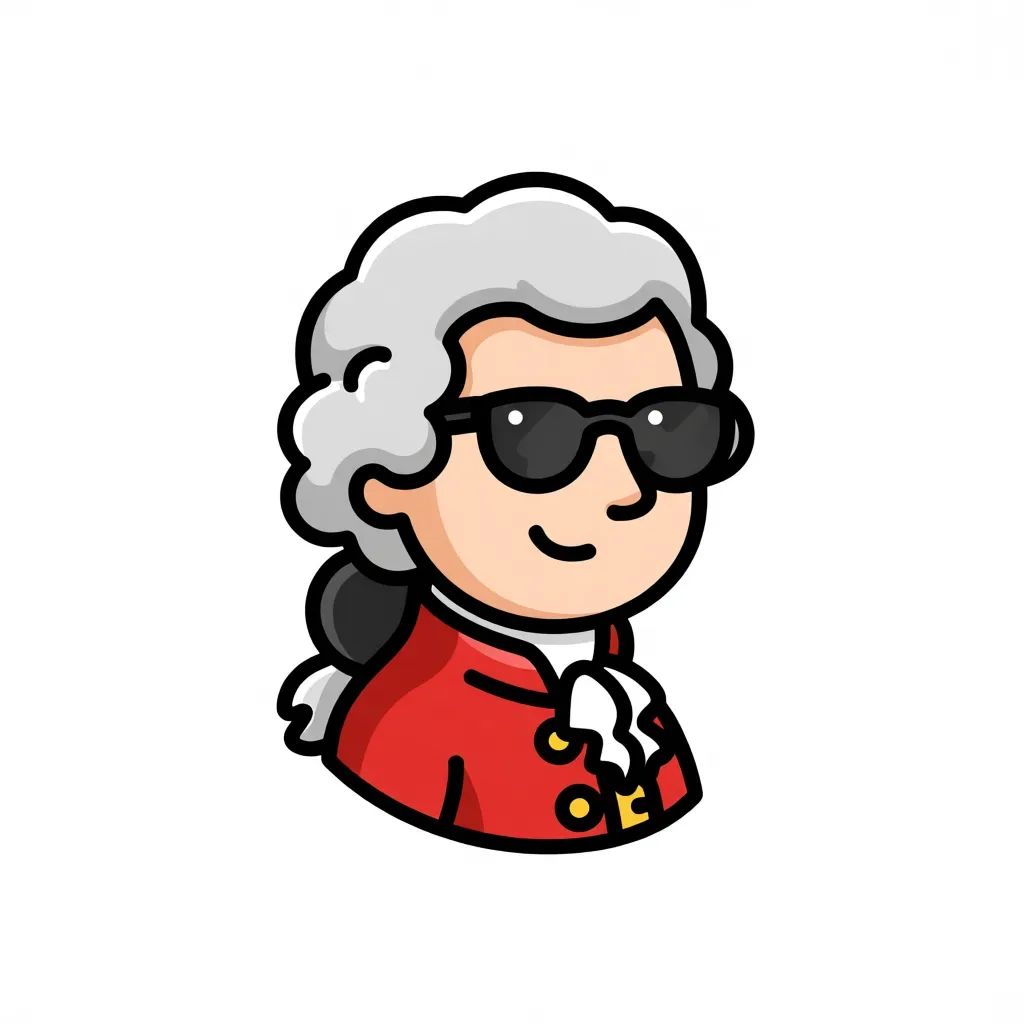
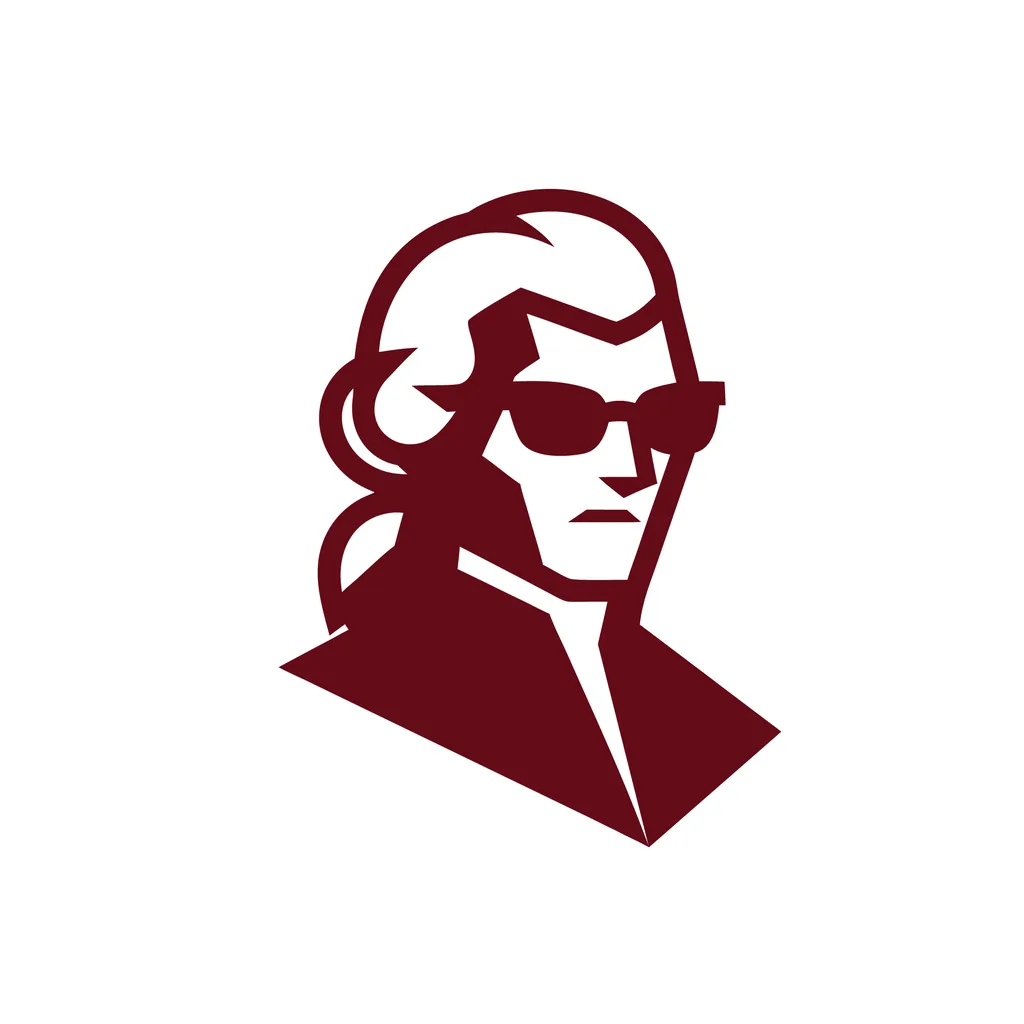
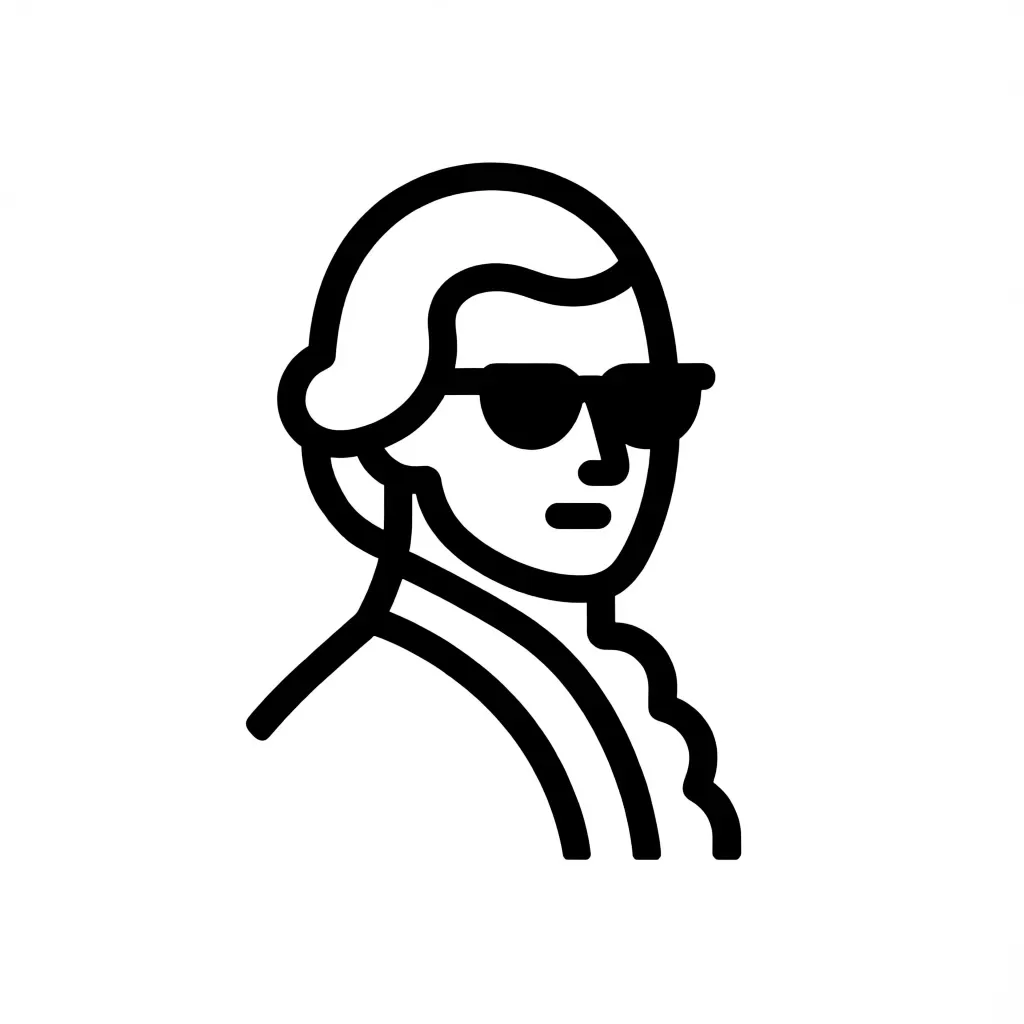
Your photo is ready
Create a free account to turn it into a logo.
Signing up takes a minute and needs no credit card. Upload the photo, pick a style, and options come back in 10 to 30 seconds.
Sign up freeTrusted by designers working at





How it works
From a photo to a finished logo in three steps.
Upload, pick a style, keep the one you like. Logo options come back in 10 to 30 seconds.
01Upload your photo
Your face, your pet, your product, your storefront. One clear subject is enough.
02Pick a style
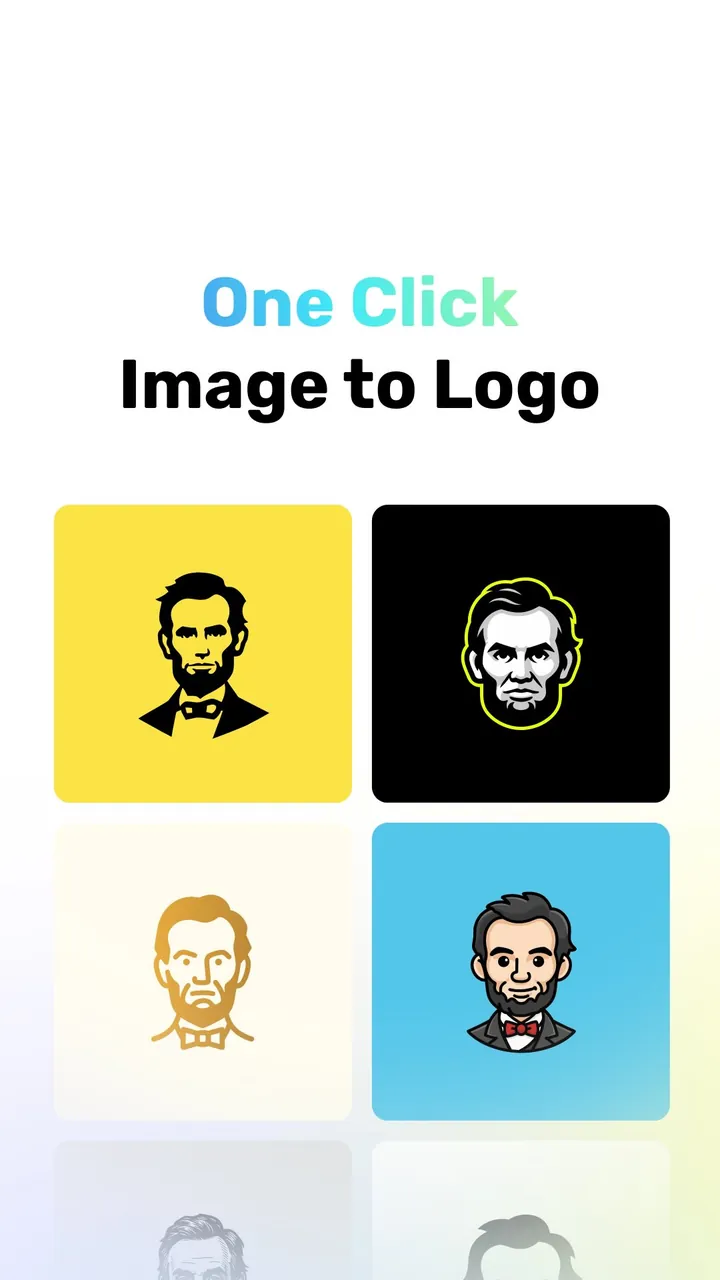
Eight styles, from mascot to line art. The same photo comes back drawn a different way in each one.
03Export the vector
The logo comes out as an SVG with clean editable paths, or as a transparent PNG. Both are ready to print.
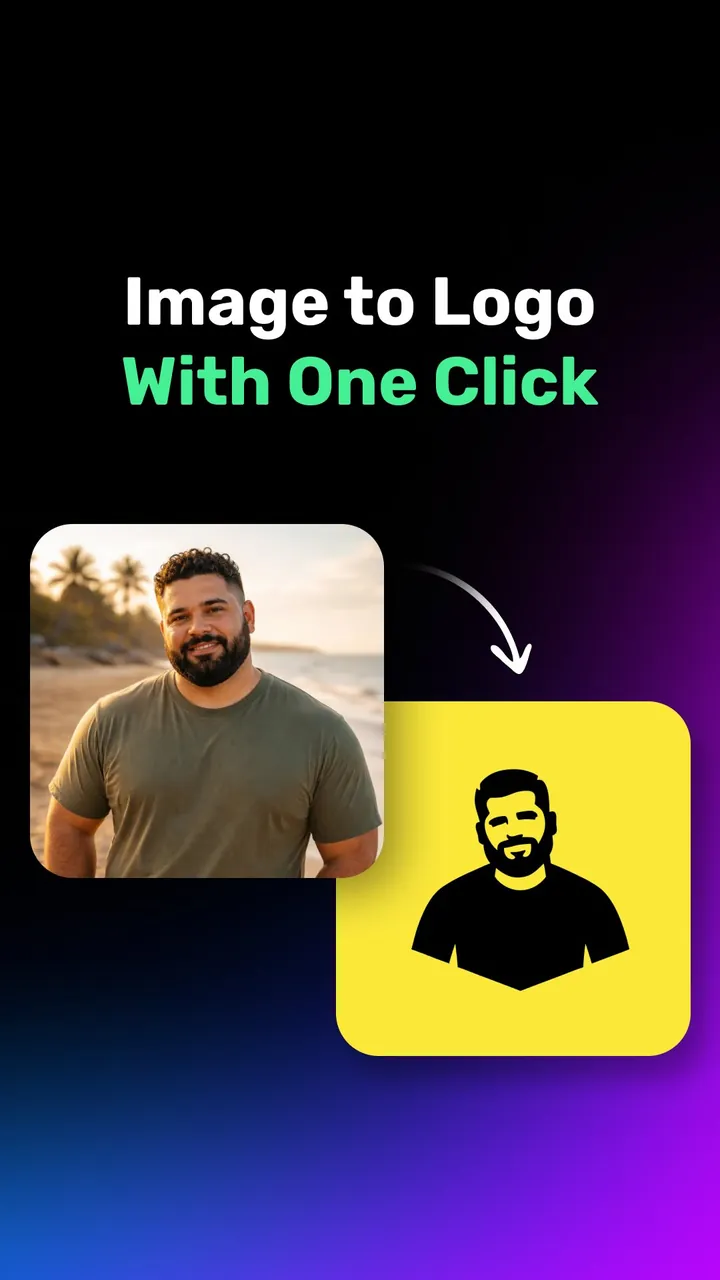
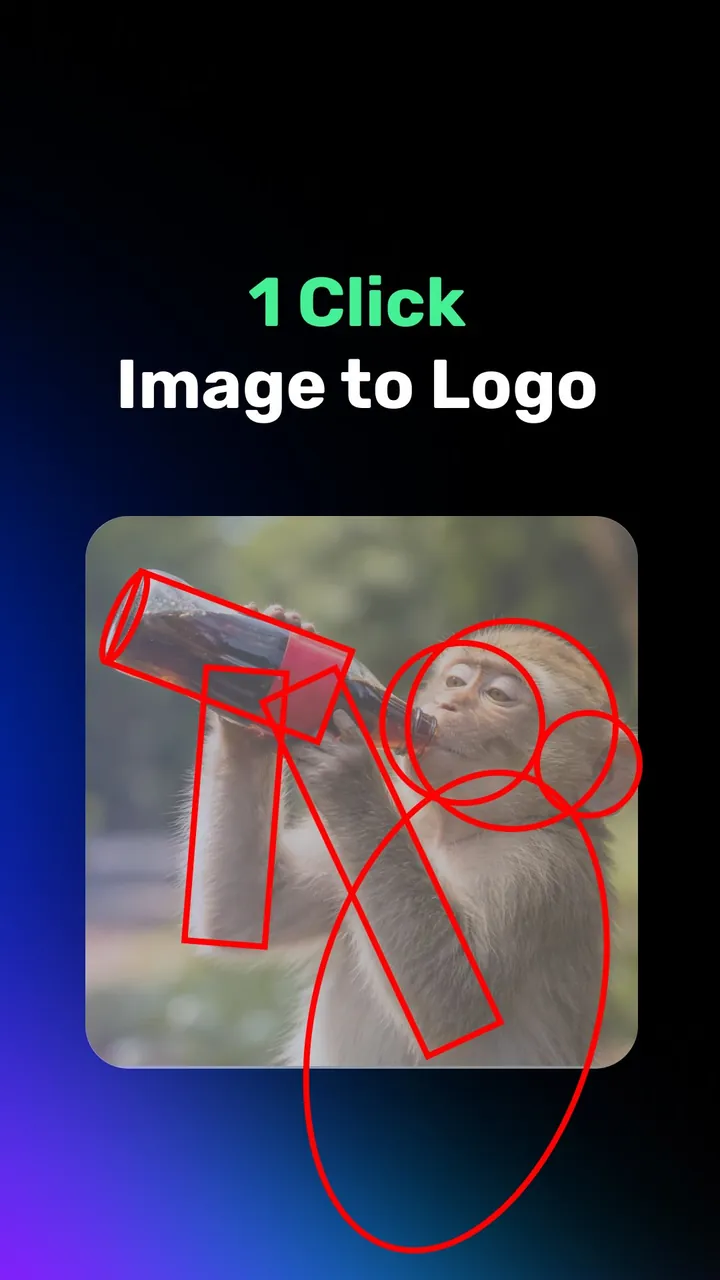
Watch a photo become a logo.
Each reel starts with a real photo and ends with the finished logo. Tap one to play it.
Your first 24 credits are free. No credit card required.
What you get
It draws your logo from scratch.Not a photo effect.
The AI reads your photo and draws a simple, clean logo from it.
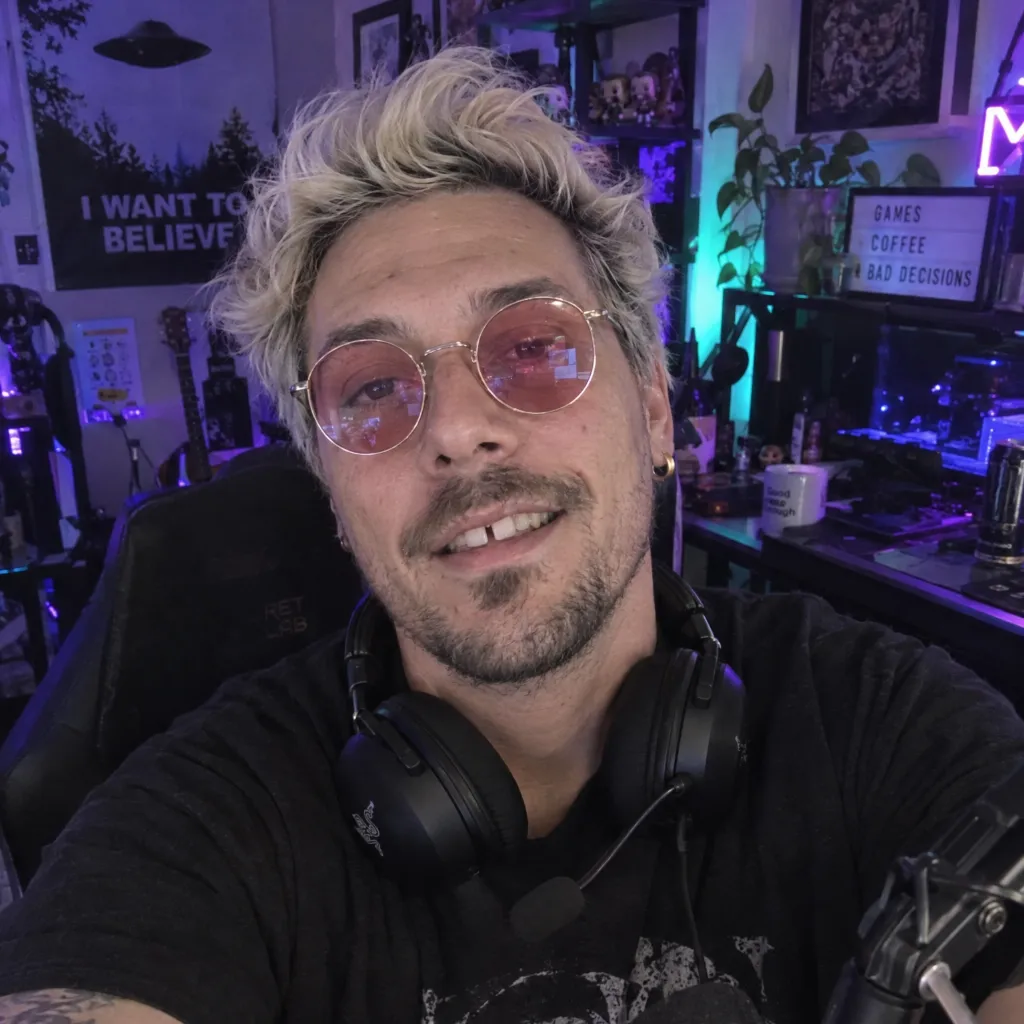
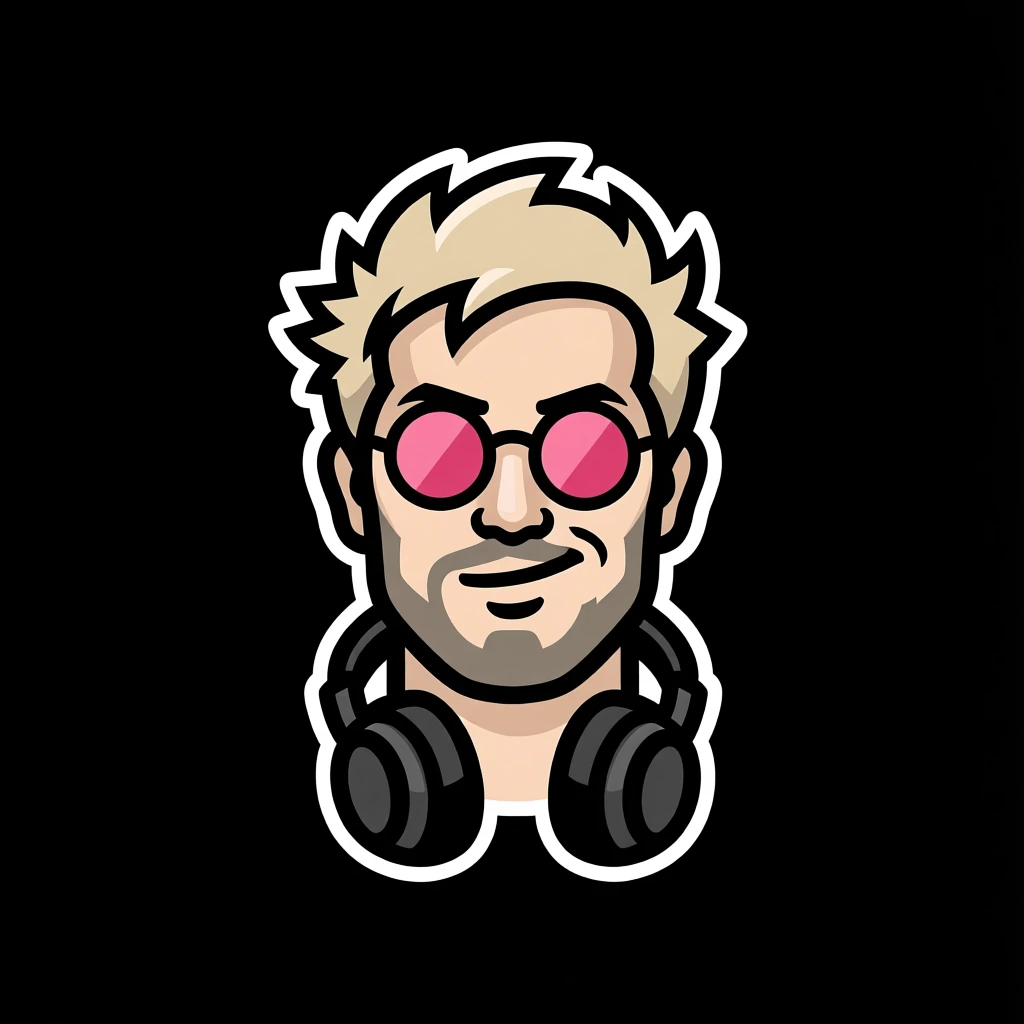
Turn your face into a logo.
For streamers, chefs, barbers, rock stars, or any business where the person is the brand. The logo keeps your features, so people recognize you.
Turn your product into a logo.
For tools, machines, food and equipment. The logo keeps the exact shape of the thing you sell, so customers know it at a glance.
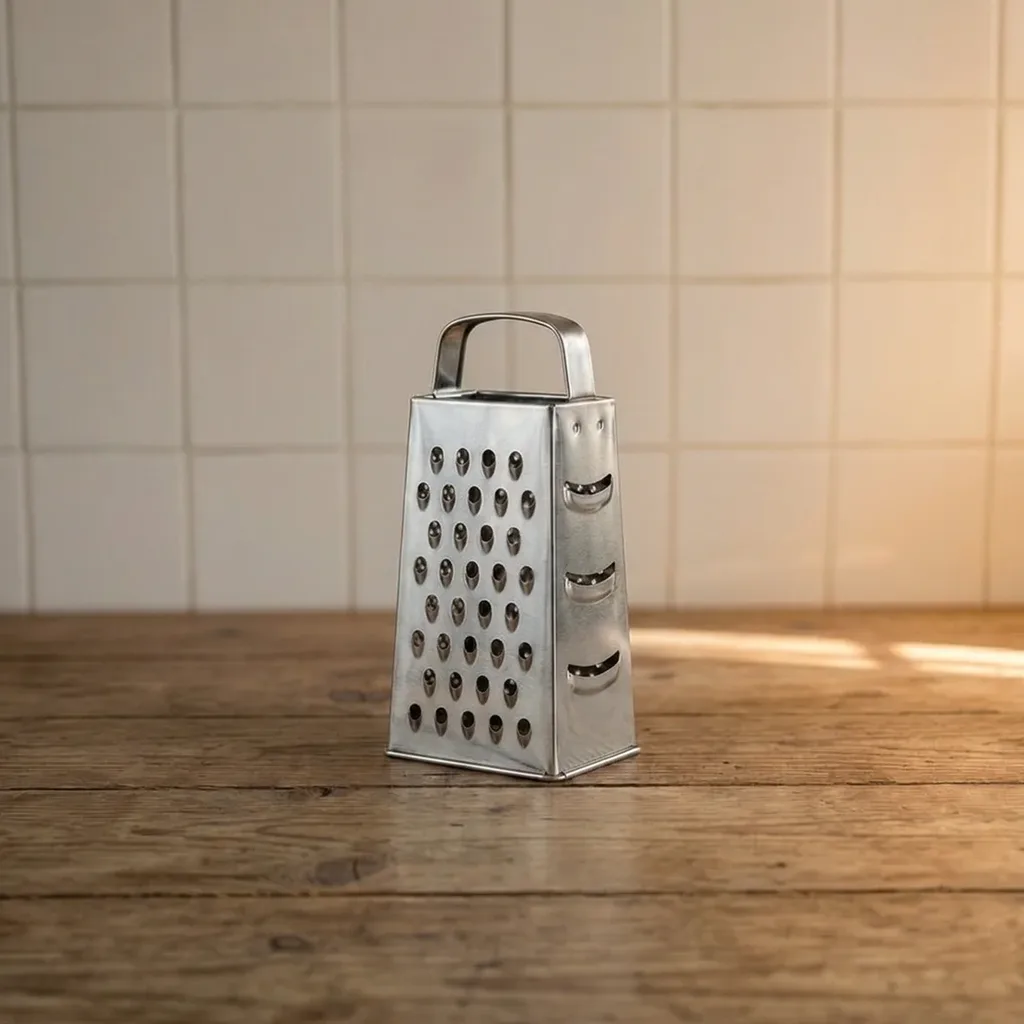
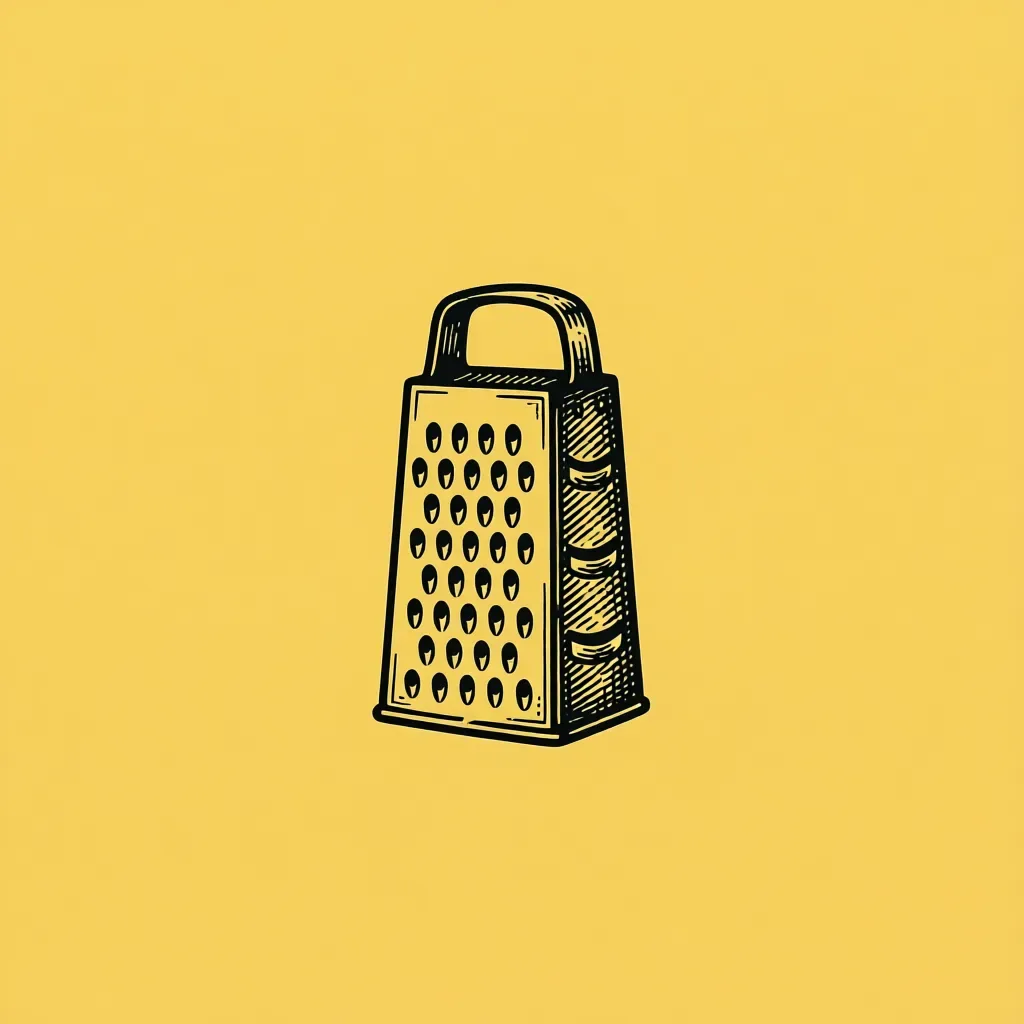
Styles
The 8 styles, on real photos.
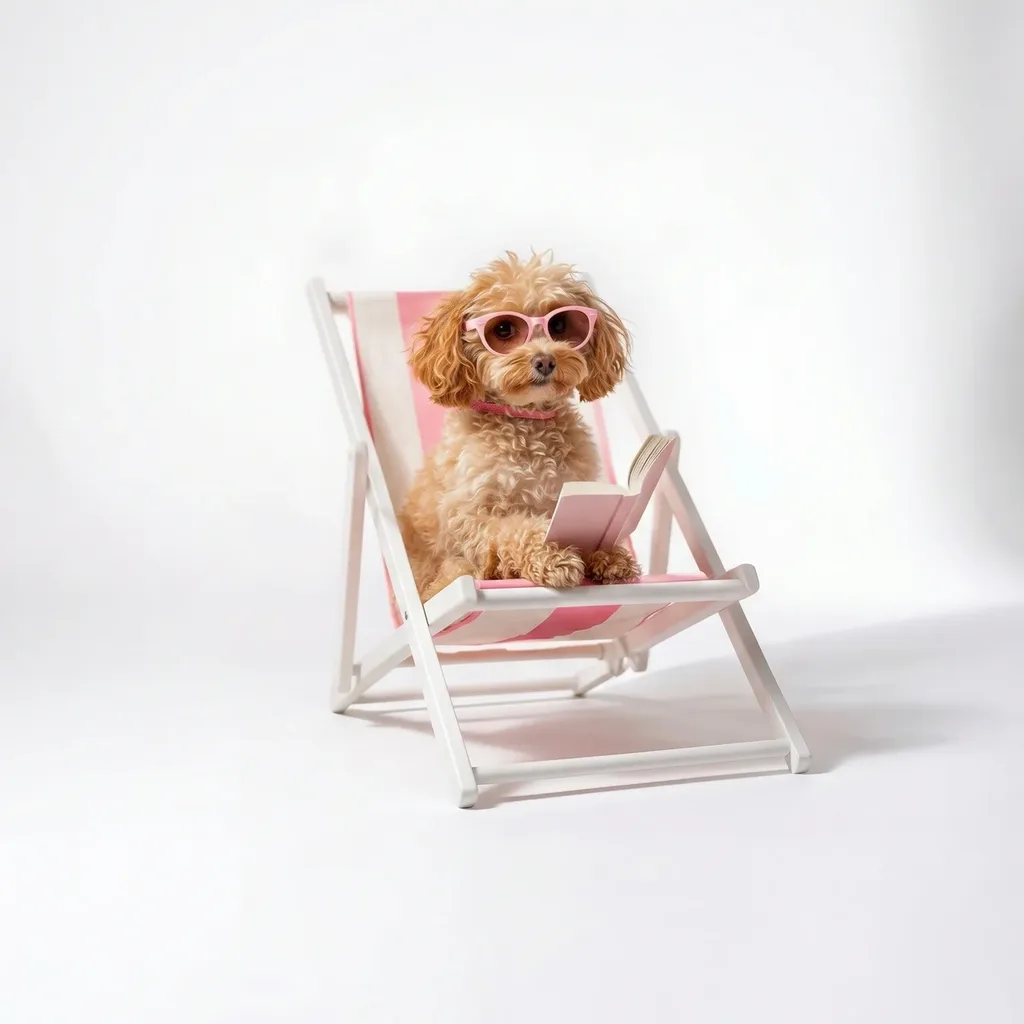
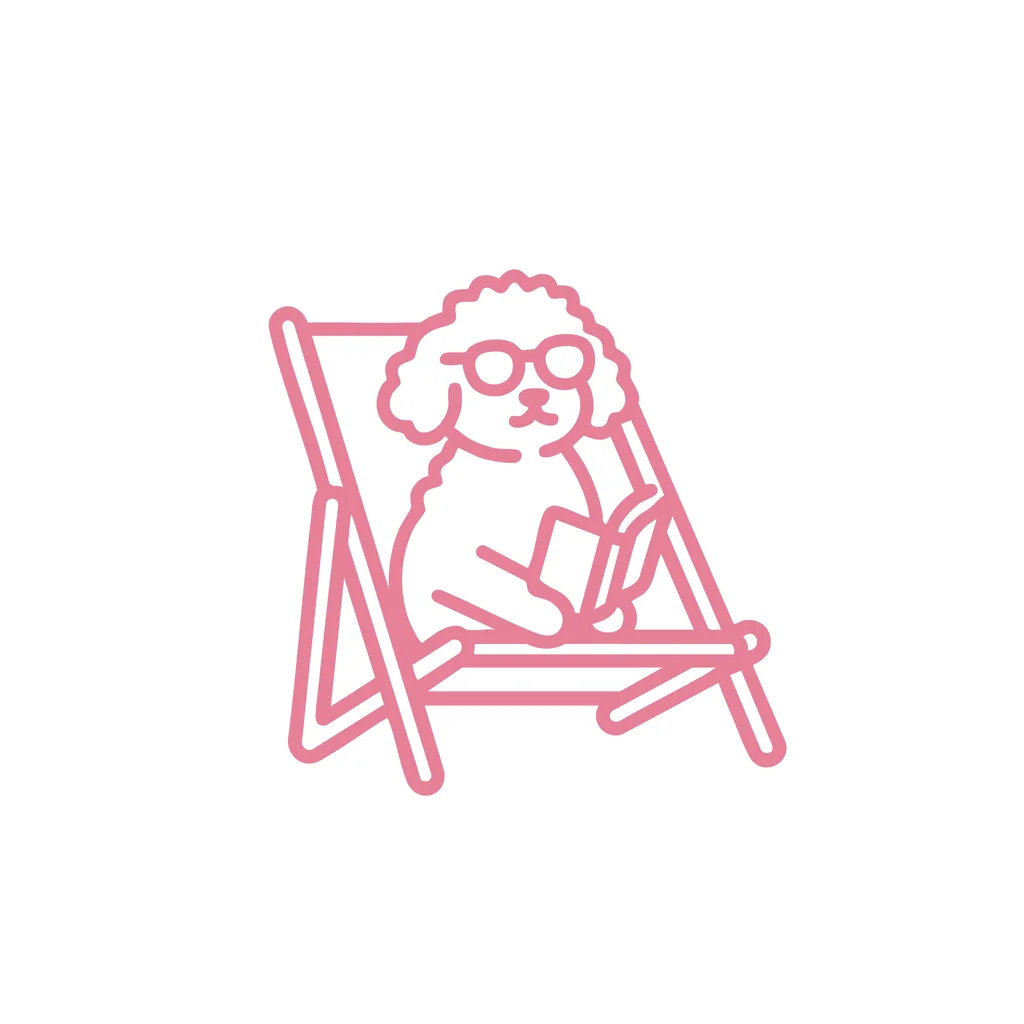
Every card below is a real photo and the logo generated from it, one per style. Drag any of them to see more of the photo or more of the logo.
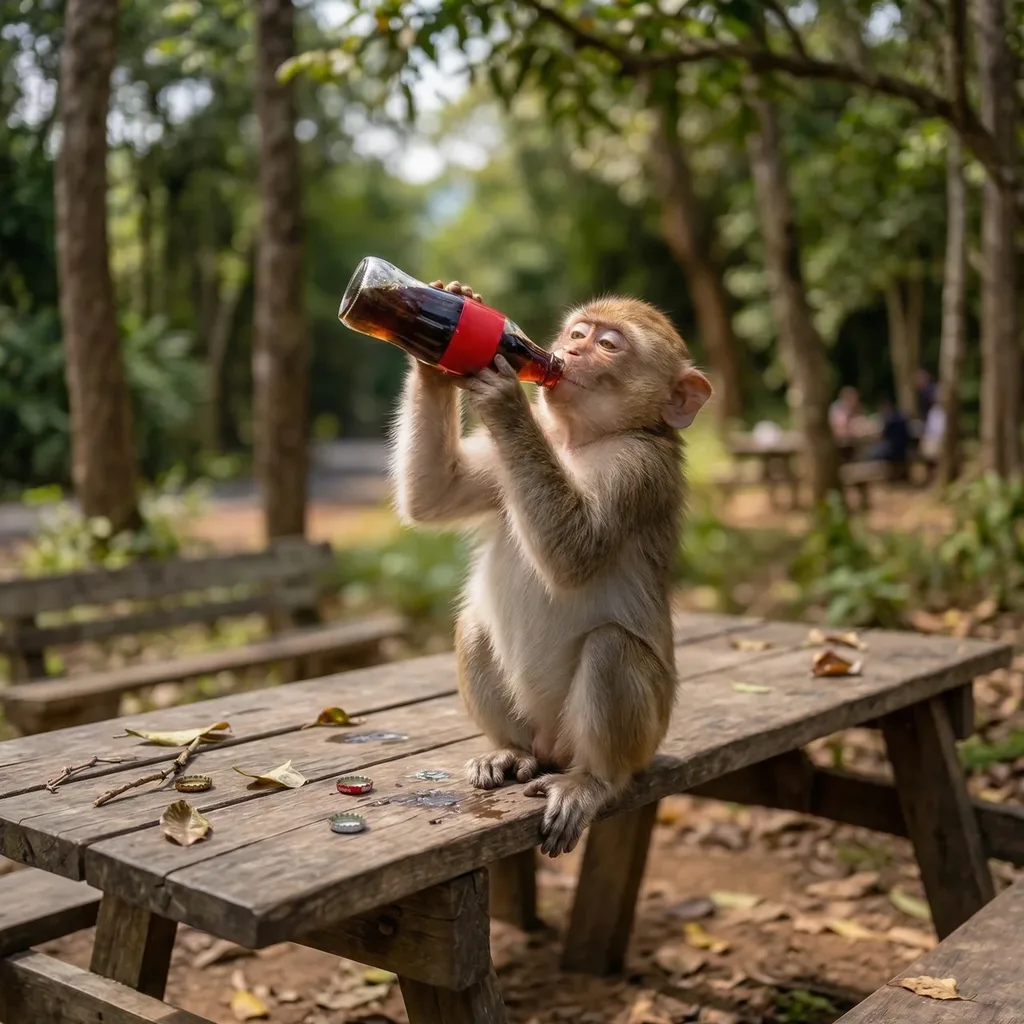
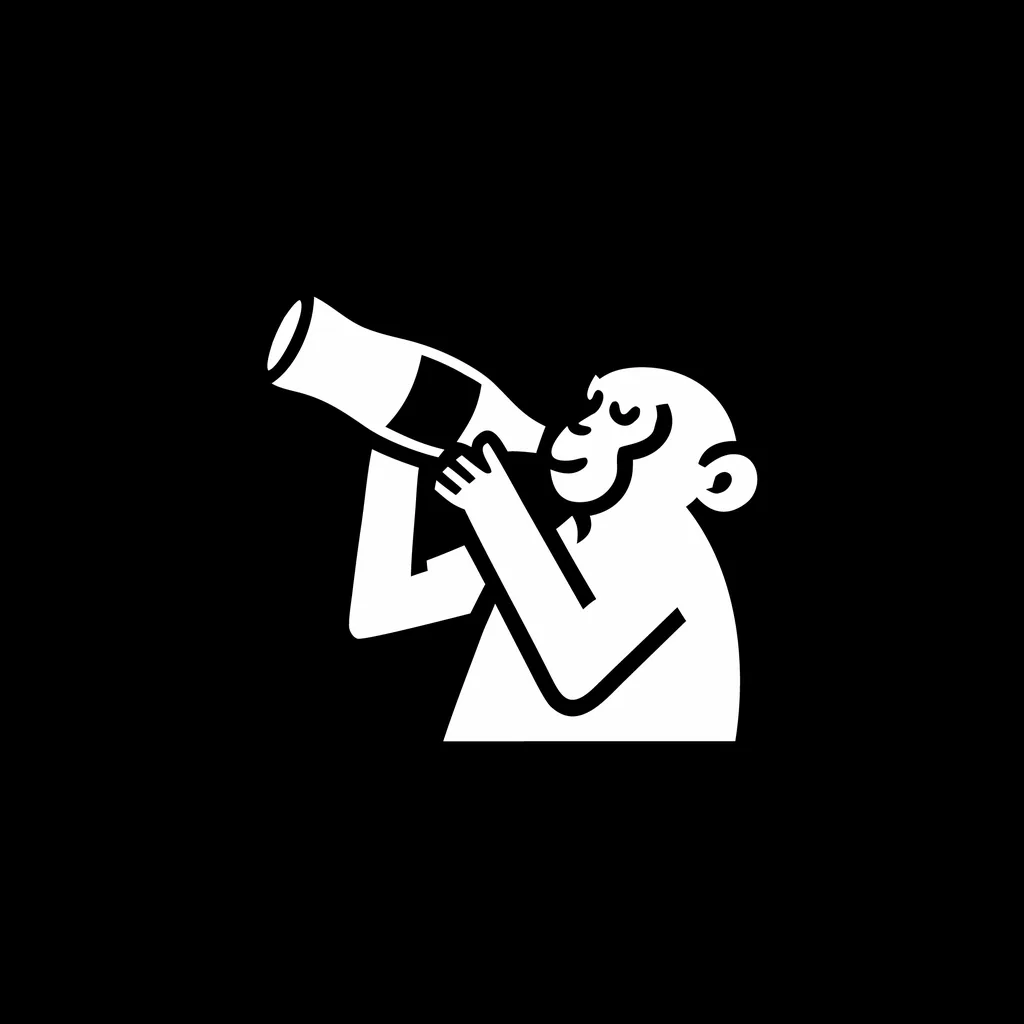
PictorialFree


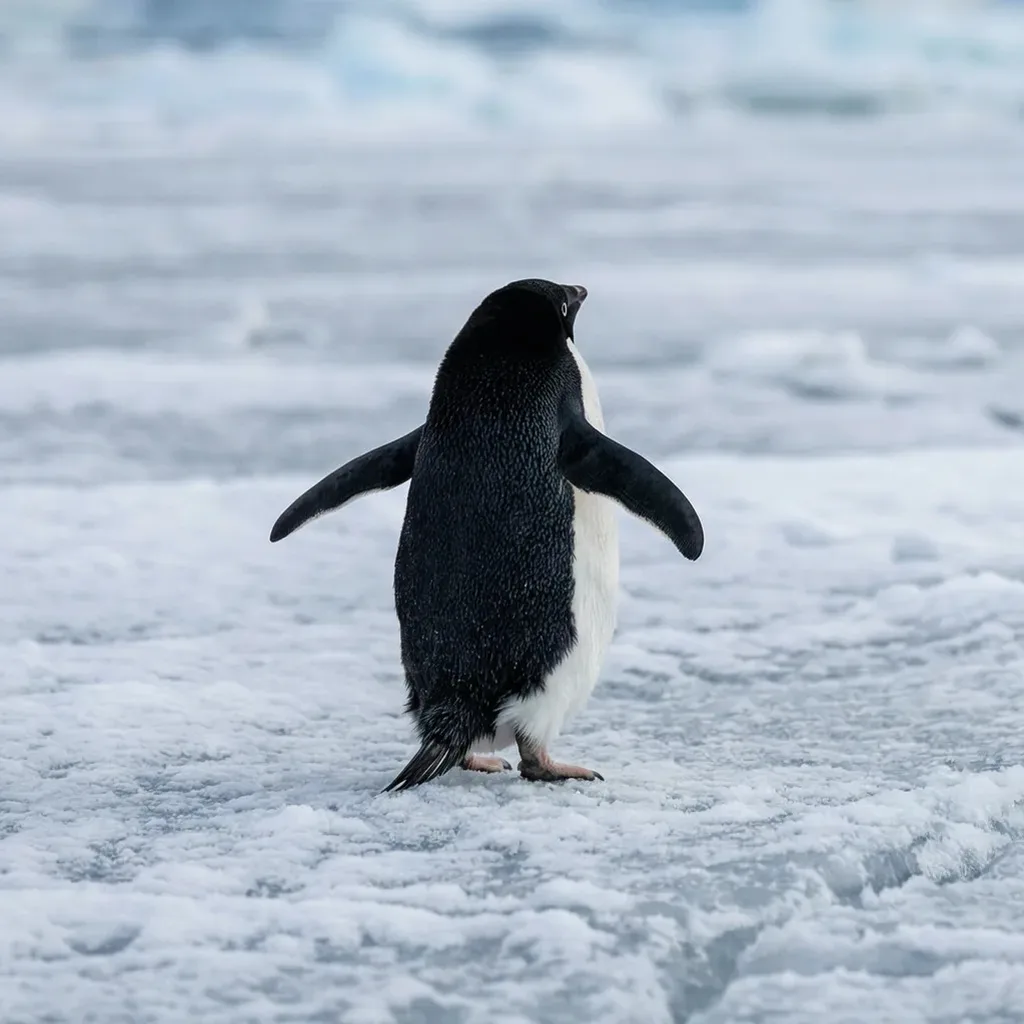
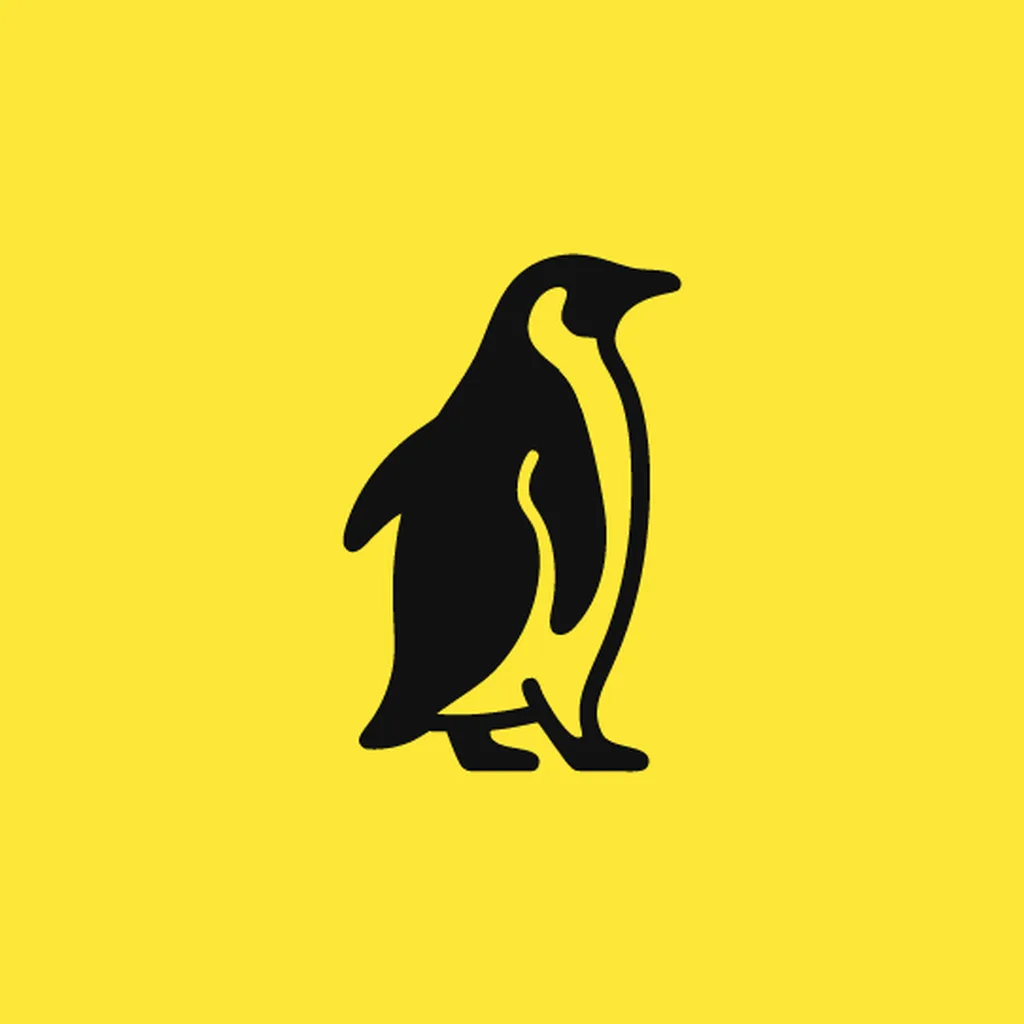
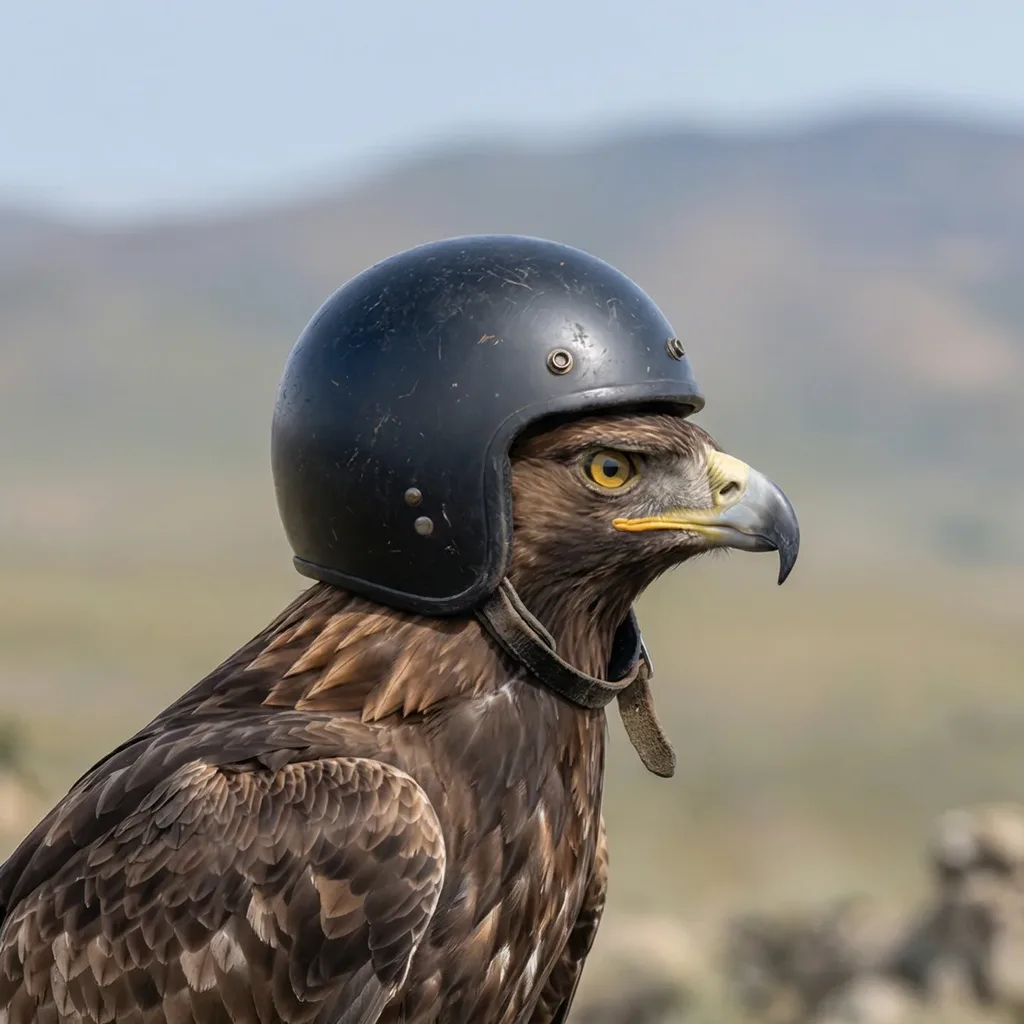
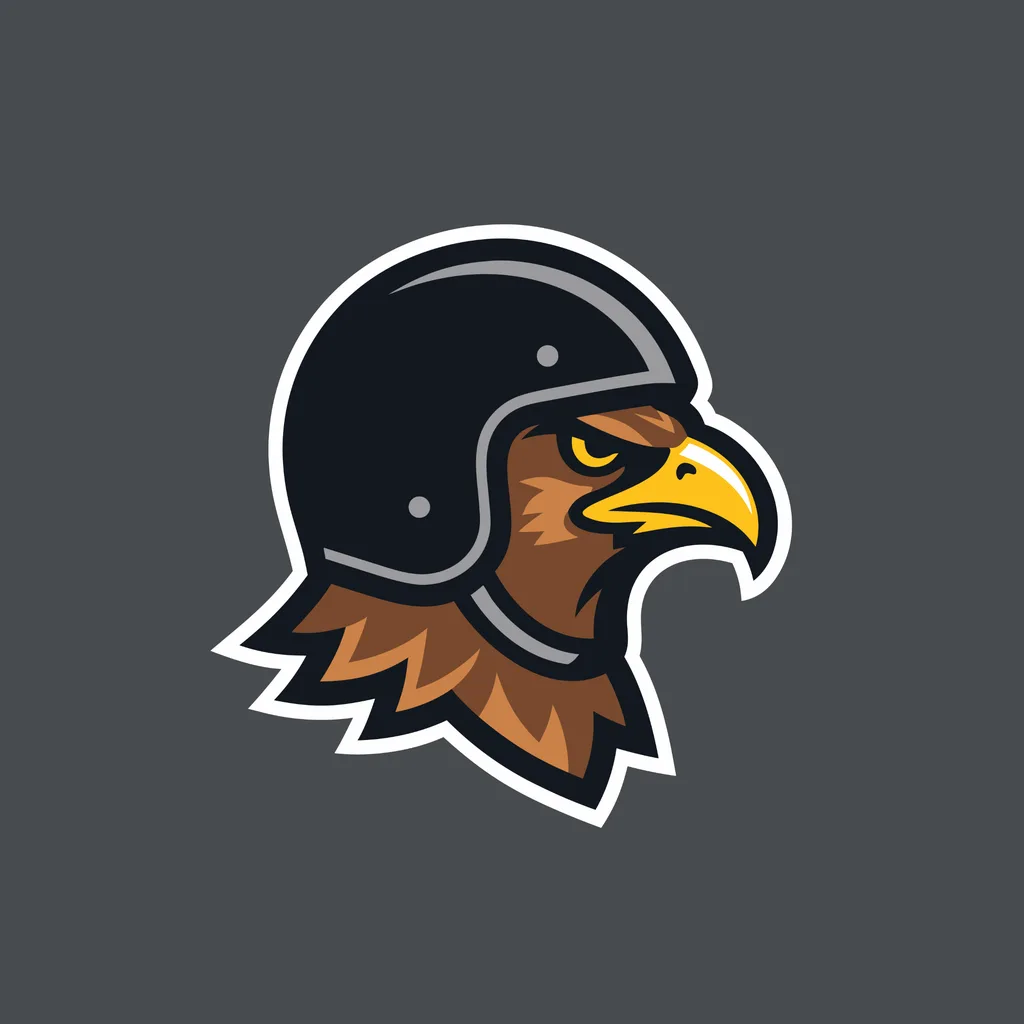
MascotFree
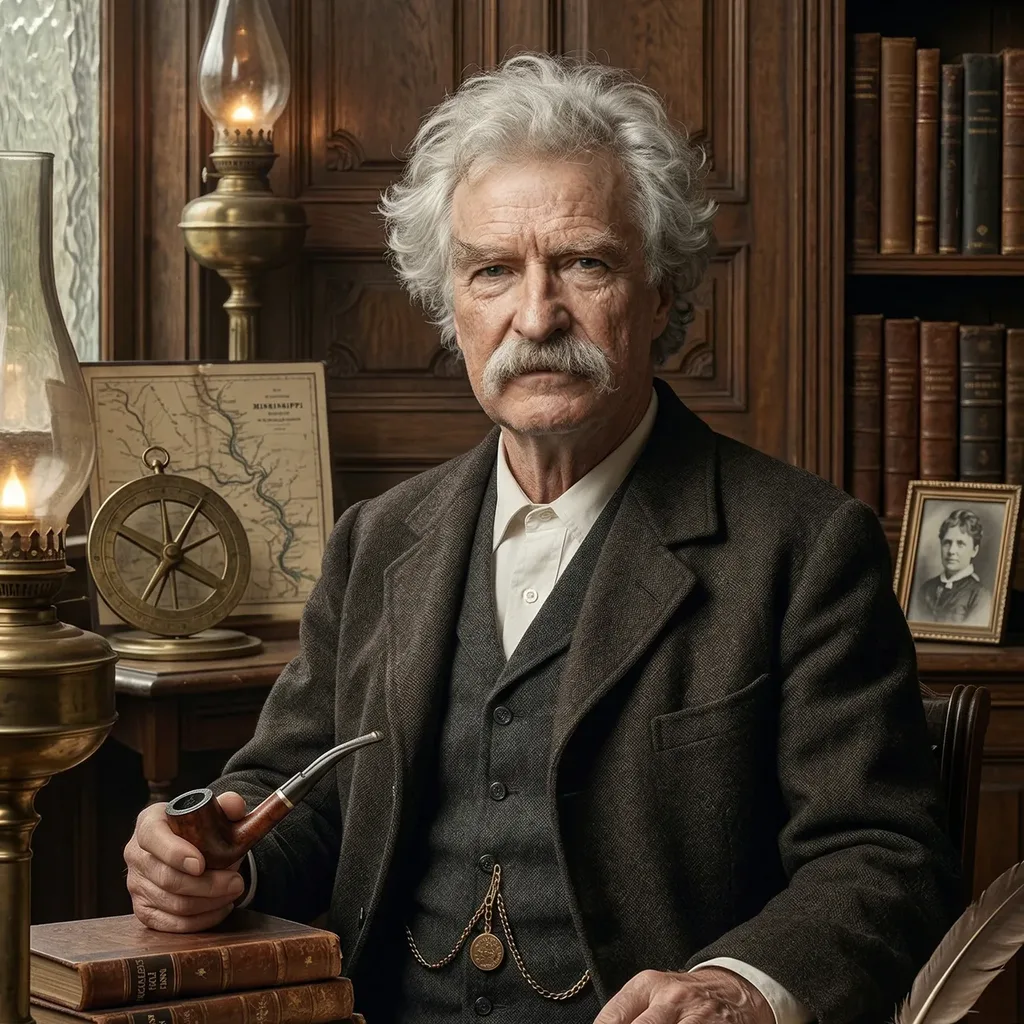
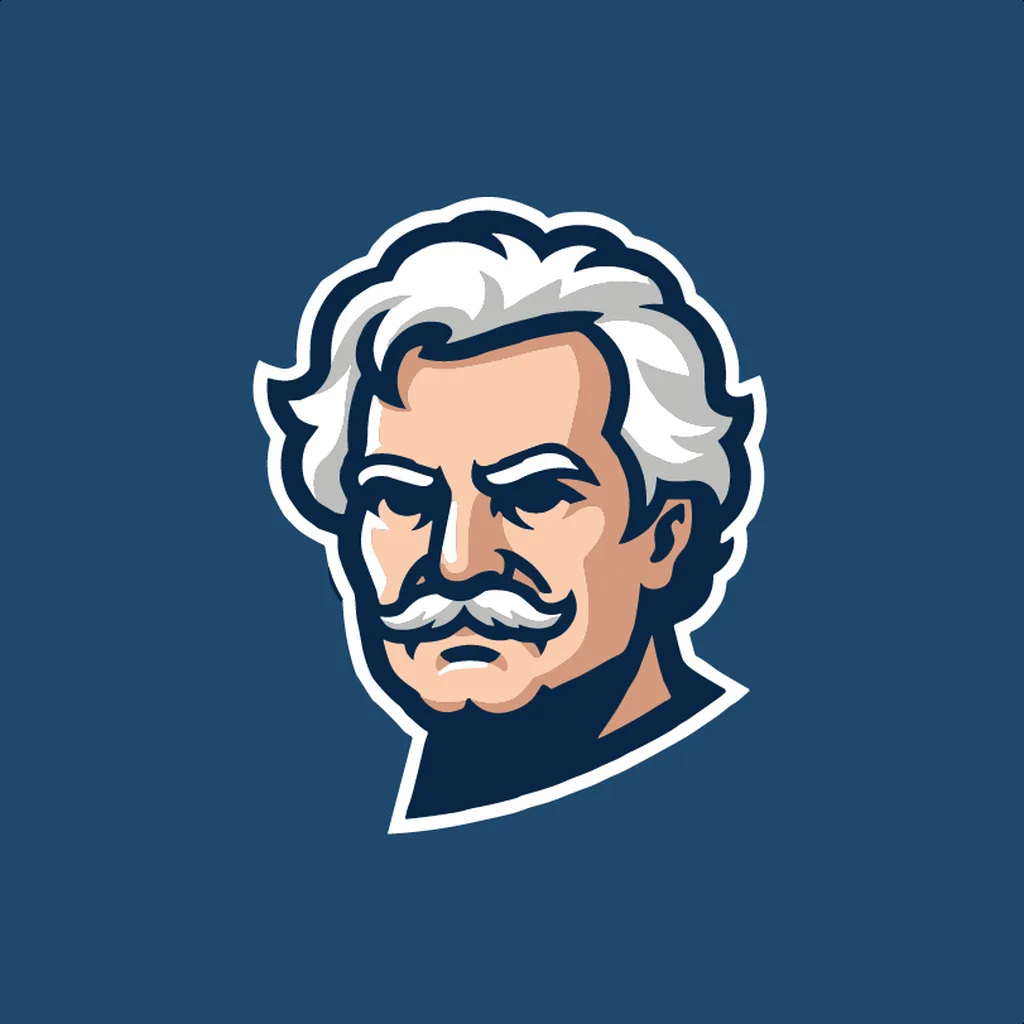
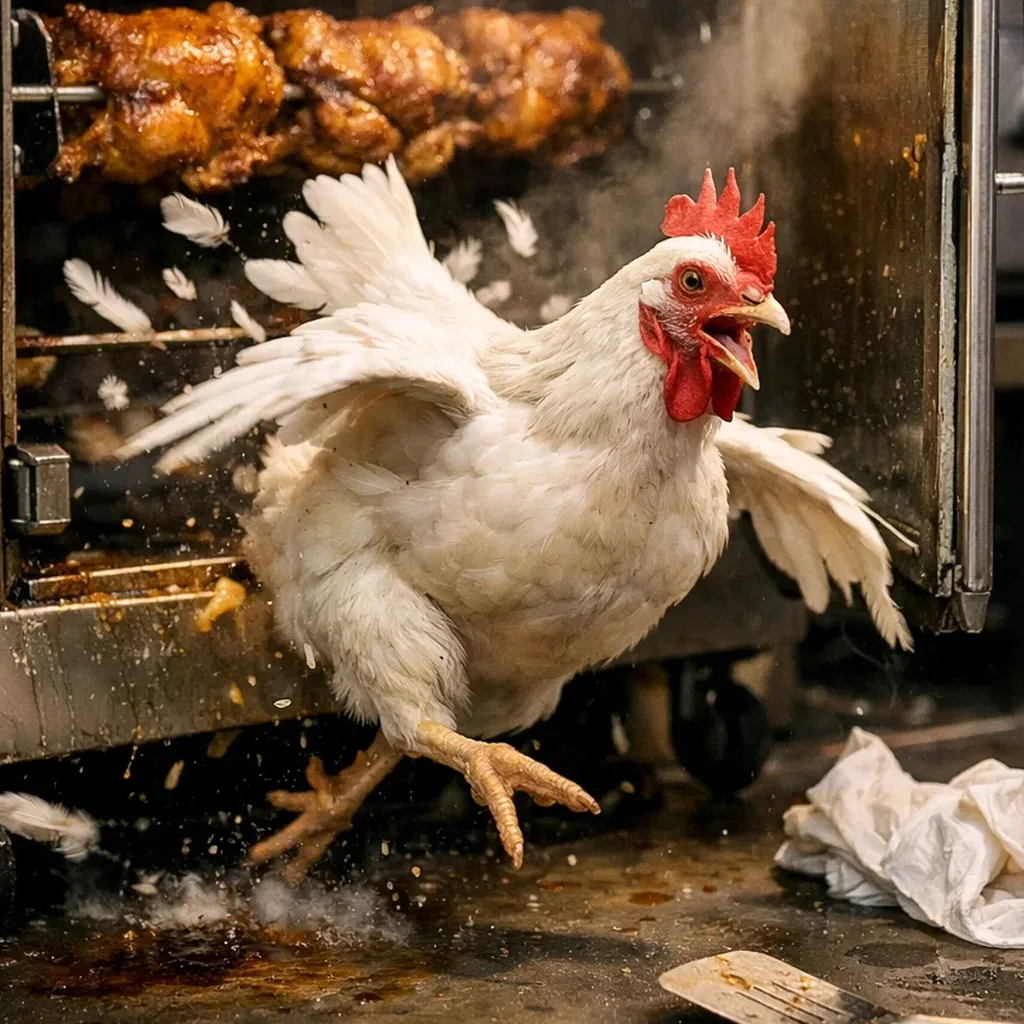
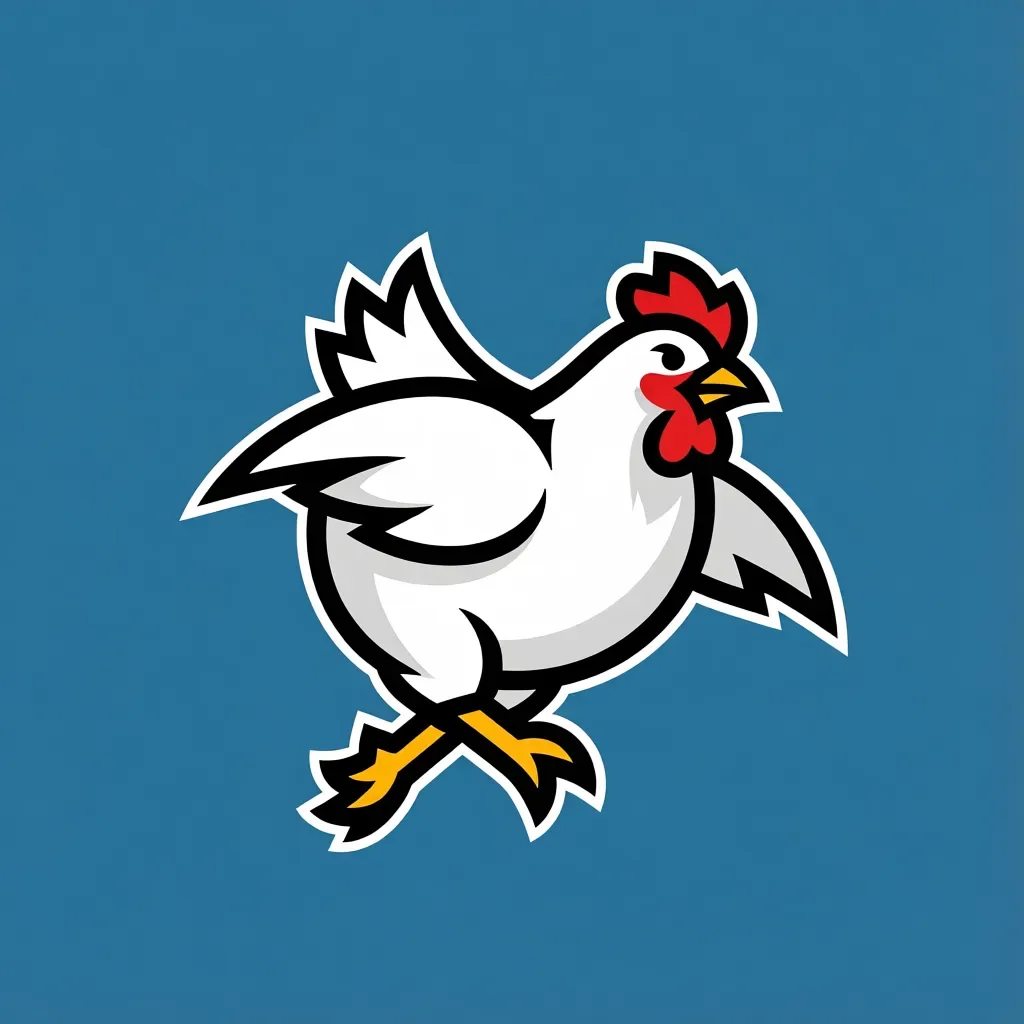
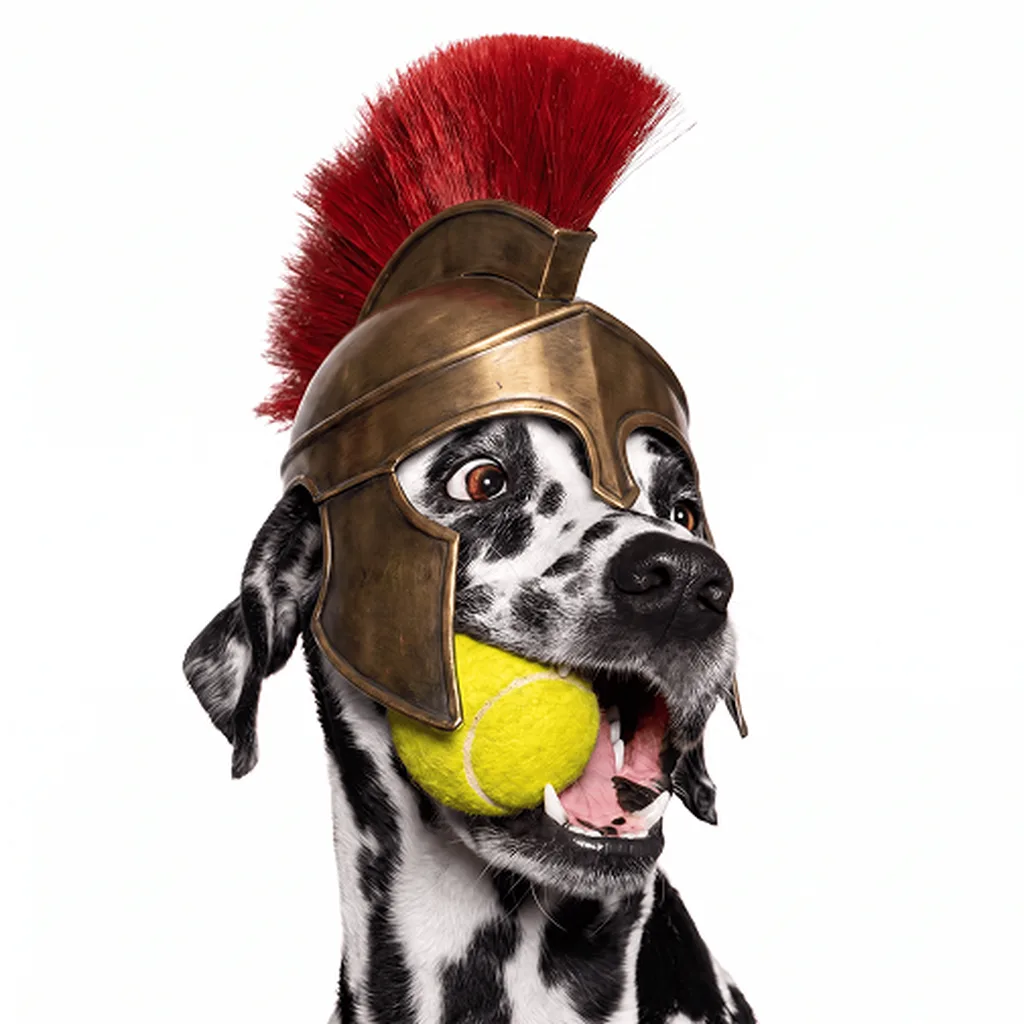
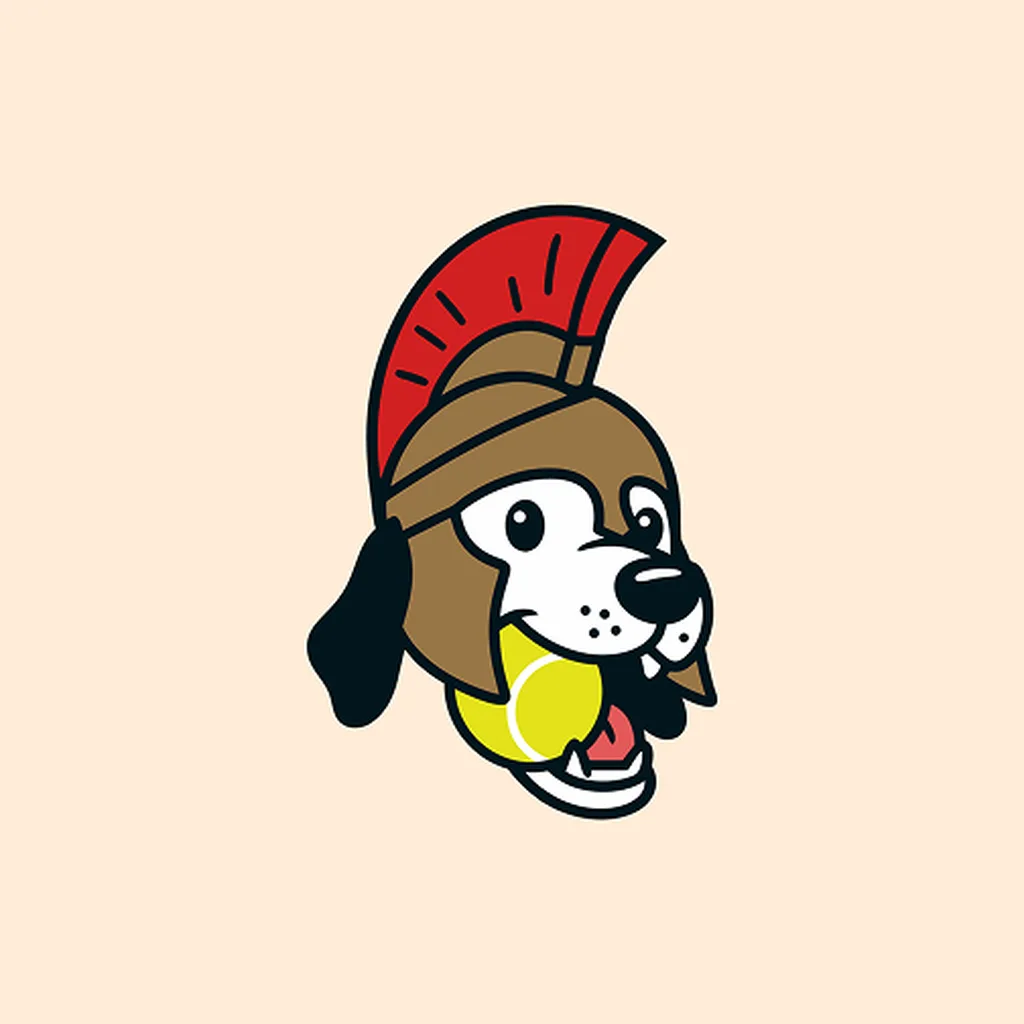
Retro MascotFree
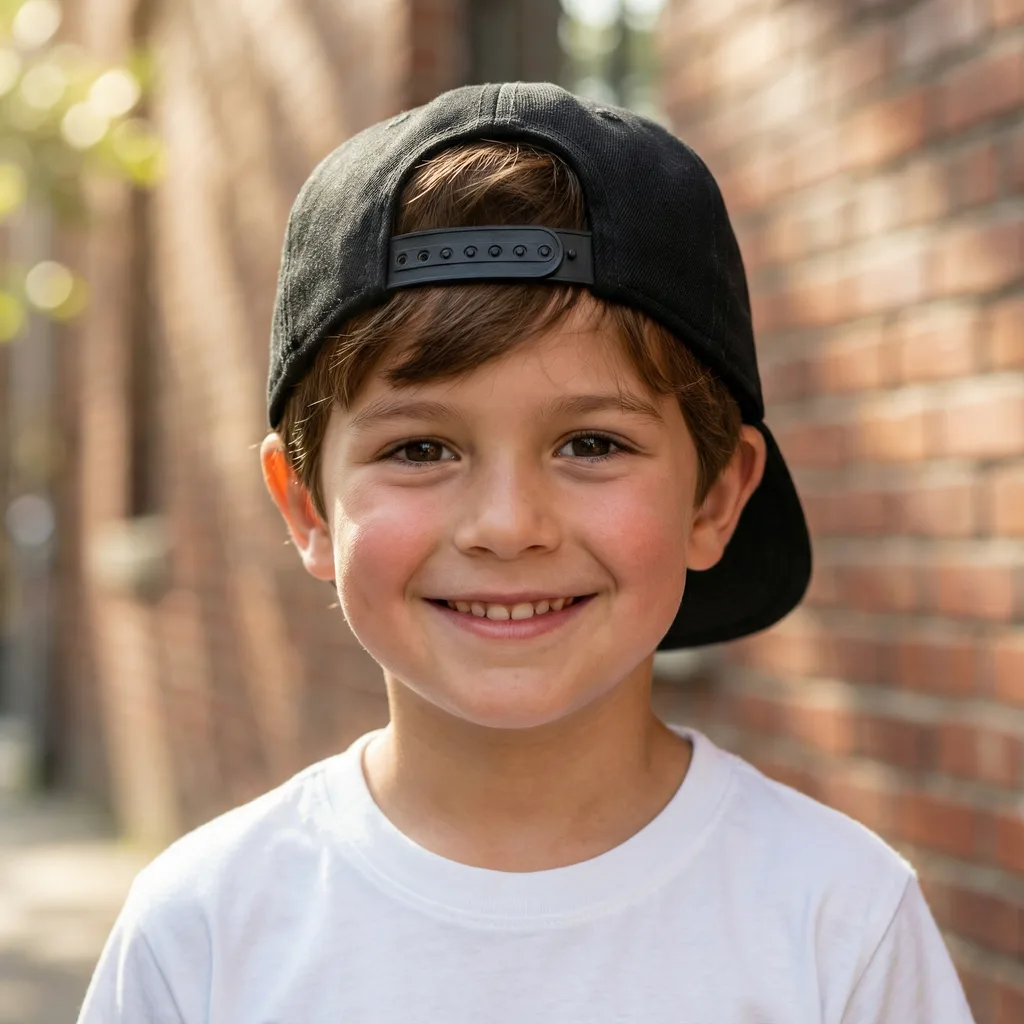
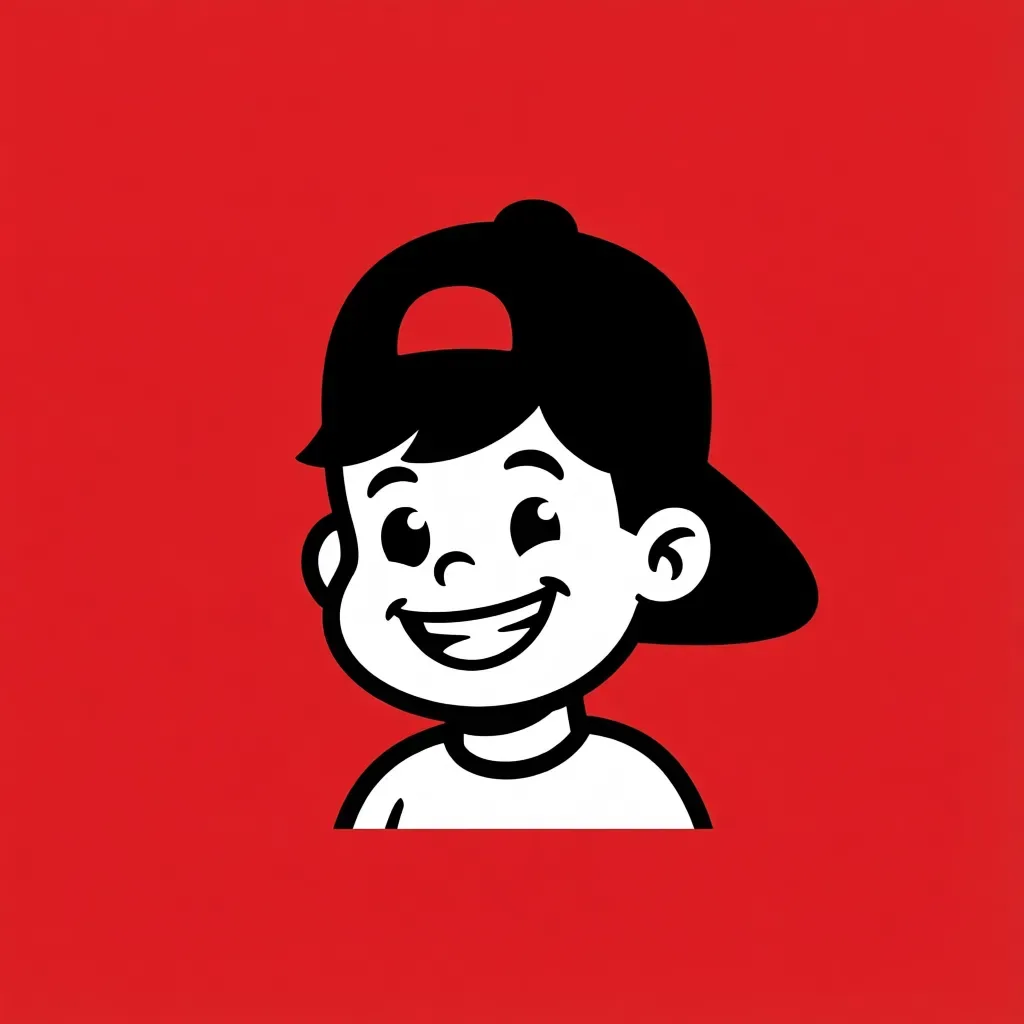
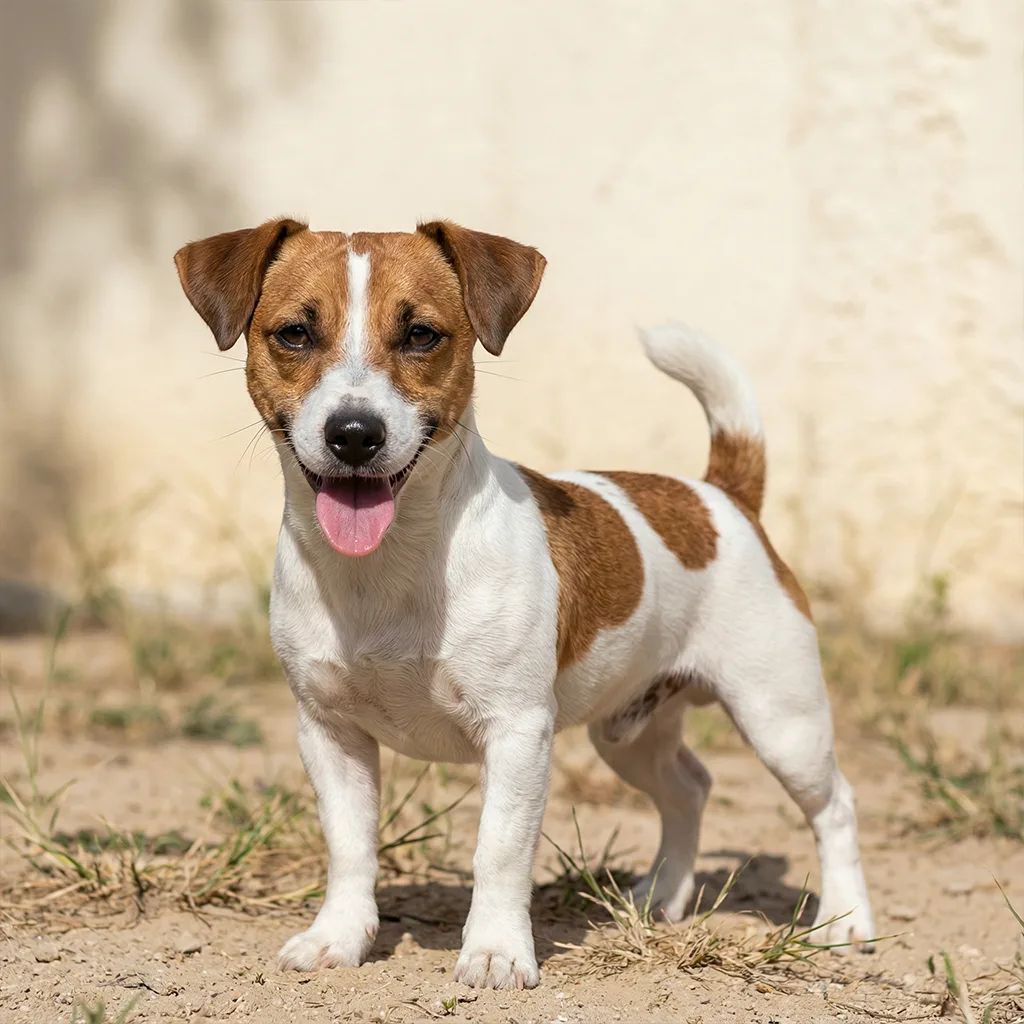
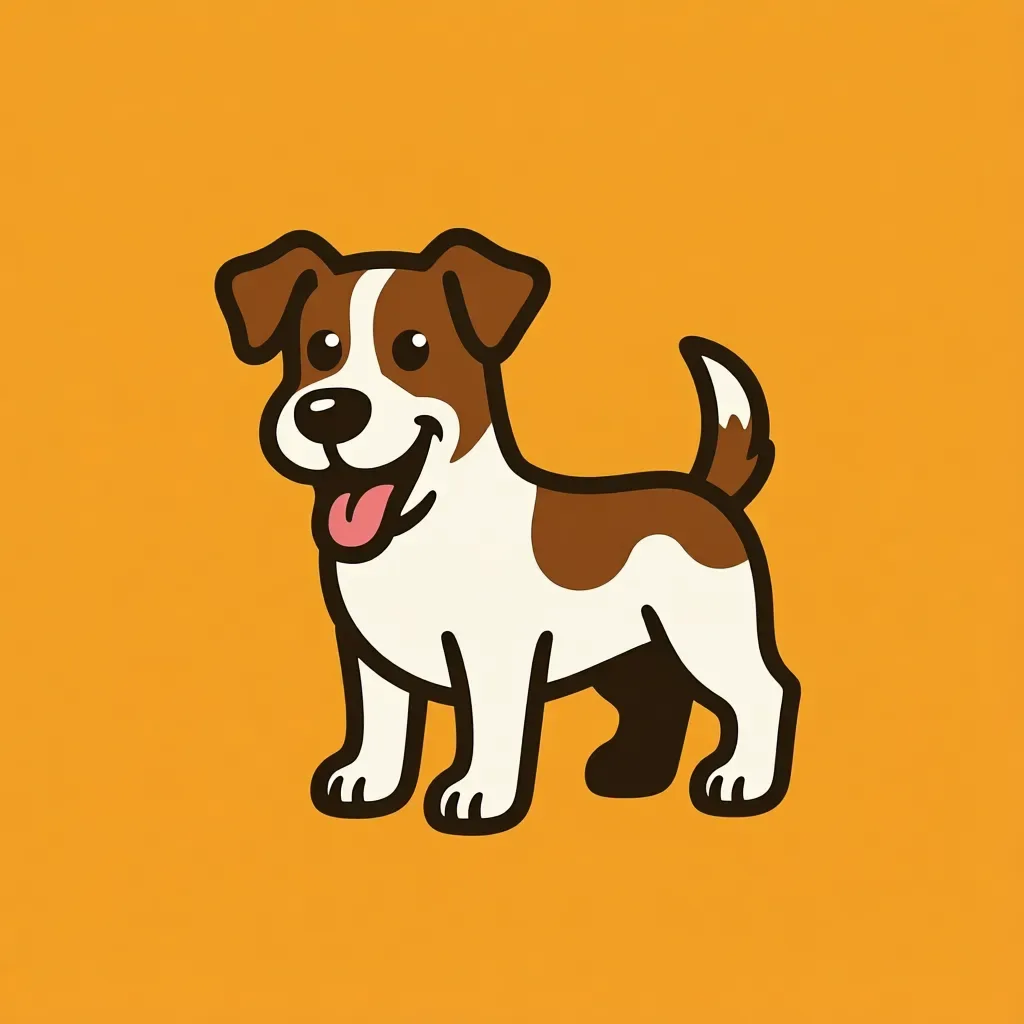
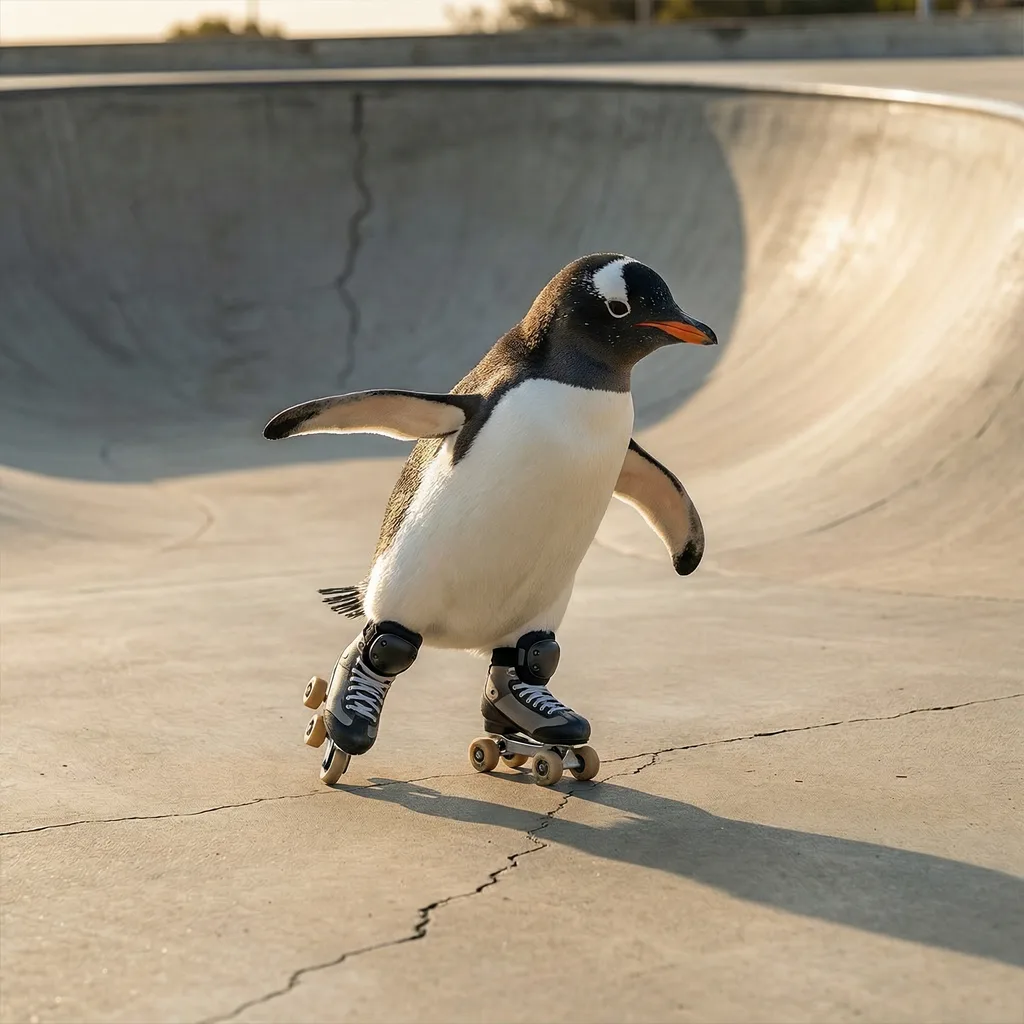
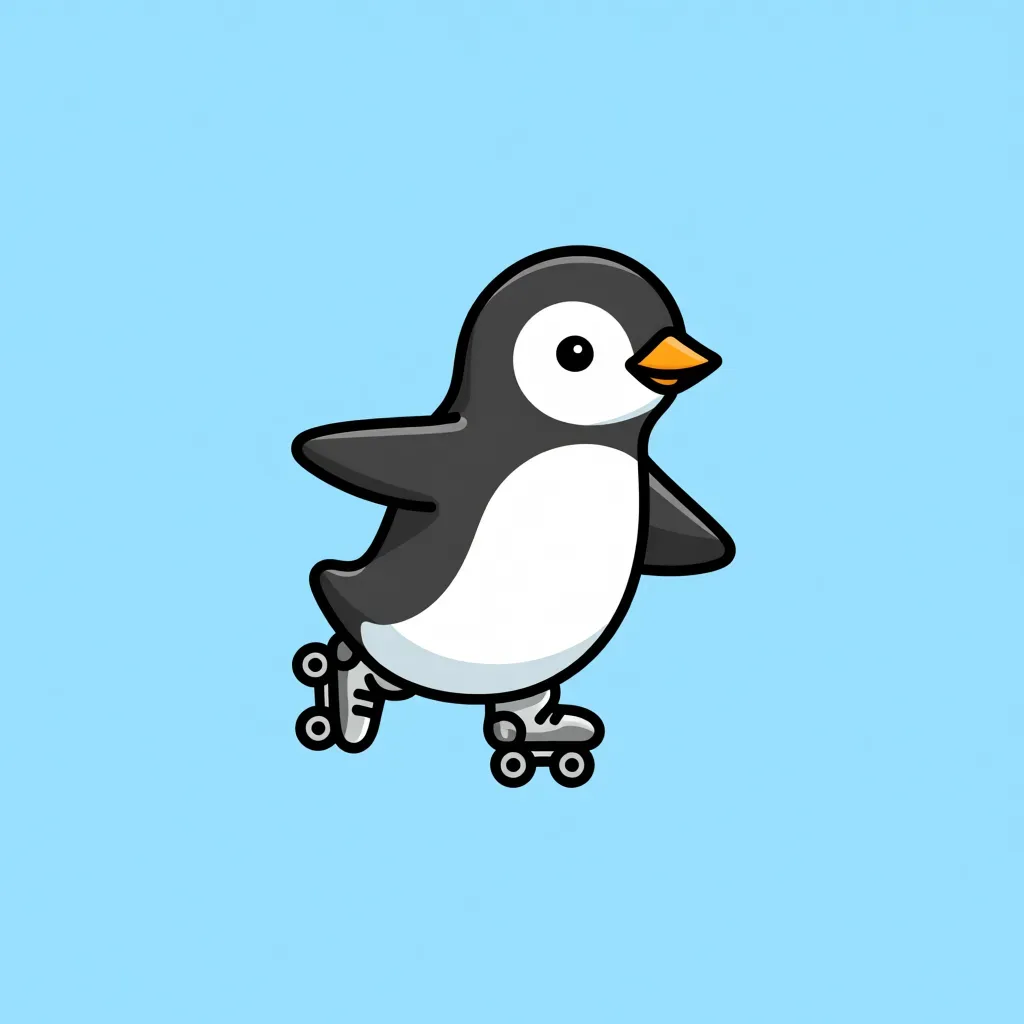
CartoonFree
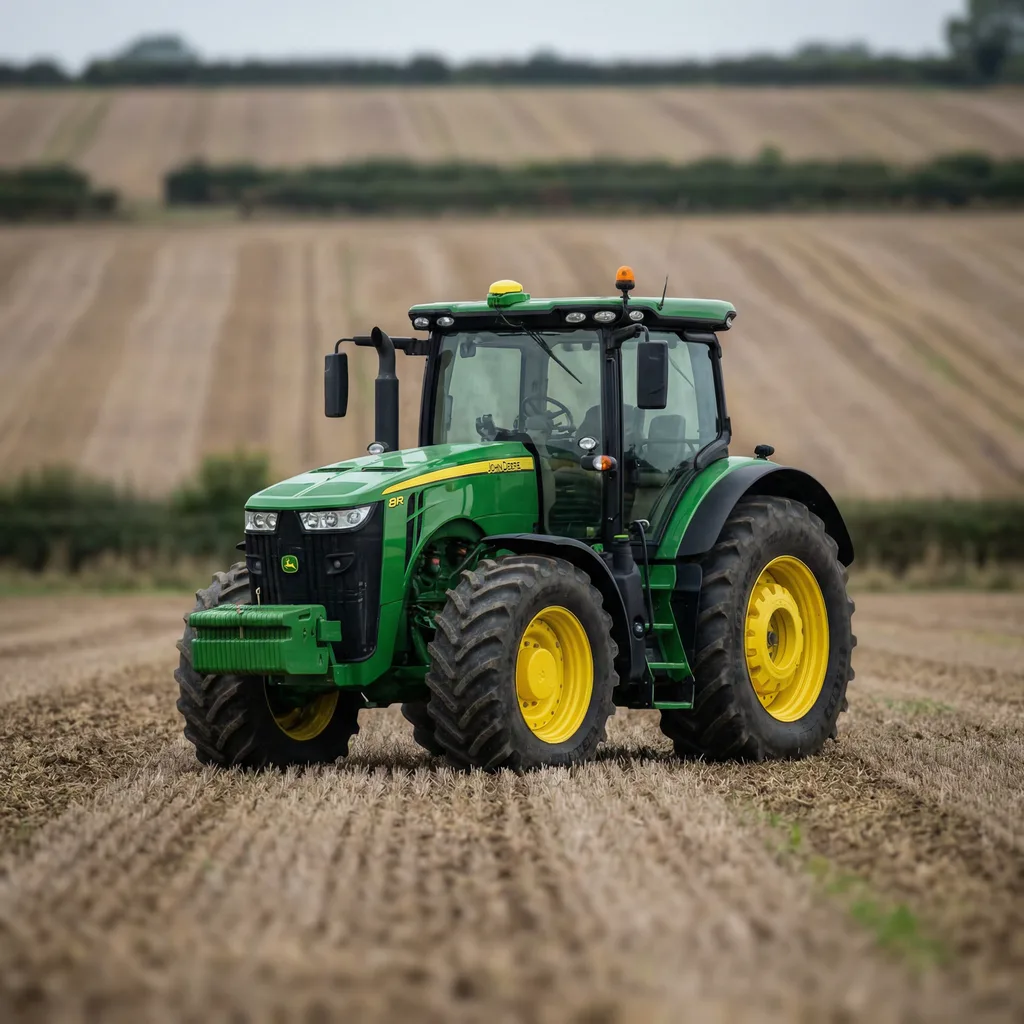
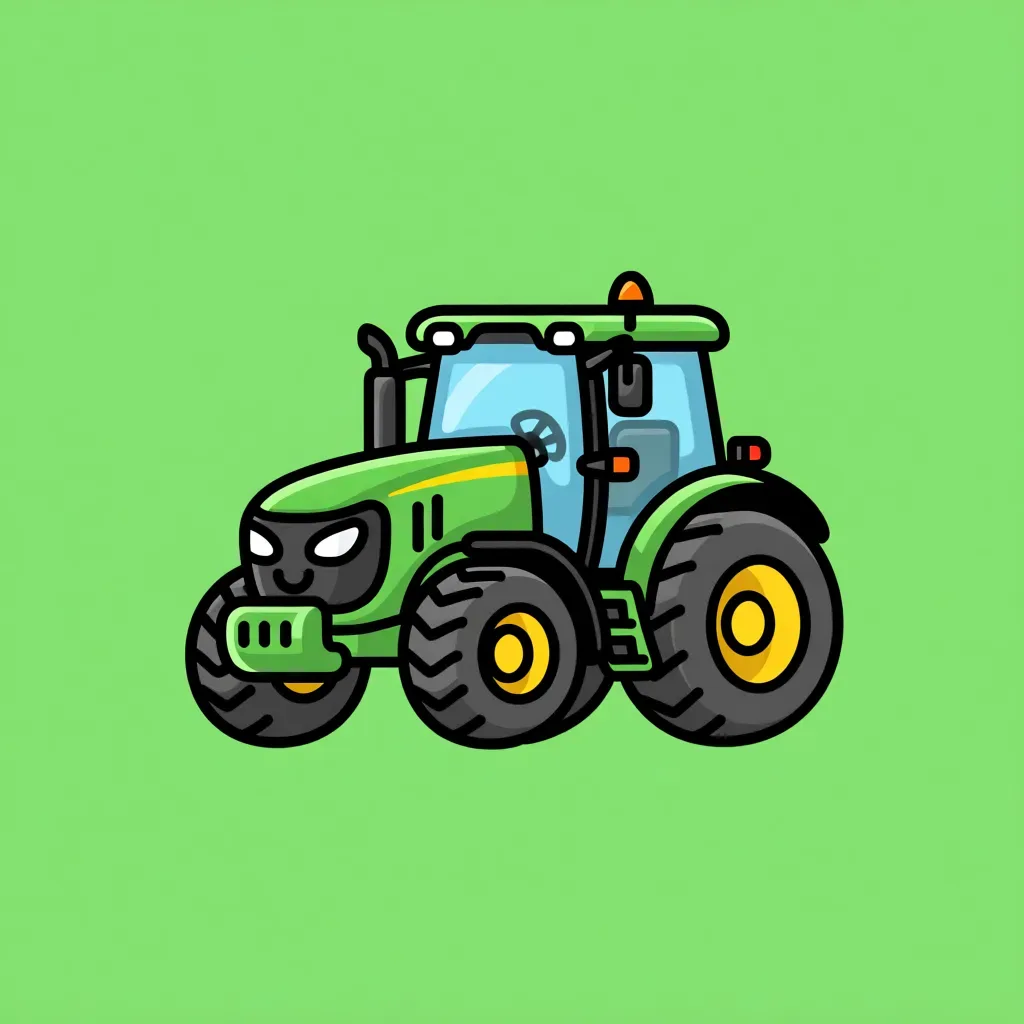
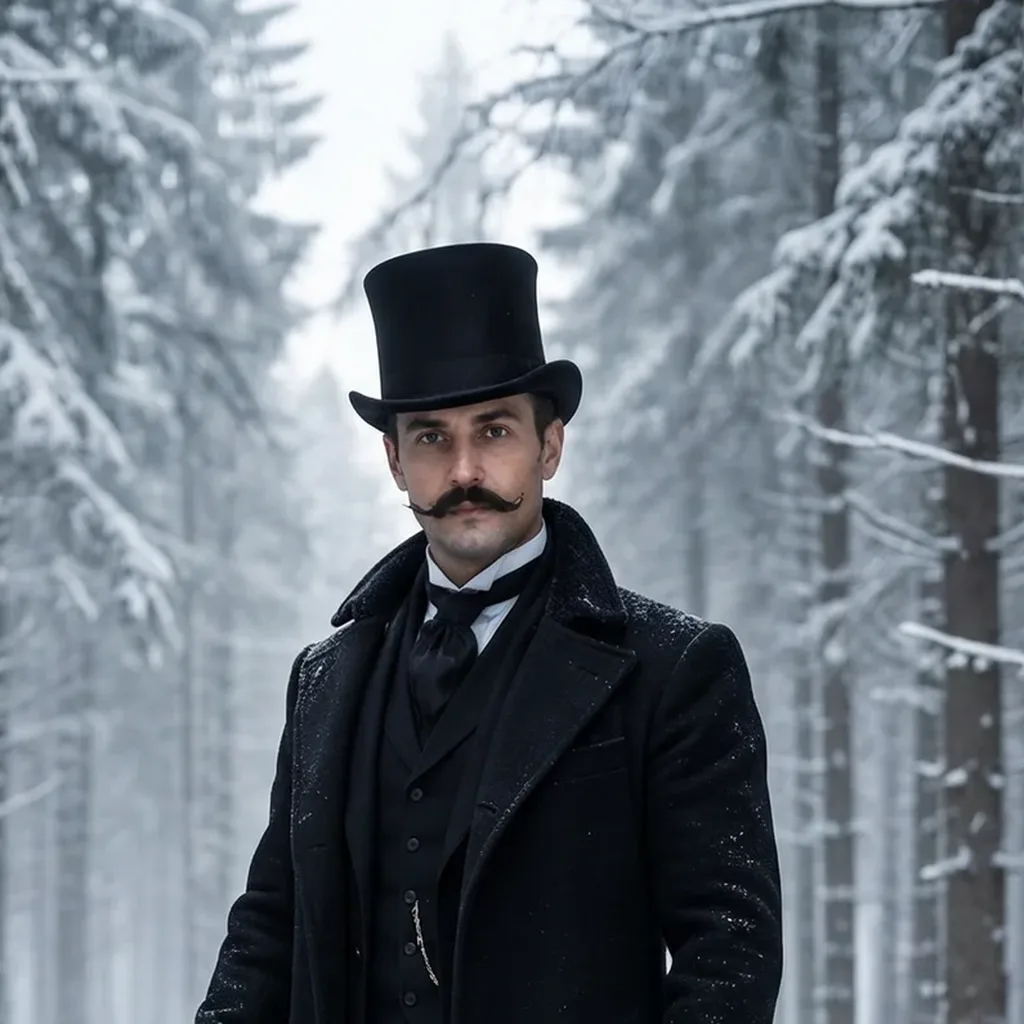
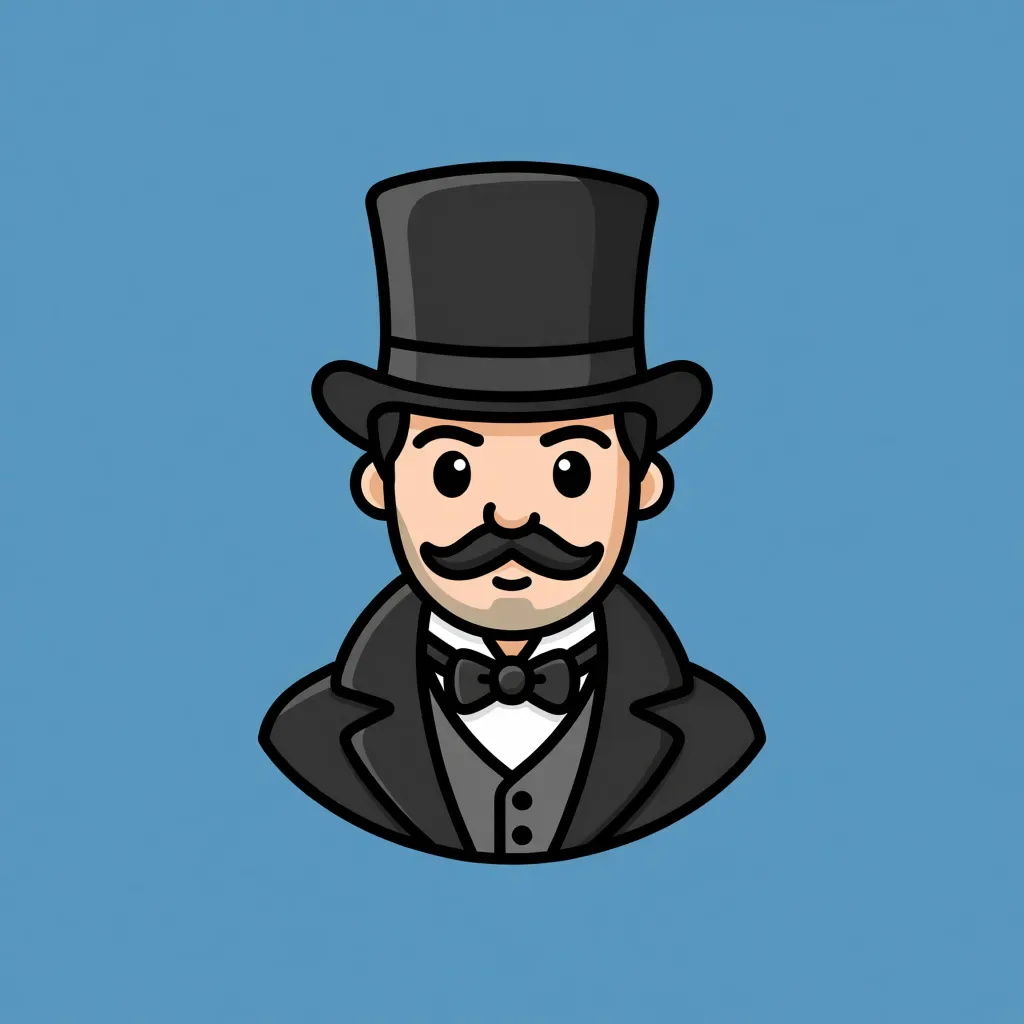
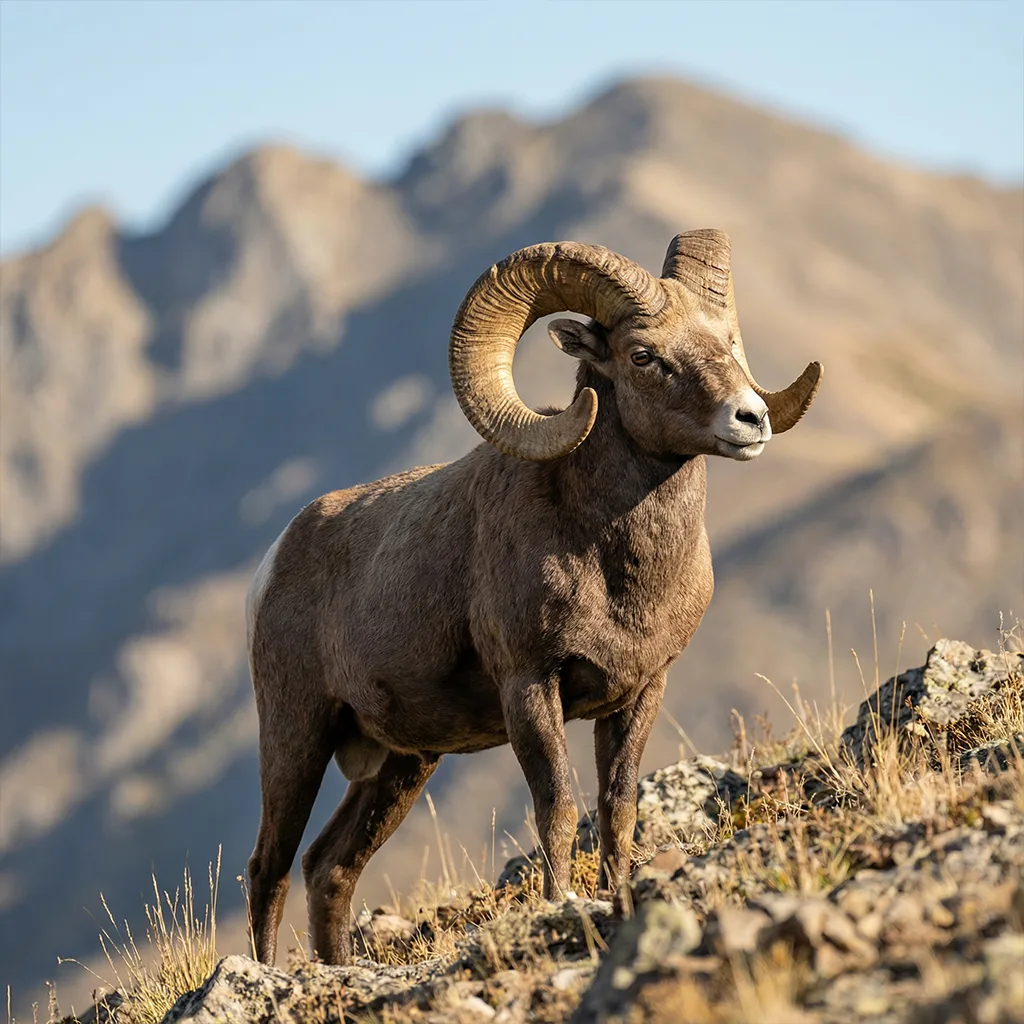
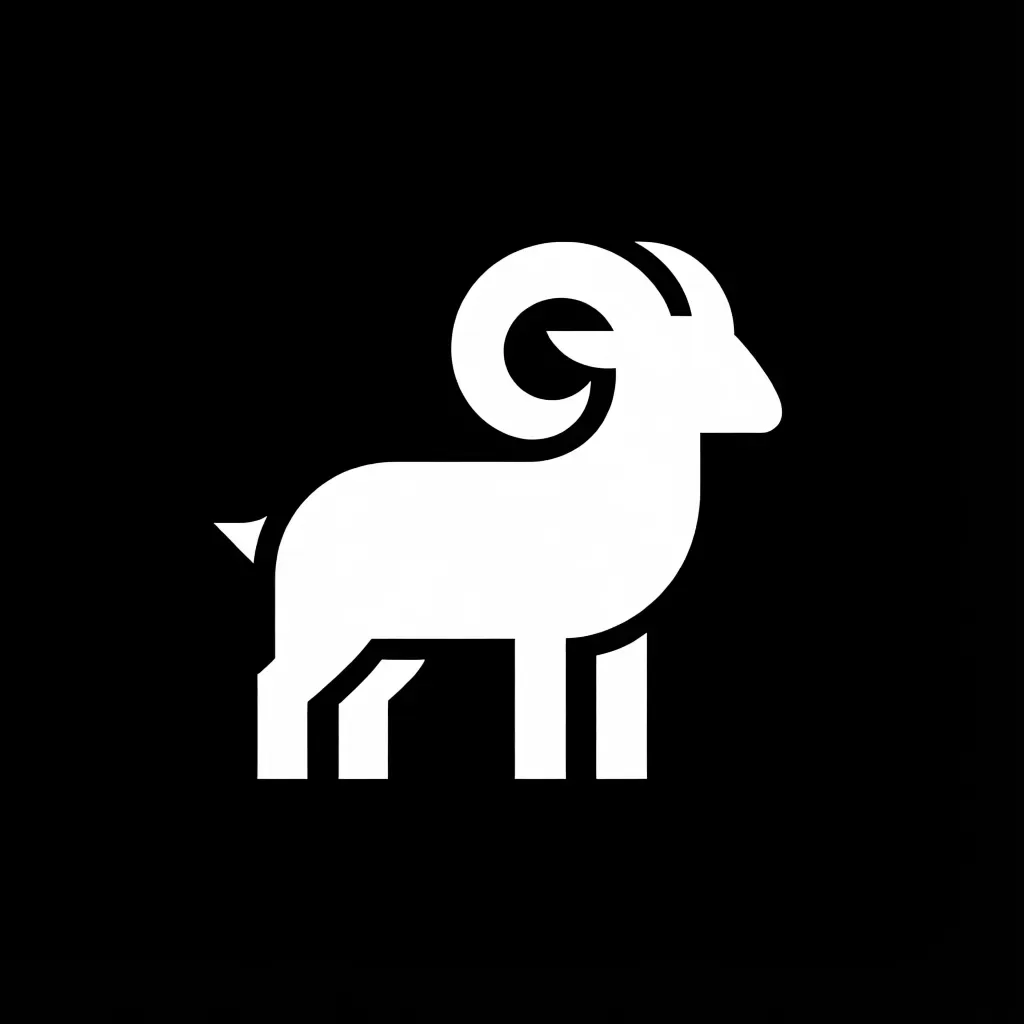
AbstractFree
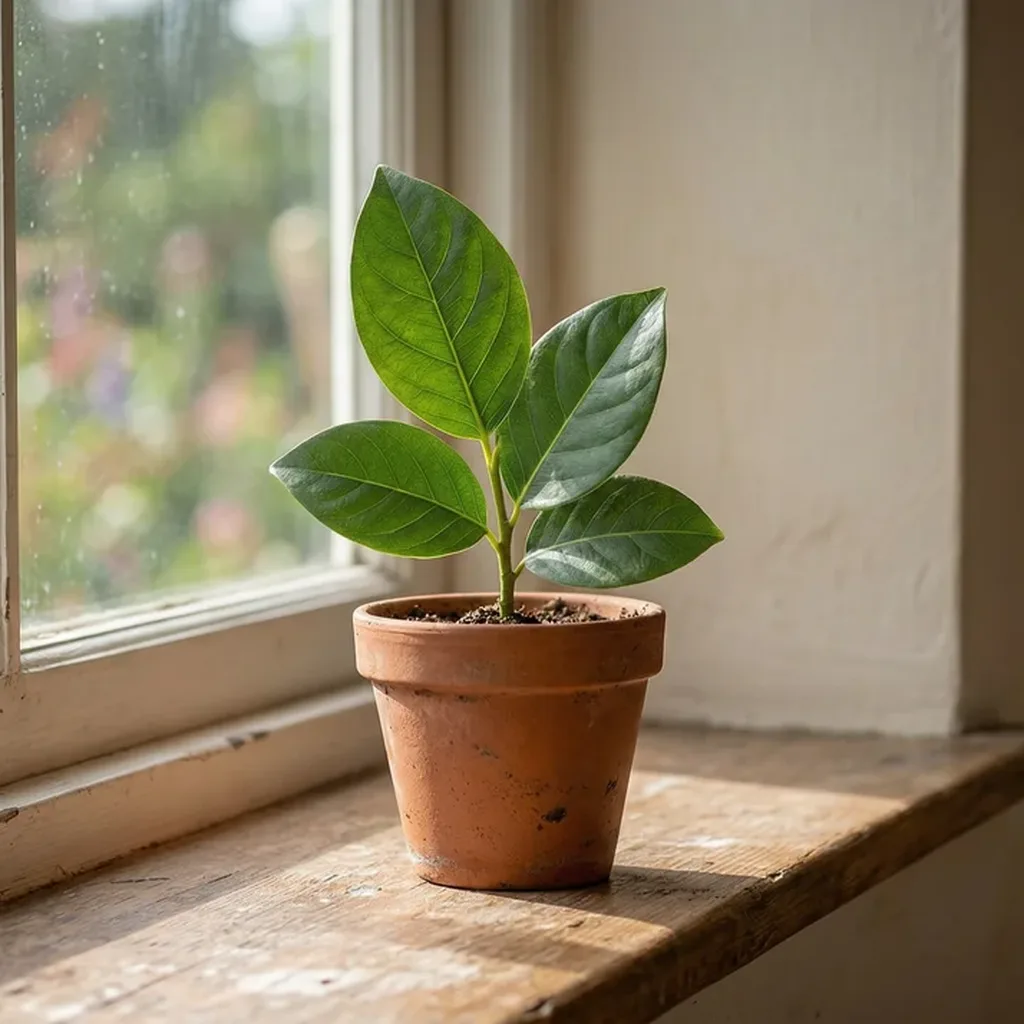
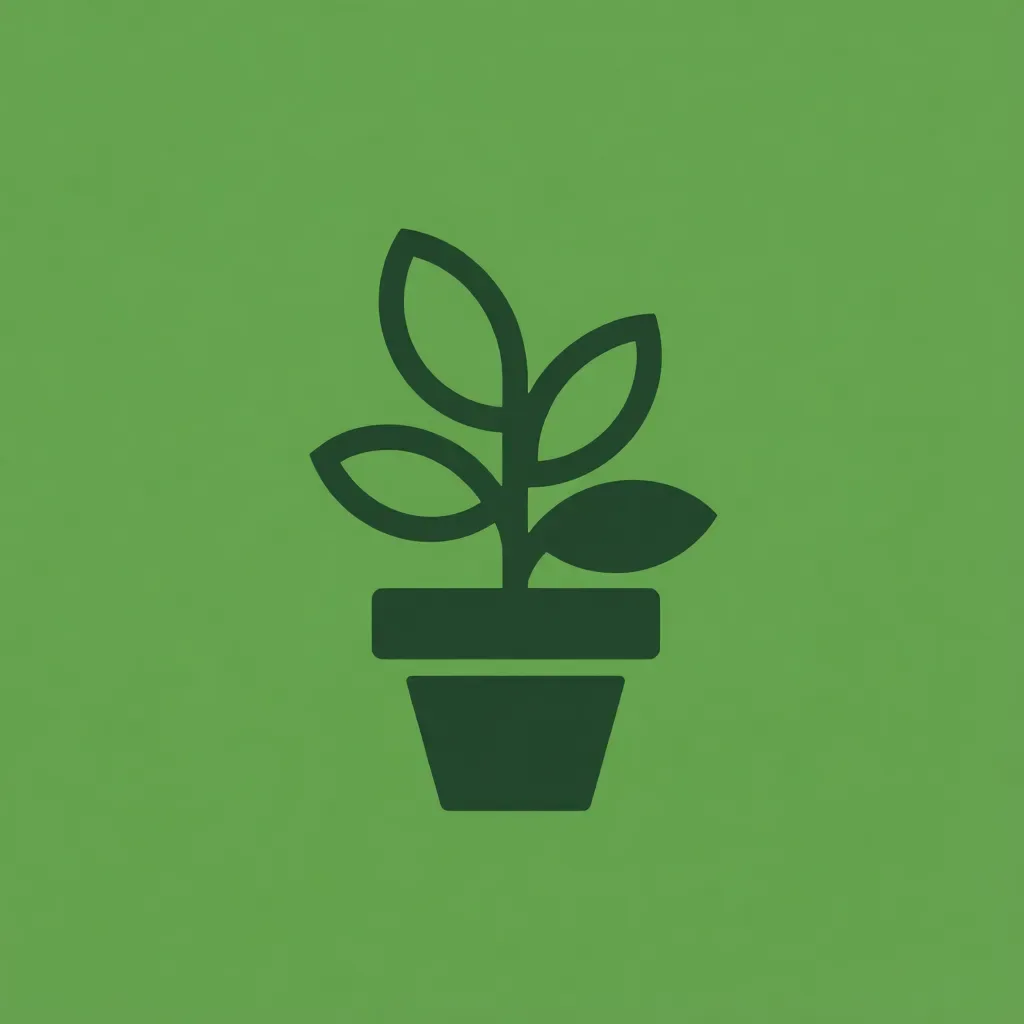
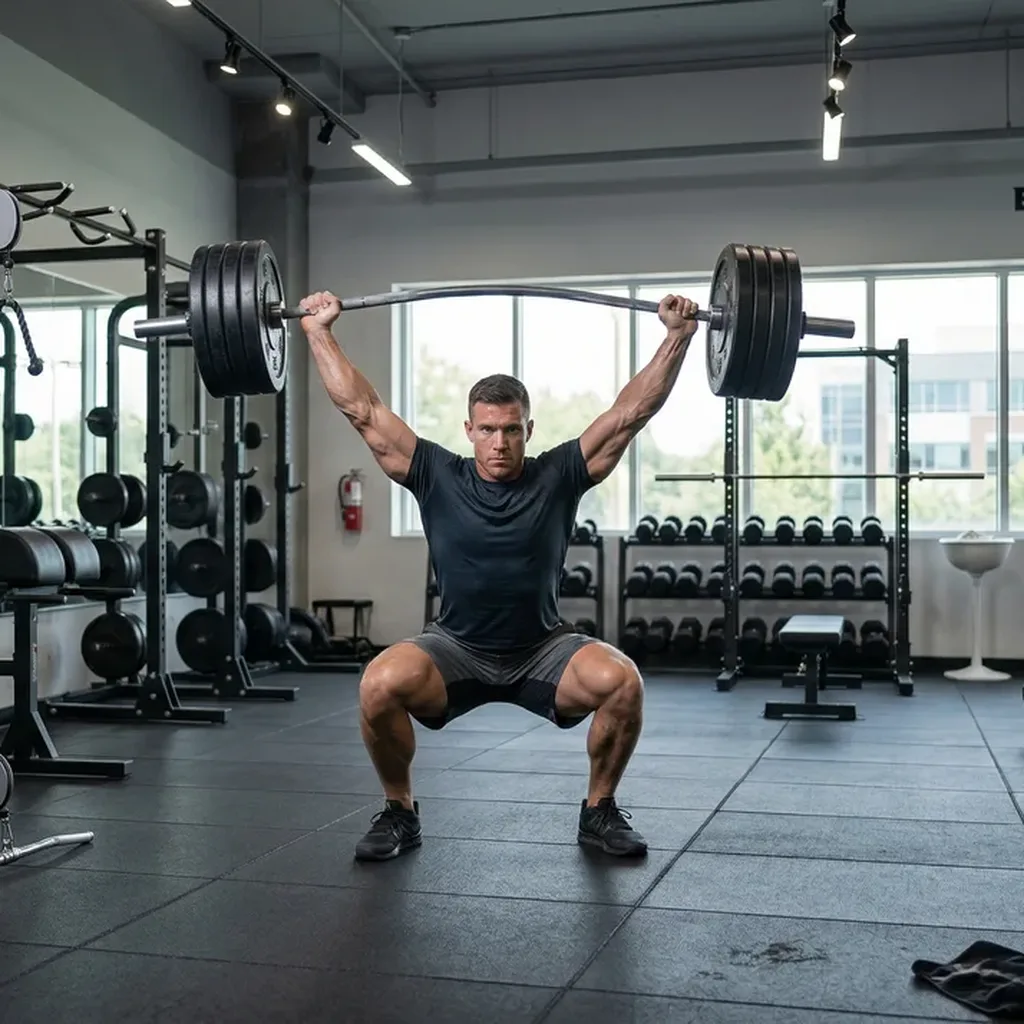
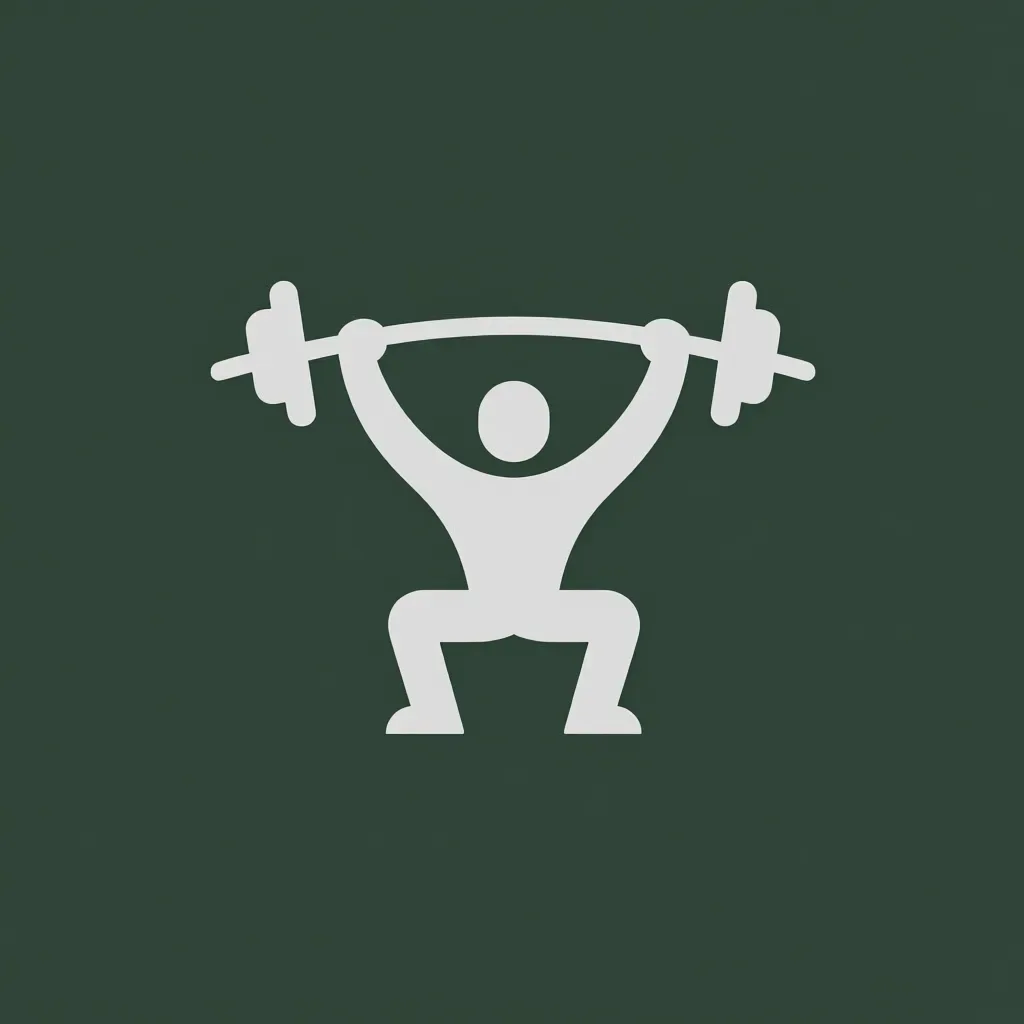
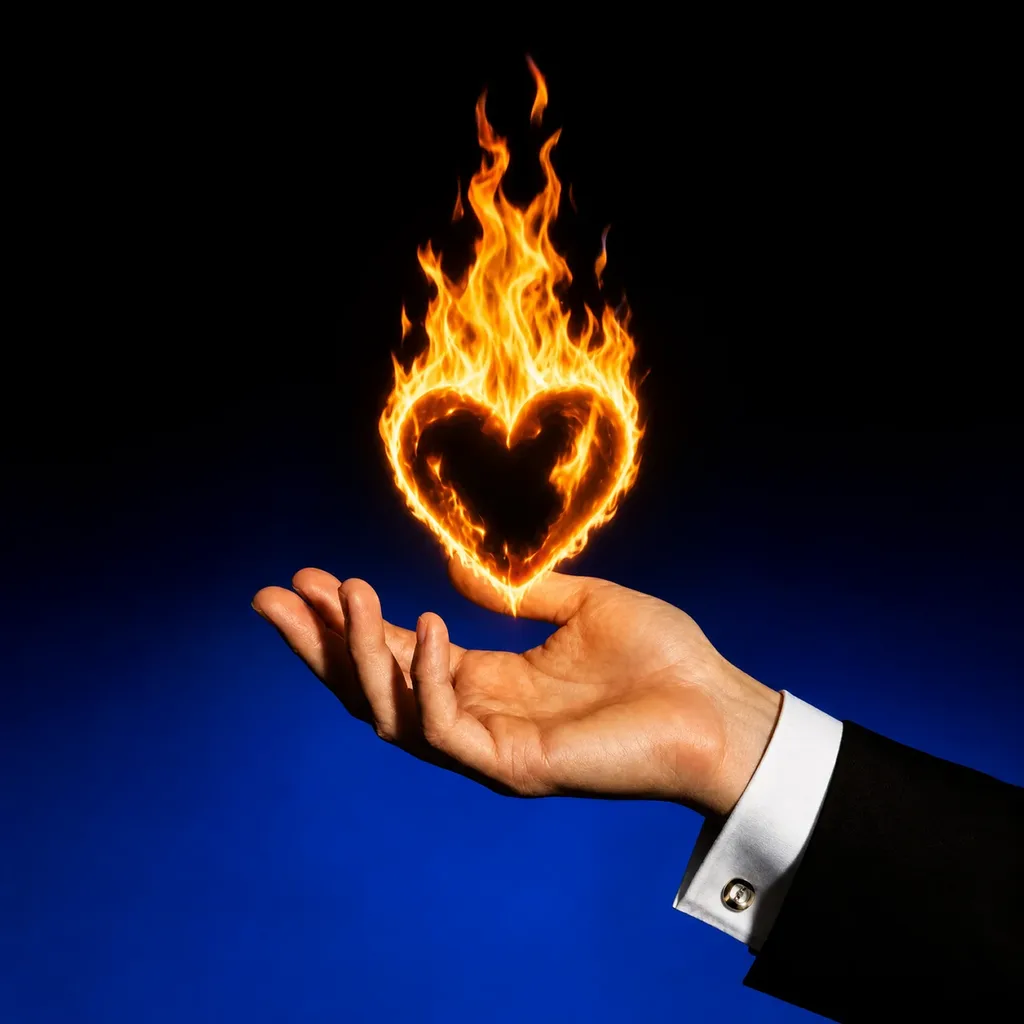
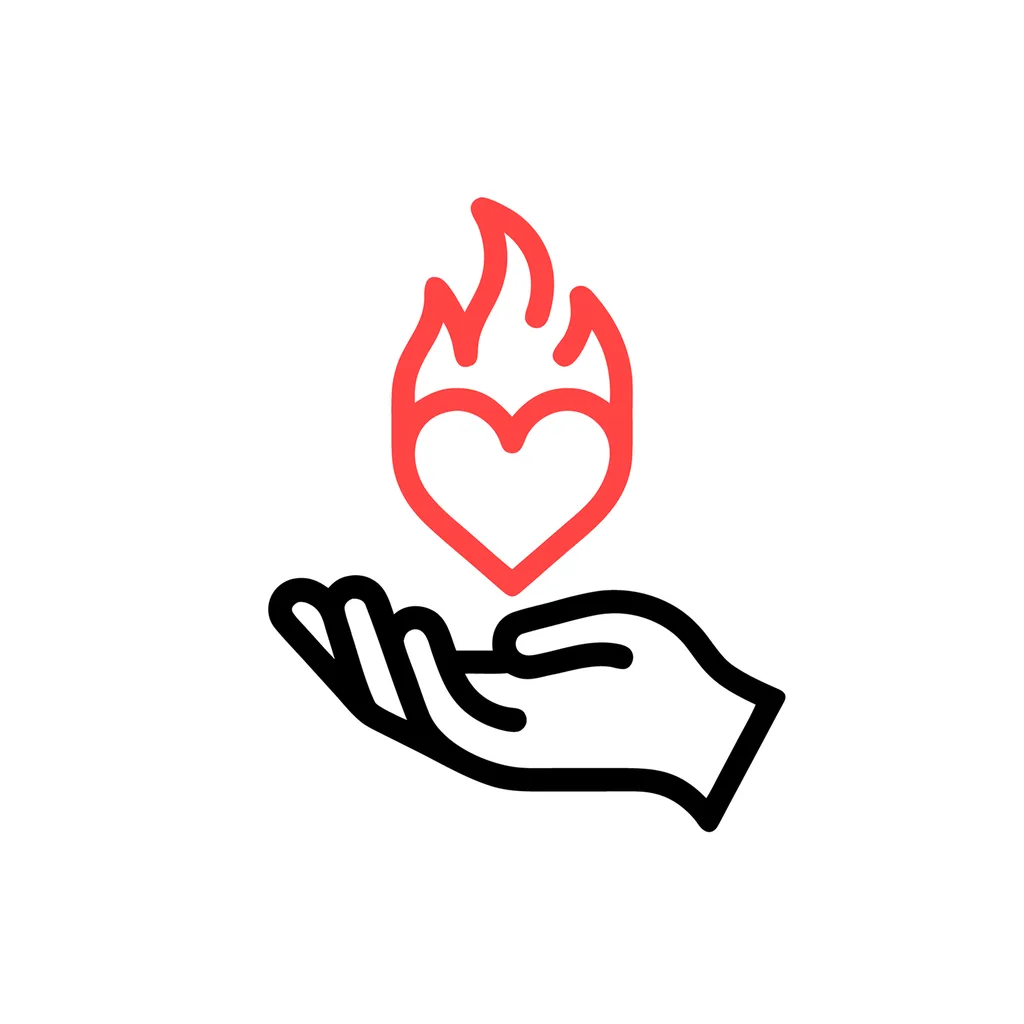
Line ArtFree
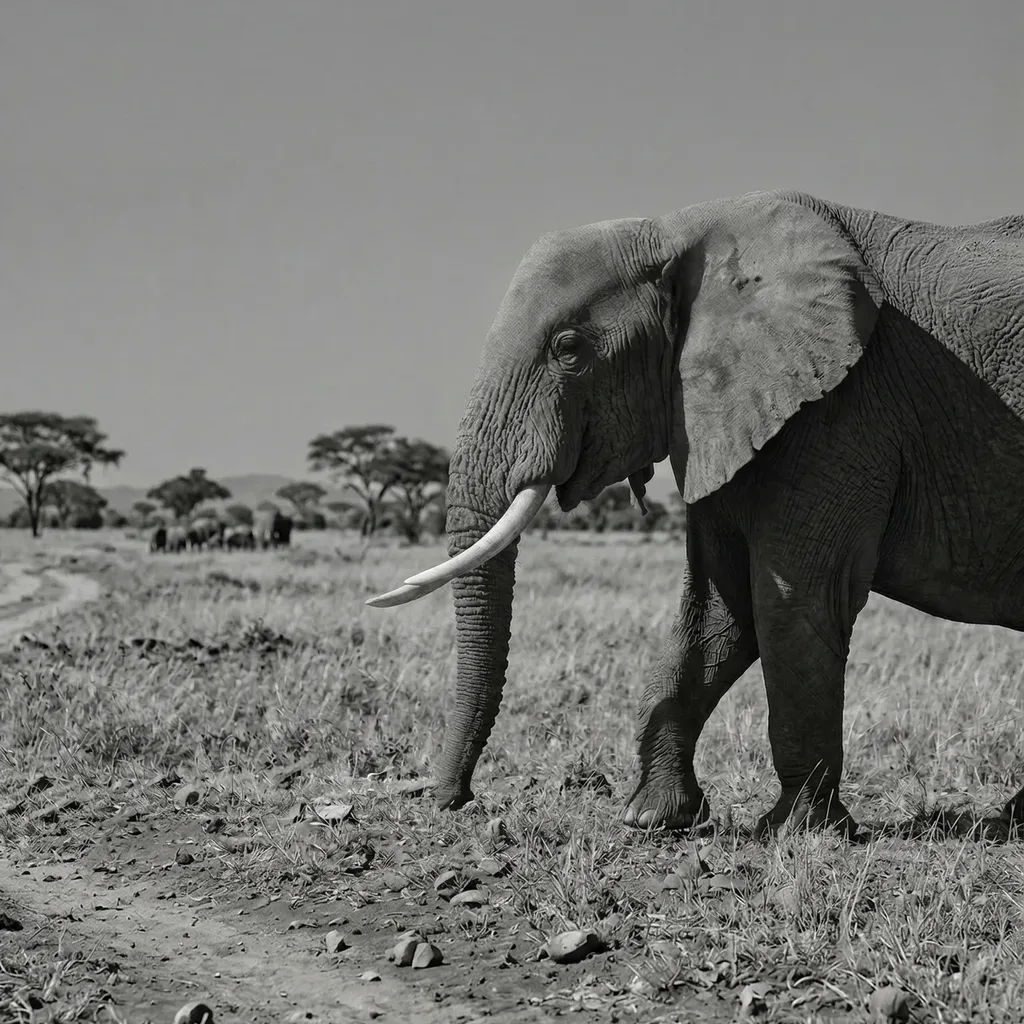
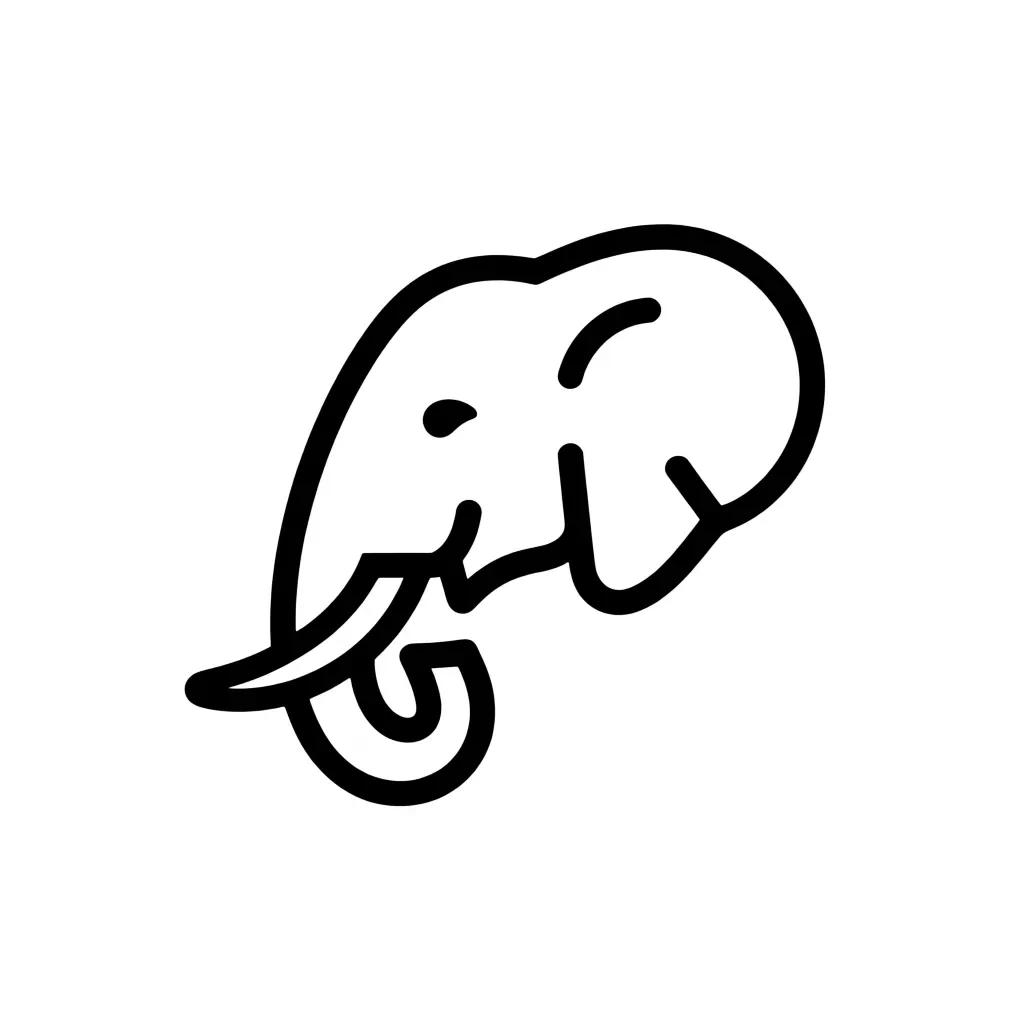
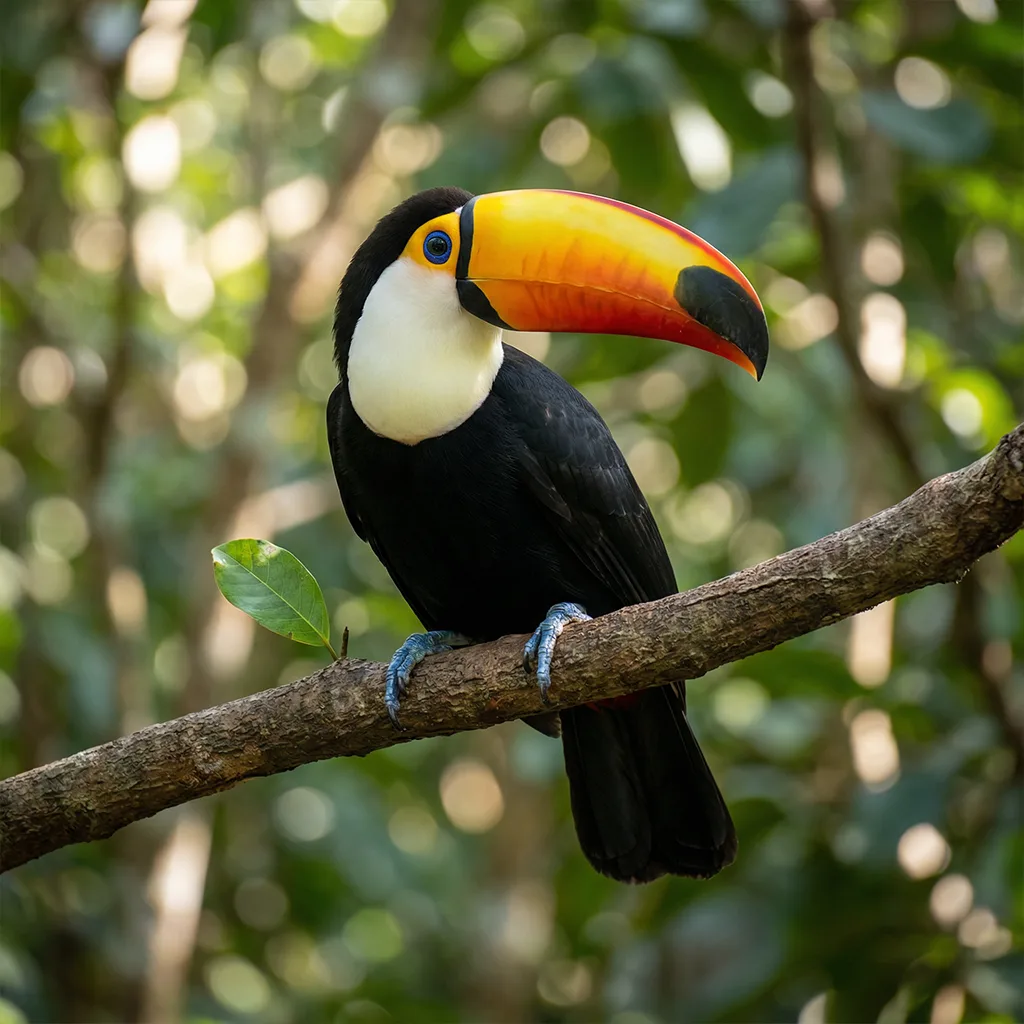
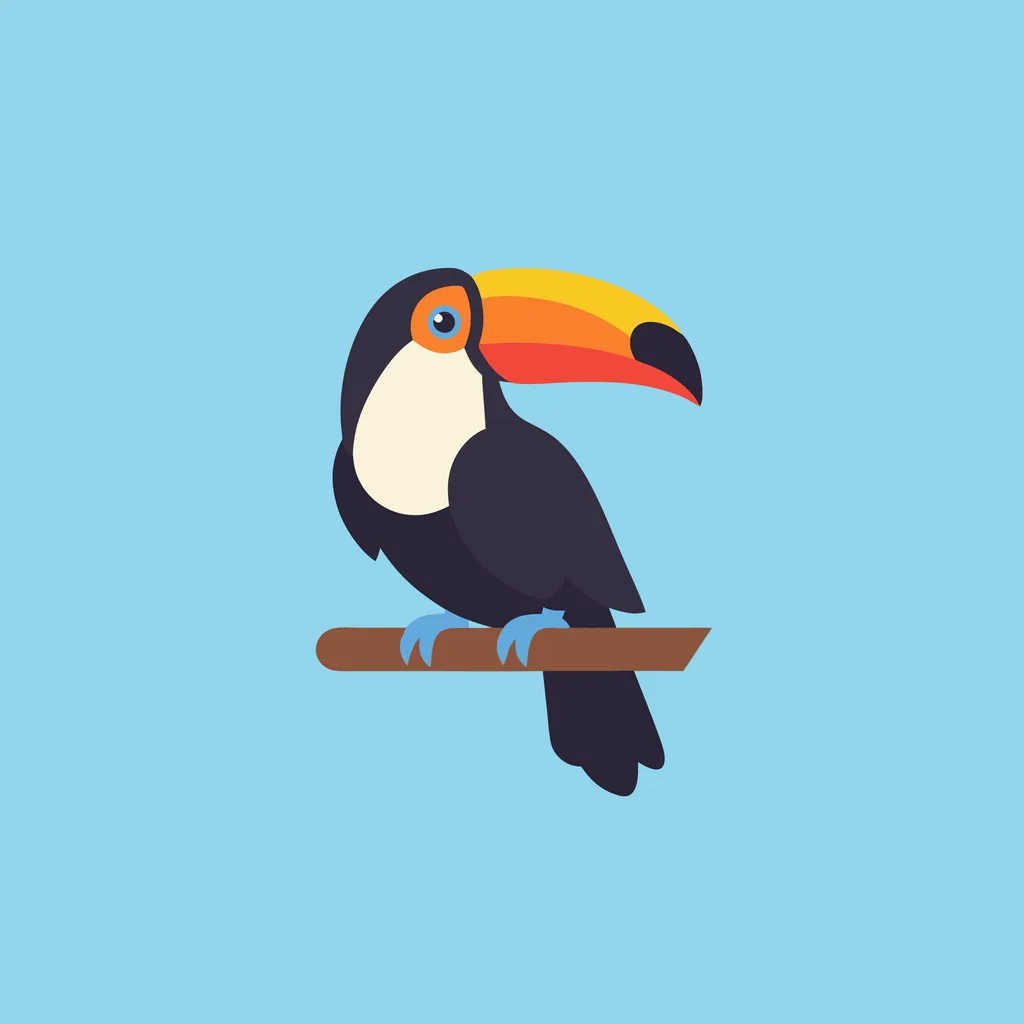
Icon/EmojiFree
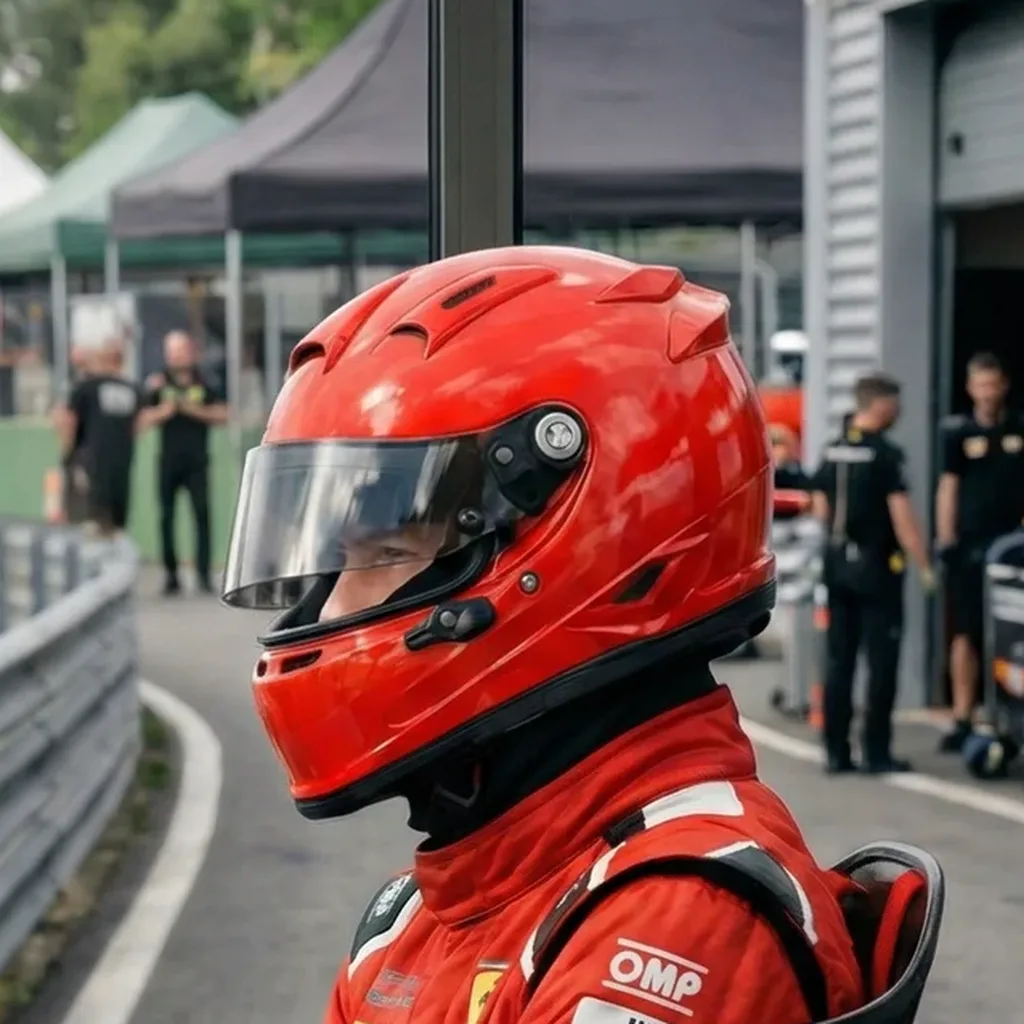
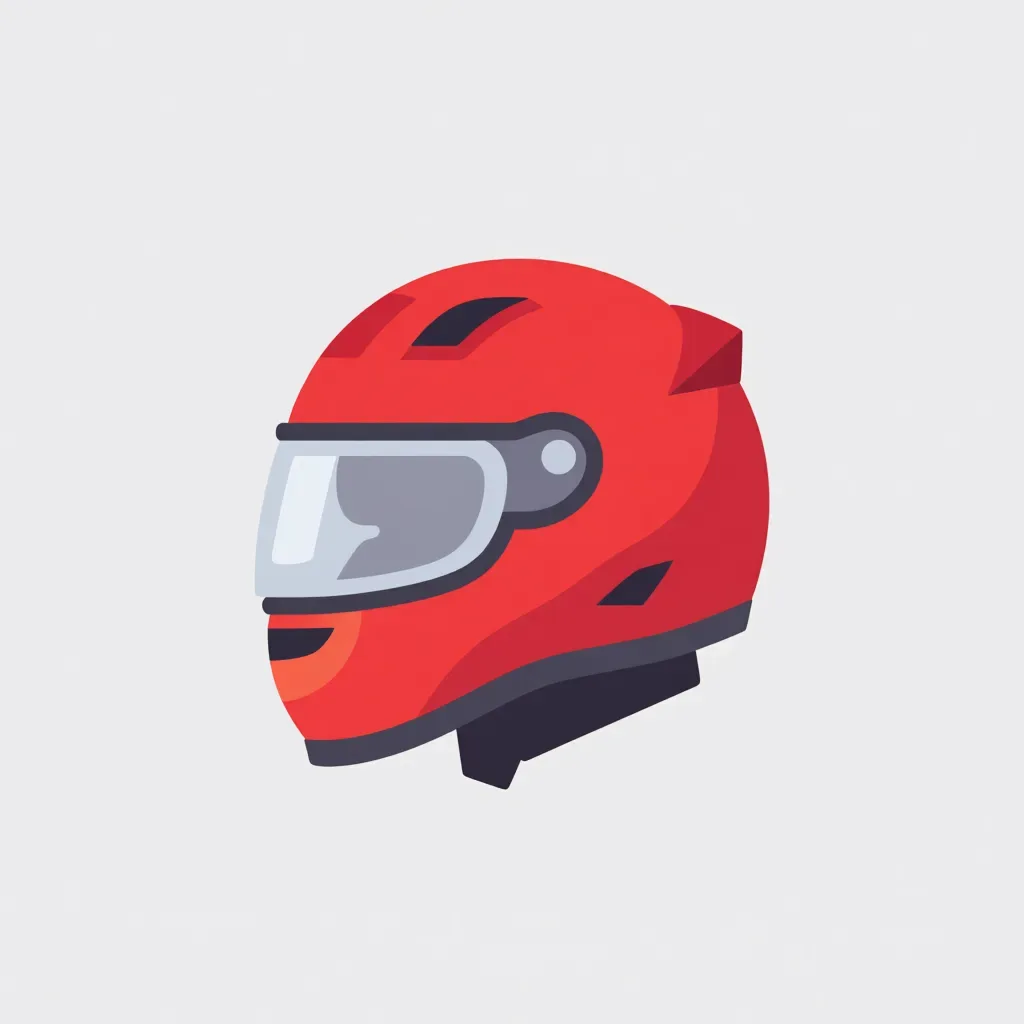
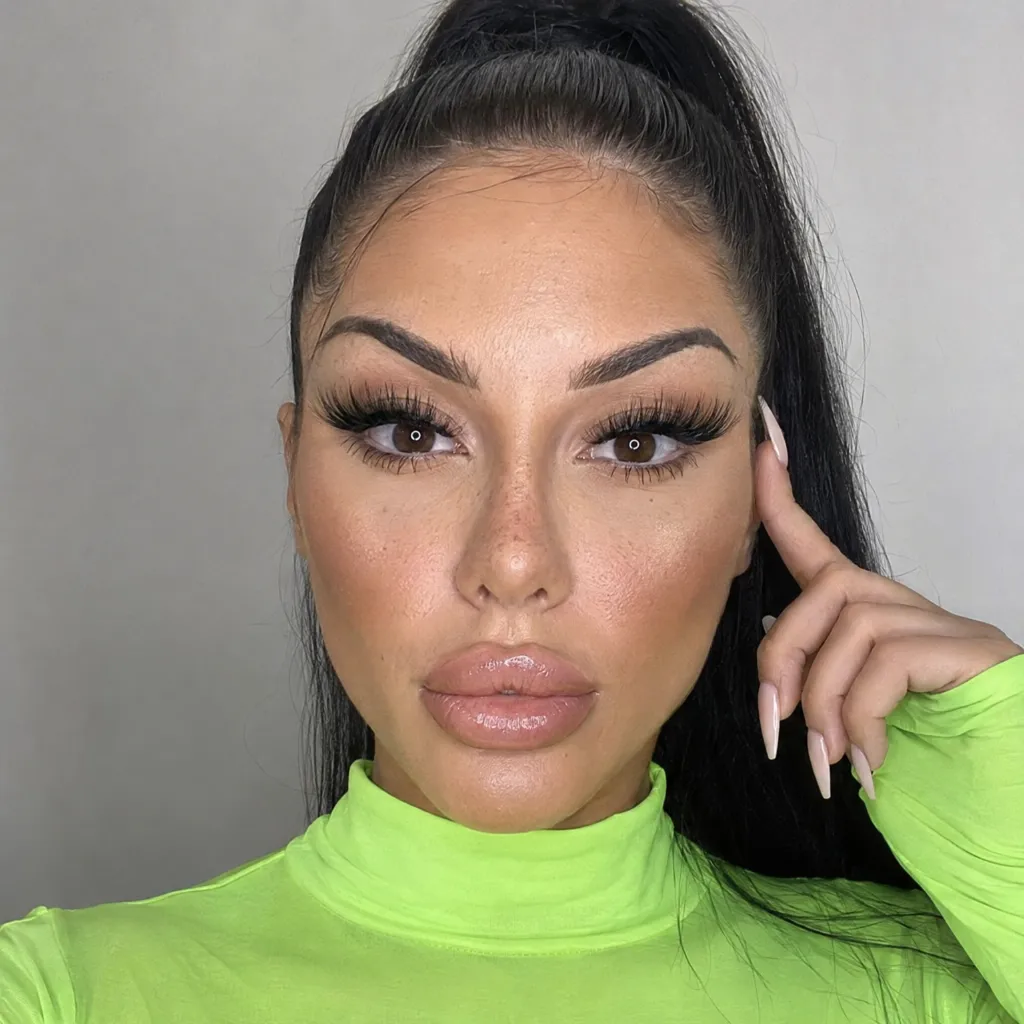
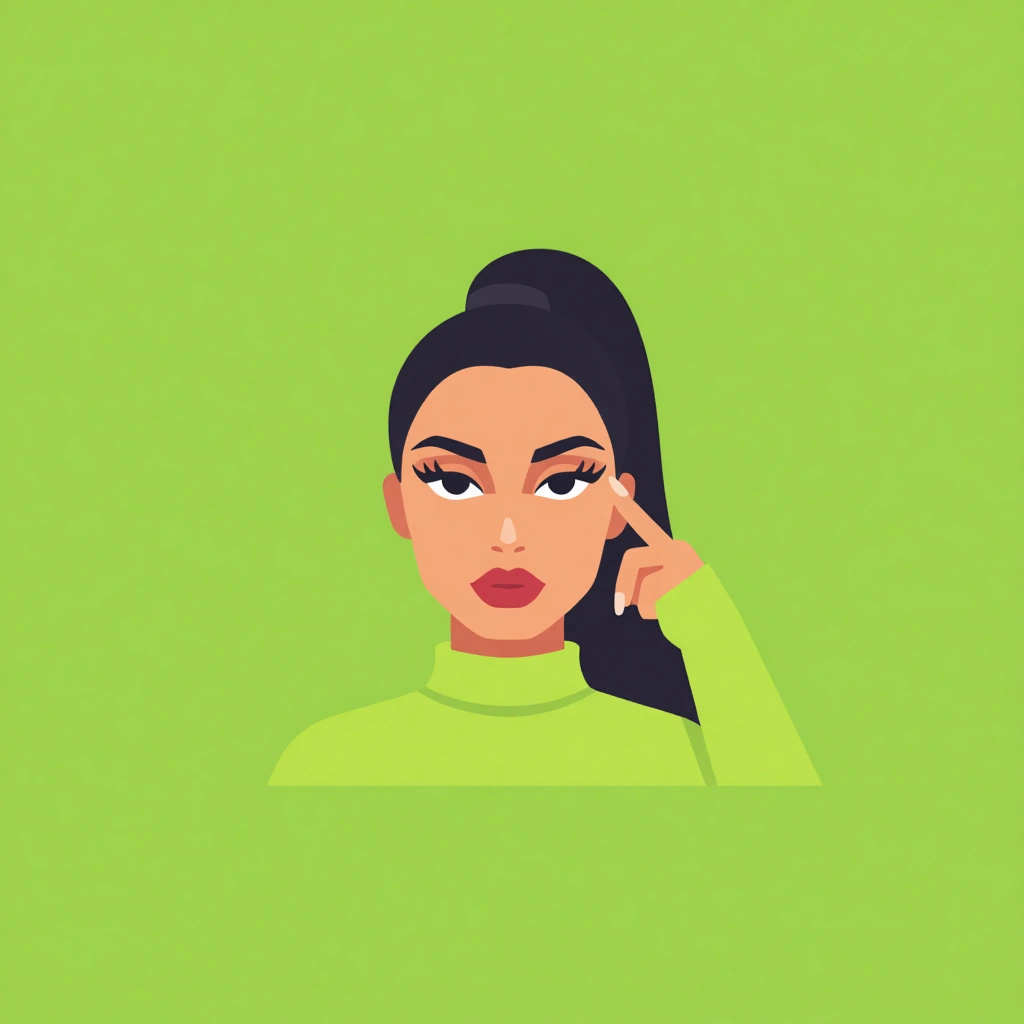
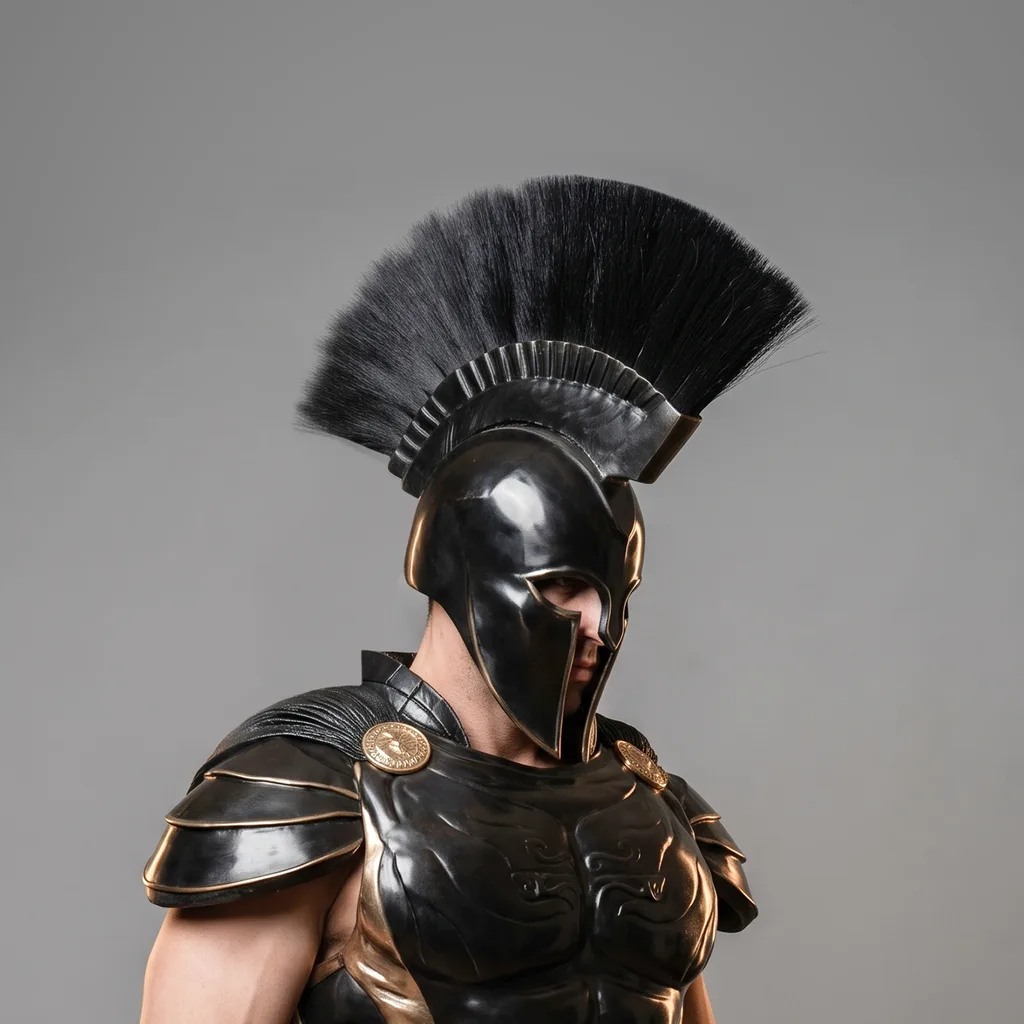
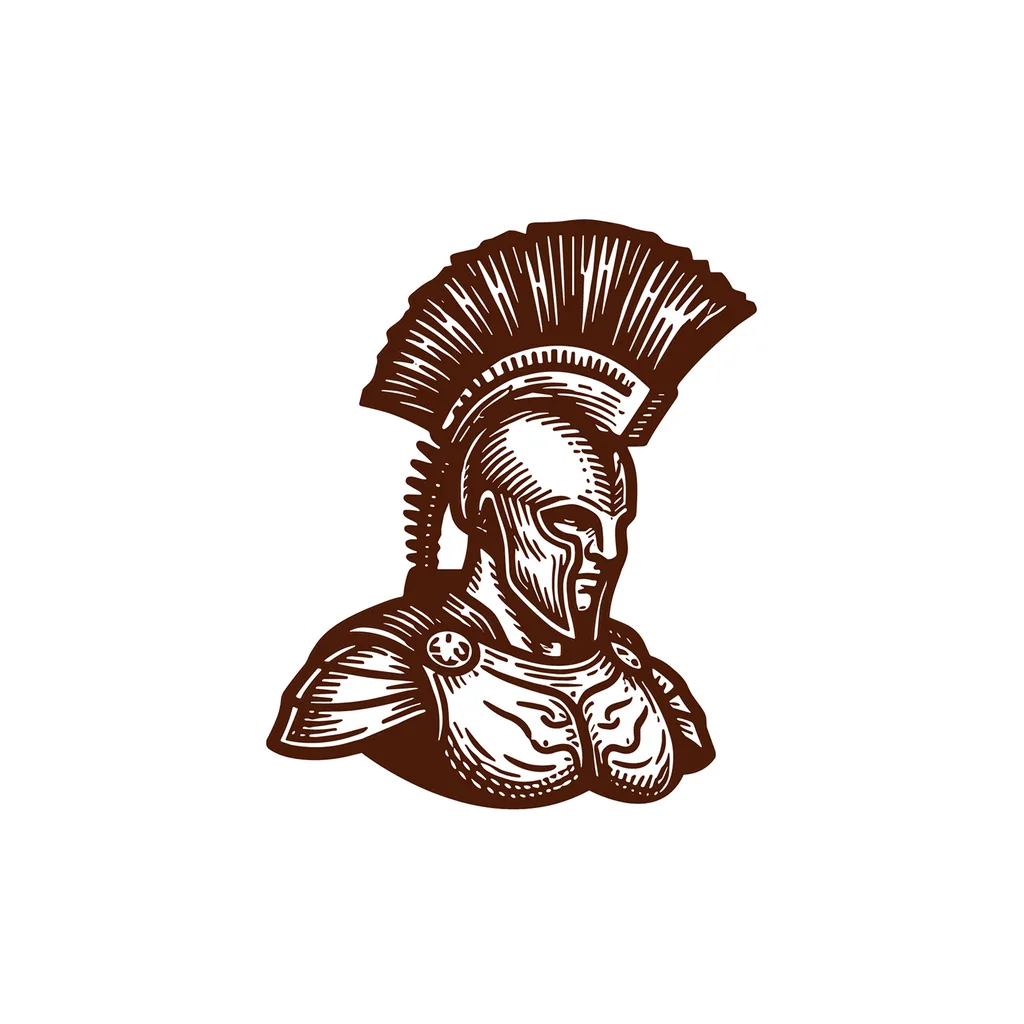
EngravedFree
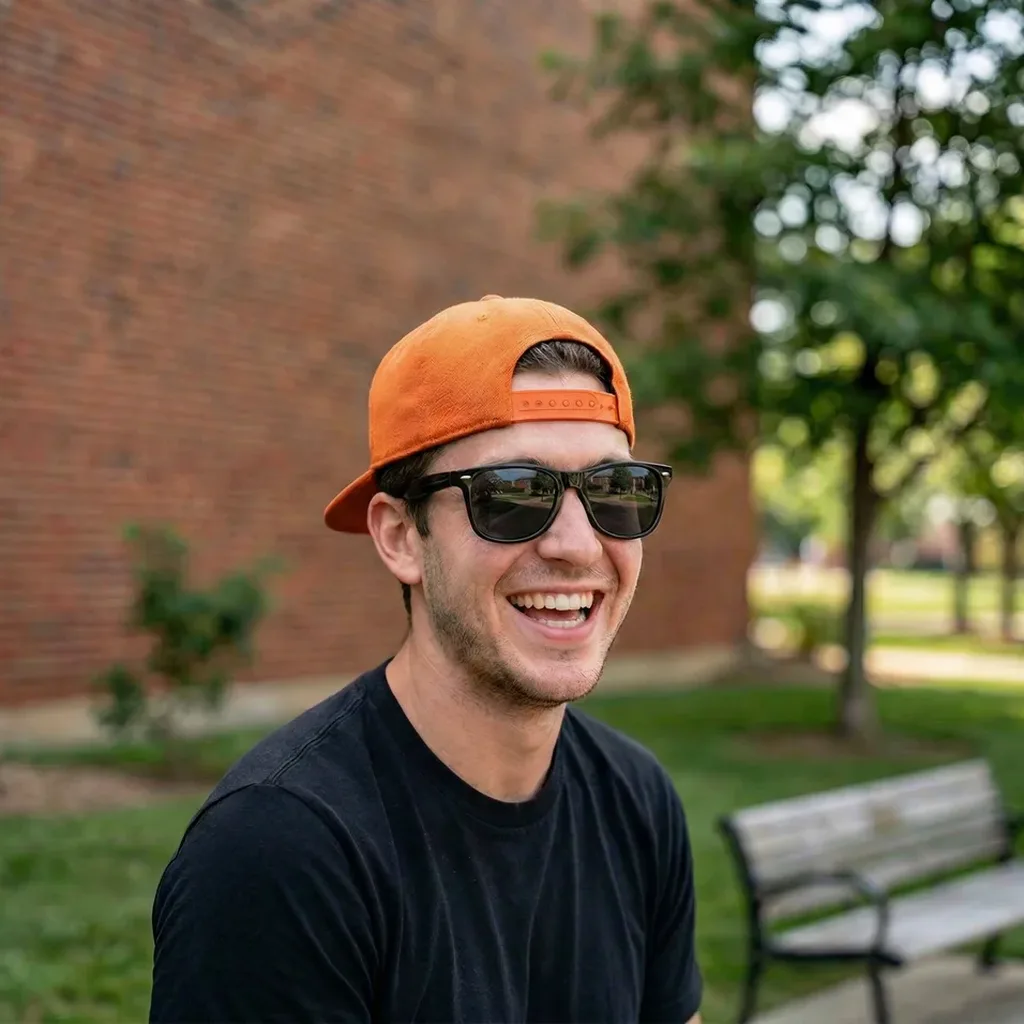
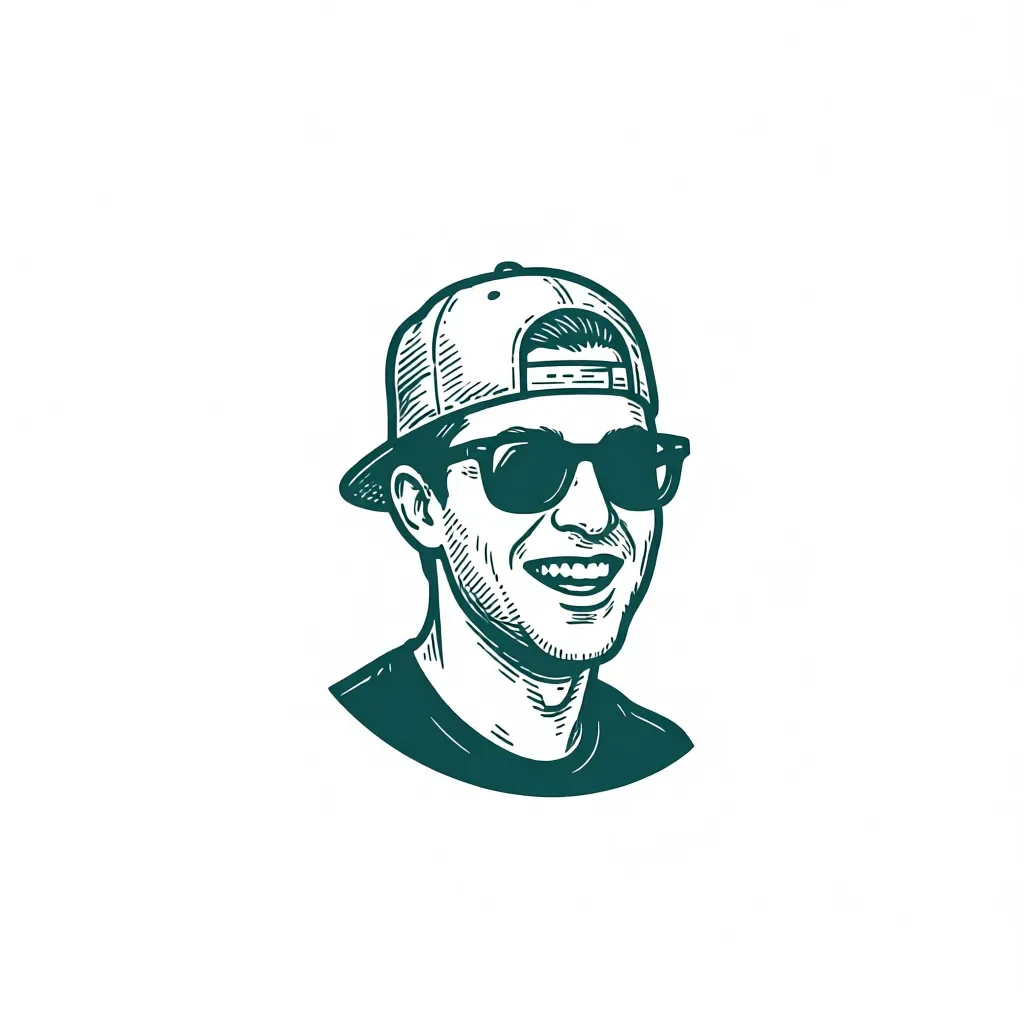
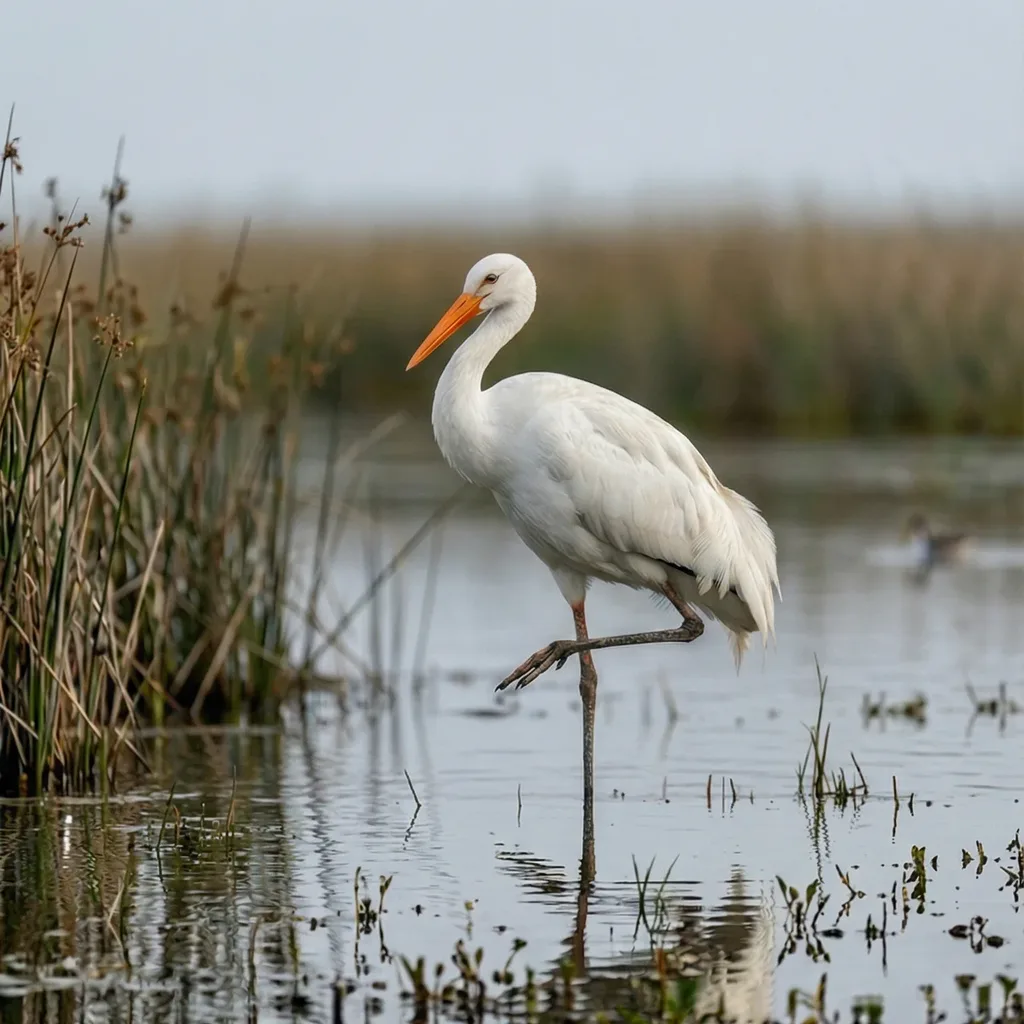
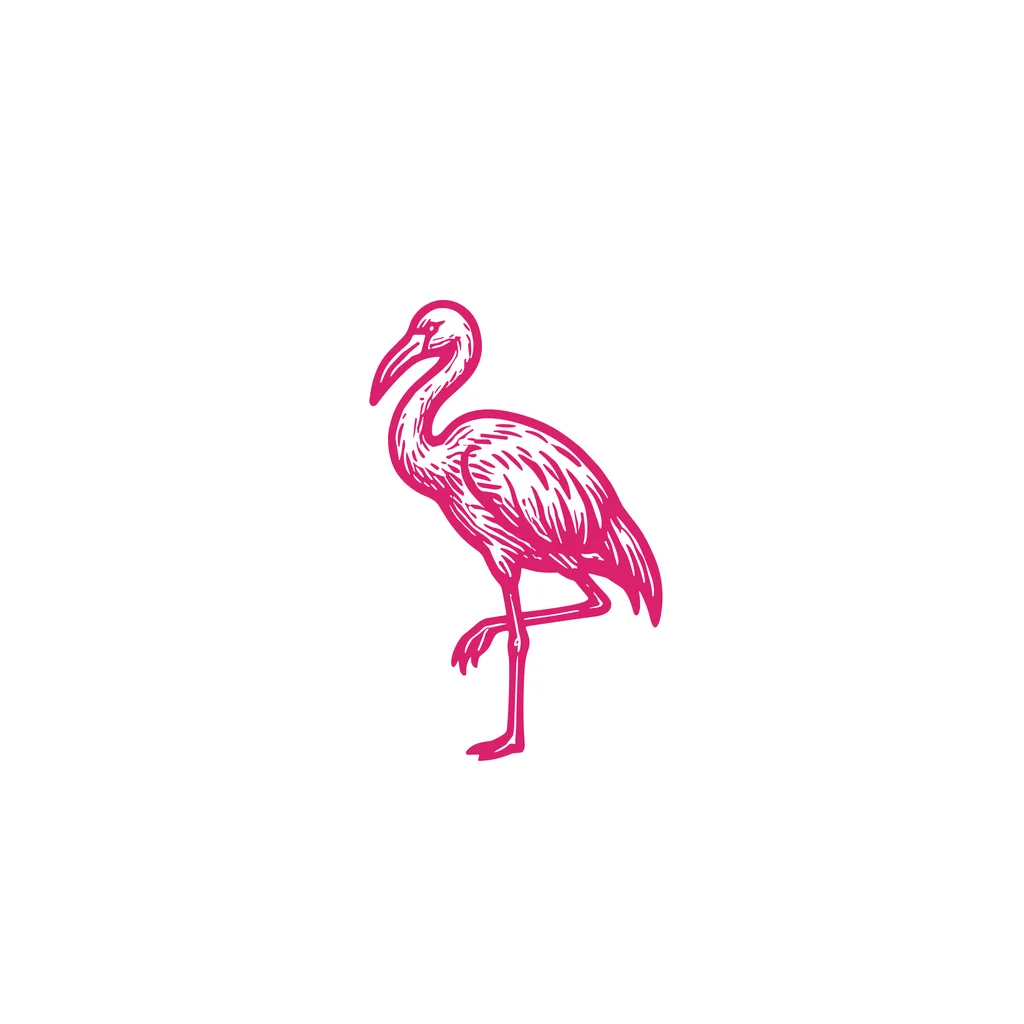
Monogram, Logo Type, and Badge/Crest need text to work with, so they are not part of Image to Logo. The AI Logo Generator and Sketch to Logo both carry all 11 styles, including these three. On the free plan, Image to Logo includes Cartoon, Line Art, and Icon/Emoji.
Logo Variations
Already have a logo?
Upload it and get 4 variations of it back.
Explore Logo Variations Variation 1
 Variation 2
 Variation 3
 Variation 4
After the logo
Edit it, mock it up, vectorize it.
The logo stays in your account, and the same subscription covers all three tools.
Magic Editor
Describe the change and only that changes. It also turns one logo into a set: wordmark, lettermark, emblem and symbol.
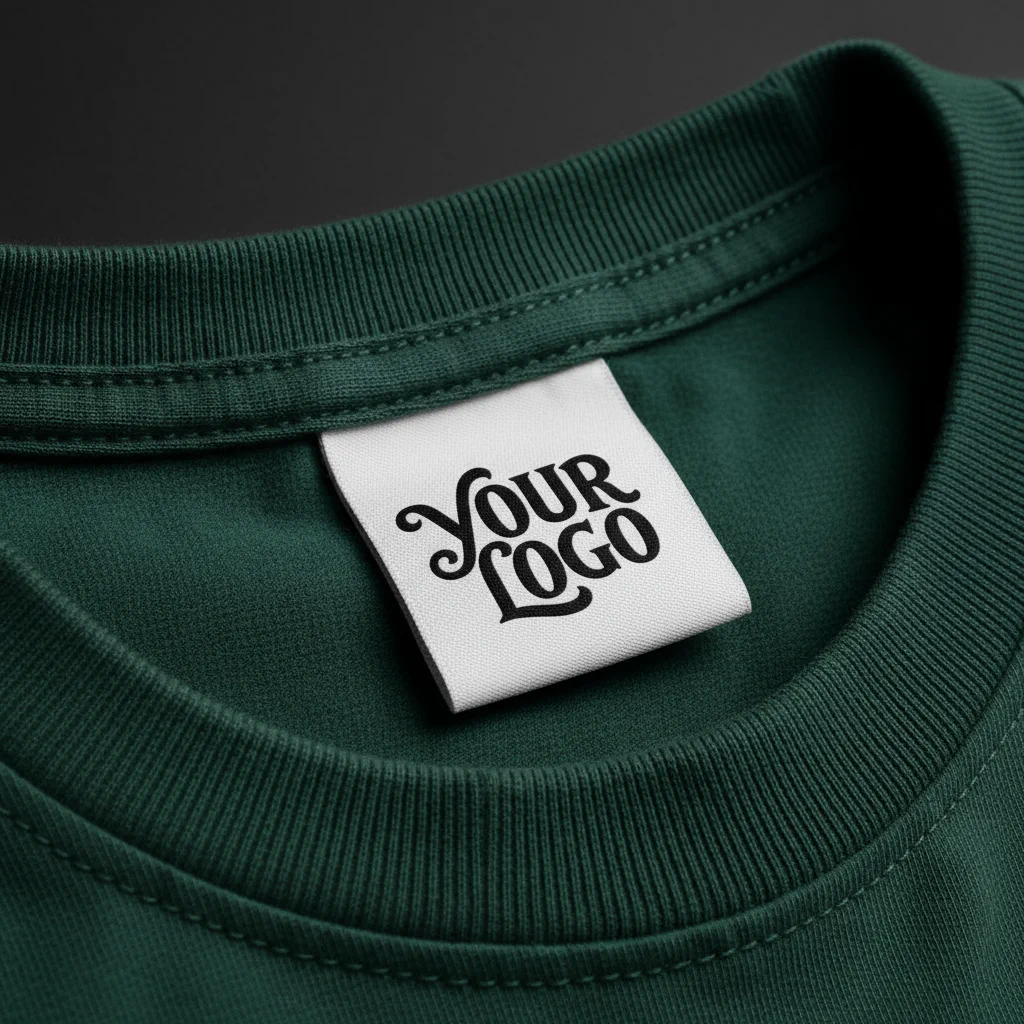
Mockup Generator
Put the logo on a shirt, a cup, a sign. 70+ pre-made mockups, or describe your own scene.
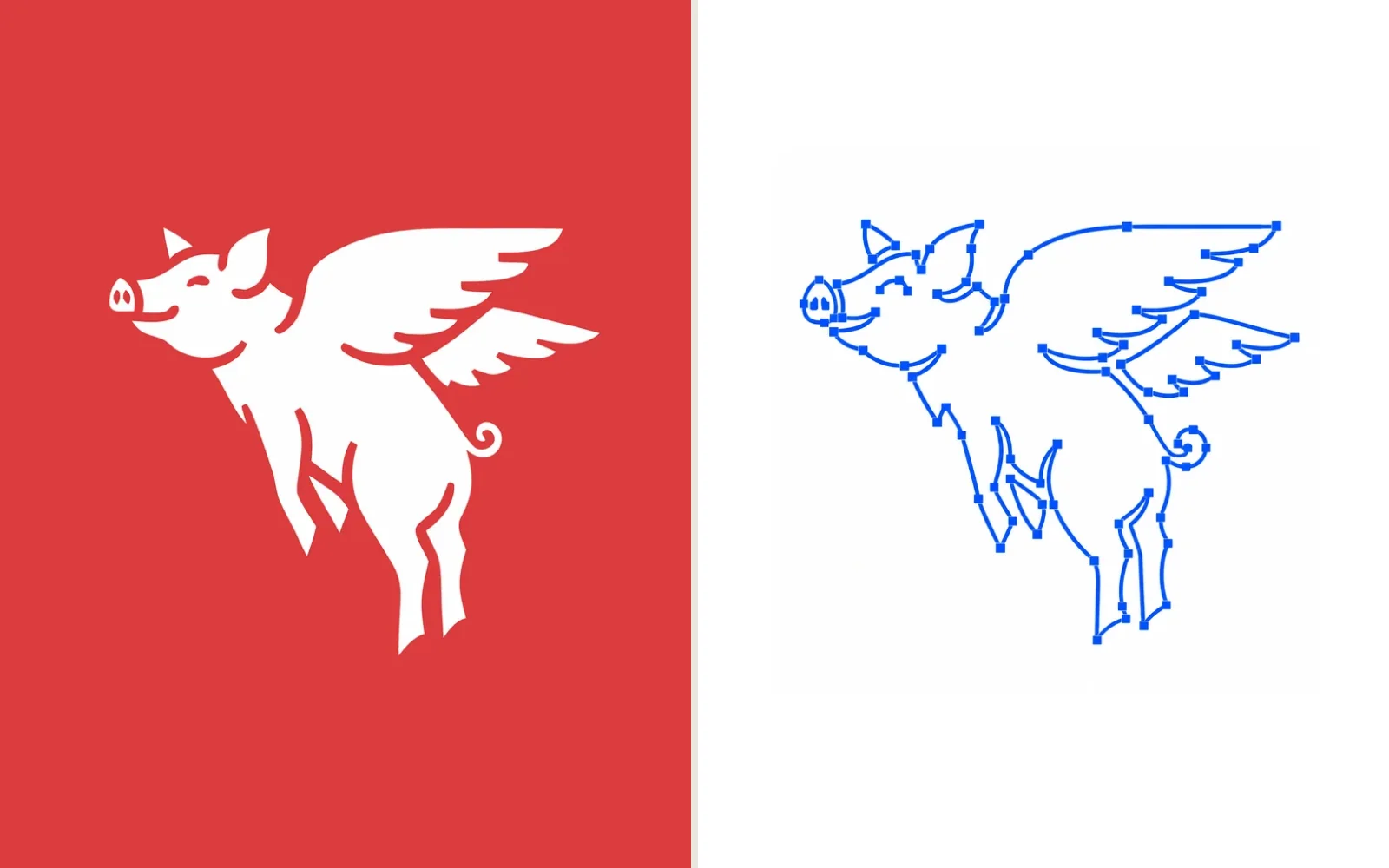
Vectorizer
Grouped shapes, separate paths, no clipping masks. The SVG opens clean in Illustrator.
Start with 24 free credits.
Image to Logo is 5 credits an image, so the $24 plan is up to 200 logos a month. Paid plans add full-size downloads and the commercial license.
Free
$0
- 24 credits to try it
- 2 options per run
- 3 styles: Cartoon, Line Art, Icon/Emoji
- Watermarked 512 downloads
Basic
$24/mo
- 1,000 credits, up to 200 images
- 4 options per run, all 8 styles
- Full-size downloads, no watermark
- Commercial license, yours after you cancel
Annual billing is two months free. Credits renew monthly. Compare all plans.
Frequently asked questions.
Still stuck? Read the docs or reach us through the contact page.
How do I turn a photo into a logo?
Upload the photo to Logo Diffusion's Image to Logo, pick one of 8 logo styles, and generate. The model reads the subject and draws an original logo from it in 10 to 30 seconds. Paid plans return 4 options per run and free returns 2. The result exports as a vector SVG or a transparent PNG.
Can I turn a picture of my face into a logo?
Yes. Image to Logo works on portraits, including a photo of yourself. The output is a drawn logo based on your features in the style you picked, from a clean Line Art profile to a full Mascot. It is a generated logo, so it scales and recolors like any other logo.
Does it work on pets, products, or buildings?
Any photo with one clear subject works: a face, a pet, a product, a storefront, a lemon. The clearer the subject, the closer the logo stays to it. If the source photo is small or blurry, run it through the upscaler first and generate from the cleaned version.
Which logo styles are available for Image to Logo?
8 of Logo Diffusion's 11 styles: Pictorial, Mascot, Retro Mascot, Cartoon, Abstract, Line Art, Icon/Emoji, and Engraved. The three text-first styles, Monogram, Logo Type, and Badge/Crest, start from a written prompt in the AI Logo Generator instead. On the free plan, Image to Logo includes Cartoon, Line Art, and Icon/Emoji.
How long does a generation take and what does it cost?
10 to 30 seconds per run. Image to Logo costs 5 credits per image, so a paid run of 4 options costs 20 credits. Paid plans start at $24 per month with 1,000 credits.
Is Image to Logo free?
The free plan includes 24 credits, returns 2 options per run, and covers 3 of the 8 styles: Cartoon, Line Art, and Icon/Emoji. Free generations are public, downloads are watermarked at 512x512, and there is no commercial license. Paid plans add private generation, a commercial license that survives cancellation, and full-size unwatermarked exports.
Start with the photo you already have.
Upload it, pick a style, and look at the options. The first 24 credits are free and need no card.