Sketch to Logo

Turn a sketch into a logo.

Draw on the canvas in the app or upload the drawing you already have. Pick one of 11 logo styles and the finished logo comes back in 10 to 30 seconds, ready to download as a vector SVG or a transparent PNG.

Start sketching

No credit card required.

Sketch to Logo

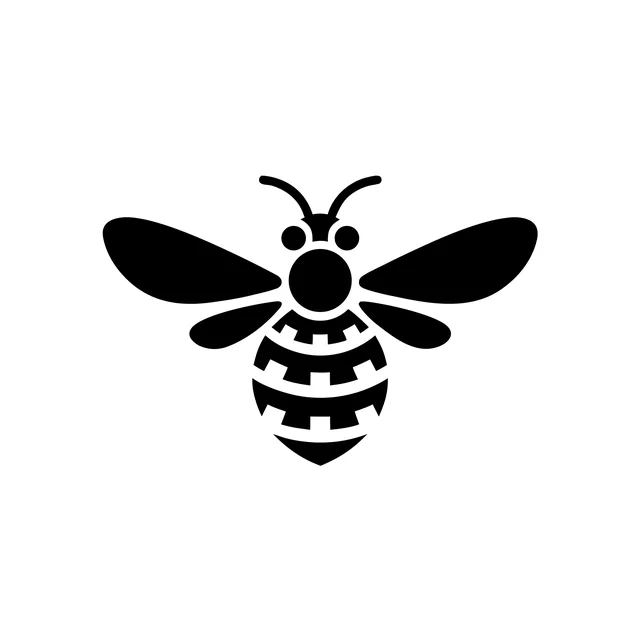
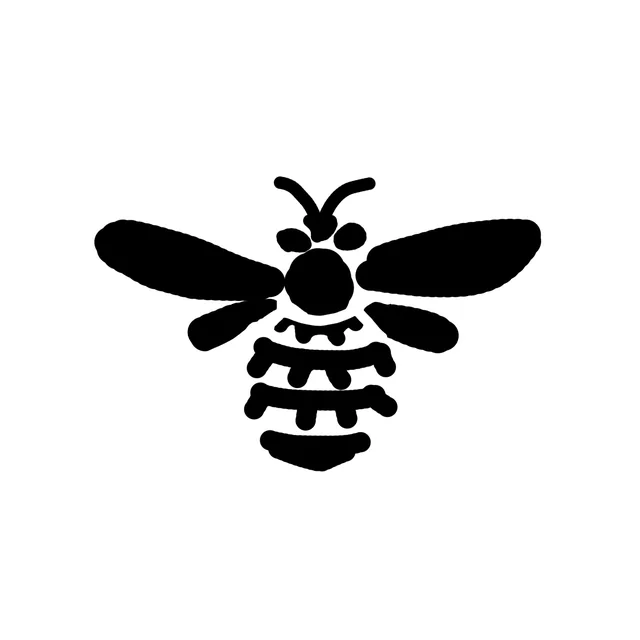
Line Art logo of a bee in even black lines on yellow
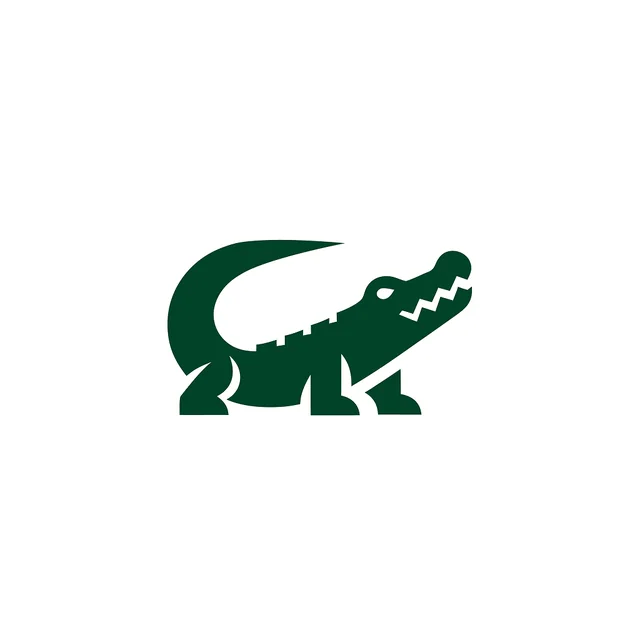
Pictorial logo of a dark green crocodile
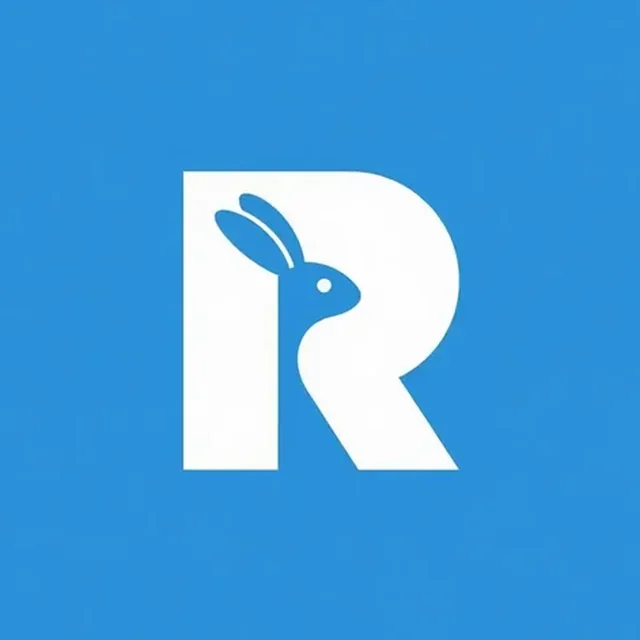
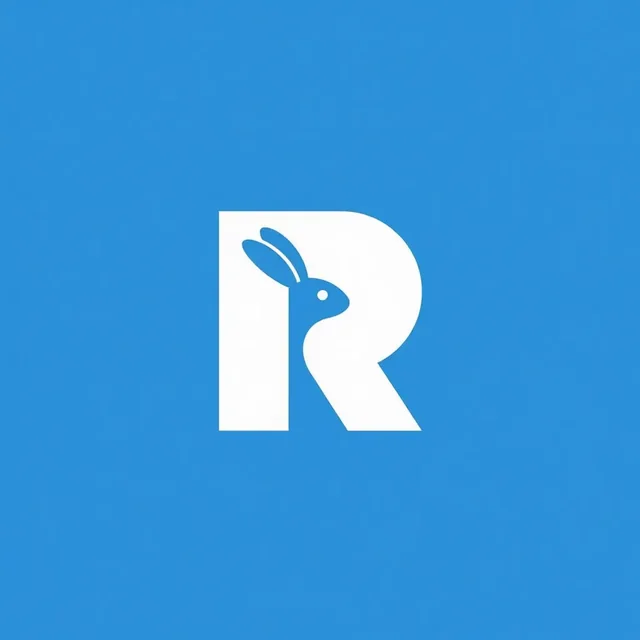
Monogram logo of a white letter R with a rabbit cut out of it, on blue
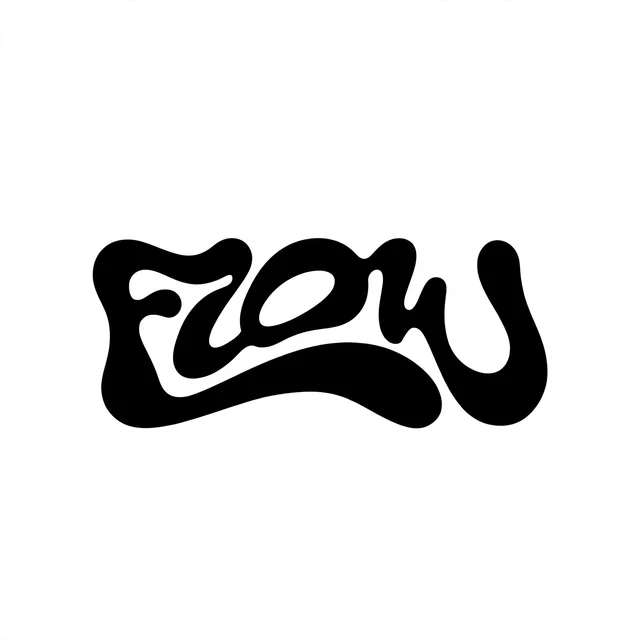
Logo Type logo of the word FLOW in flowing black lettering
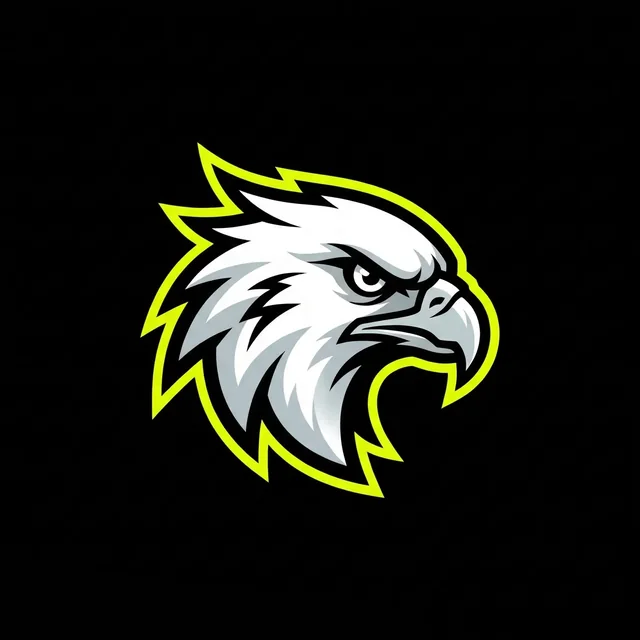
Mascot logo of a white eagle head with a lime outline, on black
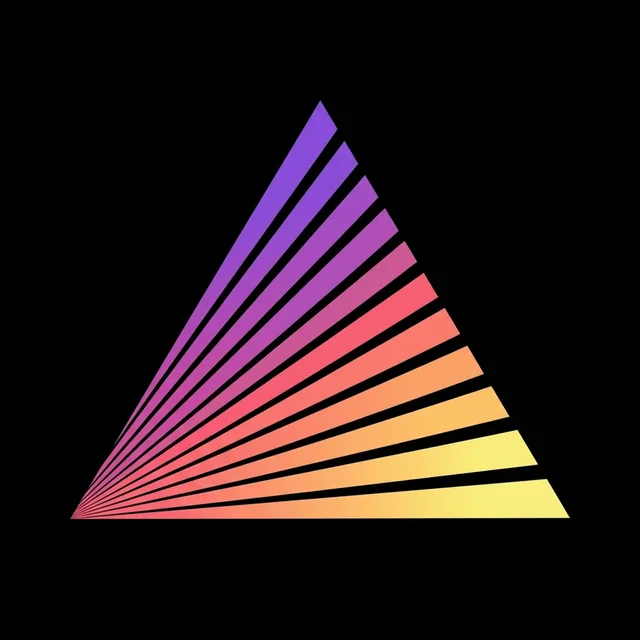
Abstract logo of a triangle of rays fading from purple to yellow, on black
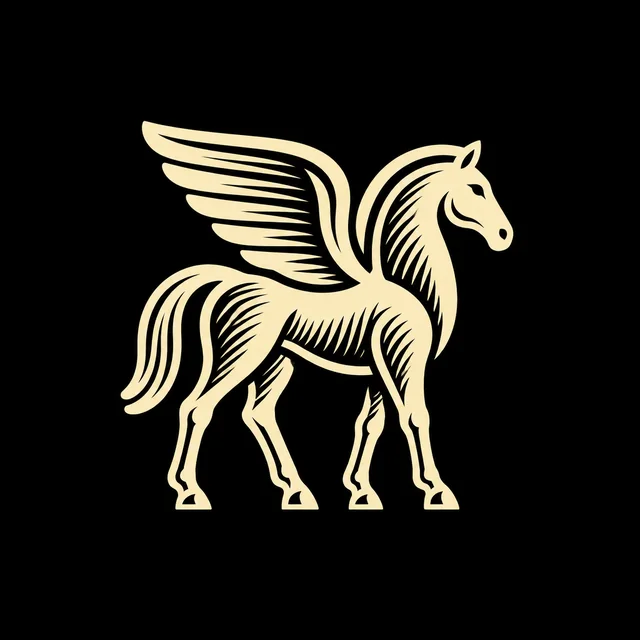
Engraved logo of a winged horse in fine cream line hatching, on black
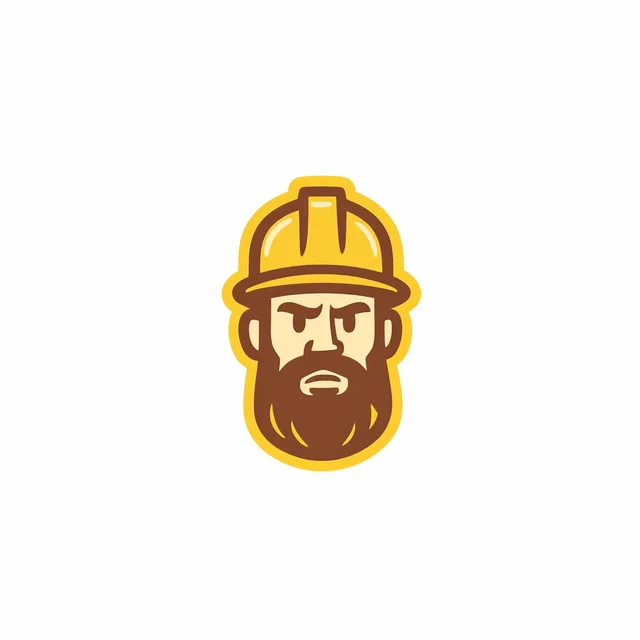
Retro Mascot logo of a bearded builder in a yellow hard hat
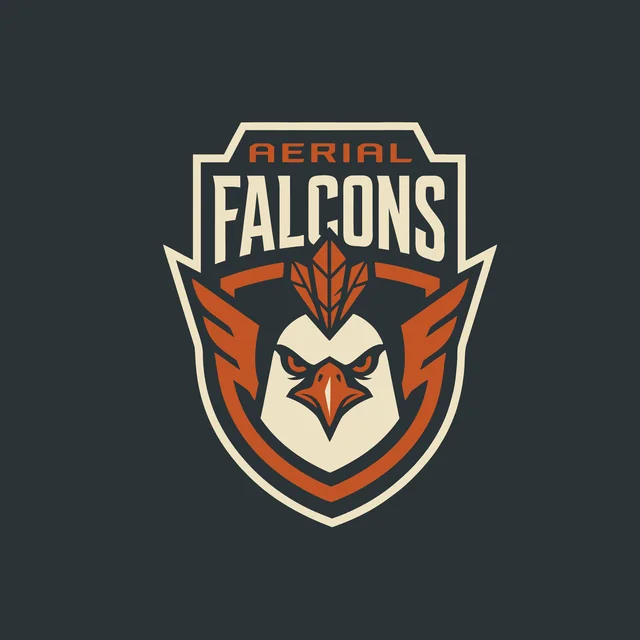
Badge/Crest logo with Aerial Falcons lettering and a falcon head in orange and cream, on dark grey
Cartoon logo of a smiling ice cream cone in a yellow hard hat, on lilac
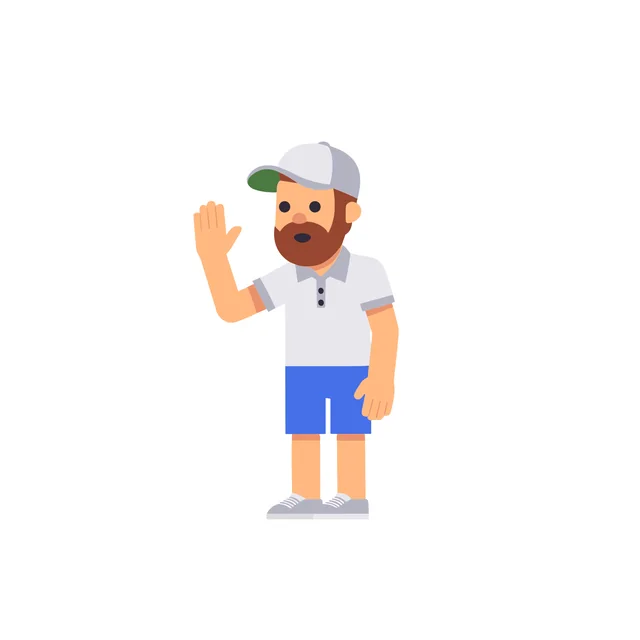
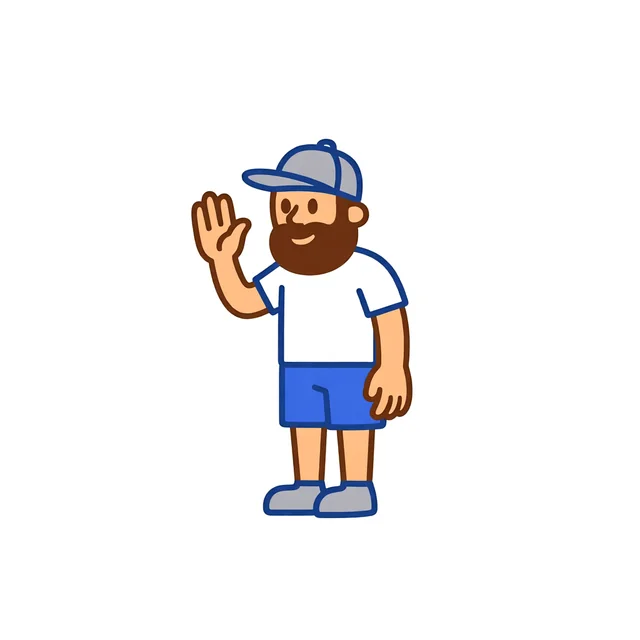
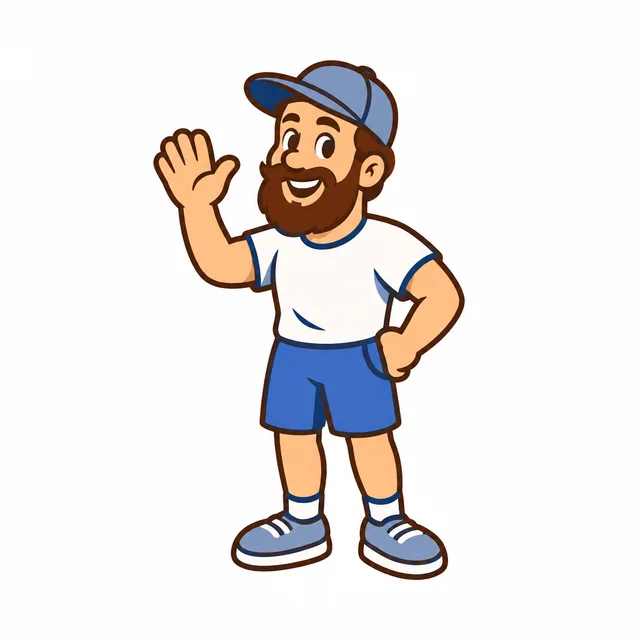
Icon/Emoji logo of a waving bearded man in a cap and blue shorts

Trusted by designers working at

  • Client logo 1
  • Client logo 2
  • Client logo 3
  • Client logo 4
  • Client logo 5
How it works

How to turn a sketch into a logo.

Three steps, all in your browser.

01Draw or upload

Draw your sketch on the canvas in the app. You can also upload a photo, a scan or an SVG.

02Pick a style

One style per run, from 11 logo styles.

03Download

Download it as a layered SVG or a transparent PNG. Or keep going in the Magic Editor, Mockup Generator, Brand Kit or 3D Logo Maker.

Rough is fine

It's OK if you're bad at sketching.

Simple shapes and shaky lines are enough. Drag the slider to compare each sketch with its logo.

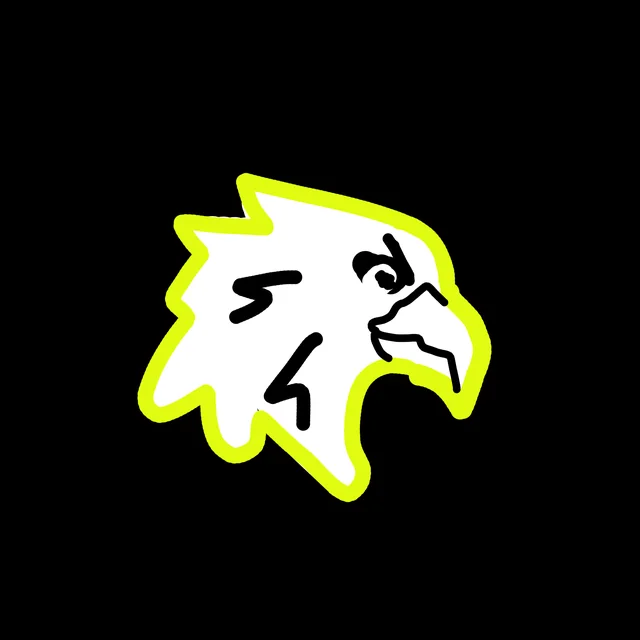
A rough sketch of an eagle head in white with a yellow outline, on black

Precise or Smart

How close should the logo stay to your sketch?

Choose Precise or Smart before you generate. Precise follows your drawing closely. Smart redraws your sketch with more creative freedom.

The example shows one sketch in one style, made both ways.

11 logo styles

Which logo styles can you use with a sketch?

All 11. Pick one to see real sketches next to the logos they became.

Styles

Samples

Pictorial

One picture of a real subject, drawn as a flat symbol.

Pictorial style page

Mascot

A character with a face and an expression, drawn with bold outlines.

Mascot style page

Retro Mascot

A cartoon character in a vintage look, with a pose and thick outlines.

Retro Mascot style page

Badge/Crest

The symbol and the name inside one shape, like a shield or a circle.

Badge/Crest style page

Cartoon

Rounded, friendly characters in flat colors with a thin outline.

Cartoon style page

Logo Type

The name is the logo: drawn letters come back as lettering.

Logo Type style page

Abstract

A simple shape that suggests the idea without drawing it literally.

Abstract style page

Line Art

Lines of one even weight with little or no fill.

Line Art style page

Icon/Emoji

A compact, colorful icon that still reads at app-icon size.

Icon/Emoji style page

Engraved

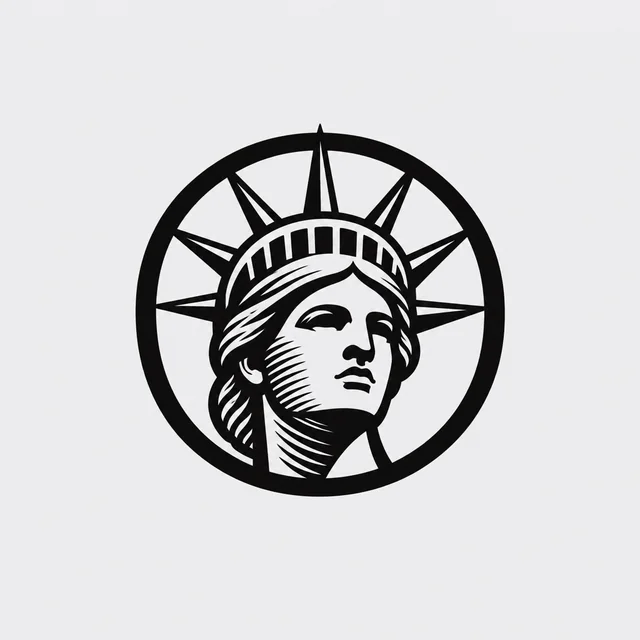
Fine etched lines and hatching, like an old printed seal.

Engraved style page

Monogram

Letters built into a logo, often with a symbol inside a letter.

Monogram style page
A rough black sketch of a bee with a striped body
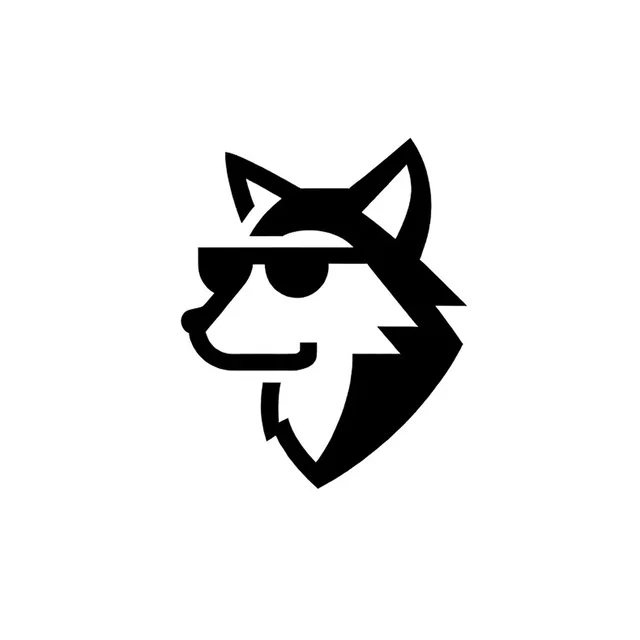
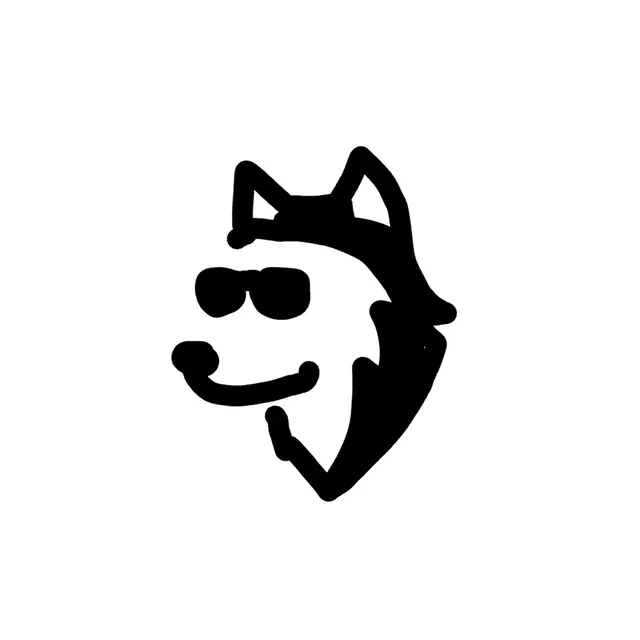
A black sketch of a wolf head in sunglasses
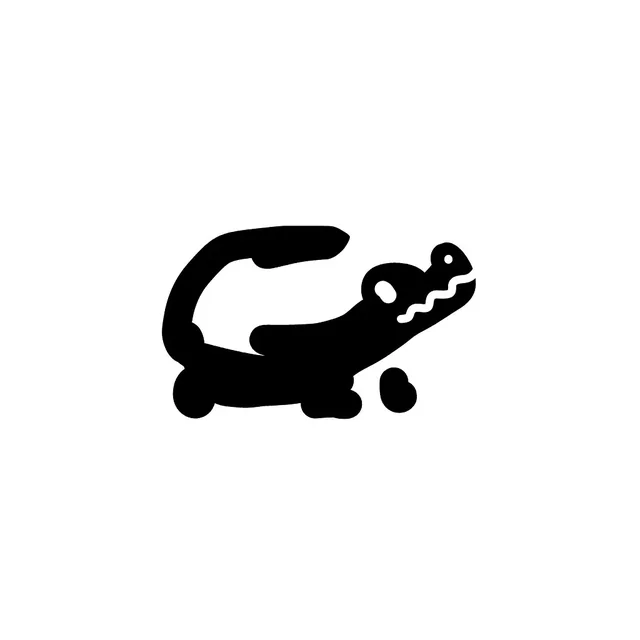
A black blob sketch of a crocodile
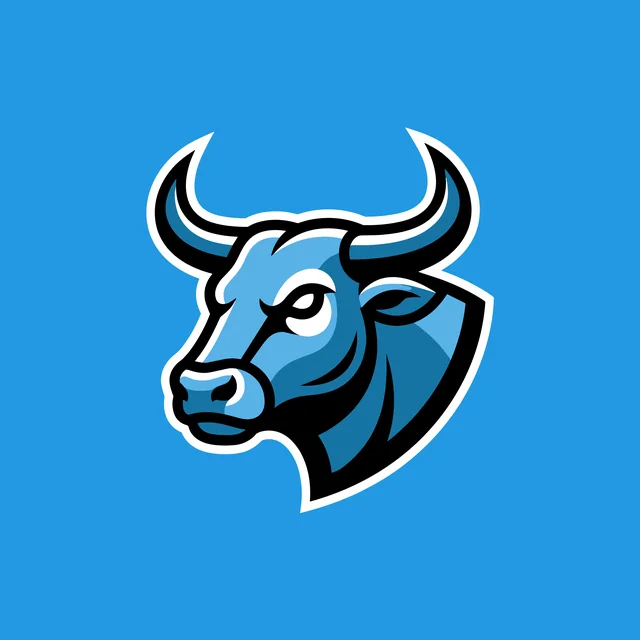
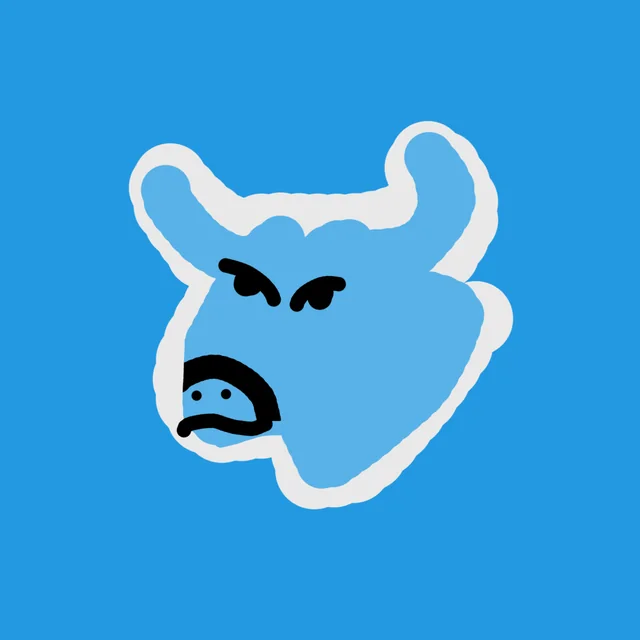
A rough light blue sketch of an angry bull head, on blue
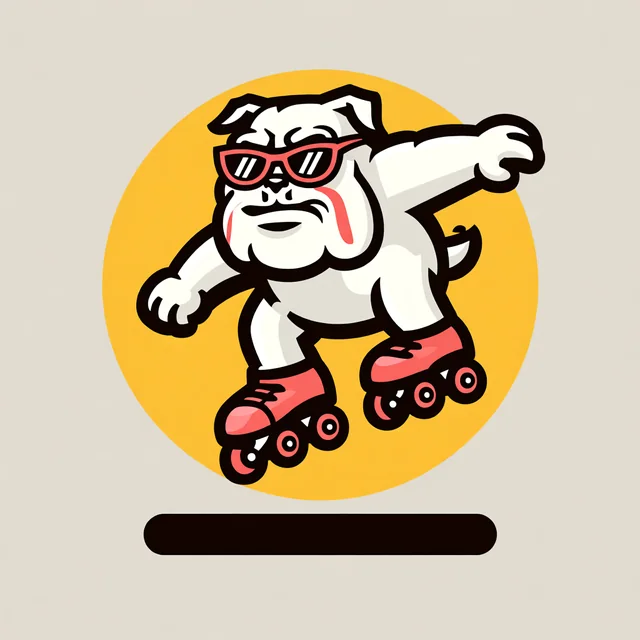
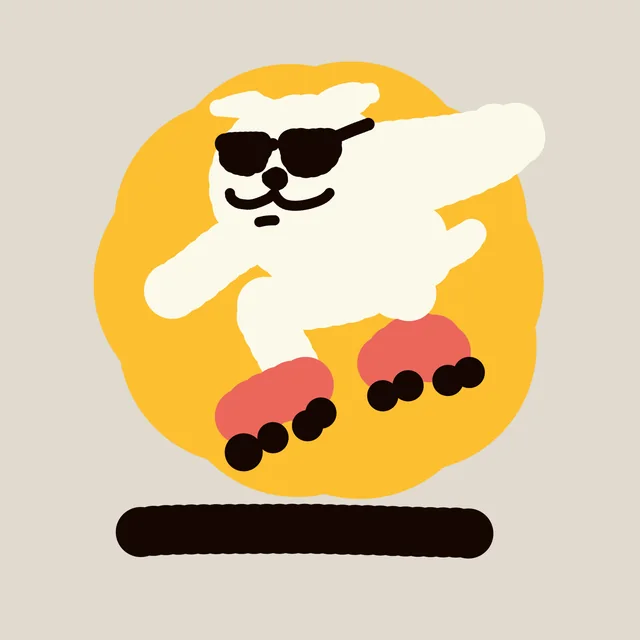
A rough sketch of a dog in sunglasses on roller skates, on a yellow circle
A rough sketch of an eagle head in white with a yellow outline, on black
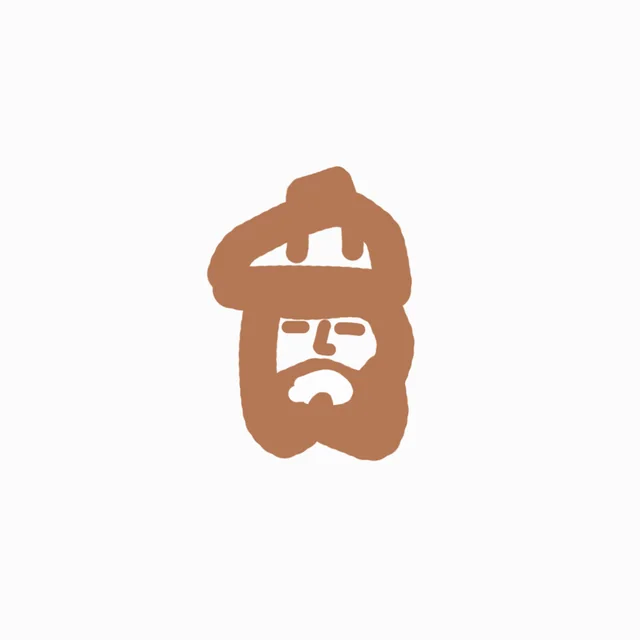
A rough brown sketch of a bearded man in a hard hat
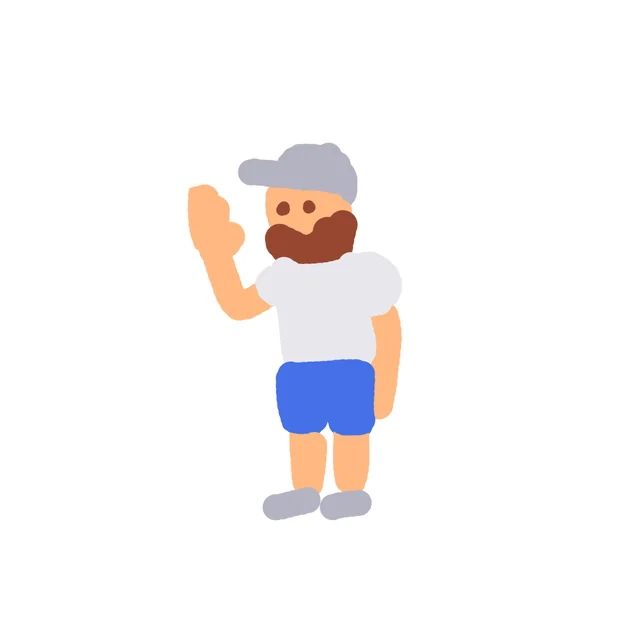
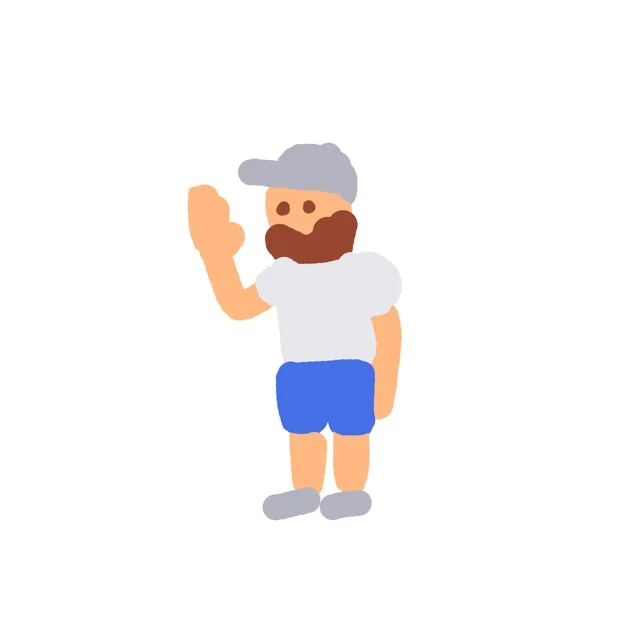
A flat-colour sketch of a waving man in a cap and blue shorts
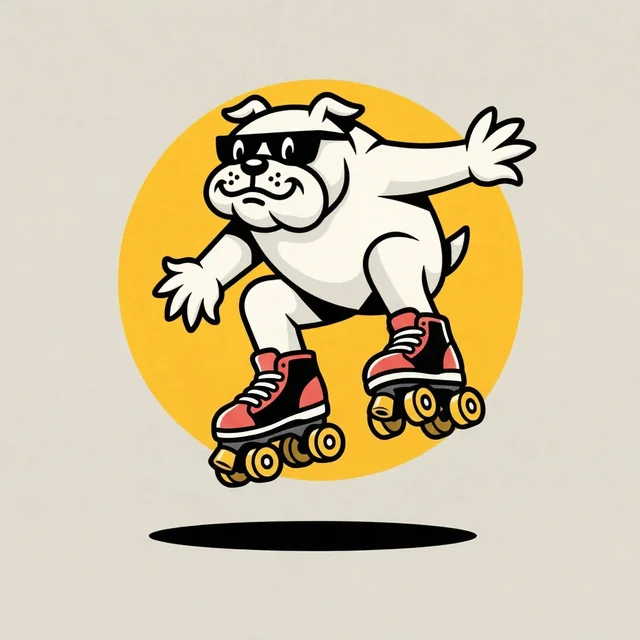
A rough sketch of a white dog in sunglasses on roller skates, on a yellow circle
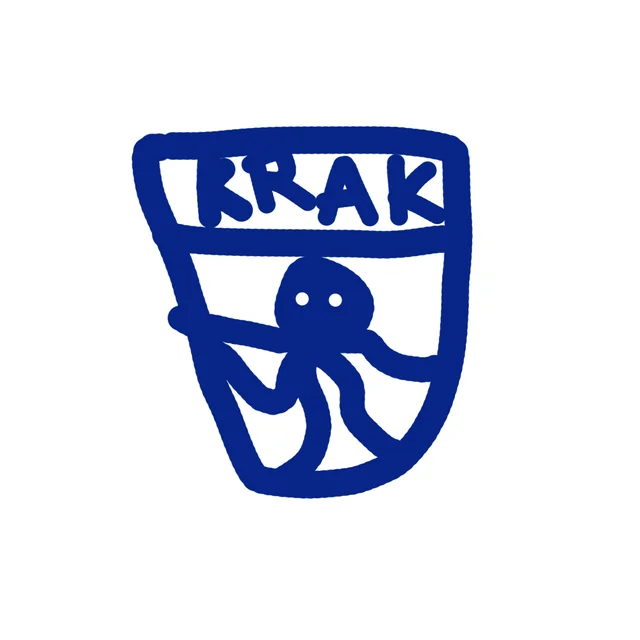
A rough blue badge sketch with the word KRAK and an octopus
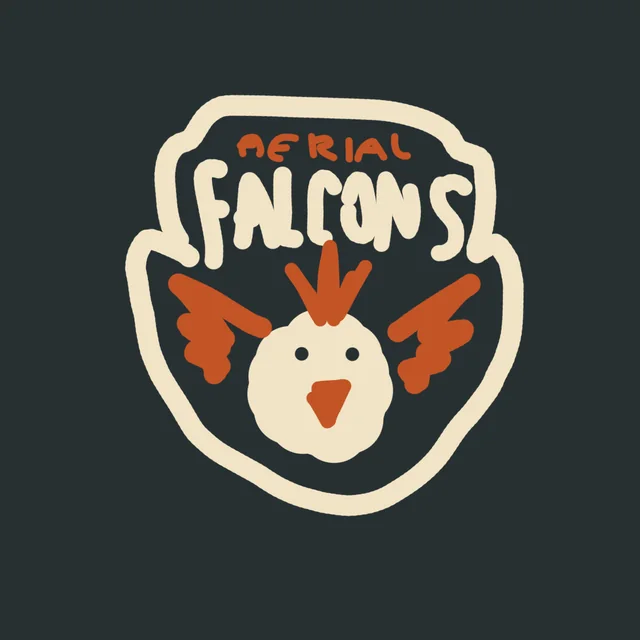
A rough badge sketch with the words Aerial Falcons and a bird face, on dark grey
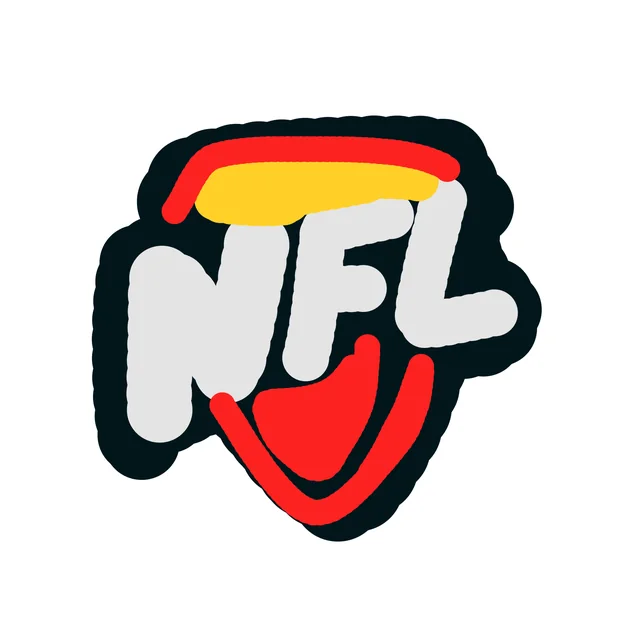
A rough sketch of a red and yellow shield with the letters NFL
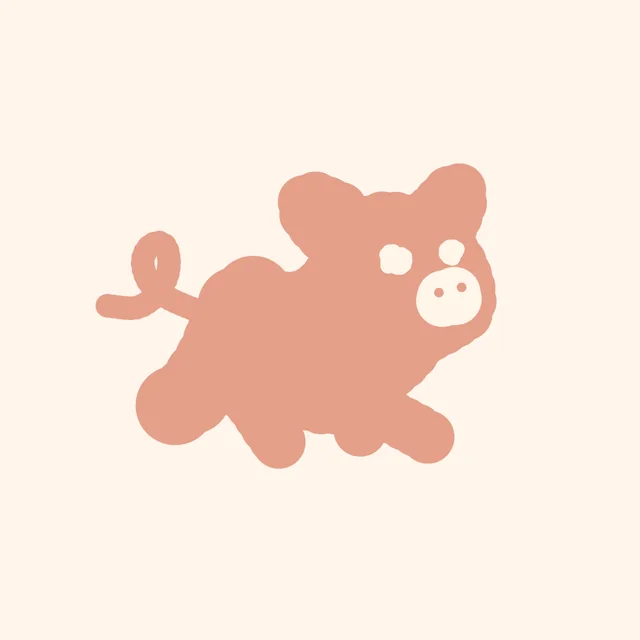
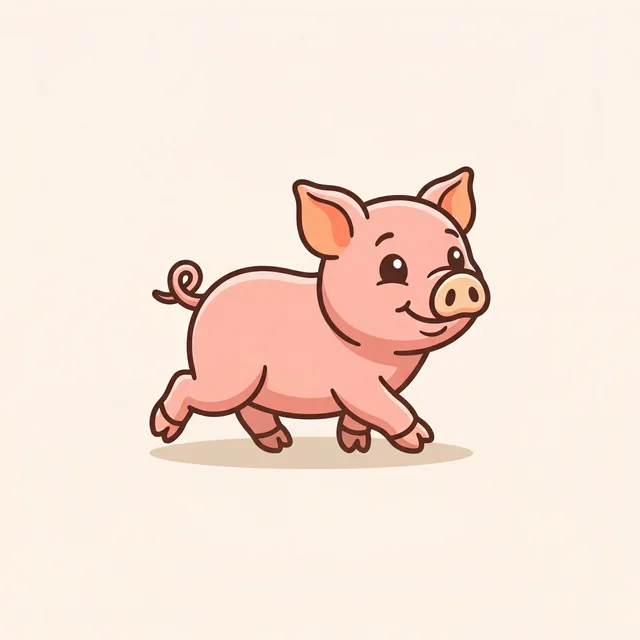
A pink blob sketch of a pig with a curly tail
A rough sketch of an ice cream cone wearing a yellow hard hat, on lilac
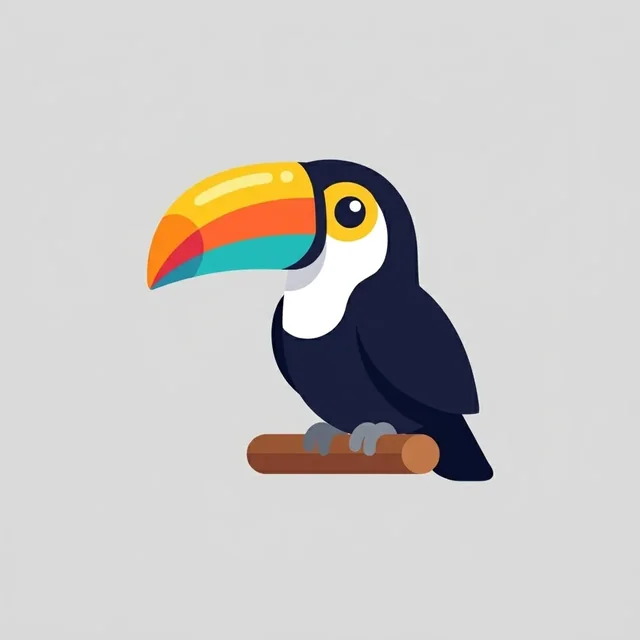
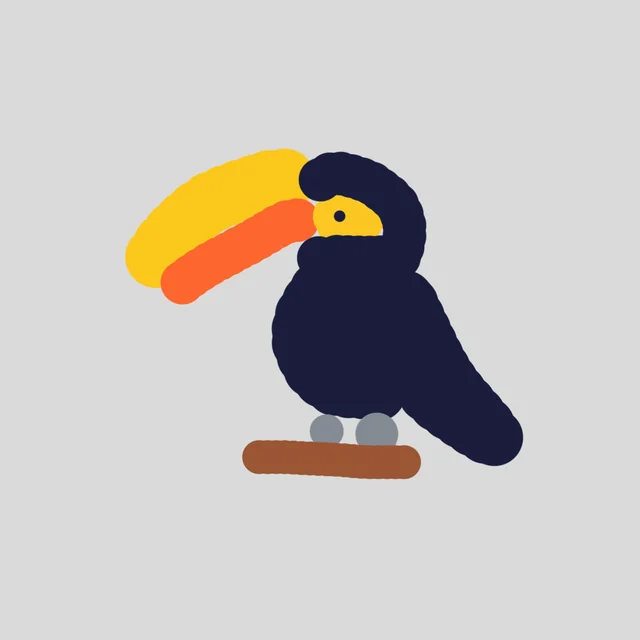
A rough sketch of a toucan on a branch
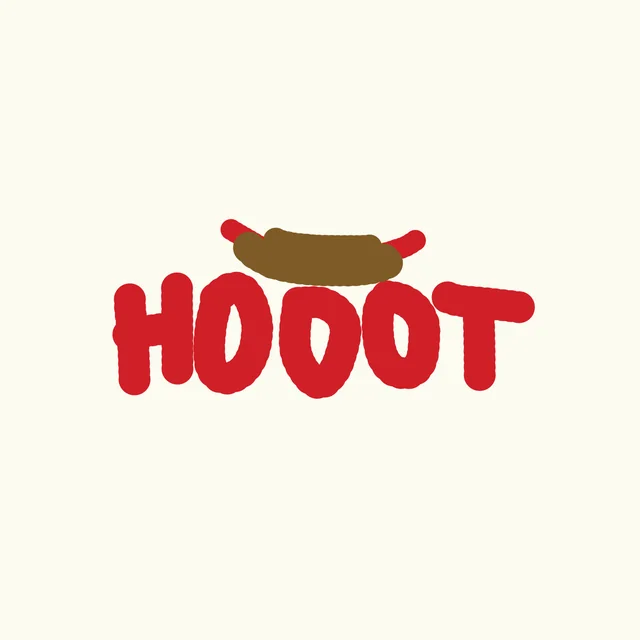
A rough red sketch of the word HOOOT with a hot dog on top
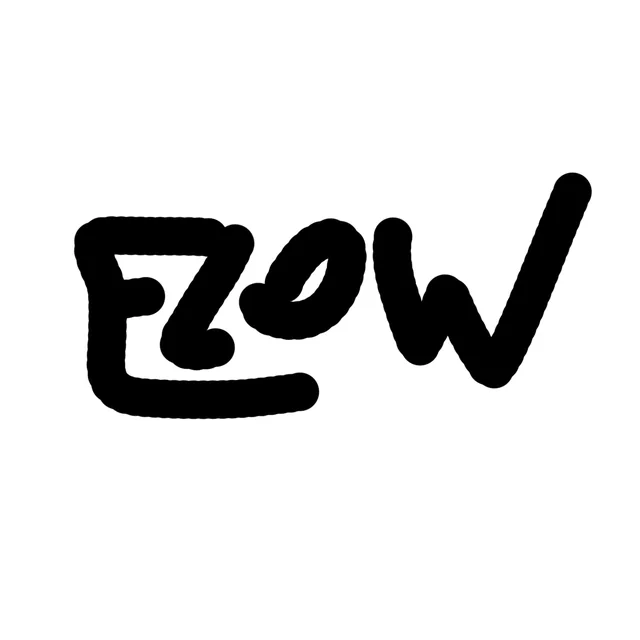
The word FLOW hand drawn in thick black marker
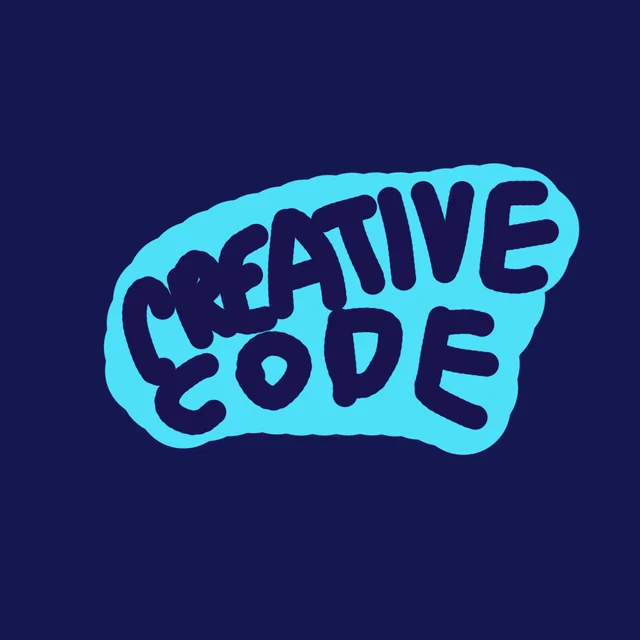
The words Creative Code hand drawn in light blue on navy
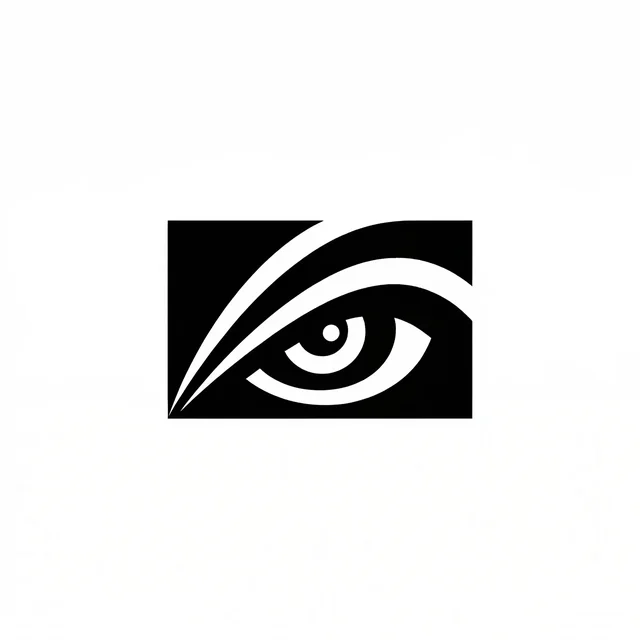
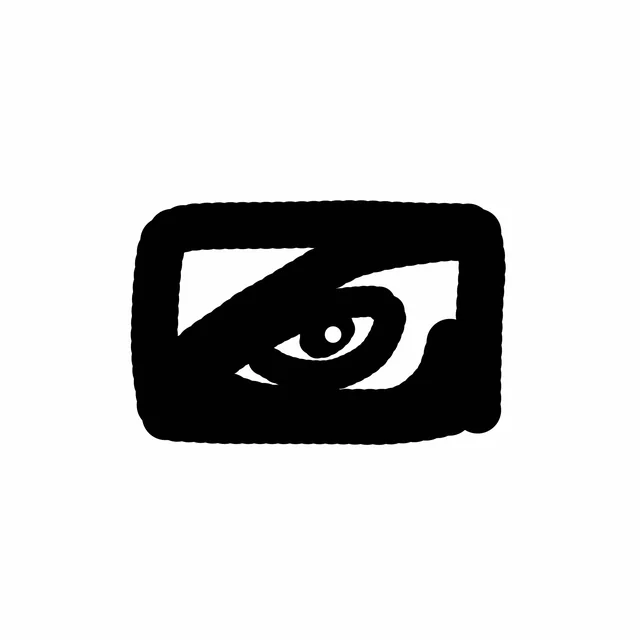
A rough black sketch of an eye inside a square
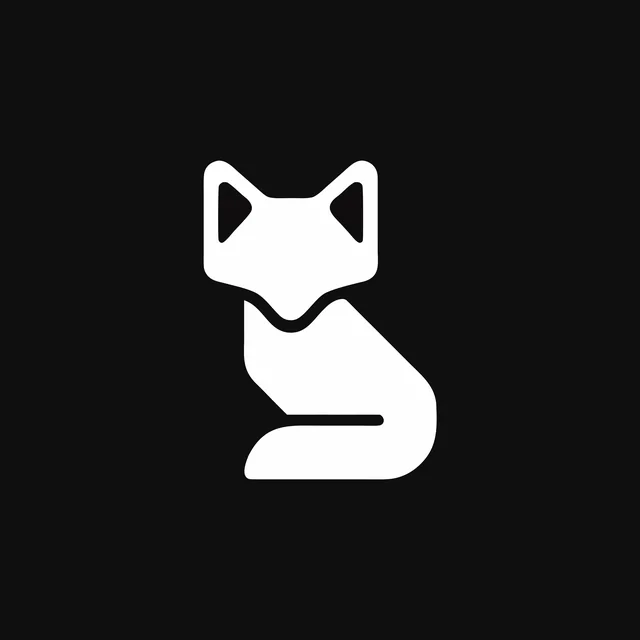
A rough white sketch of a sitting fox, on black
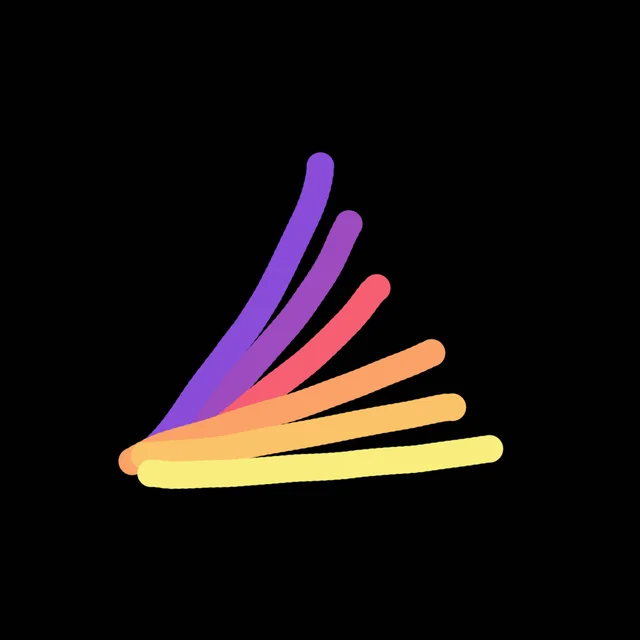
Six rough strokes fanning from one corner, purple to yellow, on black
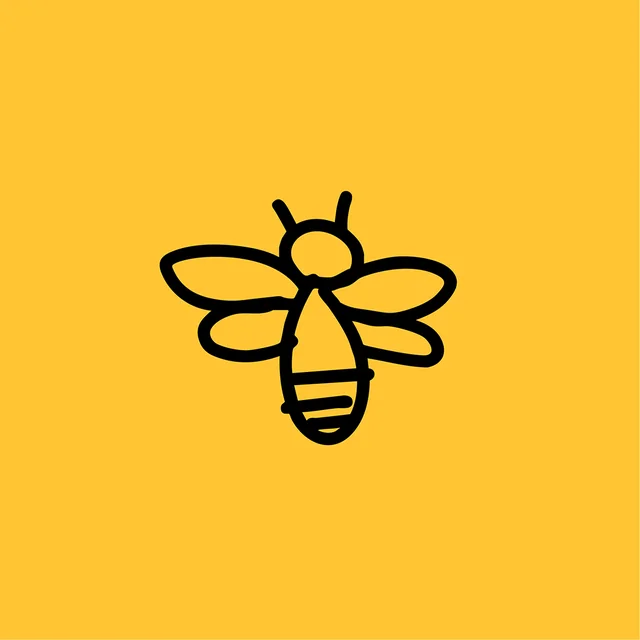
A black line sketch of a bee on yellow
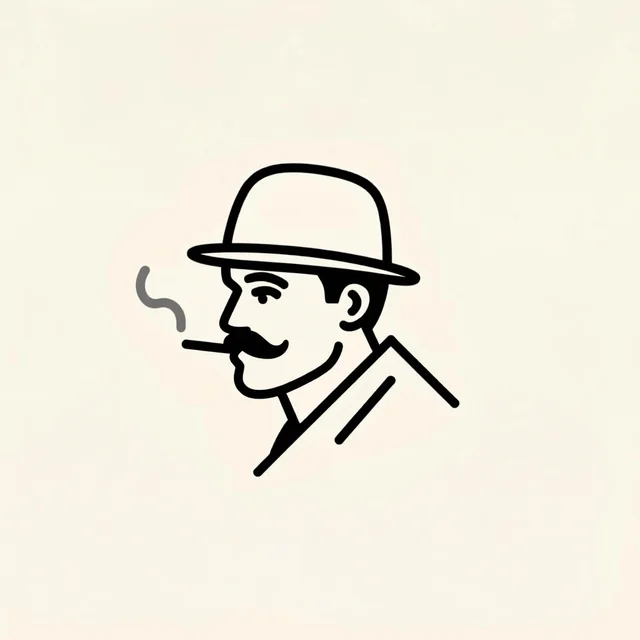
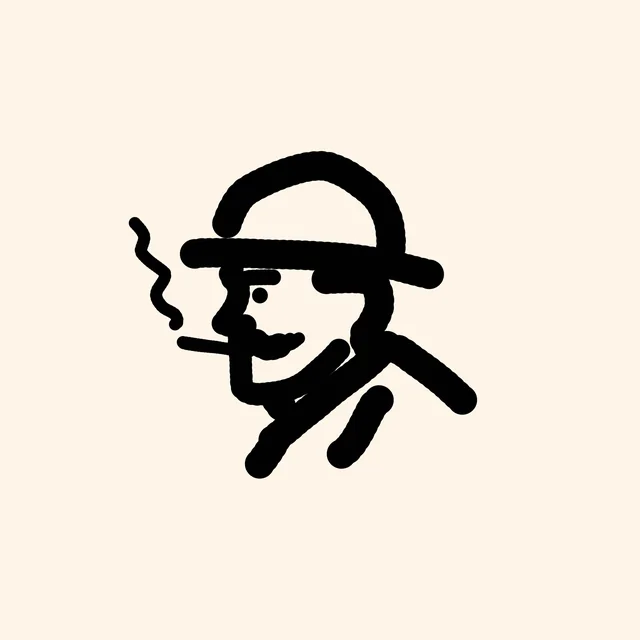
A rough black sketch of a man in a hat with a cigarette
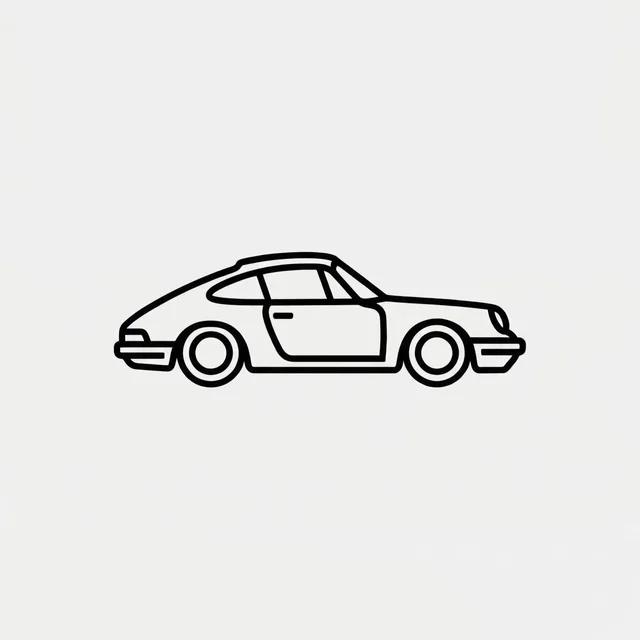
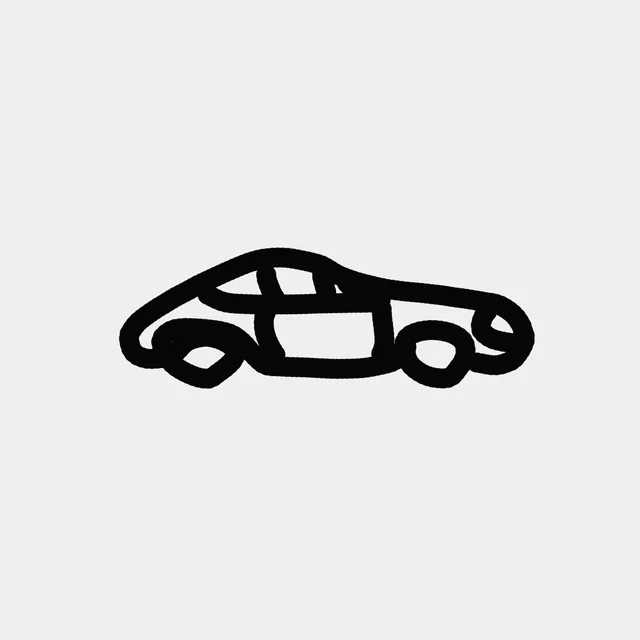
A rough black sketch of a sports car side on
A flat-colour sketch of a waving man in a cap and blue shorts
A rough sketch of a toucan on a branch, on grey
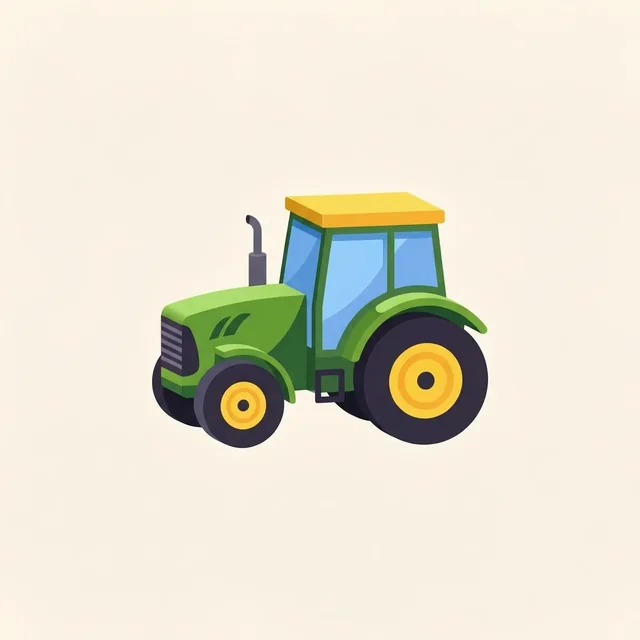
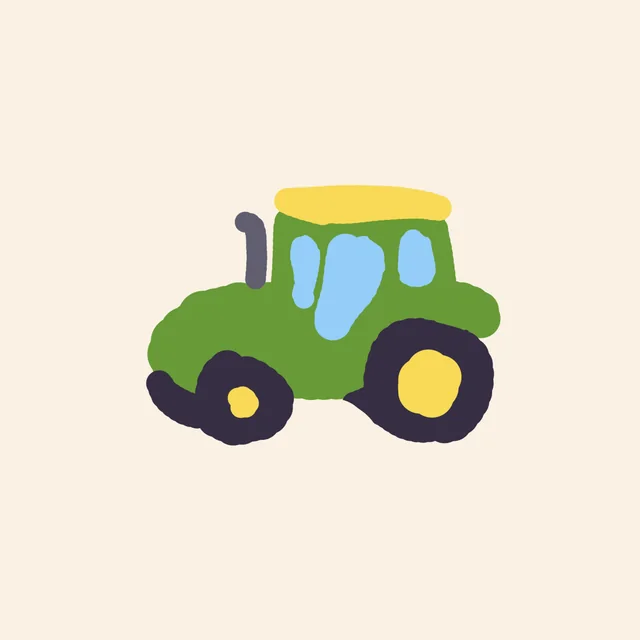
A rough flat-colour sketch of a green tractor with a yellow roof
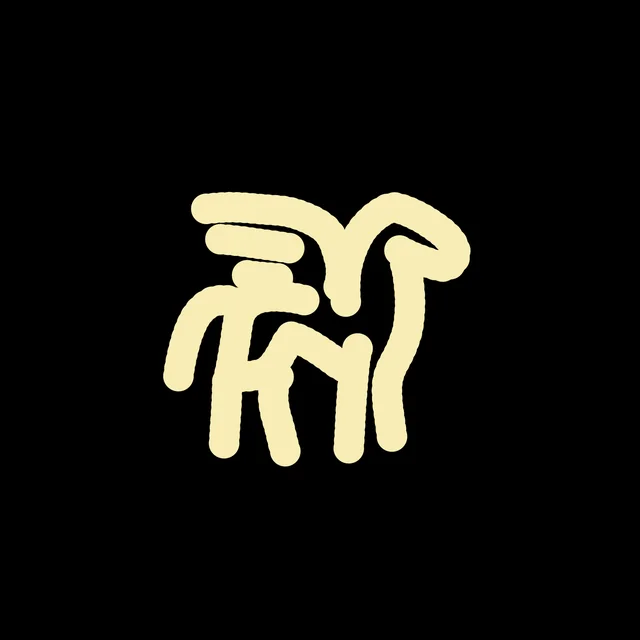
A rough cream brush sketch of a winged horse on black
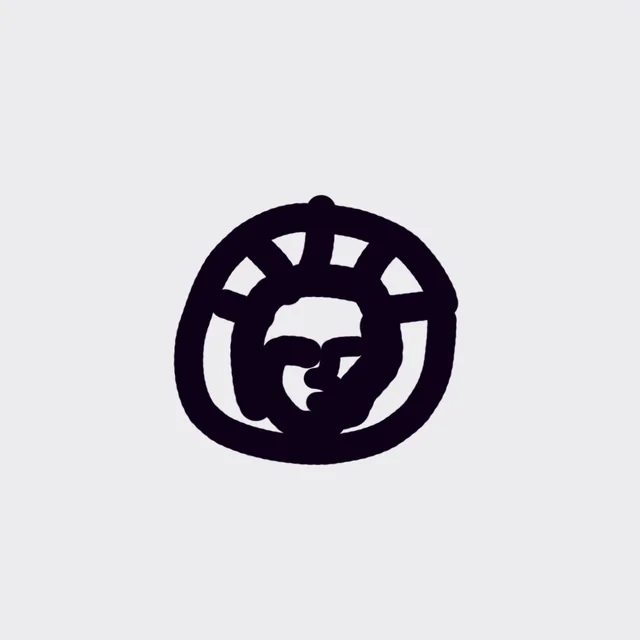
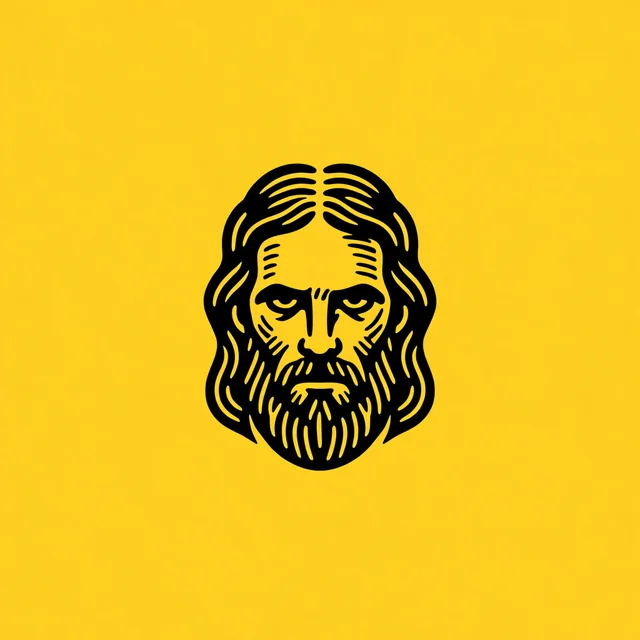
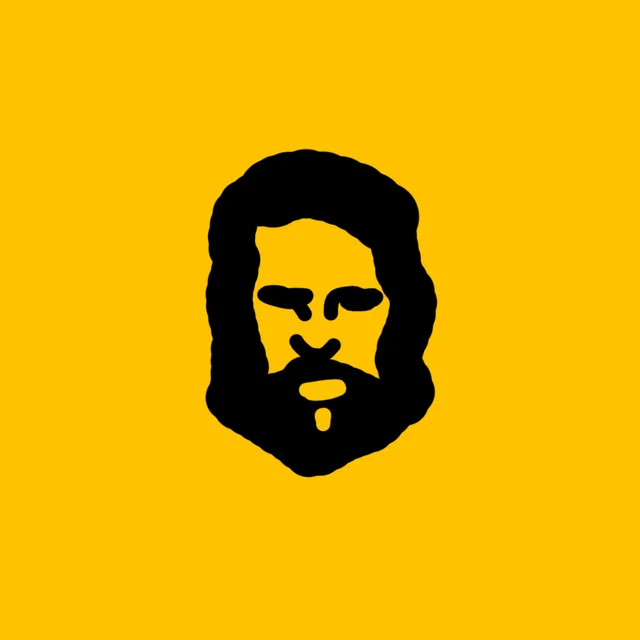
A black blob sketch of a bearded face on yellow
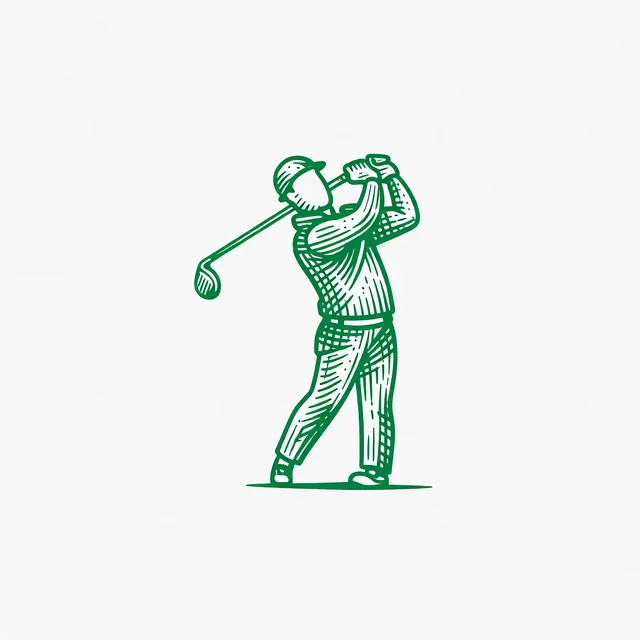
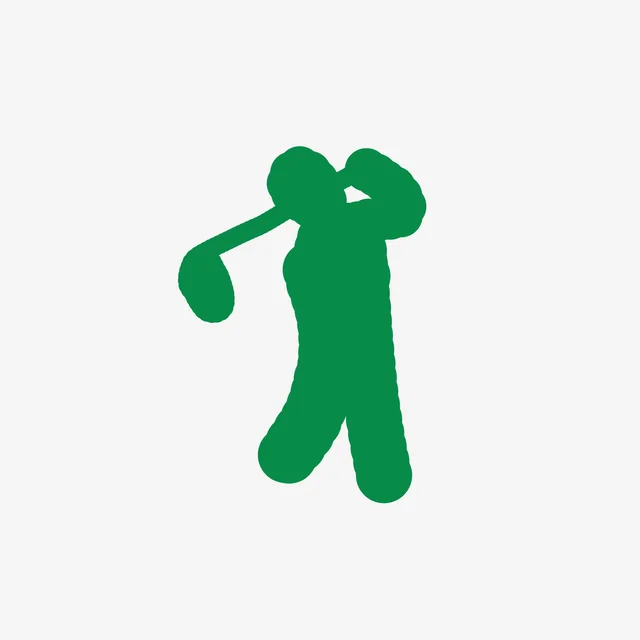
A rough green sketch of a golfer mid swing
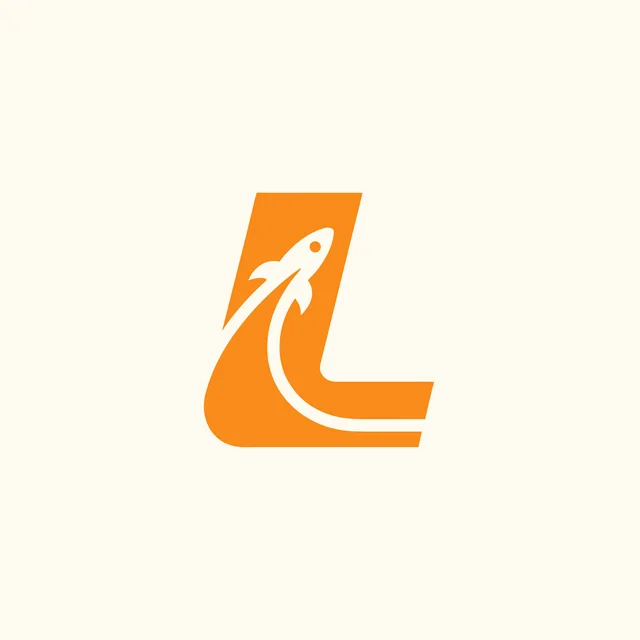
A rough orange sketch of the letter L with a curl
A rough white letter R with a small rabbit drawn inside it, on blue
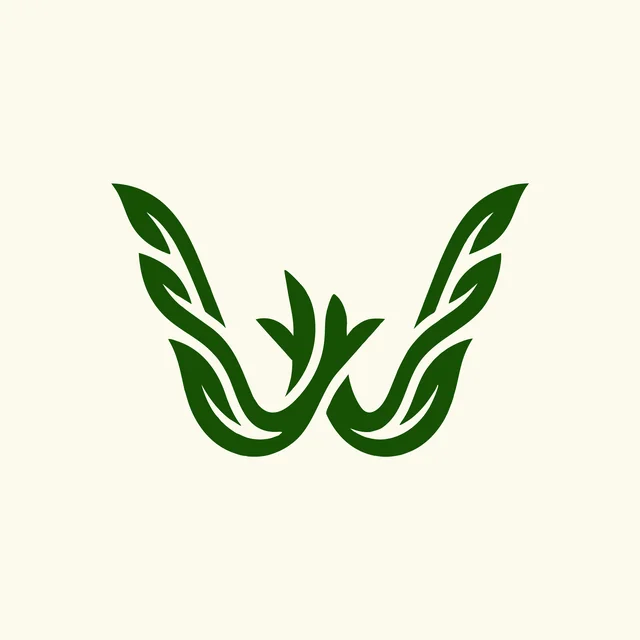
A rough green sketch of a W made of leaves

The canvas

No sketch yet? Draw one in the app.

Sketch to Logo has its own drawing canvas, with Symmetry, Snap to grid, shapes, text and layers.

Pricing

What does Sketch to Logo cost?

Sketch to Logo costs 8 credits, and options come back in 10 to 30 seconds.

Free

$0/month

  • 24 credits to try it
  • Three sketch styles
  • 512x512 downloads with a watermark
  • No credit card needed
Start free
Recommended

Basic

$24/month

  • Unlimited downloads, no watermark
  • Logo animation, up to 33 a month
  • PNG and layered vector SVG
  • Commercial license, even if you cancel
  • No queue at busy times
  • Vectorizer HQ
  • 2x upscale
  • Background removal
  • 2 generations at once
Get Basic

Pro

$49/month

  • Everything in Basic, plus
  • Logo animation, up to 83 a month
  • Ultra quality 1080p animation
  • Unlimited downloads
  • 4x upscale
  • 3 generations at once
Get Pro
Best value

Elite

$99/month

  • Everything in Pro, plus
  • Logo animation, up to 200 a month
  • Ultra quality 1080p animation
  • Unlimited downloads
  • 4 generations at once
Get Elite

Annual billing is two months free. Credits renew monthly. Compare all plans.

From designers

What designers say after using it.

JJ
Jason Jay
Founder, Contender Studio

"Using this platform has completely changed how we do our branding projects."

Instead of spending hours sketching variations, I generate concepts, tweak them, and finalize in a fraction of the time. The vectorizer alone saves a ton of time moving from concept to execution.

★★★★★

"Something that took me an hour in Illustrator now takes about 20 seconds. I found a bug after an update, got a real response from a human, and it was fixed within hours."

★★★★★
GT
Greg Turner
Owner, Turner Laser Works
FAQ

Frequently asked questions.

More questions? Read the docs or contact us.

How do I turn a sketch into a logo?

Open Sketch to Logo and draw on the canvas, or add an image or an SVG of your sketch. Type a few words about it, pick one of the 11 logo styles and press Generate. The logo comes back in 10 to 30 seconds, and paid plans download it as a layered SVG or a 1024px PNG.

Does it trace my drawing?

No. Tracing copies your lines exactly, mistakes included. Sketch to Logo reads what the drawing shows and draws the logo again in the style you picked, with clean lines and even proportions. The layout of your sketch stays the same.

Can I use a photo of a paper sketch?

Yes. Upload the photo as a PNG, JPG or WEBP and it goes on the canvas as an image layer. You can draw on top of it before you generate. The drawing needs to be readable in the photo.

Do I have to draw in the app?

No. The canvas is there when you want it, with Symmetry and a snap-to-grid option, but you can also upload a finished sketch as an image or an SVG and go straight to generating. Starting from words or a photo instead? Use Text to Logo or Image to Logo.

What does Sketch to Logo cost and how fast is it?

Sketch to Logo costs 8 credits, and options come back in 10 to 30 seconds. Paid plans start at $24 a month with 1,000 credits and return up to 4 options per run.

Is Sketch to Logo free?

You can try it on the free plan, which comes with 24 credits and three of the sketch styles, and needs no credit card. Free generations are public, downloads are 512x512 with a watermark, and there is no commercial license. Paid plans open all 11 styles and add private generation, a commercial license that stays valid after you cancel, and downloads without a watermark.

Can I turn a hand-drawn sketch into a logo with AI?

Yes. Draw it on paper, on a tablet or with a mouse, then upload it or draw it again on the Sketch to Logo canvas. The AI keeps the layout of your sketch and redraws it as a finished logo in one of 11 logo styles.

How do I turn my drawing into a logo?

Get the drawing into Logo Diffusion first: draw it on the canvas, or upload a scan, a phone photo or an SVG. Then describe it in a few words, choose a style and generate. If a result is close, Use as Sketch puts it back on the canvas so you can draw the changes and run it again.

What file formats can I export in?

SVG and transparent PNG. On paid plans the SVG is layered, with real vector paths, and the PNG is 1024px. Free downloads are 512x512 with a watermark. PDF and EPS export are coming soon. For a clean cut-out of another image, use the Background Remover.

How is this different from tracing a sketch in Illustrator?

Image Trace turns your sketch into vector paths that follow the lines you drew, wobbles and gaps included, so you still have to clean it up. Sketch to Logo doesn't trace your drawing, it reads the idea and redraws it as a finished logo in the style you pick. To turn a finished logo file into vector paths, use the Vectorizer.

Which logo styles can I use with a sketch?

All 11: Pictorial, Mascot, Retro Mascot, Badge/Crest, Cartoon, Logo Type, Abstract, Line Art, Icon/Emoji, Engraved and Monogram. Each run uses one style, and Pictorial is the default. The free plan includes three of them. See real logos in each on the Logo Styles page.

Does Sketch to Logo keep the layout of my sketch?

Yes. The shapes you drew set the composition: where each part sits, which way it faces and how big it is. The style you choose decides how it is drawn, from the line weight to the colors.

Can I draw a symmetrical logo?

Yes. Turn on Symmetry in the canvas toolbar and choose Vertical or Horizontal, and one side mirrors the other as you draw. Snap to grid keeps lines straight, on a square or an isometric grid.

Can I use the logos commercially?

Yes, on a paid plan. Every logo you generate on a paid plan carries a commercial license, and the license stays valid after you cancel. Logos made on the free plan carry no commercial license.
Turn your sketch into a logo.

Draw it in the app or upload the drawing you have. The free plan comes with 24 credits.