Style Transfer
Turn your logo into anything.
Pick an image of an object or a material, and the logo is made as that thing. 101 style images in the app, or upload your own.
Free to try. No credit card required.
Trusted by designers working at





Pick an image. The logo becomes it.
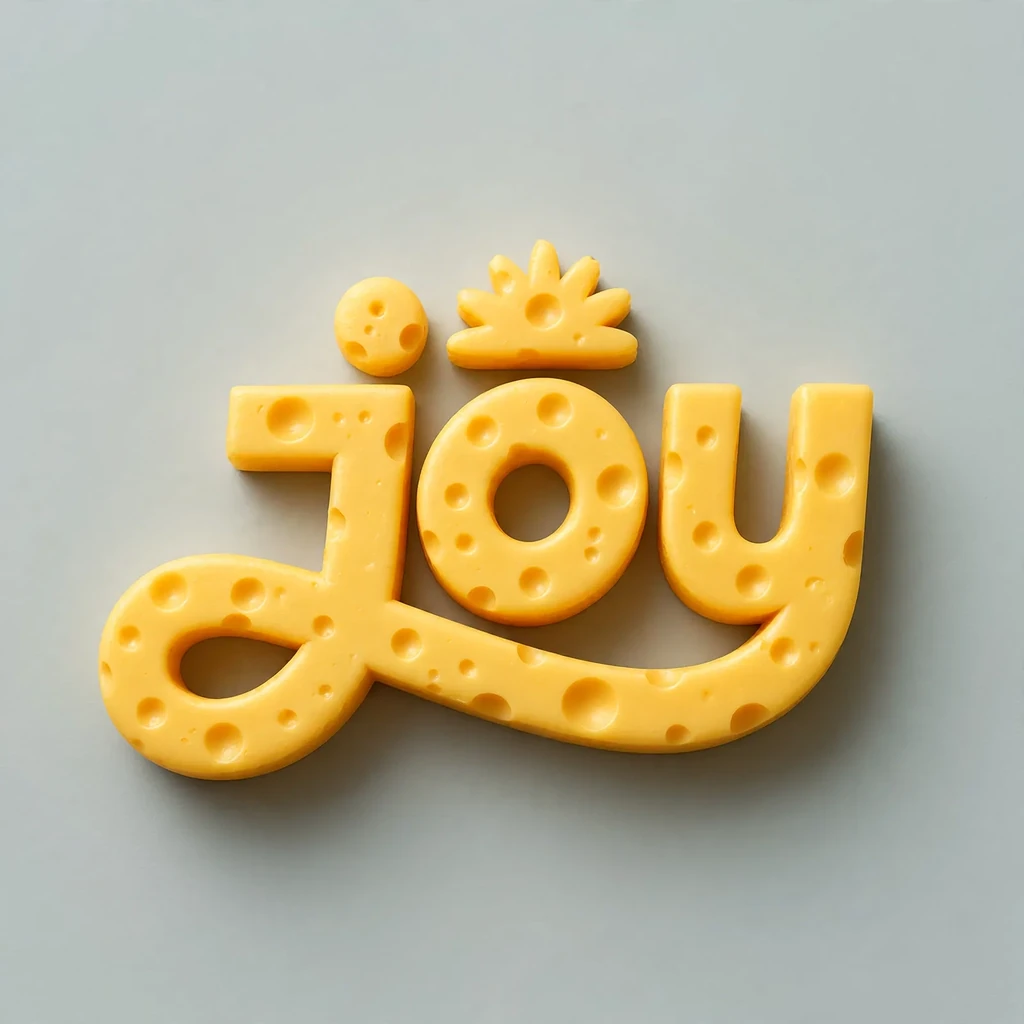
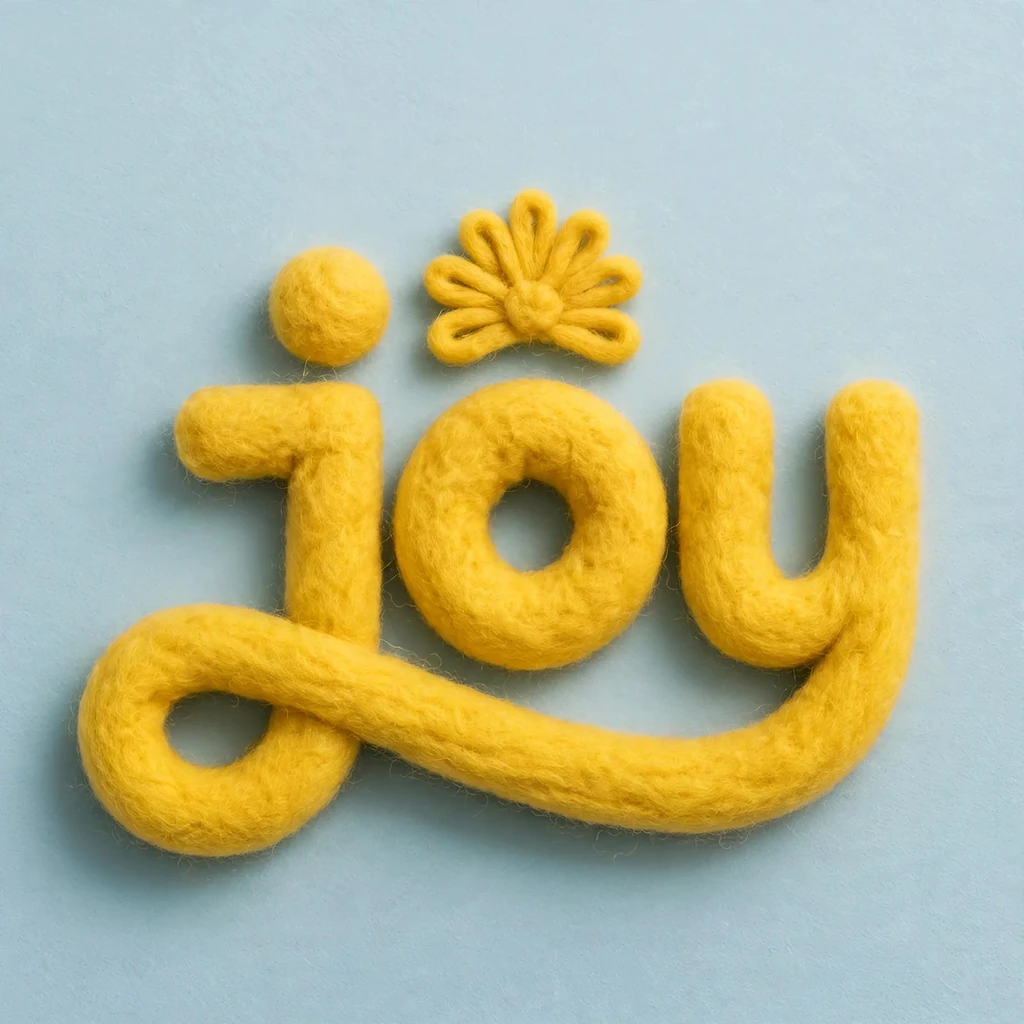
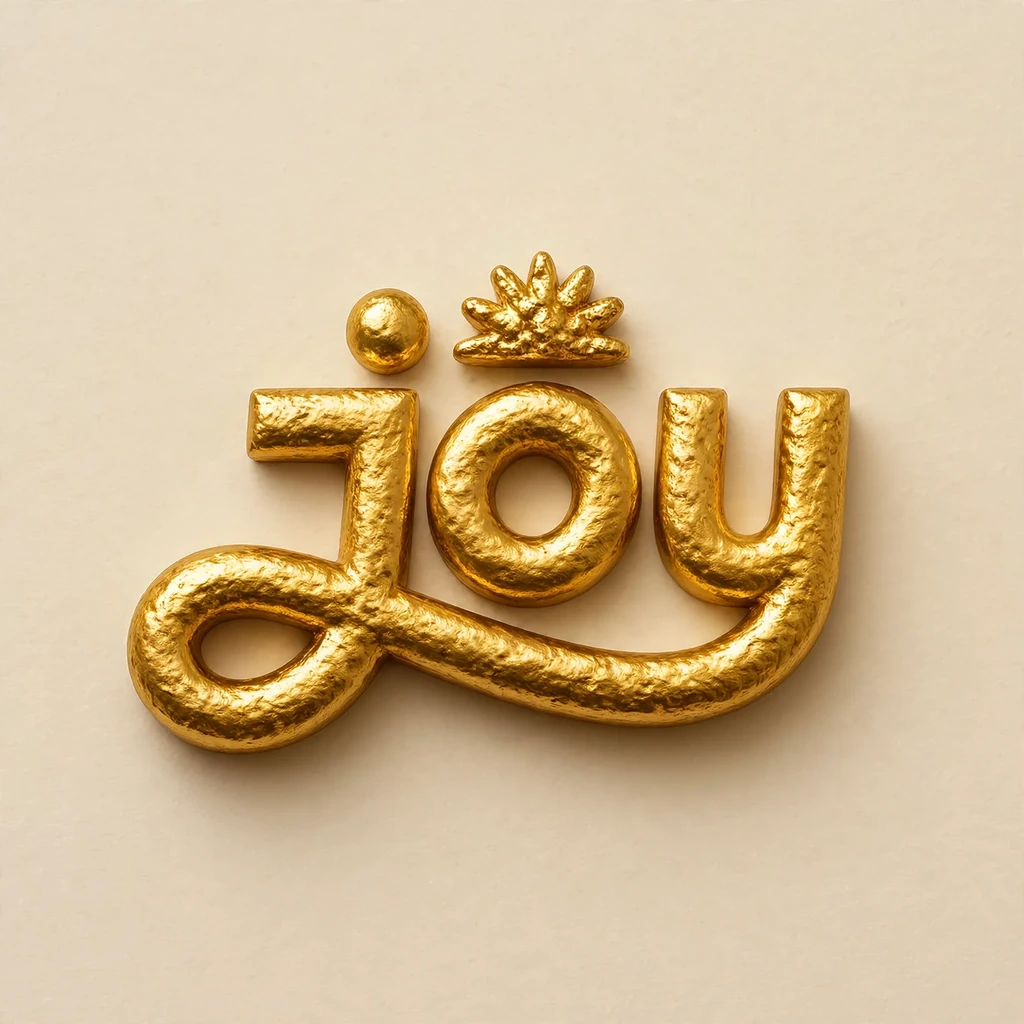
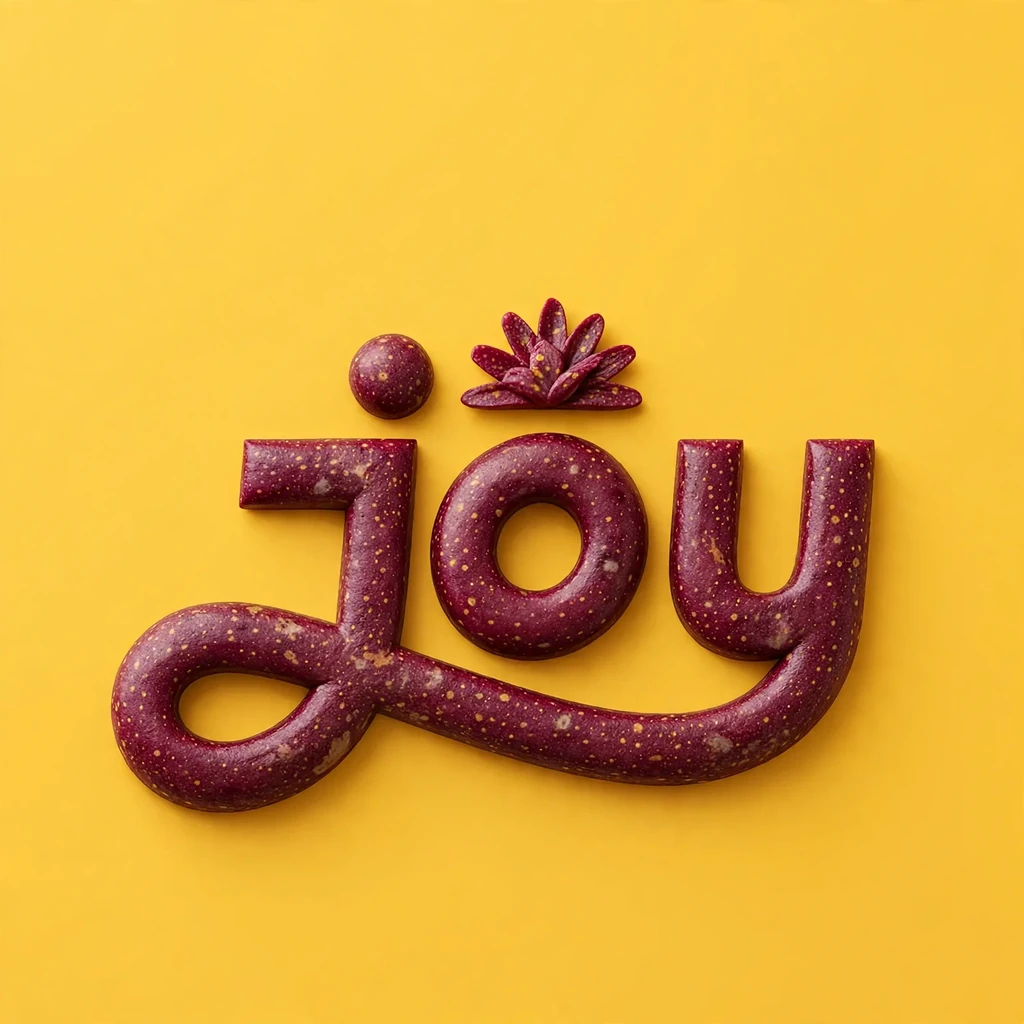
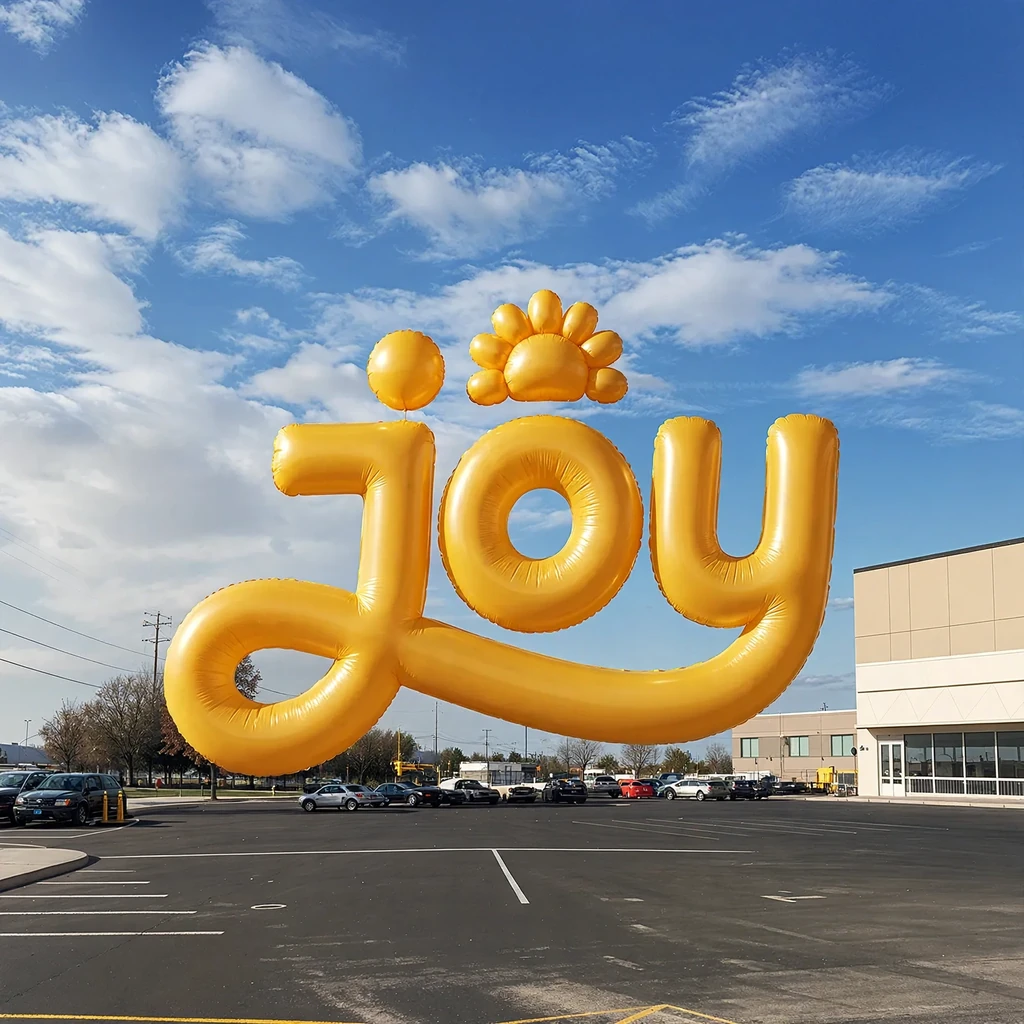
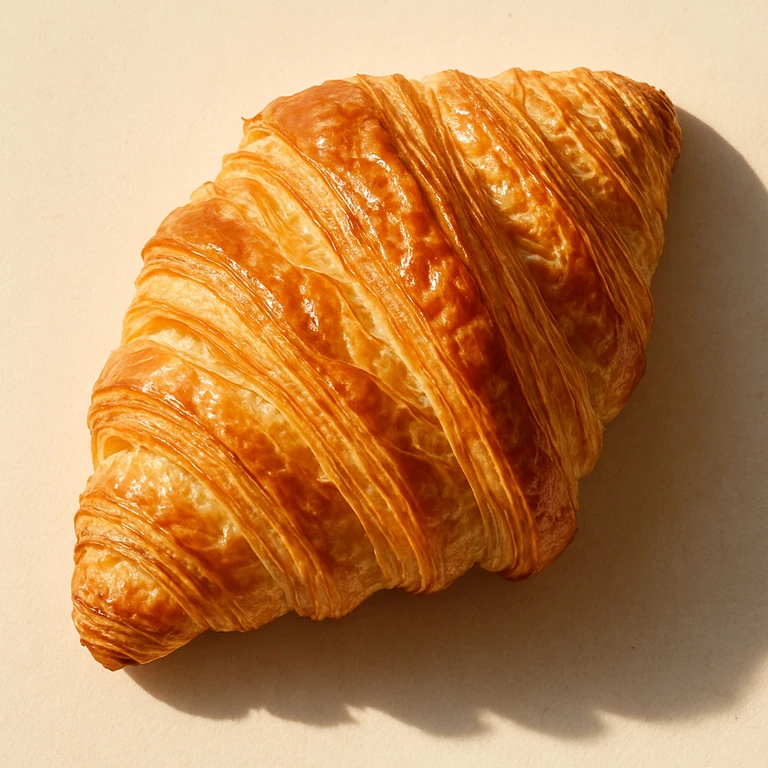
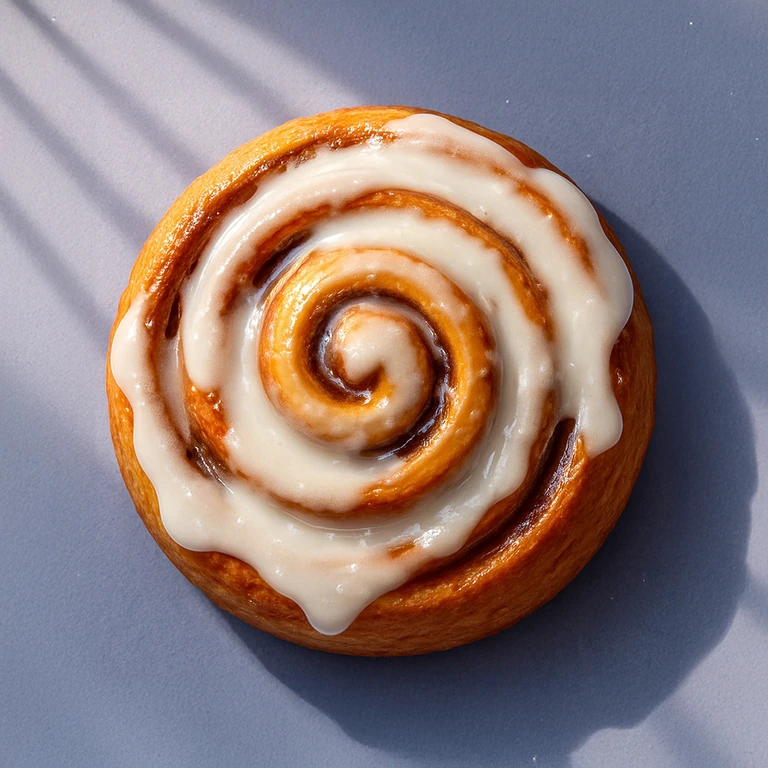
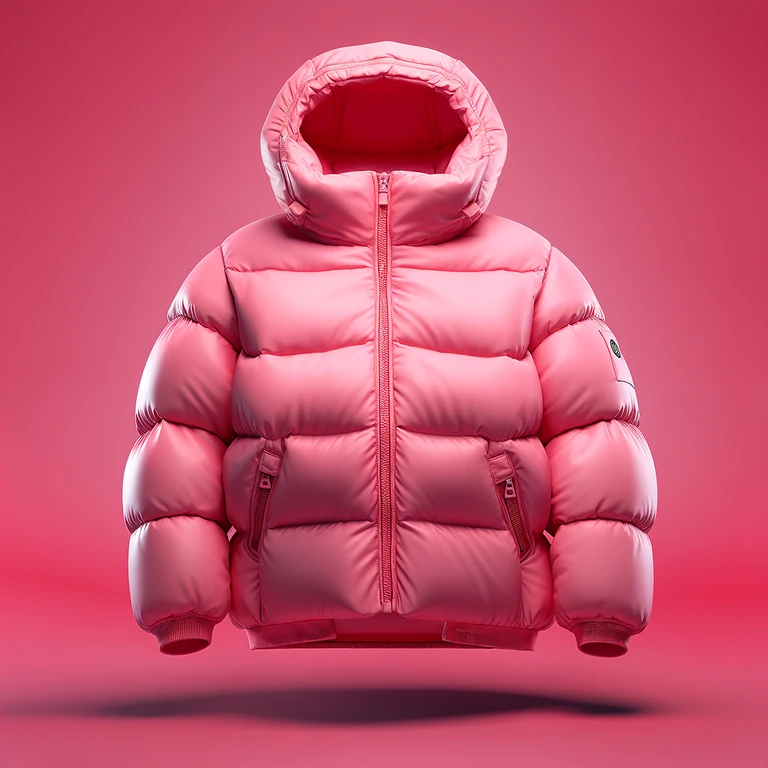
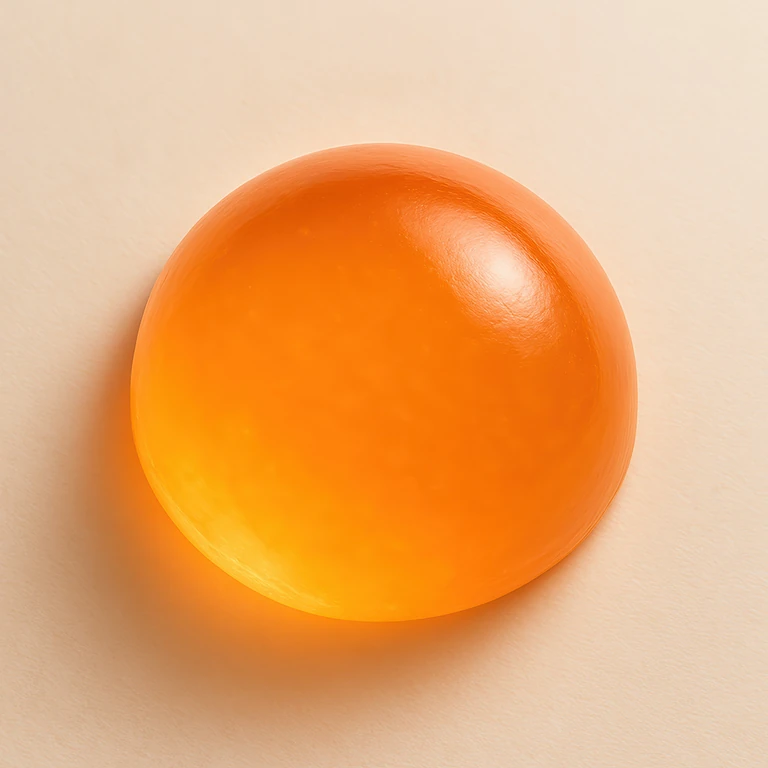
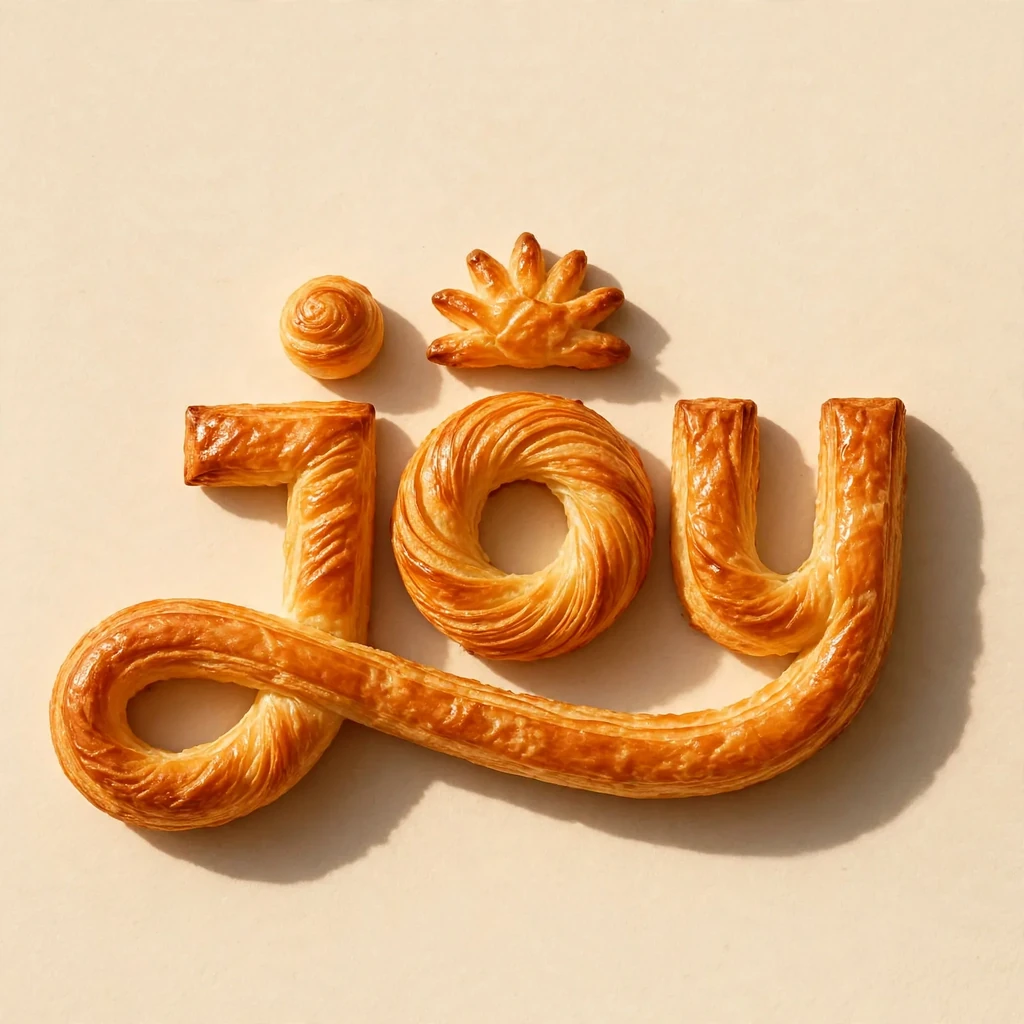
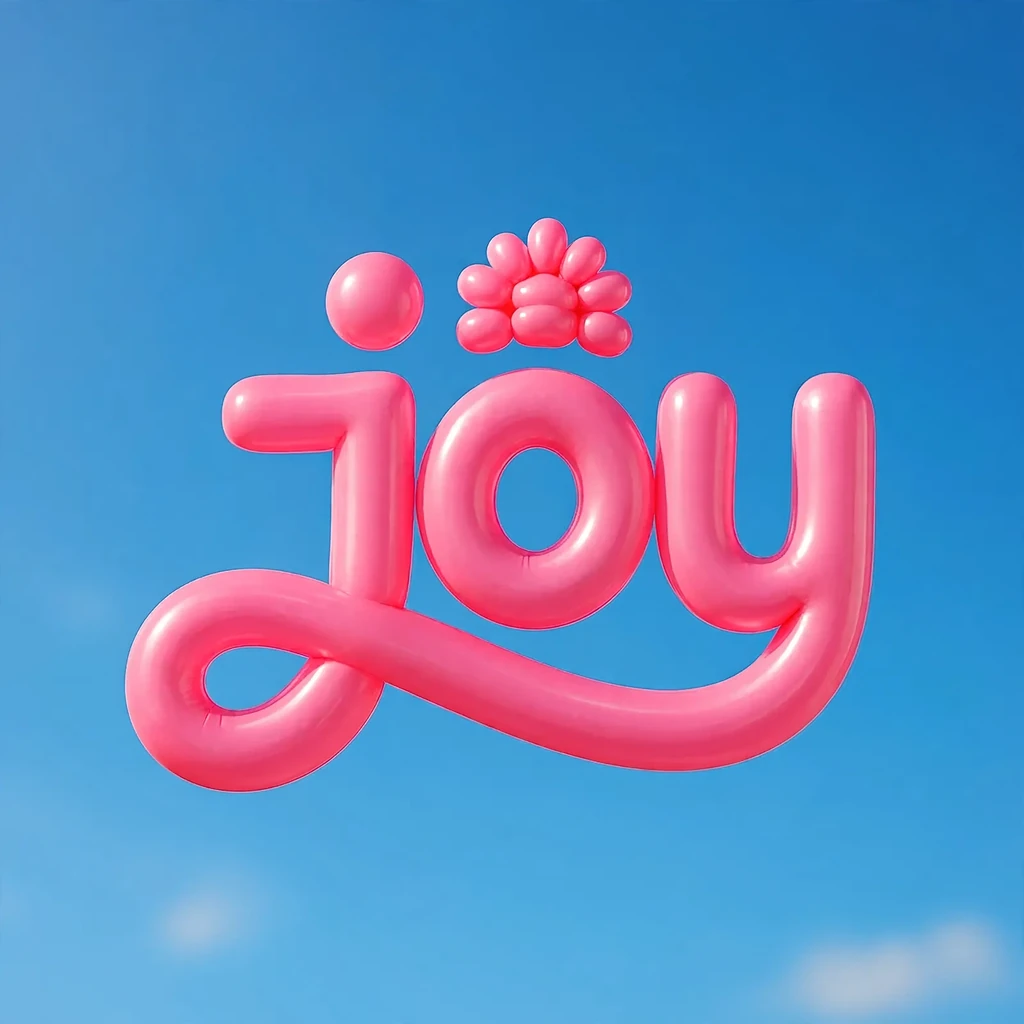
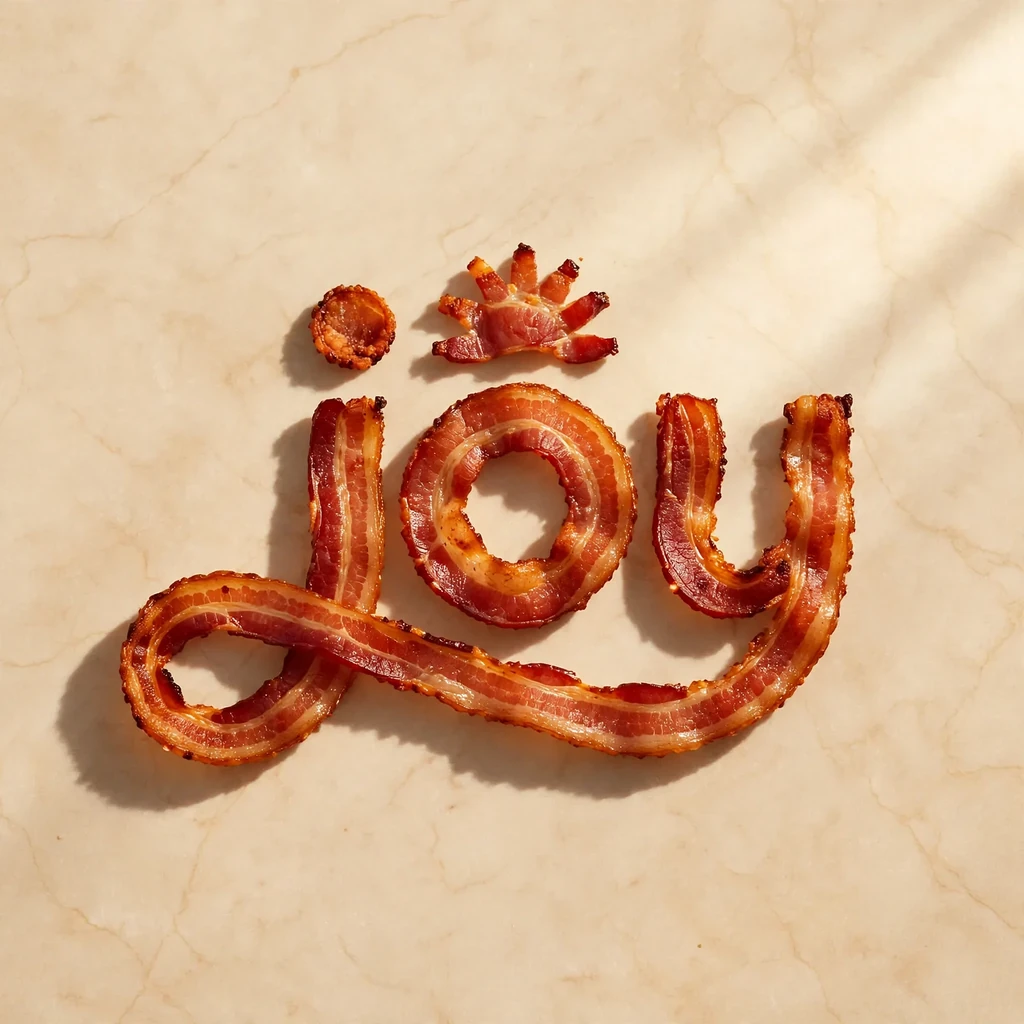
Nine of the style images built into the app and four logos. Every result keeps the logo's shape, and everything else comes from the image.
1Select a style image


2Select a logo
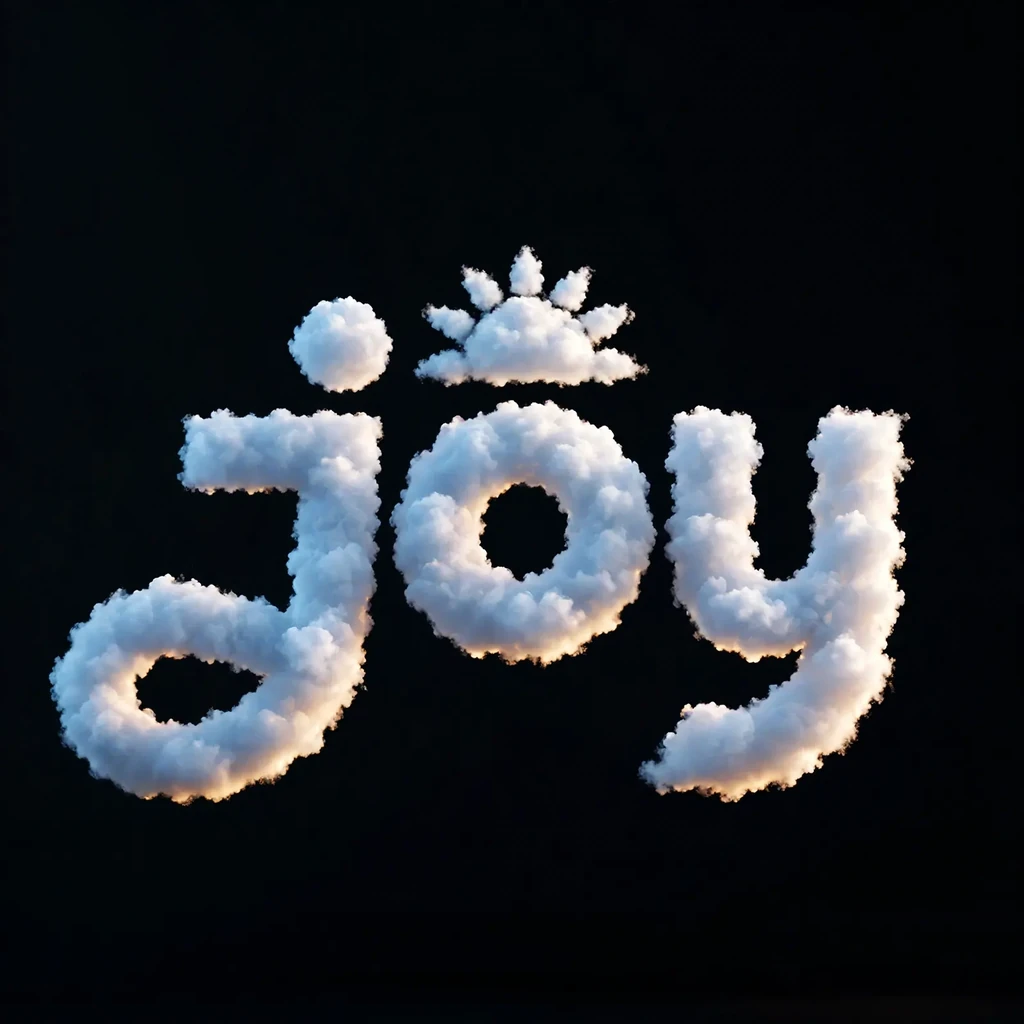
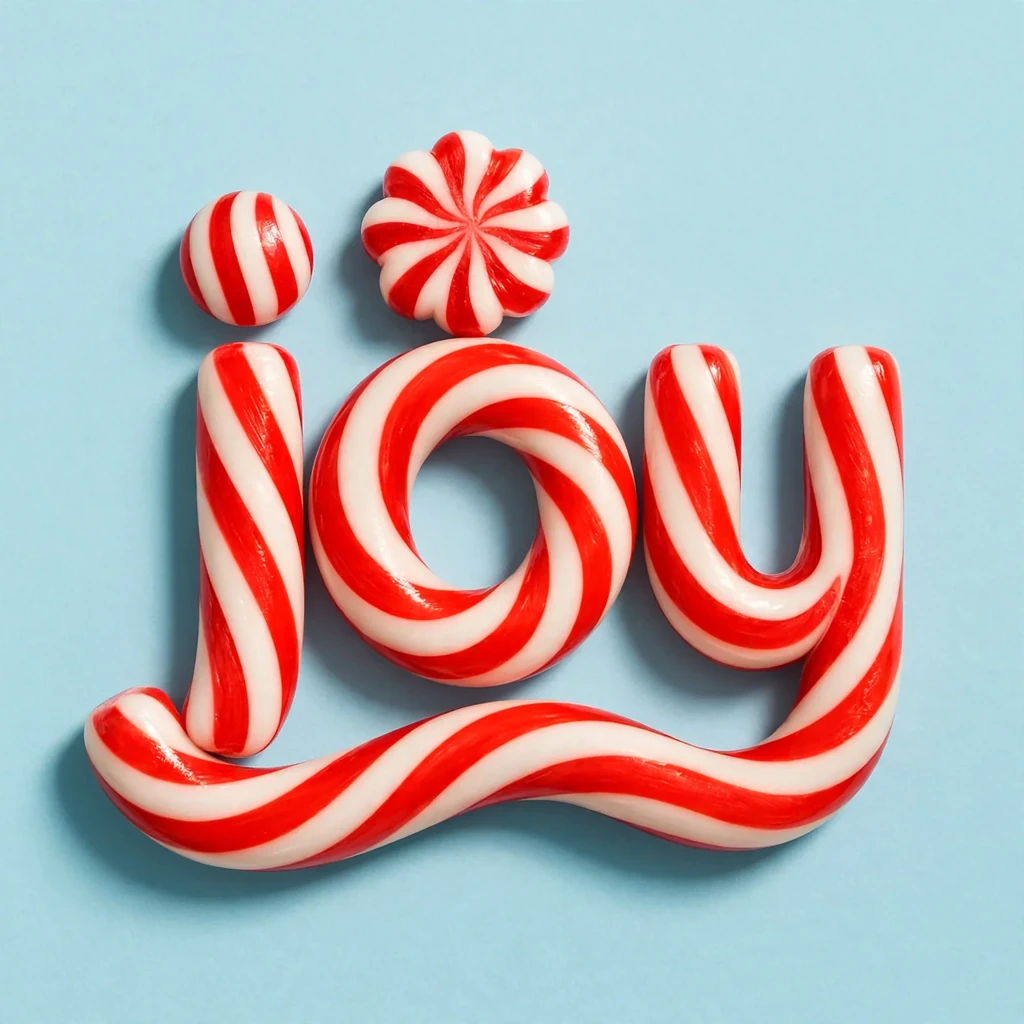
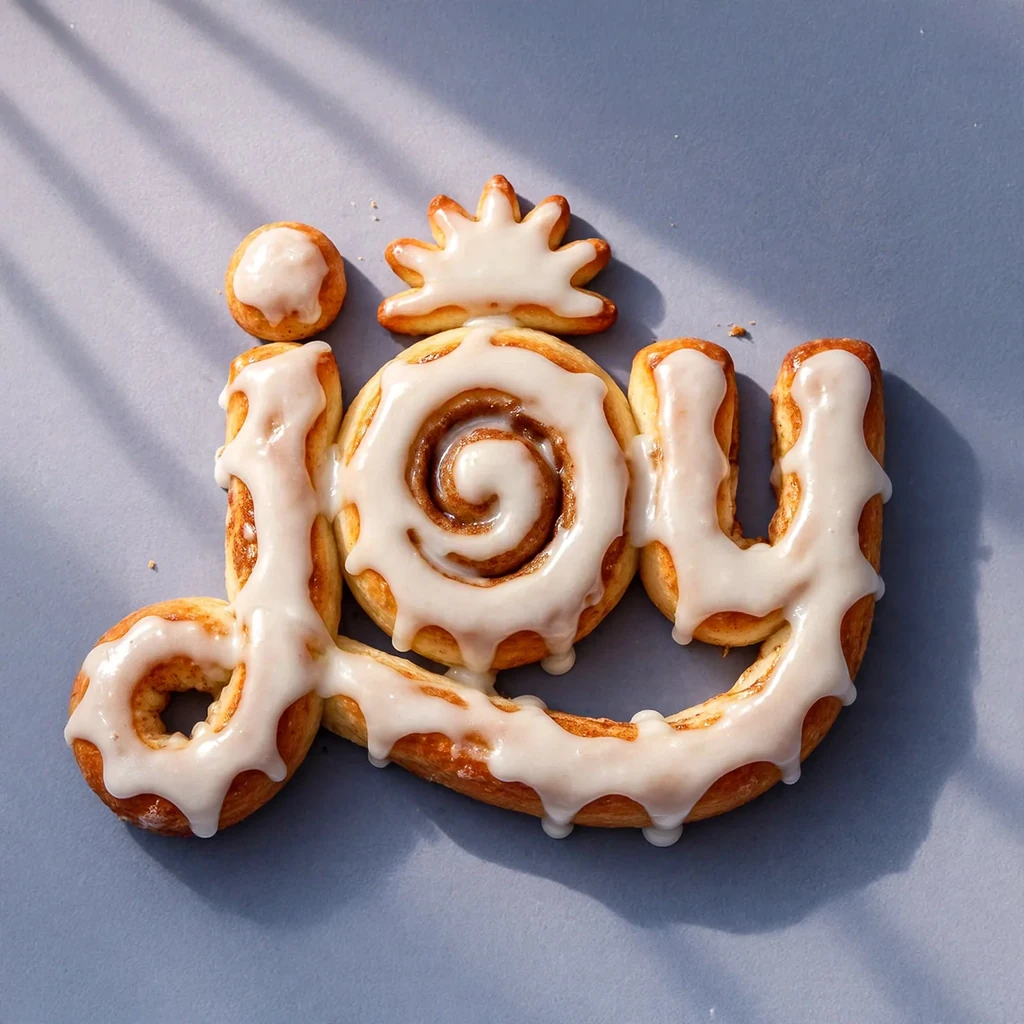
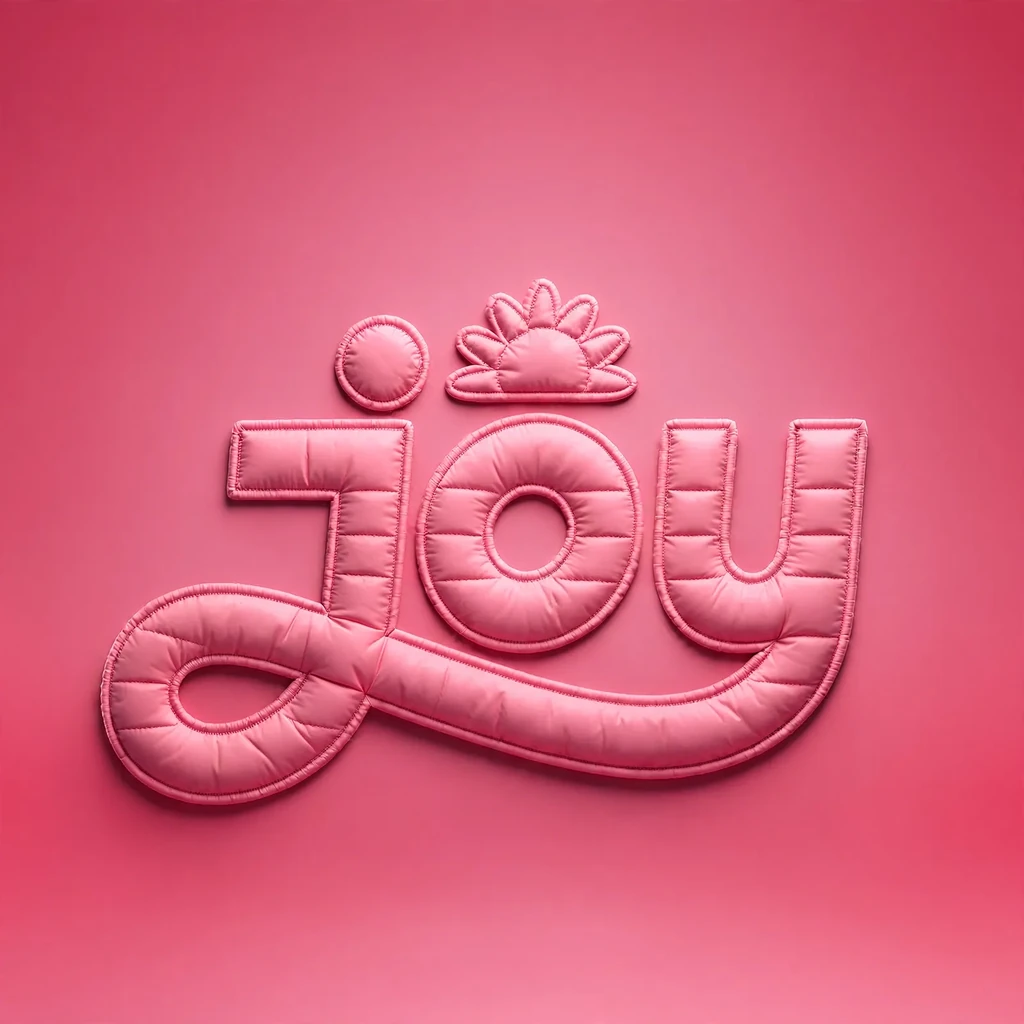
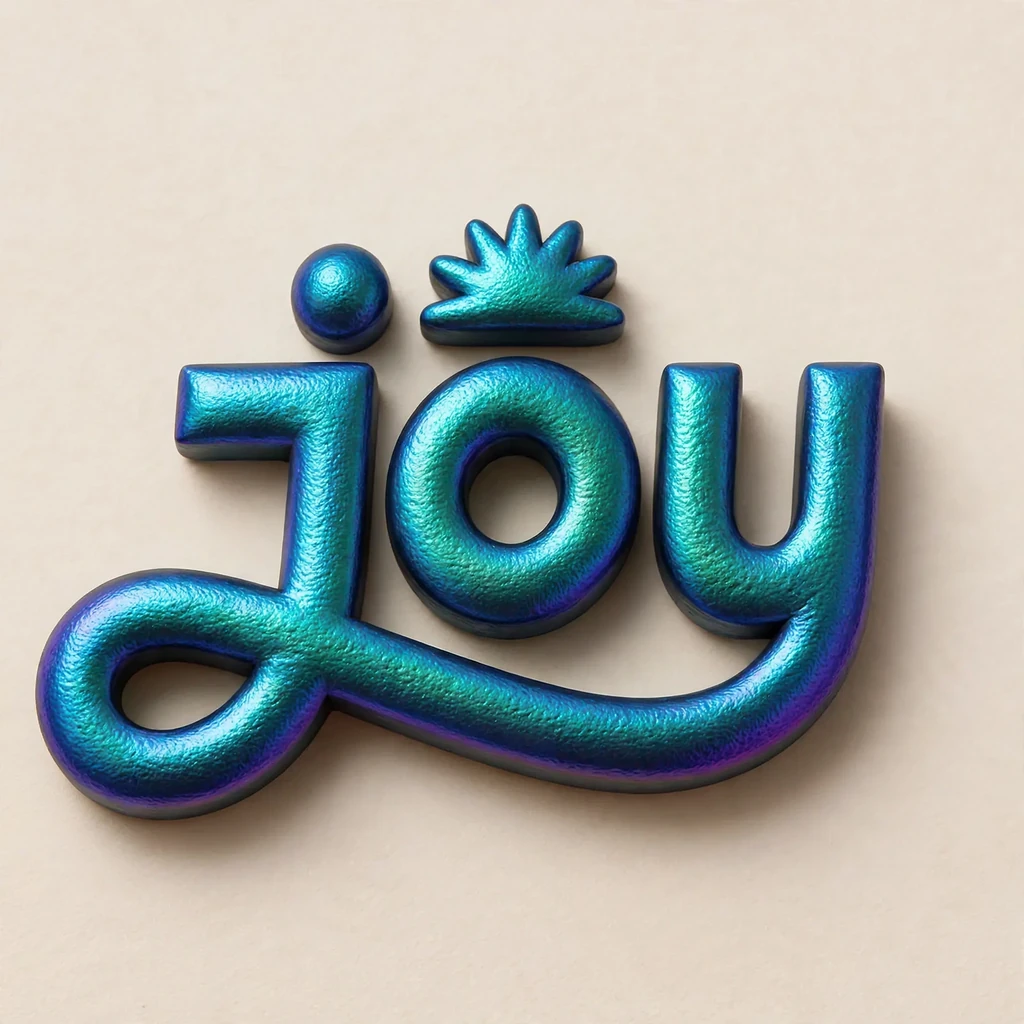
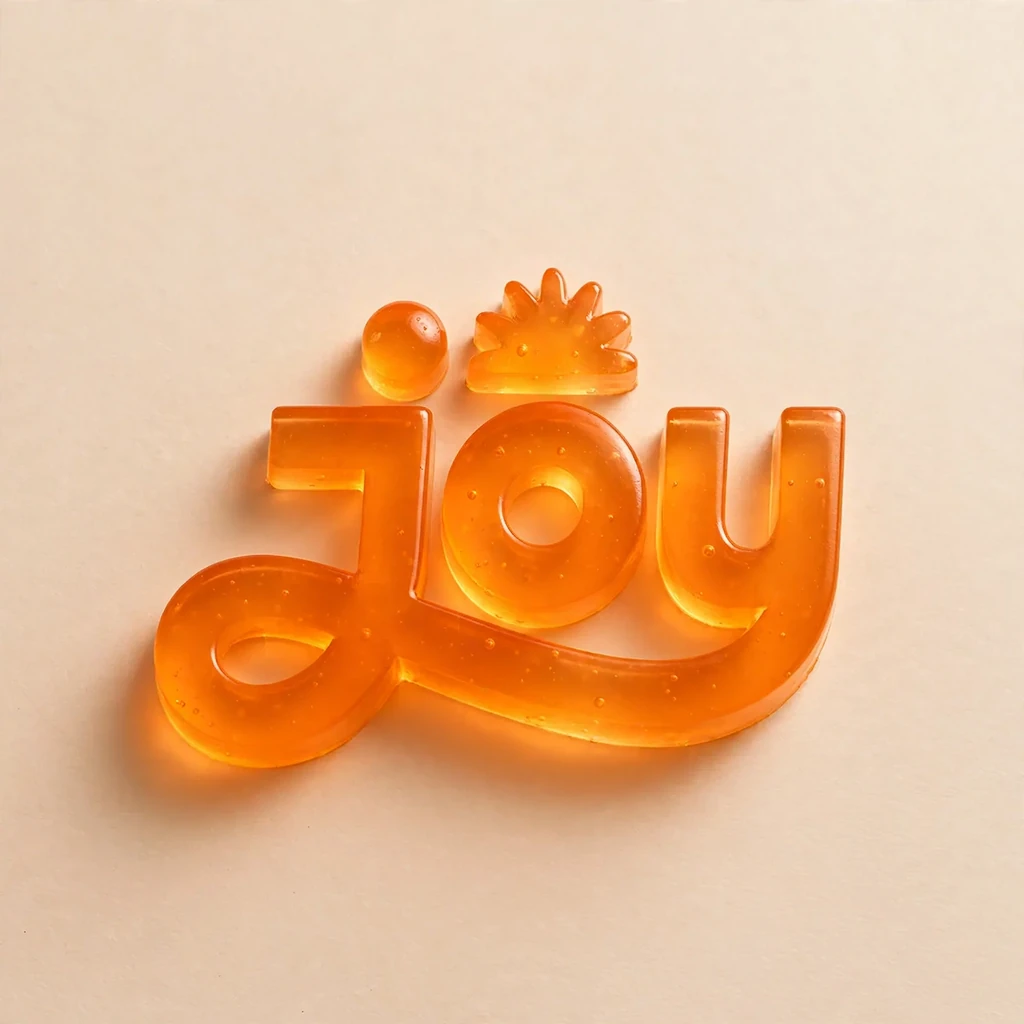
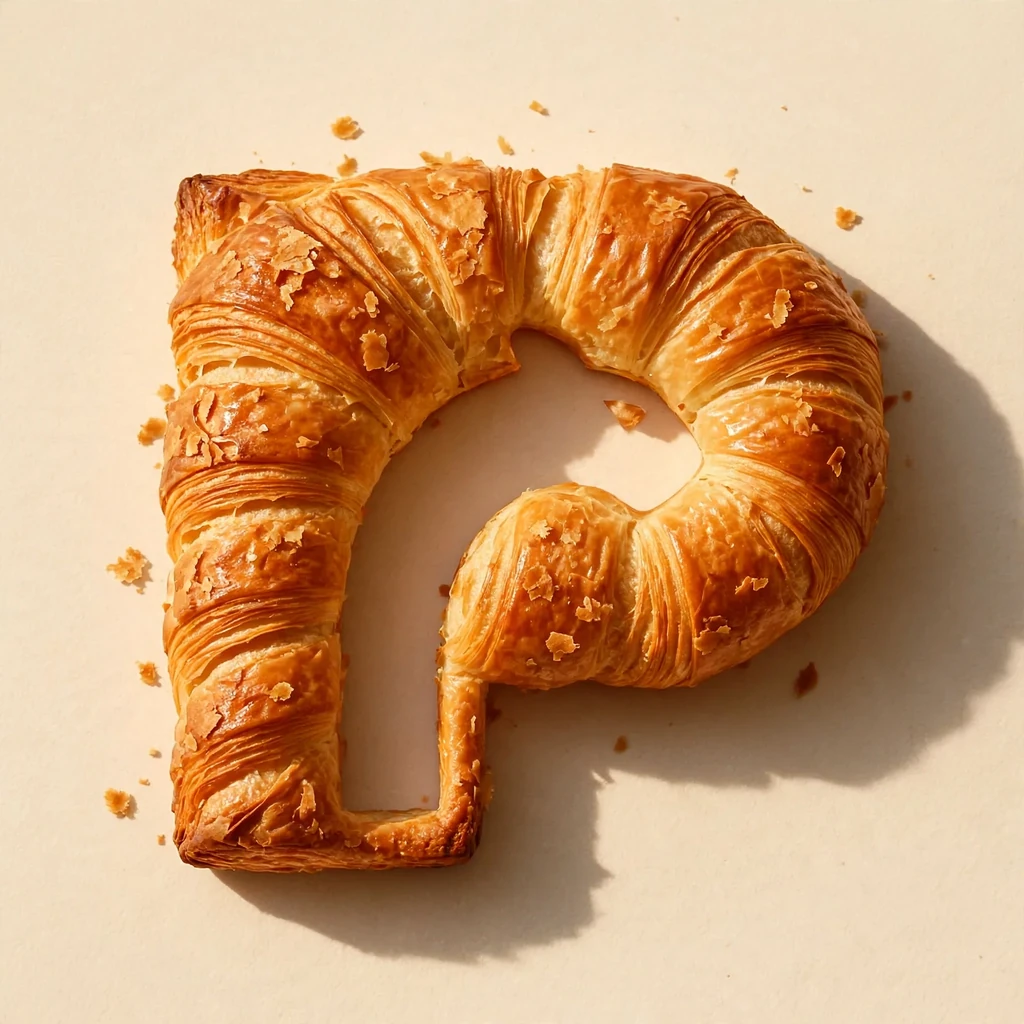
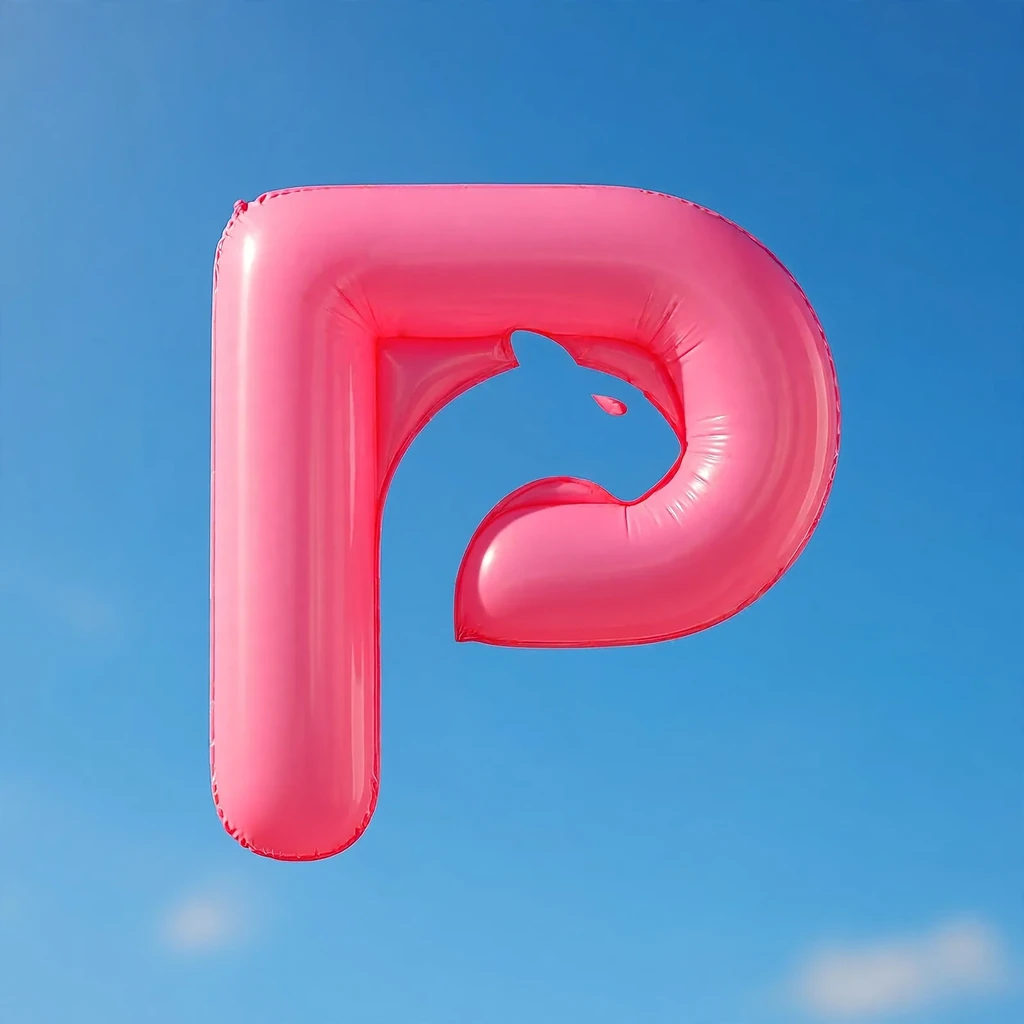
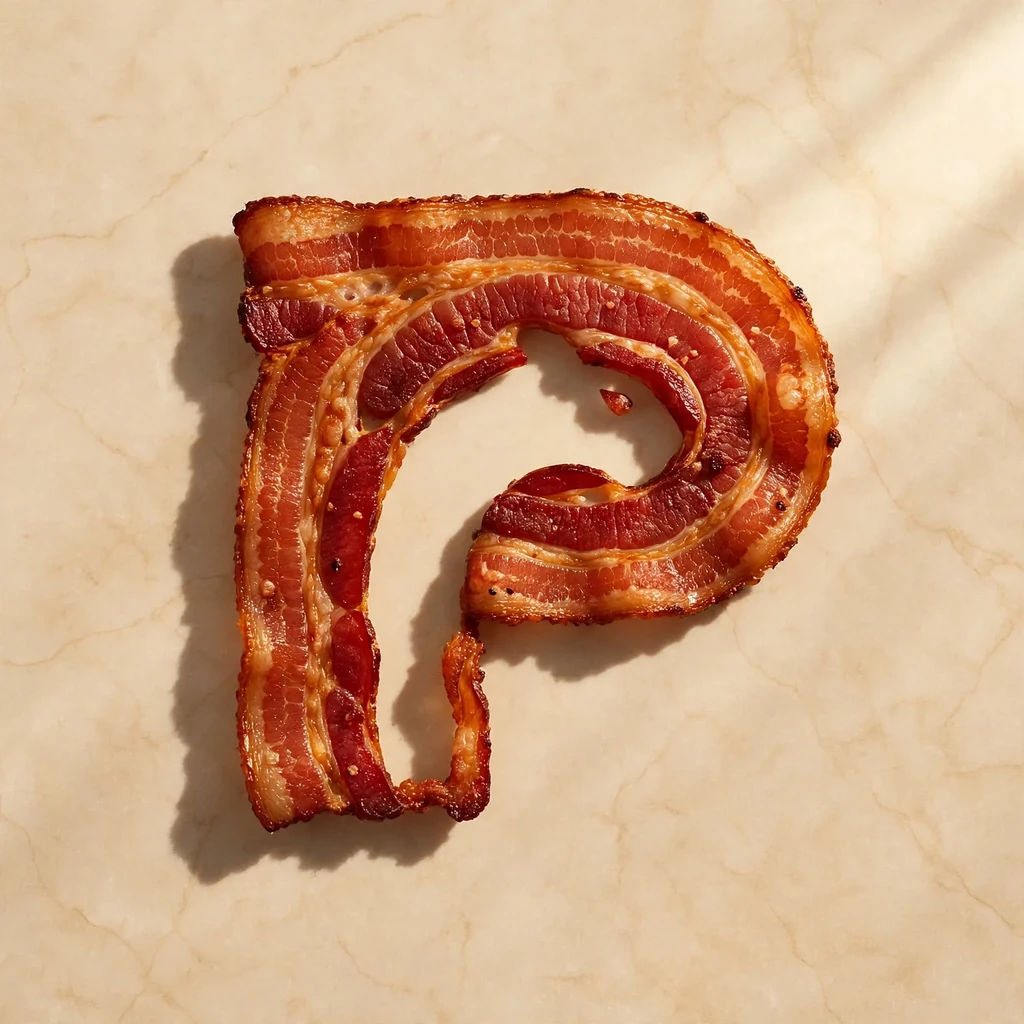
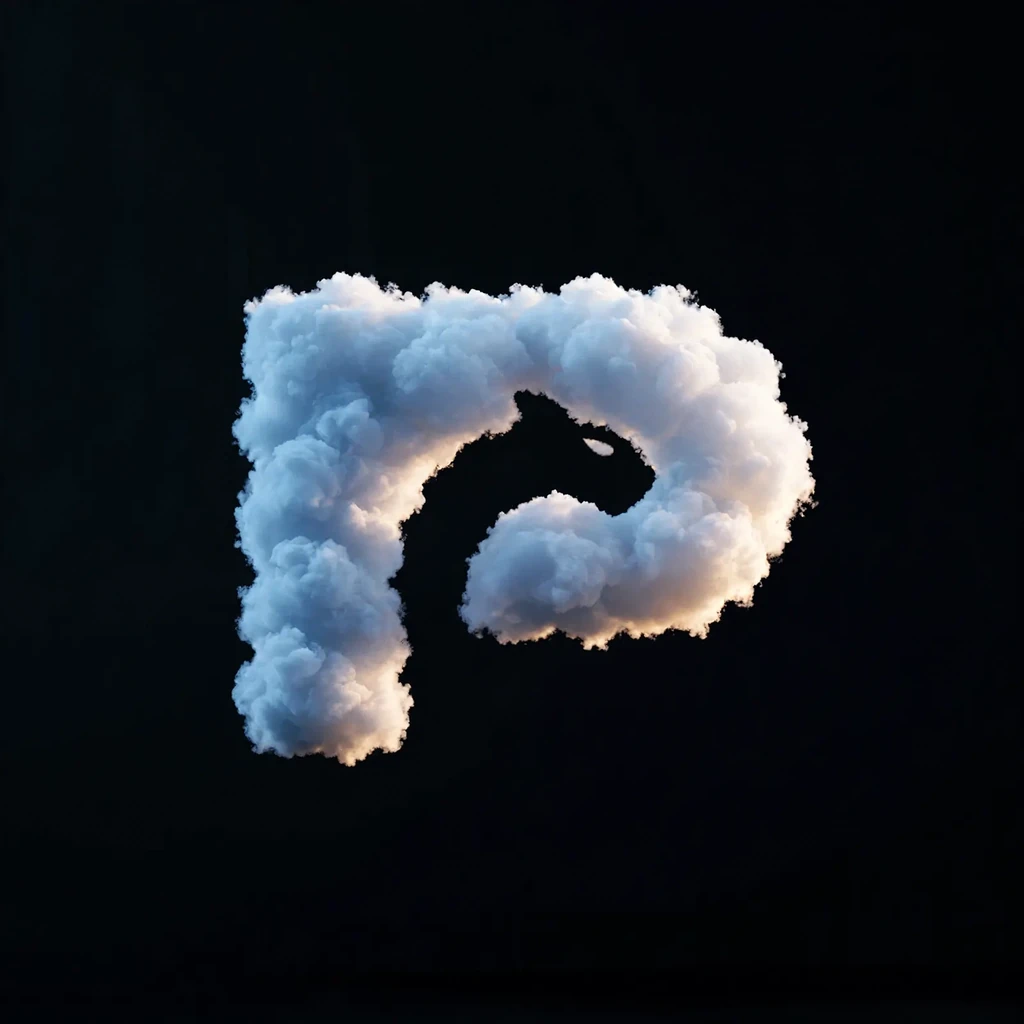
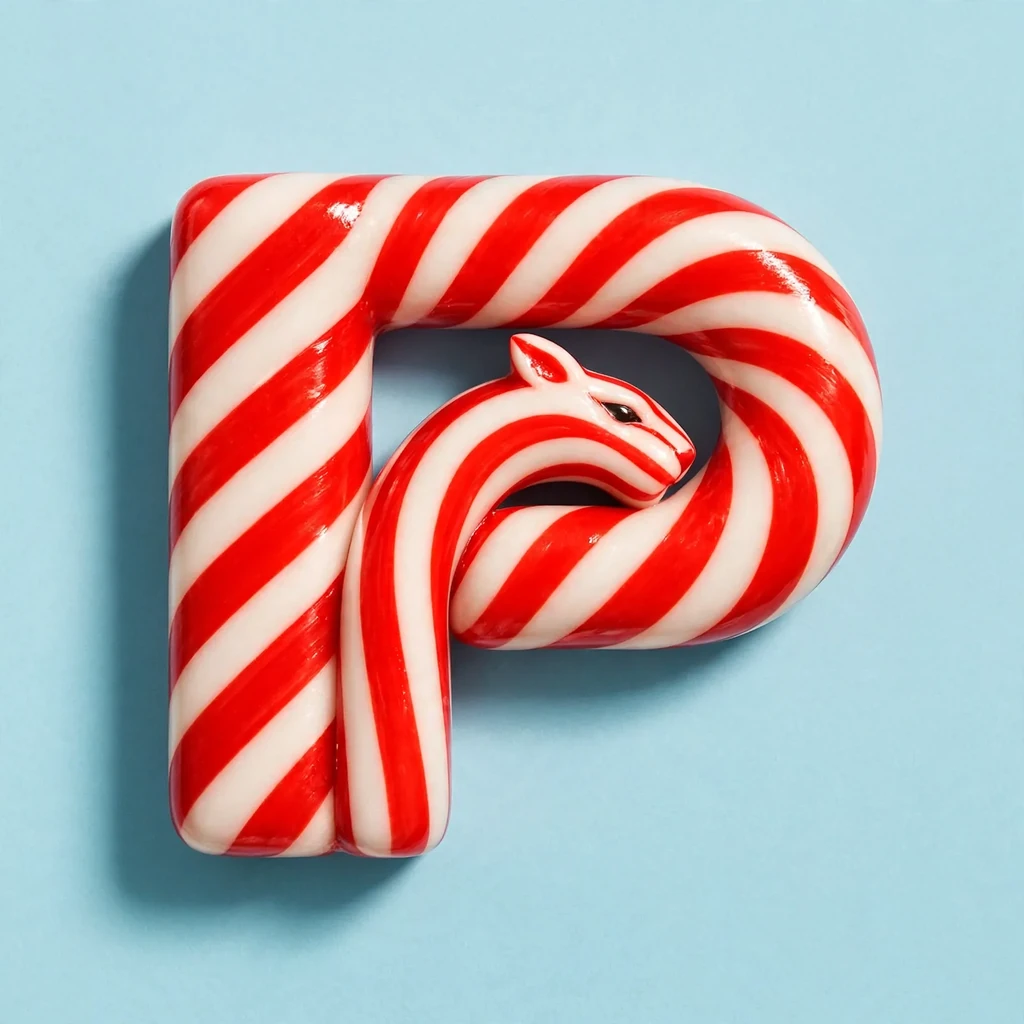
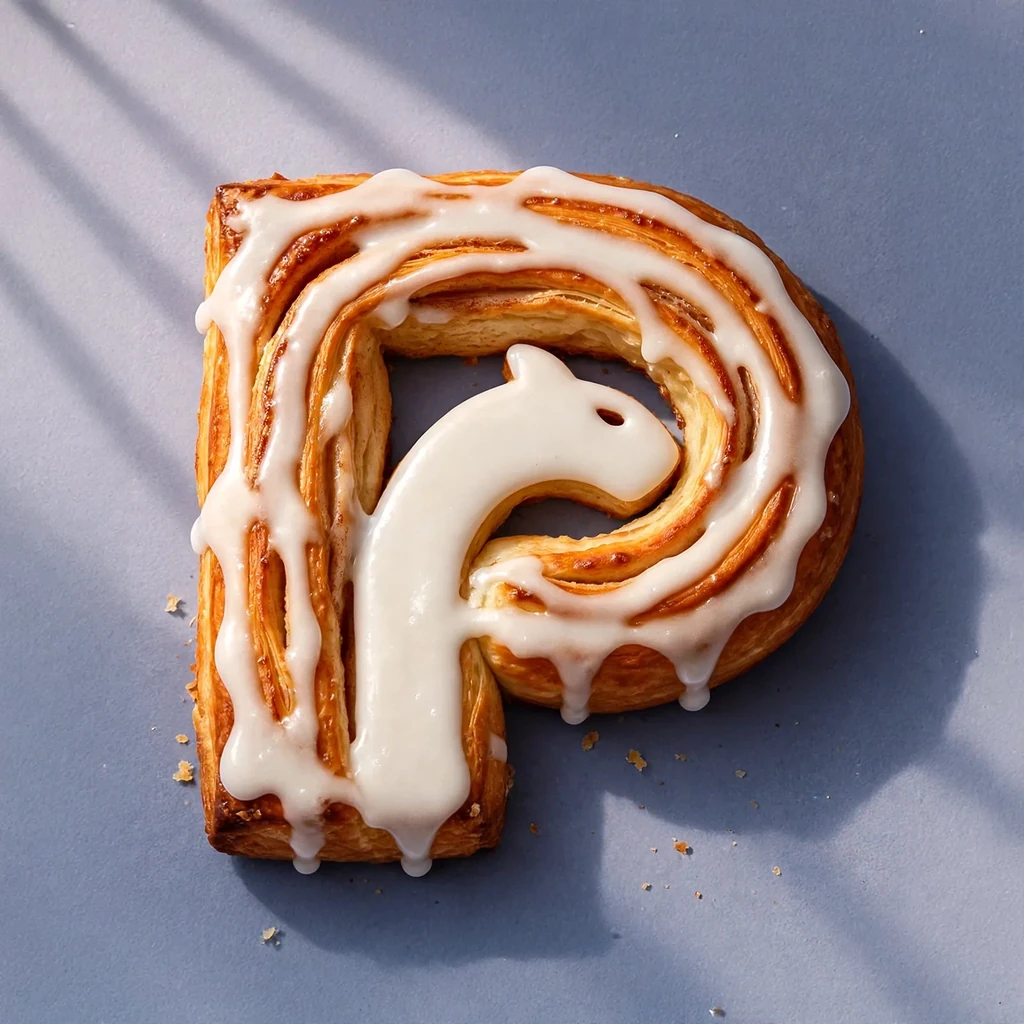
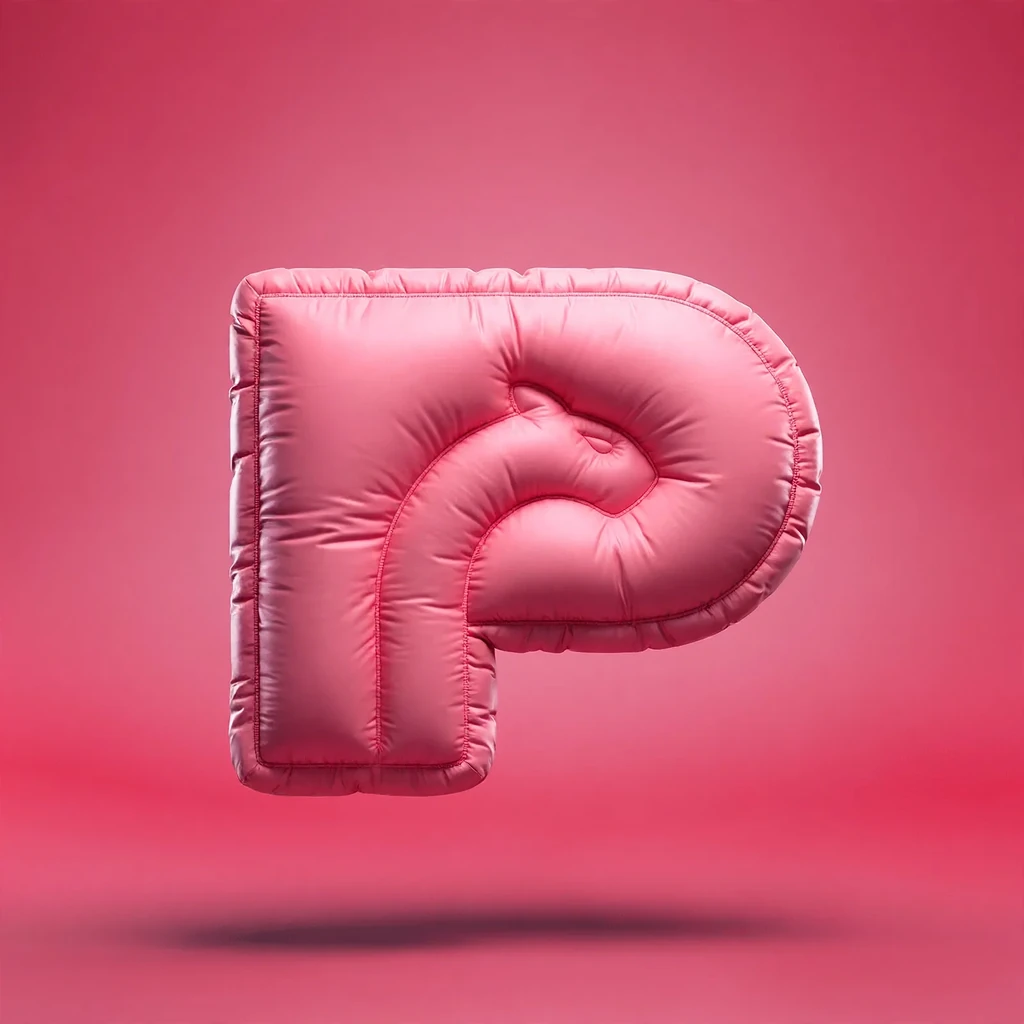
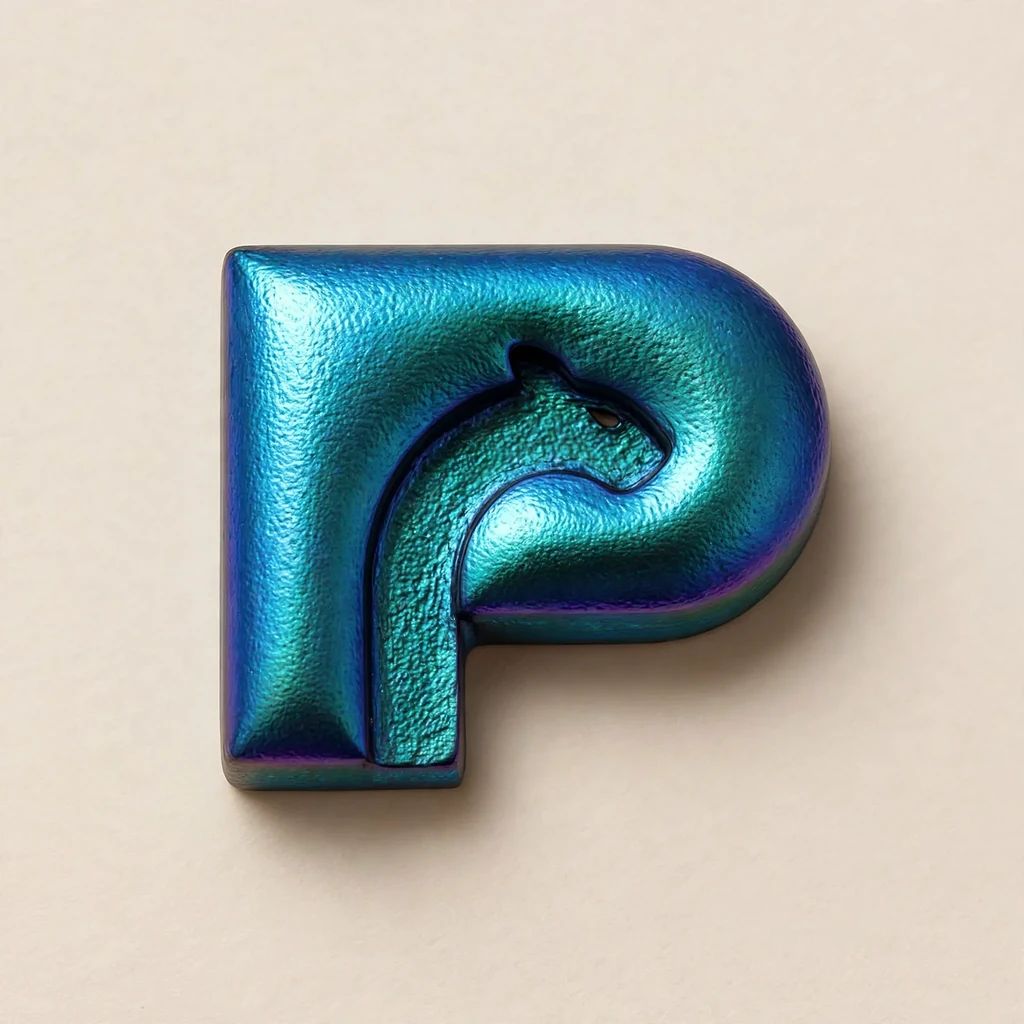
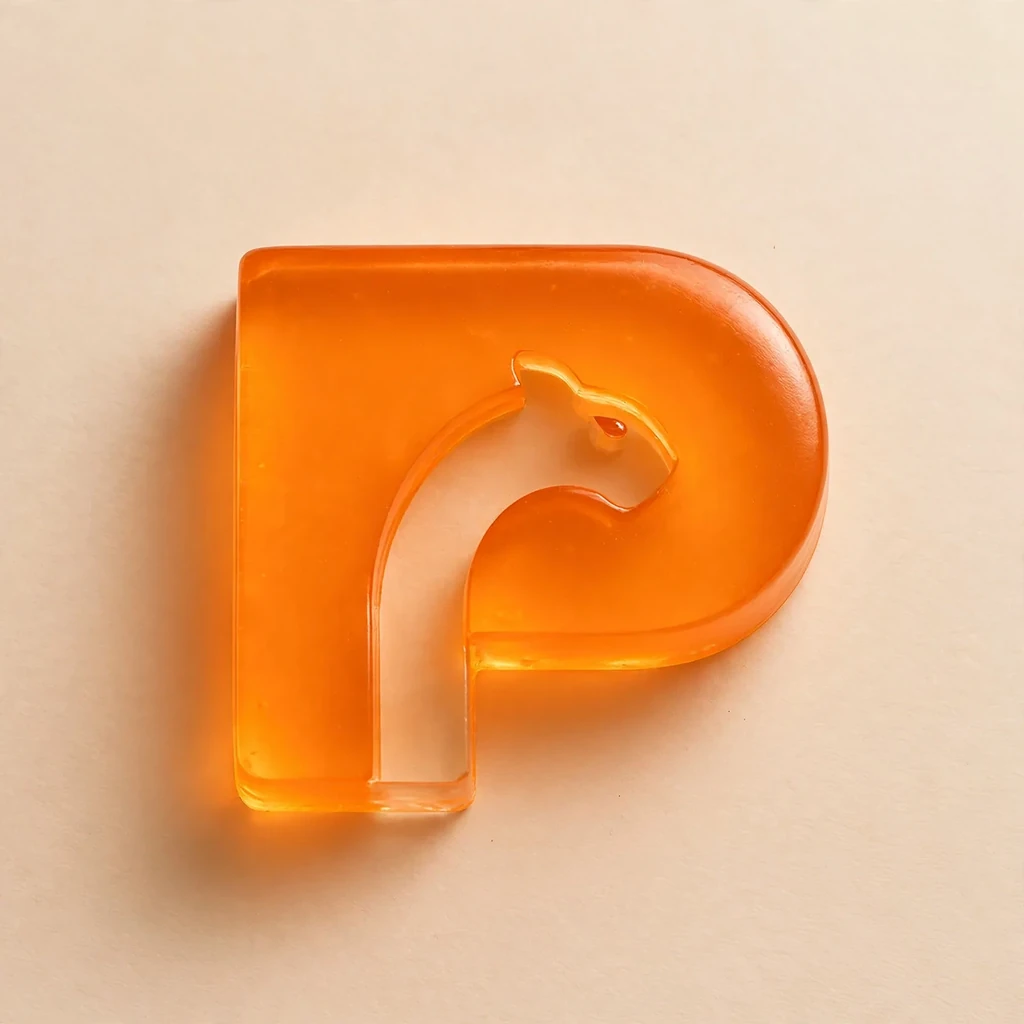
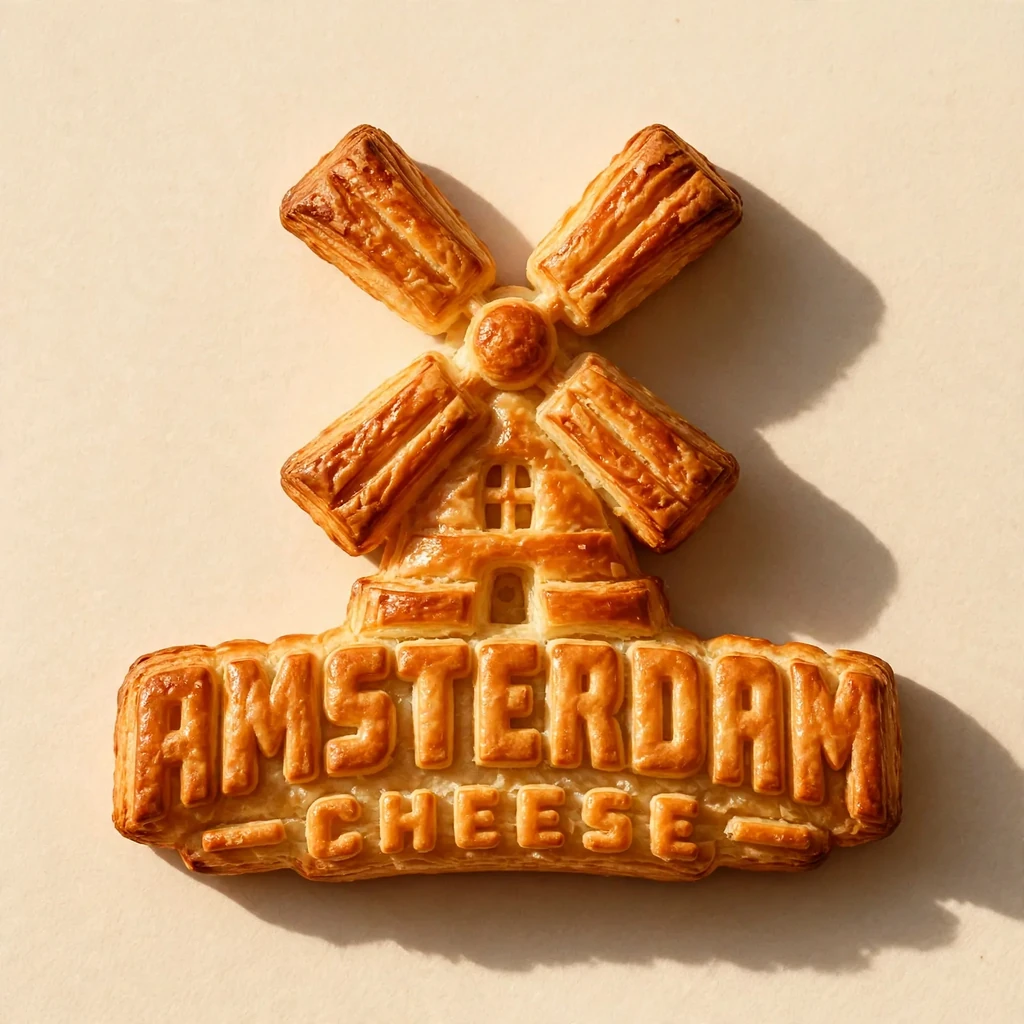
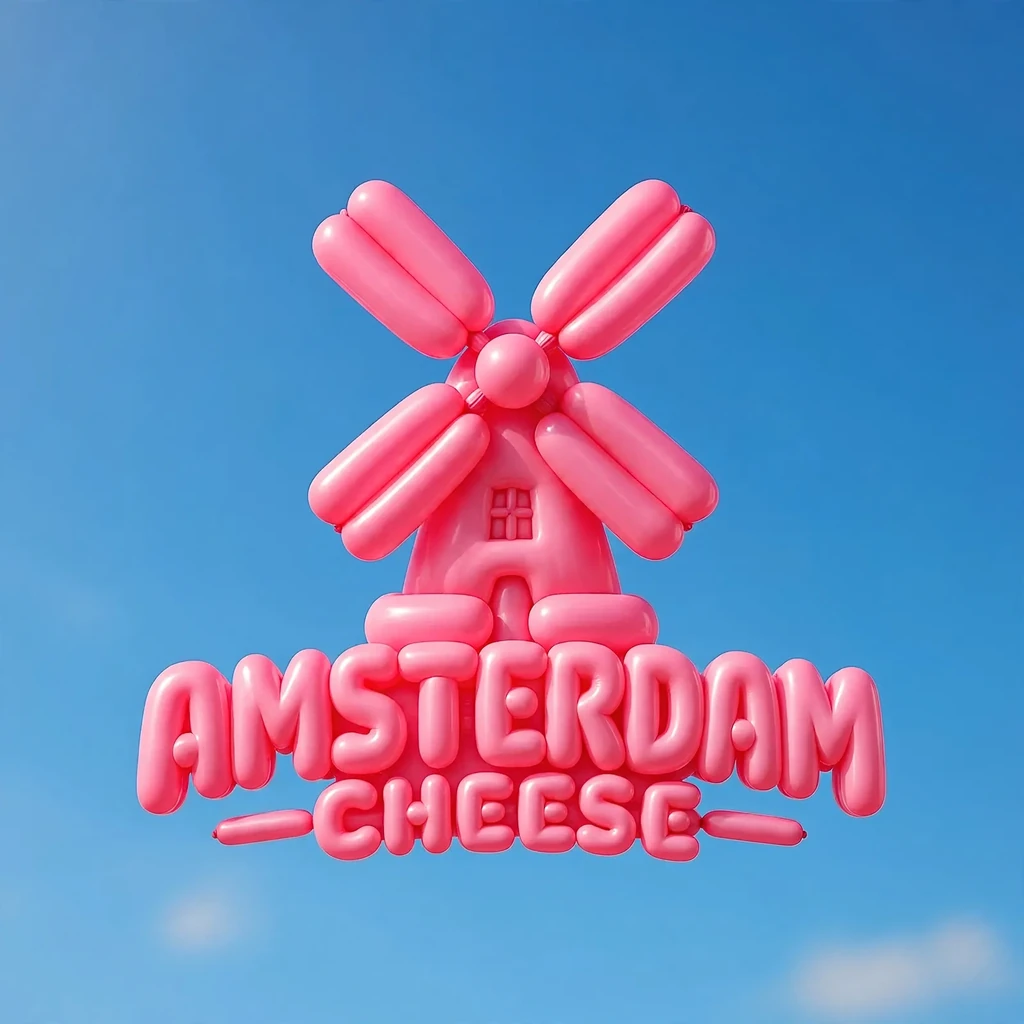
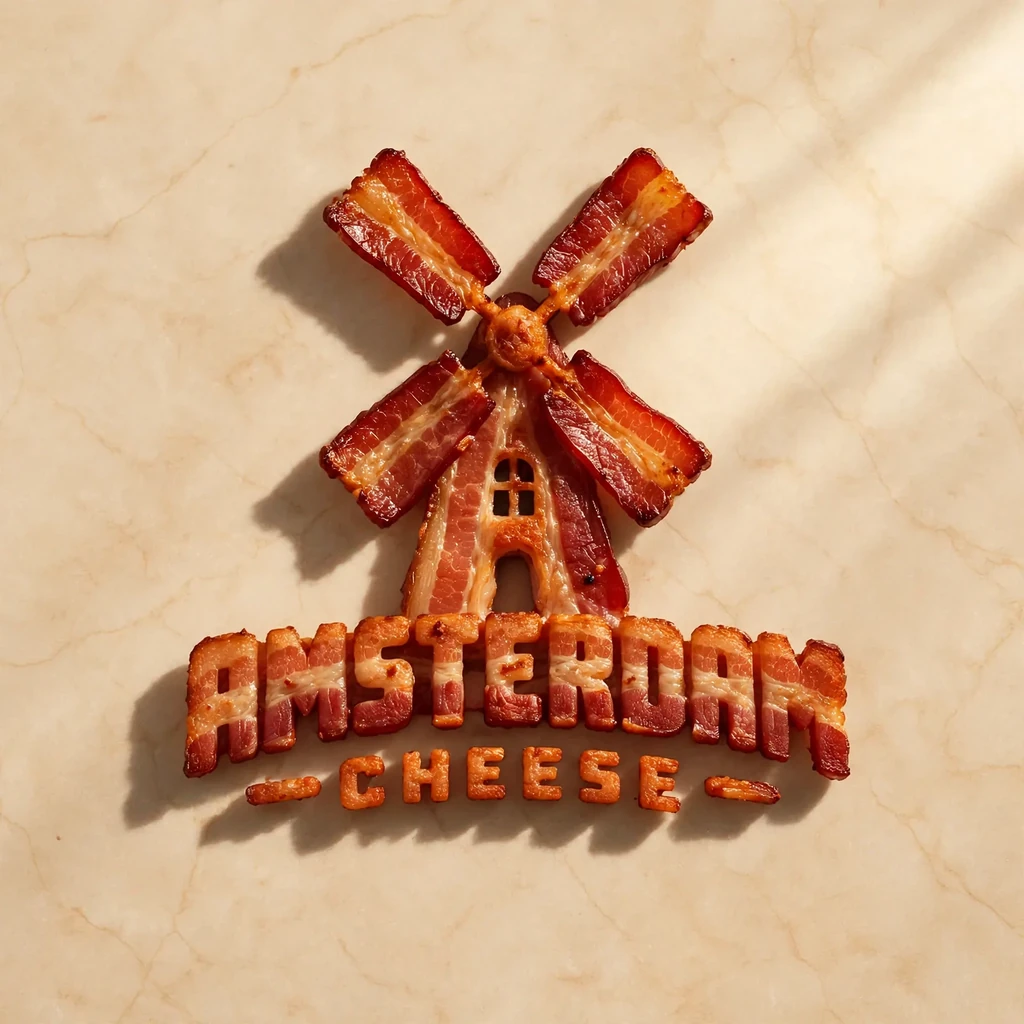
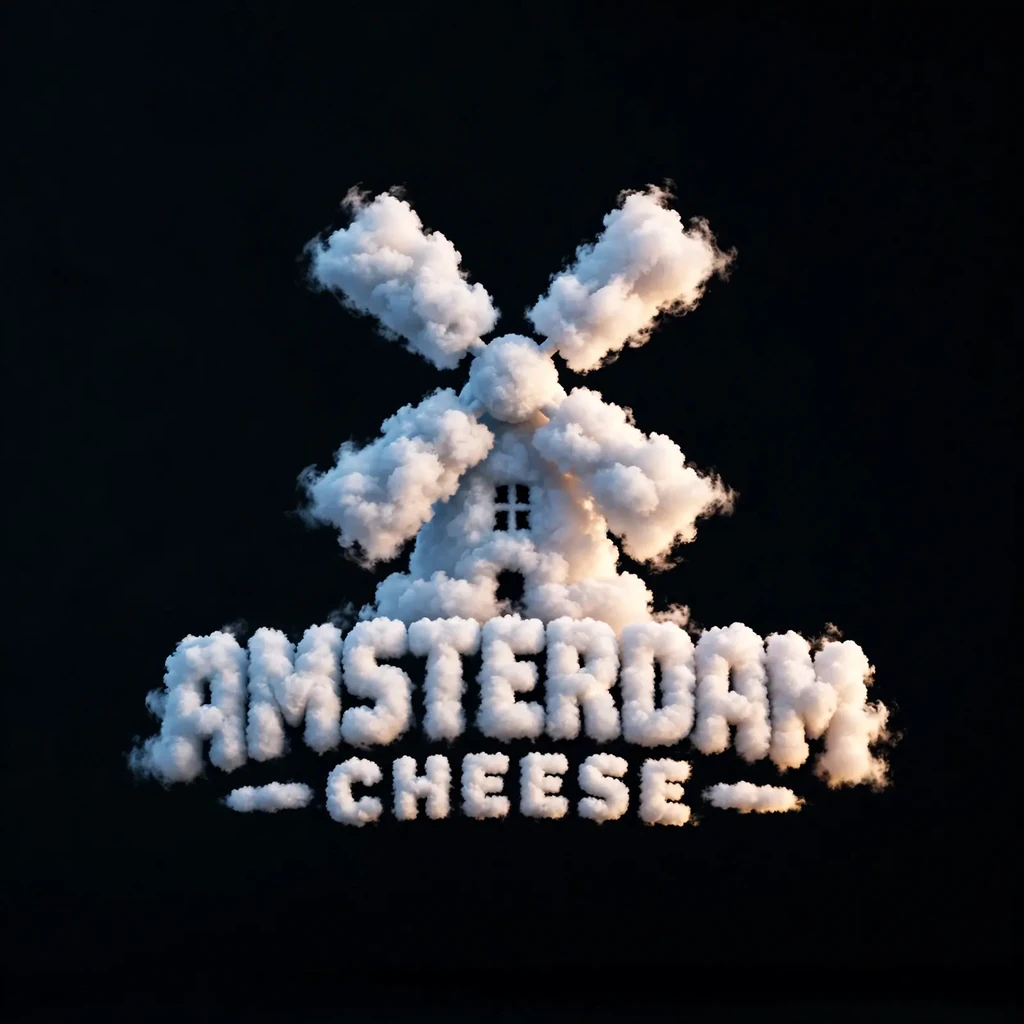
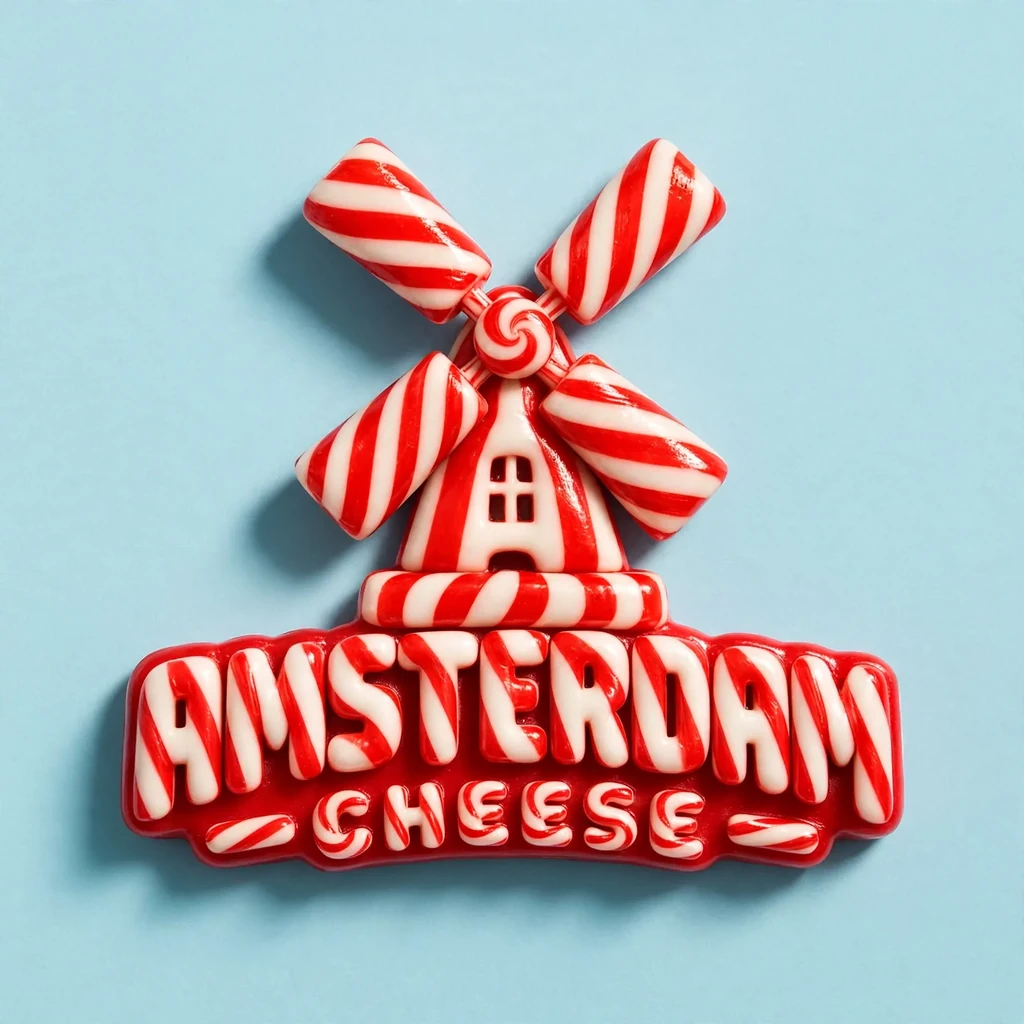
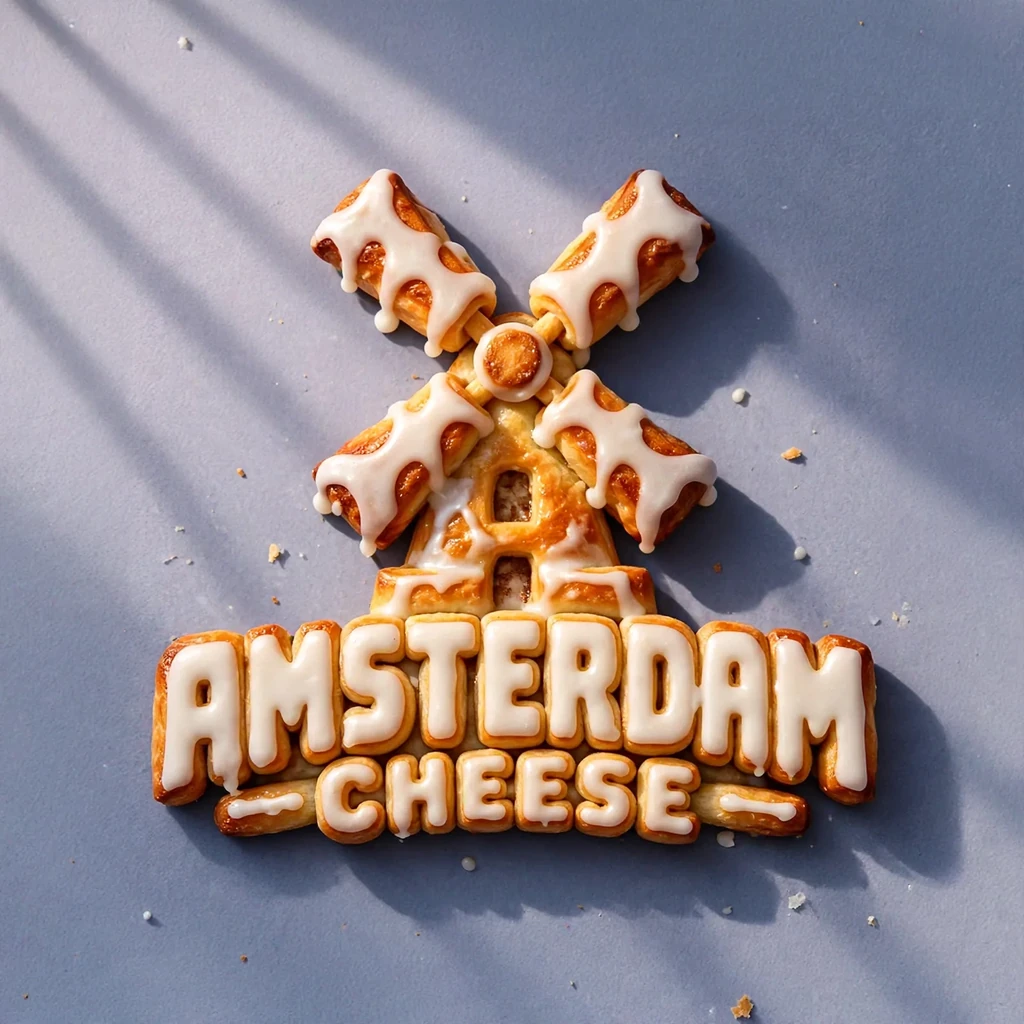
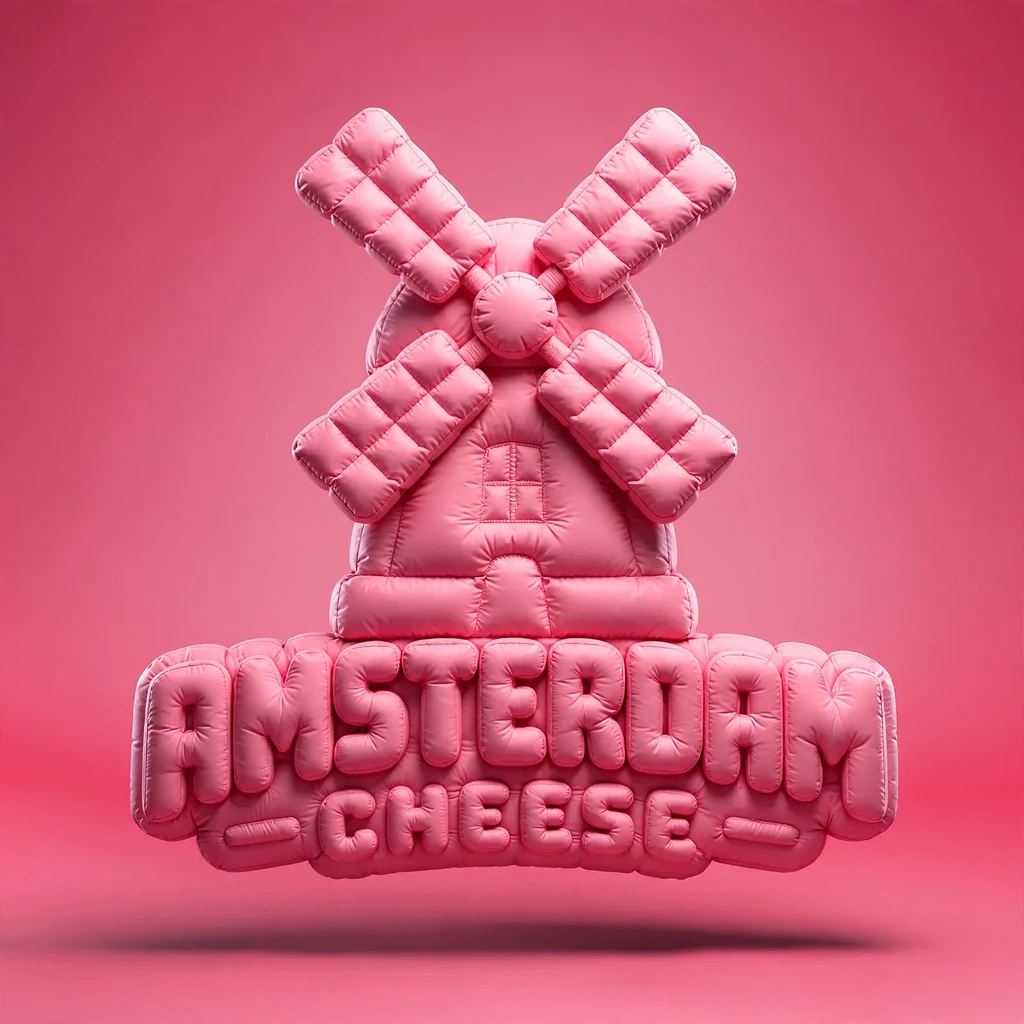
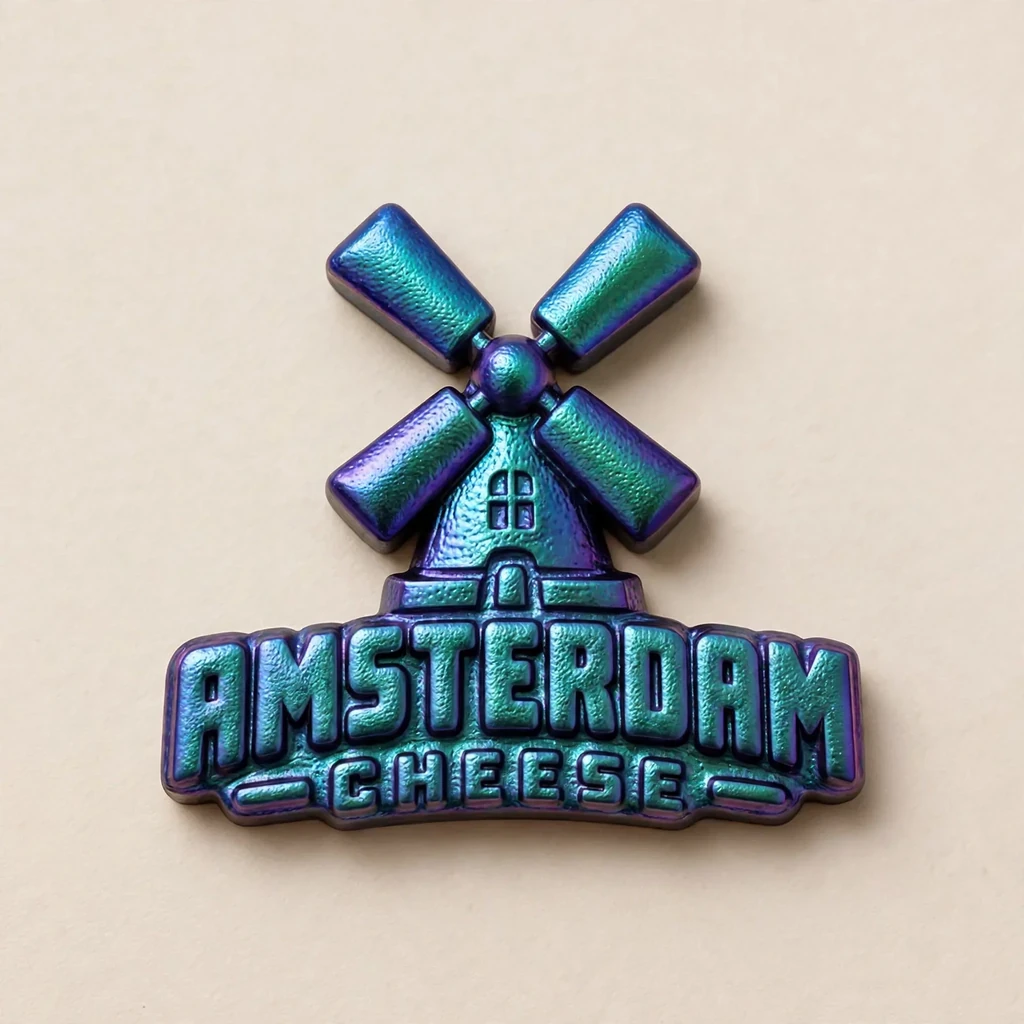
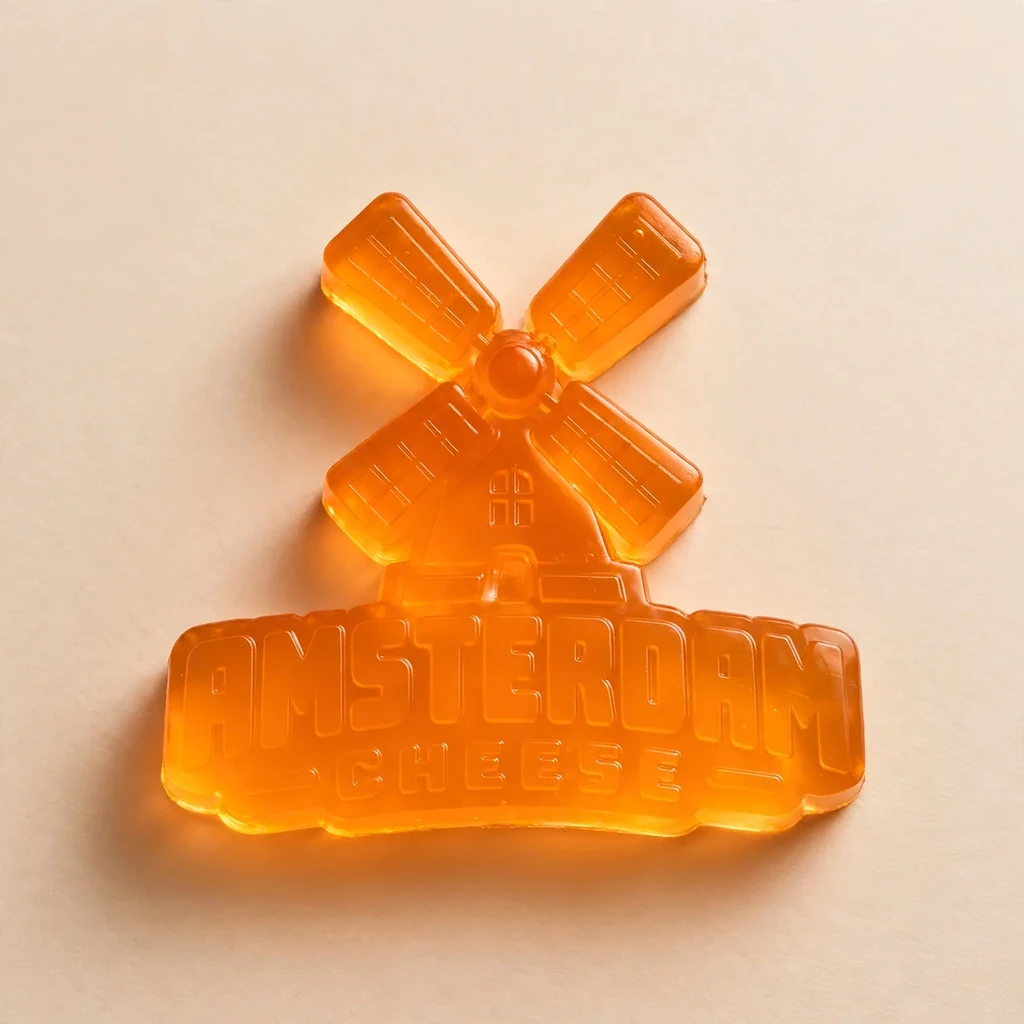
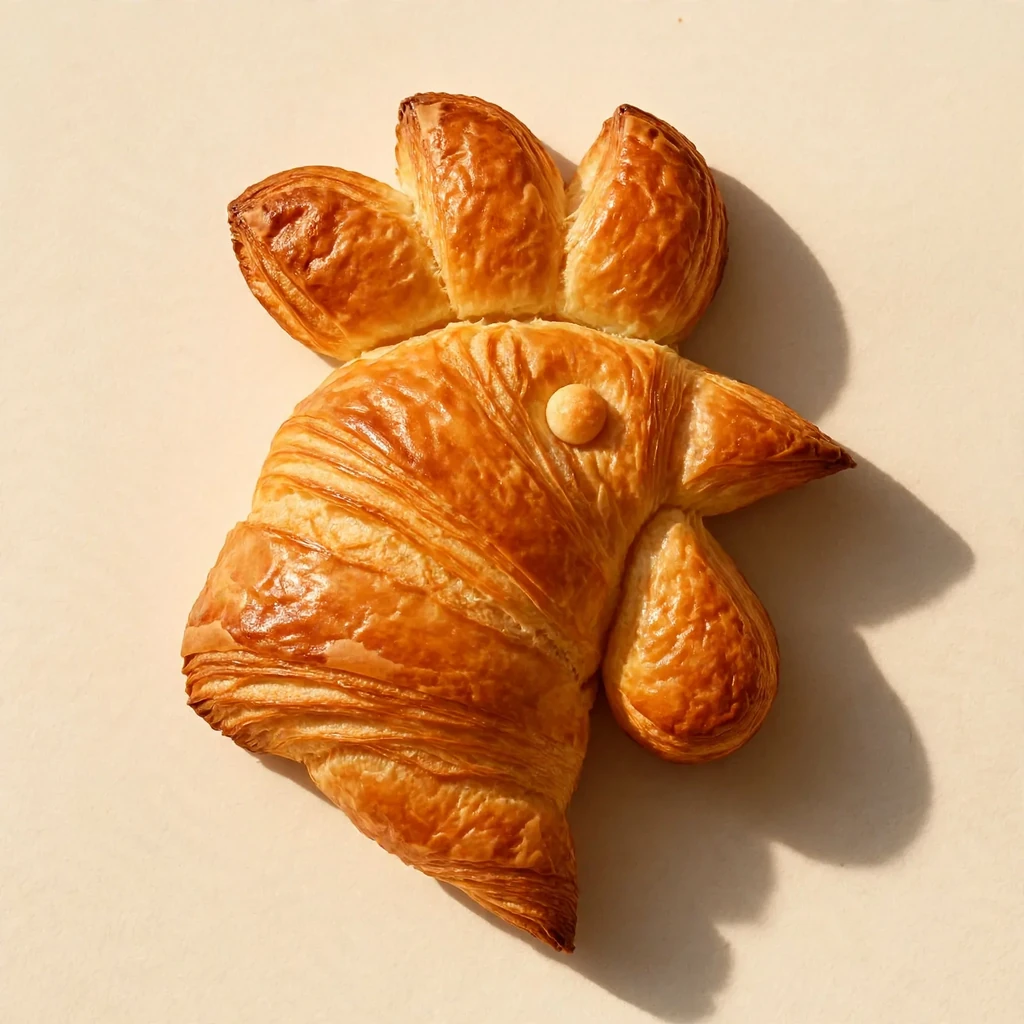
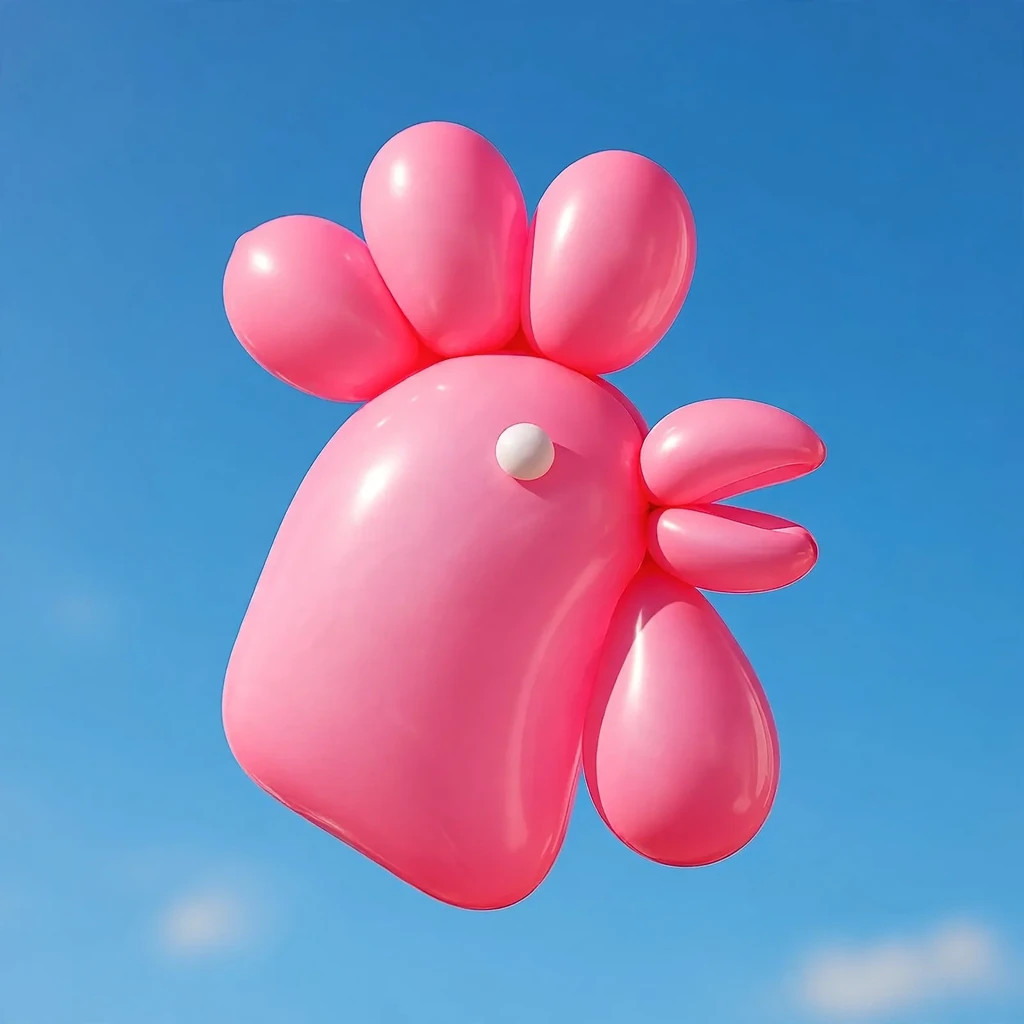
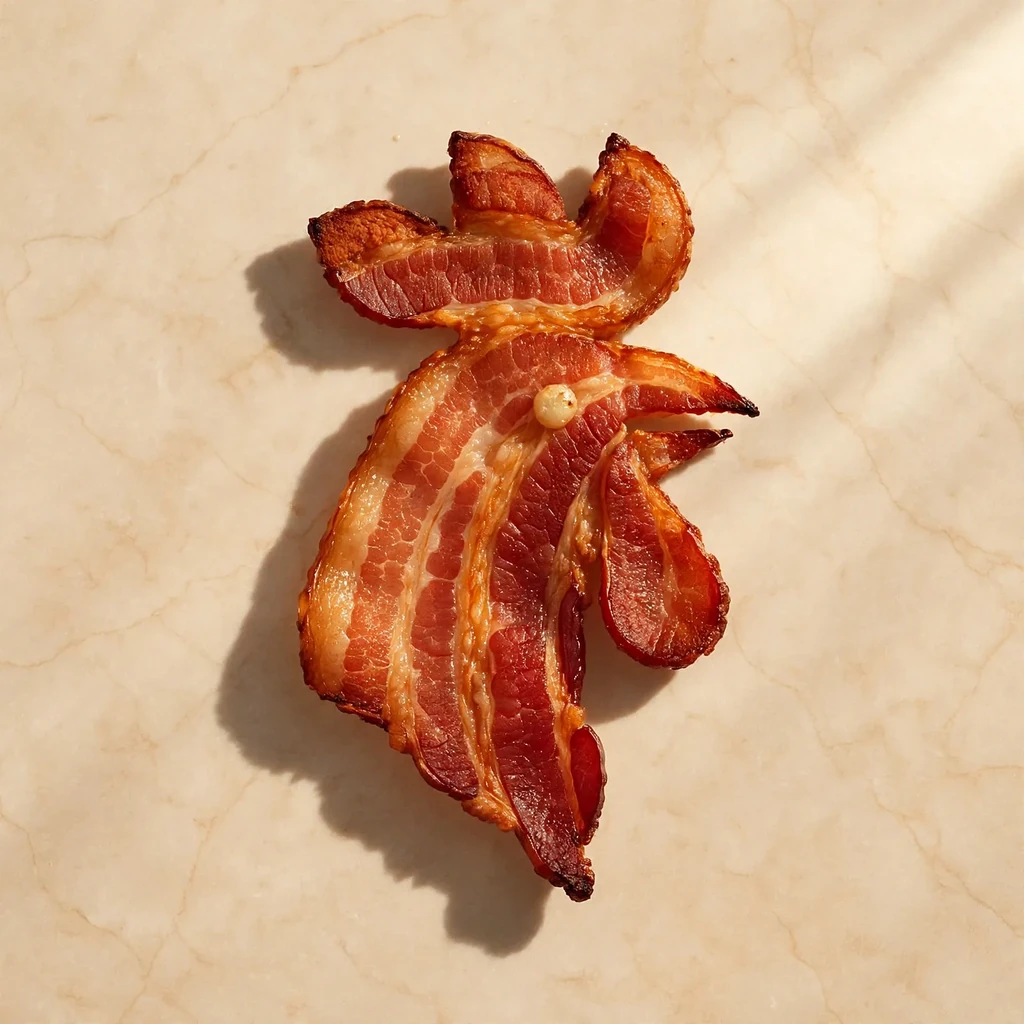
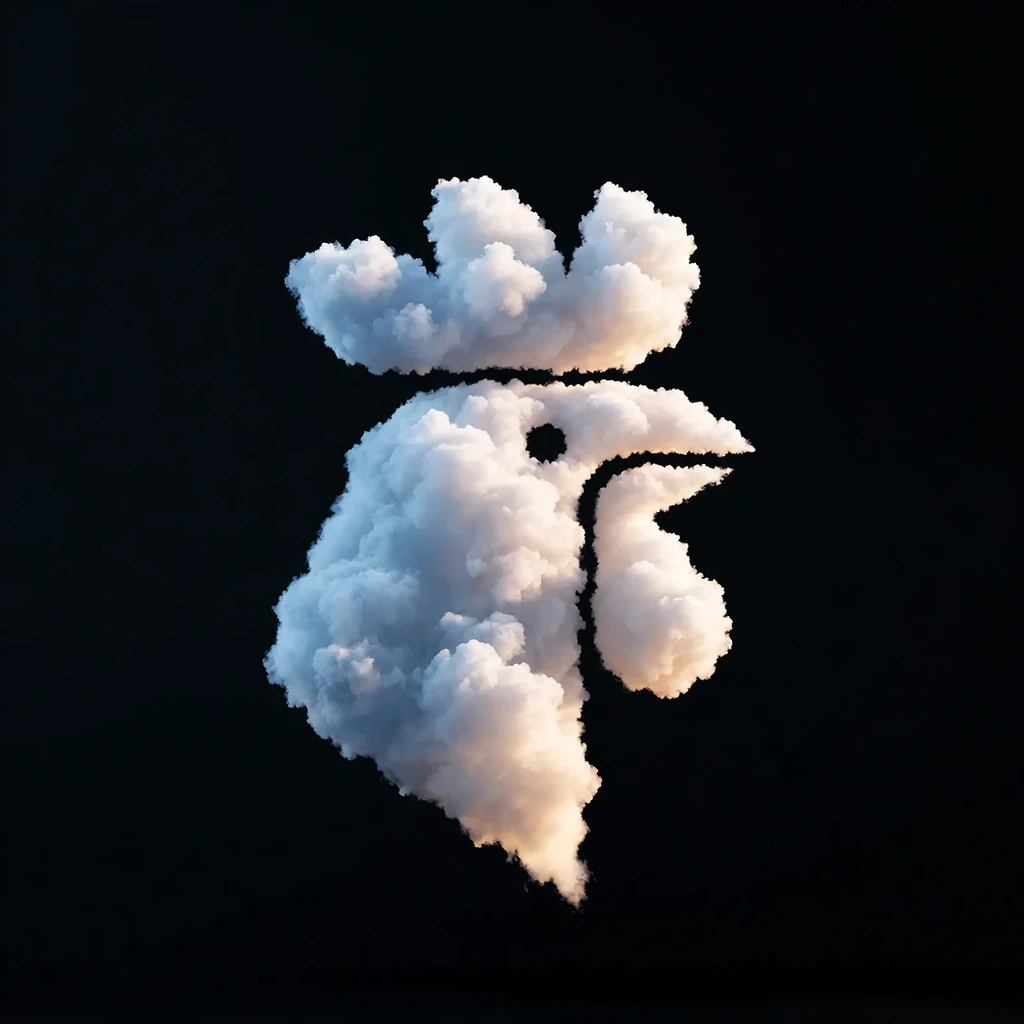
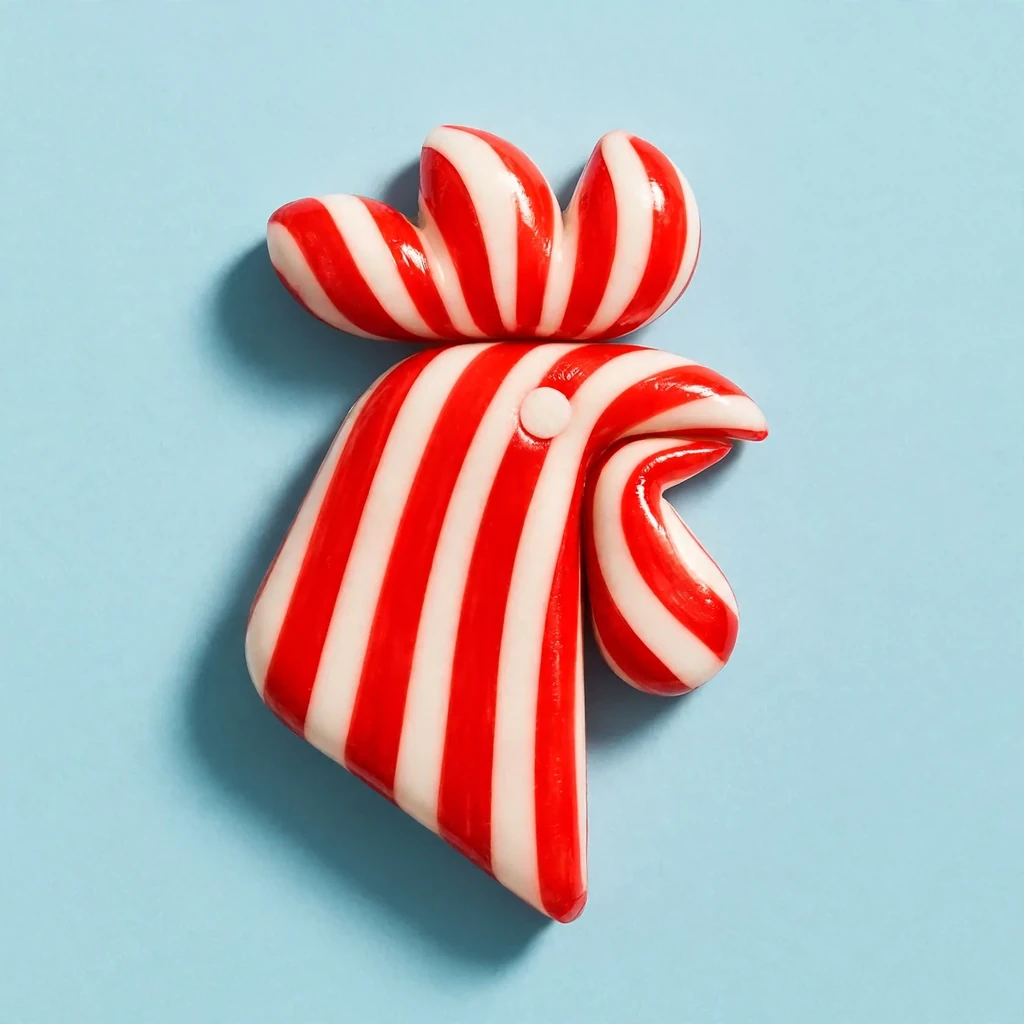
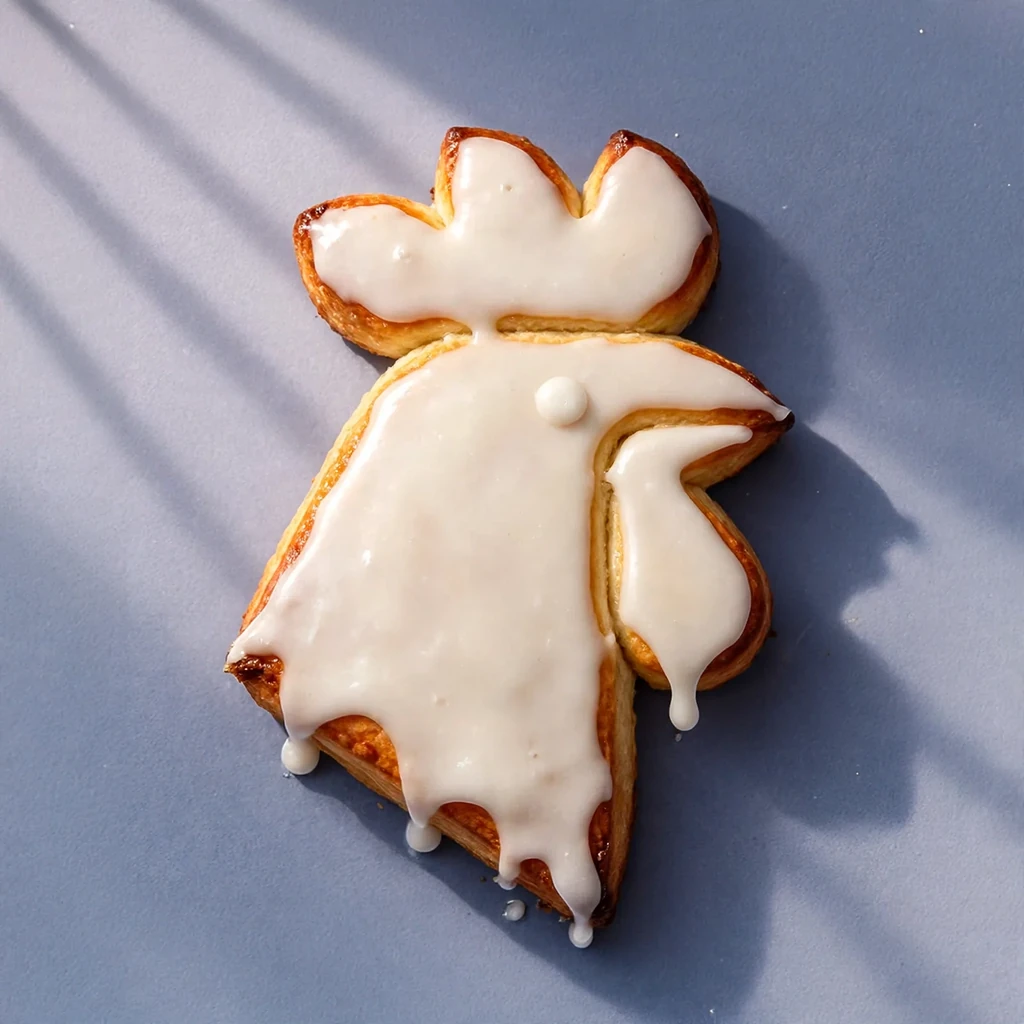
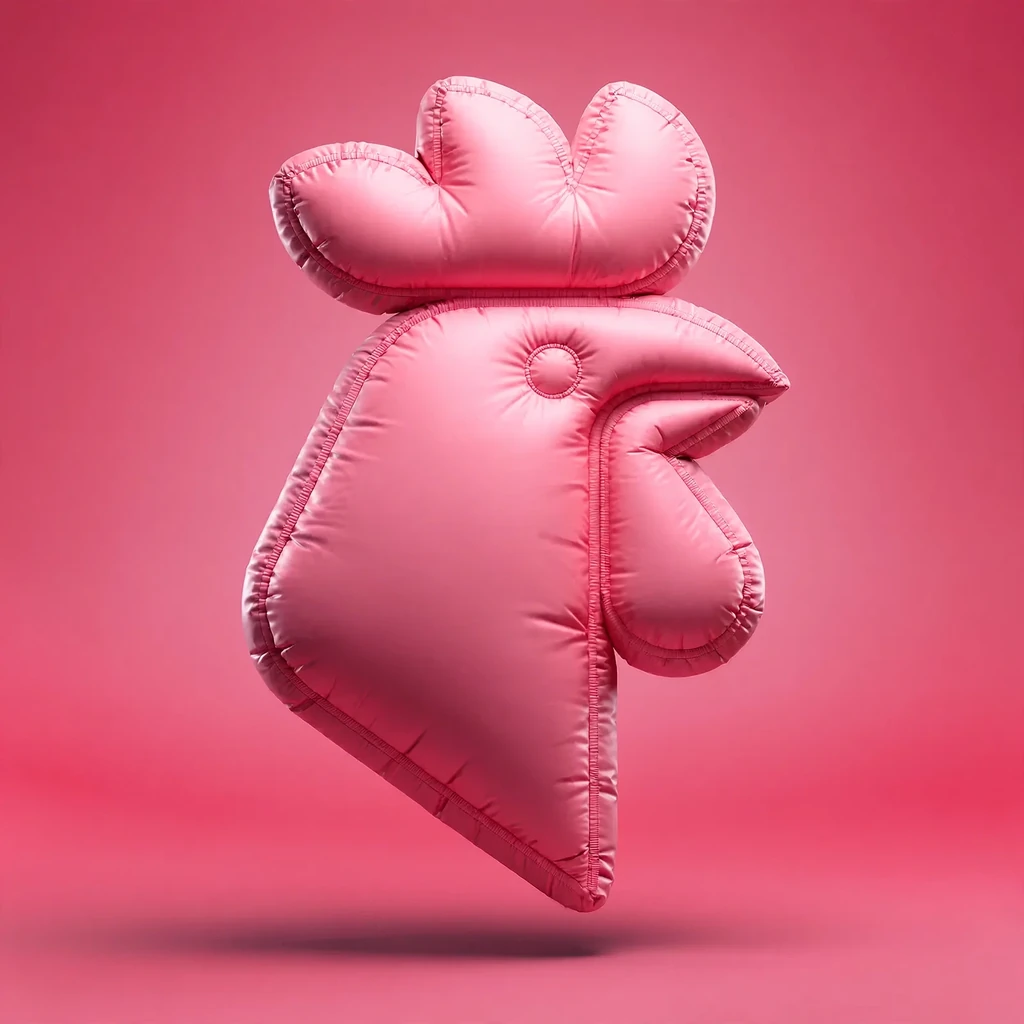
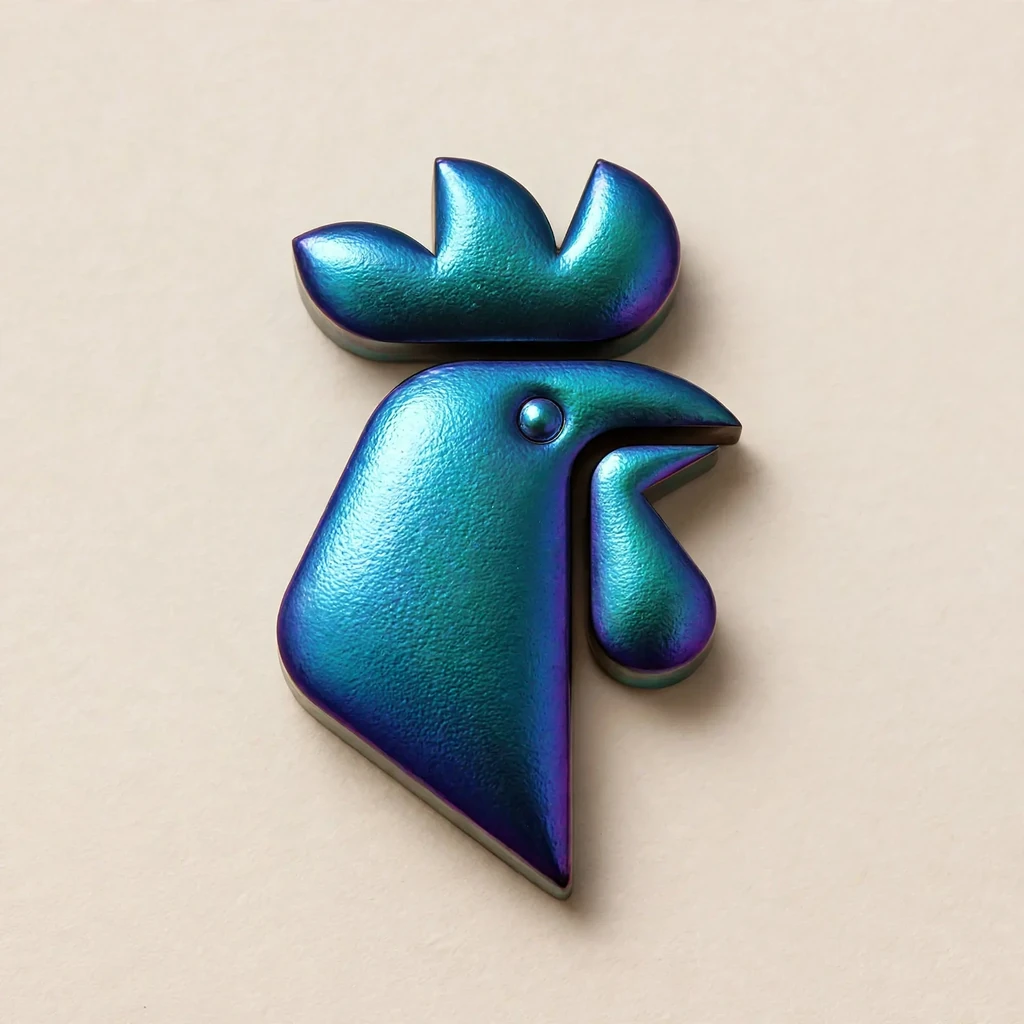
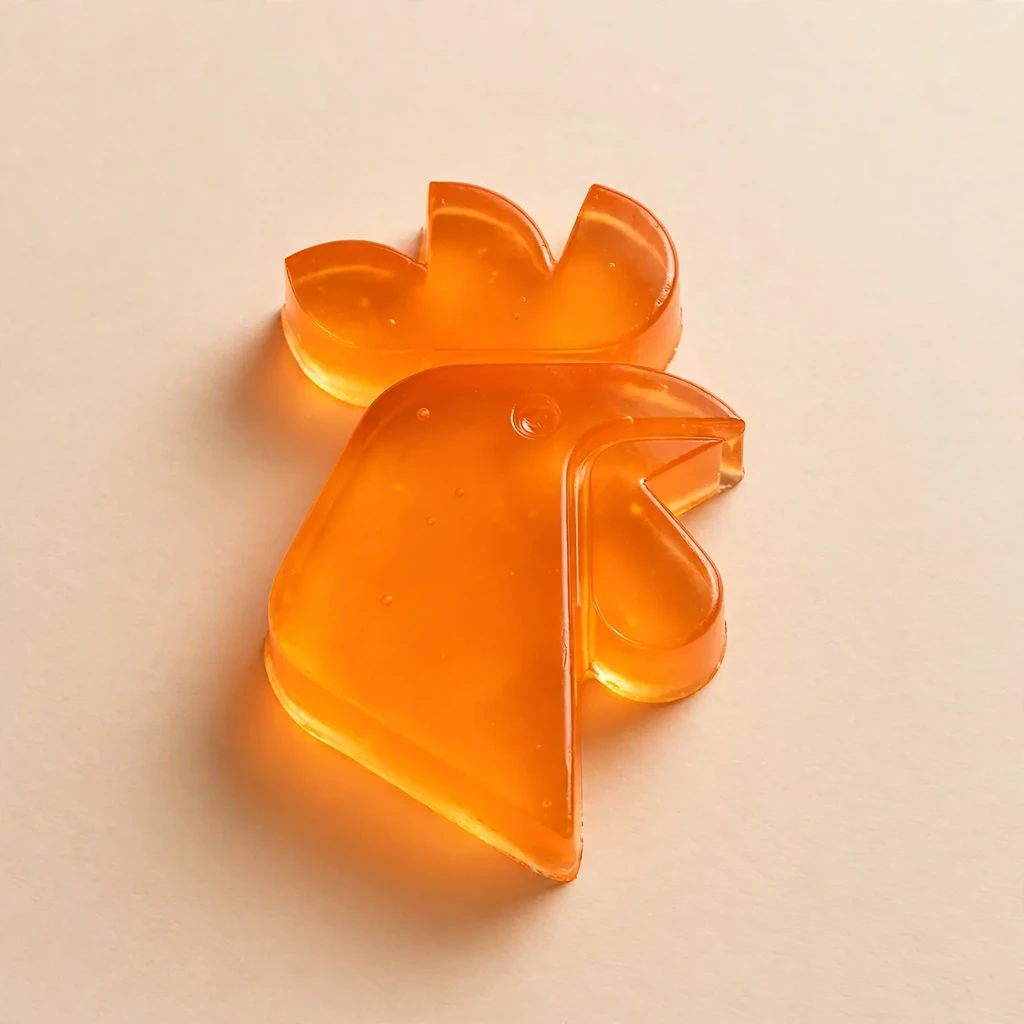
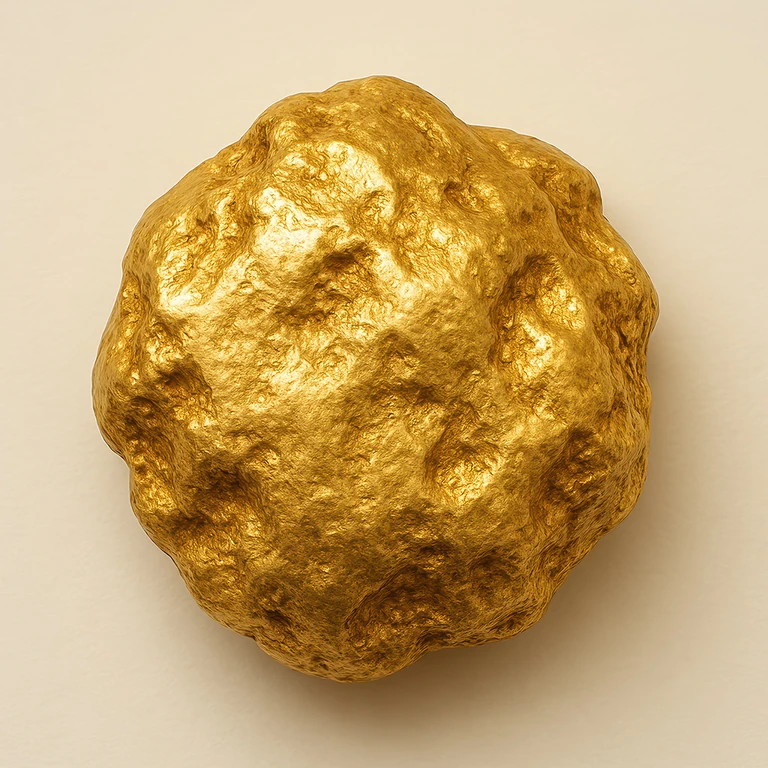
Use one of 101 style images, or upload yours.
Foods, balloons, glass, metal, fabric, shells and more are built into the app. Or upload a photo of anything, like a client's own product.
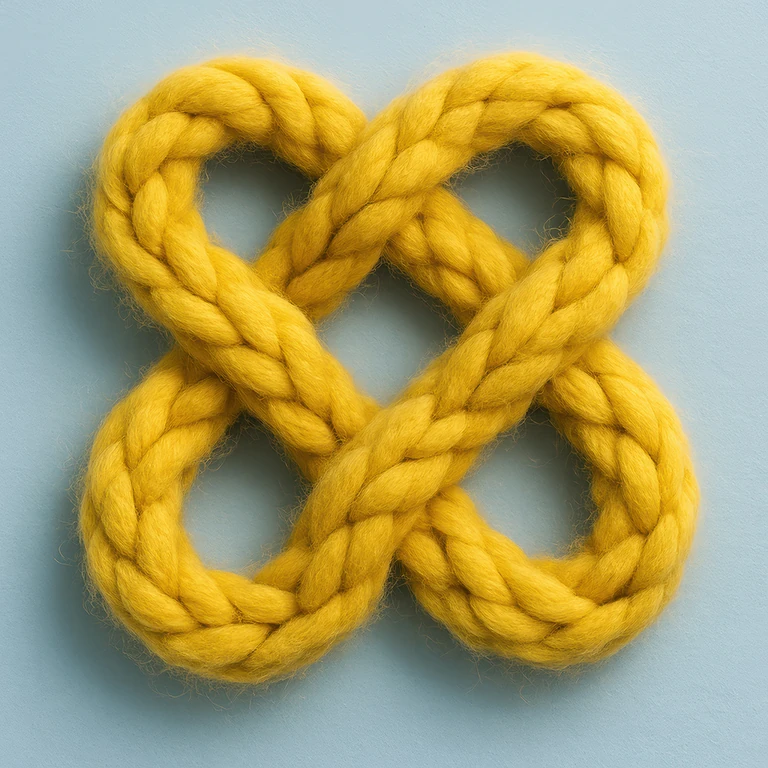
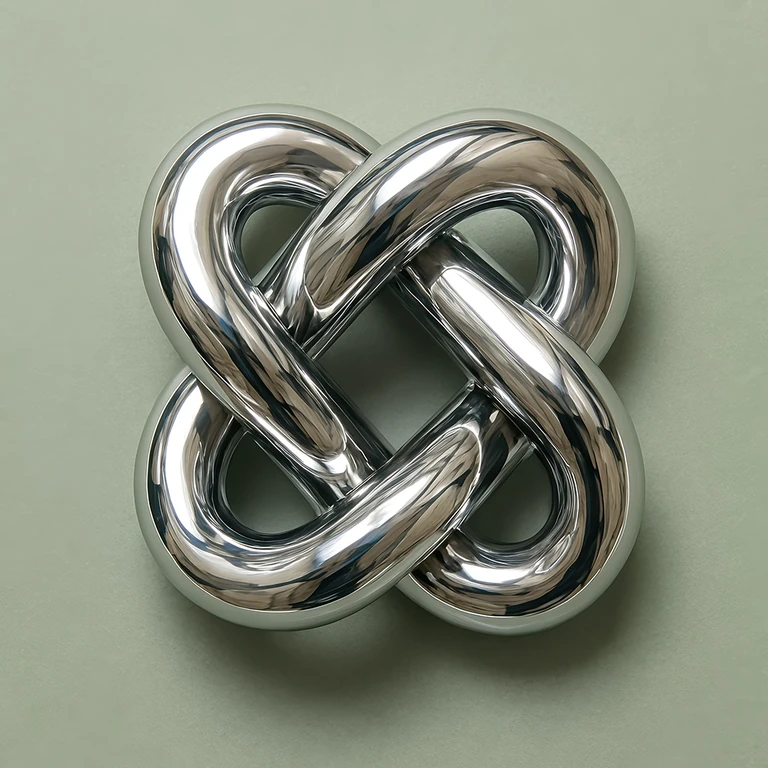
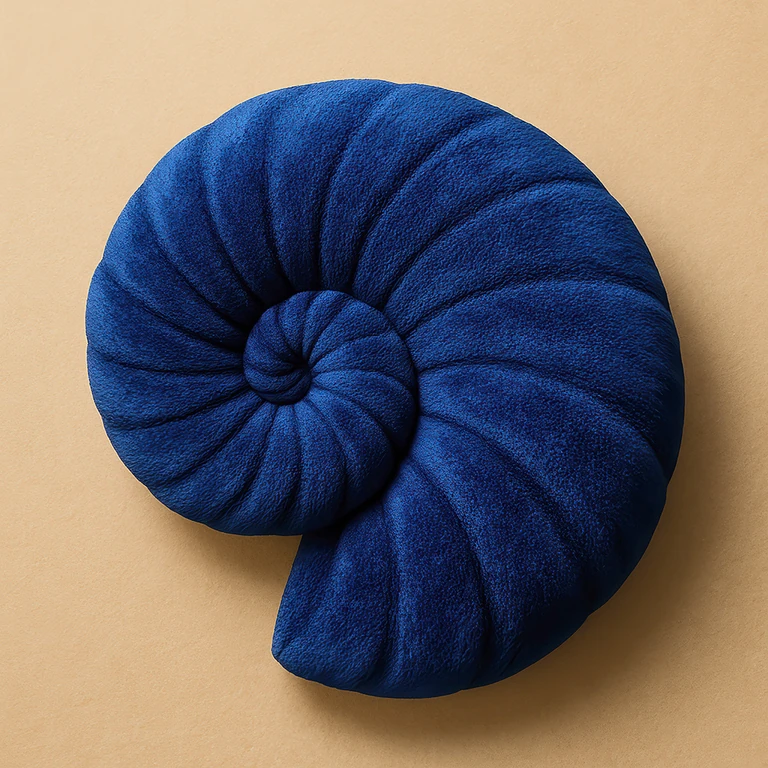
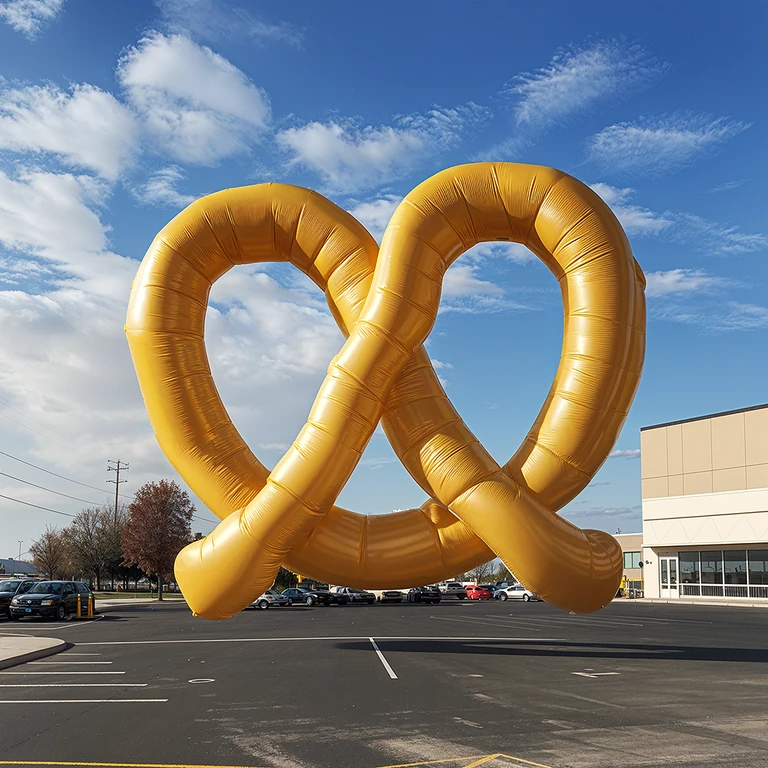
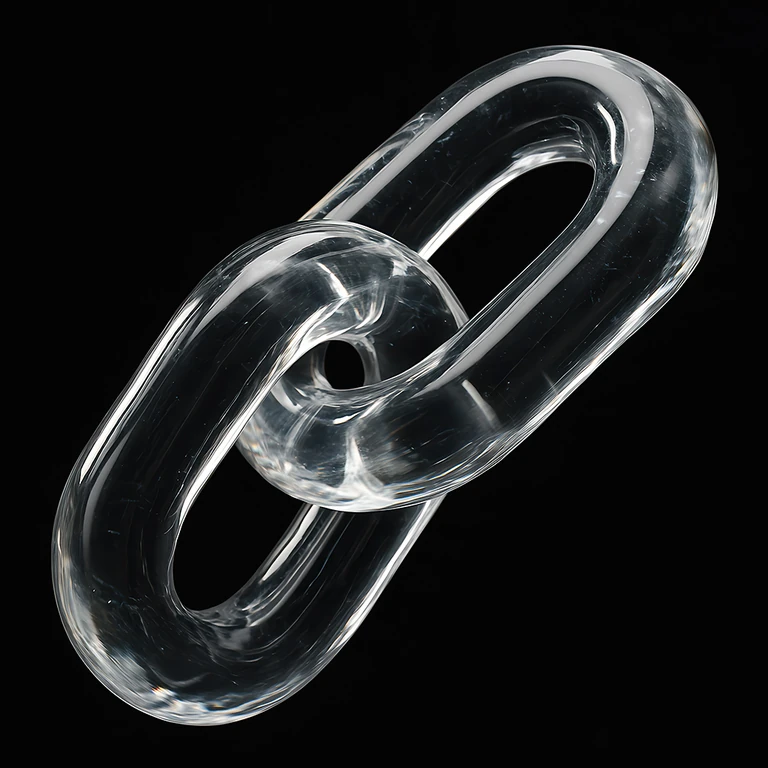
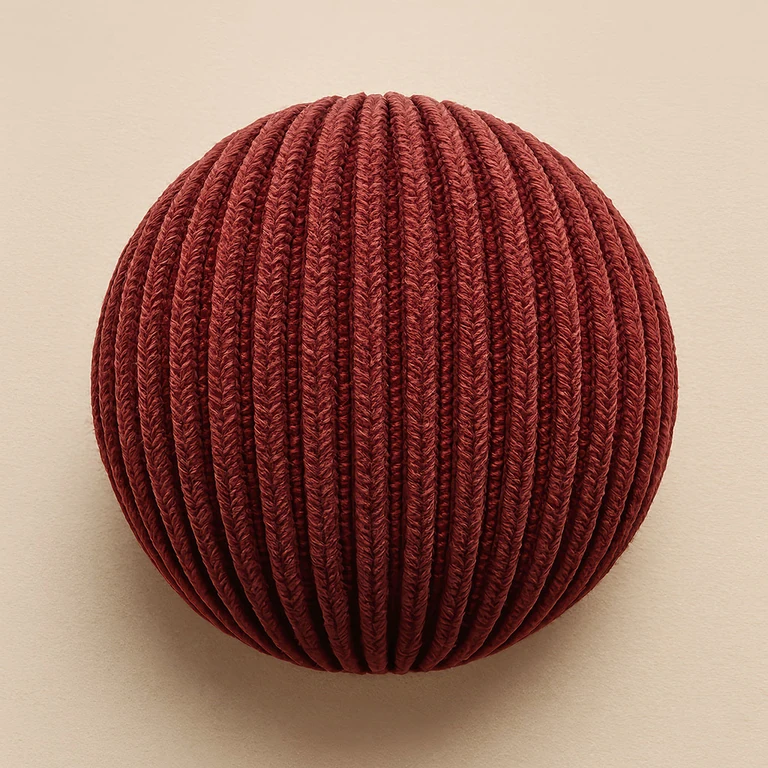
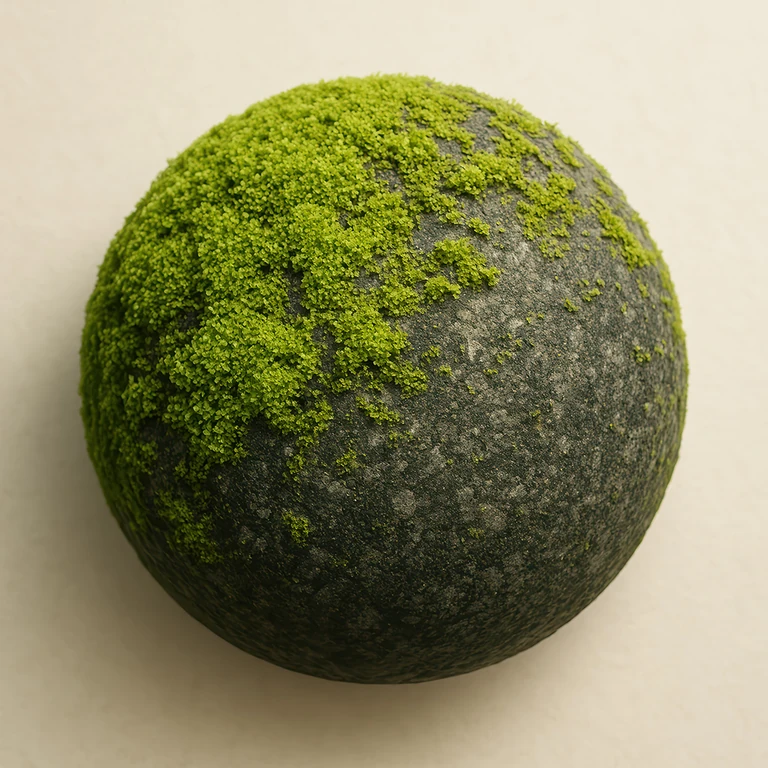
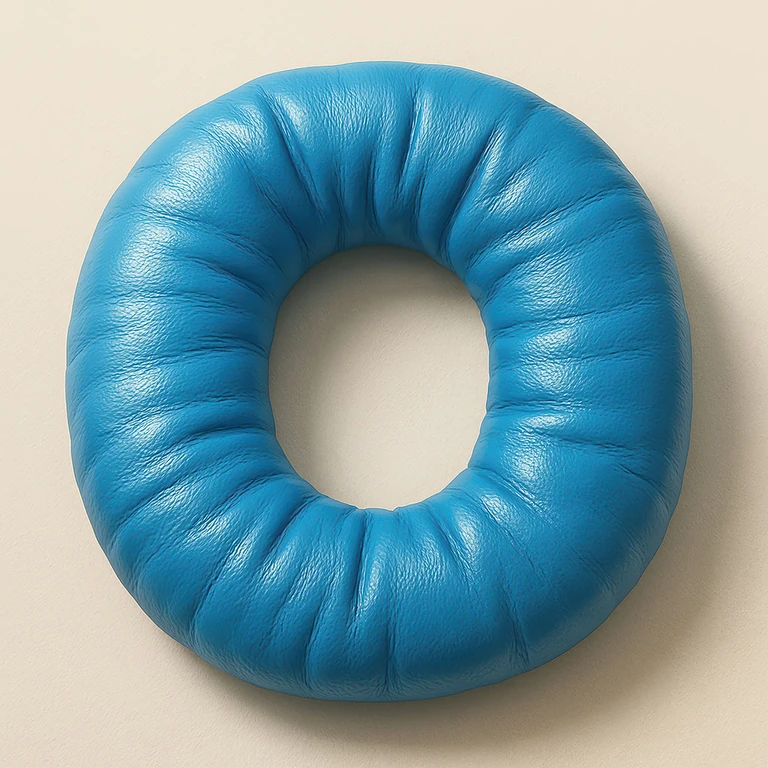
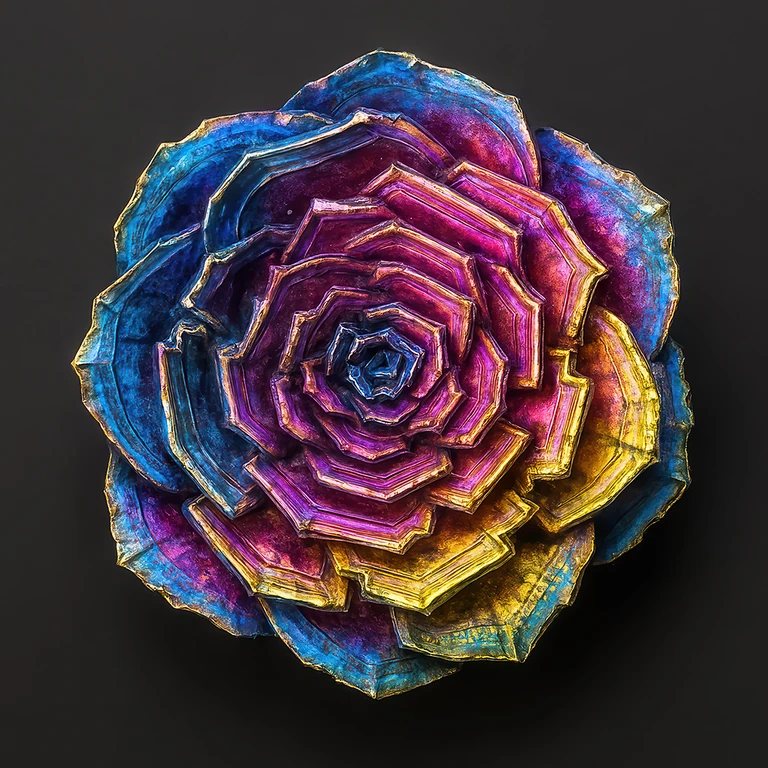
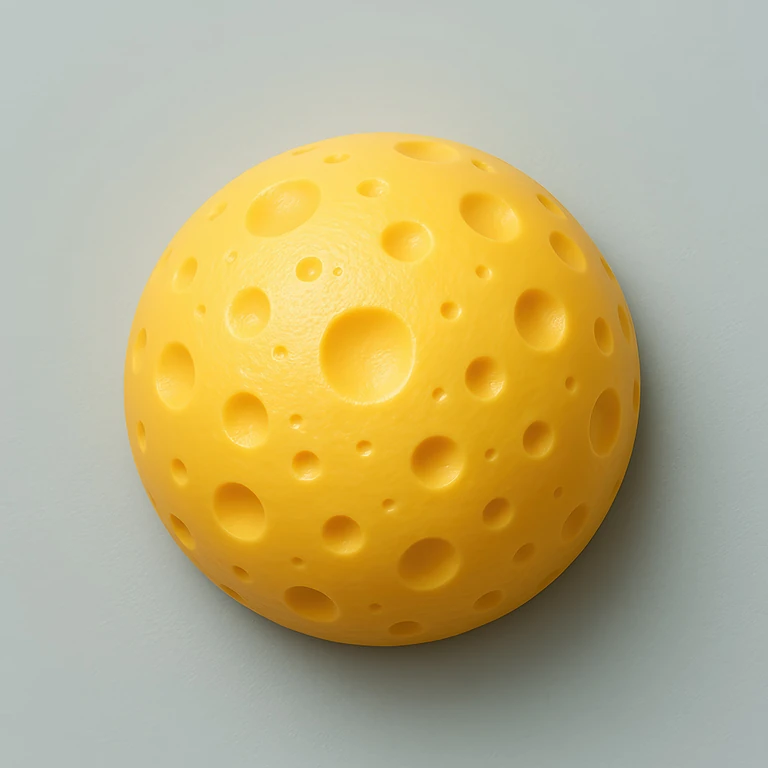
The logo becomes the thing.
Style Transfer takes what the object in the image is made of and how it catches the light, and rebuilds your logo as that object. The outline comes from your logo file.
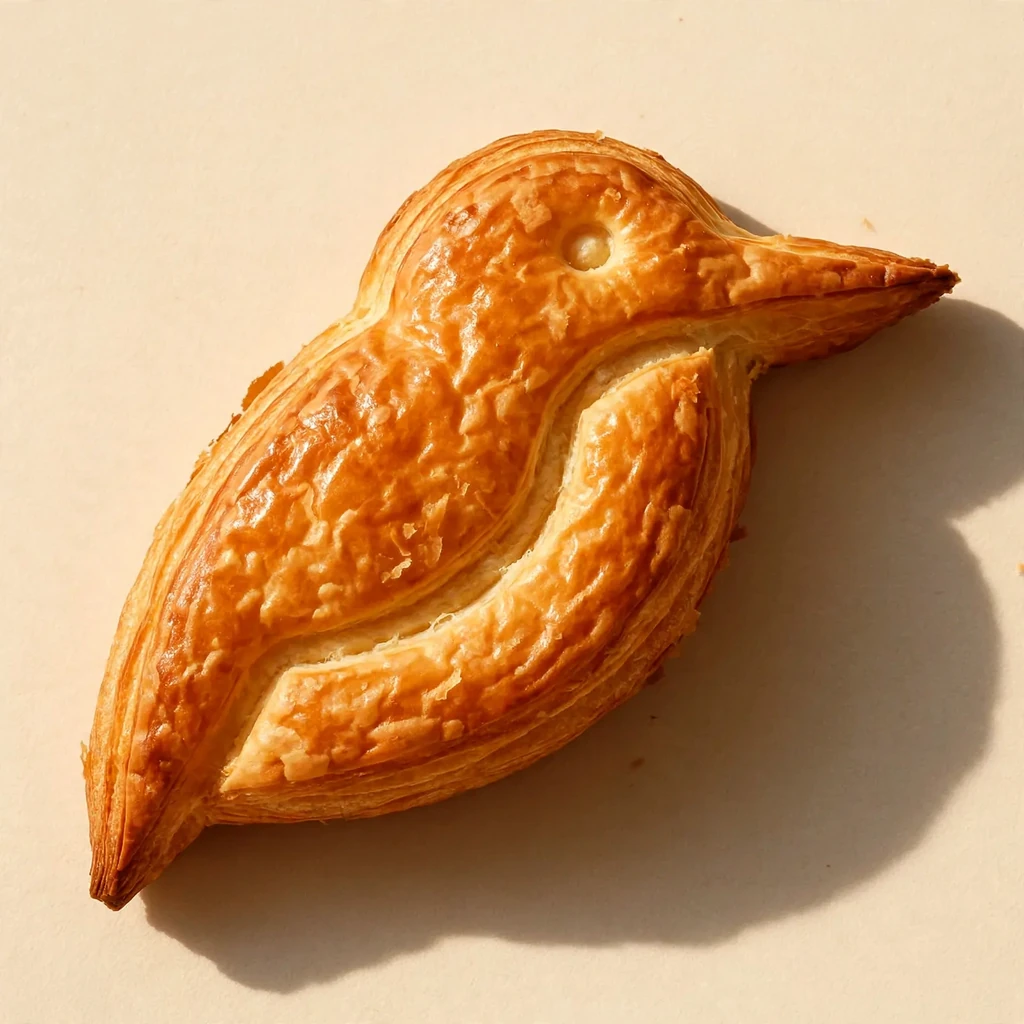
One image works on any logo.
Wordmarks, monograms, badges and symbols. Letters stay readable, and a badge keeps the layout it was designed with.
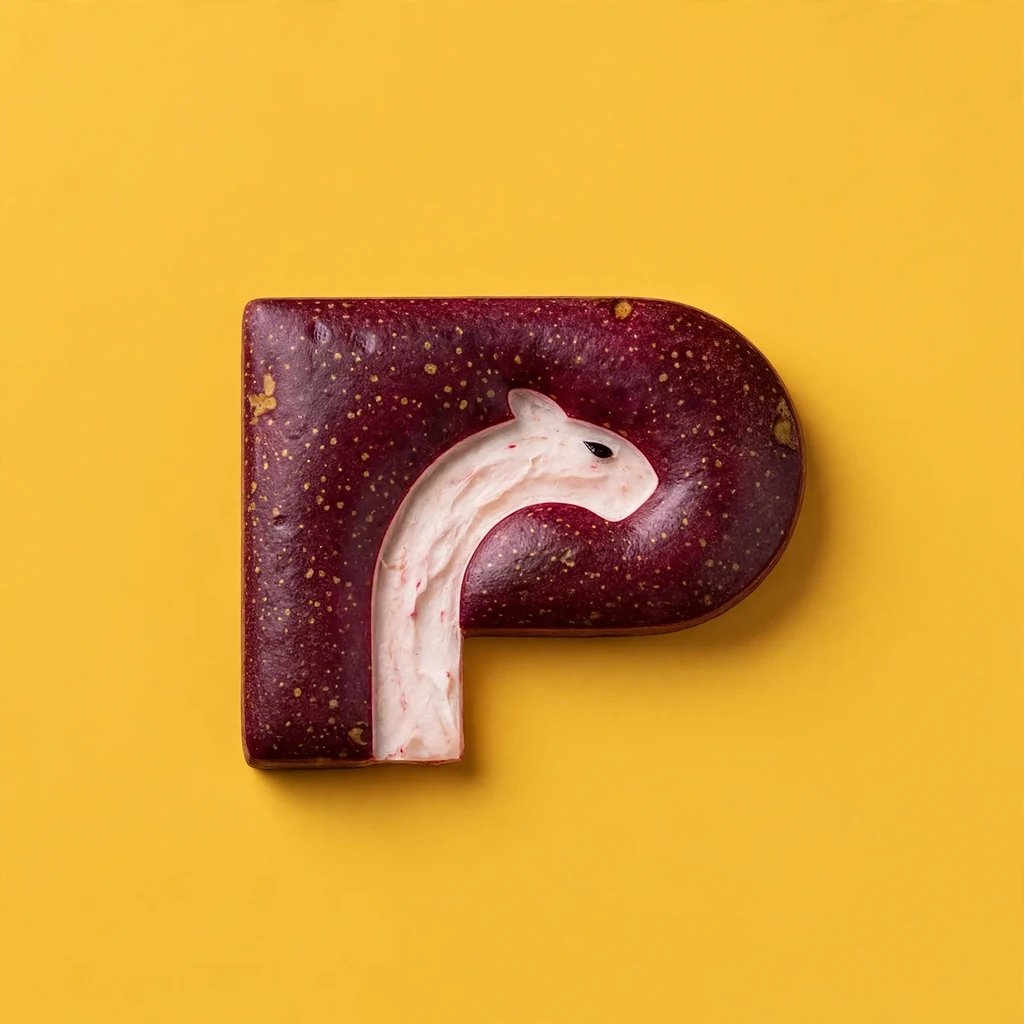
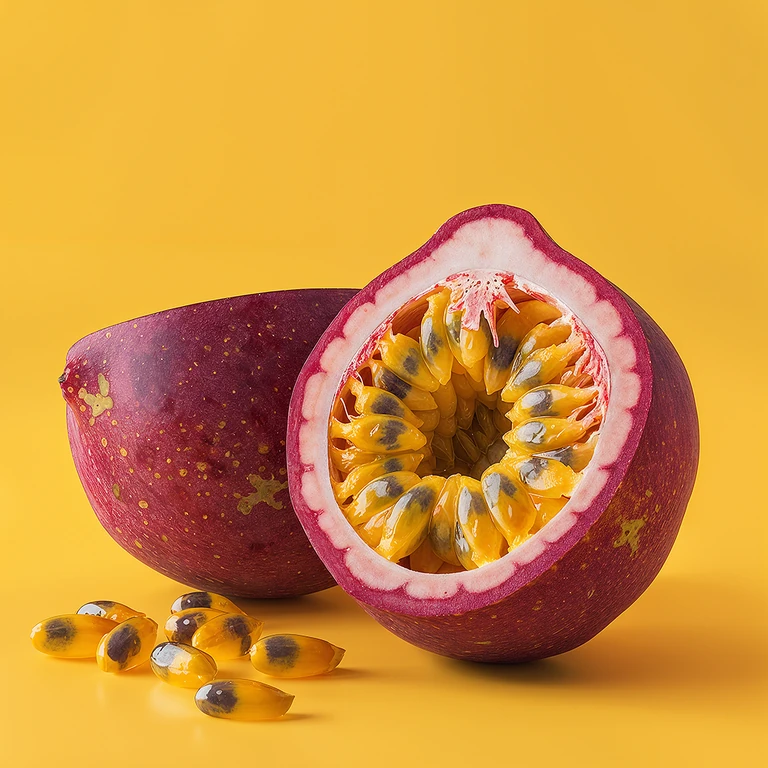
It comes back as a finished picture.
The background and the light come from the image too, so the result can go straight onto a pitch slide or a post.
Two uploads, one click.
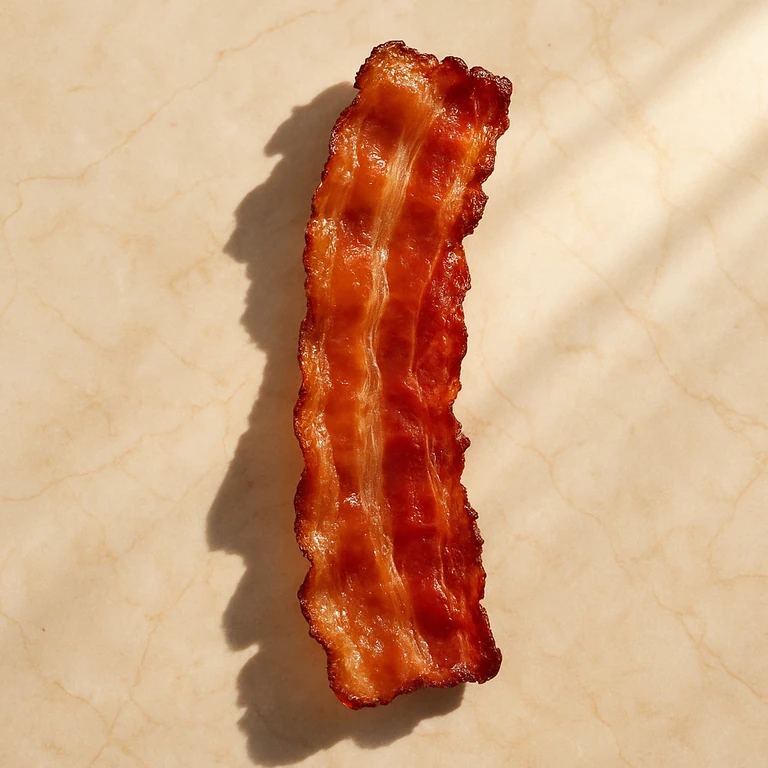
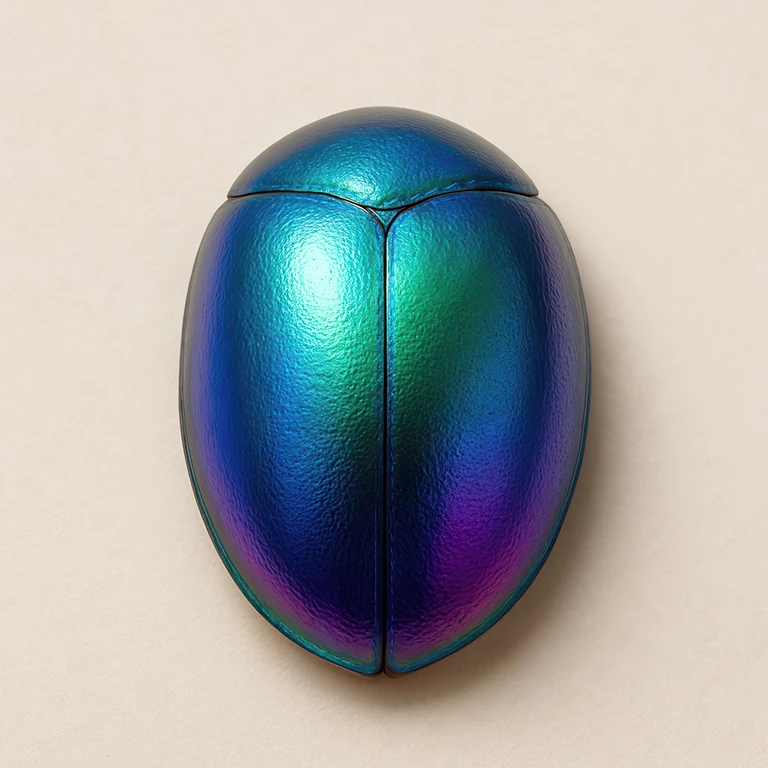
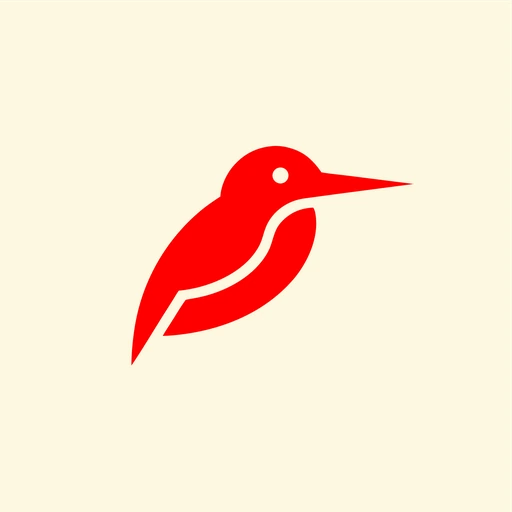
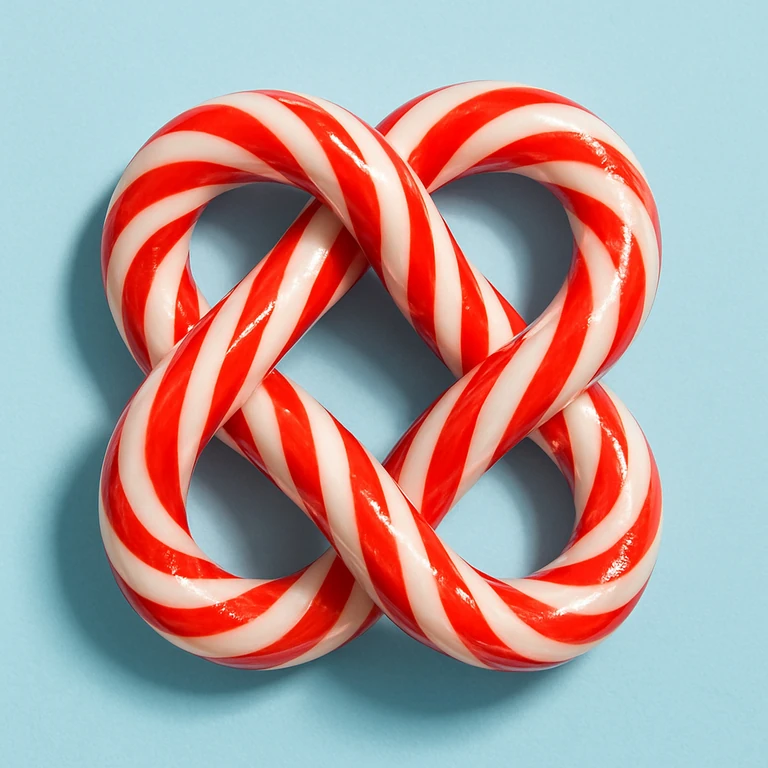
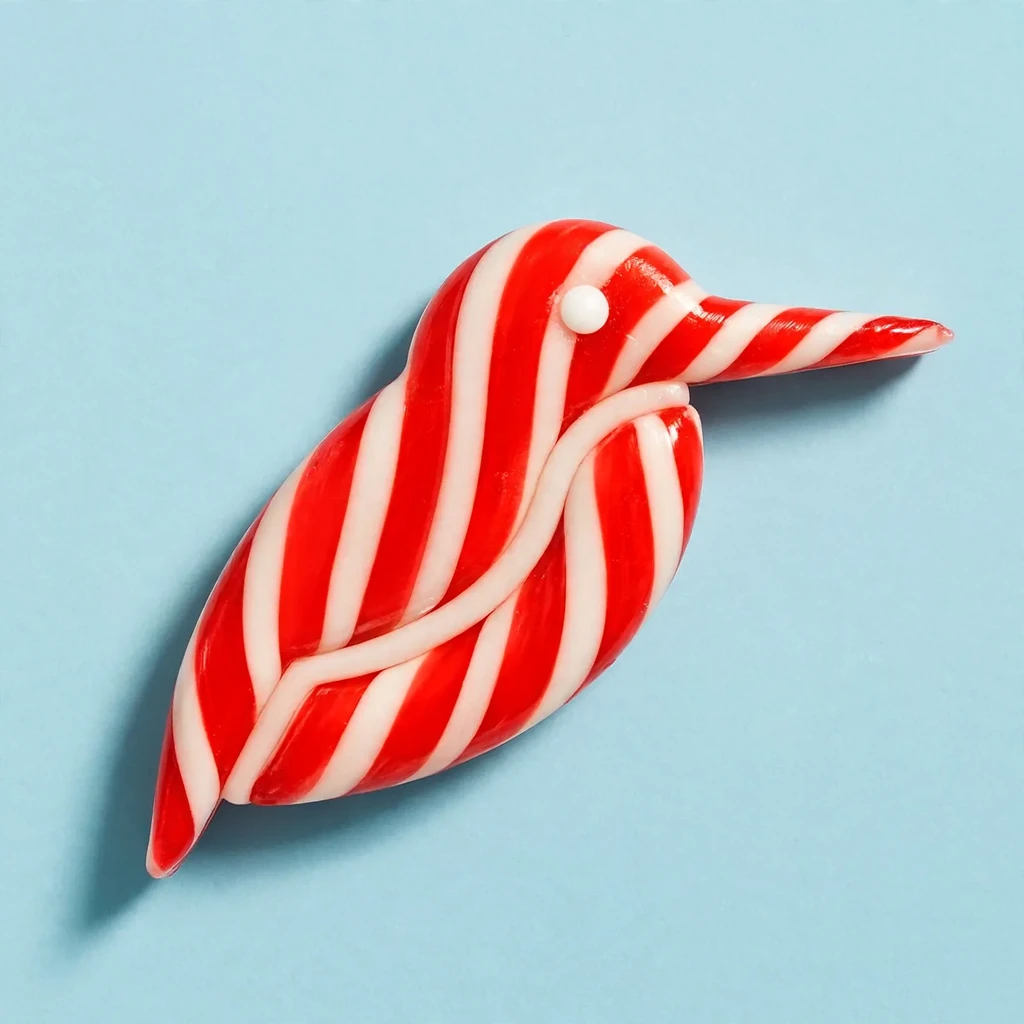
Upload any logo, made in Logo Diffusion or anywhere else. Pick one of the 101 style images or upload your own, and generate. Each image is 10 credits.
Try Style TransferStart with 24 free credits.
Style Transfer costs 10 credits per image. Paid plans add downloads with no watermark and the commercial license.
Basic
$24/mo
- 1,000 credits, up to 100 images
- 2 generations at once
- Downloads with no watermark
- Commercial license, yours after you cancel
Annual billing is two months free. Credits renew monthly. Compare all plans.
Frequently asked questions.
Still stuck? Read the docs or reach us through the contact page.
What is Style Transfer?
You give it a logo and a style image. Style Transfer rebuilds the logo as the thing in the image, a croissant, a balloon, a cloud, in the image's own light and setting, and keeps the logo's shape. Any logo works, made in Logo Diffusion or anywhere else, as long as you have the rights to use it.
What can I use as the style image?
Pick one of the 101 style images built into the app, or upload your own: an object, a food, a material, or a client's own product. Upload images you have the rights to use.
Does it change my logo's shape?
No. The outline and proportions come from your logo. What the logo is made of, its color, the light and the background come from the style image.
How much does Style Transfer cost?
Each image costs 10 credits. The free plan starts with 24 credits and makes one image per generation. No credit card is needed to try it.
Can I use the results in client work?
Images made on a paid plan carry a commercial license, and it stays valid after you cancel. Free-plan images download at 512 px with a watermark and carry no commercial license.
How is Style Transfer different from Logo Effects?
Logo Effects is a gallery of 100+ ready-made looks you apply to a logo in one click, with no image to pick. Style Transfer takes any image you choose, from the app or your own, and makes the logo as the thing in it.
Try it on your own logo.
Upload the logo, pick an image, and see what it becomes.