Two initials become one symbol.
Name both initials in the prompt, like C and B, and they come back interlocked as one two-letter monogram, not typed side by side.
Monogram style
Pick a letter, or name two initials, and describe the picture. The app writes the full prompt, picks the case, weight and font, and builds the picture into the letter itself. Change any setting and generate again.
No credit card required.
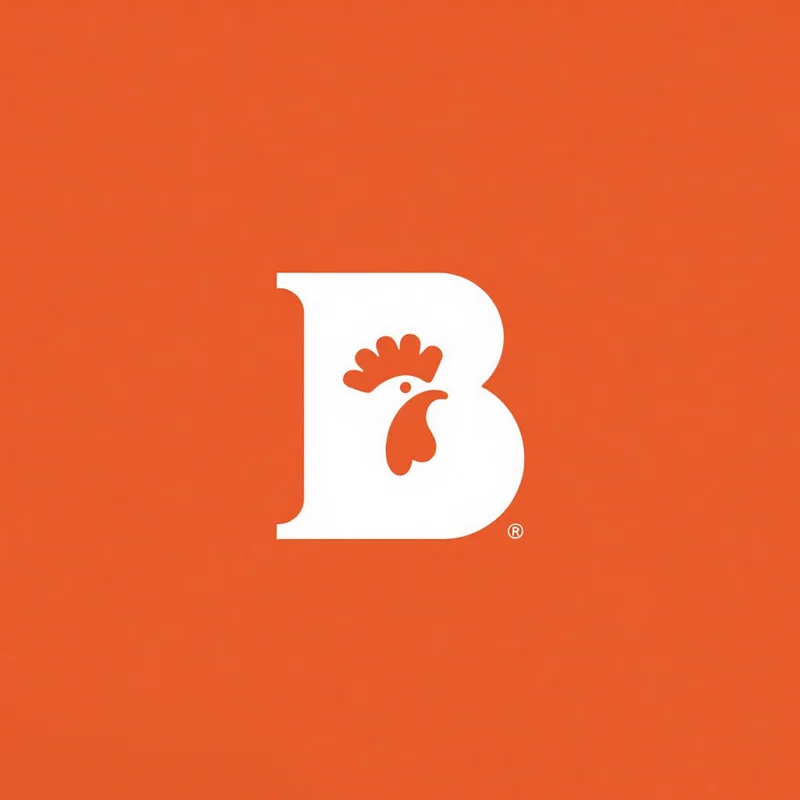
Uppercase letter B; chicken head silhouette integrated. Feathers texture.
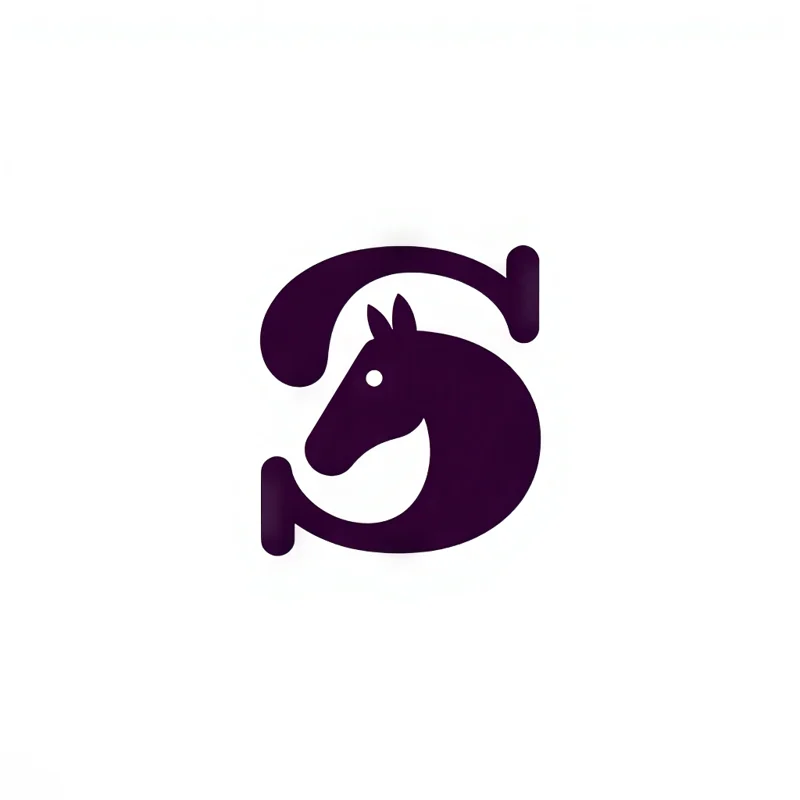
S lettermark featuring a silhouette of a horse's head within the letter's negative space.
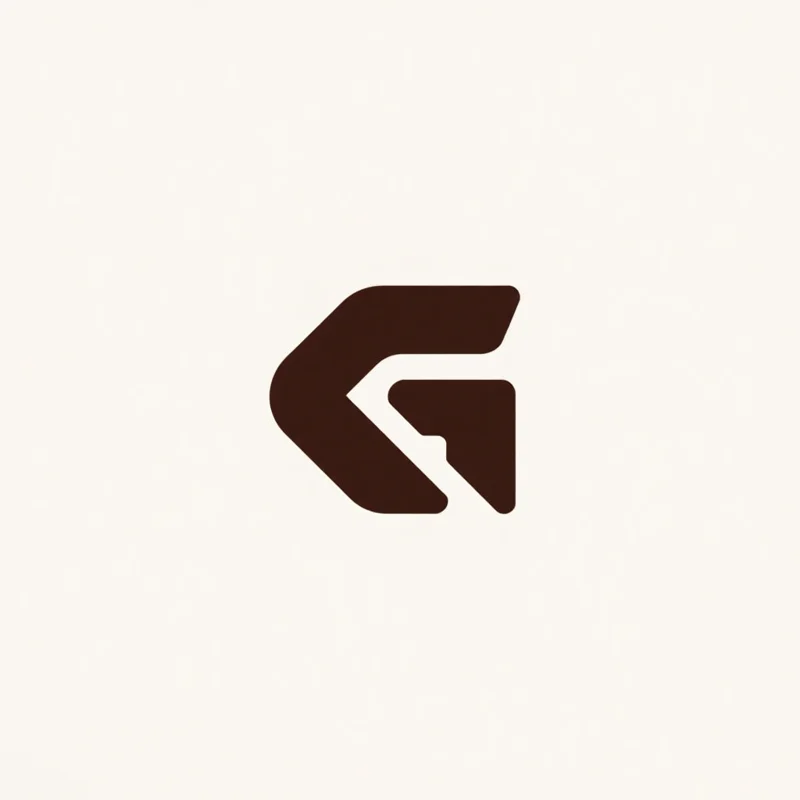
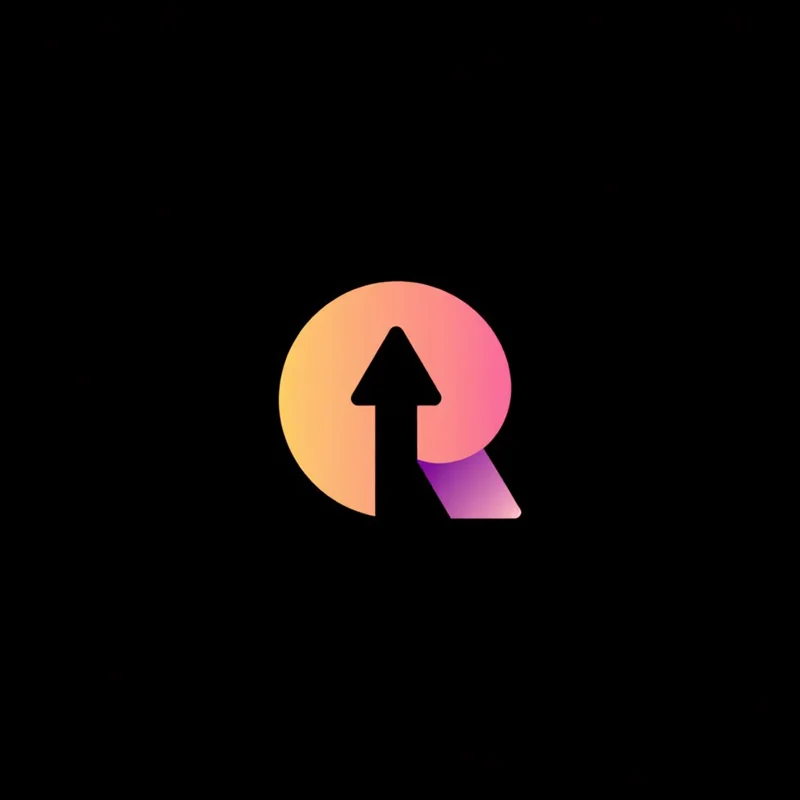
Letter G, chevron integrates, forming an arrowhead. Dynamic structure.
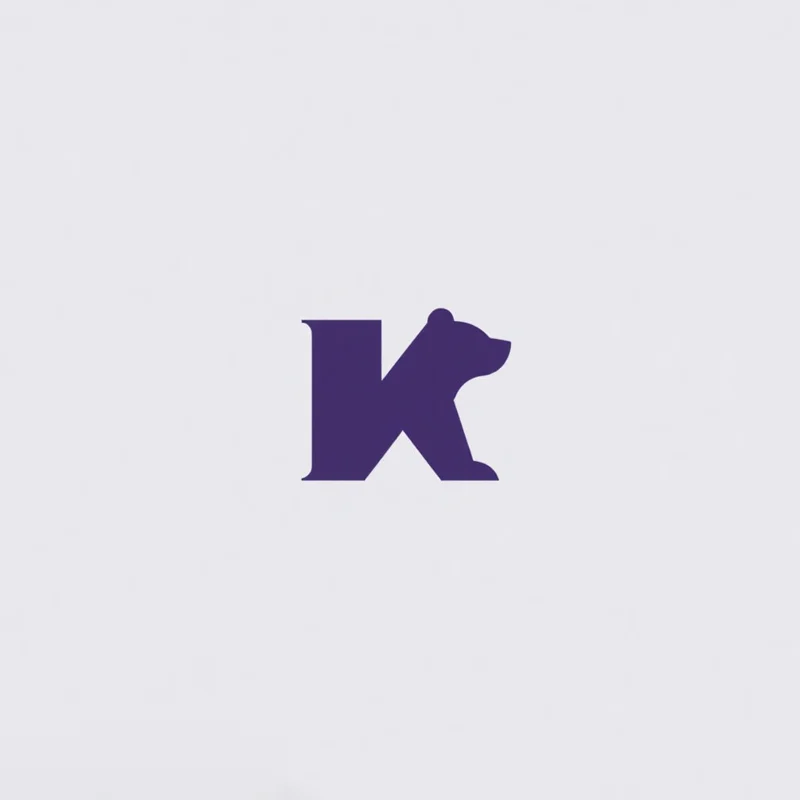
Letter K subtly integrated with a bear silhouette, emphasizing a blend of nature and initial form.
 ResultMonogram
A monogram logo, also called a lettermark, is one or two letters drawn as a single symbol, usually a brand's initials. Logo Diffusion also builds a picture into the letter, in its shape or in the negative space around it.
Name both initials in the prompt, like C and B, and they come back interlocked as one two-letter monogram, not typed side by side.
Add a subject and it is cut into the letter, often in its negative space, so one letter logo shows the initial and what the business does.
A single letter fills a square, so it stays clear as an app icon, a browser tab icon or a profile picture, where a full name turns into a blur.
Open any logo to see the prompt that made it and the settings it used, then copy the prompt or open it in the app.
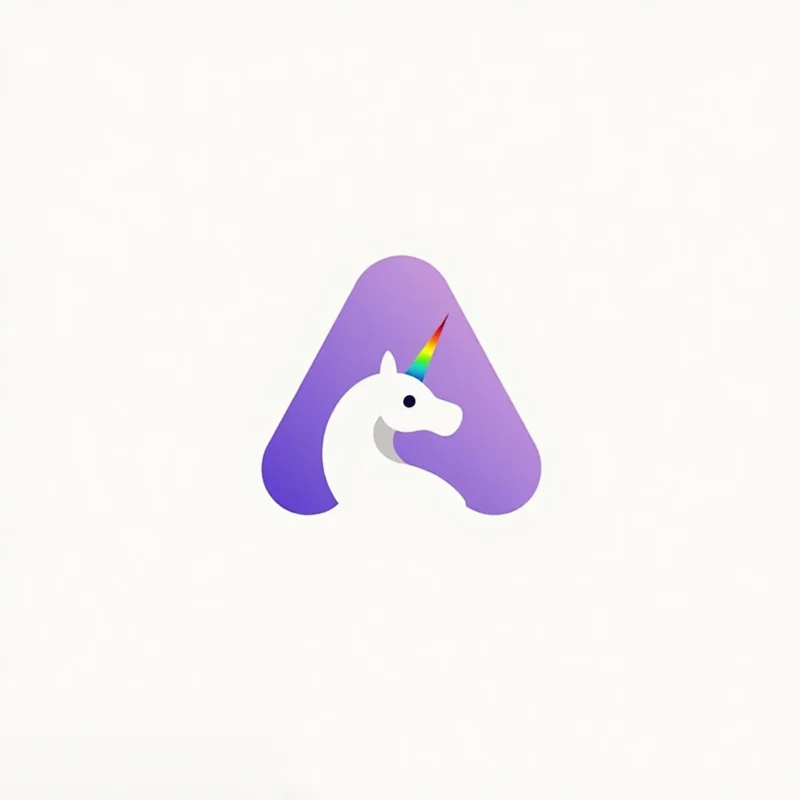
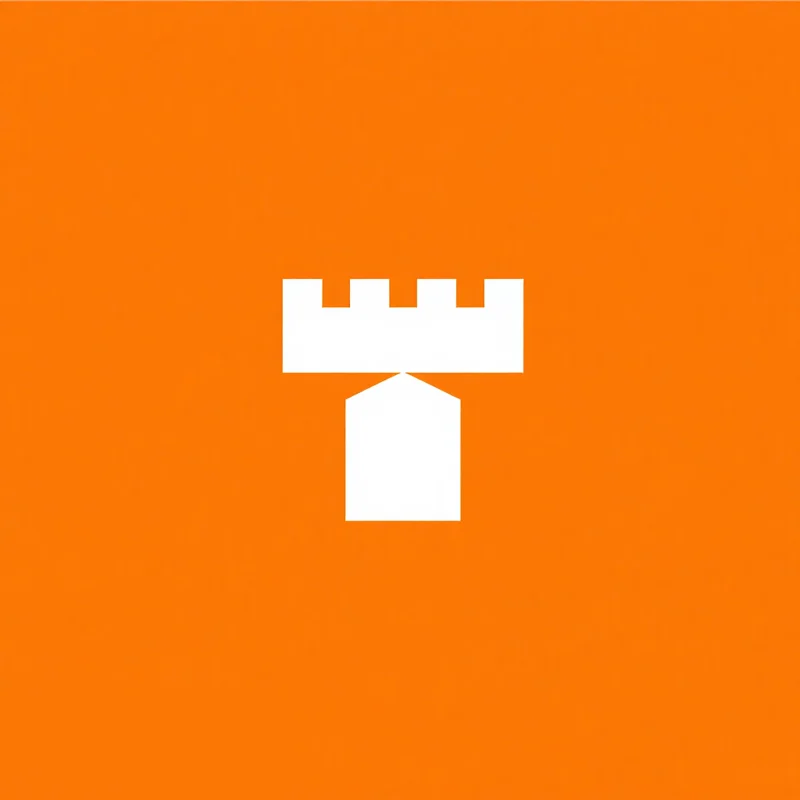
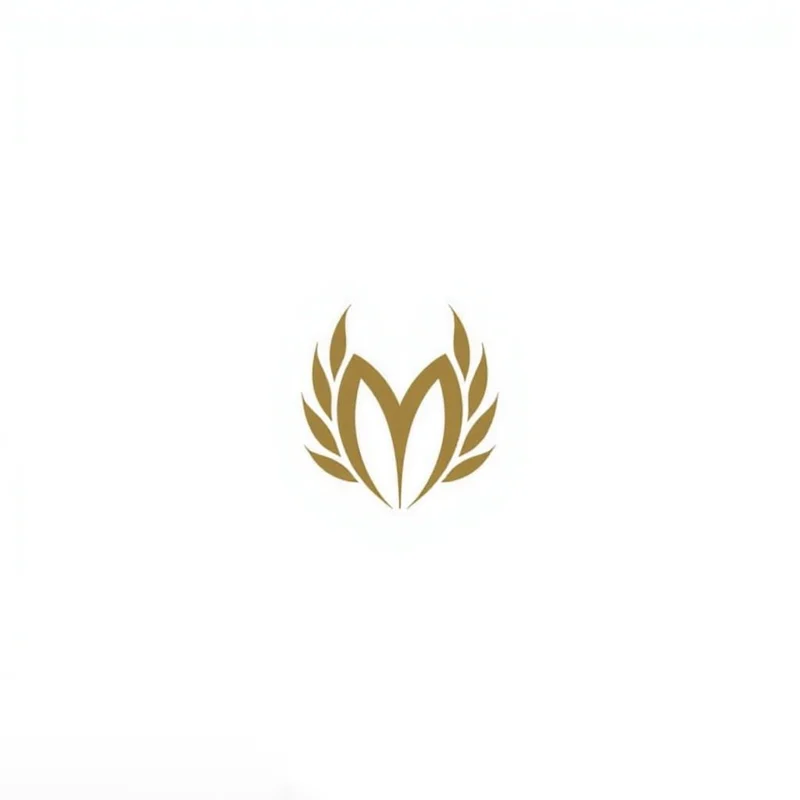
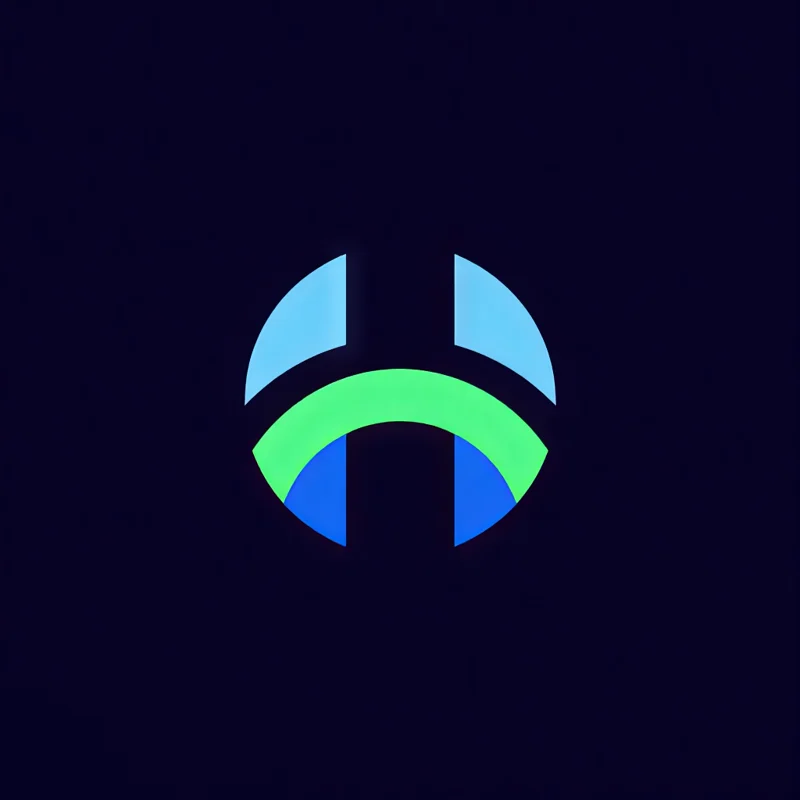
The letter, the font and the weight shape a monogram, and case, detail and colour are there too. Each pair is two real results from the gallery, one on each side of the setting.
Any letter from A to Z, or a number from 0 to 9.
Both uppercase, both picked from the same list.
Clean sans serif or a classic serif, and script and gothic too.
Both an uppercase A, both extra bold.
Medium, bold or extra bold, or italic for a letter that leans forward.
Both uppercase. Extra bold stands upright and heavy, italic leans forward.
Every style also takes a mood pairing, an industry, a palette and a background. The app sets all of them from your prompt, and you can change any of them.
Both work with Monogram.
Every logo you generate opens in the Magic Editor, Logo Variations and the Mockup Generator.
Select an area in the Magic Editor and type the change. The rest of the logo stays as it is.
Get four new takes on a logo, in the same style or another one.
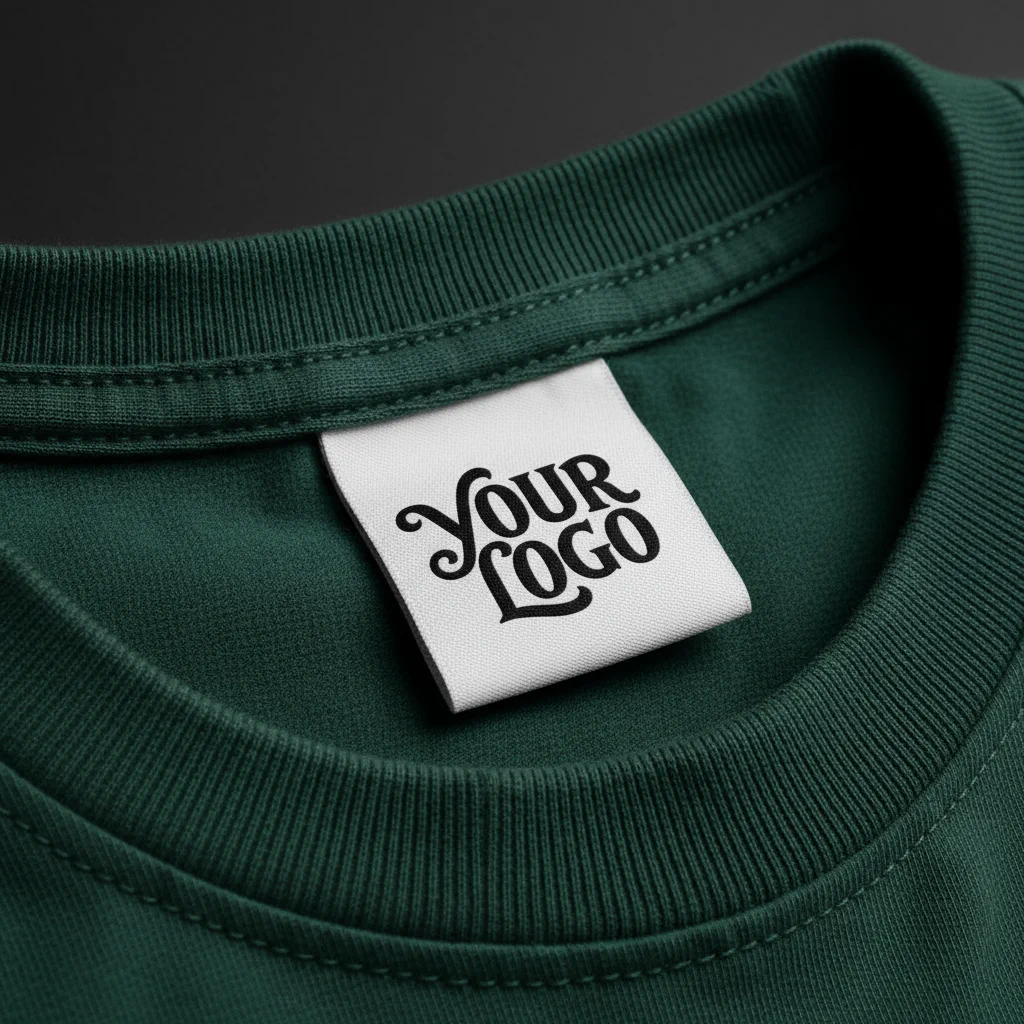
Put the logo on a shirt, a sign or a package before anything is printed.
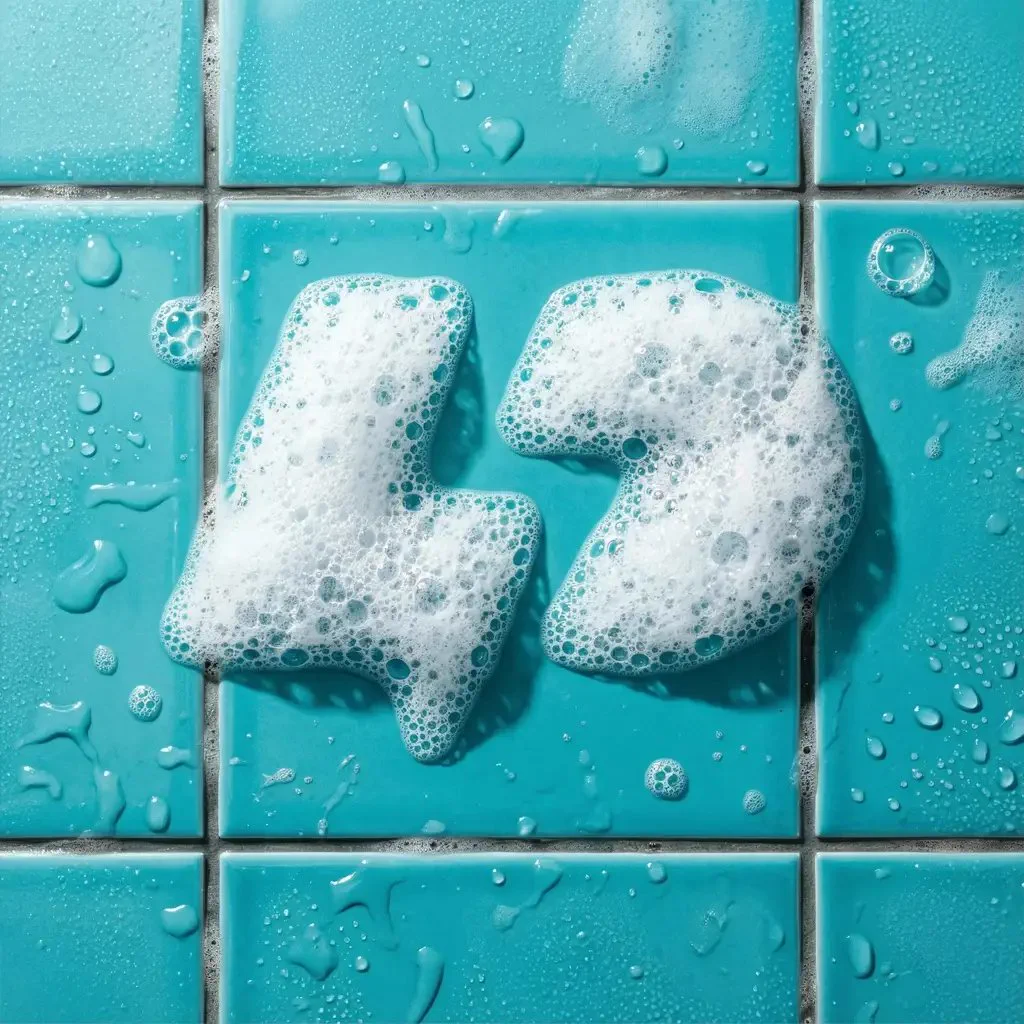
Apply an effect in the Magic Editor. The shape stays and the finish changes.
The most liked Monogram prompts in the public gallery, word for word, with the logo each one made. Copy one, or open it with its settings loaded.
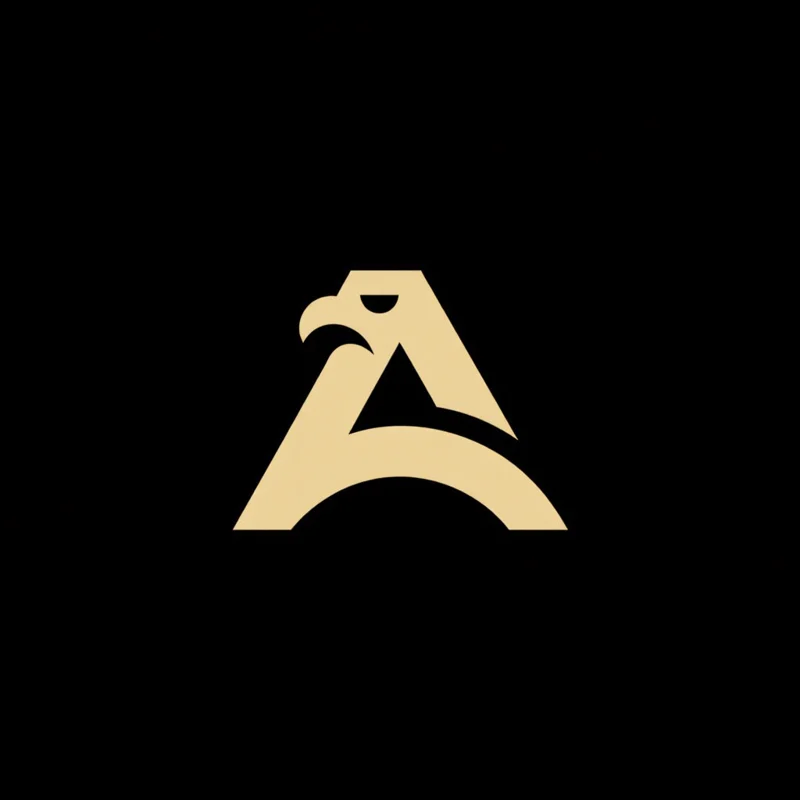
Philippine eagle head living in dubai, with sharp, detailed features, looking forward. Wings are subtly stylized. Clean lines for apparel use.
Uppercase · Italic♡ 20
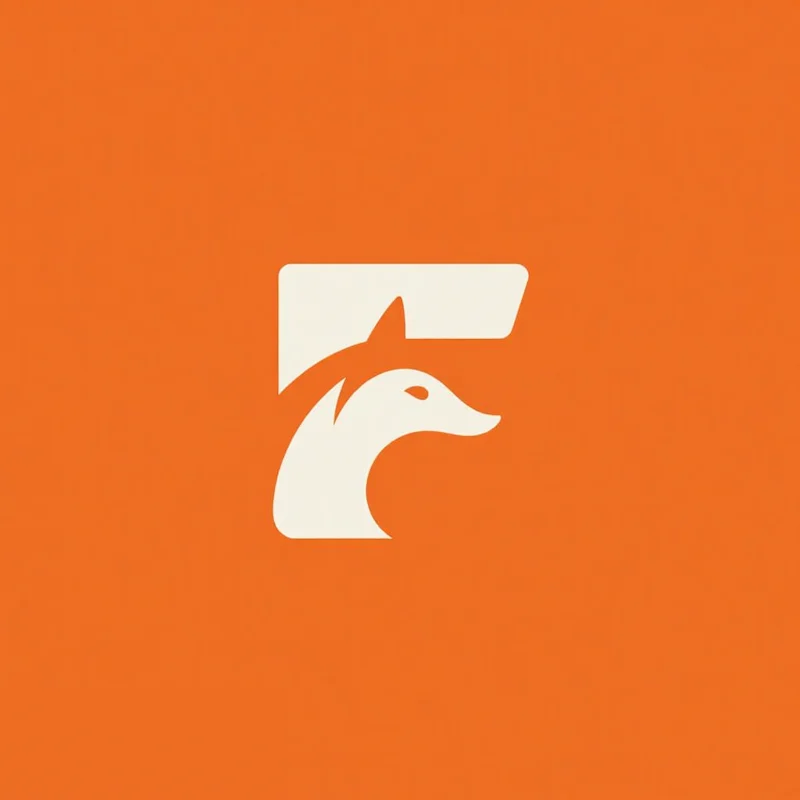
Uppercase F featuring negative space to form fox's silouette
Uppercase · Medium weight♡ 17
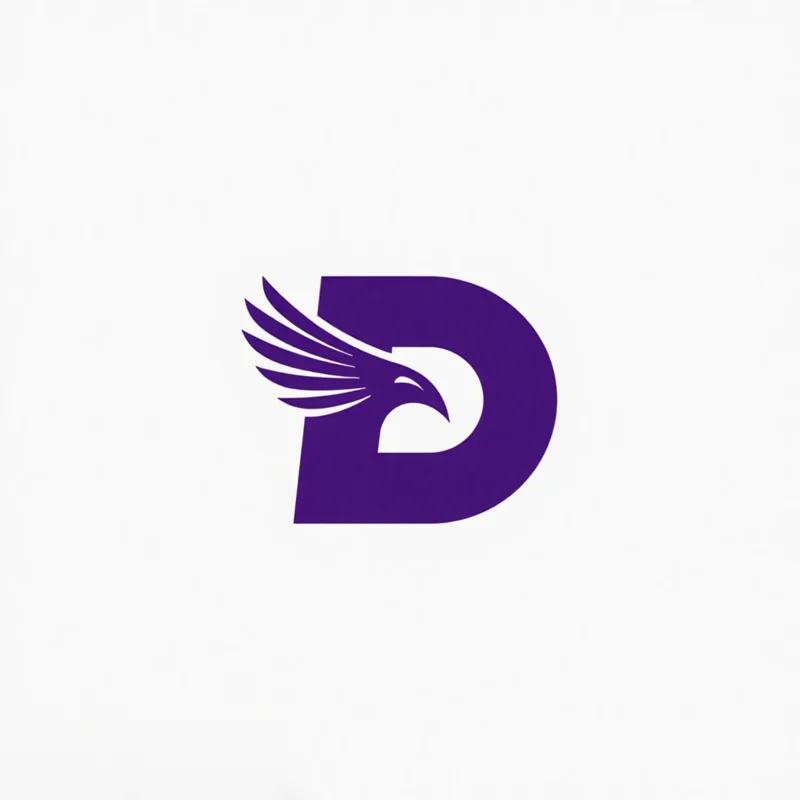
Lettermark "D" with a angry Raven's head silhouette cleverly integrated into the negative space. The raven faces left, beak slightly open.
Uppercase · Bold♡ 8
Paid plans add full-size downloads and the commercial license.
Free
$0
Basic
$24/mo
Annual billing is two months free. Credits renew monthly. Compare all plans.
Still stuck? Read the docs or reach us through the contact page.
A logo built from one or two letters, usually the initials of the business, drawn as a single symbol. It is also called a lettermark. In Logo Diffusion the letter usually carries a picture too, worked into its shape or the negative space inside it.
Pick Monogram, choose the letter and describe the picture in a few words. For two initials, name both in the prompt, like C and B, and they come back as one two-letter monogram. You can also start from a sketch of the letter. Paid plans return 4 options at a time and the free plan returns 2.
The letter (A to Z or 0 to 9), its weight (medium, bold, extra bold or italic) and its font (sans serif, serif, script or gothic), plus case, detail, a mood pairing, an industry, a palette and a background.
Yes. Text to Logo has every style on the free plan, Monogram included, so you can make monogram logos for free within its 24 monthly credits.
Not from a photo. Image to Logo works with 8 styles, and Monogram is not one of them. Start from a few words, or from a sketch of the letter.
Yes. Any generation can go into the Magic Editor, where Logo System turns it into five versions and the other Elements build an icon set, merchandise and a presentation from it.
A filter changes a finished picture. A style shapes the generation itself: each of the eleven carries its own prompt logic, which is why switching style rewrites the prompt rather than restyling the same output.
The free plan gives you 24 credits a month, with no card. Paid plans return 4 options per run.
Loading Logo Diffusion…