It looks established on day one.
A brewery, a farm shop or a furniture maker gets a vintage logo that looks crafted, the way an old label or shop sign does, from the first day.
Engraved style
Describe the subject and get an engraved logo. The app writes the full prompt, picks the line quality and the style, and draws every shadow in fine lines. Change any setting and generate again.
No credit card required.
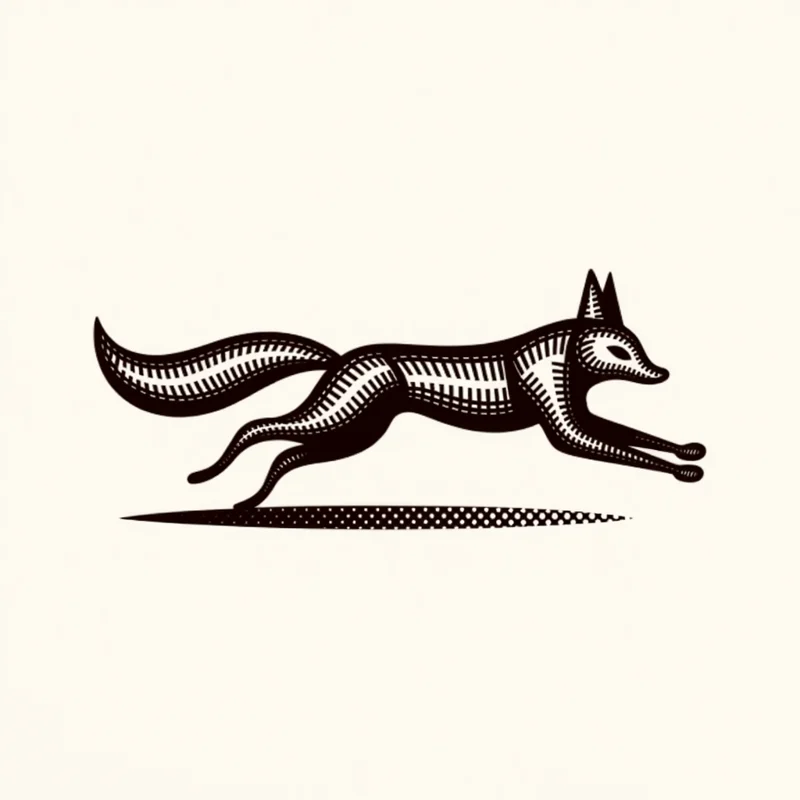
A fox mid-run, a bushy tail extended horizontally, conveying speed and agility.
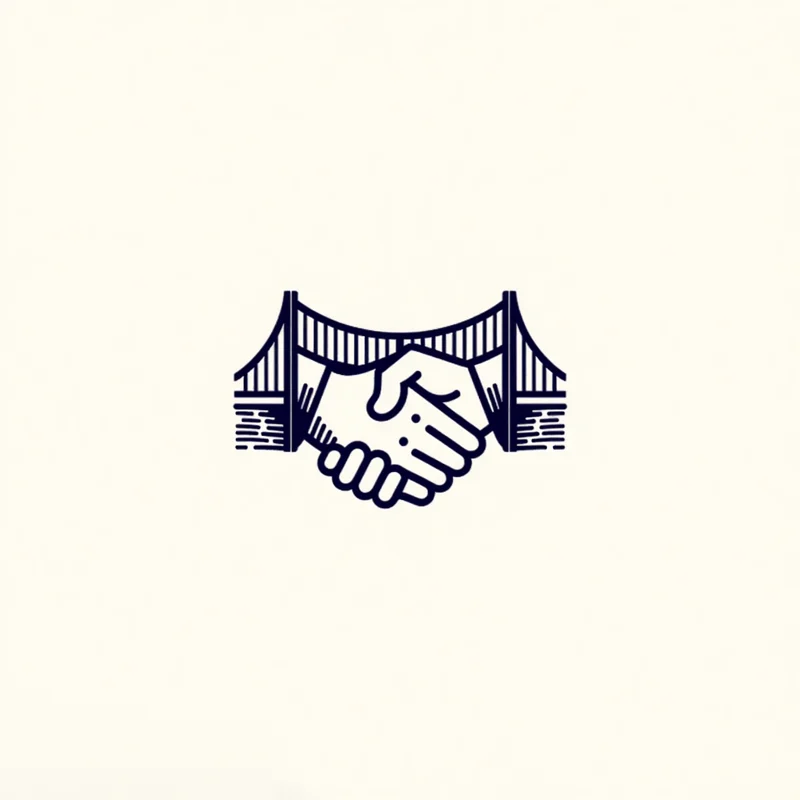
Two hands shaking, overlaid on a stylized bridge. Symbolic of connection and partnership. Simple forms and bold lines emphasizing strength and reliability.
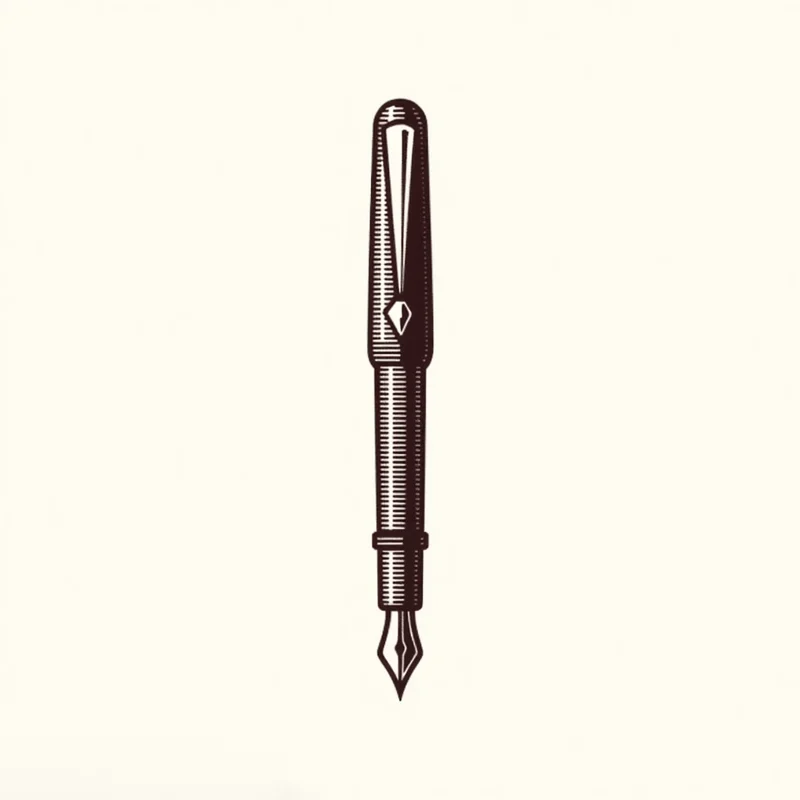
A vintage ink pen, detailed nib, classic barrel design, and elegant clip, conveying a sense of history and craftsmanship.
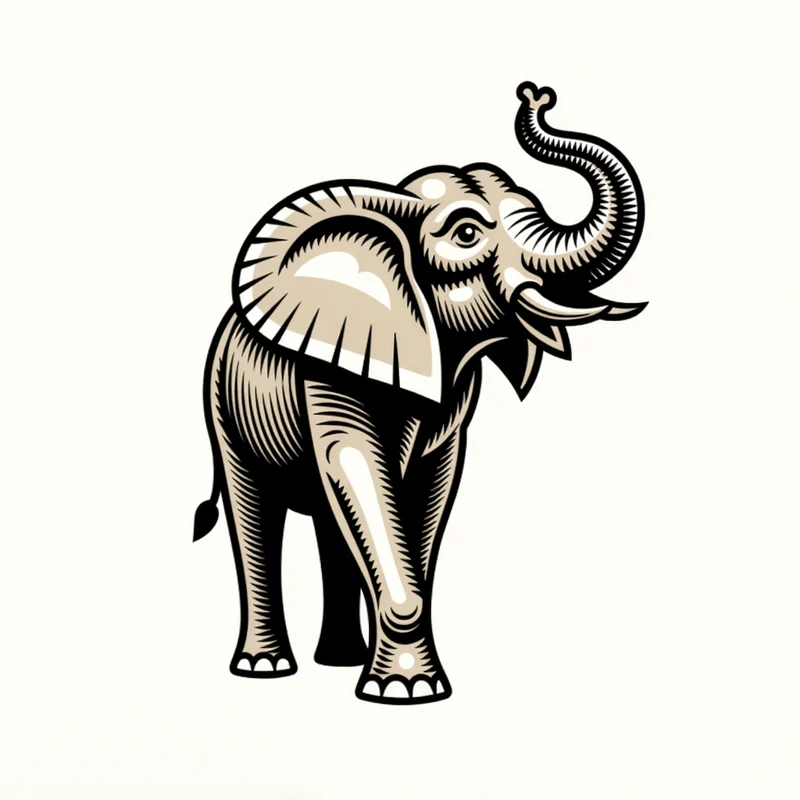
An elephant with detailed wrinkles and large, symmetrical ears, trunk raised in a welcoming gesture, rendered in line engraving.
 ResultEngraved
An engraved logo is drawn the way old prints and banknotes were, with every shadow made of fine lines. It is the look of a vintage label, a woodcut or an etching, and it carries onto wood, metal and glass.
A brewery, a farm shop or a furniture maker gets a vintage logo that looks crafted, the way an old label or shop sign does, from the first day.
Zoom in and every shade is a fine engraved line drawn into the logo itself, which is what makes an illustrated logo look drawn by hand.
Made of lines, an engraved logo carries onto a wooden board, a metal tag or a glass bottle. Paid plans download it as a layered SVG that laser software opens.
Open any logo to see the prompt that made it and the settings it used, then copy the prompt or open it in the app.
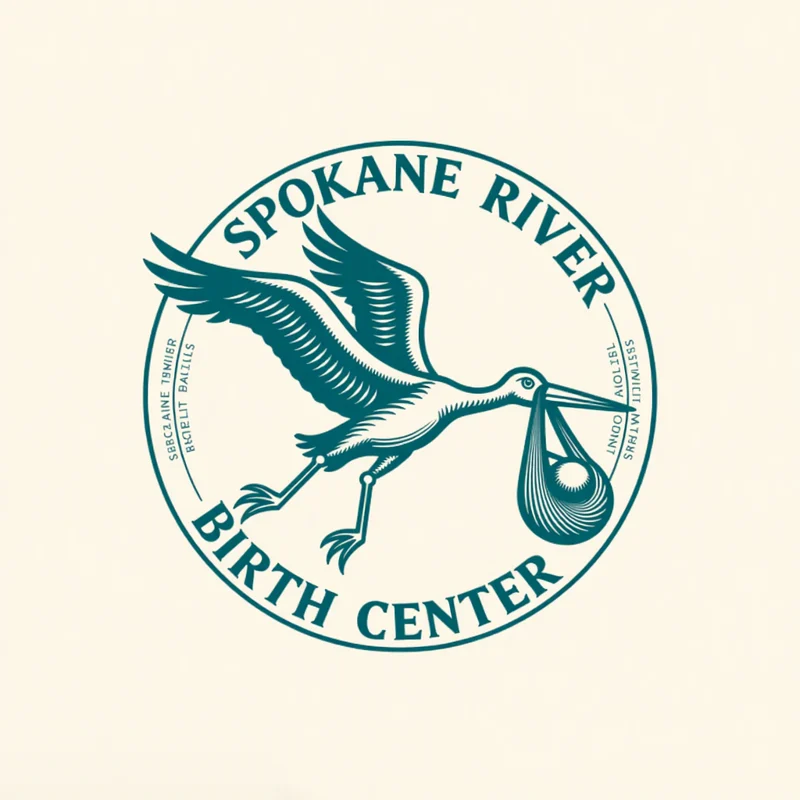
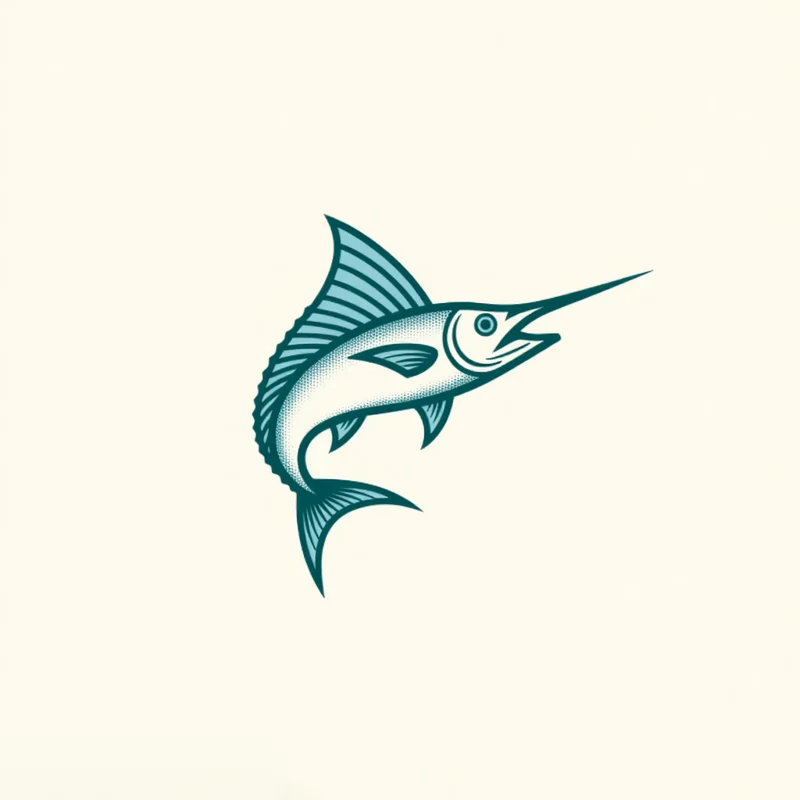
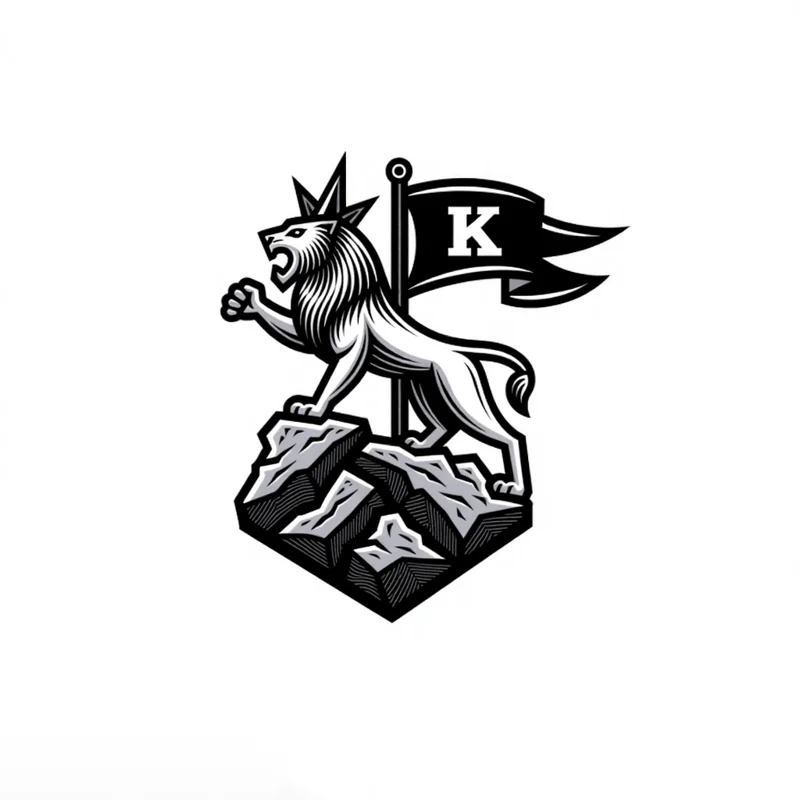
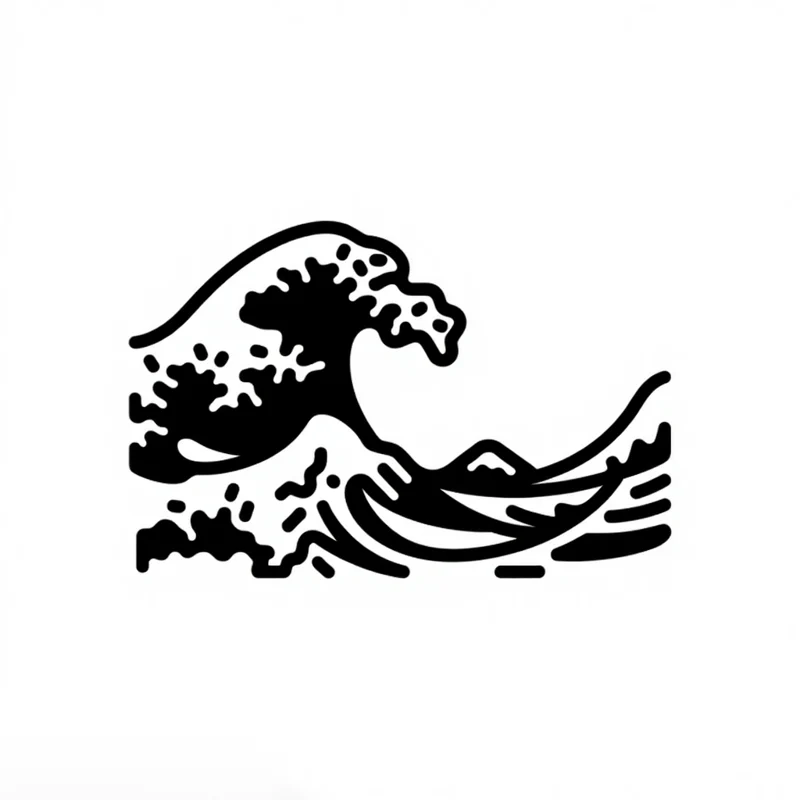
Line quality shapes the engraving, and detail is shared by every style. Each pair is two real results from the gallery, one on each side of the setting.
Fine detailed lines, or thick lines that still read small.
Both animals, both line engraving.
Minimalist, or detailed with more lines inside the shape.
Both cats, both vintage style.
Every style also takes a mood pairing, an industry, a palette and a background. The app sets all of them from your prompt, and you can change any of them.
A sentence, a sketch or a photo. All three work with Engraved.
Name the subject or the business. A few words is enough.
Text to LogoDraw the subject roughly and it comes back as a finished engraving.
Sketch to LogoUpload a photo and the subject in it comes back engraved. Engraved is one of the 8 styles that work from a photo.
Image to LogoEvery logo you generate opens in the Magic Editor, Logo Variations and the Mockup Generator.
Select an area in the Magic Editor and type the change. The rest of the logo stays as it is.
Get four new takes on a logo, in the same style or another one.
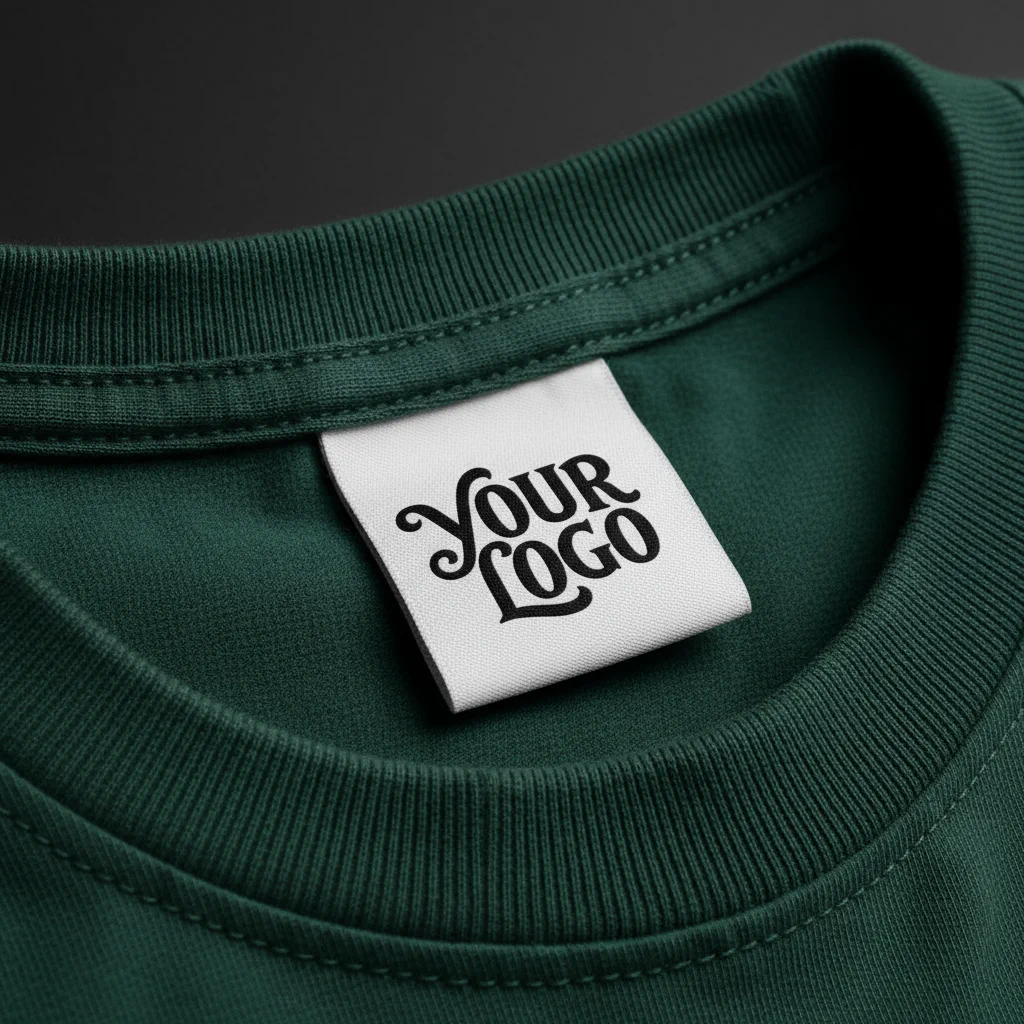
Put the logo on a shirt, a sign or a package before anything is printed.
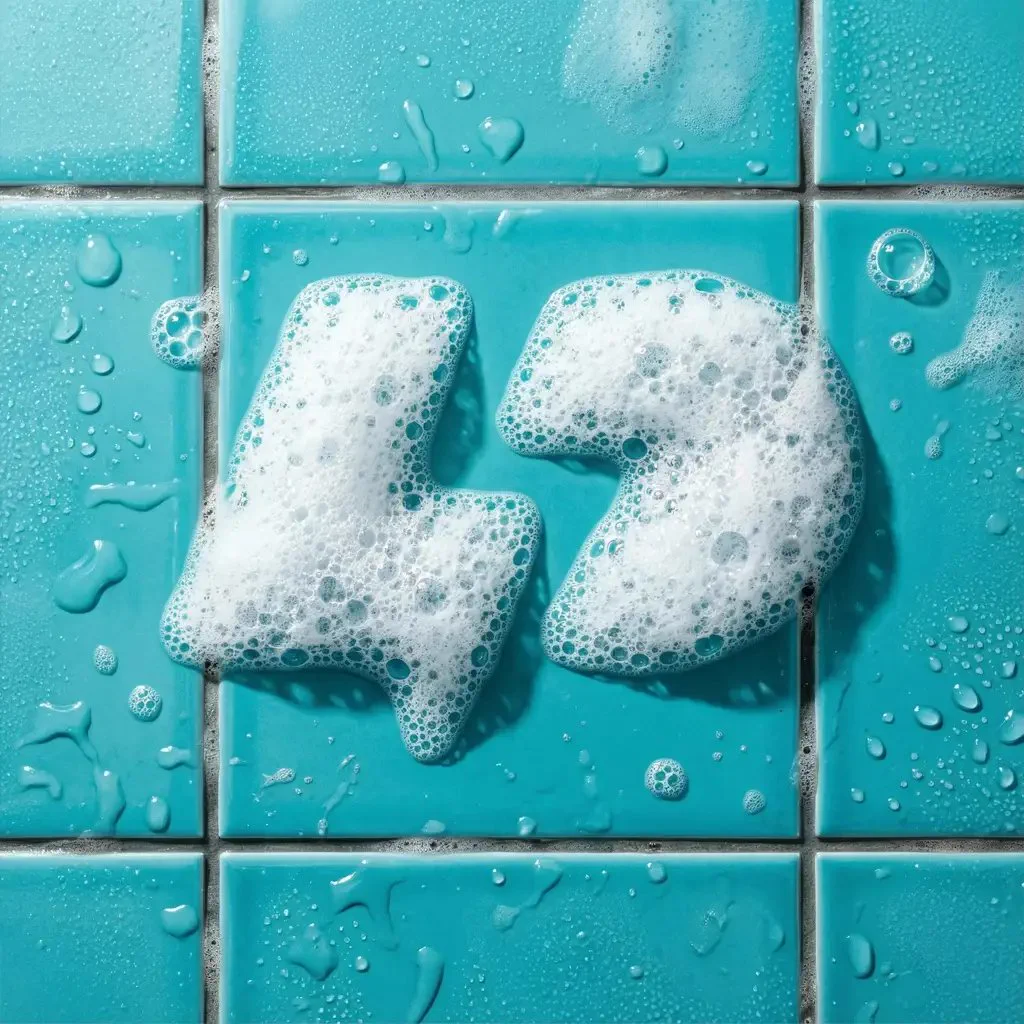
Apply an effect in the Magic Editor. The shape stays and the finish changes.
The most liked Engraved prompts in the public gallery, word for word, with the logo each one made. Copy one, or open it with its settings loaded.
an restaurant with chciken logo with 4 cuts in middle name CHICKNUM
Thick lines · Simplified♡ 0
I want a logo within a stamp with 2 cheetahs for The Dispatch Den, a mailbox and shipping hub established in 2025
Simplified · Vintage♡ 2
elegent green and black logistics company logo with a chess pawn
Fine detailed · Ornate♡ 2
I want a snake wrapped around a cooking utensil. Keep it simple but fierce bold stroke lines
Thick lines · Simplified♡ 1
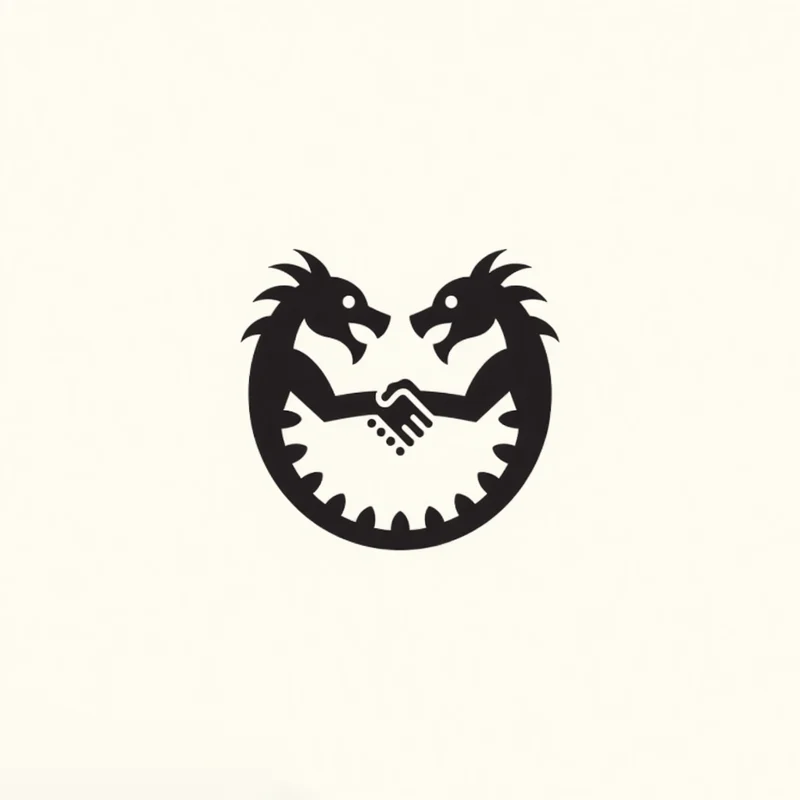
Create a simple logo where two dragons connect as ying yang and their connecting heads in the middle reminds you a shape of a handshake
Simplified♡ 1
Paid plans add full-size downloads and the commercial license.
Free
$0
Basic
$24/mo
Annual billing is two months free. Credits renew monthly. Compare all plans.
Still stuck? Read the docs or reach us through the contact page.
An engraved logo is a logo drawn like an old engraving, with every shadow and texture made of fine lines. It has the look of vintage labels, woodcuts, etchings and banknotes. In Logo Diffusion, Engraved is one of the 11 logo styles, and it draws any subject you describe in that line work.
Businesses that sell on craft and heritage: breweries, distilleries, wineries, coffee roasters, barber shops and furniture makers. The line work reads as made by hand and built to last, it prints well on labels, signs and packaging, and it carries onto wood, metal and glass for engraved products.
Open Text to Logo, describe the subject in a few words, pick Engraved and generate. You can also start from a sketch in Sketch to Logo or a photo in Image to Logo. Each run returns up to 4 options on a paid plan and up to 2 on the free plan. Change any setting and generate again.
Engraved has its own line quality setting (fine, ultra detailed, varied, thick or simplified), a style setting (vintage, ornate, intricate or simplified) and an engraving technique. Like every style, it also takes detail, a mood pairing, an industry, a palette and a background. The app sets each one from your prompt, and you can change any of them.
Yes. Text to Logo has every style on the free plan, Engraved included, and the free plan gives you 24 credits a month with no credit card. Free downloads are 512px with a watermark. Paid plans start at $24 a month and download a 1024px PNG or a layered SVG with no watermark, plus the commercial license.
Yes. An engraved logo is already made of lines, which is what a laser follows on wood, metal or glass. Paid plans download it as a 1024px PNG or a layered SVG with real vector paths, and laser software opens either.
Yes. Any generation can go into the Magic Editor, where Logo System turns it into five versions and the other Elements build an icon set, merchandise and a presentation from it.
A filter changes a finished picture. A style shapes the generation itself: each of the eleven carries its own prompt logic, which is why switching style rewrites the prompt rather than restyling the same output.
The free plan gives you 24 credits a month, with no card. Paid plans return 4 options per run.
Loading Logo Diffusion…