Made for app icons.
One subject on a plain square is what an app logo needs, so it drops onto a home screen and still reads next to the apps people already use. Paid downloads are 1024px, the size the App Store asks for.
Icon/Emoji style
Name the thing. This AI icon maker writes the full prompt, sets the view and the detail, and draws a flat icon that works as a logo, an app icon or a custom emoji. Change any setting and generate again.
No credit card required.
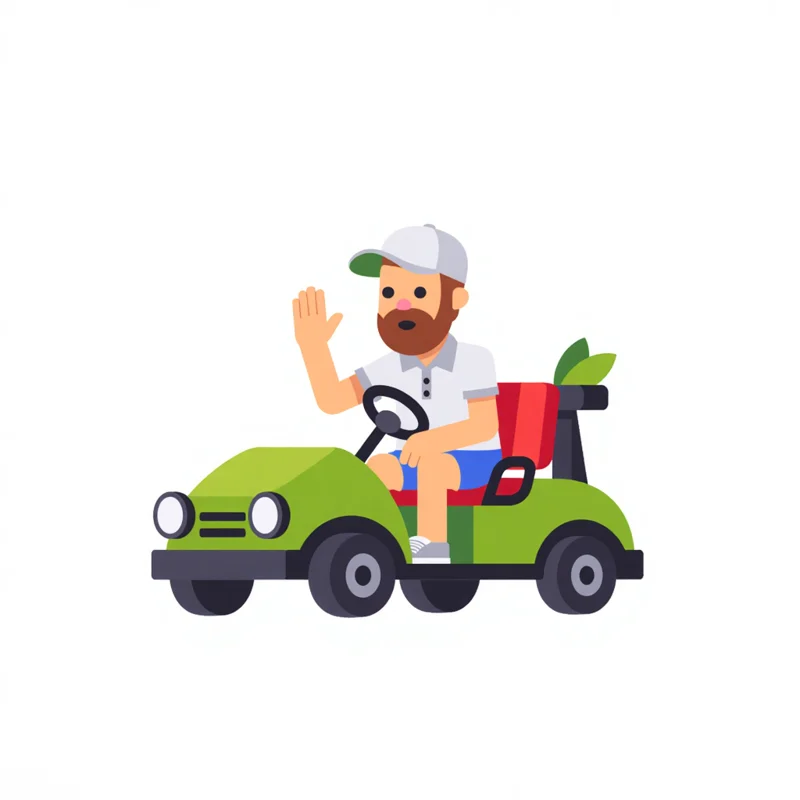
A golf car with a polo wearing guy as driver, waving with his right hand,
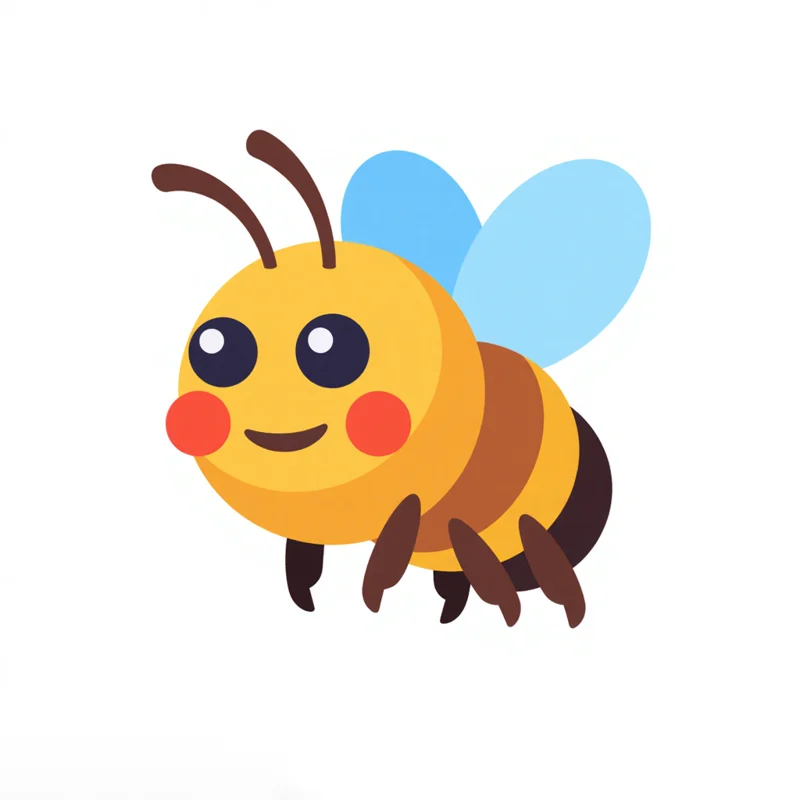
2D logo of a bee and gear emojis
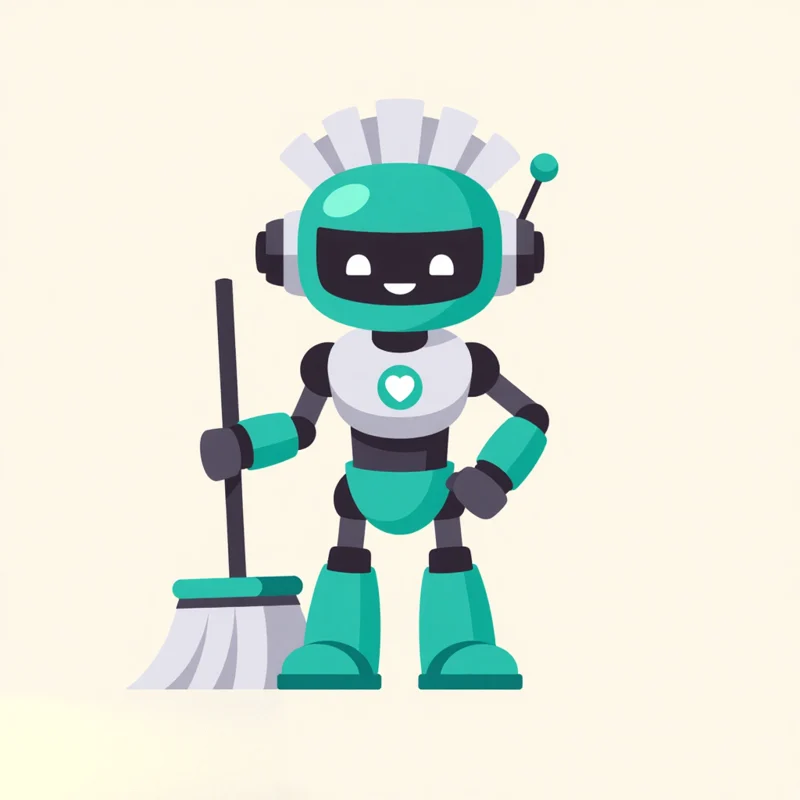
A friendly robot maid with cleaning tools. It has a sleek, metallic finish and a helpful, smiling face.
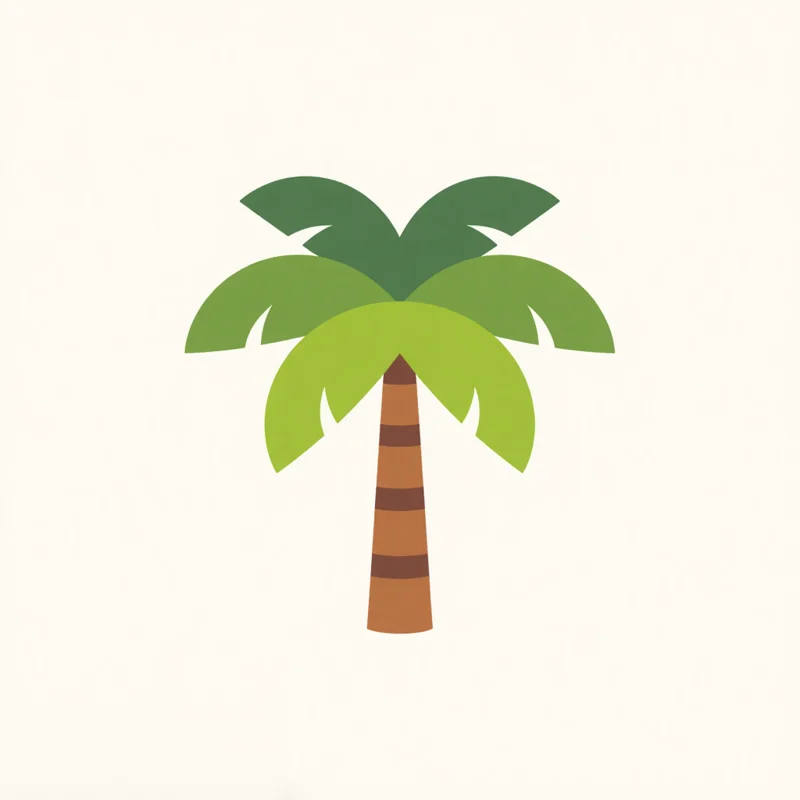
Palm tree stylized as letter Y, fronds subtly swaying. Represents growth, with a bold, contemporary feel and clean lines.
 ResultIcon/Emoji
An icon logo is one subject drawn as a simple picture, with flat shapes, bright colours and usually no words, the way app icons and emoji are drawn. Apps, shops and creators use one where a full logo would not fit.
One subject on a plain square is what an app logo needs, so it drops onto a home screen and still reads next to the apps people already use. Paid downloads are 1024px, the size the App Store asks for.
Flat shapes, bright colours and a friendly face read like the emoji people already type, so the same logo works as a custom emoji in Slack, on a Discord server or in a Twitch chat.
Round shapes, soft colours and a smile make a logo people want as a sticker, on a laptop, a water bottle or a box.
Open any logo to see the prompt that made it and the settings it used, then copy the prompt or open it in the app.


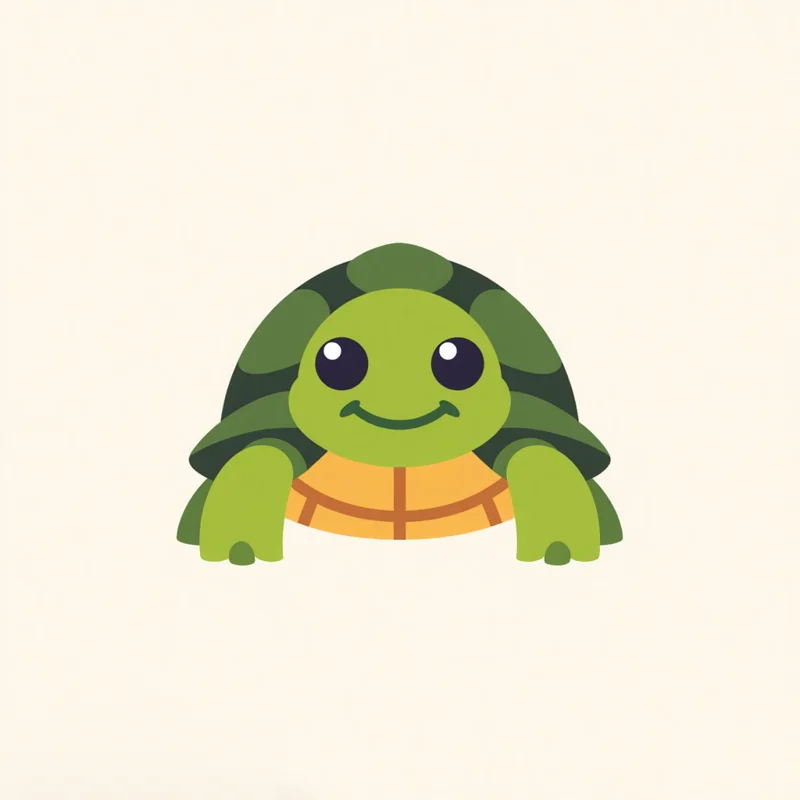
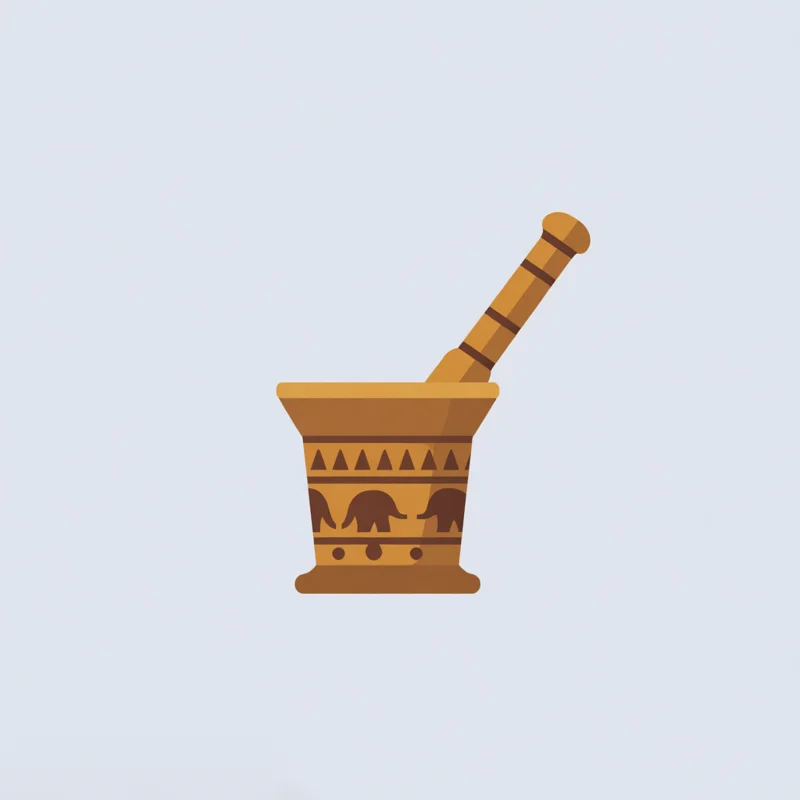
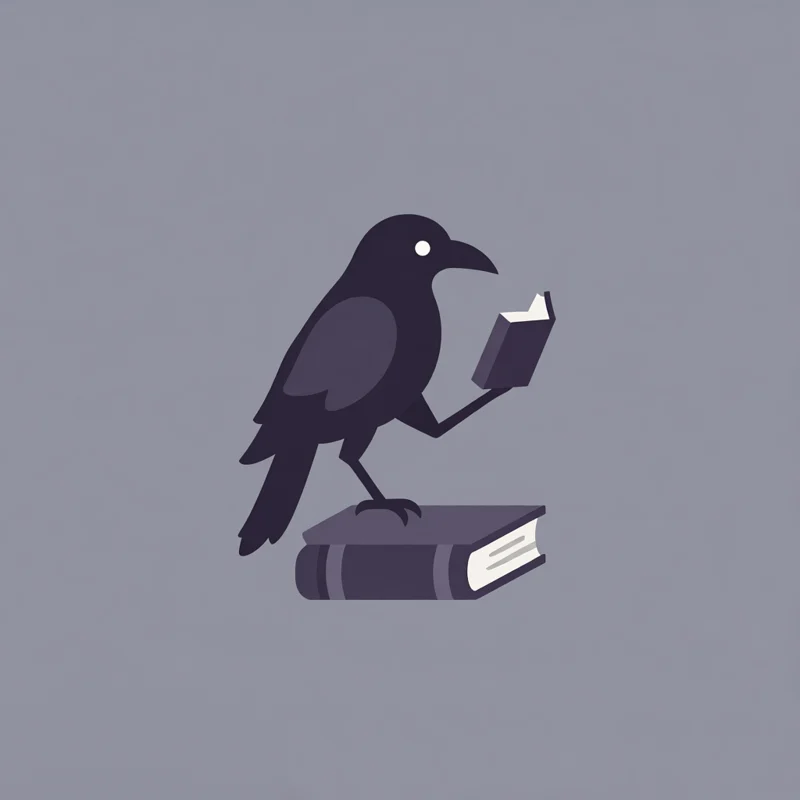
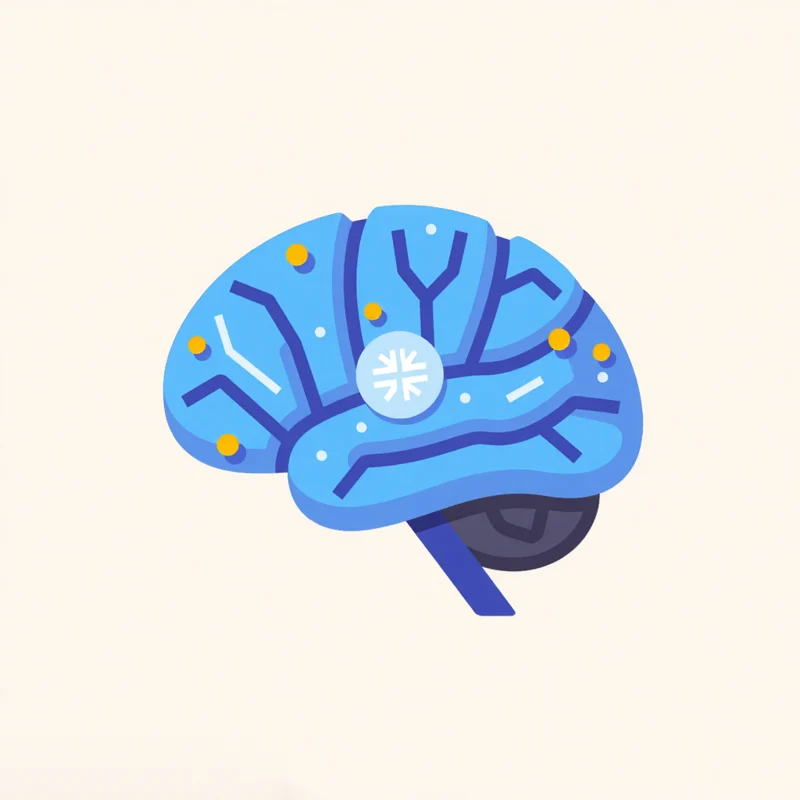
View and detail level are the two settings the Icon/Emoji style pins, and the mood is shared by every style. Each pair is two real results from the gallery, one on each side of the setting.
Front, three-quarter, or a high angle looking down.
Both minimalist. Front shows one flat face, three-quarter shows the side too.
A few flat shapes, or pattern and colour inside them.
Both front view, both on a plain background.
Two moods set the colours and the feel.
Both minimalist, both front view.
Every style also takes a mood pairing, an industry, a palette and a background. The app sets all of them from your prompt, and you can change any of them.
All three work with Icon/Emoji.
Every logo you generate opens in the Magic Editor, Logo Variations and the Mockup Generator.
Select an area in the Magic Editor and type the change. The rest of the logo stays as it is.
Get four new takes on a logo, in the same style or another one.
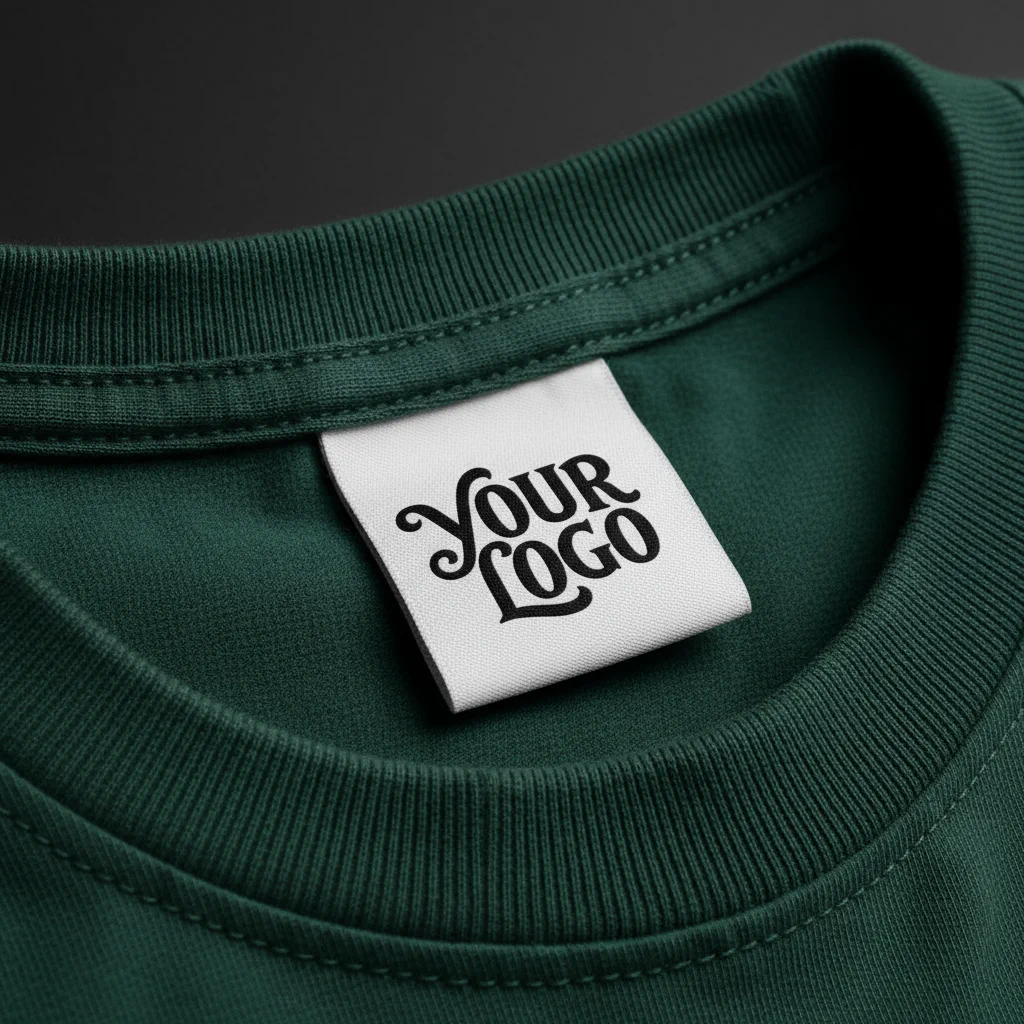
Put the logo on a shirt, a sign or a package before anything is printed.
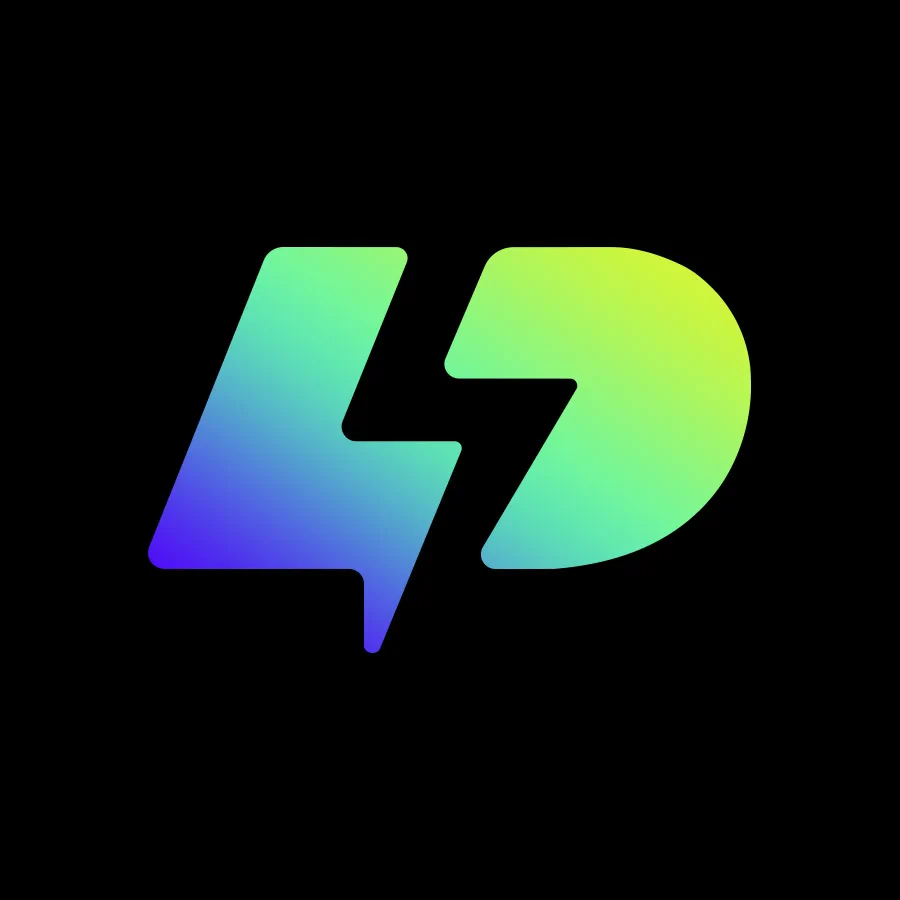
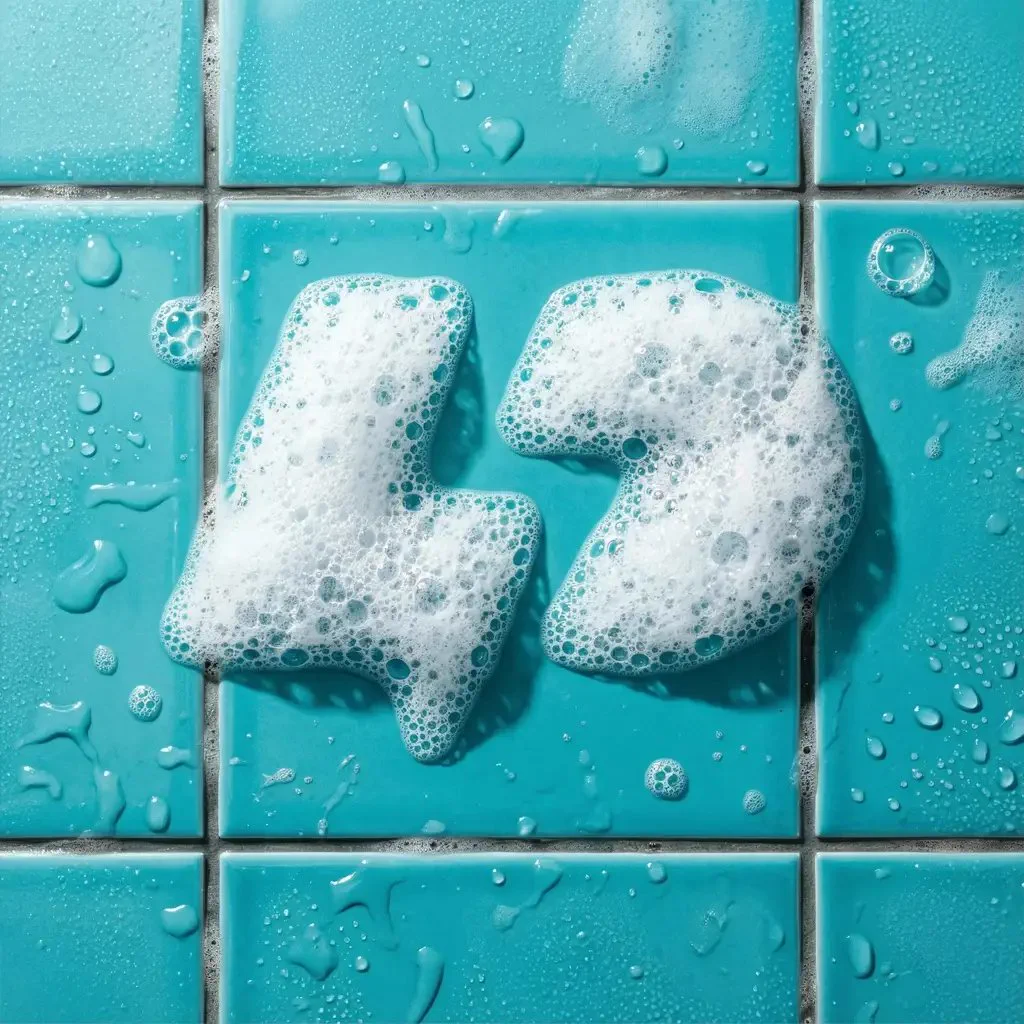
Apply an effect in the Magic Editor. The shape stays and the finish changes.
Prompts people typed for the Icon/Emoji style in the public gallery, word for word, with the logo each one made. Copy one, or open it with its settings loaded.
Showing stylized flames merging into a play button, reflecting power.
Front view · Minimalist♡ 0
Noodle bowl with dot-eyed smile, adorned with wings and a celestial halo above. Flat vector.
Front view · Minimalist♡ 0
Smiling turtle flat design, vectorized. Features simplified shell pattern, embodying a gentle, optimistic essence.
Front view · Minimalist♡ 0
Paid plans add full-size downloads and the commercial license.
Free
$0
Basic
$24/mo
Annual billing is two months free. Credits renew monthly. Compare all plans.
Still stuck? Read the docs or reach us through the contact page.
An icon logo is a logo drawn as one simple picture, with flat shapes, bright colours and usually no words, the way an app icon or an emoji is drawn. It still reads on a phone screen, a browser tab or a sticker, where a full logo with a name would not fit.
An emoji is a small picture people type in a message, and an icon logo is a small picture that stands for a brand, an app or a channel. They are drawn the same way, with flat shapes, bright colours and one subject, so one Icon/Emoji logo can be both the app icon and the custom emoji.
To make an icon logo with AI, open Text to Logo in Logo Diffusion, pick the Icon/Emoji style and name the thing in a few words. The app writes the full prompt and sets the view and the detail. You can also start from a sketch or a photo. Paid plans return 4 options per run, the free plan 2.
The view (front, three-quarter or a high angle) and the detail level (minimalist or detailed), plus a mood pairing, an industry, a palette and a background.
Yes. Each Icon/Emoji result is one subject on a plain square, the shape an app icon or a chat emoji needs. Paid downloads are an unwatermarked 1024px PNG or a layered SVG. Free downloads are 512px and watermarked, so a paid plan is the one to use for an app or a published emoji.
Yes. Generate an Icon/Emoji logo, download it as a PNG and scale it down to the sizes the platform asks for. Slack, Discord and Twitch all take a square image, and a clear background works best, so remove the background first with Background Remover if your result has one.
Yes. Text to Logo has every style on the free plan, Icon/Emoji included, so you can make icon logos for free within its 24 monthly credits, with no credit card. Free downloads are 512px and watermarked, and paid plans add full-size downloads and the commercial license.
Yes. Upload the photo in Image to Logo and pick Icon/Emoji. A pet, a person or a product in the photo comes back as a flat icon logo.
Yes. Any generation can go into the Magic Editor, where Logo System turns it into five versions and the other Elements build an icon set, merchandise and a presentation from it.
The free plan gives you 24 credits a month, with no card. Paid plans return 4 options per run.
Loading Logo Diffusion…