A club gets a crest.
Soccer and football clubs, teams and leagues wear a crest. The club name sits inside the shield, so it reads on a scarf, a shirt and a match poster.
Badge/Crest style
Type the name and describe the picture. The app writes the full prompt, sets the badge type and the shape, and draws one badge with the name inside it. Change any setting and generate again.
No credit card required.
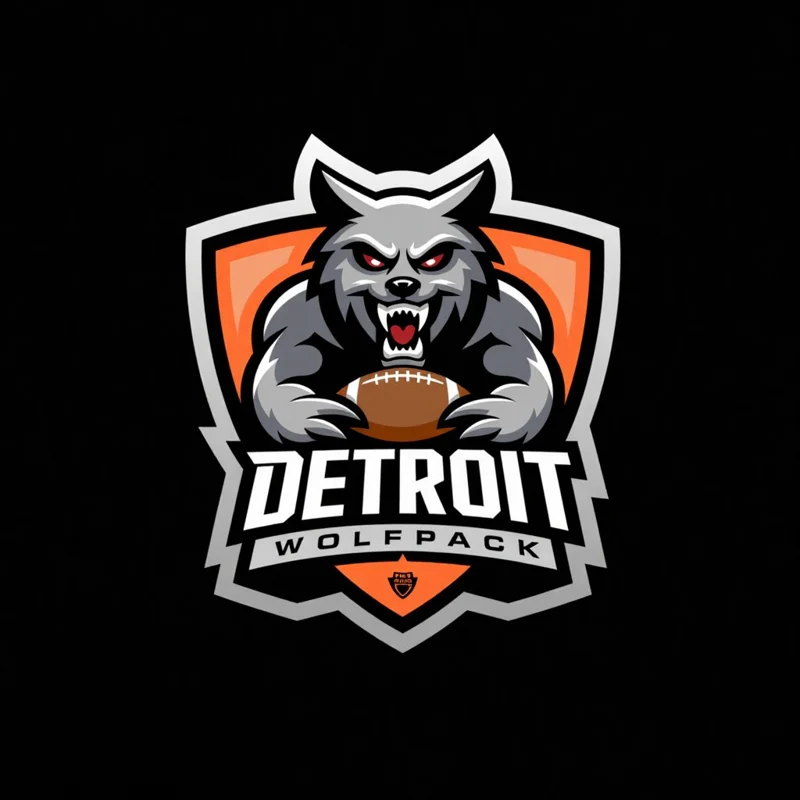
showing a ferocious werewolf mid-roar, grasping a football. The wolf has sharp claws and teeth, evoking a sense of power and ferocity.
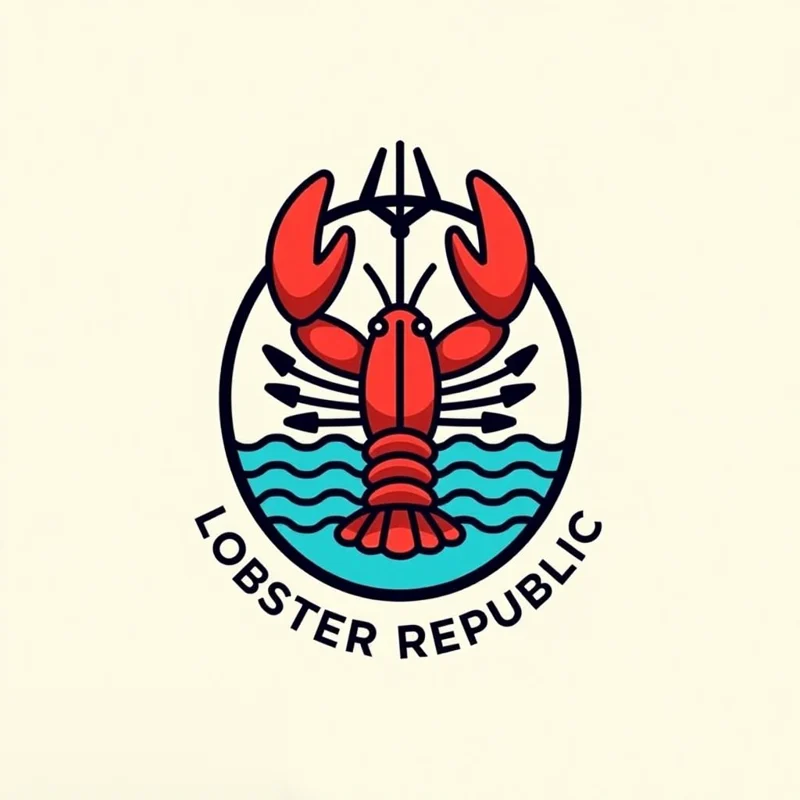
Showing a defiant lobster wielding a trident over stylized ocean waves. Flat vector art.
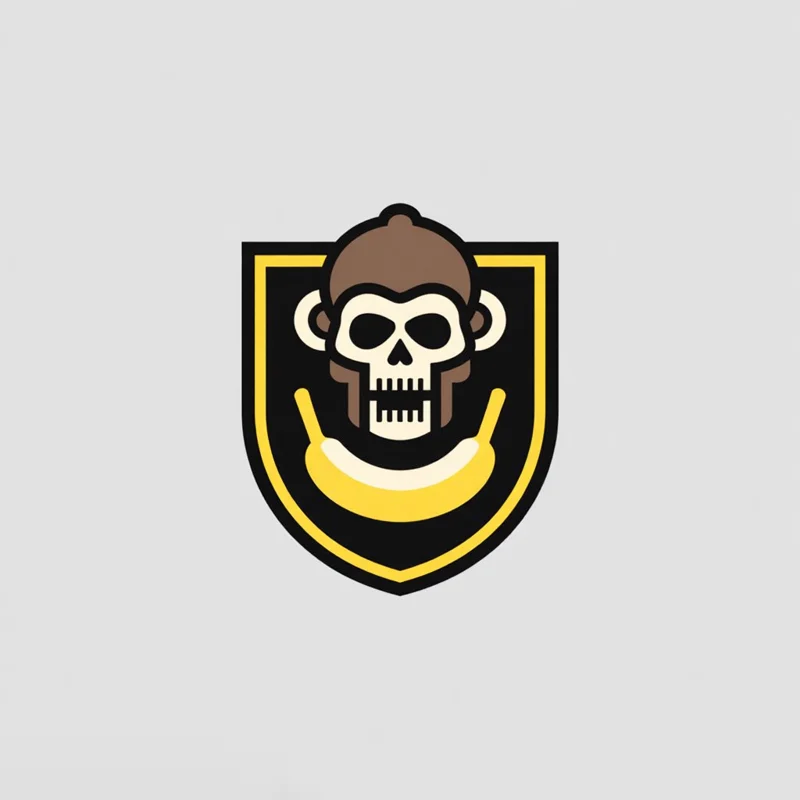
showing a cheeky monkey skull with crossed bananas, a dynamic take on the classic skull and crossbones.
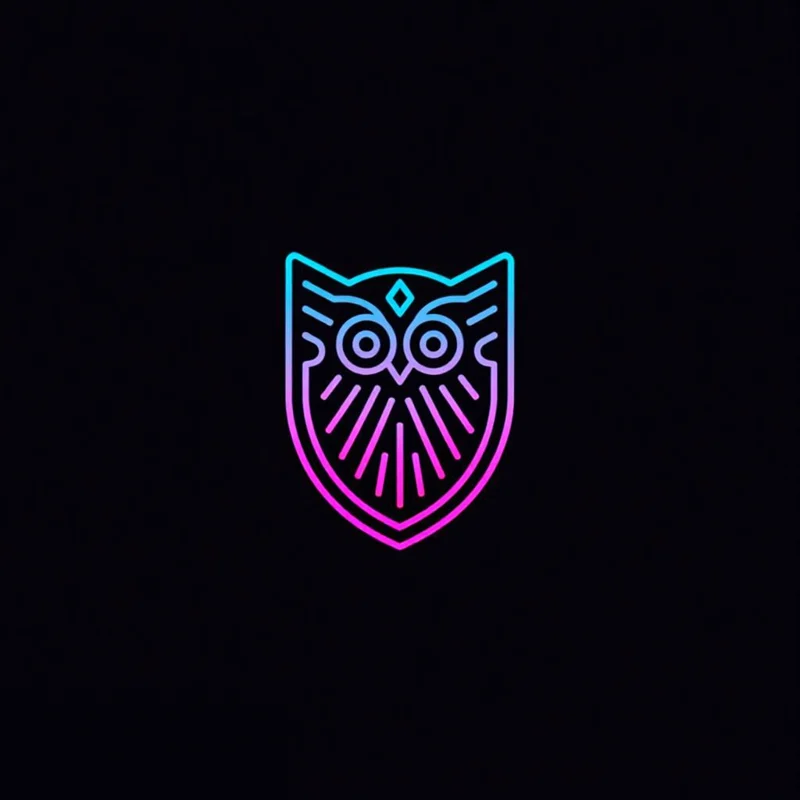
Showing an owl spreading stylized circuit wings, embodying digital wisdom.
 ResultBadge/Crest
A badge logo puts a picture and the name inside one frame: a shield, an oval, a hexagon. A crest is the heraldic kind, a shield with the name built in, and an emblem is the wider family every badge belongs to. Clubs, breweries, outdoor brands and families use one because it reads as a single stamp.
Read our emblem logo guideSoccer and football clubs, teams and leagues wear a crest. The club name sits inside the shield, so it reads on a scarf, a shirt and a match poster.
Family crests and coat of arms logos start from a name. Put it in Main text, pick Crest and describe the symbols, like an oak, a lion or a castle. The name sits on the shield the way it does on an old family crest.
A closed frame fits a hat patch, a beer label and a coffee cup, so a brewery, a cafe or an outdoor brand prints one badge everywhere.
Open any logo to see the prompt that made it and the settings it used, then copy the prompt or open it in the app.

Shape sets the frame, the tagline goes under the name, and detail is shared by every style. Each pair is two real results from the gallery, one on each side of the setting.
Shield, oval, circle, triangle, hexagon, diamond, rectangle or square.

Seven of the eight shapes, each a real gallery badge.
An optional short line under the name.
Both oval, both low detail, both thin outline.
A minimal shape, or more lines and detail inside it.
Low is one flat shape, high adds shading and line work.
Every style also takes a mood pairing, an industry, a palette and a background. The app sets all of them from your prompt, and you can change any of them.
Both work with Badge/Crest.
Every logo you generate opens in the Magic Editor, Logo Variations and the Mockup Generator.

Select an area in the Magic Editor and type the change. The rest of the logo stays as it is.
Get four new takes on a logo, in the same style or another one.
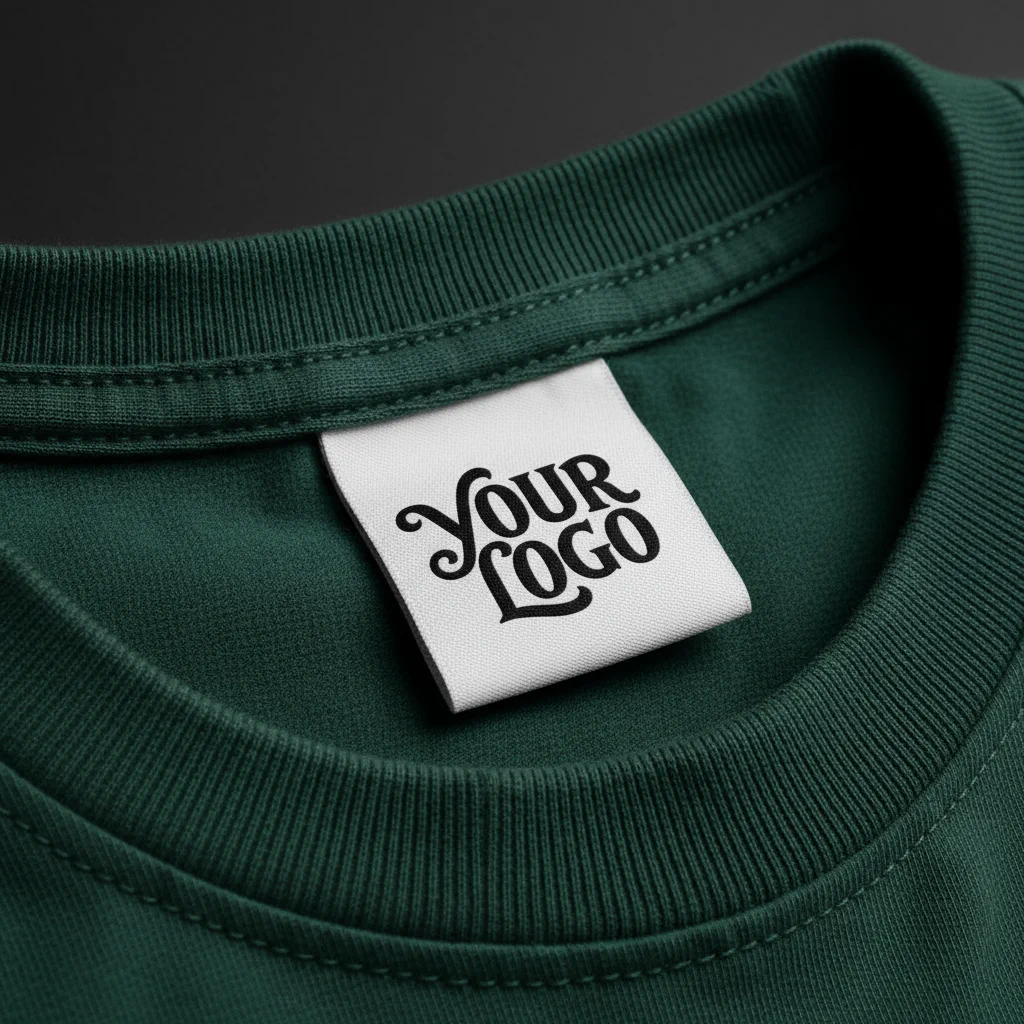
Put the logo on a shirt, a sign or a package before anything is printed.

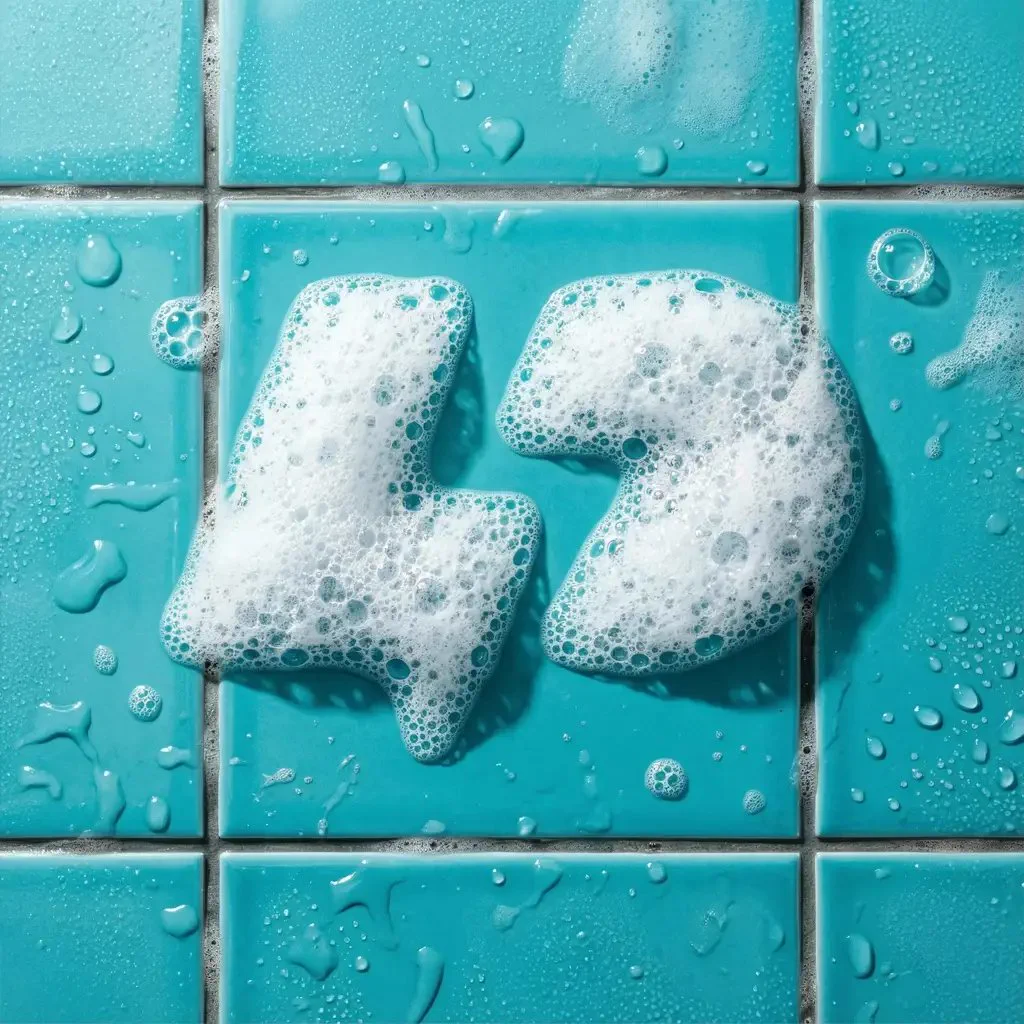
Apply an effect in the Magic Editor. The shape stays and the finish changes.
The most liked Badge/Crest prompts in the public gallery, word for word, with the logo each one made. Copy one, or open it with its settings loaded.
i want to create a red and yellow logo for an emirati soccer club named interkhalifa add a lion screaming or roaring
Shield · Shield♡ 0
showing a spectral gym trainer, doing some weightlifting . Dynamic motion, conveying speed and skill.
Shield · Shield♡ 2
Generate a streetwear brand logo focused on Korean-Brazilian roots and diaspora.
Emblem · Oval♡ 2
a chicken with a white shirt with red diagonal straight line and a football below its feet
Crest · Oval♡ 1
showing stylized 'HM' characters merging via negative space to unveil a concealed crown amidst sweeping motion arcs.
Shield · Shield♡ 0
Paid plans add full-size downloads and the commercial license.
Free
$0
Basic
$24/mo
Annual billing is two months free. Credits renew monthly. Compare all plans.
Still stuck? Read the docs or reach us through the contact page.
A badge logo puts a picture and the name inside one closed frame, such as a shield, an oval or a hexagon. A crest is a badge built on a shield, the heraldic kind. An emblem is the wider family: every badge is an emblem, but not every emblem has a badge outline.
In Text to Logo, pick the Badge/Crest style, type the name in Main text, add a tagline if you want one, set the badge type to Crest and the shape to Shield, then describe the picture and generate. You can also start from a sketch. Paid plans return 4 options per run and the free plan returns 2.
In Text to Logo, pick the Badge/Crest style and type the family name in Main text. Set the badge type to Crest and the shape to Shield, then describe the symbols you want, like an oak, a lion or a castle. You get a family crest logo, not an official coat of arms from a heraldry register.
Yes. Text to Logo has every style on the free plan, Badge/Crest included, with 24 credits a month and no credit card. Free downloads are 512px with a watermark. Paid plans add unwatermarked PNG and layered SVG downloads, and a commercial license that stays yours after you cancel.
Not from a photo. Image to Logo works with 8 styles, and Badge/Crest is not one of them. Start from a few words or a sketch.
Yes. Any generation can go into the Magic Editor, where Logo System turns it into five versions and the other Elements build an icon set, merchandise and a presentation from it.
A filter changes a finished picture. A style shapes the generation itself: each of the eleven carries its own prompt logic, which is why switching style rewrites the prompt rather than restyling the same output.
The free plan gives you 24 credits a month, with no card. Paid plans return 4 options per run.
Loading Logo Diffusion…