A whole subject in a few lines.
Name an animal or an object and it comes back as a clean line drawing: a simple, minimalist logo with nothing extra in it.
Line Art style
Describe the subject, or start from a sketch or a photo. The app writes the full prompt, sets the line thickness and the structure, and draws a logo in clean, even lines. Change any setting and generate again.
No credit card required.
Lion standing proud, side view, majestic mane. Strong, confident pose. regal expression. Line art logo.
Dog head wearing a crown, facing right. Clean line art, simple shapes. The crown has three points.
A playful cat batting at a ball of yarn, depicted with a simplistic design.
geometric whale, assembled from simple shapes, circles and triangles, minimalism, pastel colors, flat design .
 ResultLine Art
A line art logo is a logo drawn as a line drawing: the subject is made of lines alone, with no fills or shading, usually in one colour. It is the minimalist logo designers pick when a brand should look calm and clean and print the same on anything.
Name an animal or an object and it comes back as a clean line drawing: a simple, minimalist logo with nothing extra in it.
Fine, even lines read as quiet and high-end, so line art suits a yoga studio, a spa or a boutique, right down to a minimalist business card.
Lines in one colour make a clean logo stamp, an embroidered cap or a print on a cup, with no shading to lose along the way.
Open any logo to see the prompt that made it and the settings it used, then copy the prompt or open it in the app.

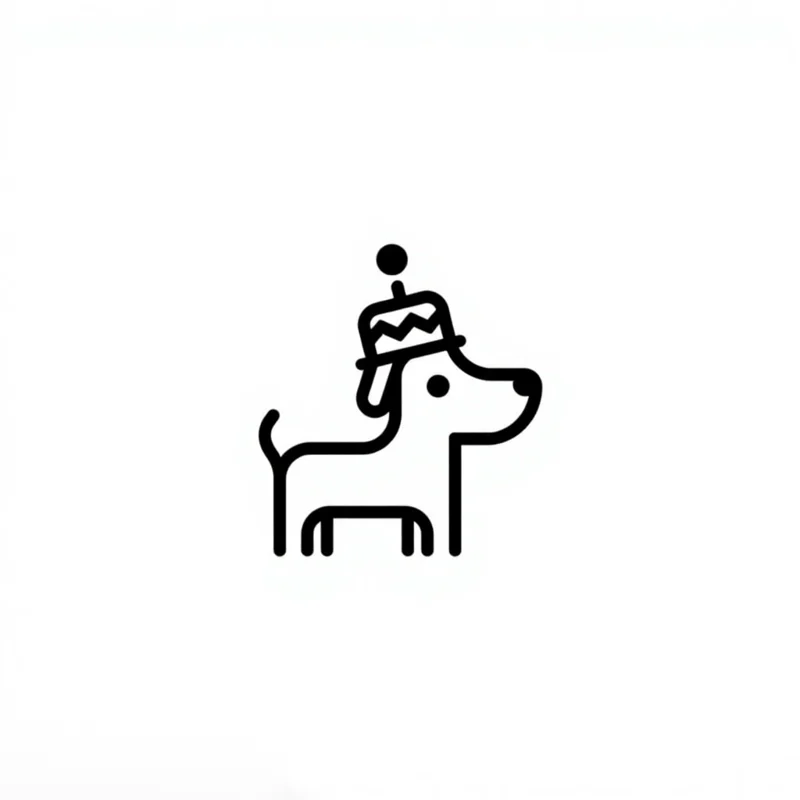
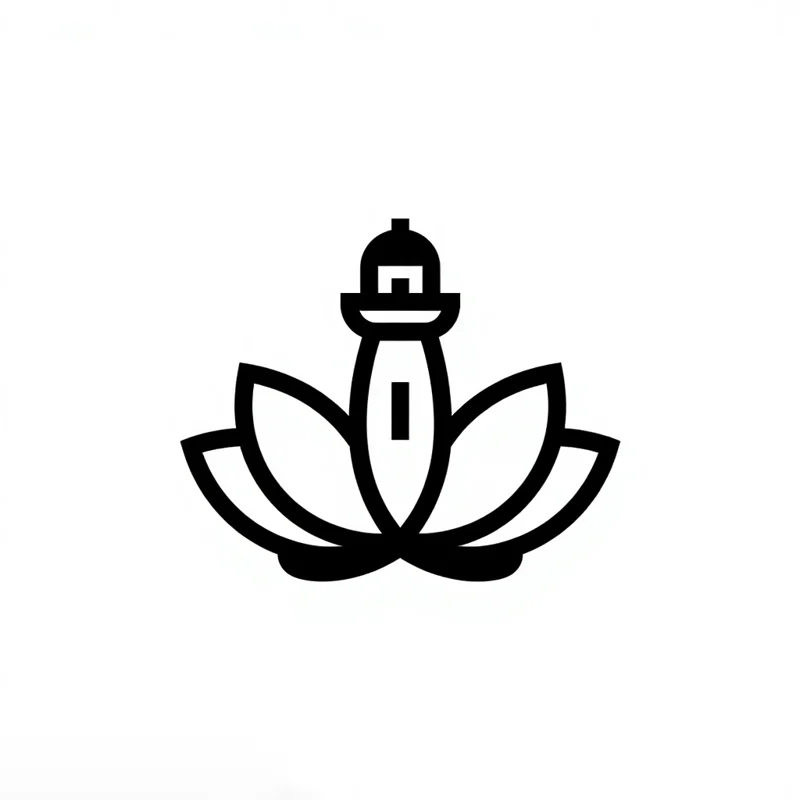
Line thickness, structure and composition are Line Art's own settings, and detail, palette and background are there too. Each pair is two real results from the gallery, one on each side of the setting.
Thin lines for a light, fine logo, or thick lines that hold up small.

Both fox heads, both geometric.
Straight lines and sharp corners, or soft, rounded curves.
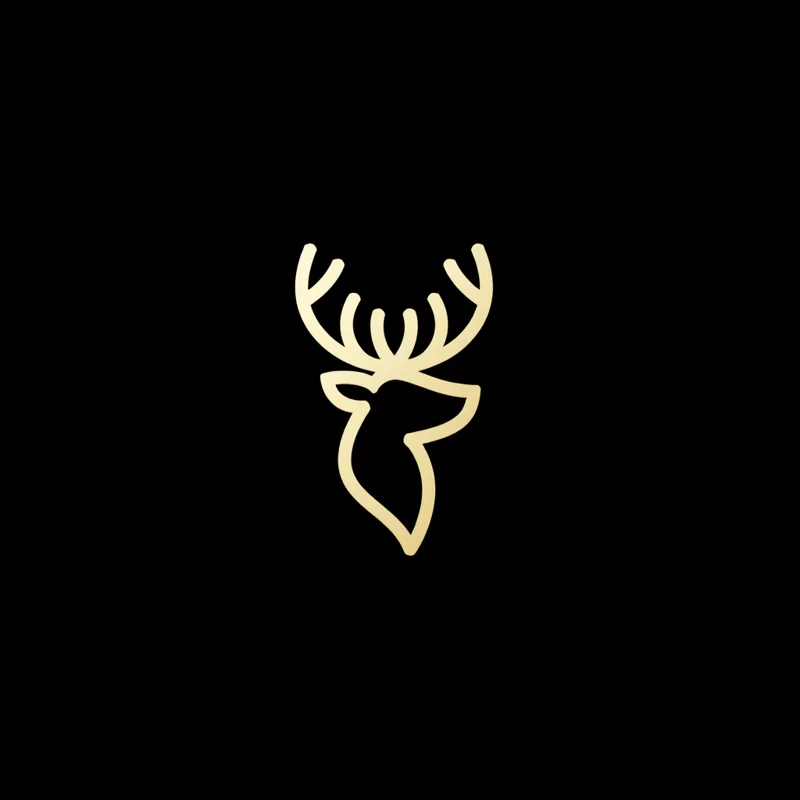
Both deer heads, both thin lines.
The head only, or the whole body.
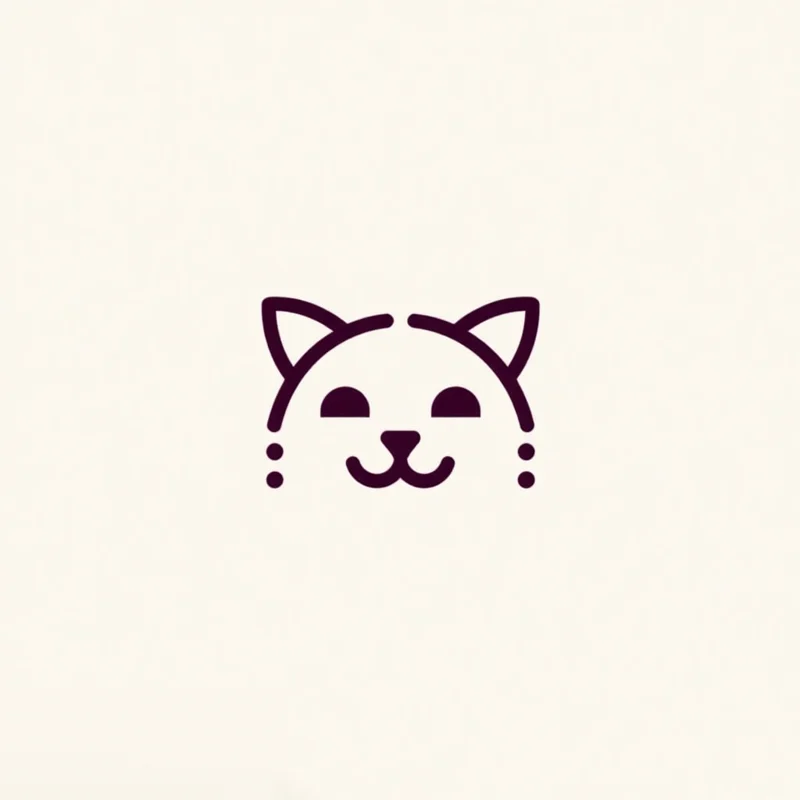
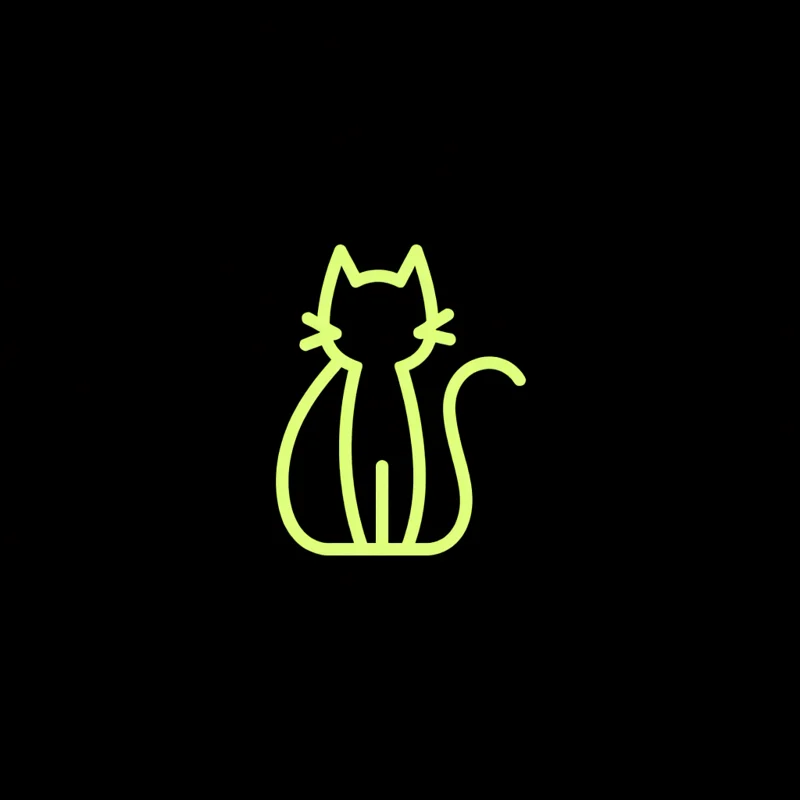
Both cats, both thin curved lines.
Every style also takes a mood pairing, an industry, a palette and a background. The app sets all of them from your prompt, and you can change any of them.
From a sentence, a sketch or a photo. All three work with Line Art.
Describe the subject. A few words is enough.
Text to LogoDraw it roughly and it comes back as a clean line art logo.
Sketch to LogoTurn a photo into line art: upload it and its subject comes back as a clean line art logo. Line Art is one of the 8 styles that work from a photo.
Image to LogoEvery logo you generate opens in the Magic Editor, Logo Variations and the Mockup Generator.
Select an area in the Magic Editor and type the change. The rest of the logo stays as it is.
Get four new takes on a logo, in the same style or another one.
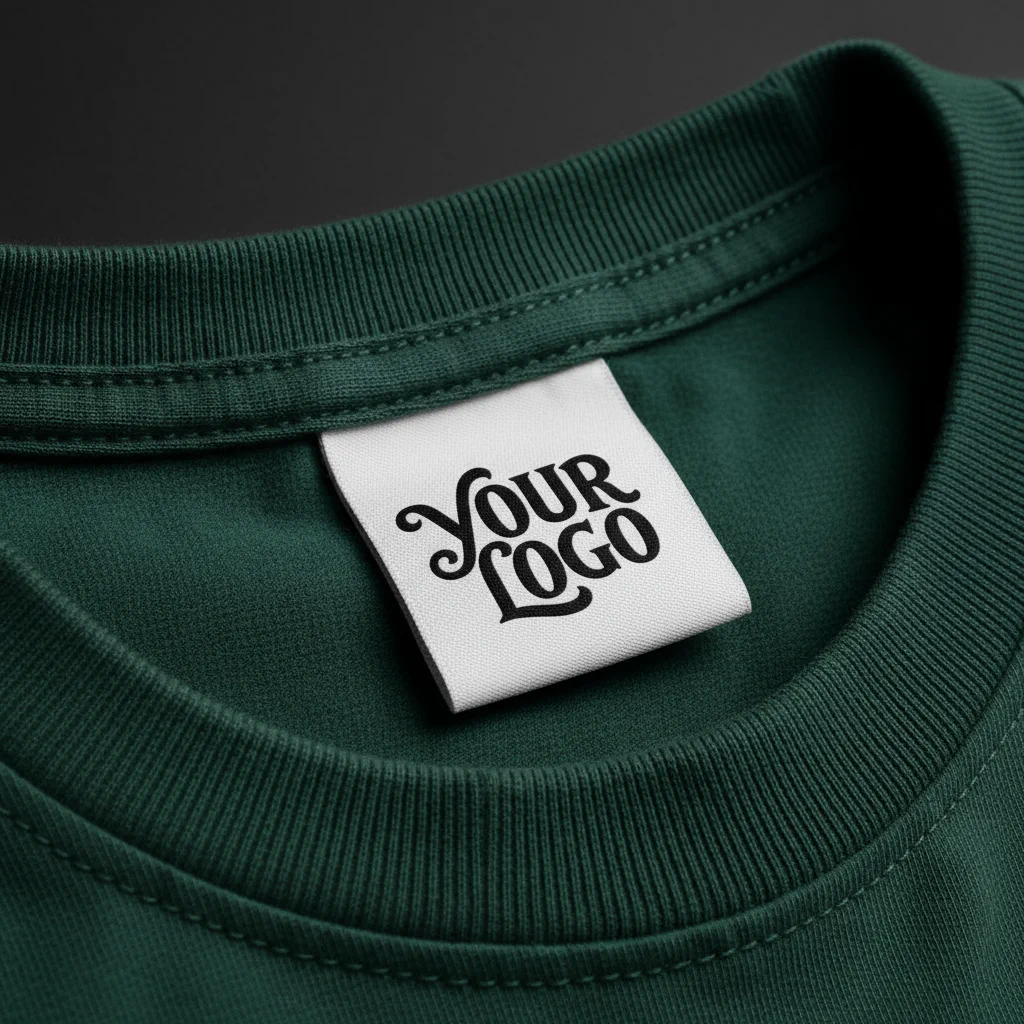
Put the logo on a shirt, a sign or a package before anything is printed.
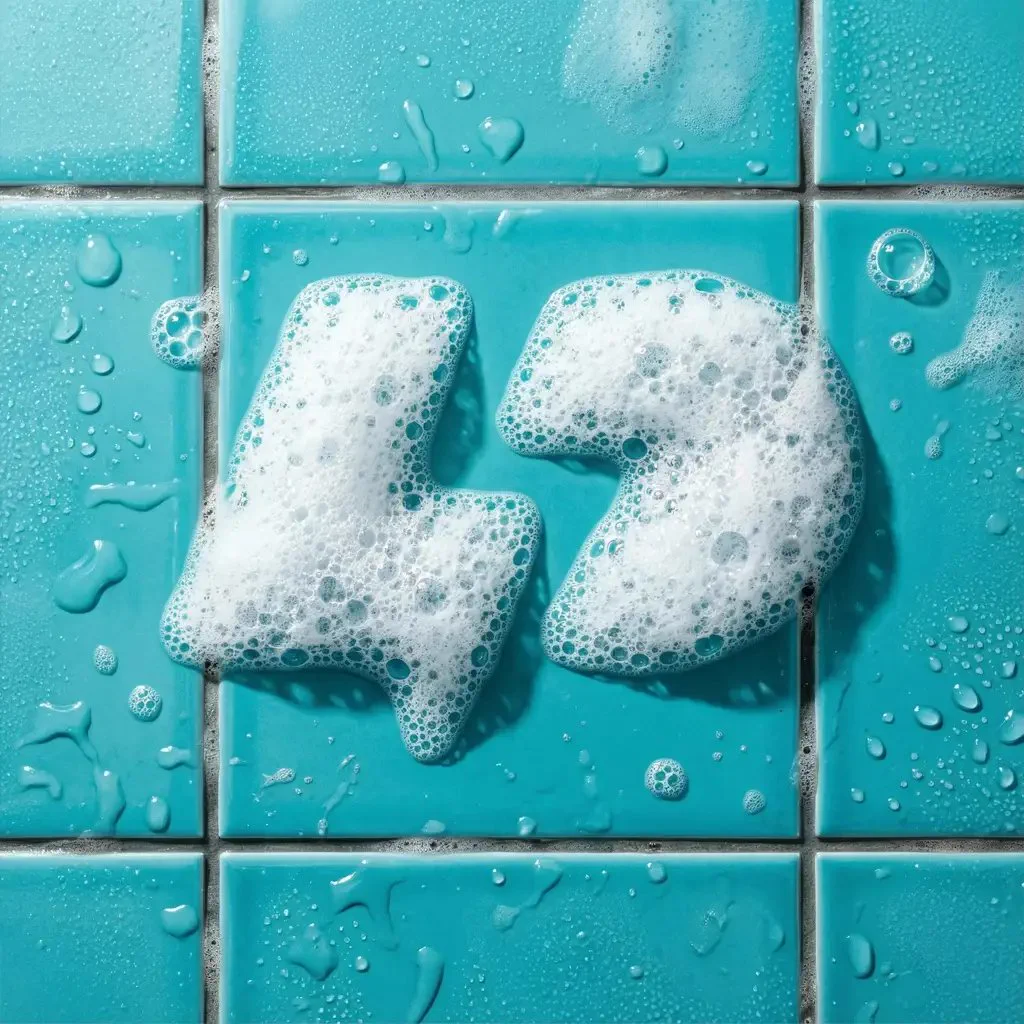
Apply an effect in the Magic Editor. The shape stays and the finish changes.
The most liked Line Art prompts in the public gallery, word for word, with the logo each one made. Copy one, or open it with its settings loaded.
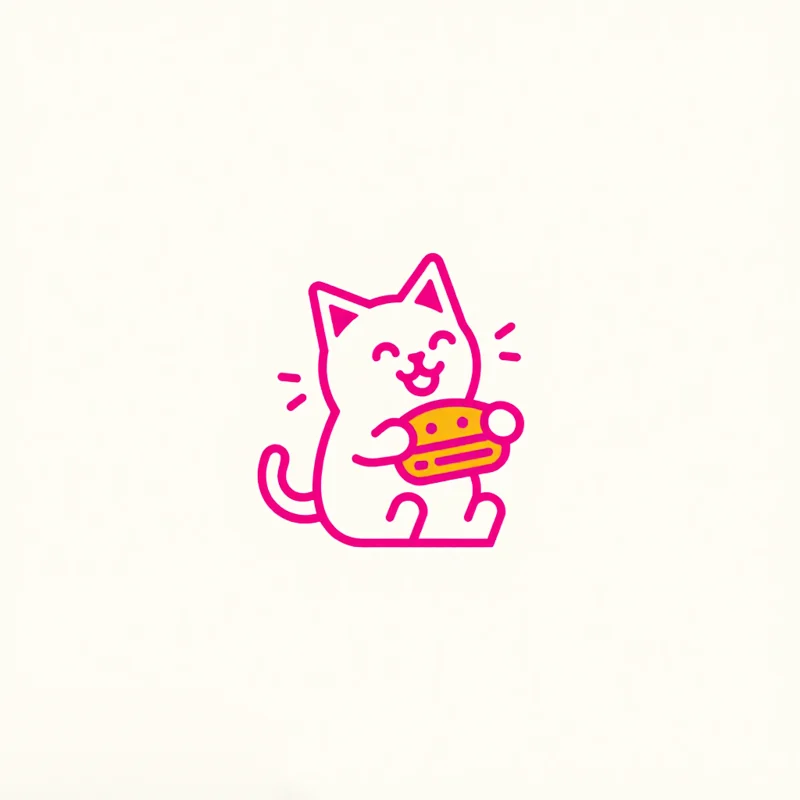
A neon magenta outline of a kitten eating a goopy grilled cheese sandwich
Thin line · Curved♡ 1
Paid plans add full-size downloads and the commercial license.
Free
$0
Basic
$24/mo
Annual billing is two months free. Credits renew monthly. Compare all plans.
Still stuck? Read the docs or reach us through the contact page.
A line art logo is a logo drawn only with lines, with no fills or shading, usually in one colour. The subject, an animal, an object or a person, is reduced to a few clean, even lines, which keeps the logo simple and easy to print, stitch or engrave.
Pick Line Art in Logo Diffusion and describe the subject in a few words. You can also upload a sketch or a photo instead. Set the line thickness, thin or thick, and the structure, geometric or curved, then generate. Paid plans return 4 options at a time and the free plan returns 2.
Line thickness (thin or thick: thin lines read light and fine, thick lines hold up small), structure (geometric or curved) and composition (portrait or full body), plus detail, a mood pairing, an industry, a palette and a background.
Yes. Text to Logo has every style on the free plan, Line Art included, and the free plan gives you 24 credits a month with no card. Free downloads are 512 px with a watermark. Paid plans download without a watermark, as a 1024 px PNG or a layered SVG, with a commercial licence.
Yes. Upload the photo in Image to Logo and pick Line Art. A pet, a person or an object in the photo comes back as a clean line art logo in 10 to 30 seconds, ready to edit, vectorize or put on a mockup.
Yes. Any generation can go into the Magic Editor, where Logo System turns it into five versions and the other Elements build an icon set, merchandise and a presentation from it.
Yes, on a paid plan. Downloads come as a 1024 px PNG or a layered SVG with real vector paths, so the lines stay sharp at any size. For a cleaner file, run the logo through Vectorize, which also offers a cut-out version on the HQ setting.
The free plan gives you 24 credits a month, with no card. Paid plans return 4 options per run.
Loading Logo Diffusion…