Create Stunning Text Effects in Seconds with Logo Diffusion: The Top AI Logo Maker
March 20, 2025
Tutorials
.webp)

Have you ever wondered how professional designers craft eye-catching text effects? With Logo Diffusion, an innovative AI logo maker, you don’t need design expertise, expensive software, or hours of effort. In this blog, I’ll show you how this powerful logo maker lets you transform plain text into jaw-dropping visuals in mere seconds—perfect for beginners and pros alike.
Prefer watching to reading? Check out the full YouTube tutorial below:

Let’s dive in with a fun example! Open Logo Diffusion’s image-to-image workspace and type your chosen word—say, "Sky"—using the editable text tool in its sketching editor. Adjust the size, pick your favorite font, and lay the groundwork. Select a hyperrealistic 3D style, set the image strength to medium for subtle enhancements, and craft a vivid prompt like: "'Sky' made of vibrant gold balloons floating in a clear blue sky with soft, billowy clouds and dynamic lighting." The AI logo maker delivers stunningly realistic results, complete with balloon-like curves that feel natural and lifelike.


Next, let’s tap into the charm of origami using this AI-powered logo design tool. Switch the text to "Paper," choose the origami style under realistic settings, and enter a prompt like: "Word 'Paper' crafted from neatly folded paper on a classroom desk." Watch Logo Diffusion’s logo maker work its magic, mimicking intricate paper folds with jaw-dropping precision.

Want to take it up a notch? Add colorful pencil sketches around your origami text and activate the 'Use Image Colors' feature. This AI logo maker seamlessly blends these elements, creating authentic classroom vibes with vivid pencils that pop against the folded design.

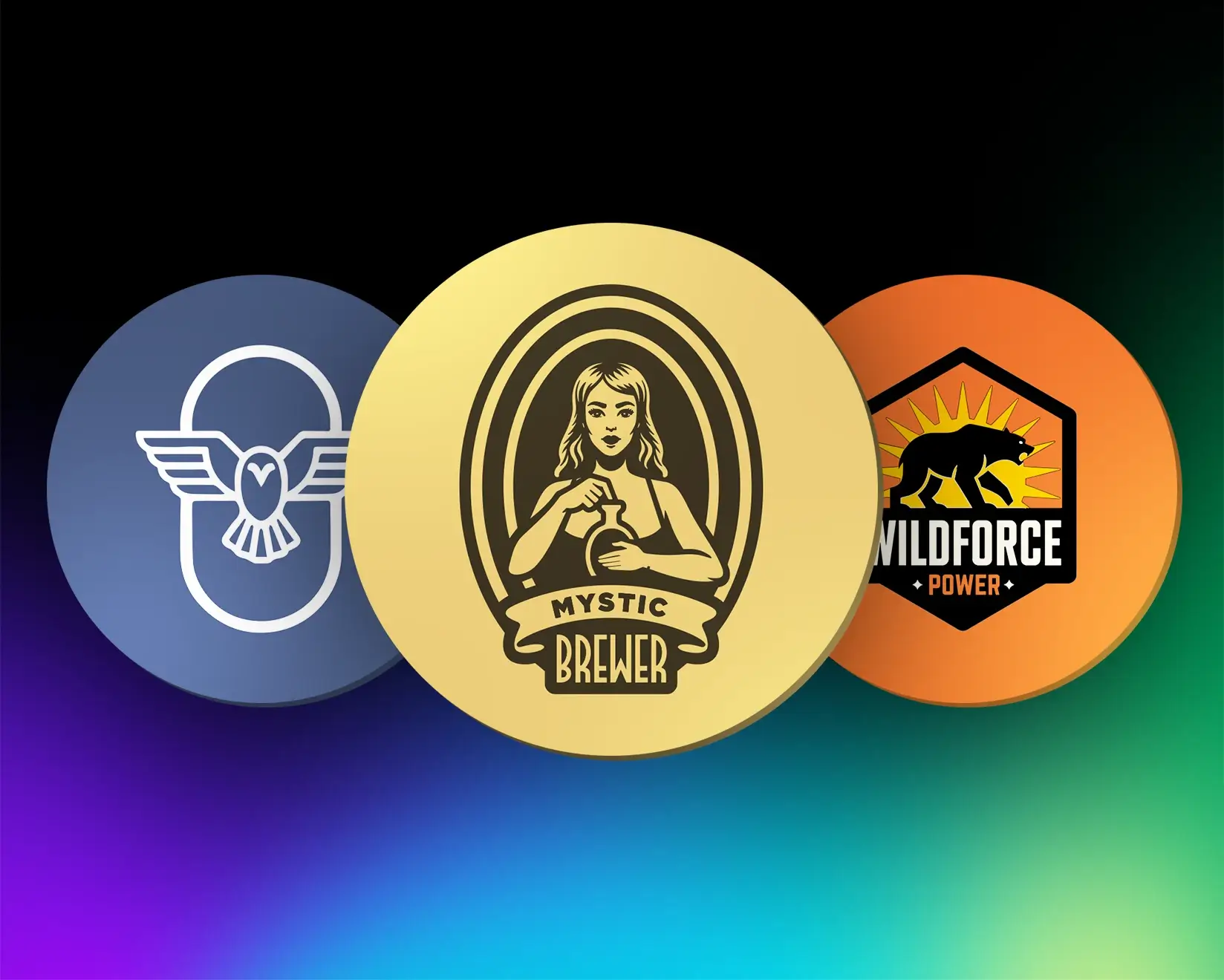
Logo Diffusion shines as a logo maker for professional vector designs. To create an "Ocean" logo, head to the text-to-image workspace, select the logo type, and input your text. Pick a playful style that captures the ocean’s essence, write a prompt, and hit generate. The AI-powered logo design tool whips up a stunning logo in moments.

For a more detailed version, set your initial logo as an input image, opt for hyperrealism in the style settings, and refine your prompt to: "A word 'ocean' made of seashells scattered across a sunny beach." Logo Diffusion’s AI logo maker weaves in realistic touches like gentle ocean waves and a summery glow, perfect for branding or personal projects.

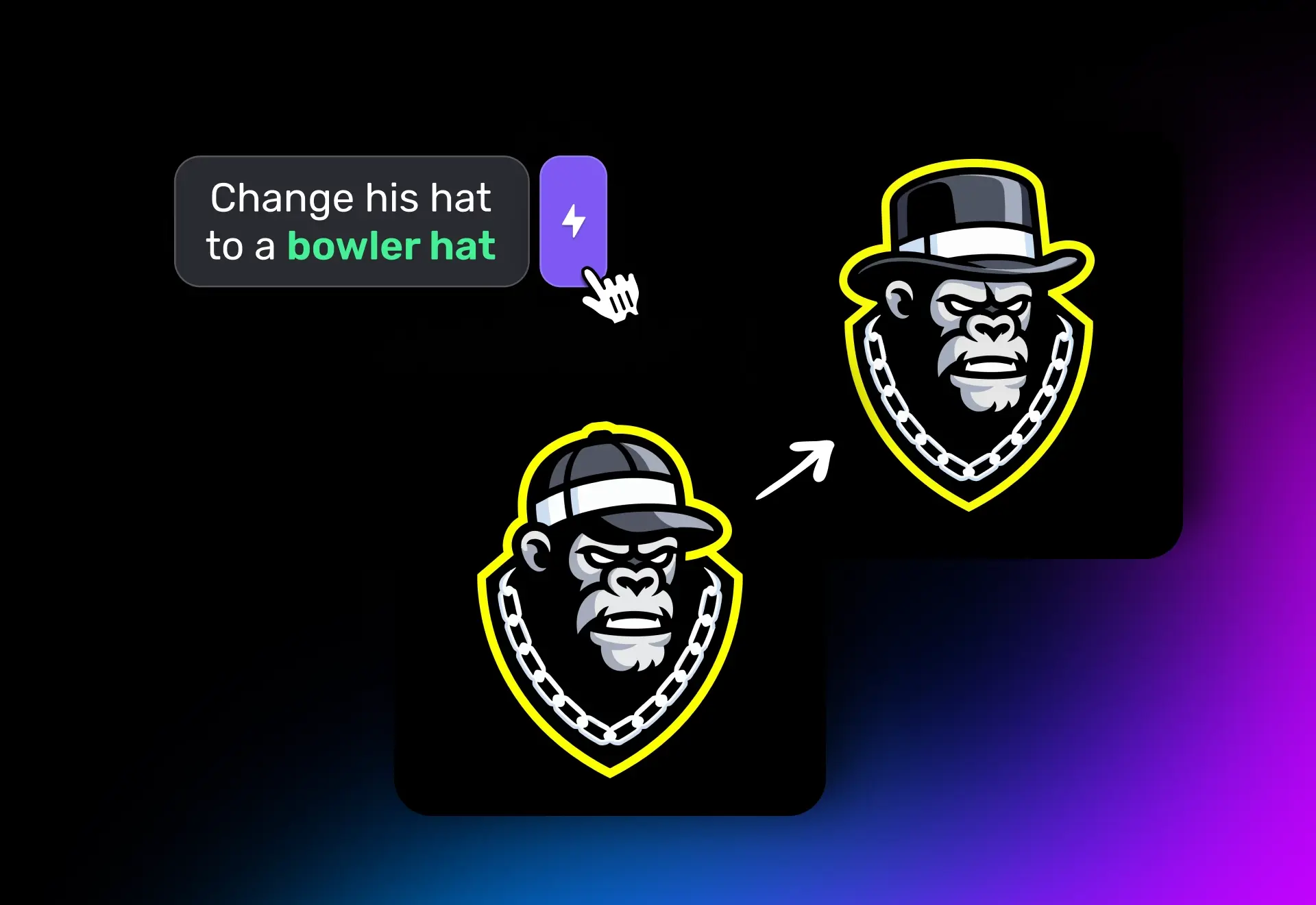
To fine-tune your designs, use Logo Diffusion’s bolt feature to emphasize key elements in your prompt. For example, I highlighted "urban architecture" in a prompt and pressed bolts, setting importance to medium (2 out of 3 bolts). Adjust this based on your priorities! Then, upscale your final design for sharper details. This AI logo maker enhances textures, lighting, and realism, making your creations stand out with professional polish.


Logo Diffusion redefines AI-powered logo design, making advanced text effects fast, intuitive, and enjoyable. Whether you’re crafting 3D balloon text soaring through the sky, realistic origami art, or vibrant logos inspired by oceans and beyond, this logo maker simplifies every step.
Ready to unleash your creativity? Try Logo Diffusion, the ultimate AI logo maker, today and share your stunning designs with us—we’d love to see what you create!